
OpenClaw AI Image Enhancement
OpenClaw runs on your machine, lives in your chat apps, and does things — but it does not render pixels. Every OpenClaw AI image enhancement setup is an agent calling an image model through a skill. This page covers how that connection is actually built, when to run the model locally versus over HTTP, and which enhancement jobs are worth handing to an agent at all. The enhancer below is the same class of model you would be calling, so you can judge the output before you build anything.
Enhance An Image FreeTry It Now — Free
Six enhancement treatments, the same ones a skill would expose to your agent — upscale, denoise, restore, colourise, relight and product cleanup. Upload a photo, pick one, and see what the model does with it before you decide whether to build a pipeline around it.
AI Image Enhancement Tool
Upload a photo, choose the treatment you would send from an agent, and get a 4K enhanced result in about fifteen seconds
Upload the image you want enhanced, select a treatment, then click Generate
What AI Image Enhancement Actually Changes
Recovered detail, clean shadows, texture that survives a crop — and the pipeline shape behind an agent that produces them on request.
Before And After, In One Frame
Detail A Good Model Recovers
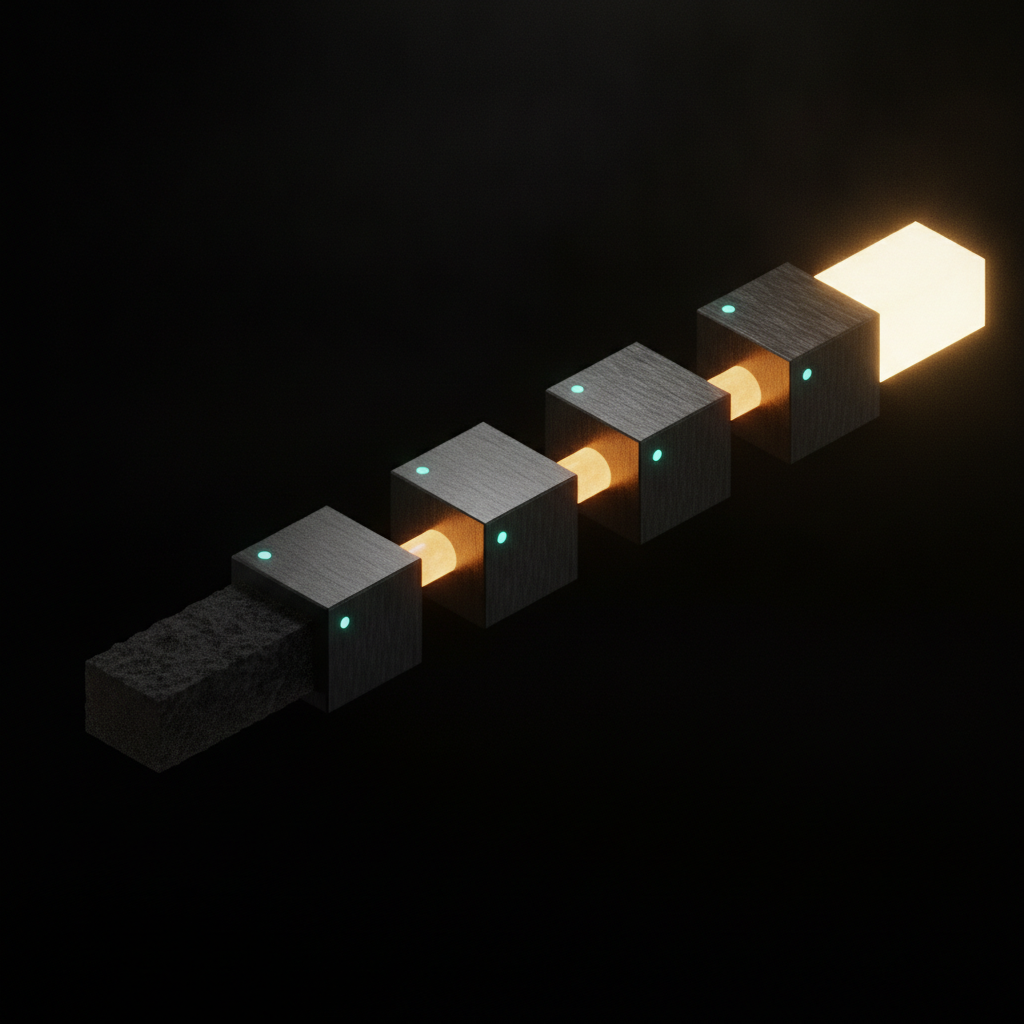
The Agent Is The Conduit
Clean Shadows, No Grain
Texture That Survives A Crop
Running On Your Own Machine
How OpenClaw AI Image Enhancement Is Put Together
Two components, cleanly separated. Confusing them is why people spend an evening looking for an image setting inside an agent that has never had one.
OpenClaw — the agent
Open source, MIT licensed, runs on your own hardware
- Reads your message from WhatsApp, Telegram, Slack, Discord, iMessage or Signal and decides what to do about it.
- Runs shell commands, reads and writes files, and drives a browser on the machine it is installed on.
- Keeps memory as plain Markdown on your disk, so context carries across a conversation and between sessions.
- Extends through a portable skill format — a folder with a description and a script — that the community shares.
- Has no image model of its own, and no amount of configuration will give it one.
- Crossed 380,000 GitHub stars by mid-2026, which is why so much tooling now assumes it exists.
The enhancement model — the engine
Local weights on your GPU, or a hosted model over HTTP
- Takes an image plus an instruction and returns changed pixels — this is where enhancement actually happens.
- Reached through a skill: a SKILL.md describing when to use it, and a script that moves the file and the request.
- Local models keep everything on disk and cost nothing per run, at the price of VRAM and setup time.
- Hosted models run 4K on a laptop with no GPU and cost cents per image, at the price of uploading the file.
- Swappable — the agent side does not change when you change engines, or route by job sensitivity.
- Judge it on output before you build around it, which is exactly what the tool above is for.
Local Model Or Hosted API For Your Skill
This is the only architectural decision that really matters, and it comes down to whether the images are allowed to leave the machine.
| Factor | Local model on your machine | Hosted model over HTTP |
|---|---|---|
| Images leave your disk | Never | Yes, uploaded per request |
| Hardware needed | A serious GPU, tens of GB of VRAM | Anything that can send a request |
| Setup effort | An evening, plus maintenance | A fifteen-line script |
| Cost per image | Free after install | Cents, packs from $2.99 |
| Output ceiling | Bounded by the weights you can run | Up to 4K |
| Speed | Depends entirely on your card | ~15 seconds |
| Works offline | Yes | No |
| Breaks when | A dependency or driver moves | The network or a rate limit hits |
| Best for | Confidential and high-volume work | Quality tiers and laptops |
Plenty of setups run both and route by job: local weights for anything under an NDA, a hosted model when the work needs a quality tier the local card cannot reach. The skill is yours, so that routing is a few lines of your own code.
Which Enhancement Jobs Suit An Agent
Anything describable in one sentence works well by message. Anything needing per-pixel judgement does not, and no prompt tuning changes that.
One instruction, one output, nothing ambiguous about what success looks like. This is the job people install an enhancement skill for and the one that survives batching best, because the same instruction genuinely applies to every file in the folder without per-image judgement.
Modern models separate sensor noise from real texture far better than a slider does, and the instruction stays constant across a shoot. Point the agent at the night-shoot folder, say what you want, and let it grind through while you do something else.
Creases, dust, fading and colour shift all respond to a single restoration pass. Worth reviewing the output rather than trusting it blindly, because restoration models occasionally invent plausible detail in the damaged areas — which is fine for a family album and not fine for an archival record.
Technically a single-instruction job that produces convincing results, but the model is guessing at colours nobody recorded. Expect to run it two or three times with different guidance, which is exactly the kind of loop a conversational agent handles well.
When the difference between right and wrong is a few pixels along a boundary, a text instruction is the wrong interface. No amount of prompt tuning replaces a human dragging a selection edge, and pretending otherwise wastes an afternoon.
This is where an agent stops being a novelty. Walk the directory, apply one consistent enhancement, write to a parallel output folder, skip what is already done, report the failures. Doing this by hand is a day; doing it through a skill is a message and a coffee.
Wiring AI Image Enhancement Into Your Agent
Three steps, none of which require modifying OpenClaw itself. The skill format is deliberately small.
Create The Skill Folder
Add a folder to your OpenClaw skills directory with a SKILL.md and a small script. The SKILL.md description is what the agent matches against, so be concrete: use when the user asks to upscale, denoise, restore, colourise or relight an image. A vague description is the usual reason a working skill never gets invoked.
Point It At An Enhancement Model
The script takes an input path and an instruction, sends the image to your chosen model — local weights or an HTTP endpoint — and writes the result to a separate output directory. Keep the API key in the environment rather than in the script, and never overwrite the original.
Message It A Path
Restart the agent, then send it a file or a folder with the change you want in plain language. It picks the skill, runs it, and reports back. Refine in the same thread until the treatment is right, then point it at the full directory and let it work through the batch.
Never overwrite the input
Write enhanced results into a parallel output directory. A bad instruction then costs a rerun instead of an original, which is the difference between an annoyance and a loss.
Throttle the batch
Put a small delay or a modest concurrency cap between calls. A large folder run flat out will meet a rate limit partway through and leave you with a half-finished output directory.
Keep the key in the environment
Credentials belong in your environment, not in the skill folder — skills get shared, copied and published far more often than their authors expect.
Why Run AI Image Enhancement Through An Agent
Not because it produces better pixels — the model decides that. Because of everything around the model.
Enhancement From The Chat You Already Use
The whole appeal of OpenClaw AI image enhancement is that the interface is a message. Send a file path and say what you want changed, and the enhanced result comes back in the same thread — no application to open, no tab to find, no export dialog. For work that arrives in bursts throughout the day, removing the context switch matters more than shaving seconds off the model.
Batch Work Without Writing A Script Each Time
Agents are good at the boring parts: walking a directory, skipping files already processed, writing results somewhere safe, and telling you what failed. You describe the treatment once in plain language rather than encoding it as flags, and the same conversation handles a folder of six or six hundred.
You Decide What Leaves The Machine
OpenClaw is local-first, and the enhancement layer inherits whatever boundary you set. A local model keeps sensitive material entirely on your disk. A hosted model uploads what you point it at, which is the right trade for your own photos and the wrong one for anything under an NDA. Because the skill is yours, that choice is a config line rather than a vendor decision.
Iteration That Remembers The Last Run
The agent keeps context across the conversation, so "that came out too warm, redo it cooler" is a complete instruction. You are refining against the previous result instead of restating the entire job, which is a meaningfully better loop than editing a command line and running it again.
4K Output Without A GPU In The Room
A hosted enhancement model gives a laptop the same output quality as a workstation, returning 4K results in roughly fifteen seconds. Local models are excellent when you have the hardware and the patience, but a skill that calls an API is fifteen lines and works on the machine you already have.
Swap The Engine Without Rebuilding The Agent
Because the skill is a thin wrapper, the enhancement model behind it is replaceable. Point it at local weights today and a hosted 4K model tomorrow, or route by job type — local for confidential material, API for anything that needs the higher quality tier. The agent side never changes.
OpenClaw AI Image Enhancement FAQ
Test The Engine Before You Build The Pipeline
Take the photo you were going to run through a skill and enhance it here first. If the output is what you wanted, you know the pipeline is worth an evening. If it is not, you have saved the evening.
Enhance An Image FreeUnderstanding OpenClaw AI Image Enhancement
Most people searching for OpenClaw AI image enhancement are looking for a setting that does not exist. OpenClaw — the MIT-licensed open-source agent formerly known as Clawdbot and then Moltbot, which crossed 380,000 GitHub stars by mid-2026 — is a runtime, not a renderer. It runs on your own hardware, reaches you through whichever messaging app you already use, remembers context as plain Markdown on your disk, and executes tools on your behalf. What it does not contain is an image model. So the honest description of every OpenClaw image enhancement setup in circulation is this: a skill wraps some enhancement engine, the agent decides when to call it and with what instruction, and the engine returns the changed pixels. Once that division is clear the rest of the configuration stops being mysterious, because you are no longer looking for an image feature inside an agent and are instead choosing an engine and writing about fifteen lines of glue.
The choice of engine is the decision worth spending time on, and it reduces to one question: are these images allowed to leave the machine? If the answer is no — client work under a confidentiality agreement, medical or legal material, anything you would not email — then a local model is worth the cost, and that cost is real: a capable GPU with tens of gigabytes of VRAM, an evening of installation, and maintenance every time a dependency shifts underneath you. In exchange you get unlimited free runs, full offline operation, and the certainty that nothing was uploaded anywhere. If the answer is yes, a hosted model reached over HTTP is dramatically less work: a script that posts the file and writes back the result, no GPU required, 4K output on a laptop in roughly fifteen seconds, at a few cents per image with credit packs starting at $2.99. Many working setups keep both paths and route by sensitivity, which is entirely practical because the skill is your own code rather than a vendor product.
It is worth being specific about which AI image enhancement jobs genuinely improve when you drive them from a chat window. Upscaling and sharpening, denoising an underexposed frame, restoring a scanned print, colourising black and white, relighting a subject and cleaning up a product shot are all single-instruction jobs — describable in a sentence, consistent across a folder, and therefore well suited to an agent. Precise masking, exact compositing and retouching where correctness comes down to a few pixels along an edge are not, and no amount of prompt engineering changes that; those belong in an editor with a human driving. The place an agent stops being a novelty and starts paying for itself is batch work. Enhancing one photo is faster in a browser tab than by message. Enhancing two hundred with a consistent treatment — walking the directory, skipping what is already done, writing results into a parallel folder, reporting the failures — is a day of clicking compressed into one instruction, and that is the case worth building for.
Two practices are worth adopting from the start, because both failure modes are common and both are avoidable. Never let the skill write over its input: enhanced results go into a separate output directory, so a badly worded instruction costs you a rerun rather than an original. And throttle the batch, since a large folder run at full speed will meet a rate limit partway through and leave a half-finished output tree behind it. Beyond that, keep credentials in the environment rather than the skill folder, and keep the agent scoped to a tight working directory rather than your whole home folder. If you have arrived here with a single image and no intention of installing anything, use the enhancer above — it needs no account to test and is the same class of model a skill would be calling. If you are weighing the agent route against a dedicated image tool rather than combining them, the AI image tools vs OpenClaw comparison takes that angle. If you are building the pipeline, the image generator API page covers the endpoint side, the AI image enhancement tool page covers the model itself, and the rest of the AI image tools cover the more specialised jobs around it.