
AI Image Enhancement Tool
Upscale & Sharpen Photos in 4K
Improve clarity, color, and detail effortlessly with our AI image enhancement tool. Upscale low-resolution shots, remove noise, restore old photos, and fix low-light images in seconds — all in 4K.
Try the AI Image Enhancement Tool — Free
Pick an enhancement preset and get a sharpened, upscaled 4K image in seconds
AI Image Enhancement Tool
Select an enhancement style and generate a crisp 4K enhanced image instantly
Upload your image, select an enhancement style, and get a stunning high-quality result
AI Image Enhancement Examples
Real outputs from our AI image enhancement tool — every kind of photo, every kind of fix
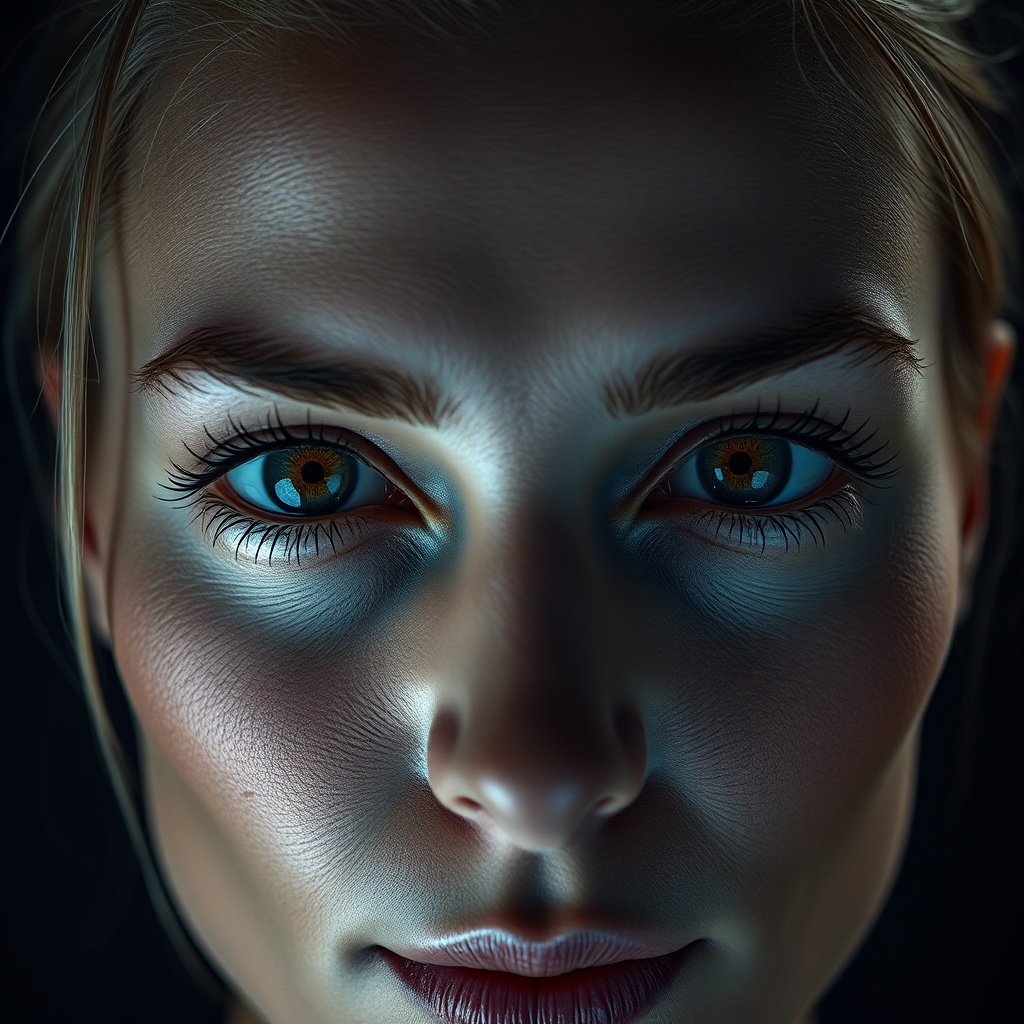
Portrait Enhancement
Made with AI Image Enhancement Tool
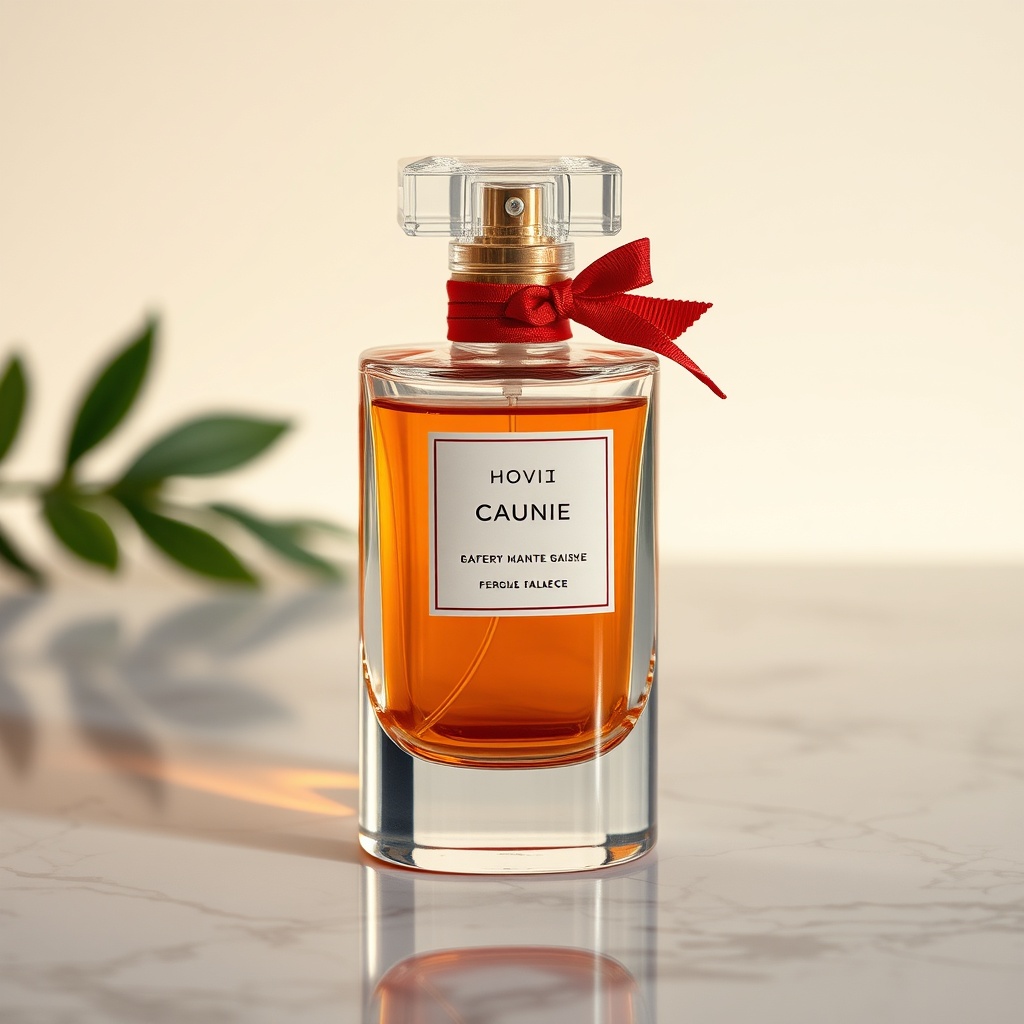
Product Photo Enhancement
Made with AI Image Enhancement Tool
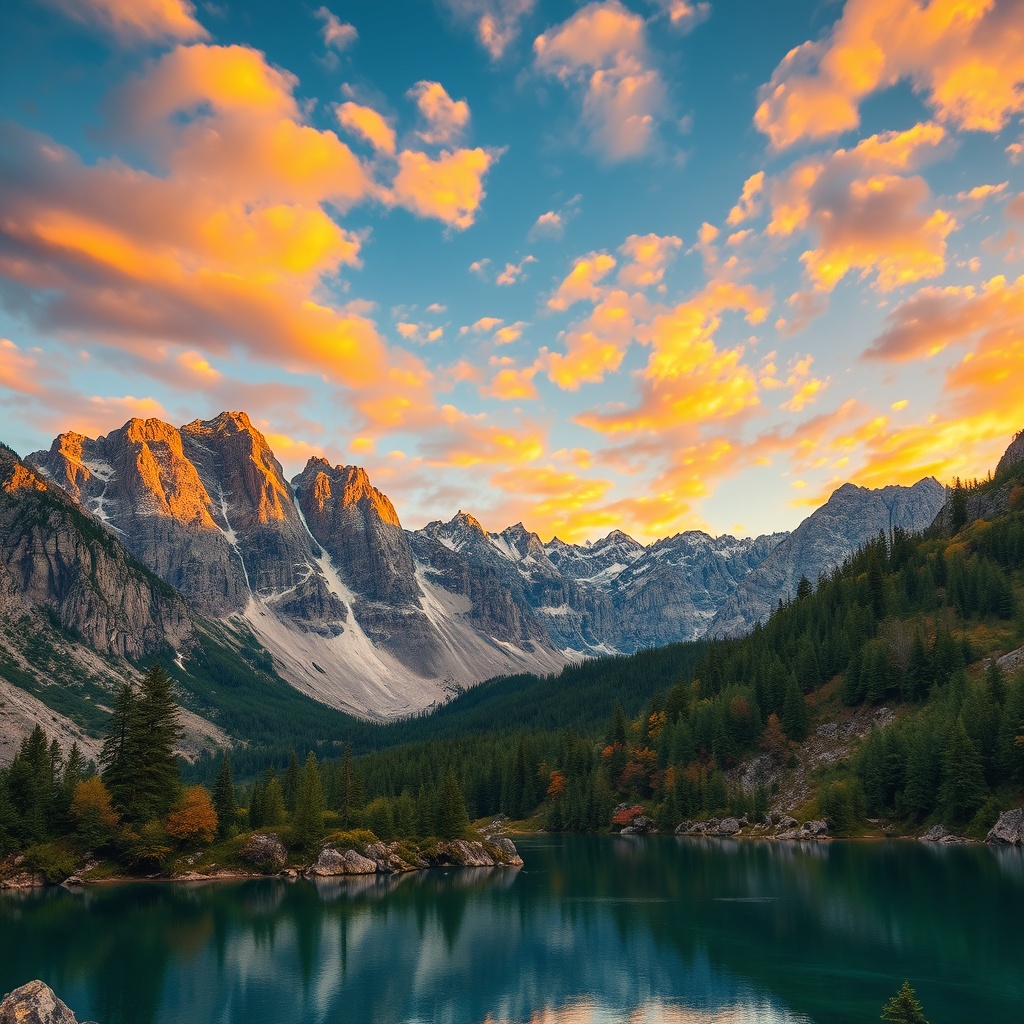
Landscape Enhancement
Made with AI Image Enhancement Tool
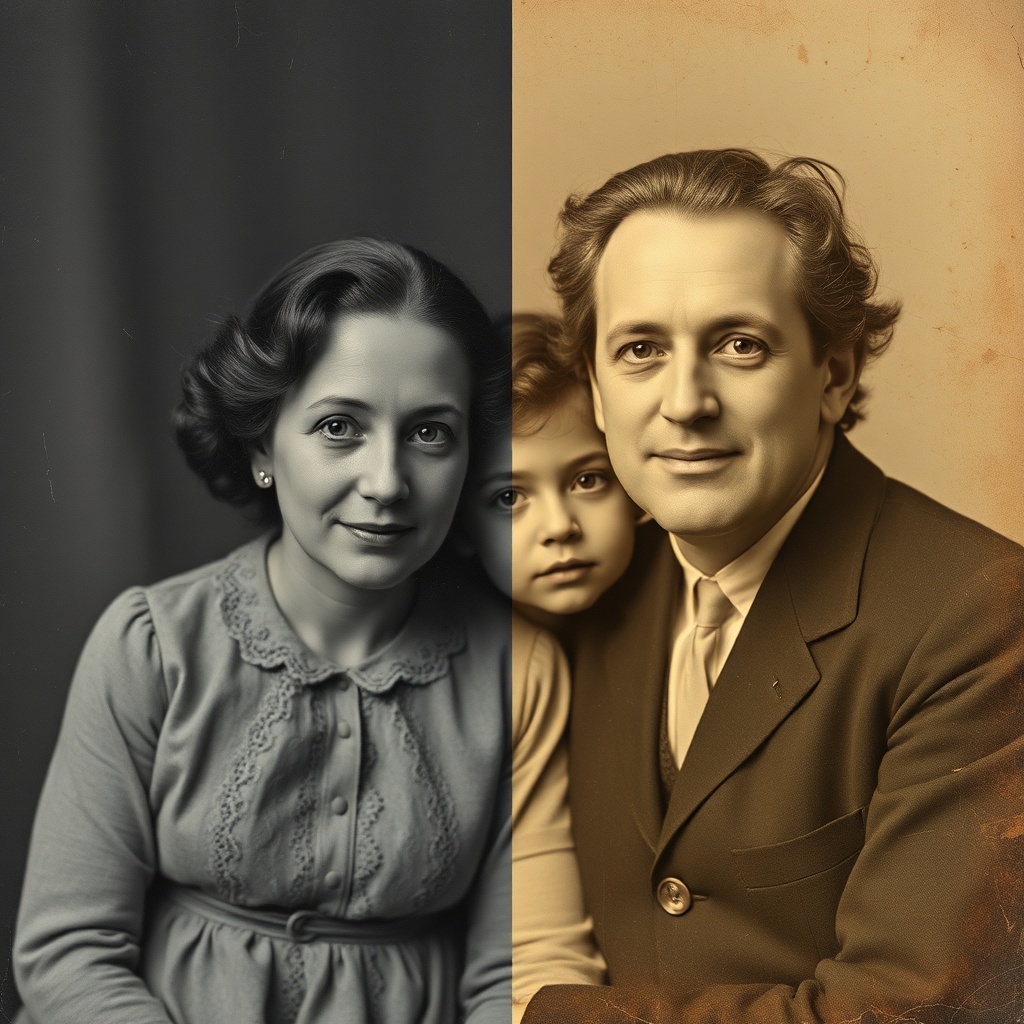
Old Photo Restoration
Made with AI Image Enhancement Tool
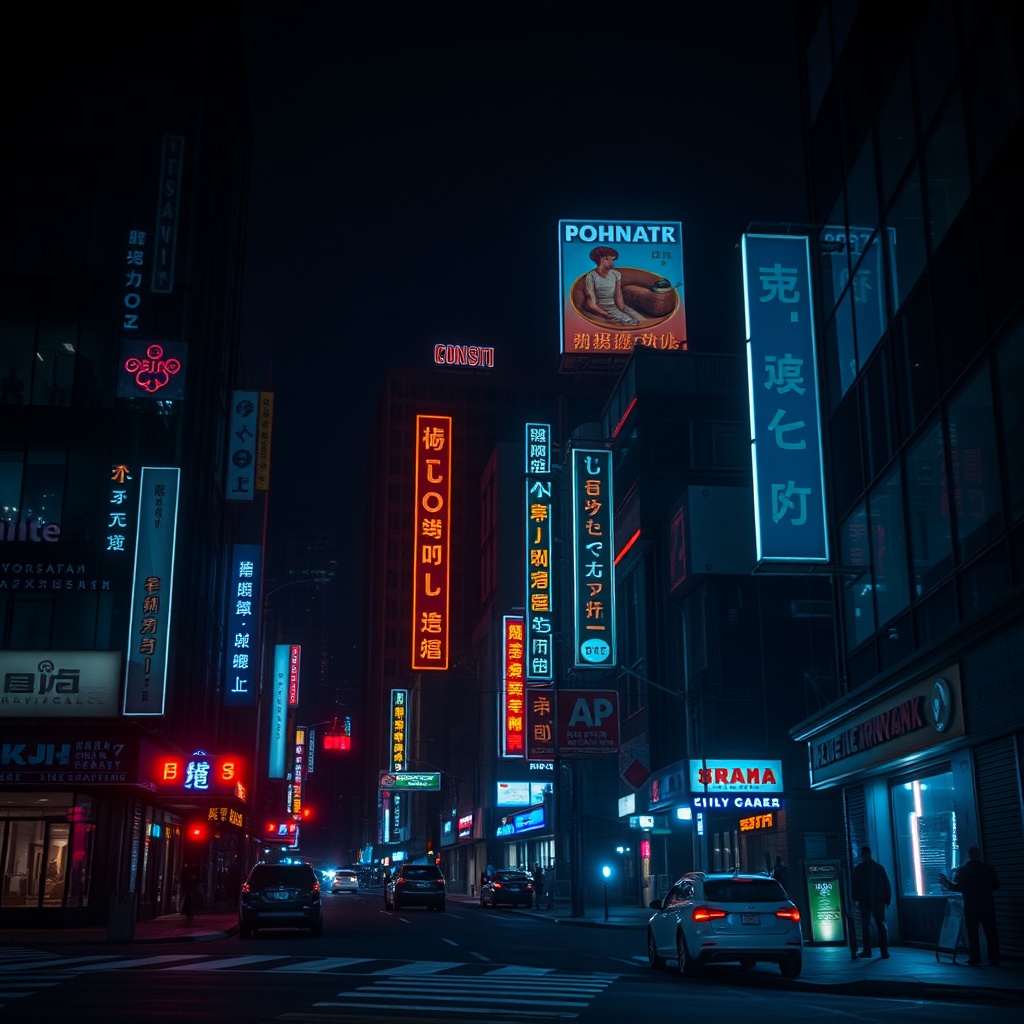
Low-Light Enhancement
Made with AI Image Enhancement Tool
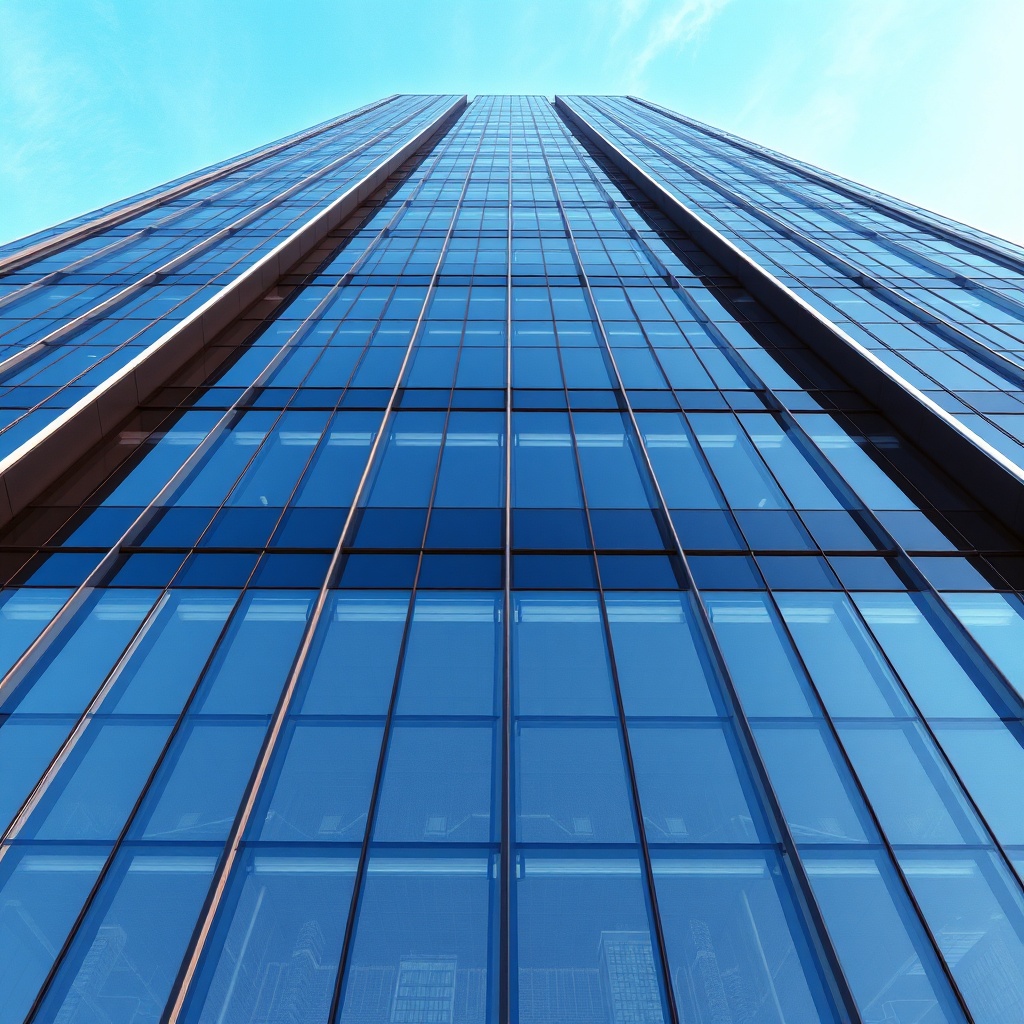
Architecture Enhancement
Made with AI Image Enhancement Tool
How the AI Image Enhancement Tool Works
Turn any photo into a sharp 4K image in three quick steps
Pick an Enhancement
Choose from 4K Upscale, Denoise & Sharpen, Color Pop, Restore Old Photo, Low-Light Fix, or Face Enhance. Each preset is tuned by the AI image enhancement tool for a specific problem.
Describe the Result
Optionally add a short prompt — “sharpen the face,” “boost sunset colors,” “remove grain” — and Nano Banana Pro merges your direction with the selected enhancement preset.
Generate & Download
Get a 4K enhanced image in ~15 seconds. Download the PNG and use it for e-commerce listings, client work, printed posters, social media, or personal archives.
AI Image Enhancement Tool Features
Everything you need to rescue, refine, and upscale any photo
4K AI Upscaling
Upscale any low-resolution photo to crisp 4K. The AI image enhancement tool reconstructs edges, textures, and fine detail — ideal for print, posters, and large displays.
Smart Denoise & Sharpen
Automatically remove grain from ISO-noisy shots and recover sharpness in soft or slightly blurred photos. Our AI image enhancement tool balances noise reduction and edge preservation in one pass.
Old Photo Restoration
Bring decades-old family photos back to life. The AI image enhancement tool repairs scratches, reduces color fade, and restores faces with natural skin tones.
Low-Light & HDR Fix
Recover shadow detail from dark indoor or nighttime photos and balance blown-out highlights. The AI image enhancement tool applies HDR-style tone mapping automatically.
Face-Aware Enhancement
Face-aware AI preserves facial structure while sharpening eyes, skin, and hair. No warped features, no uncanny distortion — enhancement that keeps people looking like themselves.
Unlimited Enhancement
Skip expensive Photoshop subscriptions and per-image retoucher fees. Plans start at $2.99 with unlimited AI image enhancement and full commercial rights.
AI Image Enhancement Tool vs Traditional Retouching
Why designers and photographers are switching to AI image enhancement
| Feature | AI Image Enhancement Tool | Photoshop / Topaz / Retoucher |
|---|---|---|
| Cost per image | From $0.10 | $9.99/mo + time |
| Time per image | 15 seconds | 10–30 minutes |
| Learning curve | None | Steep |
| 4K upscaling | Extra plugin needed | |
| Denoise + sharpen | Automatic | Manual sliders |
| Old photo restore | Hours of manual work | |
| Low-light recovery | Manual tone mapping | |
| Commercial rights | ||
| Face-aware enhancement | — |
AI Image Enhancement Tool FAQ
Common questions about enhancing photos with AI
The Fastest AI Image Enhancement Tool for Photographers and Designers
AI Banana's AI image enhancement tool turns any low-resolution, noisy, faded, or poorly lit photo into a crisp 4K image in roughly fifteen seconds. Whether you need to rescue a blurry phone snapshot for an Instagram post, upscale an e-commerce product shot to billboard resolution, restore a scratched family photograph from the 1970s, recover shadow detail from a dark restaurant dinner shot, or sharpen a client headshot without warping the face, our AI image enhancement tool handles the job with one click and zero manual sliders. Powered by Nano Banana Pro, the AI image enhancement tool understands edges, textures, skin, hair, and color science — the foundations of professional retouching.
Traditional photo enhancement is slow and expensive. A Lightroom plus Photoshop subscription runs $9.99 to $20+ every month, Topaz Gigapixel costs $199 up front, and hiring a professional retoucher starts at $20 per image and easily reaches $100 or more for detailed restoration work. Every enhanced image requires ten to thirty minutes of sliders, masks, and layers. With the AI image enhancement tool from AI Banana you get unlimited enhancement, restoration, upscaling, and sharpening starting at just $2.99. The AI image enhancement tool replaces half a dozen specialized apps with a single interface, so you spend less time dragging sliders and more time producing finished work.
The AI image enhancement tool is used every day by photographers, graphic designers, e-commerce sellers, real estate agents, family historians, social media managers, content creators, small marketing teams, and print shops. Use your enhanced photos for Amazon product listings, Shopify storefronts, Etsy hero images, real estate property galleries, Instagram carousels, LinkedIn headshots, printed wedding albums, book covers, magazine editorial, client mockups, and personal archives. Every image produced by our AI image enhancement tool comes with full commercial rights and is delivered at 4K resolution, so it prints cleanly at poster size and looks sharp on any high-DPI screen.
Try the AI image enhancement tool free today — upload any photo that needs rescuing, pick a preset, and watch a crisp 4K version land in your browser in about fifteen seconds. Whether it's a decade-old JPEG, a rushed phone photo, a faded print scan, or a low-light nightclub shot, the AI image enhancement tool from AI Banana gives you publication-ready quality without the subscription, the learning curve, or the wait. Professional photo enhancement is finally one click away.