
AI Image Upscaling
Enlarge Photos to 4K Without the Blur
Upload a small, soft or pixelated photo and get it back at 4K-class resolution in about fifteen seconds. AI image upscaling reconstructs the detail a resample dialog can only guess at — hair strands, fabric weave, foliage, brick edges and printed type — instead of stretching the pixels you already have. Six presets tuned for portraits, landscapes, product shots, old scans, artwork and animal photos. Built for photographers, designers and marketers. No install, no desktop licence, no login required to try it.
Try AI Image Upscaling — Free
Upload your photo, pick the preset that matches the subject, and the model rebuilds the detail at 4K-class resolution in about fifteen seconds. No account, no software, no GPU.
AI Image Upscaler
Upload a small or blurry photo, choose the subject preset, and get a sharp 4K-class version back in seconds. No account, no install, no subscription.
Upload your photo (JPG, PNG, WebP · max 2MB), pick a preset, then click Generate
What AI Image Upscaling Recovers
Skin, foliage, macro structure, product texture, architectural edges and fur — six subjects at 4K
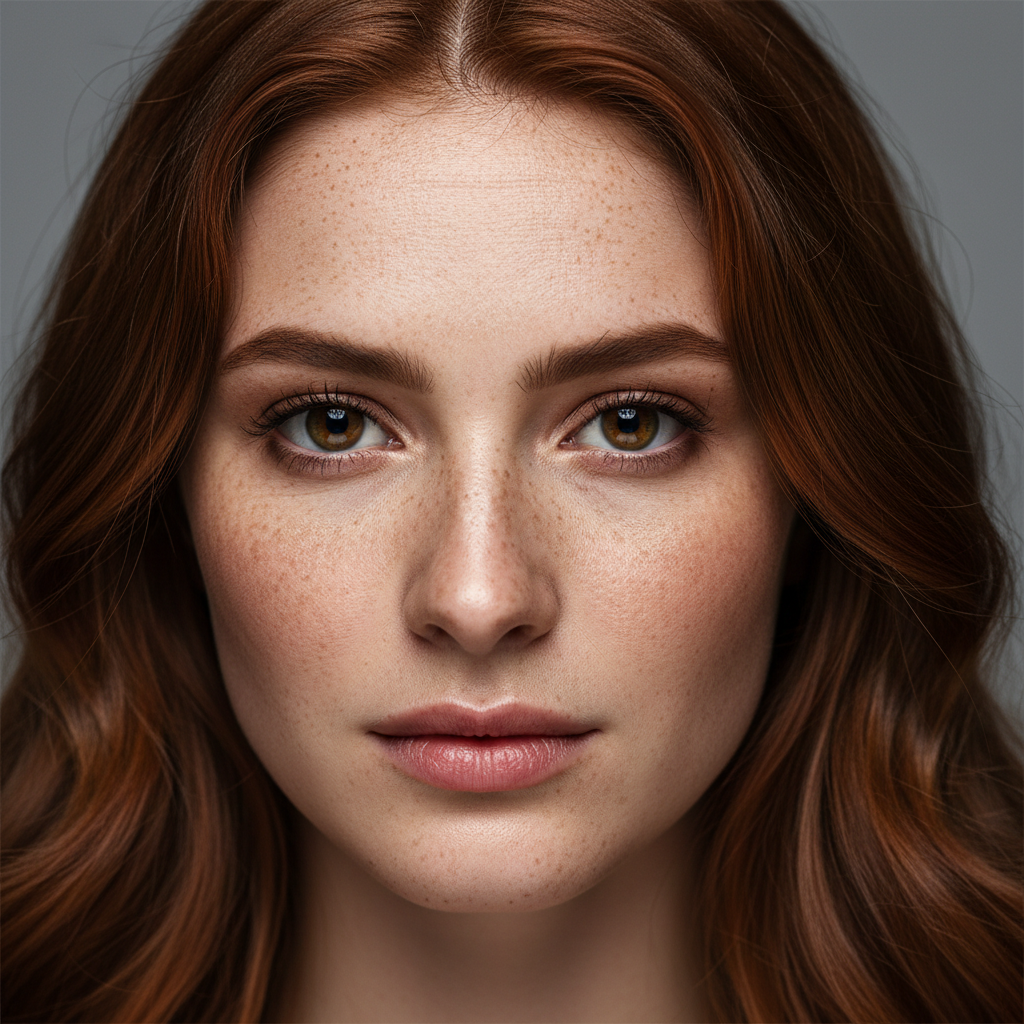
Portrait Detail Recovery
Faces & Skin Texture
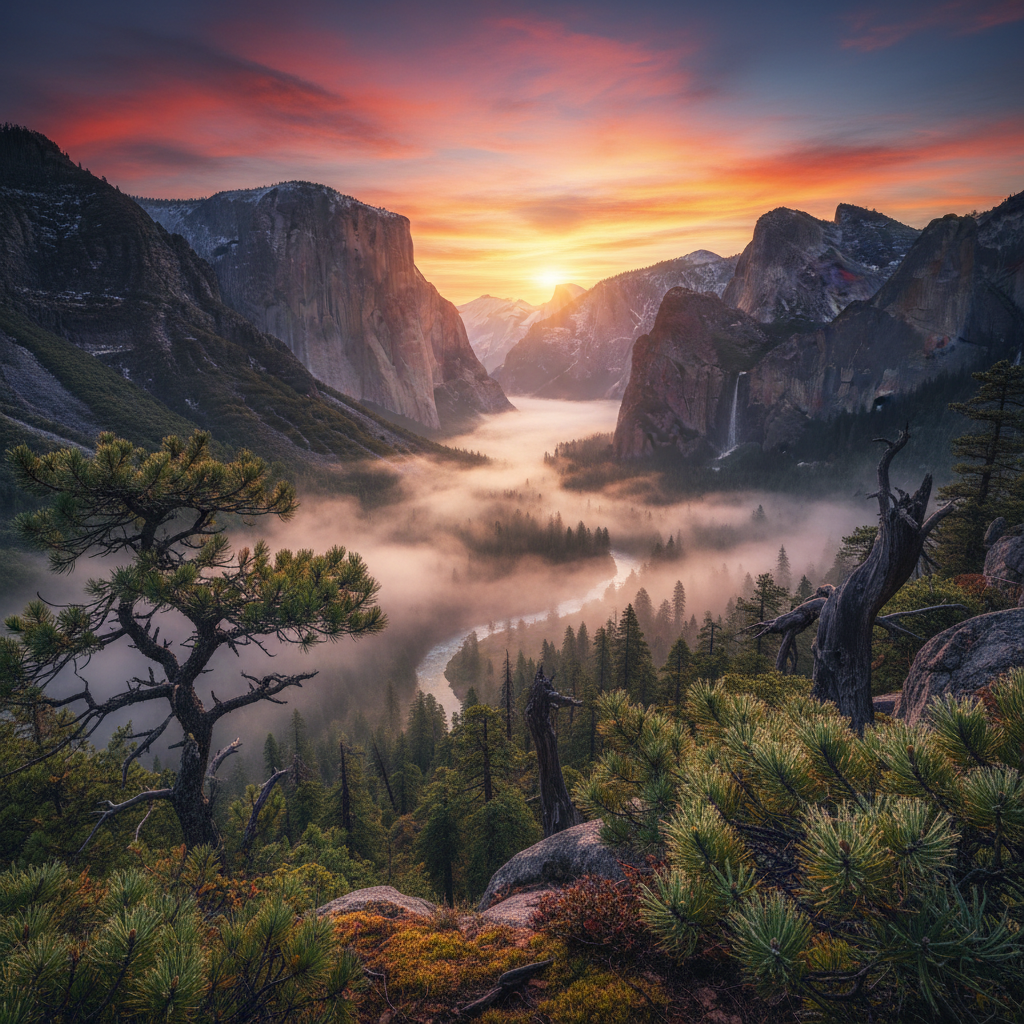
Landscape at 4K
Foliage & Rock Detail
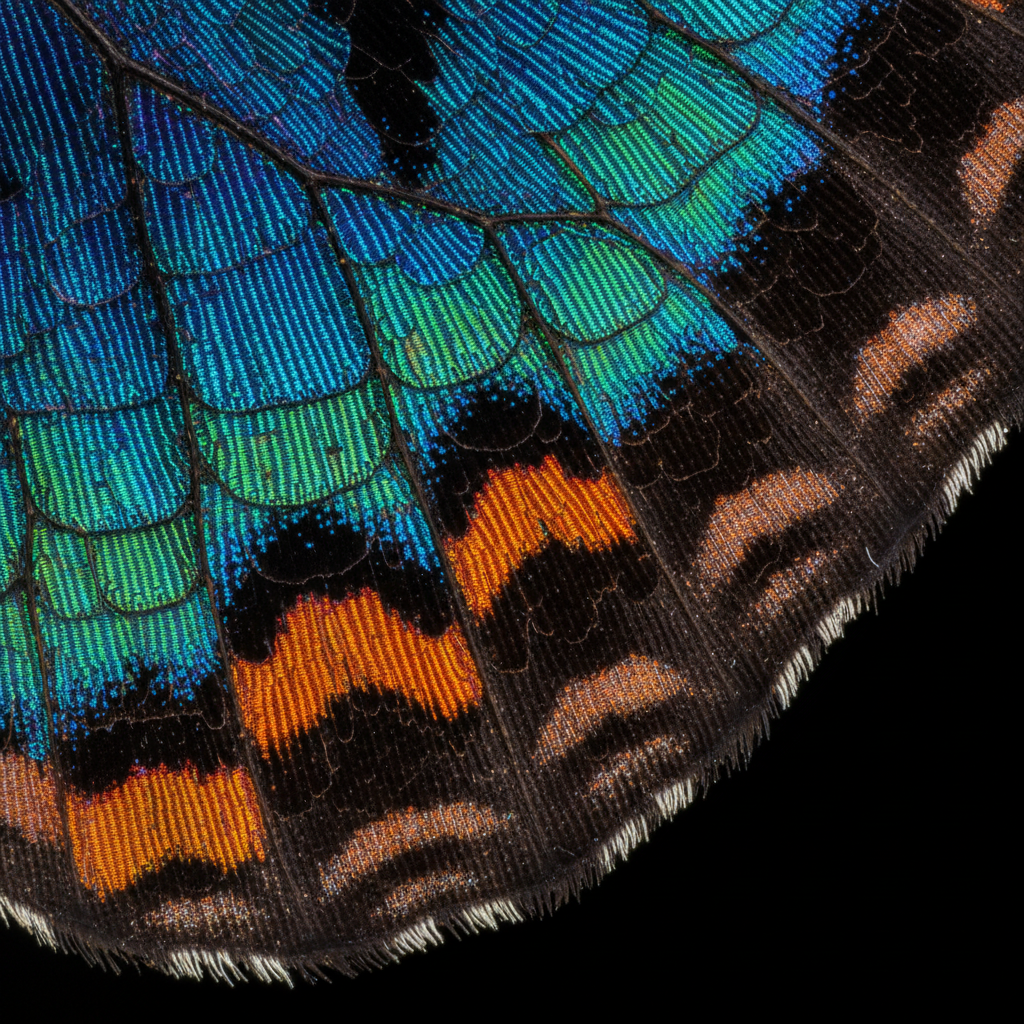
Macro & Fine Structure
Extreme Close-Up
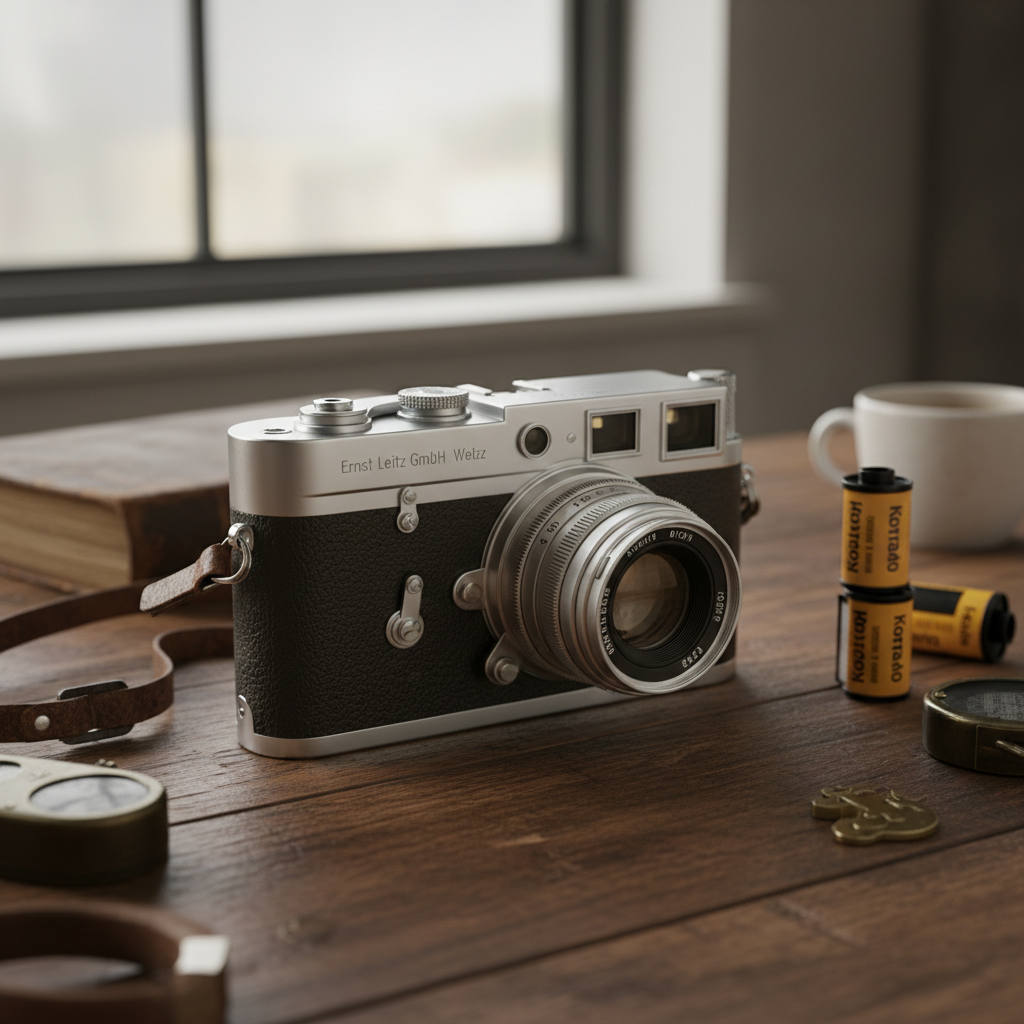
Product & Packaging
E-Commerce Listings
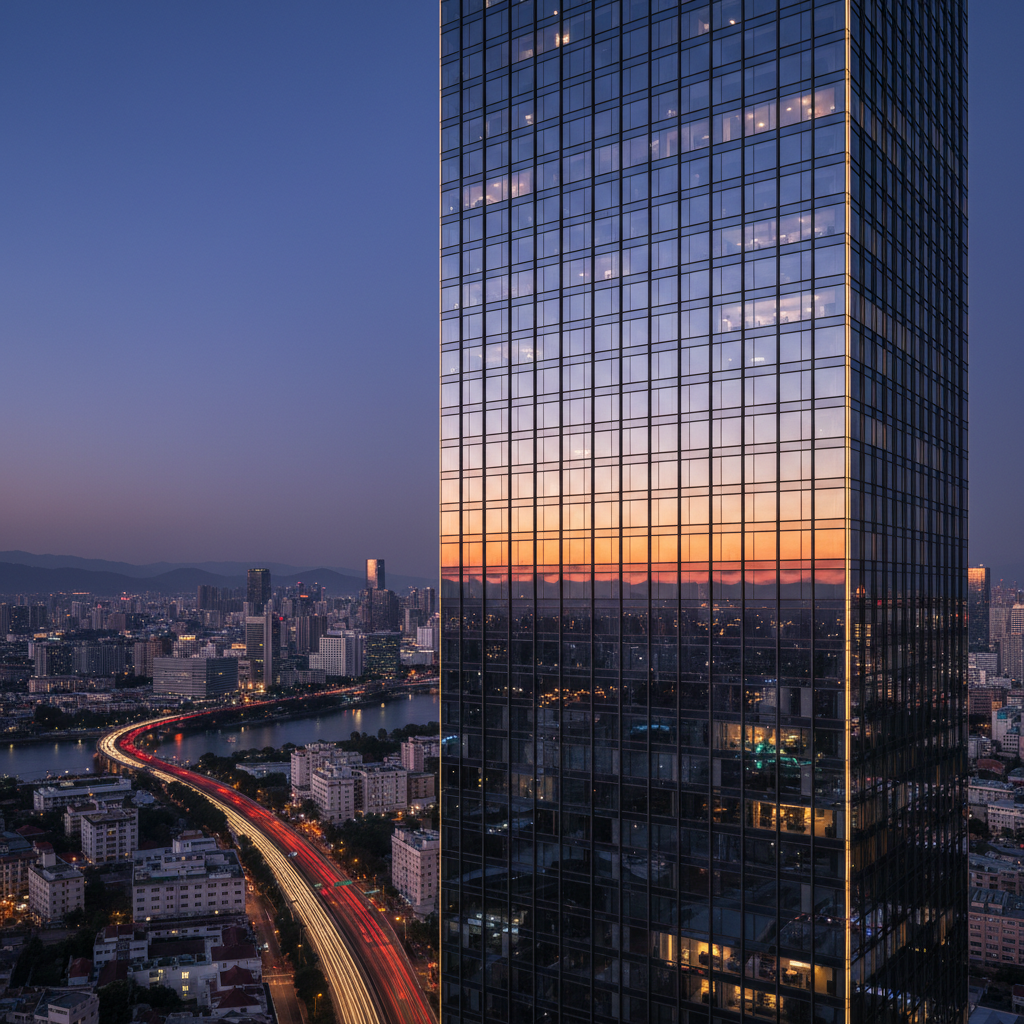
Architecture & Straight Edges
Real Estate & Print
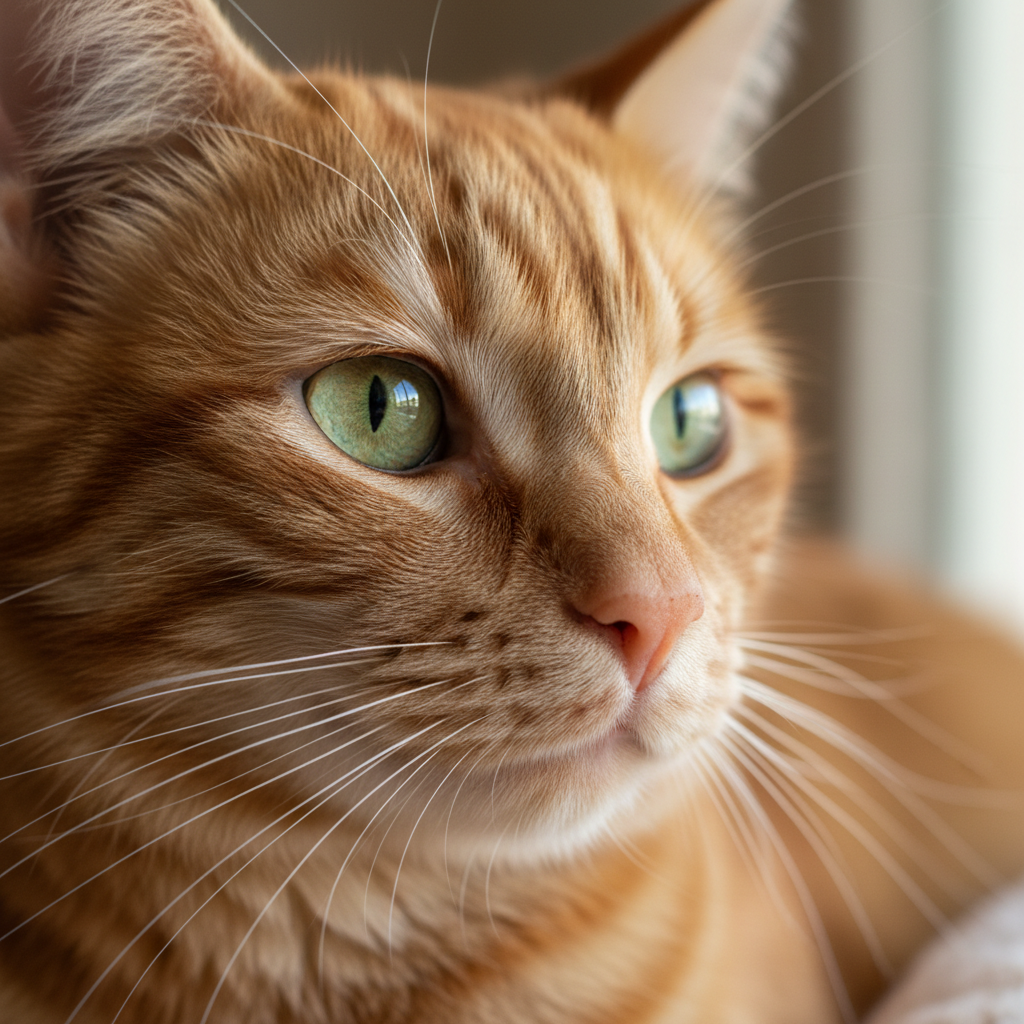
Fur, Feathers & Whiskers
Pet & Wildlife Photos
How AI Image Upscaling Works
Three steps, about fifteen seconds — no desktop licence, no GPU, no plugin
Upload Your Photo
Drop in a JPG, PNG, WebP, GIF or AVIF up to 2MB — a compressed chat forward, an old scan, a small product shot, a screenshot. The smaller and softer the source, the more visible the gain. No account is required and nothing is installed.
Pick the Subject Preset
Choose portrait, landscape, product, old scan, artwork or animal. Each preset tells Nano Banana Pro what kind of structure it is rebuilding — pores and hair, pine needles, fabric weave, scan grain, line work or whiskers — which is what keeps faces from going waxy and foliage from turning to mush.
Check It, Then Download
The result arrives in about fifteen seconds at 4K-class resolution. View it at 100% before you use it — that is the one habit that separates a good upscale from an embarrassing one. Paid plans from $2.99 add watermark-free files and commercial rights.
Why This AI Photo Enhancer Beats a Resample Dialog
What separates real detail recovery from a bigger, softer copy of the same file
Reconstruction, Not Interpolation
Classic enlargement — bicubic, Lanczos, the resample dialog in any editor — averages the pixels you already have, so a 4x enlargement carries four times the pixel count and exactly the same amount of information. That is why the result looks soft no matter which algorithm you pick. AI image upscaling works from a different starting point: the model has seen millions of image pairs and recognises that a blurred band is a hair strand, a fabric weave or a brick edge, then rebuilds that structure at the larger size. The difference is most visible on small sources, which is precisely where traditional resampling fails hardest.
4K-Class Output From a Thumbnail
Output targets 4K-class resolution, so a 512-pixel avatar, a compressed WhatsApp forward or a screenshot pulled from an old website gains genuinely usable size in one pass. That covers the jobs small files usually block: a product listing that demands 1600 pixels minimum, a press image an editor rejected, a banner crop that fell apart at full width, a photo book page. Two to four times enlargement on a reasonably sharp source is the reliable band — past that the model is inventing more than it is recovering, and you should be checking the result at 100% before you use it.
Six Presets for Six Kinds of Subject
Skin does not upscale like brickwork, and fur does not upscale like a printed label. Pushing everything through one generic sharpening pass is why so many enhanced photos come back looking plastic — faces get waxy, foliage turns into mush, straight architectural lines pick up a halo. The presets on this page steer the reconstruction toward the subject you actually uploaded: portraits, landscapes, product shots, old scans, artwork and animal photos each get their own instruction set, so the model knows whether it is rebuilding pores, pine needles, fabric weave or whiskers.
Compression Artefacts Cleaned Along the Way
Most images that need upscaling have been through several rounds of JPEG compression first — saved from a chat app, re-uploaded to a CMS, screenshotted, saved again. The blocking, ringing and colour banding that accumulates is a separate problem from resolution, and stretching a file magnifies every bit of it. Image quality improvement here handles both at once: the model treats compression artefacts as damage to undo rather than detail to preserve, so edges come back clean instead of arriving at 4K with their JPEG blocks faithfully enlarged.
An Honest Note on What Gets Invented
Every upscaler reconstructs plausible detail, which means on a very low-quality face it may resolve eyelashes and pores that are consistent with the input without being literally identical to the person. For marketing, portfolio work, social and print that is fine and usually flattering. For anything evidentiary — insurance documentation, legal exhibits, identity checks — treat the upscaled file as an illustration and keep the original as the record. Check rebuilt text too: a serial number or street sign should still say what it said before. Saying this plainly matters more than a bigger claim would.
No Install, No Desktop Licence
The upscaler runs in the browser — nothing to download, no GPU to own, no desktop licence to buy before you find out whether your file is salvageable. Free usage is protected with per-IP rate limits rather than ads or a login wall, so you can test a real photo first. When you need volume, plans start at $2.99 with unlimited high-resolution runs, watermark-free downloads and no ongoing subscription, which fits how this work actually arrives: a burst of images before a launch or a print deadline, not a steady monthly load.
Who Needs Photo Resolution Enhancement
Four situations where a file is too small and reshooting is not an option
Photographers
Every archive has the same problem: the shot that mattered was taken on an older body, cropped hard in post, or survives only as a web-sized JPEG because the raw file went with a dead drive. Upscaling turns those into prints and portfolio pages again. It also rescues the aggressive crop — the frame you tightened by 60% to fix a composition, which was perfect except that it left you 1200 pixels for a 3000-pixel print.
Graphic Designers
Clients send logos pulled from their own website, product shots exported for email, and headshots that came out of a LinkedIn download. None of it is print resolution, and asking for the originals frequently gets you a shrug and a deadline. Pixel enlargement AI makes those assets placeable, which turns a two-day back-and-forth into a fifteen-second step. For logos and type-heavy marks, redraw as vector where you can — upscaling is the fallback when nobody can find the source file.
Digital Marketers & Sellers
Marketplaces enforce minimum image dimensions, and a listing photo that fails the check does not go live. Amazon, Etsy and Shopify all want considerably more resolution than a supplier catalogue PDF or a phone snapshot usually provides. Image quality improvement gets those over the threshold and makes the zoom view worth using, which is the view that actually sells. Verify the rebuilt detail matches the real product before publishing — a reconstructed weave or label is a marketing claim.
Families & Archivists
Scanned prints, slides shot on consumer film and photos forwarded through three generations of chat apps all arrive small and soft. AI photo enhancement recovers a striking amount of texture in fabric, foliage and hair, which is usually enough to make a framed print or a photo book page work. Keep the original scan alongside the upscaled version: the enhanced file is the one to hang on a wall, and the untouched scan is the one that stays the record.
AI Image Upscaling — FAQ
Limits, quality, file types and commercial use for AI photo enhancement
Rescue That Photo in Fifteen Seconds
Upload the file that was too small, too soft or too compressed to use. The upscaler is free to try, loaded on this page, and needs no account, no install and no graphics card. You will see the difference at 100% zoom.
Upscale a Photo FreeAI Image Upscaling for Photographers, Designers and Sellers
Almost every image library contains files that are too small for the job in front of them: a photo cropped hard to fix a composition, a client logo pulled off a website, a supplier product shot exported for email, a family print scanned a decade ago on a flatbed nobody would buy today. Traditional enlargement cannot help with any of it, because interpolation redistributes the information already in the file rather than adding any. AI image upscaling changes the arithmetic. A model trained on millions of high- and low-resolution pairs has learned what skin, foliage, brickwork, fabric and printed type look like at full resolution, so it reconstructs that structure at the larger size instead of averaging neighbouring pixels into a smooth grey approximation. This page runs on Nano Banana Pro and does that reconstruction in about fifteen seconds.
The reason results vary so much between tools is that subjects do not degrade the same way, and they should not be rebuilt the same way either. A face needs pores, eyelashes and individual hair strands, and the failure mode when it goes wrong is a waxy plastic sheen. A landscape needs pine needles, bark and cloud structure, and its failure mode is mush. Architecture needs straight edges without halos; a product needs readable labels and honest material texture; a scanned print needs grain reduction that does not erase the fabric underneath; line art needs clean diagonals without stair-stepping. That is why this AI photo enhancer offers six subject presets rather than one universal sharpening pass — telling the model which kind of structure it is rebuilding is the single largest quality lever available, and it costs nothing but a click.
Some honesty about limits is worth more than a bigger promise. Photo resolution enhancement works best on sources that are small or compressed but fundamentally sharp — two to four times enlargement on that kind of file is reliable, and JPEG blocking, ringing and colour banding get cleaned up along the way rather than magnified. Heavy motion blur and severe defocus recover much less, because the information about where the edge belongs is genuinely gone rather than merely coarse. And every upscaler reconstructs plausible detail, which means the output of pixel enlargement AI on a very poor face is consistent with the input without being literally identical to the person. For marketing, print, portfolio and family archives that is fine. For insurance documentation, legal exhibits or identity verification, treat the upscaled file as an illustration and keep the original as the record — and always check rebuilt text, serial numbers and signage at 100% before publishing.
Whether you arrived searching for "AI image upscaling", photo resolution enhancement, pixel enlargement AI, image quality improvement or simply a free AI photo enhancer that does not require an install, this is the dedicated page for it on aibanana.net. If you want the same engine framed around a specific workflow, the AI Image Upscaling Tool page covers the general enlarger, AI Image Upscaling vs Traditional Methods compares it directly with bicubic and Lanczos resampling, and AI Photo Restoration is the better starting point for damaged or faded prints where enlargement is secondary. For broader editing after the upscale, the AI Photo Editor handles background, style and colour work. The upscaler above runs server-side and asks for no account, email or credit card — free usage is protected with per-IP rate limits rather than ads or a login wall. Paid plans from $2.99 unlock unlimited high-resolution runs, watermark-free downloads and full commercial usage rights with no ongoing subscription.