
AI Image Upscaling Tool
Enlarge Photos With Sharp, Real Detail
This AI image upscaling tool turns small, soft or low-resolution photos into large, crisp, print-ready images in about fifteen seconds — reconstructing sharp texture, clean edges and true color as it enlarges, no editing skill required. Upload your image, pick an upscaling style, and let the AI enhance resolution while keeping the result natural and believable. Made for photographers, advertisers and graphic designers who need images to stay sharp on prints, posters and large displays, this tool is free to start, needs no login, and outputs in HD with full commercial usage on paid plans.
Try the AI Image Upscaling Tool — Free
Upload a photo, pick an upscaling style, and get a sharp, high-resolution image in seconds — the AI image upscaling tool handles the resolution enhancement and detail for you
AI Image Upscaling Tool
Upload an image, choose an upscaling style, and the AI enhances resolution with sharp, natural detail — ready for prints and large displays.
Upload your image, pick an upscaling style, and click Generate
The AI Image Upscaling Tool in Action
Six high-resolution images made sharp and print-ready in about fifteen seconds each
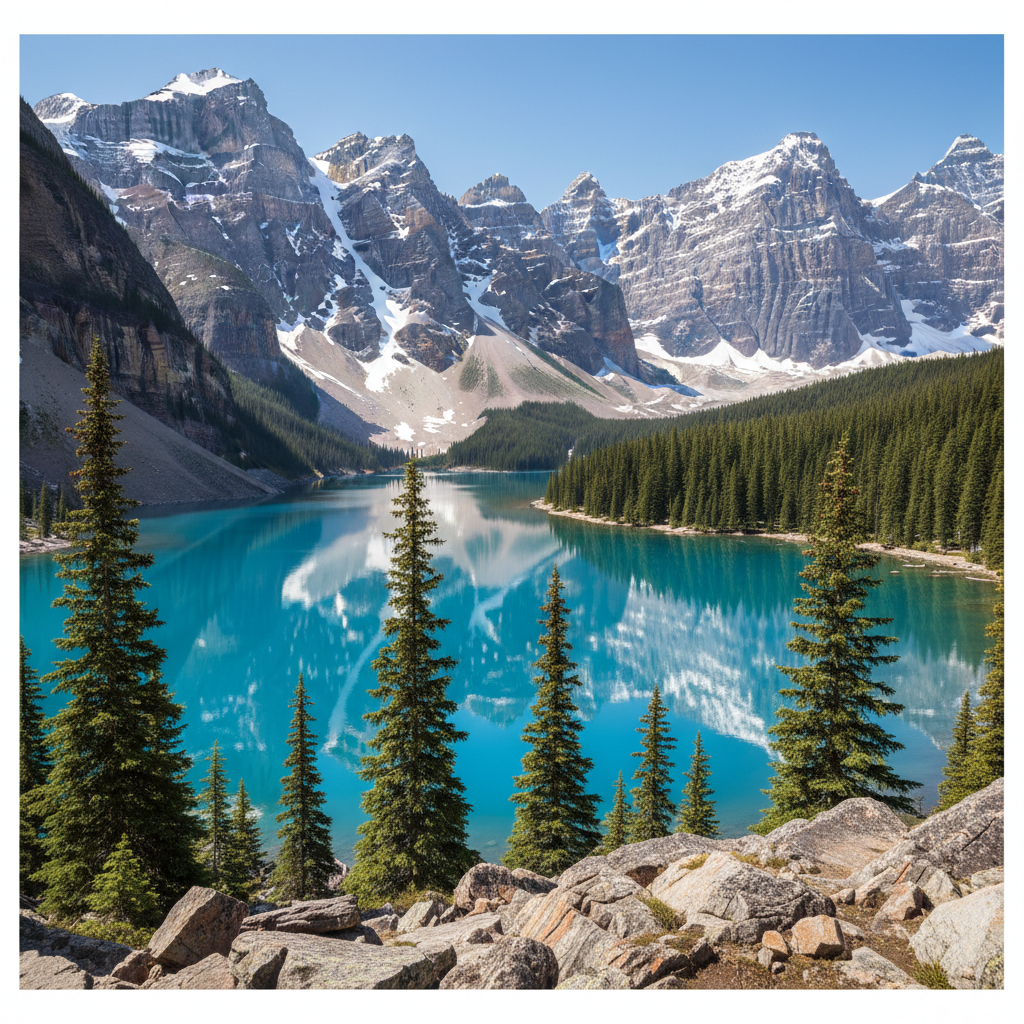
Landscape
Upscaled in ~15s
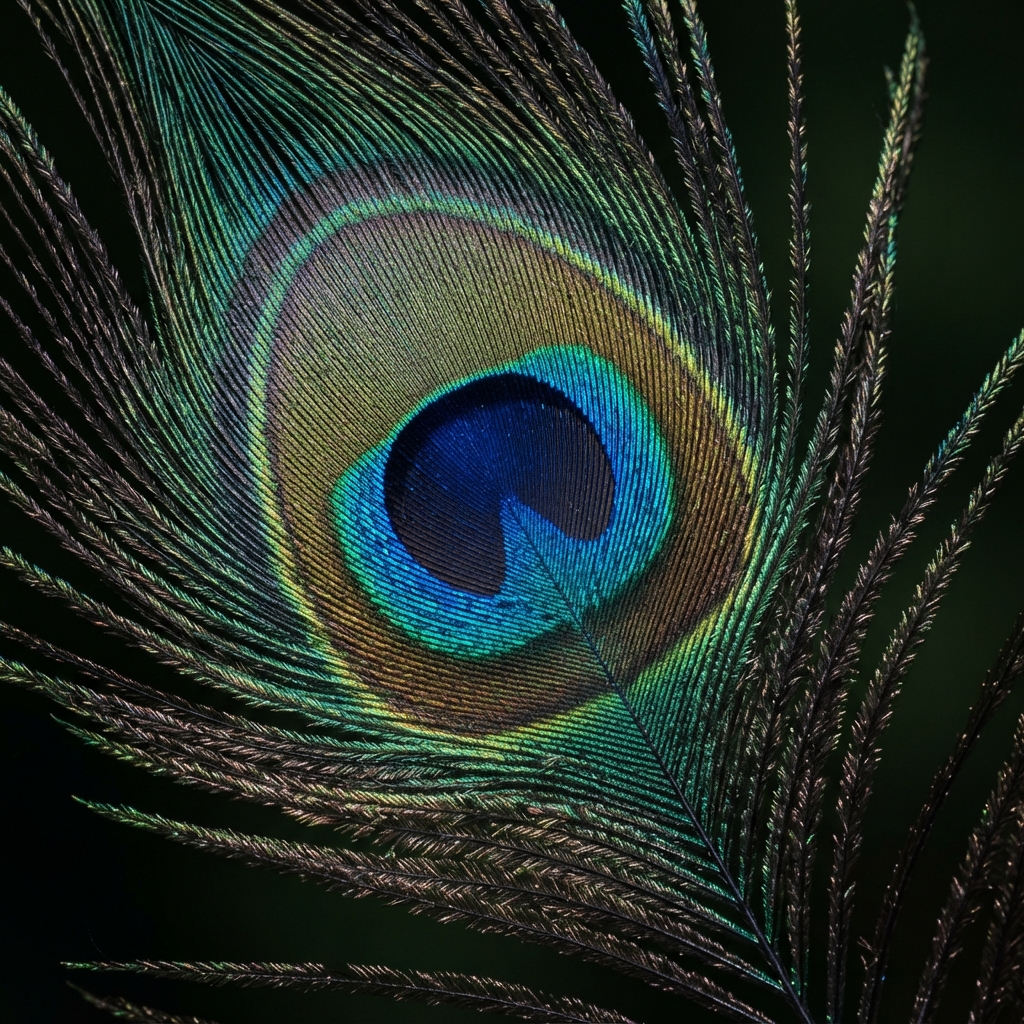
Macro Detail
Upscaled in ~15s
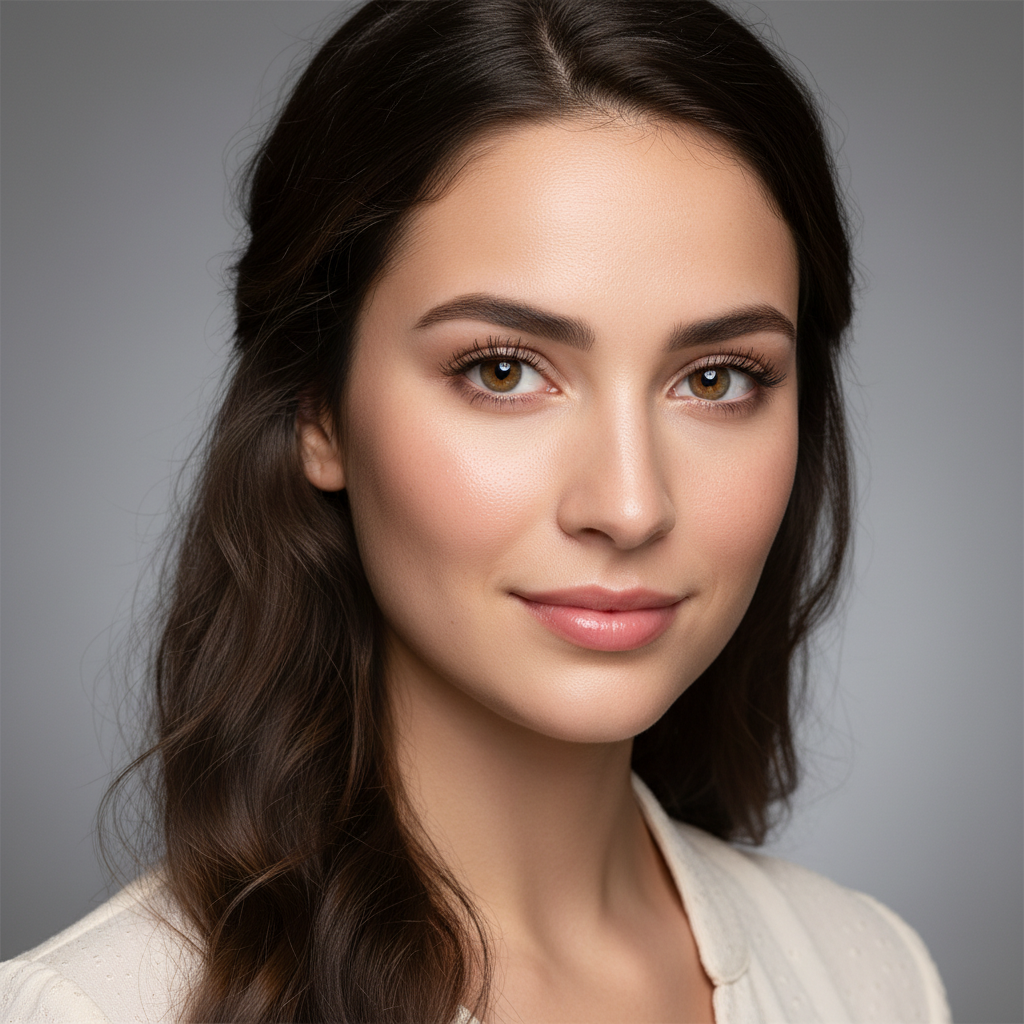
Portrait
Upscaled in ~15s
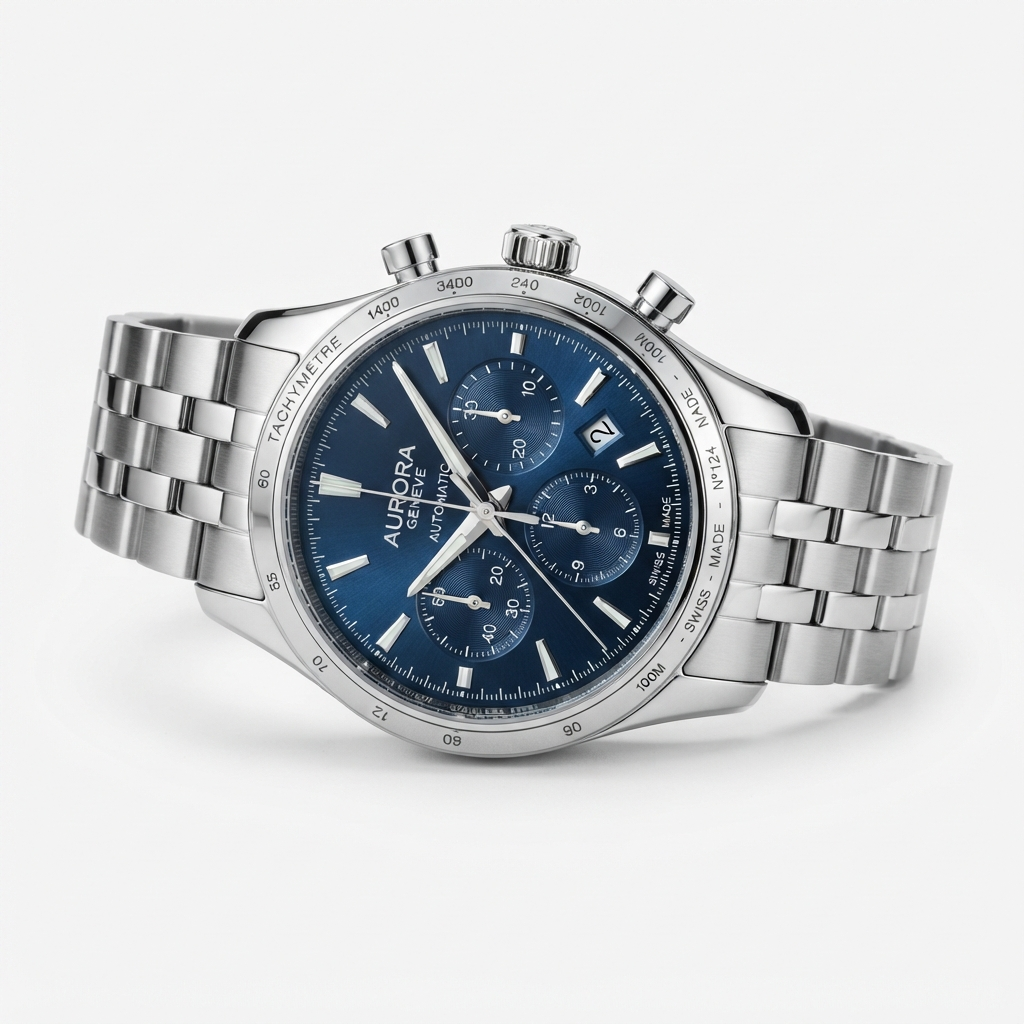
Cityscape
Upscaled in ~15s
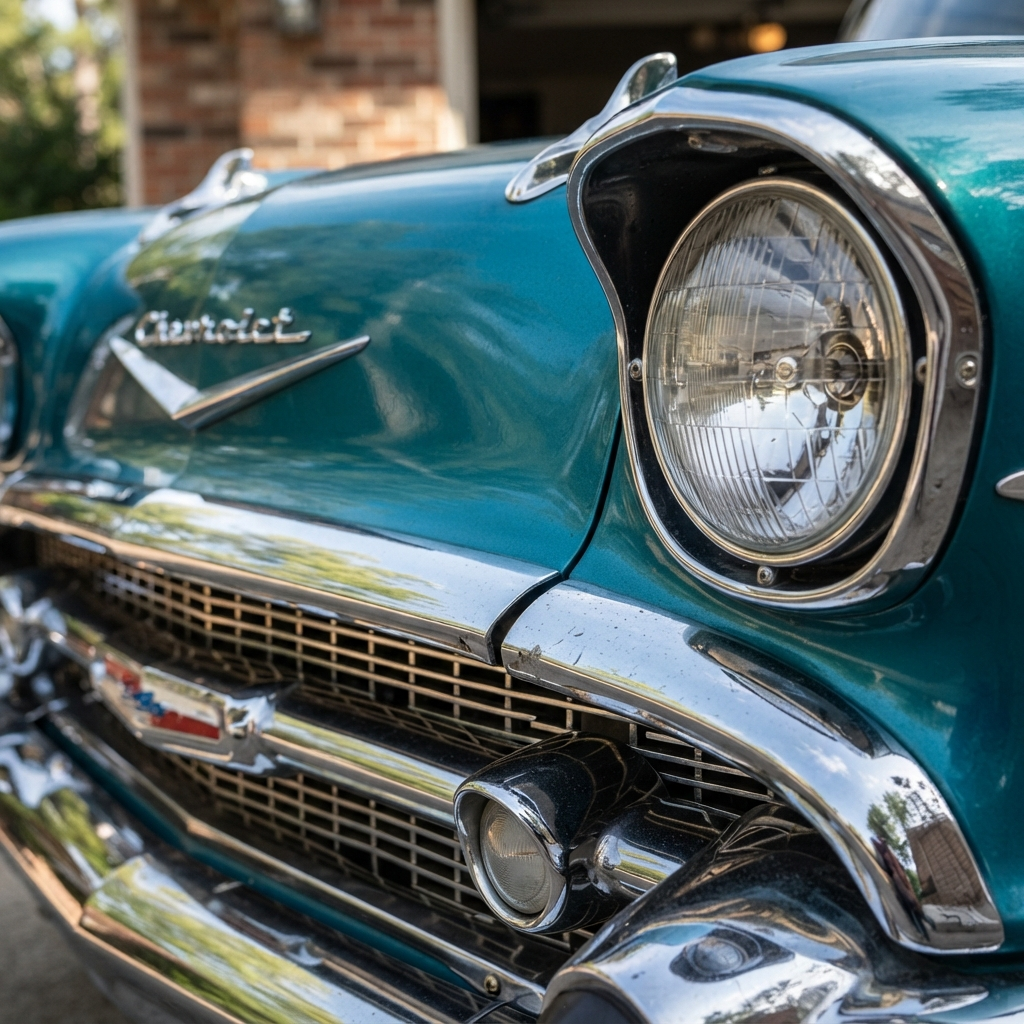
Product
Upscaled in ~15s
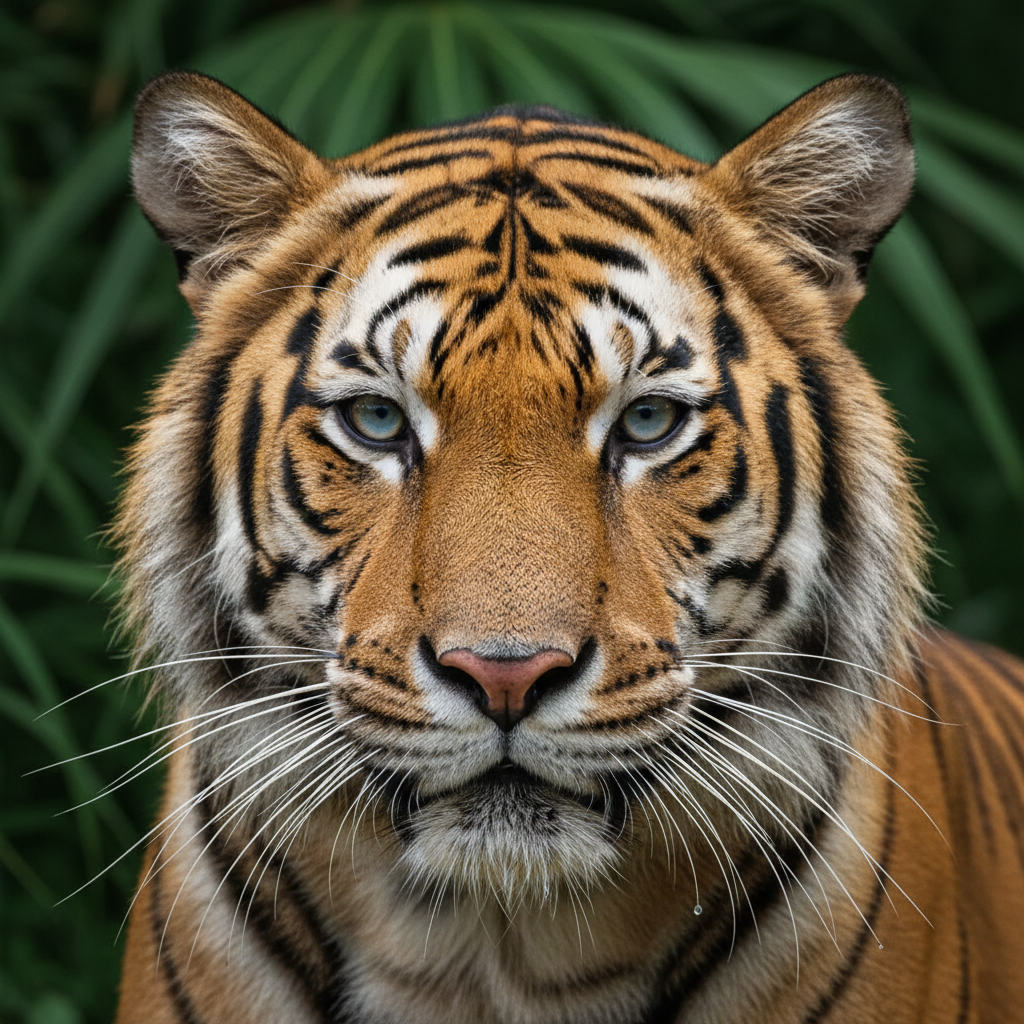
Travel
Upscaled in ~15s
How the AI Image Upscaling Tool Works
Three steps, fifteen seconds — no editor, no learning curve
Upload Your Image
Drop the photo you want to enlarge into the AI image upscaling tool above. Small, soft or low-resolution images work best — that is exactly what the tool is built to fix by rebuilding detail as it enhances resolution.
Pick an Upscaling Style
Tap a style — Photo Real, Portrait, Product, Landscape, Graphic or Restore Old Photo. The AI image upscaling tool enhances resolution with a treatment tuned to your subject and renders a sharp, high-resolution result in about fifteen seconds. Regenerate as often as you like.
Download & Print
Download your upscaled image and use it anywhere — large prints, posters, banners, product listings or big displays. Output is high resolution and share-ready — upgrade for 4K, watermark-free exports and full commercial rights.
Why This AI Image Upscaling Tool Stands Out
The details that separate real AI resolution enhancement from a basic resizer
Real Resolution Gains — Not Just a Bigger File
This AI image upscaling tool reconstructs genuine detail as it enlarges — sharp edges, clean texture and true color — instead of stretching pixels into a soft, blocky blur the way a basic resizer does. The result is an image that is actually higher resolution, so it holds up when you print it large or show it on a big display.
A Style for Every Image
Switch between Photo Real, Portrait, Product, Landscape, Graphic and Restore Old Photo in one tap. The AI image upscaling tool matches the enhancement to your subject — crisp texture for photos, flattering clarity for portraits, clean edges for product shots, and careful recovery for small or faded pictures.
Results in Seconds
Manual upscaling with masking, sharpening and noise reduction in an editor can take a long time and rarely looks convincing. The AI image upscaling tool enhances resolution in about fifteen seconds and starts free — pick a style, generate, and regenerate as many times as you like until the sharpness and detail look exactly right.
No Editing Skills Needed
You do not need Photoshop, Lightroom or a dedicated upscaler app. If you can upload a photo, pick a style and click generate, this AI image upscaling tool handles the resolution enhancement, sharpening and detail reconstruction for you — built for busy creators and total beginners alike.
Built for Print & Big Displays
Enlarging images for posters, banners, billboards, packaging and large-format prints usually means visible softness and pixelation. The AI image upscaling tool adds real detail so your images stay crisp at size — perfect for photographers, advertisers and graphic designers preparing print-ready and large-display assets.
Sharp, Natural, Watermark-Free
Every image the AI image upscaling tool makes keeps a natural, believable look — no fake over-sharpening or heavy artifacts — and paid plans add 4K exports, watermark-free downloads and full commercial rights so your upscaled images are ready for professional and client work.
AI Image Upscaling Tool — FAQ
Everything you need to know about upscaling images with AI
Upscale Your Image Now
The AI image upscaling tool is free, loaded on this page, and needs no account. Upload a photo, pick a style, and watch a sharp, high-resolution image appear in about fifteen seconds.
Upscale an Image FreeAI Image Upscaling Tool: Sharp, High-Resolution Images for Everyone
The AI image upscaling tool on this page exists for one job: to give you large, sharp, high-resolution images without a dedicated upscaler app, an editing course or a single dollar to start. Where enlarging a photo once meant slow masking, sharpening and noise reduction that still left the result soft, this AI image upscaling tool reconstructs genuine detail as it enhances resolution — clean edges, crisp texture and true color — in about fifteen seconds. The output is a real, ready-to-use image that holds up when you print it large, hang it on a poster, or show it on a big display, framed square so it fits the slots used across stores, portfolios and print.
Getting a great result from an AI image upscaling tool comes down to the image you upload and the style you pick. Photo Real rebuilds sharp everyday detail, Portrait keeps skin and eyes crisp and natural, Product gives listings clean e-commerce sharpness, Landscape reconstructs fine texture in foliage and sky, Graphic keeps logos and illustrations vector-crisp for banners and posters, and Restore Old Photo revives small, faded pictures with recovered detail. Each style applies AI resolution enhancement suited to that subject, so the enlargement fits your image rather than stretching it into a blur.
A dedicated AI image upscaling tool is different from a basic resizer. A resizer only stretches the pixels you already have, which is why enlarged images turn blocky and soft. AI upscaling reconstructs the detail that was missing — sharpening edges, rebuilding texture and cleaning up noise — so the enlarged image looks genuinely higher resolution. That focus is why it works so well for photographers preparing prints, advertisers enlarging assets for campaigns, and graphic designers making sure every graphic stays sharp at billboard scale. You can upscale an image before spending a cent.
Whether you searched for an "AI image upscaling" tool, a way to "upscale images with AI", an "AI image enlarger", "AI resolution enhancement" or a free way to "enhance image resolution with AI", this is the dedicated page for it on aibanana.net. The interactive tool above is powered by the Nano Banana Pro image model, runs entirely server-side, and asks for no account, email or credit card — free usage is protected with per-IP rate limits rather than a login wall. Upload a photo, pick a style, and see how fast a sharp, high-resolution image comes together. When a result fits your needs, upgrade to a paid plan starting at $2.99 to unlock unlimited 4K exports, watermark-free downloads and full commercial usage rights — a tireless on-demand upscaler for every image you make.