
AI Image Upscaling vs Traditional Methods
Real Detail vs Bigger Blur
The difference between AI image upscaling vs traditional methods is fundamental: traditional bicubic and Lanczos resizing just stretch your existing pixels, so a small photo becomes a bigger, softer photo. AI image upscaling reconstructs realistic new detail — sharpening edges, recovering texture and rebuilding fine structure in about fifteen seconds. This page compares both approaches on resolution, sharpness, speed and cost, and lets you upscale a photo yourself, free, right here. Built for photographers, digital artists and graphic designers, the tool needs no login and outputs in crisp high resolution.
Try AI Image Upscaling — Free
Upload a low-resolution or soft photo, pick an enhancement — or describe your own — and watch AI upscale it with real detail in seconds. Traditional methods would only make it bigger and blurrier.
AI Image Upscaler
Upload a low-resolution, soft or pixelated photo and the AI enhances it with realistic detail and crisp high resolution — the fast alternative to traditional bicubic upscaling.
Upload a low-resolution or blurry photo, choose an enhancement, and click Generate
AI Image Upscaling vs Traditional Methods — Side by Side
How AI upscaling compares to bicubic, Lanczos and manual sharpening
| Factor | AI Upscaling | Traditional Methods |
|---|---|---|
| How it adds resolution | Reconstructs realistic new detail with a neural network | Interpolates / averages existing pixels only |
| Sharpness at high zoom | Stays crisp — edges, hair and text rebuilt cleanly | Softens and blurs as the image grows |
| Speed | ~15 seconds, fully automatic | Minutes of manual sharpen, denoise & cleanup |
| Skill required | None — upload and click | Photoshop resampling, sharpening & masking skill |
| Cost | Free to try · from $2.99 unlimited 4K | Editor licenses + hours of manual labor |
| Detail recovery (faces, text) | Excellent — rebuilds believable fine structure | Cannot invent missing detail |
| Pixel-exact fidelity | May reconstruct ambiguous areas | Conservative — never invents detail |
The verdict: for resolution, sharpness, speed and cost, AI image upscaling wins decisively. Traditional methods only keep an edge when absolute pixel-exact fidelity matters and no reconstructed detail is acceptable — a narrow, technical exception.
AI Upscaling in Action
Crisp, detailed high-resolution results — each enhanced in about fifteen seconds
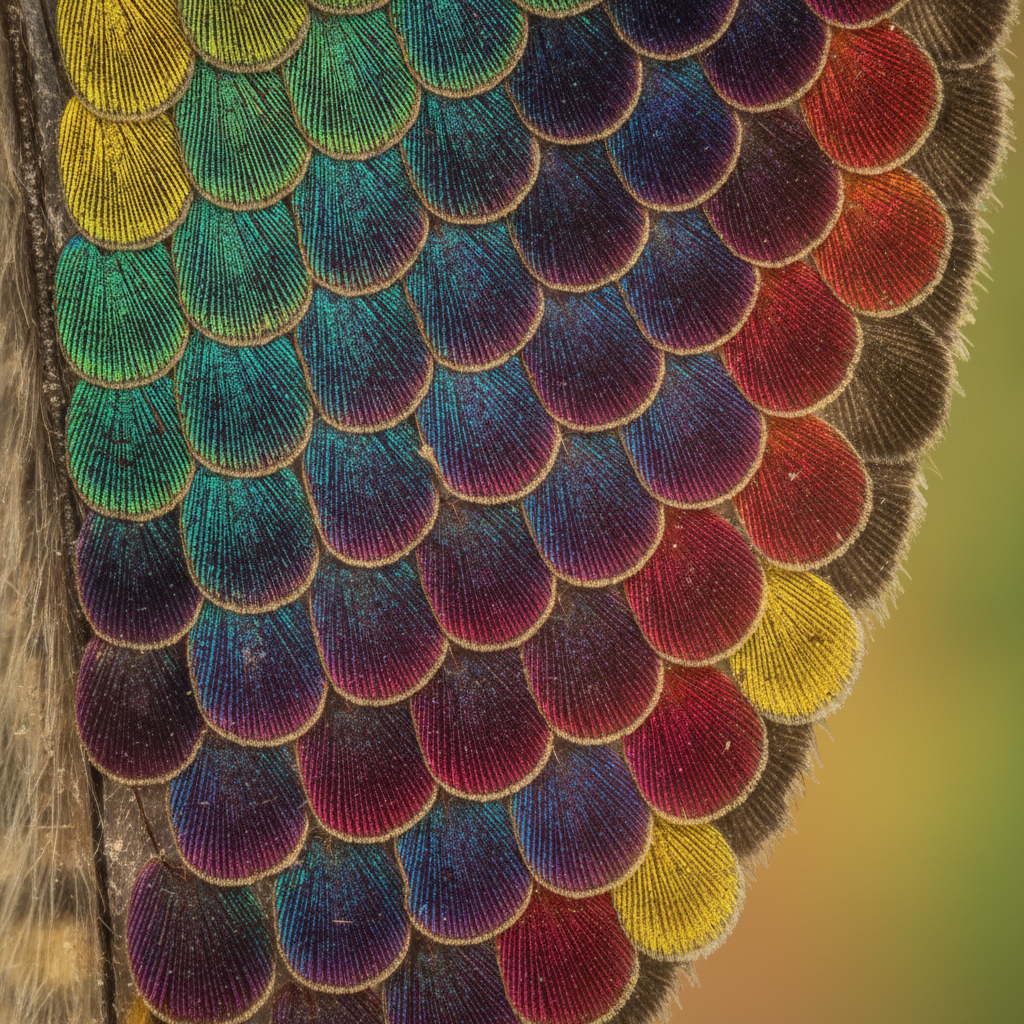
Macro Butterfly Wing
AI upscaled 4K
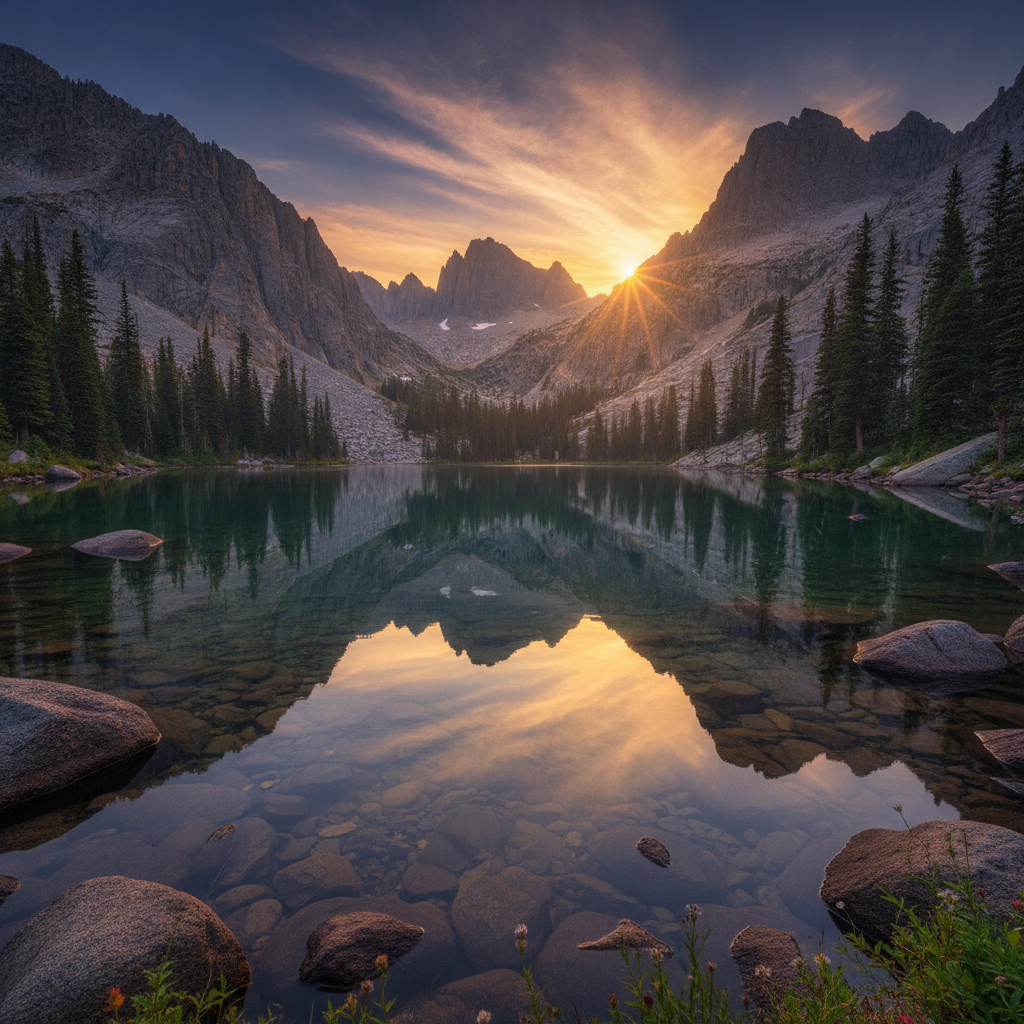
Mountain Lake Landscape
AI upscaled 4K
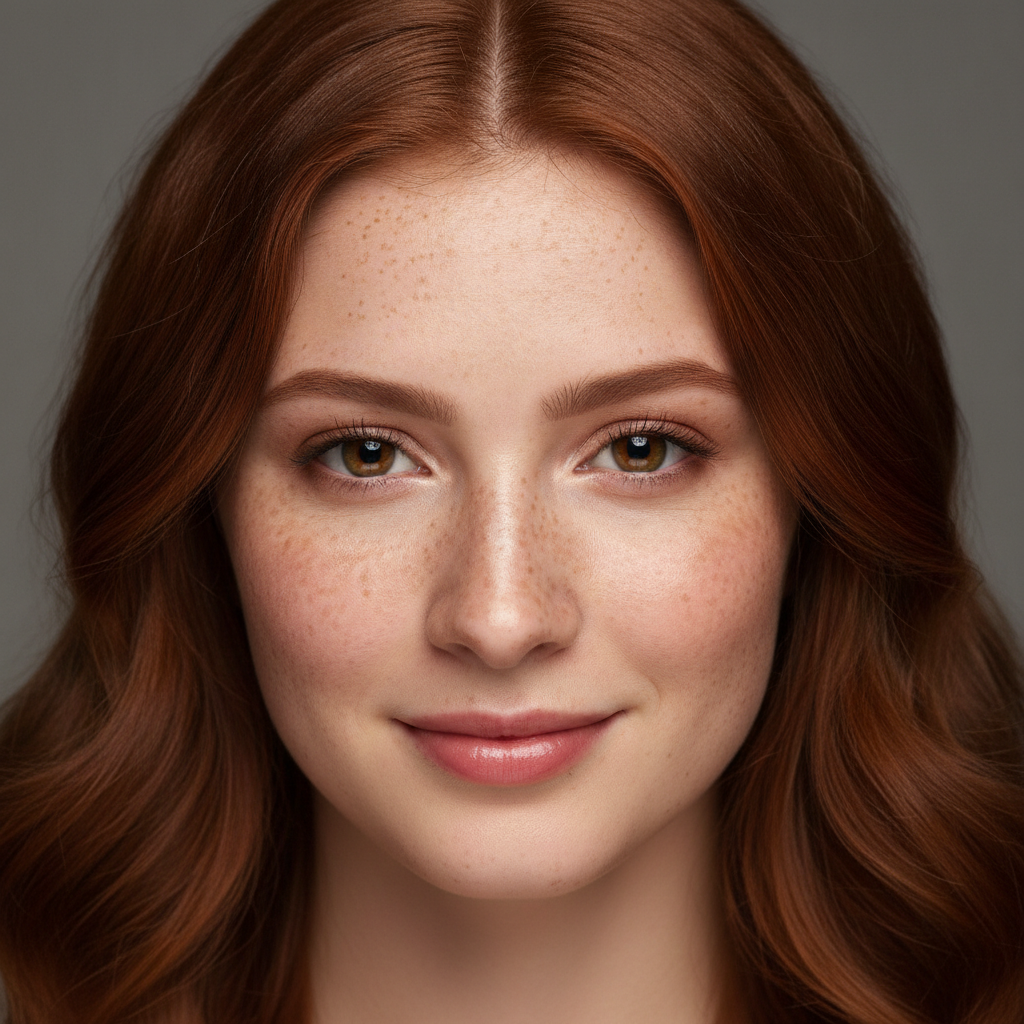
Enhanced Portrait
AI upscaled 4K
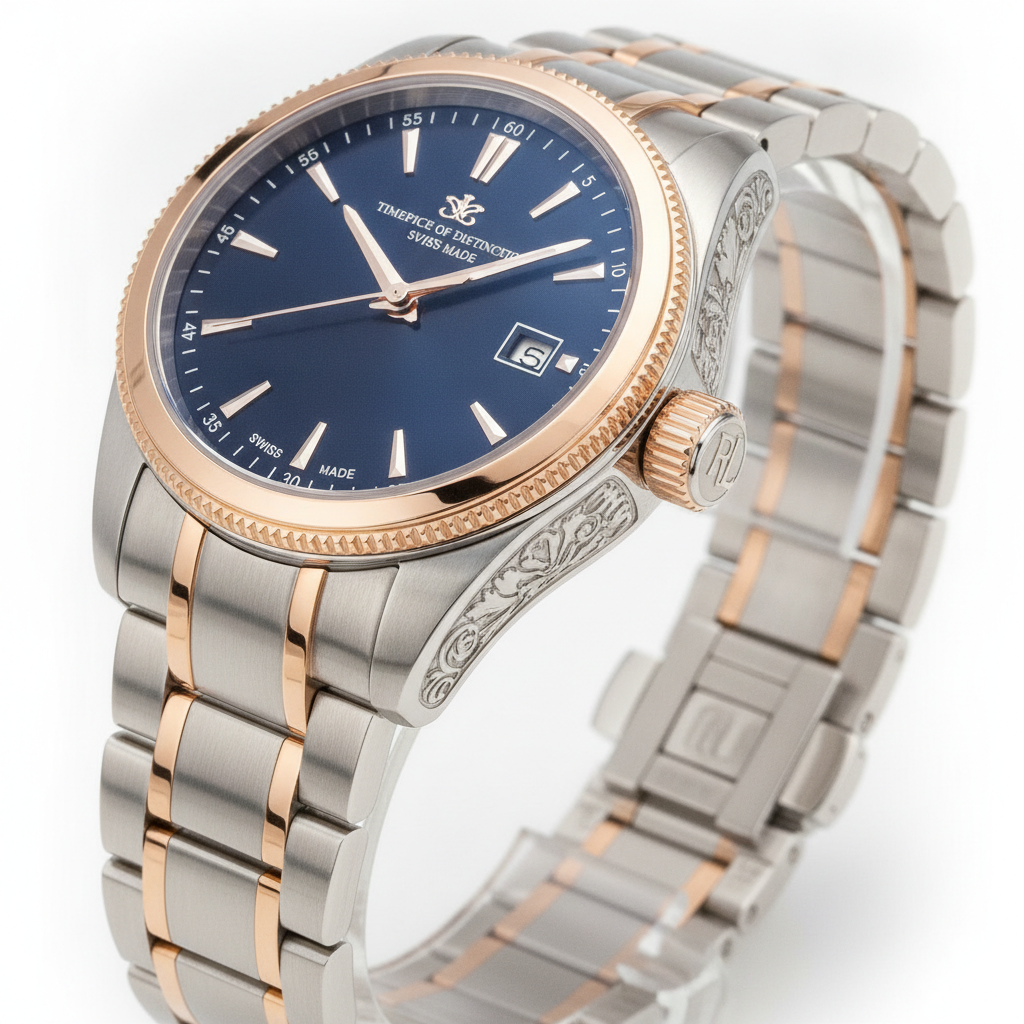
Product Shot
AI upscaled 4K
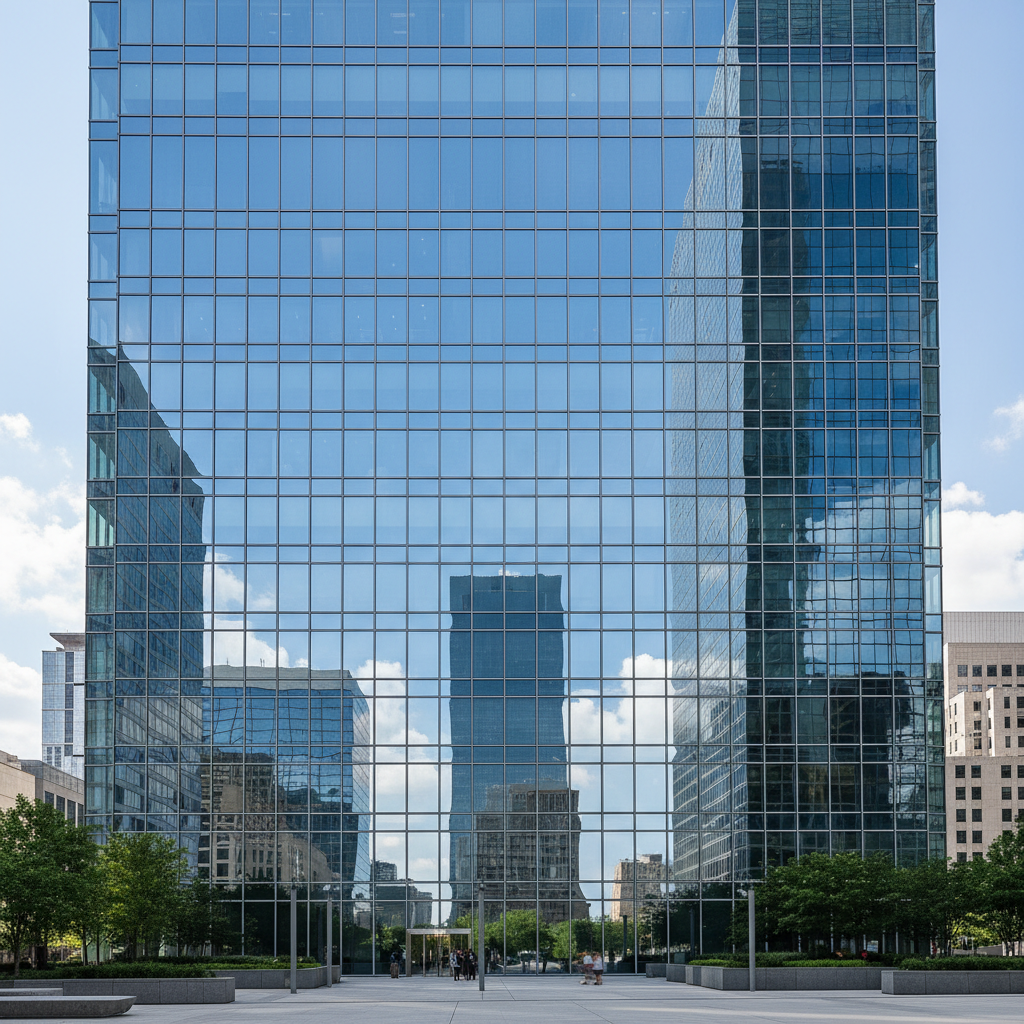
Architecture Detail
AI upscaled 4K
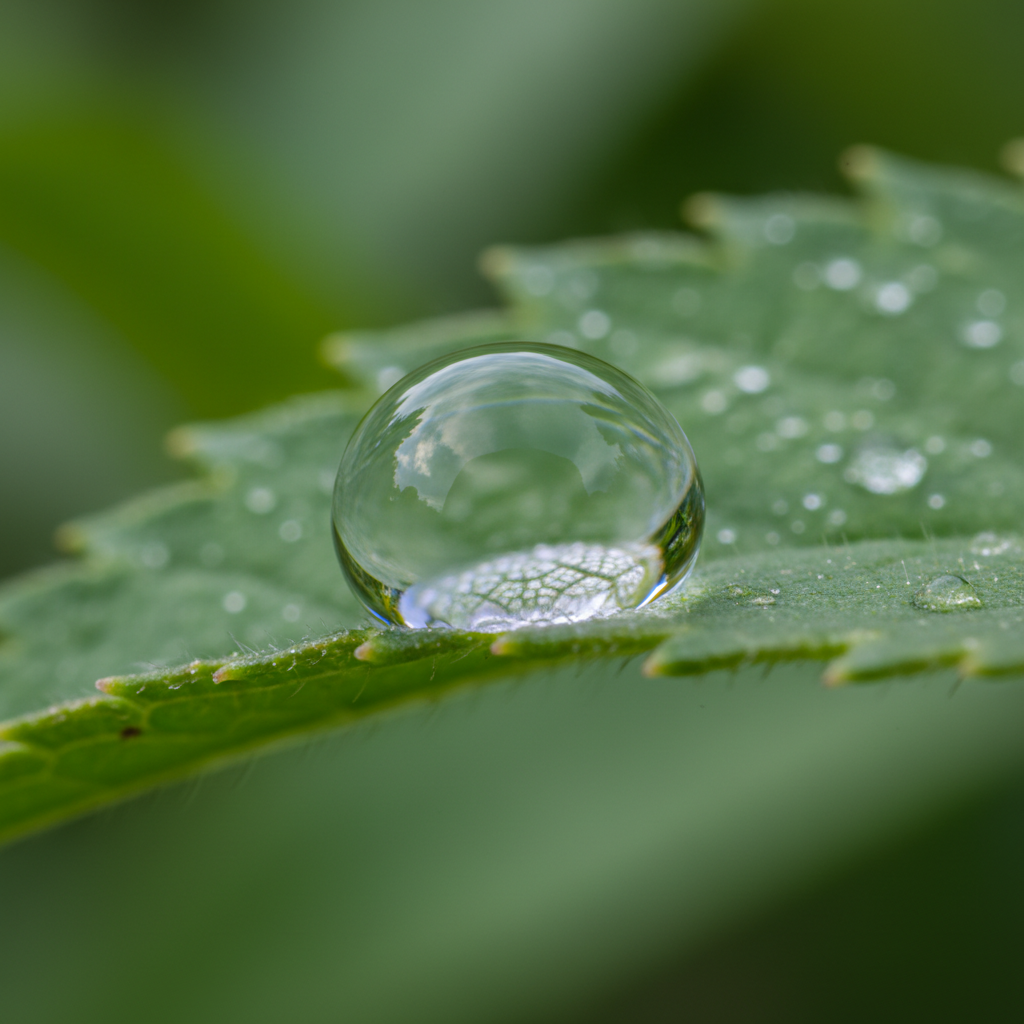
Macro Dewdrop
AI upscaled 4K
How AI Upscaling Works
Three steps, fifteen seconds — versus a manual resize-and-sharpen workflow
Upload Your Photo
Drop any low-resolution, soft or pixelated image into the tool above — a small product shot, an old scan, a compressed download. The AI works with phone photos and screenshots alike, no preparation needed.
Pick an Enhancement
Choose a preset — upscale 4K, enhance detail, denoise and sharpen, portrait, product or restore old photo — or describe the result you want. The AI reconstructs realistic detail across the whole image in about fifteen seconds.
Download & Use
Download your crisp, upscaled image and use it for prints, listings, displays or client work. Regenerate as many times as you like. Upgrade for unlimited 4K exports, watermark-free downloads and full commercial usage rights.
Why AI Wins — and Where Traditional Still Fits
The real trade-offs behind AI image upscaling vs traditional methods
Real Detail, Not Just Bigger Pixels
The core of AI image upscaling vs traditional methods is detail. Traditional bicubic or Lanczos resizing only stretches the pixels you already have, so the result is just a larger, softer copy. AI image upscaling reconstructs realistic high-frequency detail — sharp edges, crisp text, fine texture — that interpolation can never invent, so enlarged images look intentional instead of blown up.
Seconds, Not a Manual Workflow
Getting a usable result from traditional upscaling usually means resampling, then manually sharpening, denoising and cleaning up halos — a multi-step process that takes real time and skill. This AI image upscaler does all of it in about fifteen seconds: resolution, sharpening and detail recovery handled automatically in a single click.
Learned From Millions of Sharp Images
Where traditional methods rely on fixed math, AI image upscaling draws on patterns learned from millions of high-resolution photos. That is why it is so good at faces, foliage, fabric and lettering — it knows what sharp detail should look like and rebuilds it convincingly across the whole frame at once.
Crisp Even at 4K
Push a traditional resize past 2x and softness and jagged edges take over fast. AI image upscaling holds up far better at high multipliers, comfortably enhancing photos to 2K and 4K while keeping textures believable — ideal for large prints, banners and high-DPI displays.
A Fraction of the Cost
Traditional upscaling means paid editor licenses plus hours of skilled manual work per image. This AI vs manual upscaling tool is free to start and just $2.99 to unlock unlimited high-resolution 4K exports — so enhancing a whole library of photos no longer means a day at the desk or a professional bill.
No Skills, No Artifacts
Traditional sharpening is easy to overdo, leaving halos, ringing and amplified noise. AI image upscaling avoids those pitfalls automatically — it enhances resolution and clarity without the telltale artifacts of manual sharpening, so anyone gets a clean, natural result with no editing experience at all.
AI Image Upscaling vs Traditional Methods — FAQ
Resolution, detail, speed and cost — answered
Upscale Your Photo Now
Skip the blurry resize-and-sharpen workflow. The AI upscaler is free, loaded on this page, and needs no account. Upload a low-resolution photo, pick an enhancement, and watch real detail appear in about fifteen seconds.
Upscale a Photo FreeAI Image Upscaling vs Traditional Methods: The Full Comparison
For years, making an image bigger meant traditional upscaling — bicubic, bilinear or Lanczos resampling. These algorithms work by interpolation: they look at the pixels you already have and mathematically average them to fill in the new ones. The math is fast and predictable, but it adds no real information, so a small or soft photo simply becomes a larger, softer photo with blurry edges and mushy text. To get a usable result, people layer on manual sharpening, noise reduction and edge cleanup in editors like Photoshop — a process that takes time, skill, and a careful hand to avoid halos and artifacts. AI image upscaling rewrites that equation: a deep neural network trained on millions of high-resolution images reconstructs realistic detail across the whole frame in about fifteen seconds, no editing knowledge required.
So in the debate of AI image upscaling vs traditional methods, where does each approach win? AI dominates on resolution quality, sharpness, speed and cost. Because it predicts and rebuilds high-frequency detail rather than stretching pixels, AI keeps edges crisp, text legible and textures believable even at 2x, 4x and beyond — exactly where traditional methods fall apart. It is dramatically faster, needs no manual sharpening workflow, requires zero editing skill, and costs a fraction of the time and software involved in doing it by hand. For photographers enlarging shots for print, designers preparing assets for high-DPI screens, and anyone restoring small or compressed images, AI photo upscaling is simply the better tool.
Traditional methods still hold a narrow edge in one situation: pixel-exact fidelity. Because interpolation never invents detail, it is the conservative choice for technical, scientific or forensic imaging where reconstructed texture — however plausible — is not acceptable. For ordinary photos that is rarely a concern, and in fact the reconstructed detail is exactly what makes AI results look so much sharper. This is why a growing number of professionals use AI image upscaling as their default for enhancement and reserve traditional interpolation only for the rare cases that demand strict fidelity. The smartest workflow uses each method where it genuinely shines.
Whether you searched for "AI image upscaling vs traditional", a way to "enhance image resolution" with AI, an "AI vs manual upscaling" breakdown, or a straightforward photo upscaling comparison, this is the page for it on aibanana.net. The interactive tool above is powered by the Nano Banana Pro model, runs entirely server-side, and asks for no account, email or credit card — free usage is protected with per-IP rate limits rather than a login wall. Upload a low-resolution or blurry photo, choose an enhancement preset or describe the look you want, and see for yourself how far AI upscaling has come compared to traditional resizing. When a result fits your project, upgrade to a paid plan starting at $2.99 to unlock unlimited 4K exports, watermark-free downloads and full commercial usage rights — the detail of AI with the resolution your work deserves.