
AI Photo Editor
Edit Photos Like a Pro in Seconds
Transform your photos with AI-powered editing. Remove backgrounds, enhance portraits, apply artistic styles, and upscale to 4K — all online, no Photoshop needed. Just describe your edits in plain English.
Try It Now — Free
Upload your photo, choose an edit style, and transform it with AI
AI Photo Editor
Upload a photo and select an editing style
Upload your photo, select a style, and click Generate
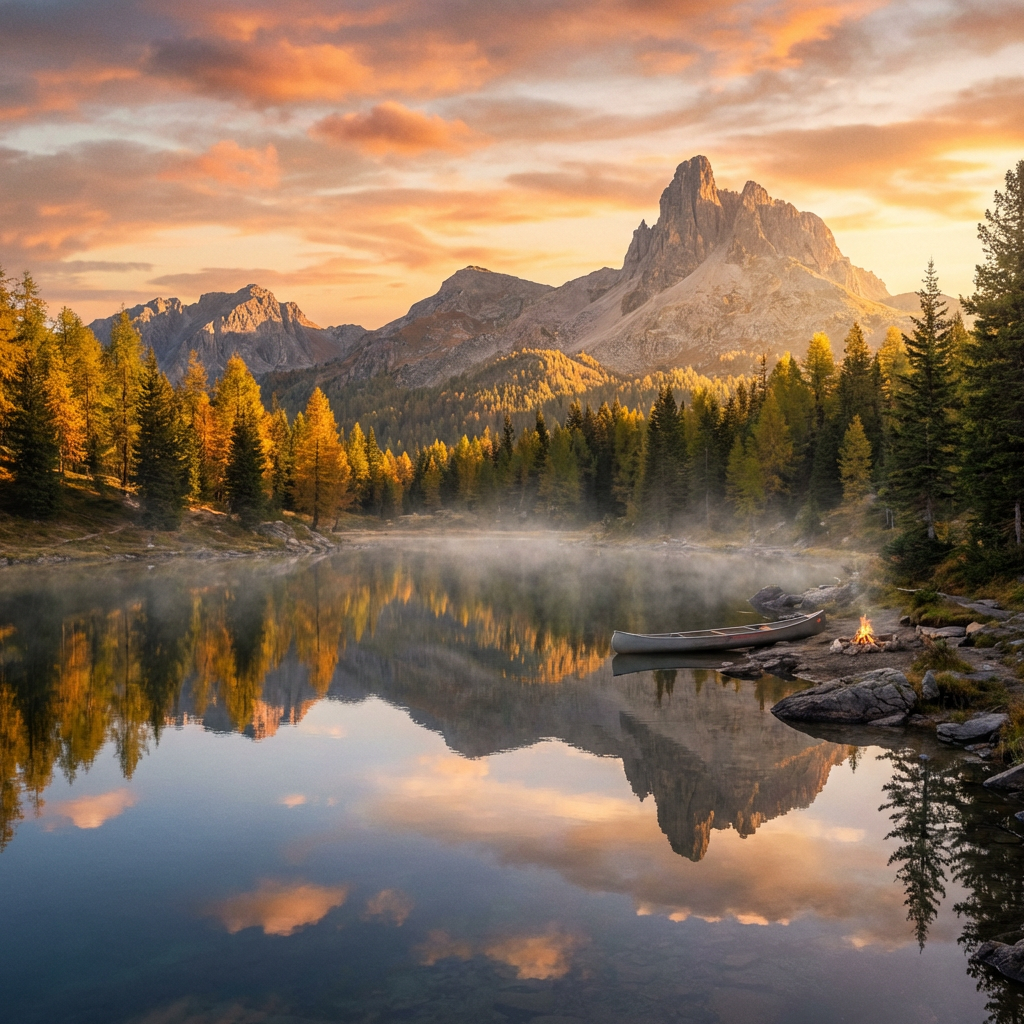
Background Replacement
Edited with AI Photo Editor
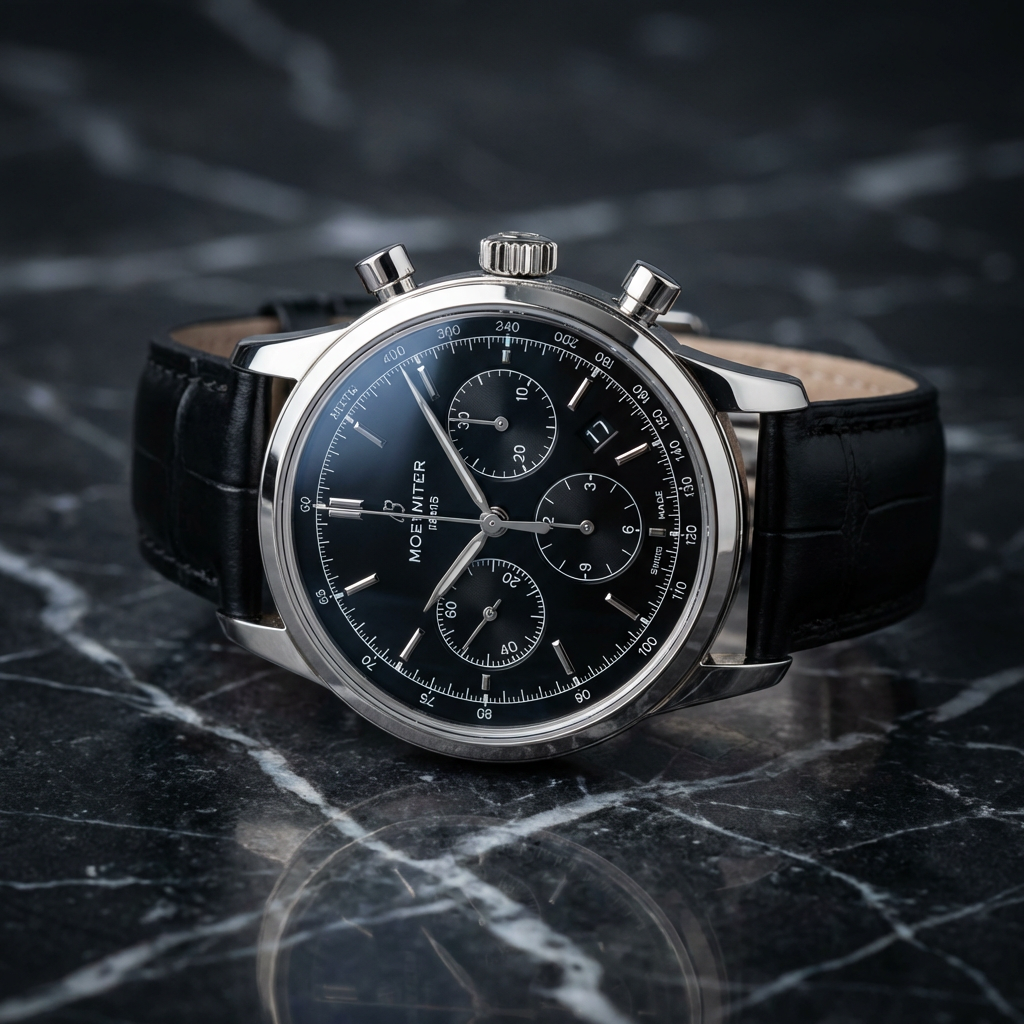
Object Removal
Edited with AI Photo Editor
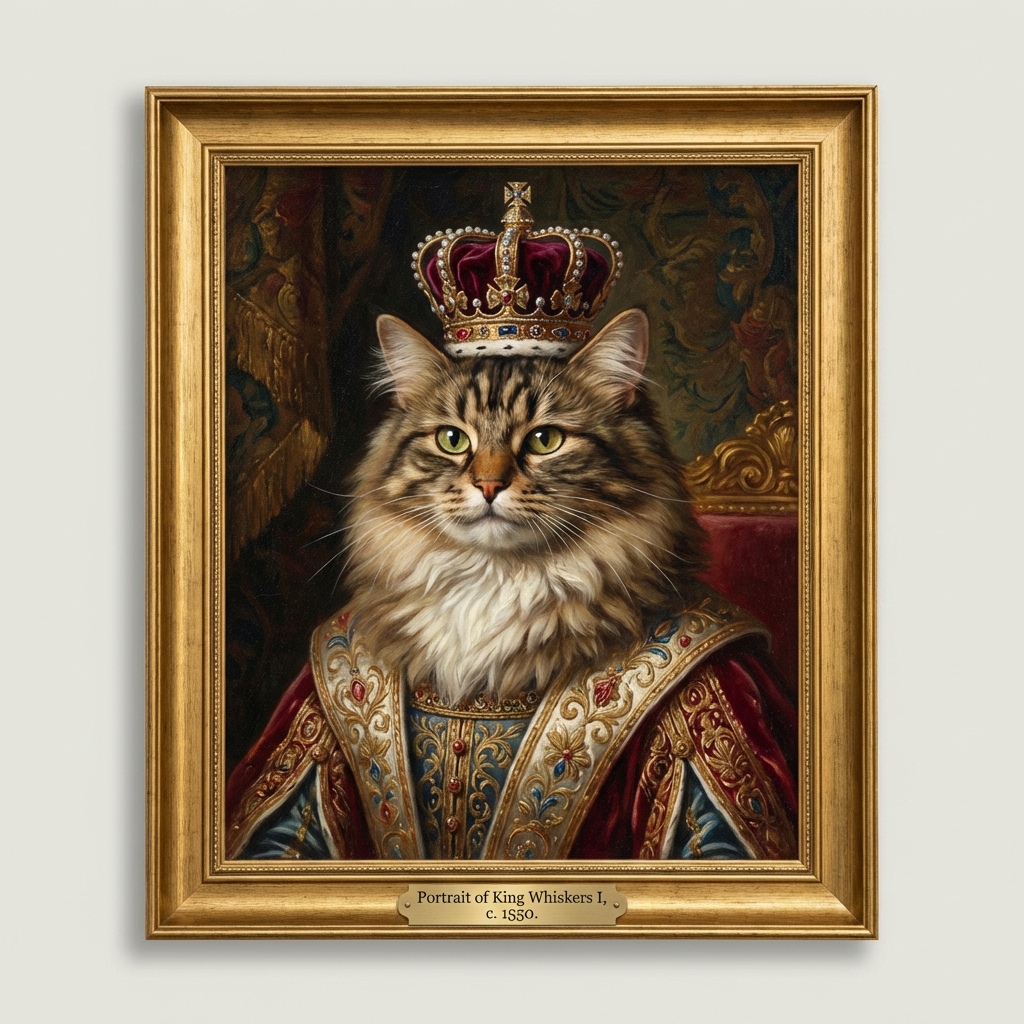
Artistic Filters
Edited with AI Photo Editor
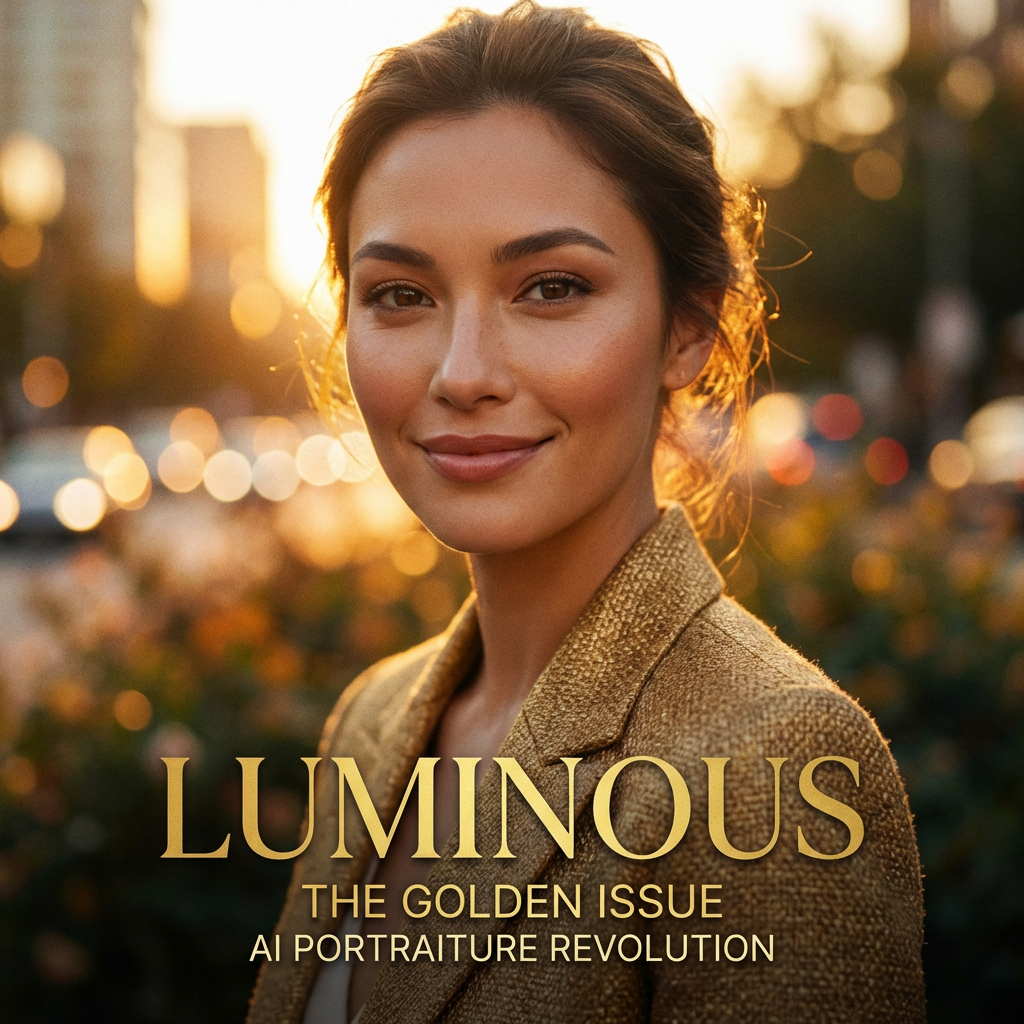
Portrait Enhancement
Edited with AI Photo Editor
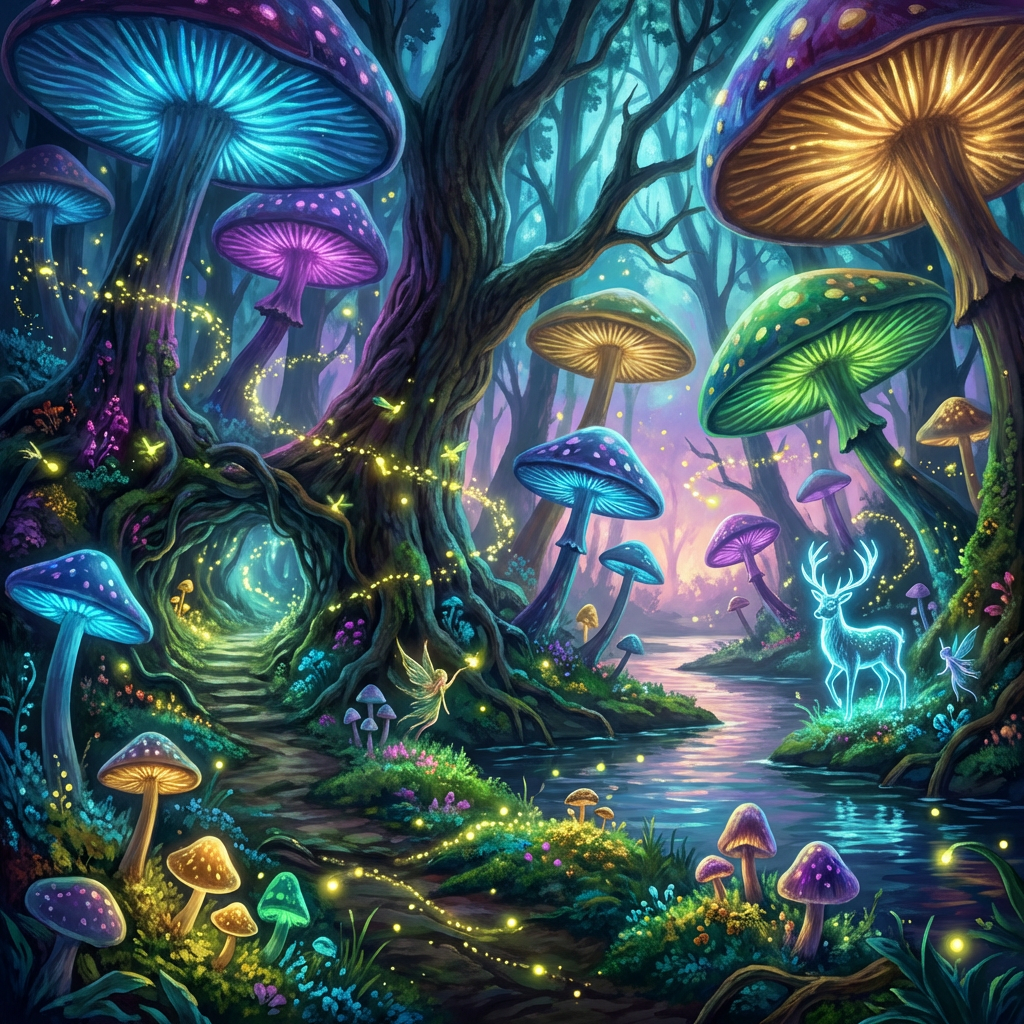
Style Transfer
Edited with AI Photo Editor
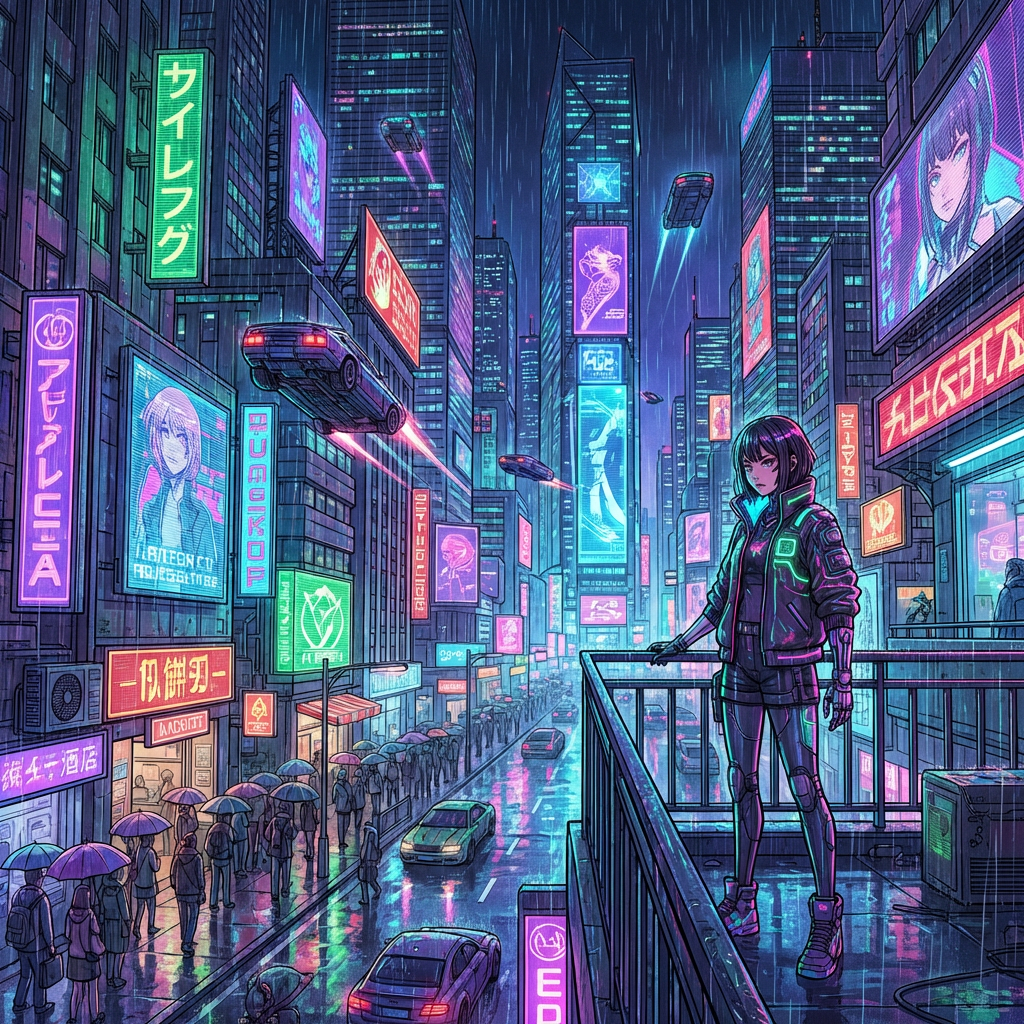
Color Enhancement
Edited with AI Photo Editor
How AI Photo Editing Works
Professional photo editing in three simple steps
Upload Your Photo
Upload any photo from your device. Supports PNG, JPG, WebP, and more. Or start with a text description to create a new image.
Describe Your Edits
Tell the AI what changes you want — "remove background," "enhance lighting," "make it look vintage." Natural language commands work.
Download Result
AI applies your edits in seconds. Preview the result, make adjustments if needed, and download in high resolution.
AI Photo Editing Features
Powered by Nano Banana Pro, Qwen Image, and Flux Konext for professional photo editing
Smart Photo Enhancement
AI automatically analyzes and enhances your photos. Improve lighting, sharpness, color balance, and overall quality with one click.
Background Removal & Replace
Instantly remove or replace photo backgrounds. Perfect for product photography, portraits, and creating professional compositions.
Style Transfer & Filters
Transform photos into different artistic styles — oil painting, watercolor, anime, sketch, vintage, and more. AI-powered filters beyond simple presets.
4K Upscaling
Upscale low-resolution photos to stunning 4K quality. AI fills in detail and sharpness that wasn't in the original image.
Complete Photo Editing Toolkit
Everything you need to edit photos like a professional
AI-Powered Editing
Advanced AI models handle complex edits that would take hours in Photoshop. Professional results in seconds.
Portrait Retouching
Enhance portraits with AI skin smoothing, blemish removal, lighting adjustment, and natural-looking retouching.
Object Removal
Remove unwanted objects, people, or elements from photos. AI seamlessly fills the space with natural-looking content.
Text on Photos
Add beautifully rendered text to photos with accurate typography. Create posters, social media graphics, and marketing visuals.
Any Device
Edit photos from any device — desktop, tablet, or phone. No software installation needed, works entirely in your browser.
Affordable Pricing
Start at just $9.90 with pay-as-you-go credits. No expensive Photoshop subscription needed for professional photo editing.
AI Photo Editor vs Traditional Tools
See how AI Banana compares to other photo editing options
| Feature | AI Banana | Photoshop | Canva | Pixlr |
|---|---|---|---|---|
| AI-Powered Editing | — | |||
| 4K Output | — | — | ||
| Background Removal | ||||
| Style Transfer | — | — | — | |
| Text Rendering | — | |||
| No Software Install | — | |||
| Natural Language Commands | — | — | — | |
| Starting Price | $9.90 | $22.99/mo | $12.99/mo | $7.99/mo |
AI Photo Editor FAQ
Common questions about AI photo editing
The Best AI Photo Editor Online — No Photoshop Needed
AI Banana is the most accessible AI photo editor online, designed for everyone from beginners to professionals. Our AI-powered photo editing tools let you enhance portraits, remove backgrounds, apply artistic styles, upscale resolution, remove unwanted objects, and transform photos — all without learning complex software like Photoshop. Simply describe your edits in everyday language and our AI handles the rest.
Our AI photo editor is powered by advanced models including Nano Banana Pro, Qwen Image, and Flux Konext. These cutting-edge AI models understand natural language editing commands and produce professional results that rival manual editing by skilled designers. Whether you need to retouch a selfie for social media, create polished product photos for your online store, or transform images into different artistic styles, AI Banana delivers with speed and quality.
Background removal and replacement is one of our most popular AI photo editing features. Upload any photo, and AI cleanly separates the subject from the background in seconds — no manual selection tools or green screens needed. Replace backgrounds with solid colors, custom scenes, or transparent backgrounds for maximum flexibility. Perfect for ecommerce product photography, professional headshots, social media content, and marketing materials.
Style transfer transforms ordinary photos into artwork. Convert your photos to oil painting style, watercolor, anime, sketch, vintage, pop art, and dozens more artistic styles. The AI preserves the composition and key details of your original photo while applying the chosen artistic style with stunning accuracy. Create unique visual content that stands out on social media and marketing materials.
All edited photos can be output at up to 4K resolution (4096x4096 pixels), ensuring professional quality for any use case — print, web, social media, or commercial applications. Our AI upscaling technology enhances low-resolution photos with intelligent detail reconstruction, giving you sharp, high-quality results even from small source images.
Start editing photos with AI today. No software installation, no design skills, no expensive subscriptions. AI Banana offers affordable pay-as-you-go pricing starting at $9.90 — a fraction of the cost of Photoshop ($22.99/mo) or Canva Pro ($12.99/mo). Join thousands of creators, marketers, and businesses who trust AI Banana for professional AI photo editing.