
Time-Domain AI Photo Restoration
A photograph does not simply get worse with age — it gets worse in a way that gives away exactly when it was made. Silver gelatin prints crack and mirror, mid-century paper browns and foxes, seventies colour drifts orange as its cyan dye dies. This time-domain AI photo restoration dates the damage from the print itself, then repairs it the way that era needs repairing.
Start Restoring FreeTry It Now — Free
Upload a scan of the old photograph, choose the era and damage type, and get a restored 4K-class result in seconds. No account, no watermark on paid plans.
Time-Domain AI Photo Restoration
Upload a scan of your old photograph, pick the era and damage type, and get it back repaired
Upload your scanned photo, choose a restoration type, and click Generate
What AI Photo Restoration Brings Back
Six archival cases, from cracked emulsion to a colour cast eighty years in the making.
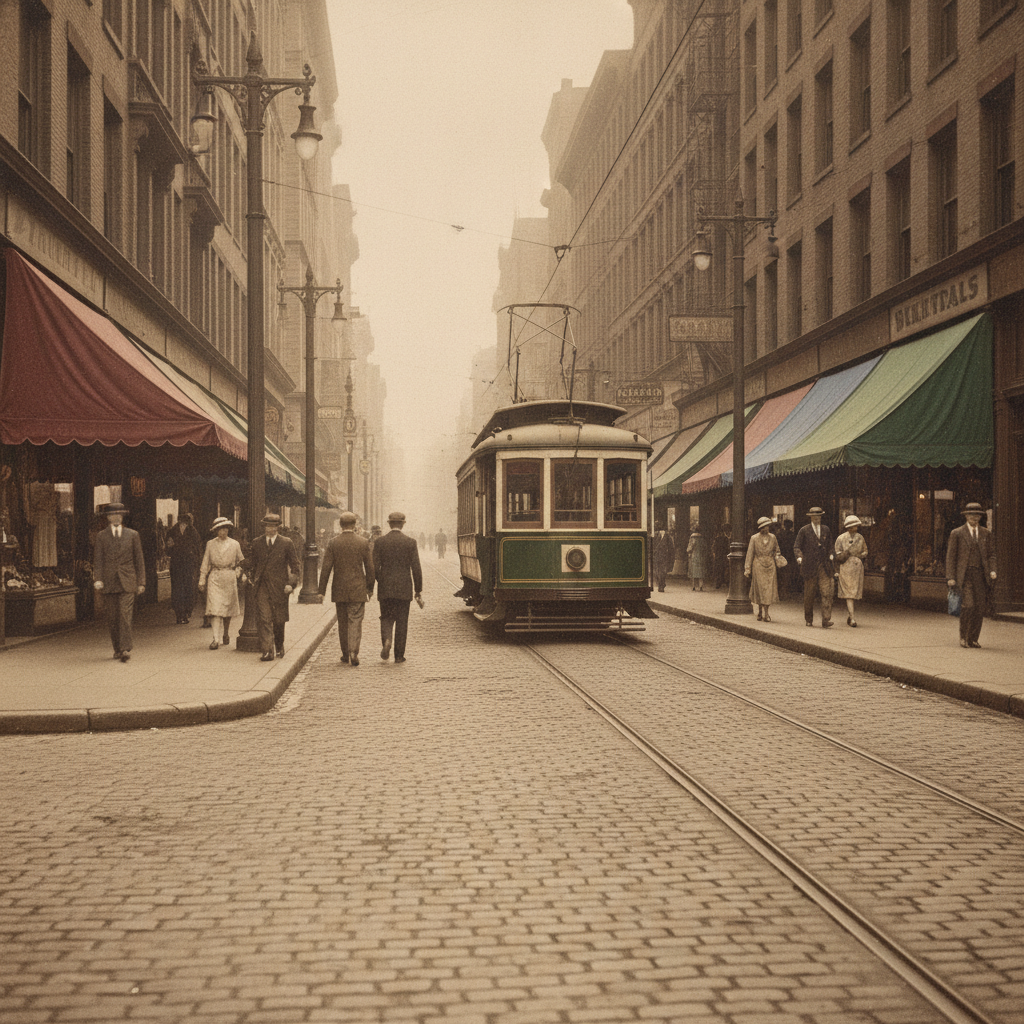
1920s Street Scene
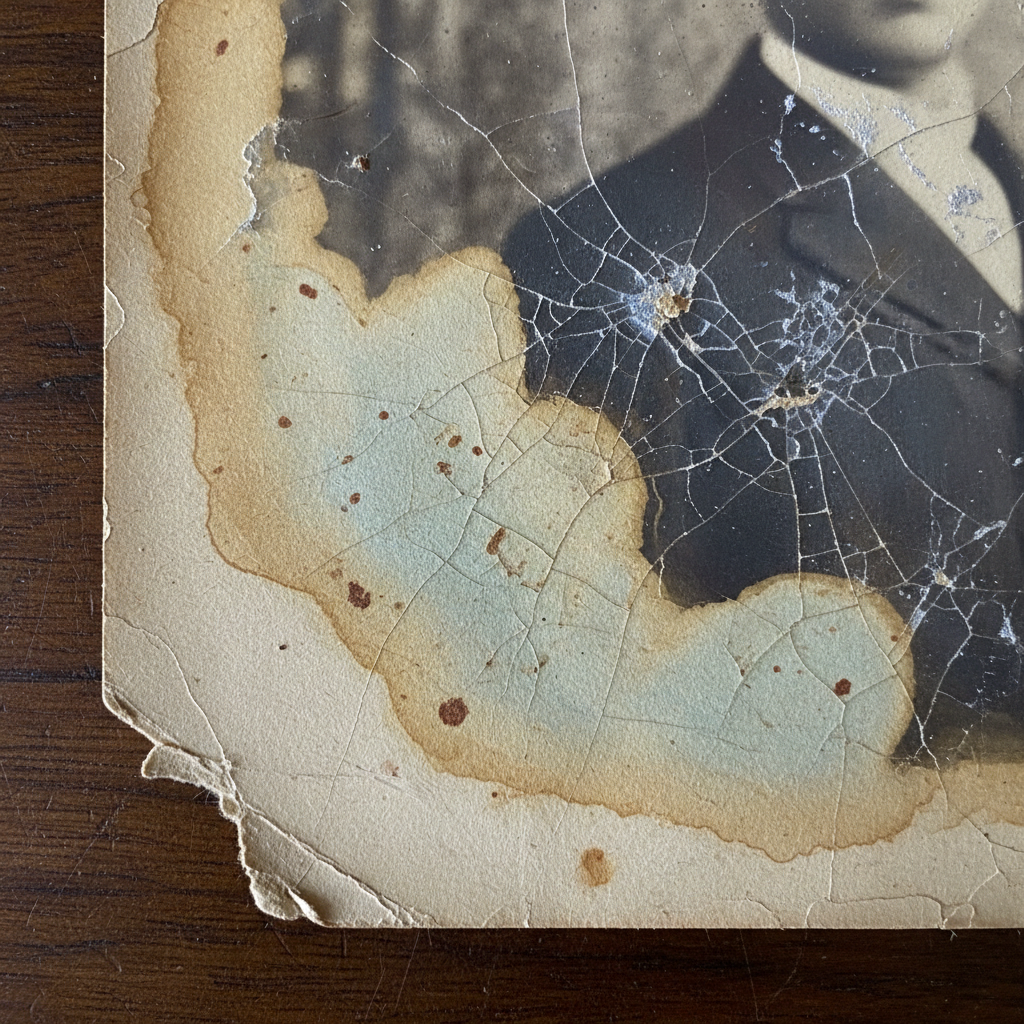
The Damage Up Close
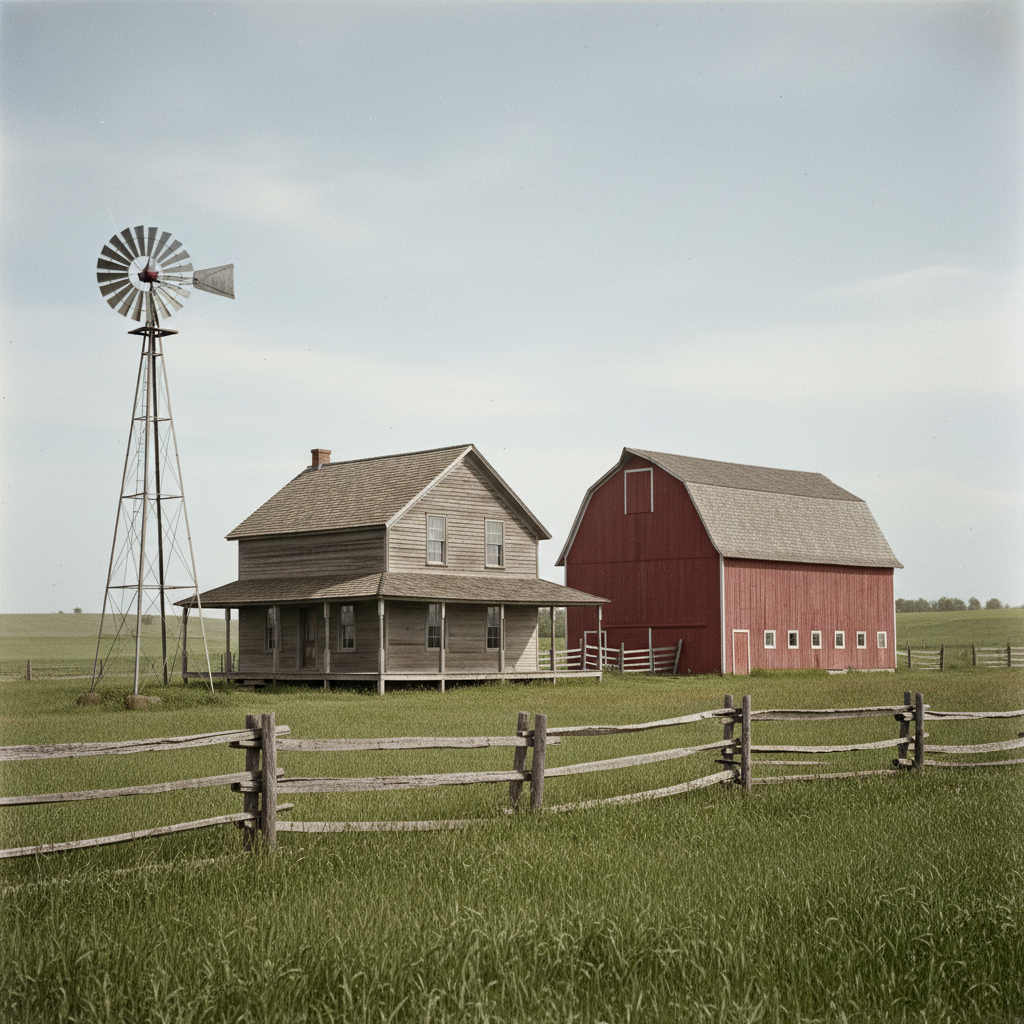
Farmhouse, circa 1905
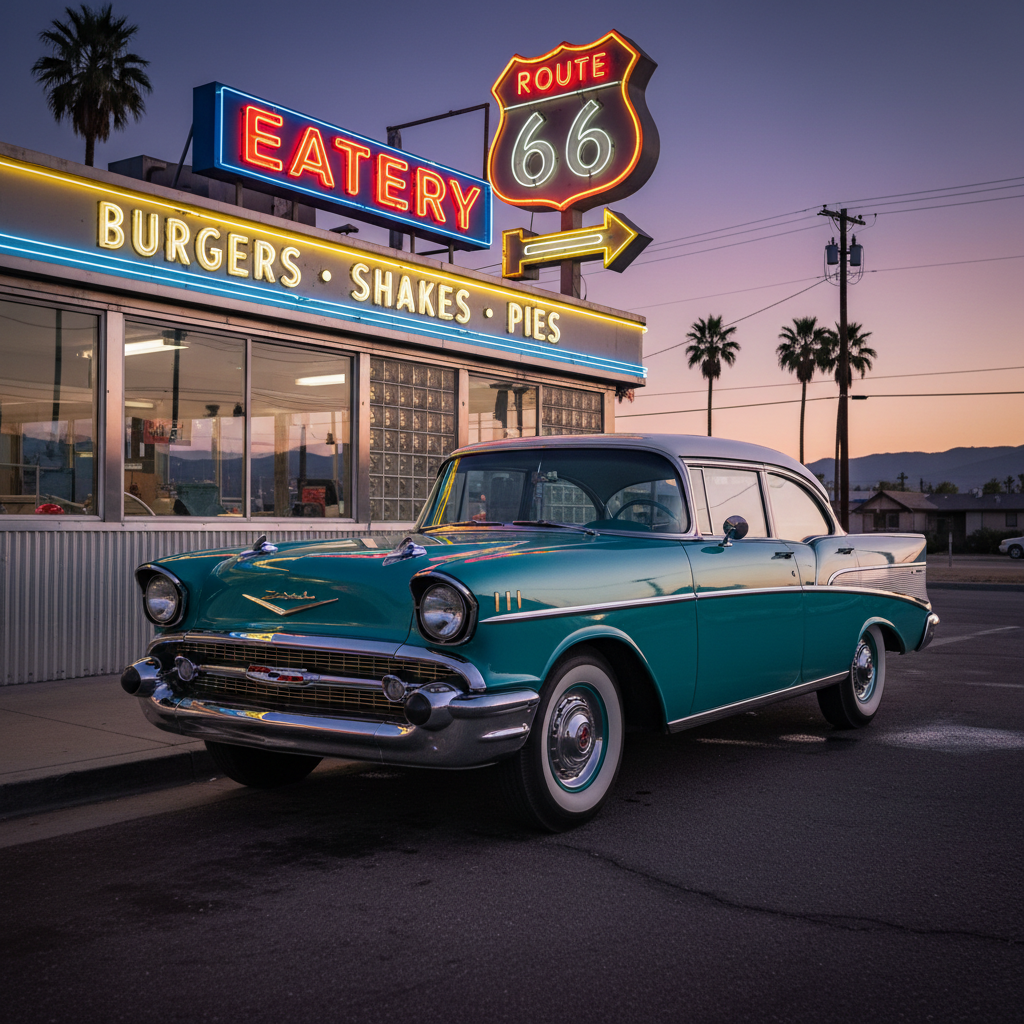
Mid-Century Colour
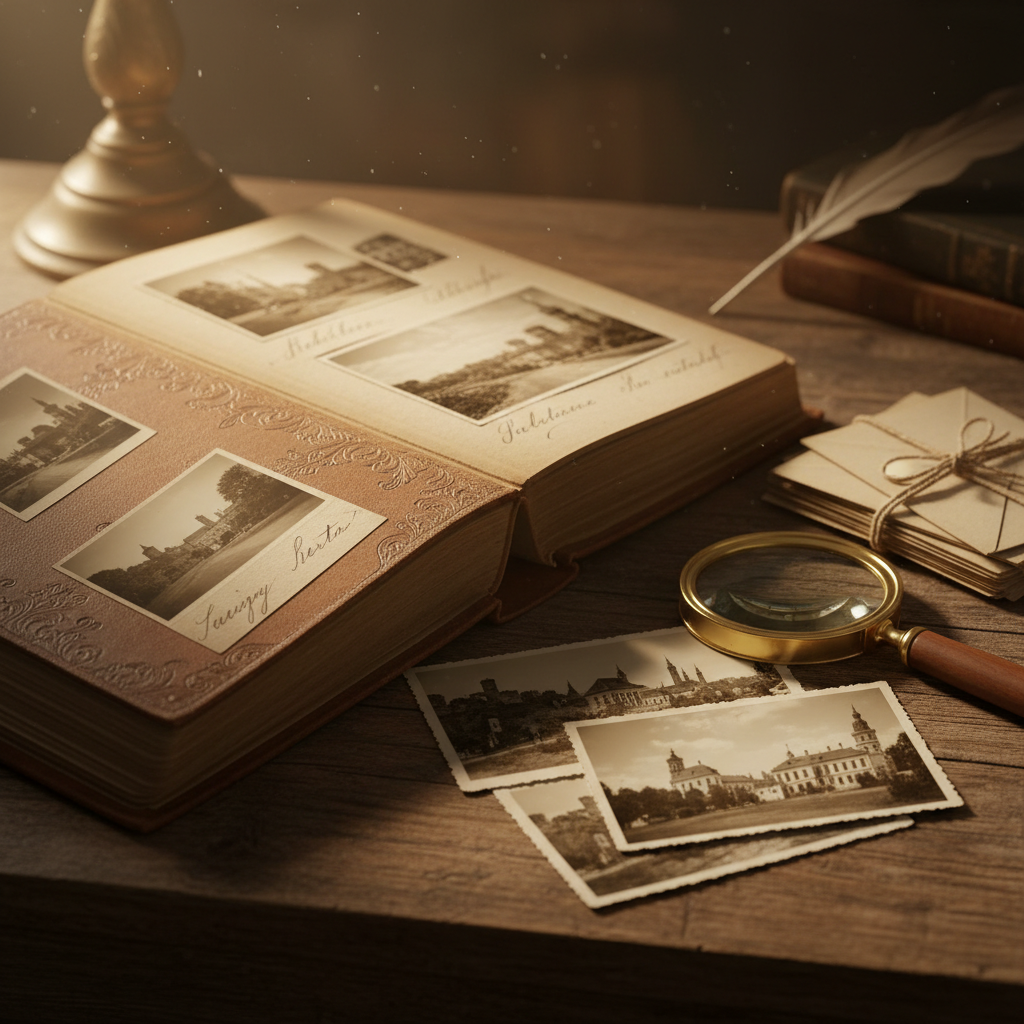
The Family Archive
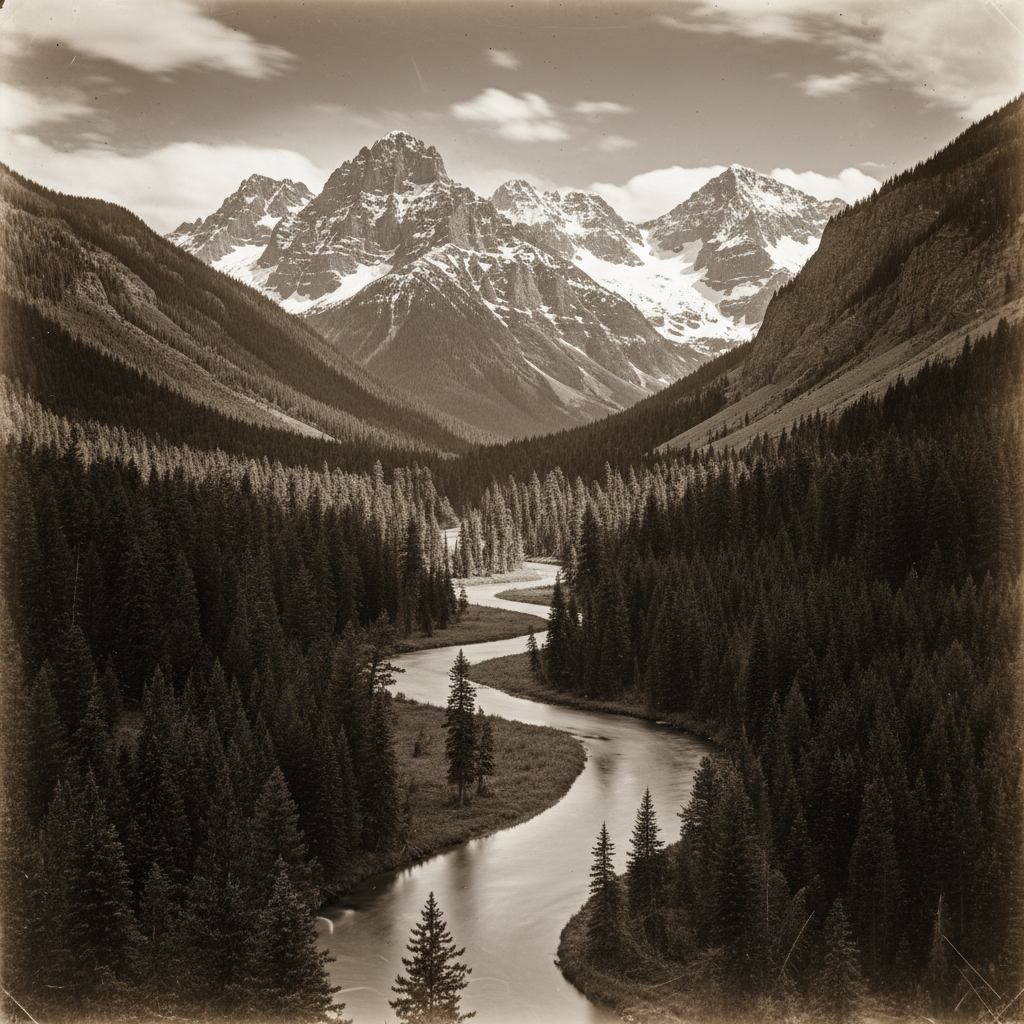
Glass Plate, Cleaned
How The AI Photo Restoration Works
Scan Or Upload The Original
Flatbed at 600 DPI if you have one, saved as PNG or TIFF. Turn off the scanner's own dust removal and auto-colour so the restoration works from the real print, not from someone else's guesses about it.
Pick The Era And Damage Type
Choose the preset matching what you are holding: cracked monochrome print, faded colour snapshot, black-and-white to colorize, low-contrast archival scan, or a full restoration pass that handles everything at once.
Download At 4K And Archive Both
The restored photograph comes back in about fifteen seconds as a 4K-class PNG. Keep it beside the untouched scan — master and presentation copy, the way any archive stores them.
Every Era Fails Differently
The decay signature is what dates a print — and what decides which repair it needs.
Yellowing highlights, plate scratches, chemical blotches, flaking emulsion and heavy dust from decades of handling.
Surface crazing and emulsion cracks, silver mirroring — that bluish metallic sheen in the dark areas — plus fold creases and torn corners.
Rust-coloured foxing spots from paper oxidation, overall browning, water staining and adhesive damage from album corners.
The signature failure: the cyan dye layer dies decades before magenta and yellow, so the whole print drifts orange and magenta as contrast collapses.
Softness from cheap optics, heavy grain from pushed film, slight green cast, and on early digital scans, JPEG compression blocking.
Built For Historical Photo Enhancement
Reads The Era Before It Repairs
Grain structure, paper texture, tonal range and which dye layer died first all date a print. Time-domain AI photo restoration identifies that signature first, then applies the correction that period actually needs — rather than one generic clean-up pass for every decade.
Physical Damage, Not Just Softness
Emulsion cracks, tears, missing corners, fold creases, foxing spots, water stains, scanner dust and silver mirroring are reconstructed from the surrounding surface, so repairs follow the material instead of smearing across it.
Period-Correct Colorization
Colour choices are anchored to the era: the paint, dye, signage and building materials that were actually in use when the shutter opened. A 1955 car gets mid-century colour, not a modern automotive palette.
Fixes Faded Colour, Not Just Faded Prints
Colour prints from the 1960s to 1980s lose their cyan dye layer decades before the others, which is why they drift orange and magenta. That shift is corrected as a channel-specific problem rather than with a blanket colour cast tweak.
Your Original Scan Is Never Touched
The restoration returns a new file and leaves your upload alone. Keep the untouched scan as the archival master and use the restored version as your presentation copy — the correct habit for any reconstruction-based workflow.
Free To Try, $2.99 To Own
Run the tool free with no account. Paid plans start at $2.99 for unlimited high-resolution restorations, watermark-free downloads and commercial rights, with no subscription — which suits archive work that arrives in bursts.
AI Photo Restoration FAQ
Bring The Box Of Old Photos Back
Scan once, restore once, and the crack across the middle stops being the first thing anyone sees. Free to try, no account needed.
Start Restoring FreeWhy Time-Domain AI Photo Restoration Beats A Generic Clean-Up
Most restoration tools treat an old photograph as a single problem called “damage” and throw one pipeline at it: denoise, inpaint the scratches, lift the contrast, maybe colorize. That works well enough on an easy scan and badly on everything else, because the flaws are not generic. They are the fingerprint of a specific material aging for a specific length of time. A silver gelatin print from 1912 and a chromogenic colour print from 1978 have almost nothing wrong with them in common — one has cracked emulsion and a metallic sheen in its blacks, the other has a chemically dead cyan layer and an orange cast — and a pipeline that cannot tell them apart is guaranteed to over-correct one while under-correcting the other. Time-domain AI photo restoration starts by dating the print from its own decay signature: grain structure, paper texture, the shape of the tonal curve, which colour channel has collapsed. The repair follows from the diagnosis.
That diagnosis-first order matters most in the two places old photo repair usually goes wrong. The first is colorization. Colour is always an interpretation — several different dyes map to the same grey on orthochromatic film, so no model can know a 1935 dress was green. What it can know is what the paint, dye, signage, vehicle finishes and building materials of that decade actually looked like, which is the difference between a colorized photograph that reads as a genuine period image and one that reads as a modern picture wearing a costume. The second is contrast. A faded print is not merely dark or light; it has a compressed tonal range with a specific era character, and blanket auto-levels flattens exactly the tonality that made the original look like a photograph from its time. Historical photo enhancement that knows the period rebuilds the range the print was printed to hold.
It is worth being direct about the limits, because a restoration tool that oversells itself does real harm to family and historical material. This is reconstruction, not recovery. Where the original still holds structure — a crack running across a jacket, a stain over a wall, dust across a sky — the repair is safe and essentially invisible, because the model only has to continue texture it can see on both sides of the gap. Where the damage removed the subject, it is inference: a crack across an eye is filled with a plausible eye, not the eye that was there, and a face torn out of the paper comes back as a plausible face. Colorization is inference throughout. Keep the untouched scan as your archival master and the restored file as a presentation copy, and if the image is a record of genuine historical significance, say in the caption that it has been AI-restored. Archives have always distinguished between the artifact and the reproduction; this is the same distinction with a new tool attached.
For the boxes in the attic — the wedding photograph creased down the middle, the seventies snapshots gone orange, the glass-plate scan that came back grey and dusty — this is the shortest path from a damaged original to something you can print, frame and hand to someone. Scan at 600 DPI as PNG or TIFF, pick the preset matching the era in your hand, and the restored image comes back in around fifteen seconds at 4K, with enough headroom to enlarge or crop a single figure out of a group shot. Plans start at $2.99 with full commercial rights and no subscription, and the tool above runs free without an account. If your scan is very small as well as damaged, run it through the AI image upscaling tool first and this restoration second, use the naked-eye image enhancer for detail work on photographs that are soft rather than damaged, or browse the rest of the AI image tools for editing beyond restoration.