
AI-Driven Naked-Eye Image Enhancer
Your eye decides whether a photo looks real long before any metric does — and it decides on micro-texture: pores, hair strands, fabric weave, the fine edge where one surface stops and another starts. This AI-driven naked-eye image enhancer rebuilds exactly that band of detail, so an image that looked flat and hazy comes back as sharp as the scene was when you were standing in front of it.
Start Enhancing FreeTry It Now — Free
Upload the image that looks soft, choose the kind of detail you need back, and get a 4K-class result in seconds. No account, no watermark on paid plans.
AI-Driven Naked-Eye Image Enhancer
Upload a soft or low-detail photo, pick the detail type, and get back naked-eye clarity
Upload your photo, choose a detail type, and click Generate
What The Naked-Eye Image Enhancer Recovers
Six detail types, each targeting a different surface your eye judges first.
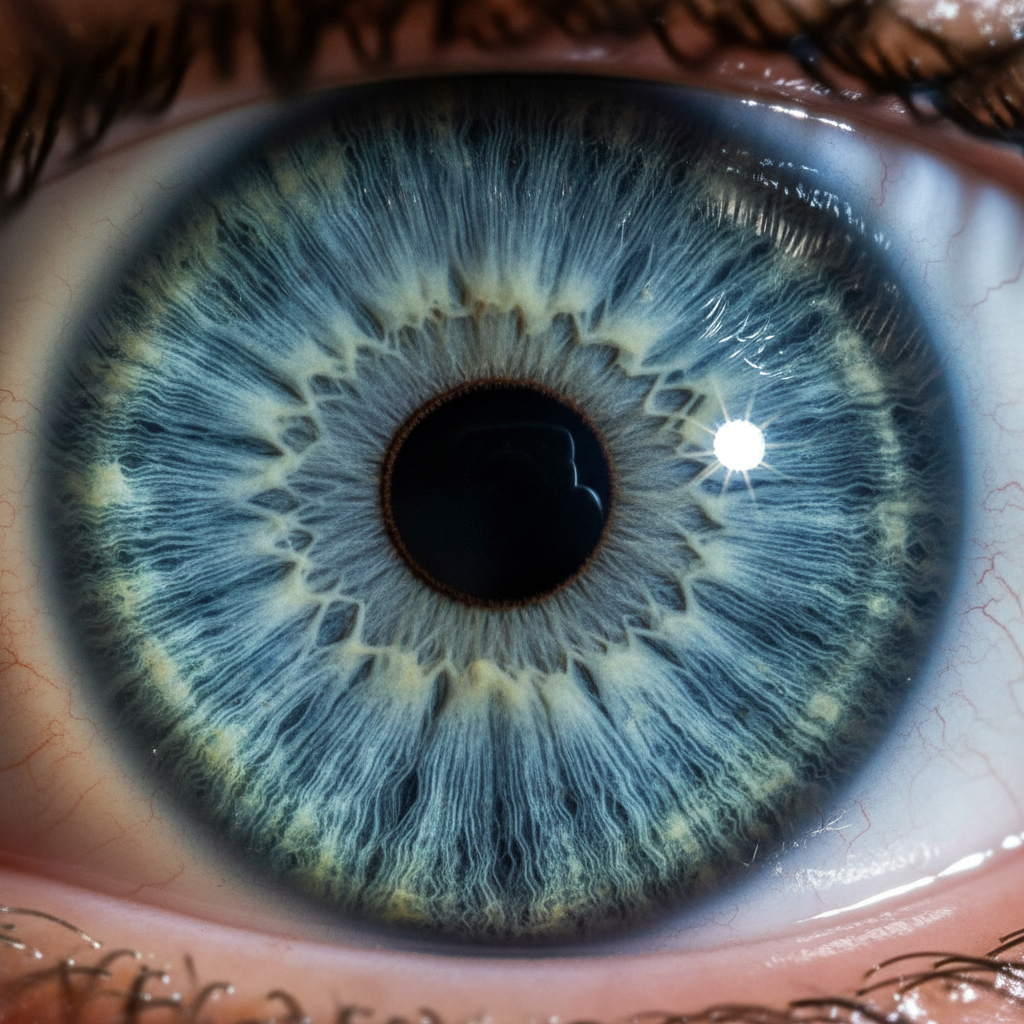
Iris & Eyelash Detail

Haze To Crisp Facades
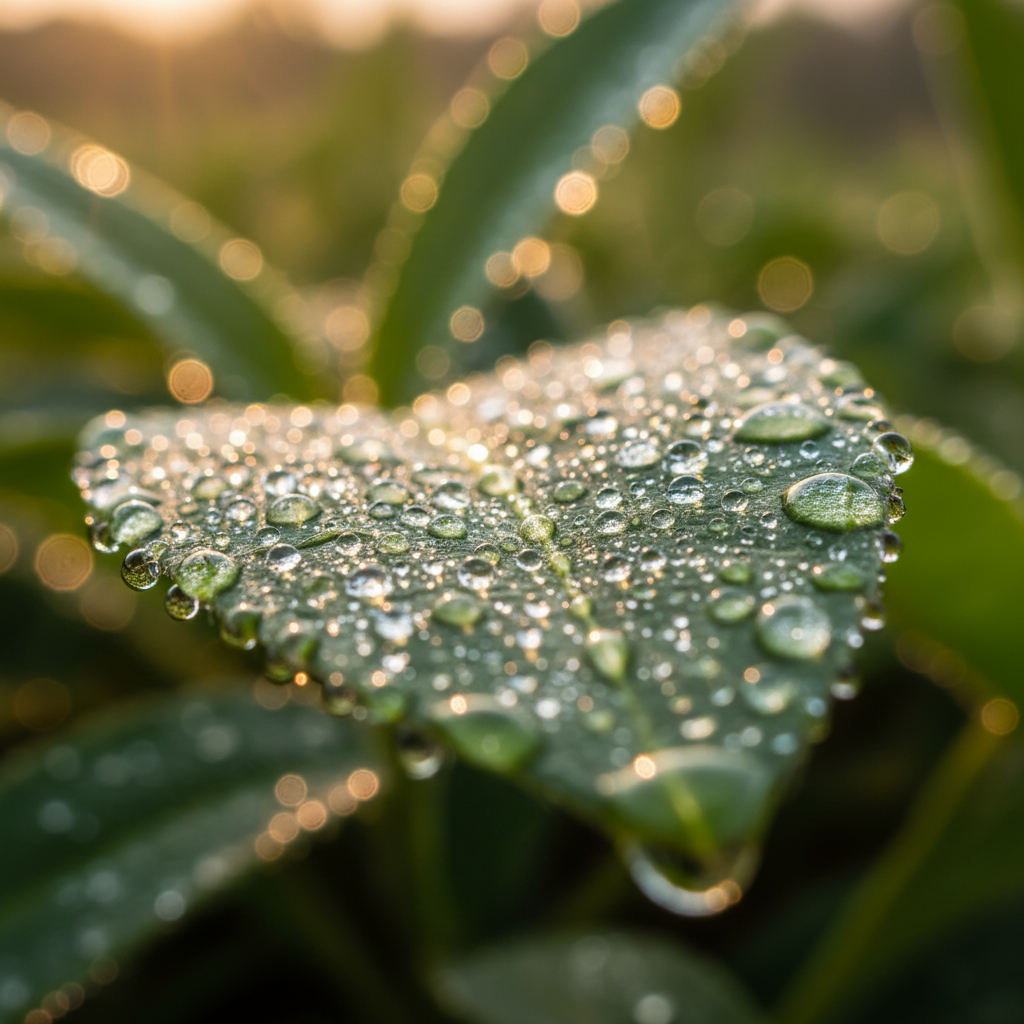
Veins & Droplets
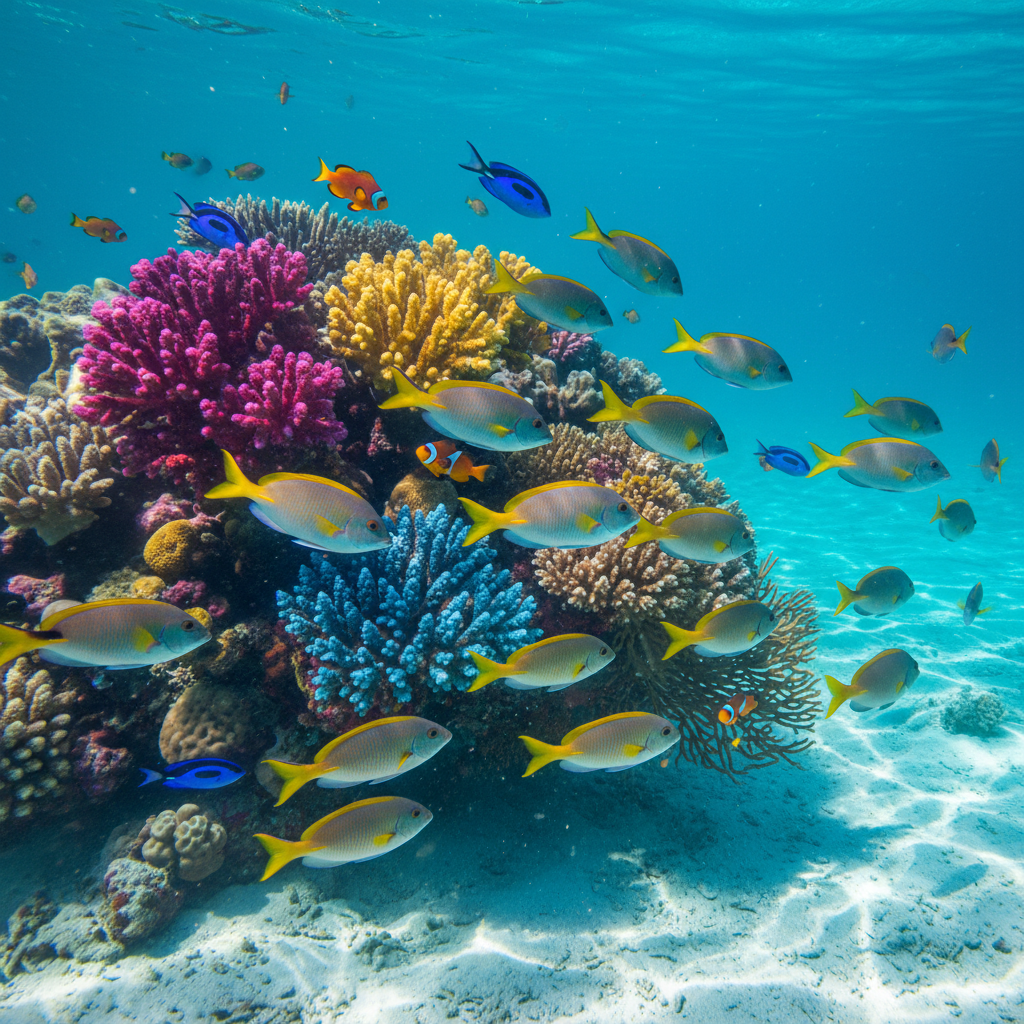
Scale-Level Clarity
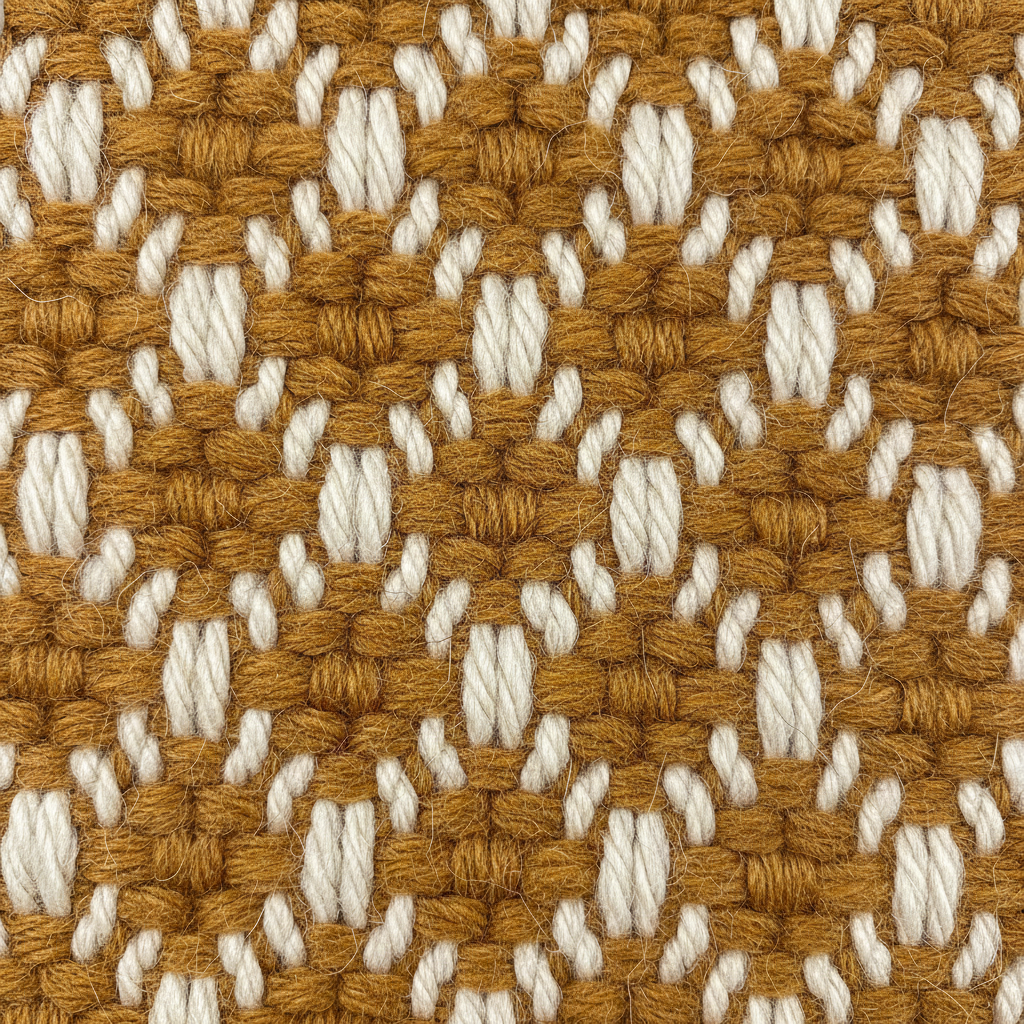
Fibre & Weave
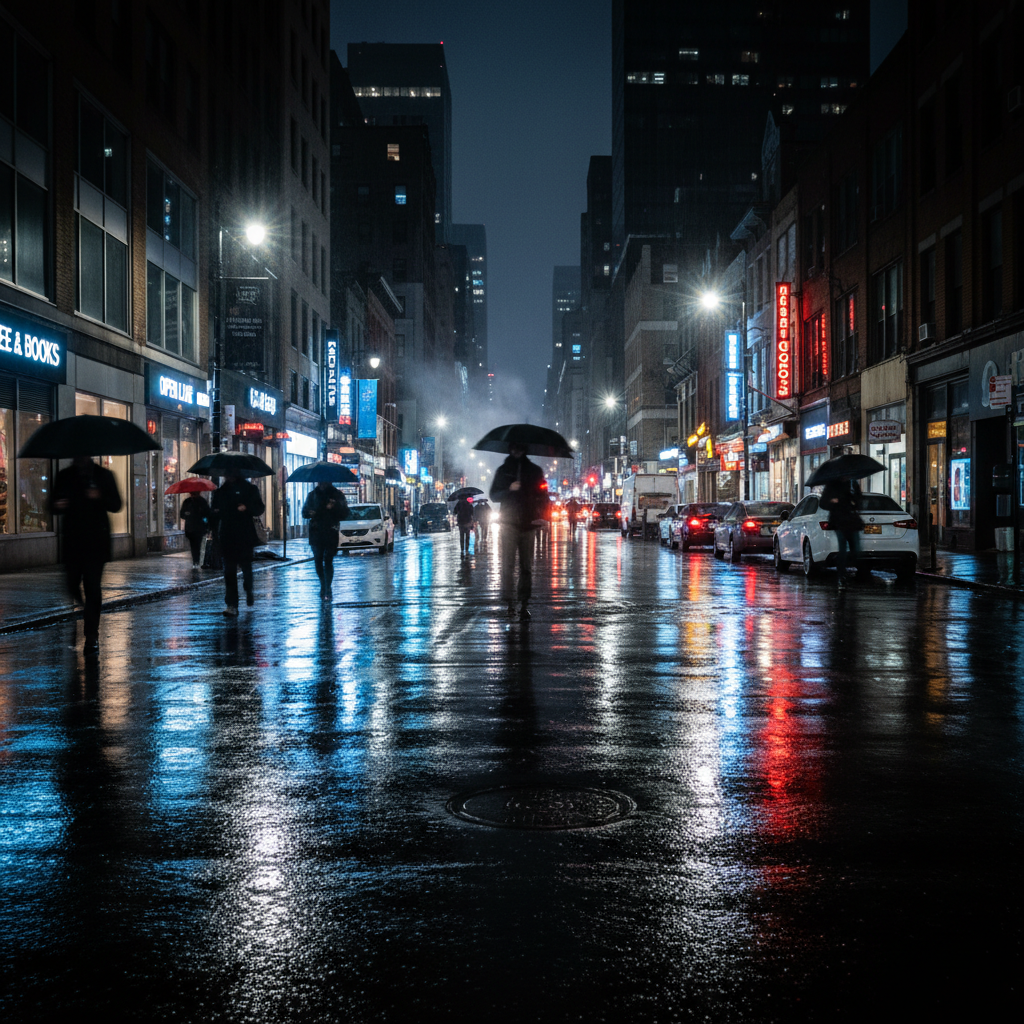
Noise-Free Night Shot
How The AI-Driven Image Enhancer Works
Upload Your Soft Image
Drop in the photo that looks flat, hazy or short on detail. Feed the enhancer the largest, least-compressed version you have — a PNG or original camera file beats a re-saved JPEG.
Pick The Detail Type
Choose the preset that matches your subject: portrait skin and hair, nature and macro texture, fabric and product surfaces, landscape distance, low-light noise, or overall clarity.
Download At Naked-Eye Clarity
The enhanced image comes back in about fifteen seconds as a 4K-class PNG, sharp enough to print, crop into or publish full-bleed.
Built For Detail Your Eye Actually Notices
Tuned To What The Eye Resolves
Human vision resolves about one arcminute of detail — roughly 300 PPI at normal viewing distance. The naked-eye image enhancer rebuilds detail in that band instead of chasing sharpness numbers you will never perceive.
Micro-Texture Reconstruction
Pores, hair strands, fabric weave, leaf veins and stone grain are what your eye checks first when deciding whether a photo looks real. Those surfaces get rebuilt from what the class of material actually looks like at full resolution.
No Halos, No Crunch
A sharpen slider raises edge contrast and leaves bright halos and crunchy shadow noise behind. This AI image enhancer adds detail rather than contrast, so edges resolve cleanly instead of outlining themselves.
4K Output In About 15 Seconds
Enhancement runs server-side, so an old laptop or a phone gets the same speed as a workstation. Results come back as 4K-class PNG, with enough headroom to re-crop or print large.
Your Original Is Never Overwritten
The enhancer returns a new file and leaves your upload untouched. Keep the unmodified capture as your reference copy — the right habit for any reconstruction-based workflow.
Free To Try, $2.99 To Own
Run the tool free with no account. Paid plans start at $2.99 for unlimited high-resolution runs, watermark-free downloads and commercial rights, with no subscription.
Naked-Eye Image Enhancer FAQ
See The Detail You Remember
Upload once, enhance once, and the softness stops mattering. Free to try, no account needed.
Start Enhancing FreeWhy A Naked-Eye Image Enhancer Beats A Sharpen Slider
Most image clarity tools optimise for a number. They raise local contrast at edges, the edge-acutance score goes up, and the preview looks impressive at a hundred percent zoom — right up until you view the file at normal distance and see bright halos tracing every high-contrast boundary, crunchy noise crawling through the shadows and skin that has gone waxy. The problem is structural: a sharpen slider cannot add information, so all it can do is exaggerate the information that survived. An AI-driven naked-eye image enhancer starts from the opposite end. It asks what the missing detail most plausibly looked like, given the subject, the material and the lighting, and reconstructs it — which is why the result reads as clear rather than as processed.
The naked-eye framing is not decoration, it is the design target. Human vision resolves roughly one arcminute of angular detail, which at a normal viewing distance lands somewhere around three hundred pixels per inch. Below that threshold every missing detail is visible as softness; above it, extra resolution is invisible no matter how much compute you spend on it. This detail enhancement is tuned to that band. It puts its effort into the surfaces your eye interrogates first — pores and fine wrinkles on a face, individual strands at a hairline, the weave of a wool sweater, veins in a leaf, grain in weathered stone, the crisp boundary where wet pavement meets a neon reflection — because those are the cues that decide whether an image registers as real. Frequencies you were never going to perceive are left alone.
It is worth stating the limits plainly, because a reconstruction tool that oversells itself is worse than one that does not. This AI image enhancer generates plausible detail where the capture genuinely lost it; it does not uncover data that was never recorded. That distinction rarely matters for a portrait, a landscape, a product listing or a print — nobody is auditing whether a specific hair strand was in the original file. It matters enormously for forensic, legal, medical and scientific work, and it matters for small printed text and distant signage, where reconstructed characters can come back confident and wrong. Keep your untouched original as the reference copy, and check any small specific detail against it before relying on the enhanced version.
For everything else — the shot from an older phone, the frame that missed focus by a hair, the archive scan that came back flat, the product photo that needs to hold up at full width — this is the shortest path from a soft image to one worth publishing. Output is 4K-class PNG with room to re-crop and print large, plans start at $2.99 with full commercial rights and no subscription, and the tool above runs free without an account. If your source file is very small as well as soft, run it through the AI image upscaling tool first and this enhancer second, or browse the rest of the AI image tools for editing work beyond clarity and detail.