
Self-Hosted AI Image Tool
Running a self-hosted AI image tool on your own GPU buys you three real things: total control over models, no per-image cost once the hardware is paid for, and prompts that provably never leave your network. It also costs VRAM, driver maintenance and a recurring share of your weekends. This page lays out what self-hosting actually takes, where it wins outright, and where a hosted generator is the better tool — with one you can test right here against your local setup.
Try The Hosted Generator FreeTry It Now — Free
The most useful comparison is your own prompt on your own subject. Six presets covering what people typically stand a local rig up for — concept art, characters, product mockups, game textures, technical illustration, abstract backgrounds. No account, no checkpoint download.
Hosted AI Image Generator
Pick the kind of image a local stack would normally handle, describe the subject, and compare the result against your own setup
What A Self-Hosted AI Image Tool Involves
Six views of the thing people are really signing up for when they choose to self-host: the hardware, the stack, the operational surface, the VRAM ceiling, the privacy guarantee, and the batch throughput that makes it worth it.
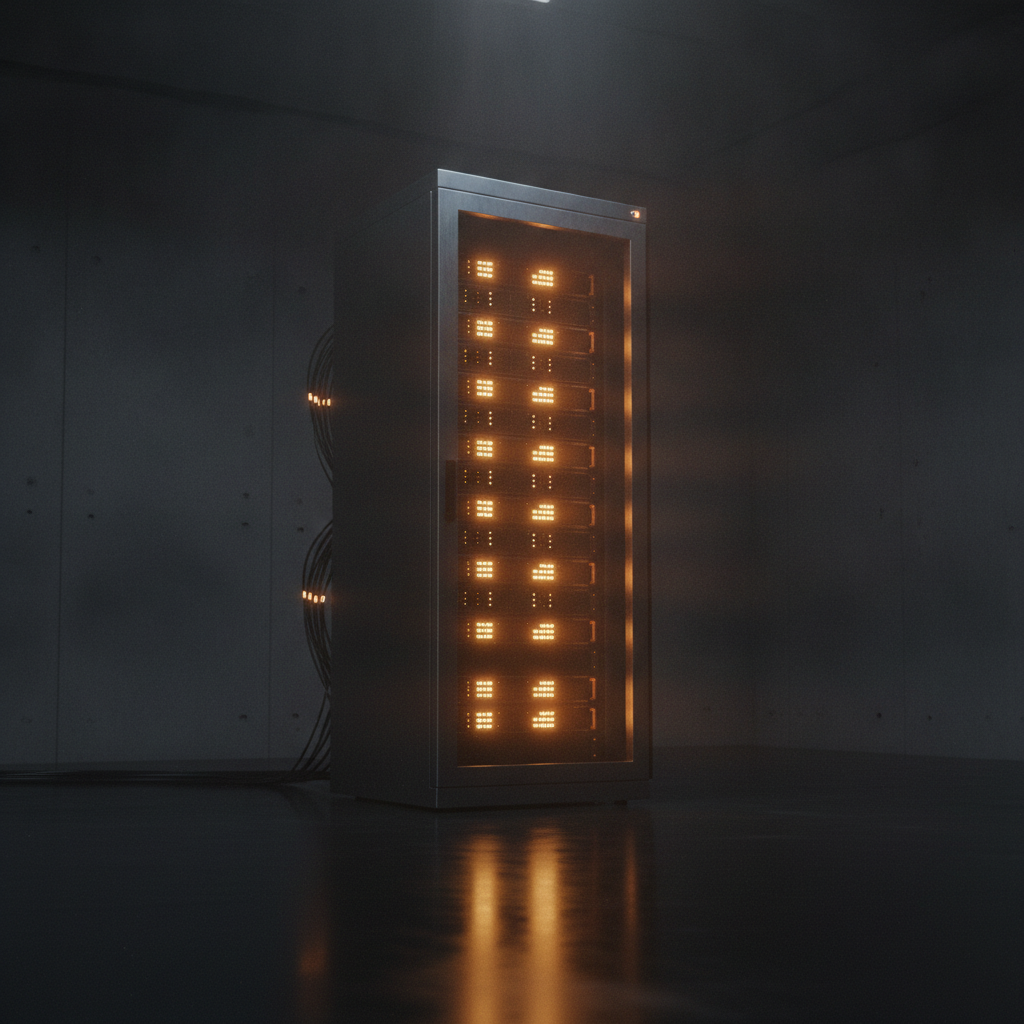
Your Own Hardware
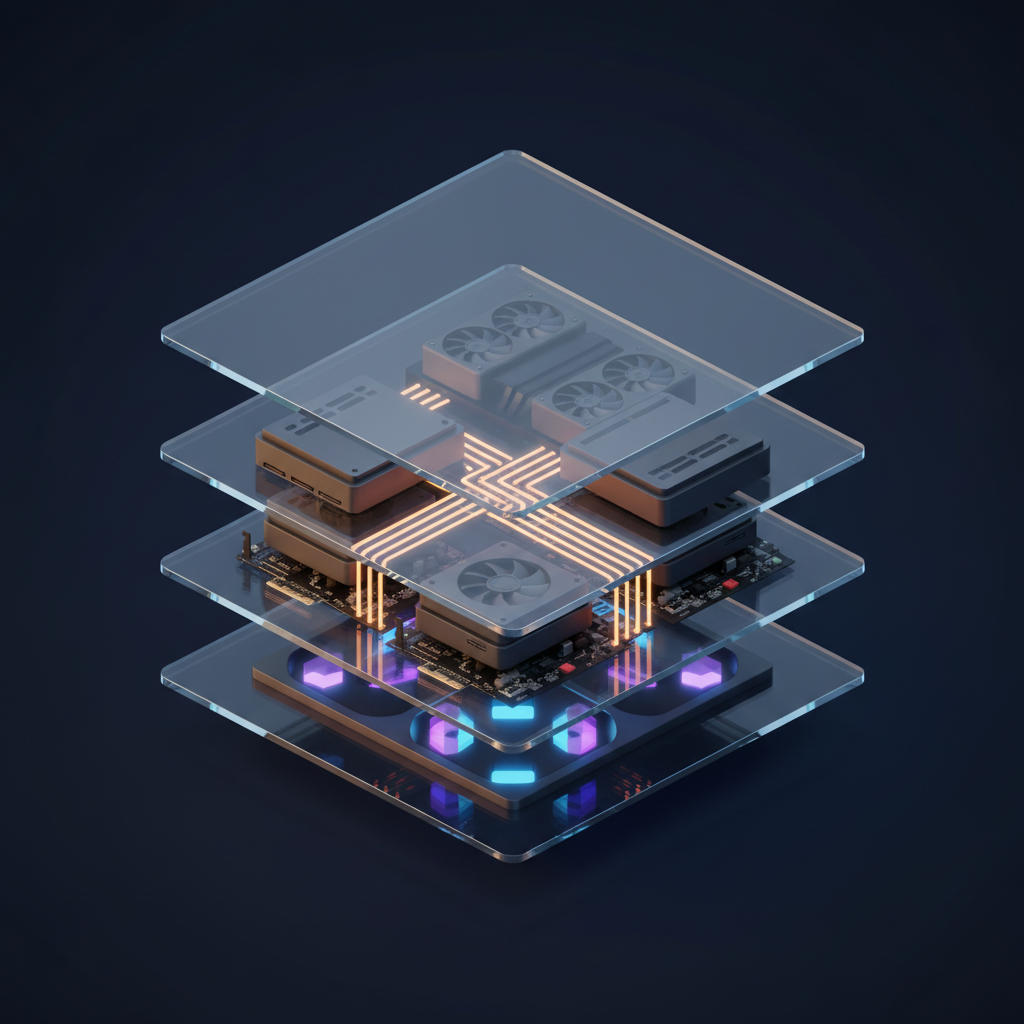
The Full Stack
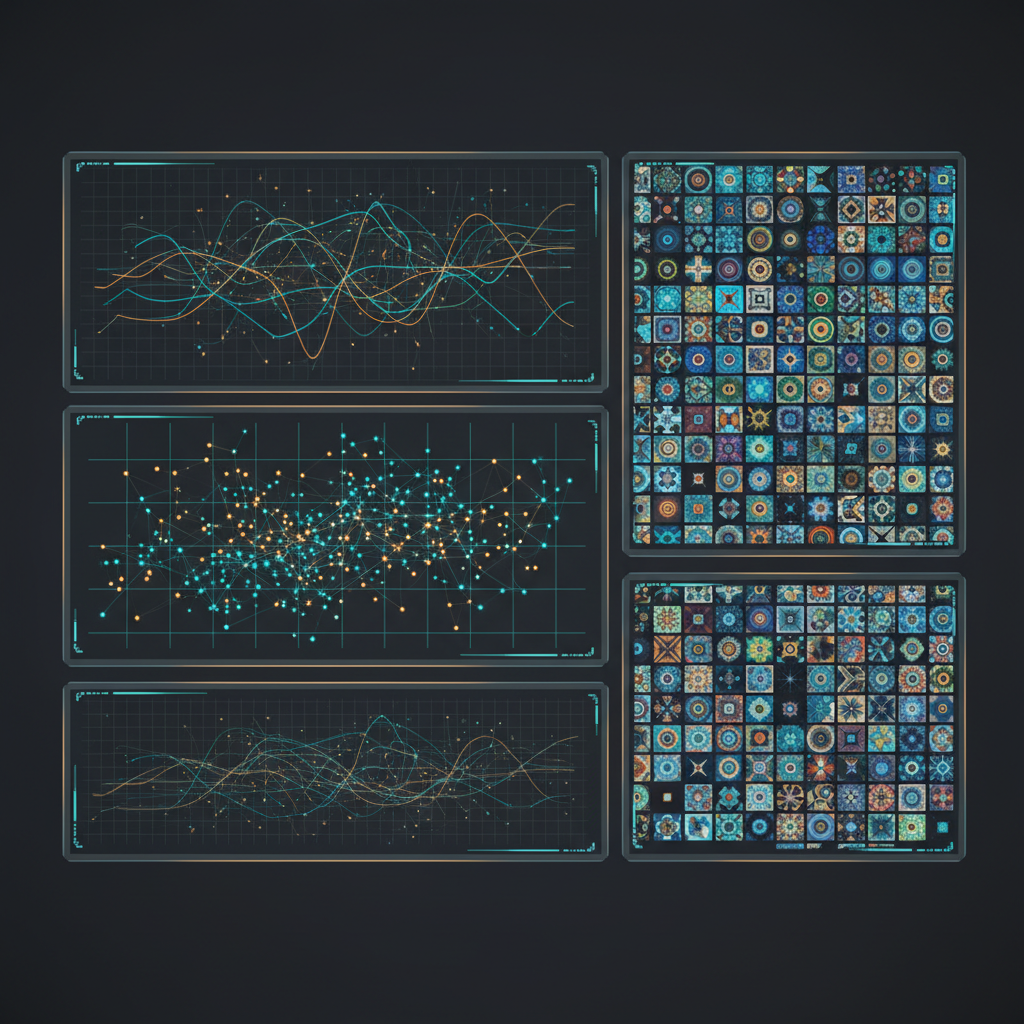
Pipeline Control
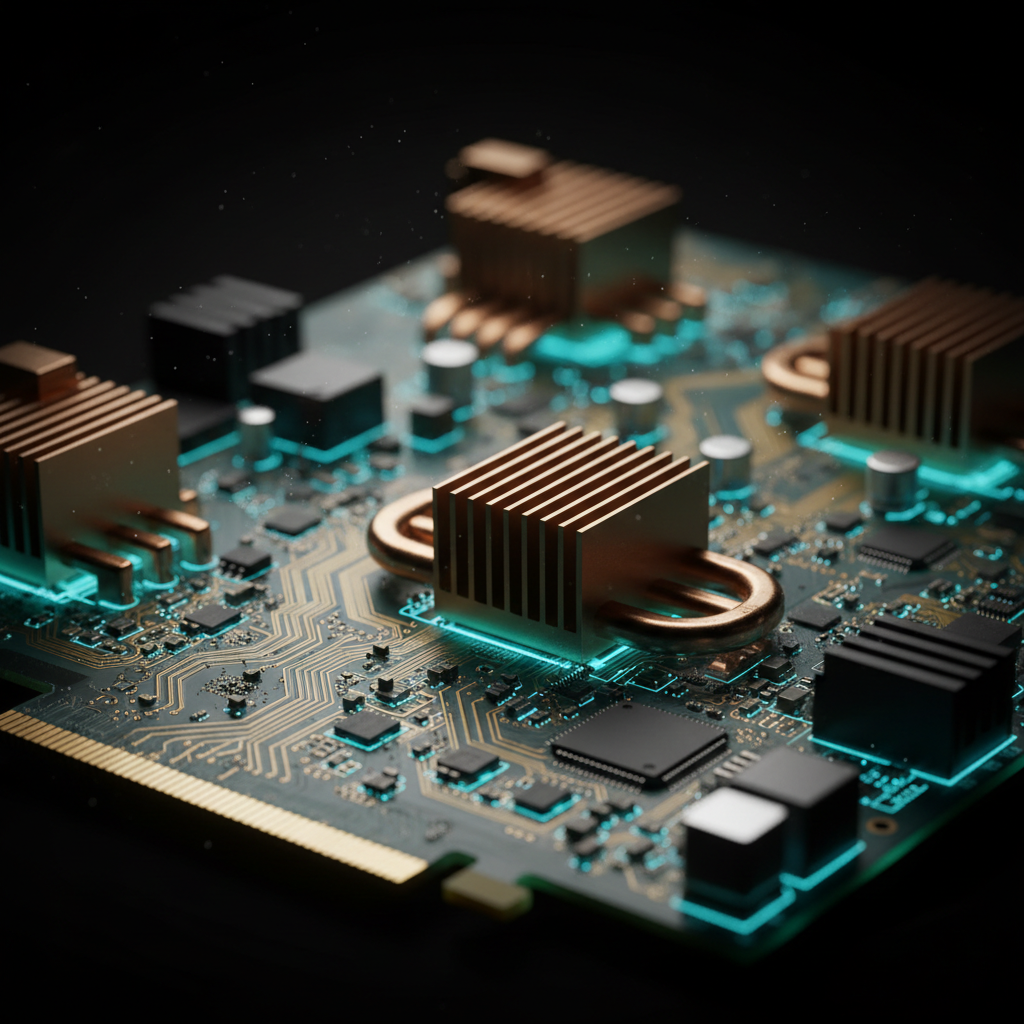
VRAM Is The Limit

Data Stays Home
Batch Throughput
The Self-Hosted Stack, Layer By Layer
Five layers, each with its own choices and its own failure modes. Tutorials cover the first two well and the last one almost never, which is why the first weekend goes better than the sixth month.
ComfyUI is the node-graph option and the one serious pipelines converge on, because a workflow you can save and version beats a form you refill. A1111 is the friendlier form-based classic with the deepest extension catalogue. InvokeAI sits between the two with a cleaner canvas. Whichever you pick, you are also picking its extension ecosystem and its breakage patterns.
Checkpoints are 6–24GB each, and a working library of them plus LoRAs and VAEs fills a terabyte quickly. Licences vary more than people check — several popular open-weight releases are non-commercial by default, which is a question worth answering before a client asset ships rather than after.
The CUDA path is the well-trodden one and still the least painful. ROCm is genuinely usable on Linux now and still rougher. Apple Silicon runs via MPS and is pleasant for casual work but several times slower than an equivalent NVIDIA card once you are generating in batches.
VRAM is the binding constraint, not compute. SDXL-class models are fine at 12GB; the larger modern models want 24GB before quantisation. Below the line you live in memory-saving flags and offloading, which work but change both speed and output.
The part that is never in the tutorial. Something has to serialise jobs, put finished files somewhere durable, back up the model library, and absorb the driver update that breaks PyTorch. On a single workstation this is you; for a team it is real infrastructure work.
Self-Hosted AI Image Tool vs Hosted: The Real Numbers
Approximate figures at the time of writing — GPU prices and rental rates move. The point is not the exact number but the shape of the curve: self-hosting is a fixed cost plus your time, hosted is a variable cost and none of your time.
| Factor | Self-hosted (own GPU) | Hosted (AI Banana) |
|---|---|---|
| Upfront cost | $2,500–3,500 for a 24GB build | $0 |
| Time to first image | Several hours to a weekend | Under a minute |
| Ongoing cost | ~$0.05/hr power, plus your time | From $2.99 per credit pack |
| Rented alternative | $0.40–0.90/hr, idle billed the same | Pay per generation only |
| Model choice | Anything open-weight, any LoRA | One tuned model, no configuration |
| Max resolution | Gated by your VRAM | 4K regardless of your hardware |
| In-image text | Historically weak on open weights | Legible, spelled correctly |
| Maintenance | Drivers, deps, upgrades — yours | None |
| Privacy ceiling | Air-gapped if you want it | No upload, no account needed |
| Team access | One operator, one machine | A URL anyone can open |
When To Self-Host, And When Not To
Self-host when
- A prompt provably may not leave your network — NDA work, unreleased designs, a data residency rule your legal team can name.
- You are training LoRAs or fine-tuning, where the whole point is control over weights.
- Your pipeline needs ControlNet conditioning, custom nodes or a dozen-stage graph no API exposes.
- You generate tens of thousands of images and the hardware would actually stay saturated.
- A model must stay frozen for reproducibility across months.
- You already own the GPU and enjoy the tinkering — a real and sufficient reason.
Use hosted when
- The images have a deadline and the pipeline does not need to exist afterwards.
- You need legible text inside the image and do not want to fight for it.
- Your machine has 8–12GB of VRAM, or is a laptop, or is a Mac.
- Non-technical colleagues need to generate without routing every request through you.
- Volume is a few hundred images a month, where the hardware would sit idle.
- You want frontier output quality without owning the upgrade treadmill.
Most experienced people end up running both, and treat it as the answer rather than a compromise — the local rig for depth and control, a hosted tool for anything with a deadline attached.
How The Hosted Generator Works
Pick A Preset
Six presets cover what people typically stand a local stack up for — concept art, character design, product mockups, game textures, technical illustration and abstract backgrounds. Each carries a full prompt underneath, so you are starting from a tuned baseline rather than a blank field.
Add Your Details
Describe the subject, palette and any in-image text in quotes. This is the step that replaces the prompt-and-parameter tuning loop of a local front-end — no sampler, no CFG scale, no scheduler choice unless you want to think about one.
Generate And Download
A 4K-class result comes back in roughly fifteen seconds on datacentre hardware, watermark-free on paid plans and with full commercial rights. No queue you administer, no VRAM ceiling, no checkpoint to have downloaded first.
What You Give Up By Not Self-Hosting — And What You Get Back
You give up model choice, LoRA training and the air-gap guarantee. Those are real losses and worth naming. Here is the other side of the ledger.
Nothing To Install
No CUDA toolkit, no Python environment, no 20GB checkpoint download before the first image. Open the page, pick a preset, generate. The entire setup cost of a self-hosted AI image tool — the part measured in hours and driver versions — is simply absent, which matters most on the day you need one asset rather than a pipeline.
No VRAM Ceiling
Local generation is gated by the card you own: 12GB puts modern large models out of reach without quantisation, and 8GB puts you in offloading territory. Hosted generation runs on datacentre hardware regardless of what is in your machine, so a laptop produces the same 4K master as a workstation.
Legible In-Image Text
Rendering readable words inside an image is where open-weight models most visibly struggle, and no amount of local tuning fully closes it. Put your headline in quotes in the prompt and it comes back spelled correctly — which is the difference between a usable social card and another trip to a design tool.
Zero Maintenance Load
No driver breakage on a Tuesday, no dependency conflict between two extensions written against different torch versions, no upgrade treadmill as the open-weight frontier moves each quarter. The hours a self-hosted stack takes back every month are hours you never spend here.
No Upload, No Account
Text-to-image generation means no source photo ever leaves your machine, and testing needs no email address or signup. It is not the air-gapped guarantee a local rig gives you, and it covers the threat model most people actually have — which is worth being precise about rather than paying the full self-hosting cost by default.
Anyone On The Team Can Use It
A local rig has exactly one operator, and every request from a colleague routes through them. A hosted tool is a URL. For a marketing team, a docs team or a founder who needs an image on Thursday, that difference is the whole decision, independent of any quality comparison.
Who Runs A Self-Hosted AI Image Tool
Research Teams
Fine-tuning, ablations and reproducibility work where the weights are the object of study. A hosted API is the wrong shape for this by definition, and no amount of quality closes that gap.
Regulated Industries
Defence, healthcare, finance and anyone under a data residency rule. When the requirement is that no bytes leave the building, air-gapped local inference is the only configuration that satisfies it.
High-Volume Studios
Game and animation teams generating tens of thousands of textures, sprites and variations, where a saturated owned GPU genuinely beats per-image pricing and overnight batches are routine.
Enthusiasts And Tinkerers
People for whom the node graph is the point, chasing community fine-tunes and LoRAs for looks no hosted model targets. The breadth of that ecosystem is real and not replicable through an API.
Self-Hosted AI Image Tool FAQ
Run The Comparison On Your Own Prompt
Benchmark tables are someone else’s prompts on someone else’s subjects. Take the prompt you would actually run locally, generate it here, and judge the gap yourself — free, no account, result in about fifteen seconds.
Try The Generator FreeChoosing Between A Self-Hosted AI Image Tool And A Hosted One
The case for a self-hosted AI image tool is usually made on cost and usually decided on something else. Cost is the easiest argument to make and the least reliable: a 24GB build lands around $2,500–3,500, power under sustained load is a rounding error at roughly five cents an hour, and against a hosted credit pack starting at $2.99 the break-even point sits far higher than most people estimate. Renting muddies it further, because a GPU marketplace instance at $0.40–0.90 an hour bills identically whether it is generating or idle, and idle is what rented hardware mostly does. What actually decides the question is time and control. If you need the weights themselves — to fine-tune, to freeze for reproducibility, to condition through a graph no API exposes — no hosted service substitutes for that, at any price. If you need images, hosted generation is faster to reach and cheaper in the only currency that never goes on the invoice.
Be precise about the privacy requirement, because it is the strongest argument for self-hosting and the one most often applied loosely. Air-gapped inference is the only configuration in which a prompt provably never leaves your network, and no terms of service update can reach a machine with no route to the internet. If you are working under an NDA, handling unreleased product designs, or operating under a data residency rule your legal team can name, that guarantee is worth the entire cost of a self-hosted AI image tool and the argument ends there. But a large share of people who reach for self-hosting on privacy grounds actually mean something narrower: they do not want their source photographs sitting on a third-party server, or their account tied to their work. Text-to-image generation with no upload and no signup addresses that directly, and it is worth checking which requirement you have before buying hardware for the stricter one.
The maintenance burden is the line item that never makes it into the spreadsheet and most often decides the outcome six months in. Self-hosting means owning the CUDA and driver stack, so a driver update that breaks PyTorch becomes your afternoon. It means owning a Python environment where two extensions written against different torch versions will eventually collide. It means model management — downloading, versioning, and remembering which of eleven checkpoints produced the look a client signed off on last quarter. And it means an upgrade treadmill, because the open-weight frontier moves every few months and a stack pinned for stability drifts steadily away from current quality. For a research team or an enthusiast, that work is the point and none of it reads as a cost. For a marketing team that needs three images by Thursday, it is a second job nobody was hired for.
Output quality has converged enough that it is rarely the deciding factor, but the remaining differences are specific rather than vague. Open-weight models with a mature community behind them have unmatched stylistic range, because thousands of LoRAs and fine-tunes exist for looks no hosted model targets. Where they still trail is on the capabilities that come from scale rather than tuning: rendering legible text inside an image, holding prompt adherence across long multi-clause descriptions, composing multiple subjects coherently, and producing consistent 4K output without an upscaling pass. The practical recommendation is unromantic — run both. Keep the local rig for training, conditioning, bulk overnight work and anything that must stay in-house, and use a hosted generator for the one-off asset, the frontier-quality result and the colleague who needs an image now. Testing here is free after a one-time bot check, with paid plans from $2.99 including watermark-free 4K downloads and full commercial rights. If your interest in self-hosting was mainly about data handling, the privacy-first image tool page sets out what is retained; if you are wiring generation into your own infrastructure, the Node.js backend integration covers queues, retries and storage, and the rest of the AI image tools cover the more specialised jobs around it.