
AI Privacy-First Image Tool
Most image workflows leak on the way in, not on the way out. This privacy-first AI image tool generates security and privacy visuals from a text description alone — no photo upload, no account, no email, no card. Nothing from your device is transmitted except the words you type, and the result is a synthetic image depicting no real person, premises or document.
Start Creating FreeTry It Now — Free
Pick a preset, describe the visual, and get a 4K-class security image in seconds. No account, no upload, no watermark on paid plans.
AI Privacy-First Image Tool
Generate security and privacy visuals from text — nothing of yours gets uploaded
Security Visuals, No Source Photos Required
Every image below came from a preset on this page — generated from text, depicting no real person, premises or document.
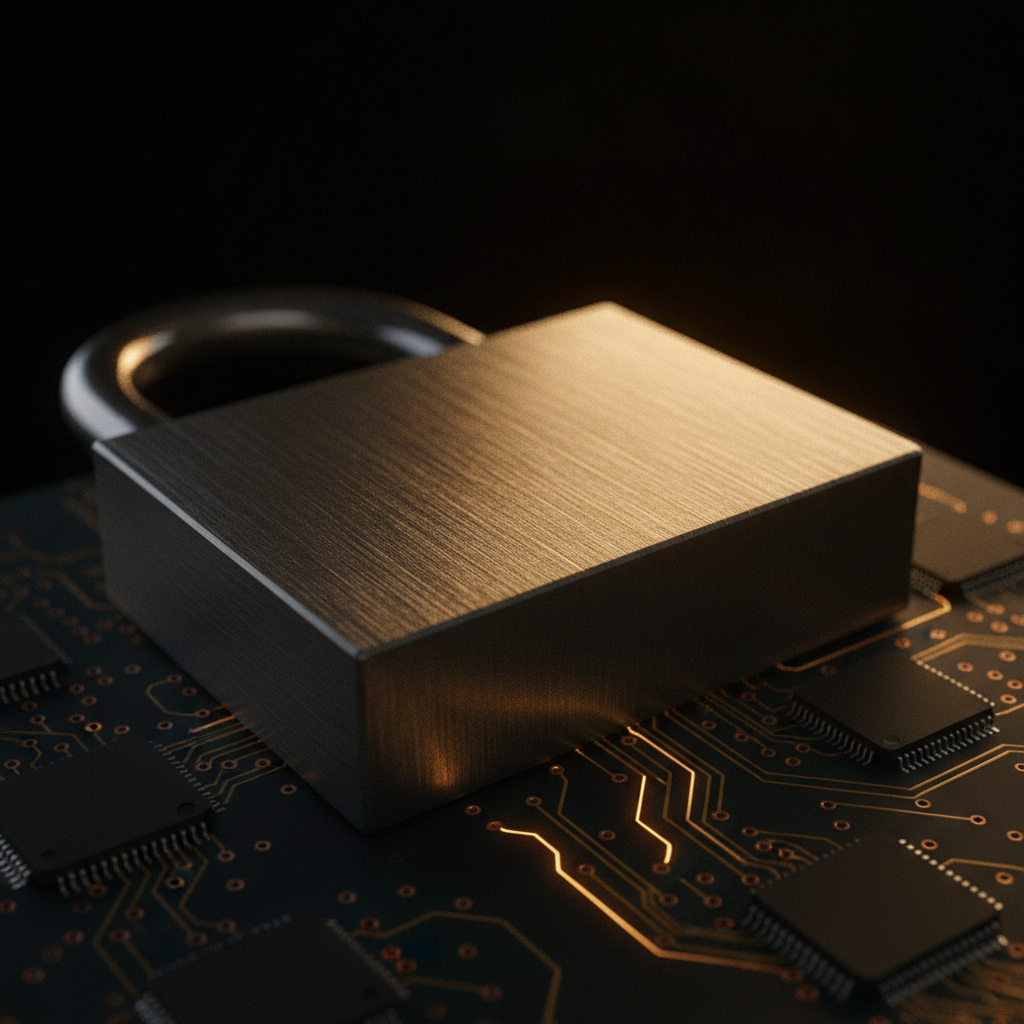
Locked Down, Up Close
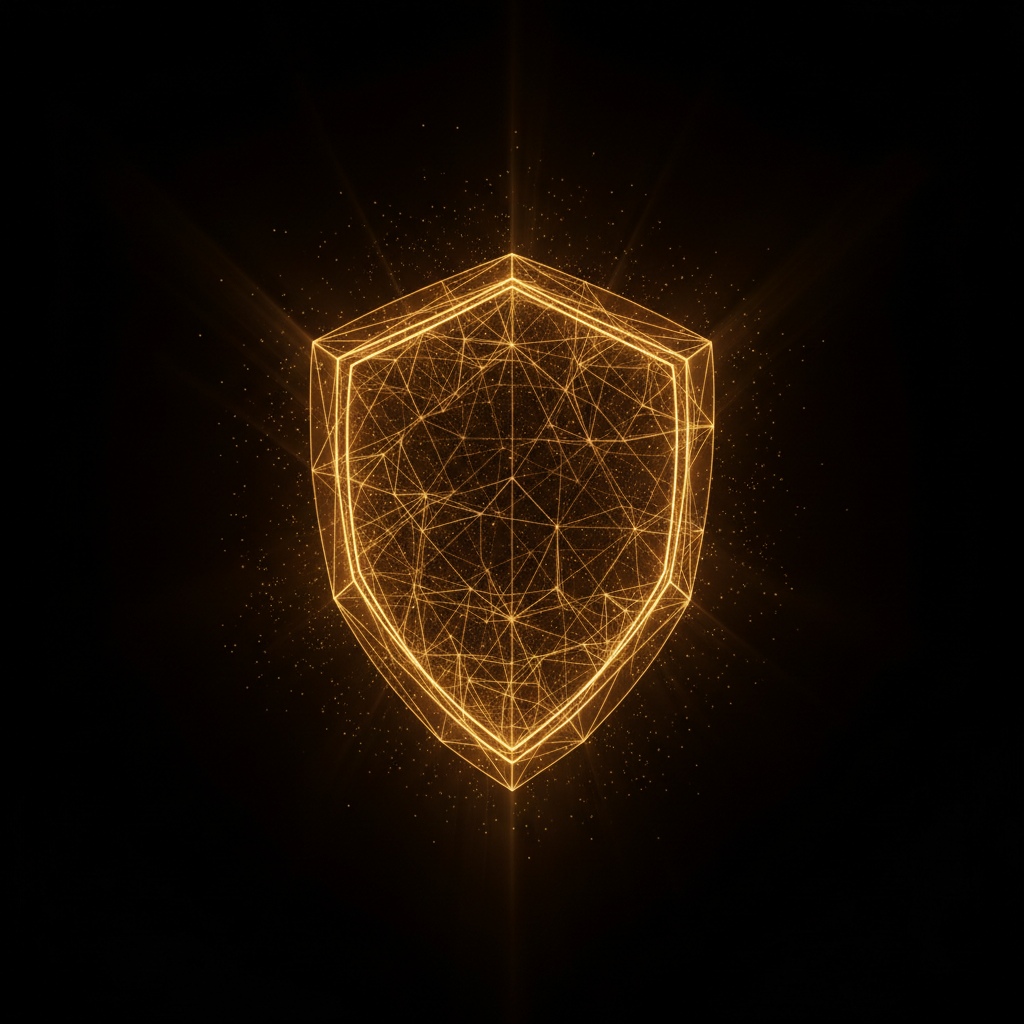
Wireframe Shield
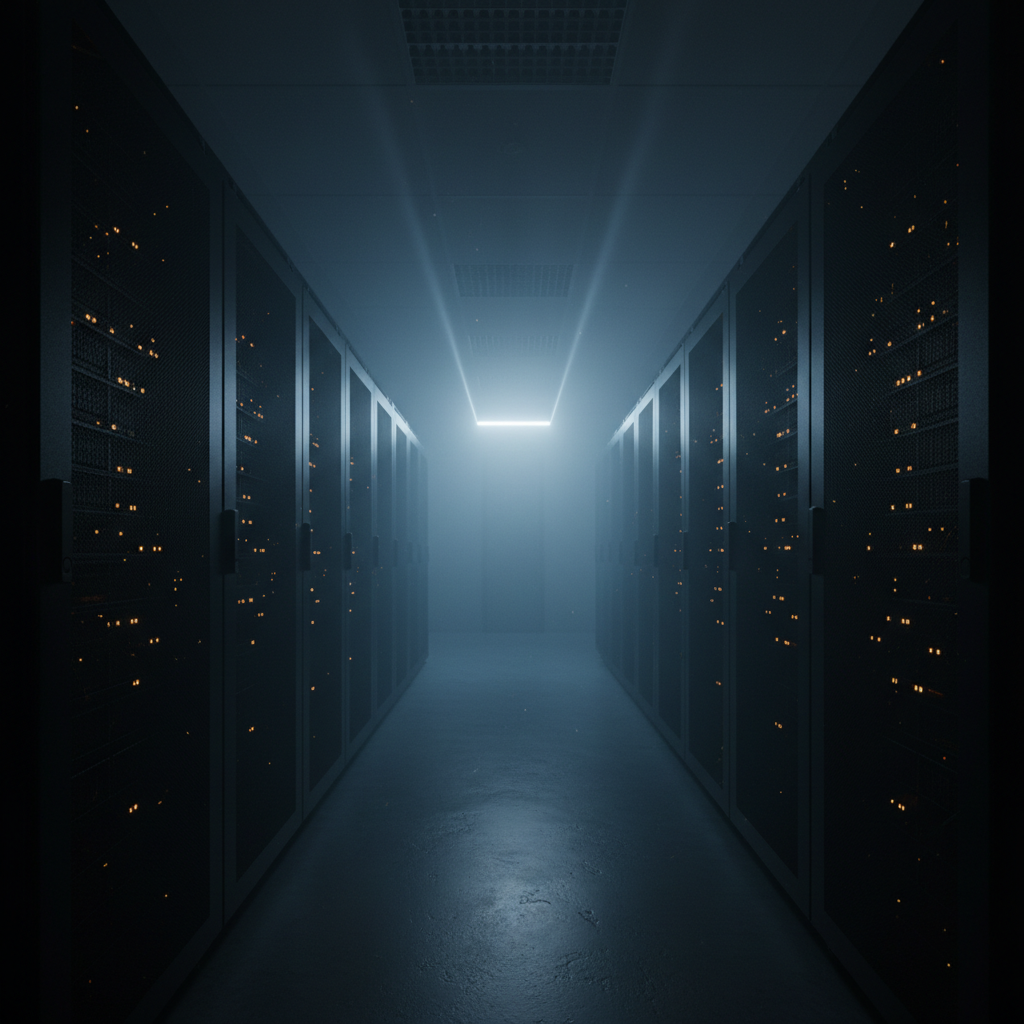
Racks In The Haze
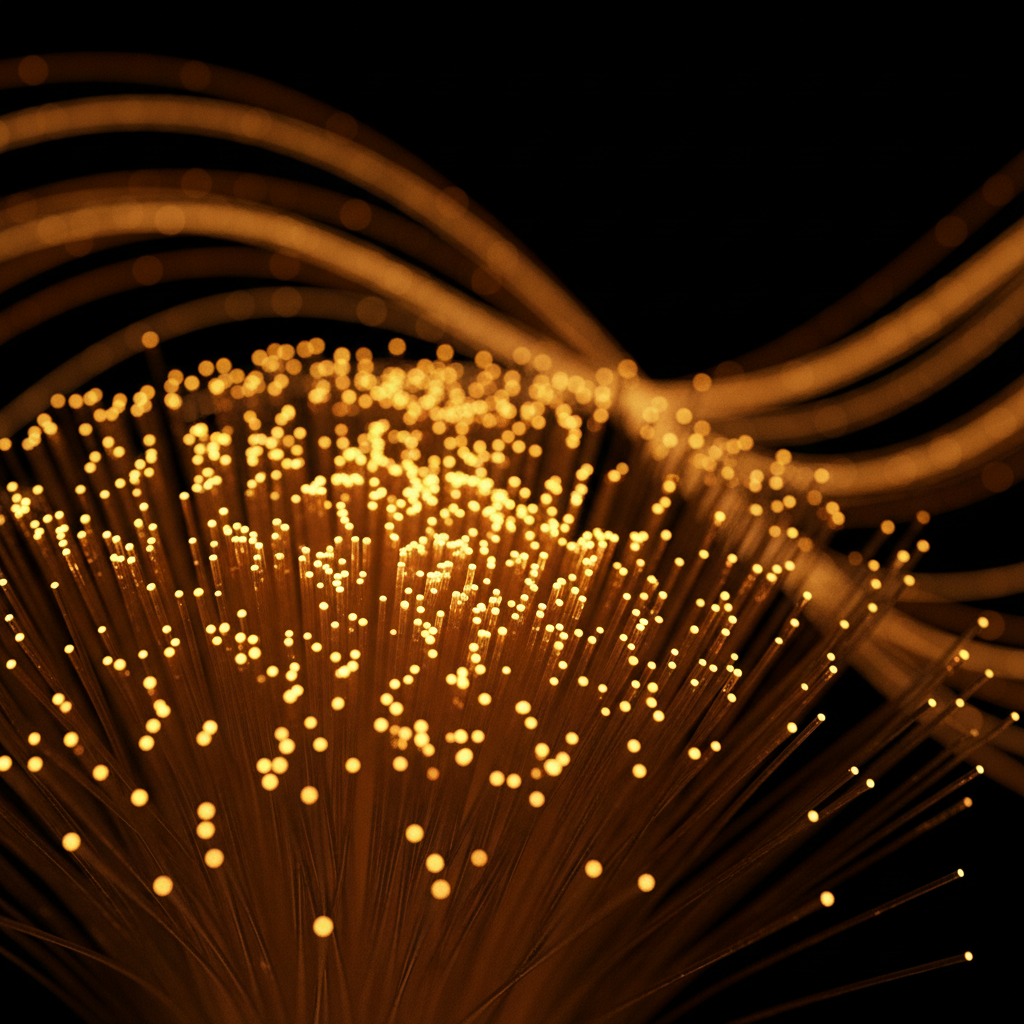
Fibre In The Dark
Anonymised Pixels
Nothing To Upload
How The Privacy-First AI Image Tool Works
Pick The Visual You Need
Choose from six presets tuned for security and privacy work — hero imagery, abstract encryption, infrastructure, data protection, compliance illustration or icon-style marks. The style vocabulary is already written.
Describe The Subject, Generically
Add the object or scene: a padlock, a server aisle, a shield, a key. Describe the visual rather than the confidential context behind it — the model responds to imagery, not to who the client is.
Download And Keep Your Own Copy
The image comes back in about fifteen seconds as a 4K-class PNG. Download it so your master file sits where your own backup and retention policy already covers it.
What “Privacy-First” Should Mean Before You Trust It
Five checks worth running on any AI image tool, including this one. Our answers are in the right-hand column, stated plainly rather than implied.
Photos carry EXIF GPS, screenshots carry customer names, team shots carry biometric data belonging to people who never agreed to third-party processing. Here: nothing is uploaded. The tool is text-to-image, so the only thing transmitted from your device is the prompt you typed.
Ask for the actual behaviour, not for "bank-level encryption". Here: images you generate are stored on our CDN so you can load and download them, and they appear in your gallery when signed in. They are not zero-retention, and no hosted generator honestly is — download your master file and keep it under your own retention policy.
The sub-processor is part of your risk surface whether or not it is named on the homepage. Here: generation runs through the Nano Banana Pro API, so your prompt text reaches that model provider and is handled under their terms alongside ours.
A service that demands an account, a corporate email and a card before showing you one image has already collected more than one that does not. Here: guests generate after a one-time bot check, with per-visitor rate limits instead of a signup wall.
Output you cannot legally ship is its own kind of risk. Here: paid plans from $2.99 include watermark-free downloads and full commercial rights with no subscription; free-tier output is watermarked and meant for evaluation.
Built For Security-Conscious Image Work
Nothing Of Yours Gets Uploaded
This is a text-to-image tool, so no source photo, screenshot or document ever leaves your machine. There is no uploaded asset to store, scan, retain or lose — the riskiest object in most image workflows simply never exists here.
No Account, No Email, No Card
Guests generate immediately after a one-time bot check. Every form field you never filled in is a record that does not exist, which is the cheapest privacy win available and the fastest way to evaluate a tool before anyone commits company details.
Synthetic Subjects, No Real People
Generated imagery depicts no identifiable person, no real premises and no actual document. For security, compliance and incident content, that removes model releases, biometric consent and the awkward question of whose office is in the photo.
Presets Built For Security Content
Six engineered presets cover the visuals this field actually needs: hero shots for a security page, abstract encryption art, infrastructure photography, data-protection concepts, compliance illustration and clean icon-style marks.
Plain Answers, Not Shield Icons
We state what is kept and who processes it rather than implying a guarantee we do not operate: outputs live on our CDN so you can download them, prompts reach the model provider, and personal information is not sold.
Free To Try, $2.99 To Own
Run the tool free with no account. Paid plans start at $2.99 for unlimited high-resolution runs, watermark-free downloads and full commercial rights, with no subscription to cancel and no seat to provision.
Privacy-First AI Image Tool FAQ
Generate It Instead Of Uploading It
The safest file is the one you never had to send. Describe the visual, get a 4K image in about fifteen seconds, and keep your own material on your own machine.
Start Creating FreeWhy A Privacy-First AI Image Tool Starts With The Upload Box
Almost every conversation about AI image privacy starts in the wrong place. People ask what happens to the picture the model produces, when the exposure that actually bites is the file they handed over to get it. A holiday photo carries GPS coordinates and a timestamp in its EXIF header. A screenshot of an internal dashboard carries account names along the top edge. A team photo carries biometric data belonging to colleagues who were never asked whether a third-party model could process their faces. An AI privacy-first image tool that is serious about the label therefore has to answer one question before any other: does this job require an upload at all? For illustration, hero imagery, concept art, iconography and most marketing visuals, the honest answer is no — and a text-to-image workflow removes the risky asset from the pipeline entirely rather than promising to look after it.
That is the design of the generator on this page. You choose a preset, describe the subject, and the image is synthesised from nothing but the text. No file leaves your device, so there is no uploaded object to encrypt, retain, scan, subpoena or lose in somebody else’s breach. The output is synthetic: the padlock is not your padlock, the server aisle is not your data centre, and no identifiable person appears in any of it, which quietly disposes of model releases, likeness rights and consent questions that stock photography and photo-editing workflows drag along behind them. For security teams, compliance writers, infosec bloggers and anyone illustrating an incident report, that combination — nothing uploaded, nobody real depicted — is worth more than any badge on a pricing page.
The other half of privacy-first is disclosure, so here is ours without the marketing varnish. Images you generate are stored on our CDN so you can load and download them, and they show up in your gallery when you are signed in; they are not published to a public feed and personal information is not sold. Generation runs through the Nano Banana Pro API, which means your prompt text is transmitted to that model provider and handled under their terms as well as ours. We hold no compliance certifications and do not pretend to. What follows from that is a simple operating rule: write prompts generically, describing the visual rather than the confidential situation behind it, and download your master file so it lives where your own retention policy already applies. Any hosted generator claiming that literally nothing is retained anywhere is describing a locally-run model, not a cloud service. Our full terms are in the privacy policy.
Practically, the loop is short: pick one of the six presets, describe the object or scene, and a 4K-class PNG comes back in about fifteen seconds. The tool runs free without an account after a one-time bot check, and paid plans start at $2.99 for unlimited high-resolution runs, watermark-free downloads and full commercial rights with no subscription. When a project does need real faces, generating synthetic ones with the AI face generator beats photographing actual people who then have to be tracked in a consent register; when an existing photo has a background that gives away a location, the AI image background blur tool handles it; and the rest of the AI image tools cover editing work beyond generation. Choose the one that asks you for the least, and you will usually also have chosen the safest.