
AI Image Background Blur
Free AI Photo Editor Blur Tool for Cinematic Depth
Blur image background AI in seconds — the AI image background blur tool is built for photographers, social media influencers, and digital marketers who need polished focus blur AI output for Instagram, TikTok, Pinterest, YouTube, LinkedIn, and printed campaigns. The AI image background blur tool returns 4K-ready portrait bokeh, lifestyle cinematic depth, macro painterly blur, pet soft focus, product depth, and golden-hour silhouettes in about fifteen seconds, with no sign up required and full commercial usage on paid plans.
Try the AI Image Background Blur — Free
Pick a background blur preset or describe your own subject — the AI image background blur tool returns a 4K cinematic depth-of-field image in seconds
AI Image Background Blur
Pick a background blur preset or describe your subject — portrait golden-hour bokeh, urban lifestyle cinematic, macro creamy painterly, pet soft focus, glossy product depth, or golden-hour silhouette
Upload your photo, select a blur style, and get a professional depth-of-field effect
AI Image Background Blur Showcase
A sample of portrait bokeh, lifestyle cinematic depth, macro painterly blur, and golden-hour silhouettes the AI image background blur tool produces
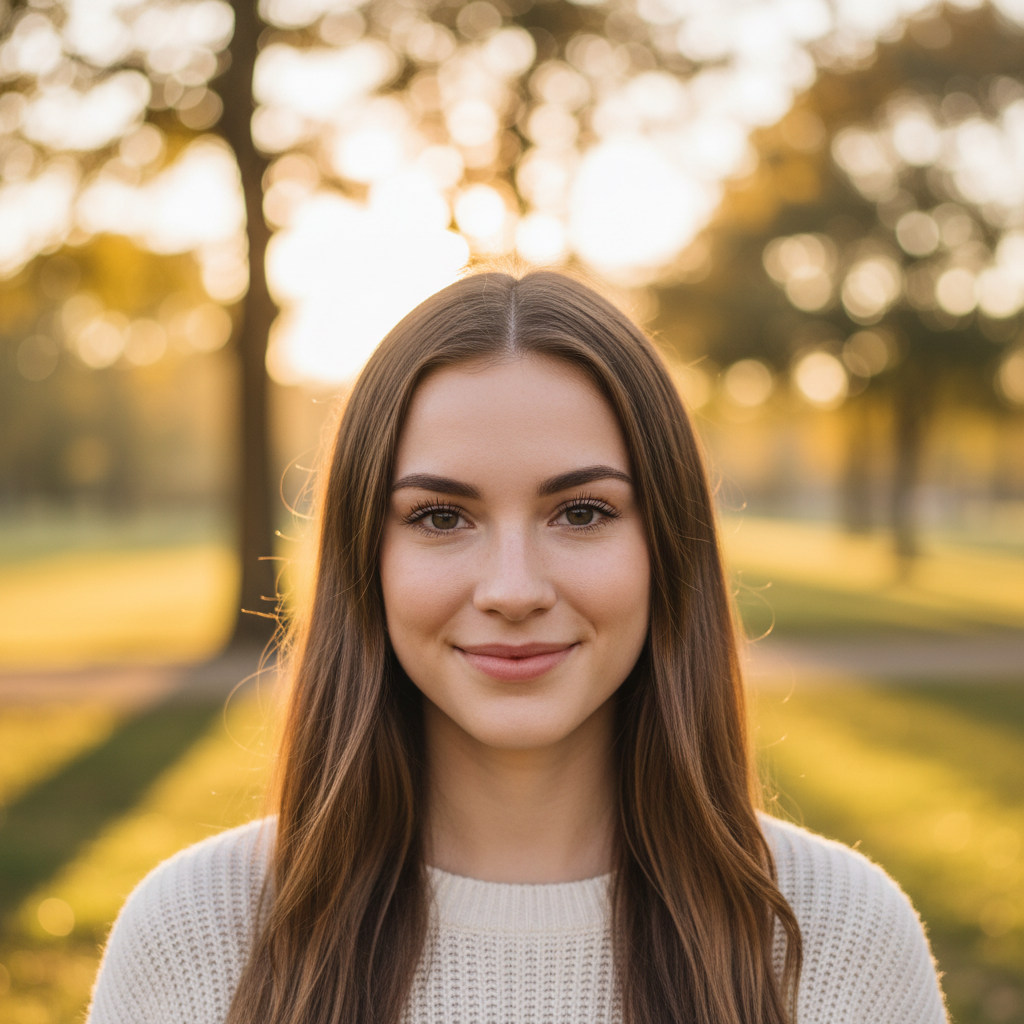
Portrait Bokeh Hero
AI background blur preview
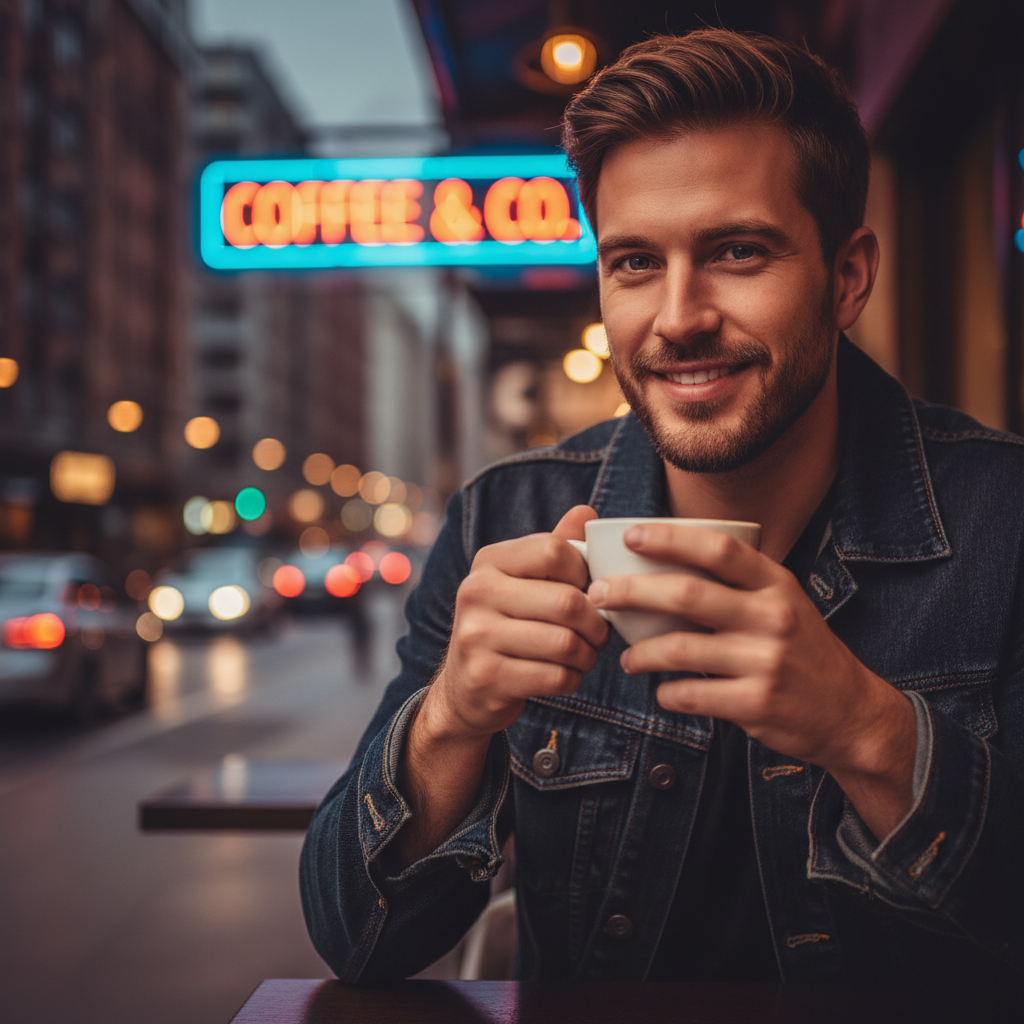
Lifestyle Cafe Cinematic
Blur image background AI for content
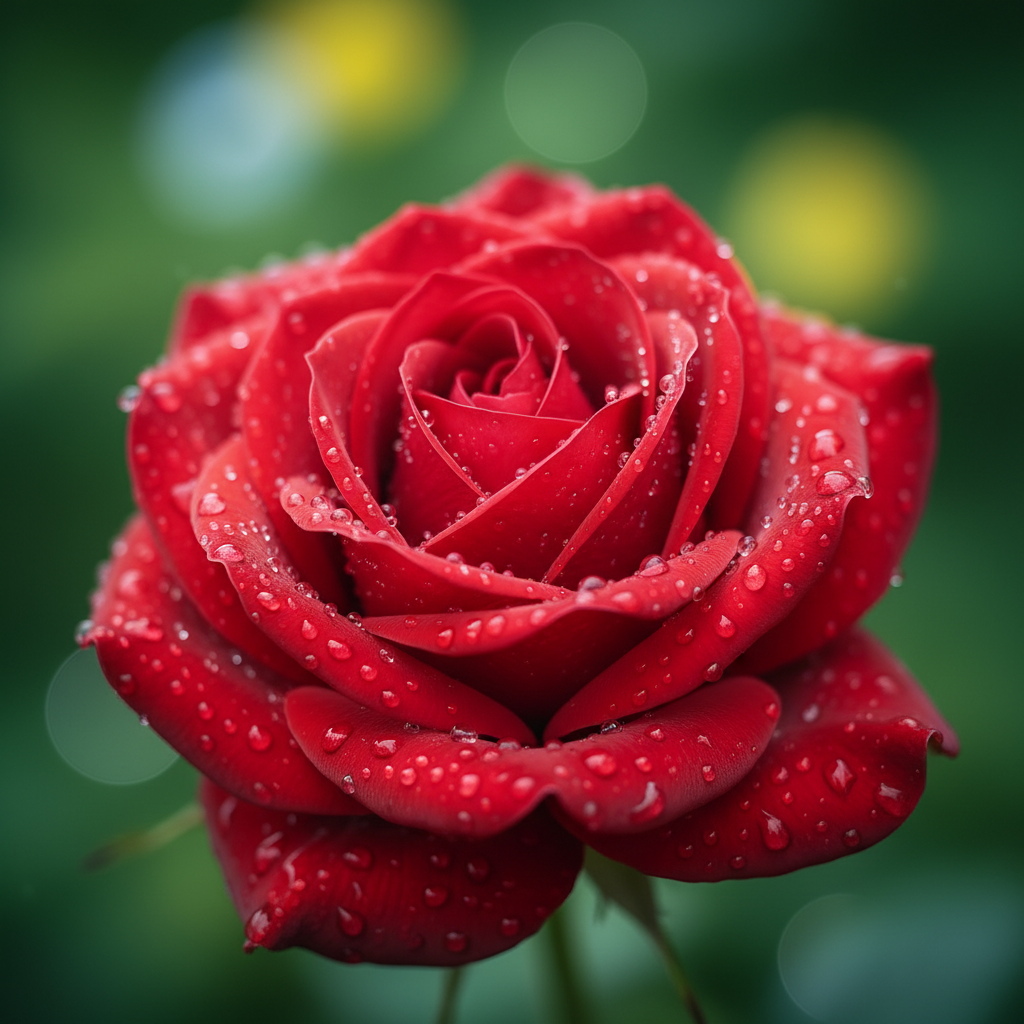
Macro Rose Painterly
AI photo editor blur for nature
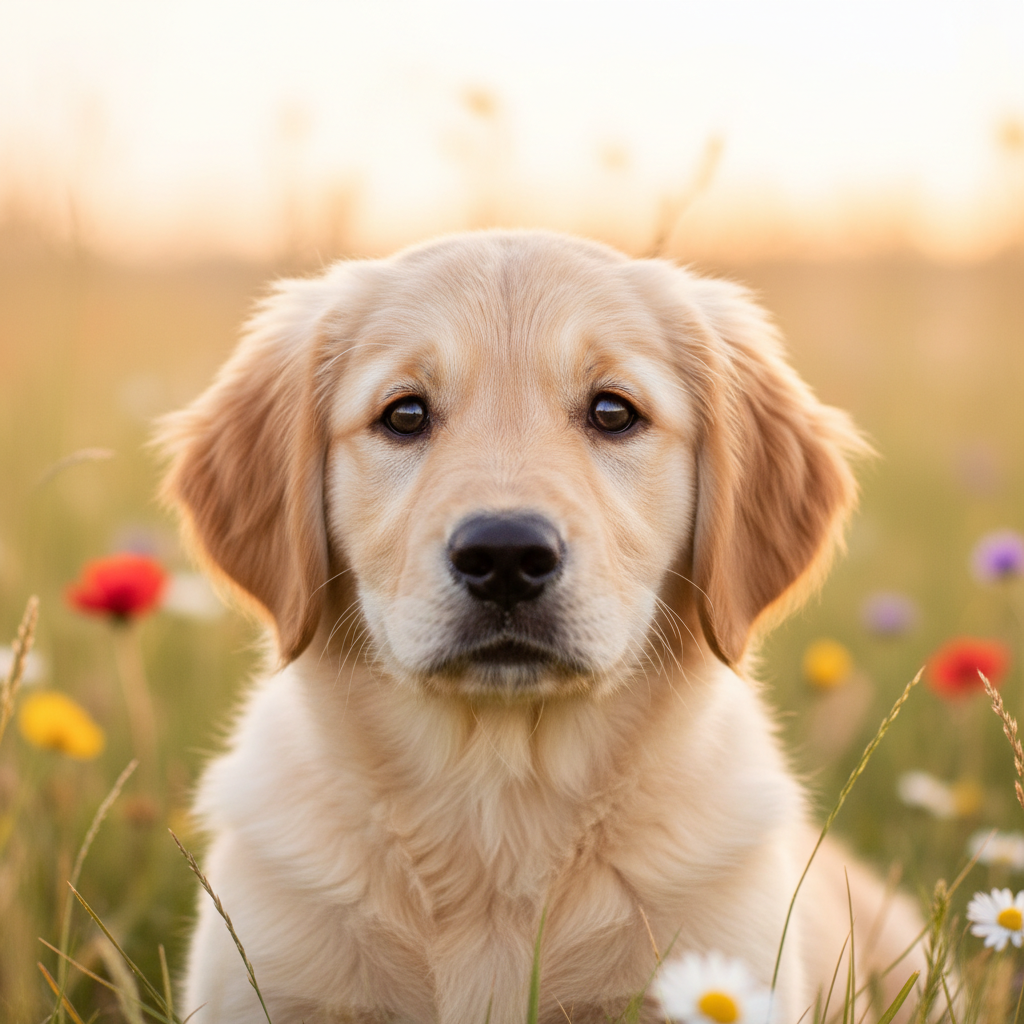
Pet Soft Focus
AI image editing tools for pet photos
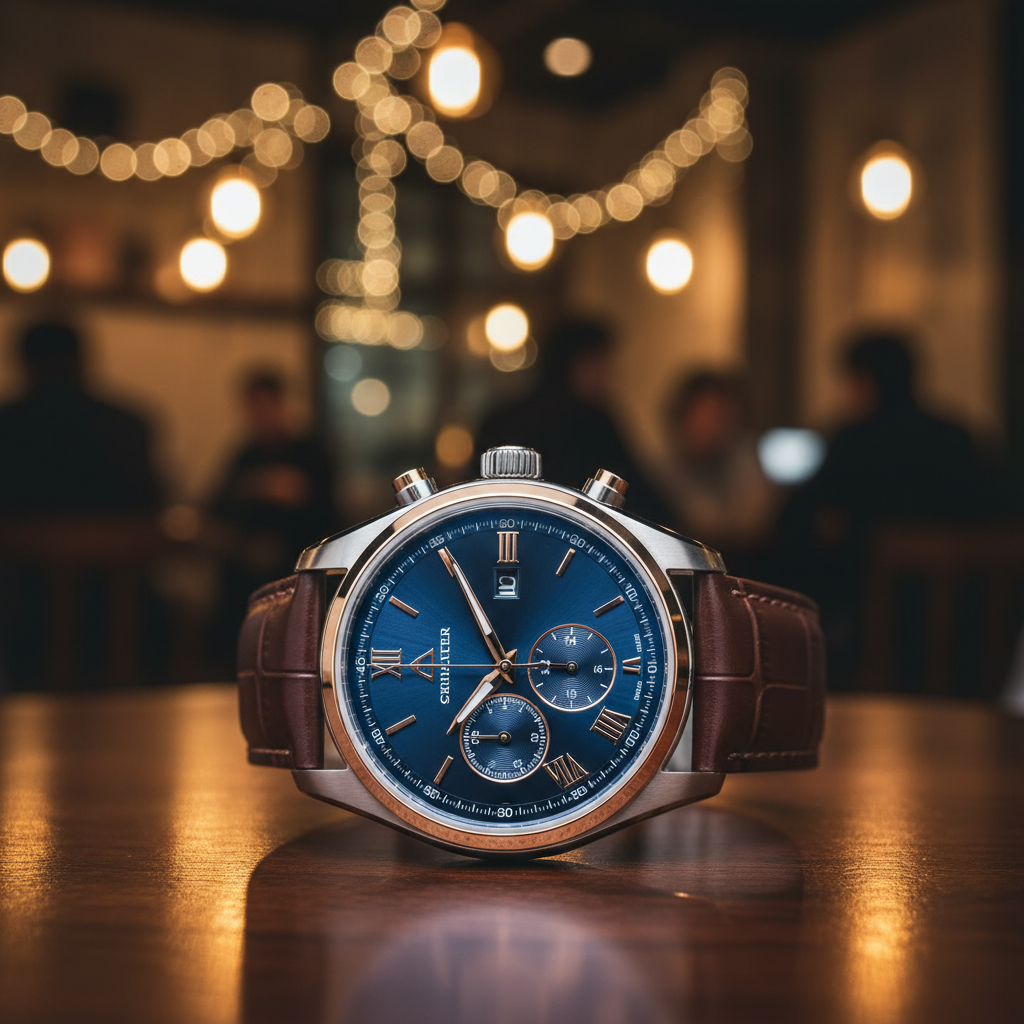
Product Depth Hero
Focus blur AI for products
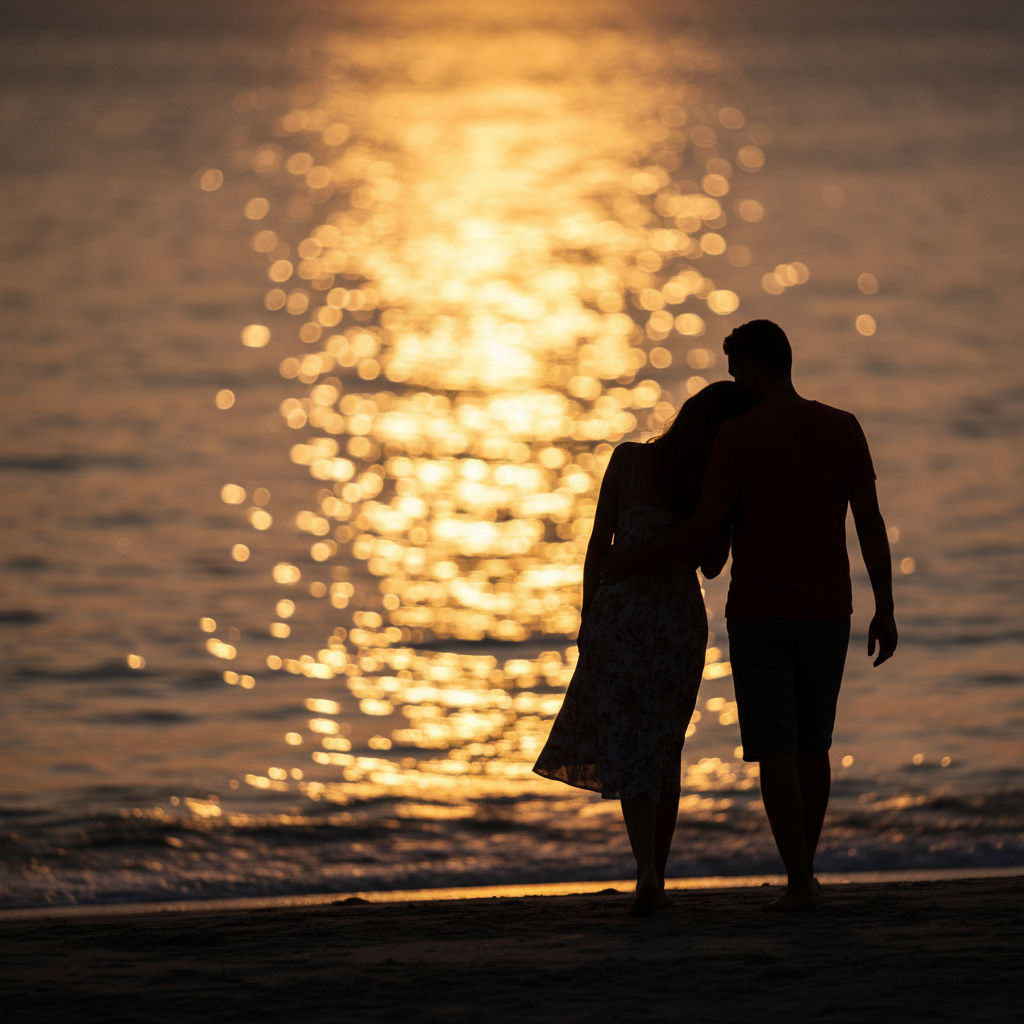
Golden Hour Silhouette
Background blur effect AI cinematic
How the AI Image Background Blur Tool Works
Three steps, fifteen seconds, ready for your Instagram feed, TikTok post, paid ad, or printed campaign
Pick a Background Blur Preset
Tap one of the six background blur presets in the AI image background blur tool above — portrait bokeh, lifestyle cinematic, macro painterly, pet soft focus, product depth, or golden-hour silhouette. Or skip the presets and describe your own subject and scene with details about subject type, lighting register, bokeh density, and composition mood for the AI photo editor blur to interpret.
Generate the Background Blur
Click the generate button. The AI image background blur tool returns a 4K polished depth-of-field image in about fifteen seconds. Iterate on the brief — swap the subject, change the lighting register, adjust the bokeh density, switch from portrait bokeh to lifestyle cinematic, refine the background scene — until the focus blur AI output matches the exact cinematic direction you imagine for your Instagram feed, TikTok post, Pinterest pin, or paid ad creative.
Download & Publish
Download the AI image background blur output and publish it as an Instagram feed post, TikTok video frame, Pinterest pin, YouTube thumbnail, LinkedIn post, paid ad creative for Meta or TikTok, email campaign hero, or printed photo collateral. The blur image background AI output is 4K-ready and large enough for any digital surface or large-format print — social feed, paid ad, magazine page, or trade show banner.
Why Choose This AI Image Background Blur Tool
Built for photographers, social media influencers, and digital marketers who want polished AI photo editor blur output fast
Cinematic Depth-of-Field AI Image Background Blur
The AI image background blur tool on this page is purpose-tuned for cinematic depth-of-field work, not generic image output: every preset explicitly requests "razor-sharp subject focus", "creamy painterly bokeh", "natural light falloff", "edge-aware foreground sharpness", and "professional 85mm f/1.4 look" so the AI image background blur output instantly looks like it came from a senior portrait photographer with a fast prime lens. Photographers, social media influencers, and digital marketers get studio-quality blur image background AI output without the $2,000 lens, the half-day Photoshop masking session, or the generic Gaussian blur halo that ruins most legacy AI photo editor blur tools. The AI image editing tools panel reads subject type, scene context, lighting register, and bokeh density, then composes a finished focus blur AI render balanced for portraits, products, pets, and editorial scenes.
Built for Photographers, Influencers & Digital Marketers
Solo photographers, portrait studios, wedding shooters, real estate agents, social media influencers, content creators, TikTok creators, Instagram lifestyle accounts, Pinterest pinners, YouTube thumbnail designers, paid ad designers, performance marketers, and DTC brand operators use this AI image background blur tool for new content drops, refreshed portfolio imagery, paid ad creative tests, hero banner updates, social commerce frames, and printed campaign collateral. The AI image background blur output works for both digital surfaces (Instagram Reels and Stories, TikTok feed and ads, Pinterest pins, YouTube thumbnails, LinkedIn posts, paid ad creative on Meta and TikTok Ads, email campaign heros, blog hero images) and physical print (printed photo prints, magazine ads, lookbook pages, in-store signage, trade show banners) — a single AI image background blur tool session can produce a complete content kit from one prompt.
Six Background Blur Presets in One Click
Photographers and content creators rely on the AI image background blur tool for portrait golden-hour bokeh, urban lifestyle cinematic blur, macro creamy painterly depth, soft pet photography focus, glossy product depth-of-field, and dramatic golden-hour silhouettes — faster than any traditional Lightroom, Photoshop, or Capture One workflow could deliver. Use the AI image background blur tool to refresh a portfolio in an afternoon, lock in the visual direction for a campaign, and hand off the chosen output to a paid ad rotation — or ship the AI photo editor blur output directly under a paid commercial license for client deliverables, paid ad campaigns, and printed marketing runs.
No Sign Up, No Credit Card
The AI image background blur tool on this page never asks you to register an account, verify an email, or save a payment method before generating a single depth-of-field image. No Google OAuth redirect, no "add card to continue" step, no twelve-step onboarding wizard — just a prompt box. Type your subject description, pick a blur preset, click generate, and download the AI image background blur output immediately. Free usage is protected with per-IP rate limits, not an account wall, so photographers and digital marketers can validate AI image editing tools variants without commitment. The blur image background AI output earns its place in your content production workflow before it asks for a dollar.
Background Blur Generated in ~15 Seconds
Most AI image background blur tool runs return a full-resolution PNG depth-of-field image in about fifteen to twenty seconds. Free users share the same backend priority as paid users — no throttled queue, no slower lane for free traffic. The fast turnaround makes live content production practical: tweak your subject description, regenerate with a different bokeh density or scene context, and have a new AI image background blur output ready before the previous one even finishes downloading. A content batch deserves twenty AI photo editor blur variants per concept before you commit to a final post — the AI image background blur tool makes that finally possible at any budget.
4K Social & Print-Ready Output
Every AI image background blur tool output comes out as a high-resolution PNG ready to use anywhere — Instagram feed and Stories, TikTok feed and ads, Pinterest pins, YouTube thumbnails, LinkedIn posts, paid ad creative on Meta Ads, TikTok Ads, Pinterest Ads, Google Display, and X Ads, plus printed photo prints, magazine ads, lookbook pages, in-store signage, and trade show banners. The focus blur AI output works at sizes up to large-format print without visible blurring (in the foreground subject, that is — the background blur effect AI is intentionally smooth and creamy). No more flat-looking phone snaps, no more Gaussian-blur halos, no more generic stock-template bokeh that looks like every other content creator in your niche.
AI Image Background Blur — FAQ
Everything about the AI photo editor blur, focus blur AI presets, and AI image editing tools workflow
Start the AI Image Background Blur Tool
The AI image background blur tool is free, loaded on this page, and needs no account. Pick a background blur preset, describe your subject, and download a 4K cinematic depth-of-field image in about fifteen seconds.
Blur Image Background AI FreeAbout the AI Image Background Blur Tool
The AI image background blur tool on AI Banana is a free, no-sign-up AI photo editor blur built for photographers, social media influencers, content creators, and digital marketers who want polished blur image background AI output without spending hours masking layers in Photoshop, painting depth maps in Lightroom, or buying a $2,000 prime lens. Type a short subject description — "portrait of a woman in a sunlit park with creamy bokeh background", "macro shot of a red rose with deep painterly blur", "couple silhouette at sunset with golden bokeh ocean" — and the AI image background blur tool returns a 4K cinematic depth-of-field PNG in about fifteen seconds, ready to drop into your Instagram feed, TikTok post, Pinterest pin, YouTube thumbnail, LinkedIn post, paid ad creative, email campaign hero, or printed marketing collateral. Whether you have been searching for "AI background blur", "blur image background AI", "AI photo editor blur", "AI image editing tools", "focus blur AI", or "background blur effect AI", this is the dedicated AI image background blur entry point on aibanana.net.
Most other AI image background blur tools and legacy AI image editing tools require an account, an email, a saved payment method, or a trial-credit countdown before you can preview a single depth-of-field image — and many lock the high-resolution download behind a recurring monthly subscription long after the campaign has launched. The AI image background blur tool on this page skips that entirely. The interactive blur image background AI panel above is loaded directly into the page — open the prompt box, pick a background blur preset (portrait bokeh, lifestyle cinematic, macro painterly, pet soft focus, product depth, or golden-hour silhouette), and the AI image background blur tool routes your request through the Nano Banana Pro image model. No registration, no checkout, no dark patterns. Free usage is protected with per-IP rate limits rather than a login wall, so a normal content batch session for a social media influencer or a portrait photographer fits comfortably inside the free envelope. Validate AI photo editor blur variants and A/B test multiple cinematic directions before committing to a paid plan — the AI image background blur tool earns its place in your content production workflow before it asks for a dollar.
The AI image background blur tool is tuned for cinematic depth-of-field work, not generic image output. Every preset prompt explicitly requests "razor-sharp subject focus", "creamy painterly bokeh", "natural light falloff", "edge-aware foreground sharpness", and "professional 85mm f/1.4 look", so the resulting AI image editing tools output instantly looks like a senior portrait photographer captured it with a fast prime lens. The AI image background blur tool handles every popular subject and scene register: clean portrait bokeh for headshots and social profile pictures; rich urban lifestyle cinematic blur for influencer content and editorial features; warm natural-light macro painterly depth for nature, food, and product close-ups; soft pet photography focus for animal portraits; glossy product depth-of-field for ecommerce and DTC commercial work; dramatic golden-hour silhouettes for couple portraits, travel content, and inspirational quote graphics. It interprets photographic vocabulary like "85mm f/1.4 look", "medium format depth", "creamy bokeh", "anamorphic background blur", "subject isolation", "natural light falloff", "shallow depth of field", and "cinematic background blur effect AI render" accurately, so the focus blur AI output matches the cinematic vision you have in mind without dozens of regenerations.
Output from the AI image background blur tool is high-resolution PNG, large enough for any digital surface or print use — Instagram feed and Stories, TikTok feed and ads, Pinterest pins, YouTube thumbnails, LinkedIn posts, X (Twitter) headers, paid ad creative on Meta Ads, TikTok Ads, Pinterest Ads, Google Display, X Ads, and LinkedIn Ads, plus printed photo prints, magazine ads, lookbook pages, in-store signage, magazine covers, and trade show booth banners. Photographers use the AI image background blur tool to generate client mood boards, rapid concept variants, and supplemental hero options on top of traditional studio shoots. Social media influencers and content creators use the AI photo editor blur output for daily content drops, branded sponsorship deliverables, and paid ad creative tests. Digital marketers use the focus blur AI render for paid ad creative, email campaign hero banners, landing page hero images, and printed direct-mail collateral. Once you find a background-blurred image you want to ship to a paid client deliverable, paid ad campaign, or printed marketing run, upgrade to a Nano Banana Pro paid plan starting at $2.99 to unlock unlimited generations and full commercial usage rights — a tiny fraction of the cost of a fast prime lens, and orders of magnitude faster than a manual Photoshop or Lightroom depth-of-field workflow. A polished cinematic blur translates directly into more saves, more shares, more click-throughs, and more conversion per content piece — that is what AI image background blur tool output is built to deliver.