
Battle-Tested AI Image Processing
A demo shows you the best image a tool can make. Production asks a harder question: what does it do on the four hundredth run, at 6pm, when the brief has not changed but the deadline has. Battle-tested AI image processing means one stable model behind the endpoint, output that stays consistent across sessions, in-image text that stays legible, and failure modes that are documented rather than discovered in front of a client.
Start Creating FreeTry It Now — Free
Put a real brief through the same pipeline our production users run. Pick the asset type, describe your subject, and get a 4K-class result in seconds. No account needed.
Battle-Tested AI Image Processing
Choose the asset type you need to ship, describe your subject, and generate a production-ready image
What Battle-Tested AI Image Processing Produces
Six unretouched outputs across the categories that punish an unreliable pipeline hardest — controlled studio light, repeated grid layouts, hard-light detail, precise geometry, macro texture and refracted caustics.
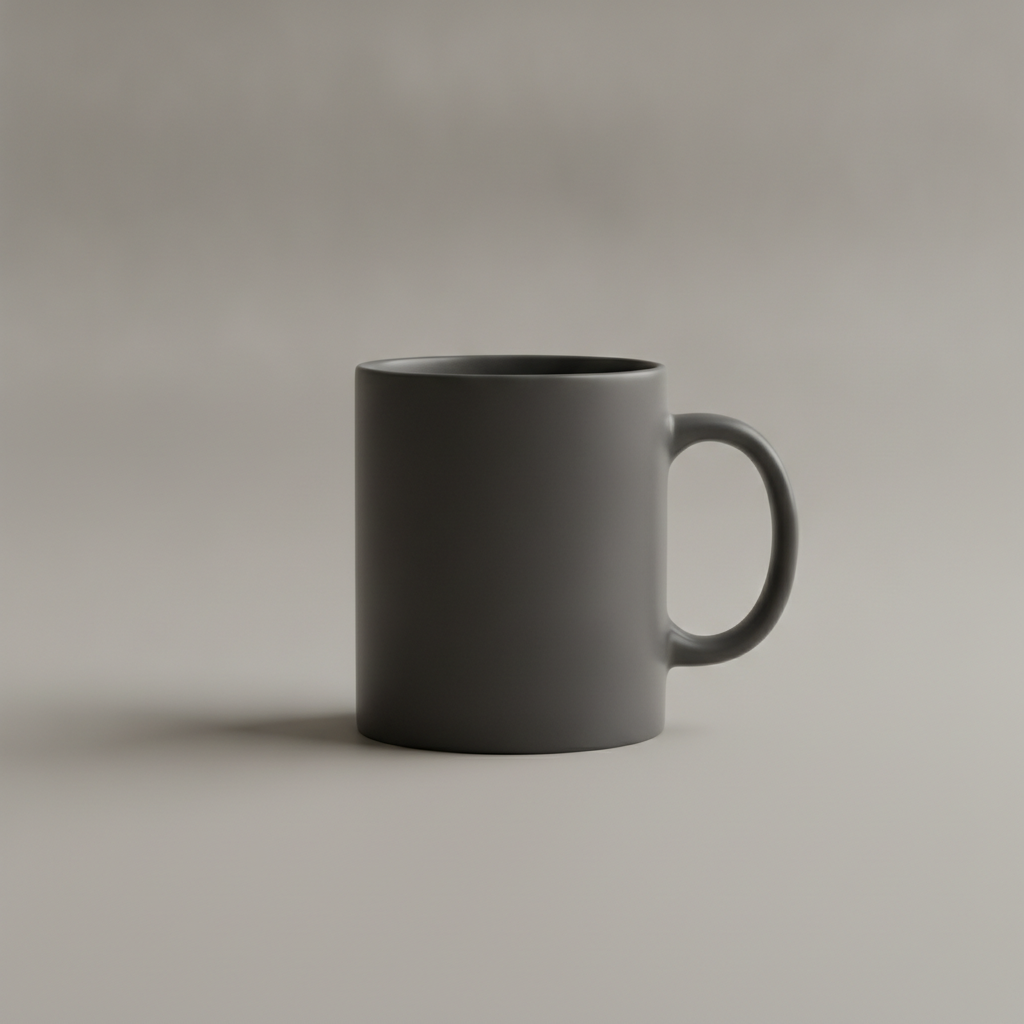
Repeatable Studio Light
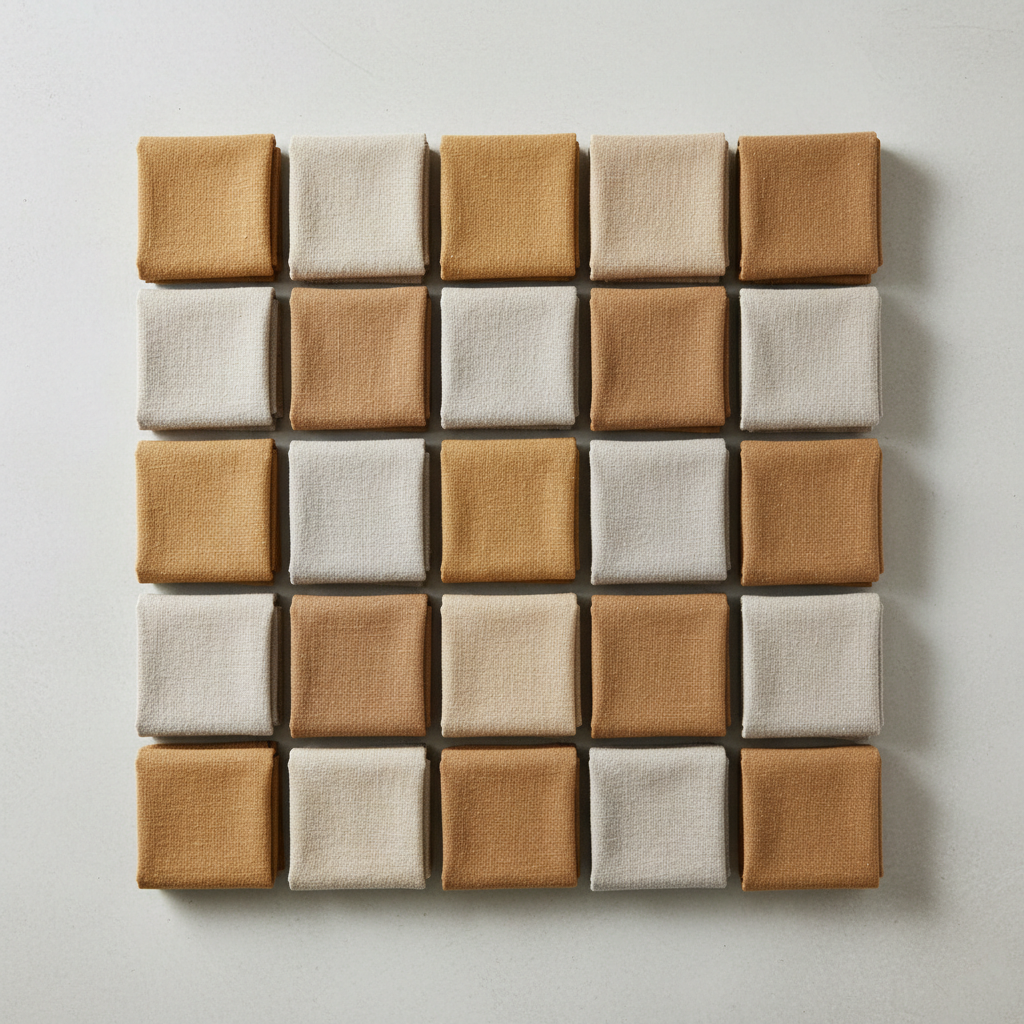
Catalogue Consistency

Detail Under Hard Light

Geometry That Holds

Fine Detail At 4K

Light It Cannot Fake
How Battle-Tested AI Image Processing Works
Pick The Job, Not A Style
Six presets map to the assets people actually ship: product shots, brand banners, editorial headers, packaging mockups, catalogue flat lays and social ads. Each one carries the lighting, framing and finish conventions of that format so you are not rebuilding them from a blank prompt.
Name The Fixed Elements
Add your subject, and pin anything that must not drift — exact background, light direction, camera angle, palette, and any in-image text in quotes. Specifying constraints narrows the output distribution far more reliably than regenerating until something happens to match.
Generate Options, Then Select
A 4K-class result comes back in about fifteen seconds. Produce more variants than you need in one sitting so they share conditions, check any in-image text, and download the master. Selection by a human is the step that makes the output production-grade.
Five Ways AI Image Processing Breaks In Production
A tool is only battle-tested if its limits are written down. These are the real ones, and what to do about each rather than a promise that they do not exist.
Short strings render reliably — a product name, a price badge, a six-word headline. Paragraph-length copy and type below roughly sixteen pixels in the output degrade into plausible-looking nonsense that survives a quick glance and fails a proofread. Generate with the headline in quotes in the prompt, then set body copy in your layout tool over the top, which also keeps it editable and correctly kerned. This is the one failure mode worth checking character by character on every asset that ships.
Composition is meant to vary between runs; that variance is what makes generating eight options cheap. Lighting and colour drifting between Monday and Thursday is a different problem, and it is usually caused by the prompt rather than the model — a preset carries its lighting language, an ad-hoc prompt does not. Pin the background, light direction, camera angle and palette explicitly, and produce a set together so every frame shares conditions. That is how twelve catalogue shots end up reading as one shoot.
The model will give you a convincing brand-adjacent palette, not a hex-accurate one, and no amount of naming the hex code in the prompt changes that reliably. If your guideline is strict, generate with the palette described in words, then correct in your editor — a five-second adjustment layer. Planning for this is the difference between a tool that fits your workflow and one you abandon after the brand team rejects the first batch.
Fidelity holds for about three spatial constraints. Past that — A to the left of B, behind C, with D in the top corner and E reflected in F — placements start swapping and merging, and rerolling rarely rescues it because the instruction is beyond what the conditioning can hold. Generate the crowded scene as separate elements and composite, which is also what a photographer would do with a shot that cannot be staged in one frame.
A policy filter sits in front of the model. Photorealistic images of identifiable people are refused, and a share of entirely innocuous prompts trip the filter transiently — the same prompt often succeeds on a second attempt. Retry once before rewriting, and if it fails again change the subject rather than layering on qualifiers. Knowing this list up front is what makes the tool usable on a deadline; discovering it item by item is what makes people conclude the whole category does not work.
Built For Work That Actually Ships
The Same Model On Friday
One production model behind the endpoint, not a router that quietly drops to a cheaper checkpoint when load spikes. A prompt you validated last week produces the same class of image this week, which is the property that lets you build a template library instead of re-testing every campaign.
Text That Stays Legible
Headlines, product names, price badges and short signage render as actual readable words rather than the rune soup earlier diffusion models produced. Dense body copy is still a known limit — set that in your layout tool and let the pipeline handle the headline.
Style Holds Across A Set
Generate twelve assets across three sessions and they read as one shoot. Lighting language, colour handling and rendering quality stay fixed while composition varies, so a catalogue or campaign does not need a colour-grading pass to look deliberate.
Fails Loudly, Not Quietly
A rejected or failed generation returns a visible error you can retry. The dangerous failure in an image pipeline is not the one that errors out — it is the subtly wrong asset that nobody caught before it shipped, and that is the class of outcome this is designed against.
4K Master By Default
Output comes back at print-usable resolution rather than a web-sized preview you have to upscale afterwards. Under peak load requests queue and complete; you wait a little longer instead of silently receiving a lower-quality render.
Free To Test, $2.99 To Own
Run your own real prompts through the pipeline free after a one-time bot check — the only reliability test that means anything is your own work. Paid plans start at $2.99 with unlimited high-resolution runs, watermark-free downloads and full commercial rights.
Where Reliable AI Image Processing Earns Its Keep
E-Commerce Teams
Hundreds of listing images that have to share a background, a light direction and a crop. Consistency across the set matters more here than the peak quality of any single frame.
Agencies And Studios
Explore eight directions for a pitch in the time one used to take, then take the chosen route to finished assets — with commercial rights that do not need clearing per image.
Product And Marketing
Campaign banners, social variants and email headers generated from one visual language, so the set holds together without a designer rebuilding each size by hand.
Independent Artists
Reference, concept art and moodboards on demand at a per-image cost low enough to explore freely, with 4K masters that survive being printed rather than only viewed.
Battle-Tested AI Image Processing FAQ
Test It On Your Own Brief
Reliability claims are cheap. Put the asset you actually have to deliver this week through the pipeline and judge it on that — free, no account, 4K result in about fifteen seconds.
Start Creating FreeWhat Makes AI Image Processing Battle-Tested
Every image tool looks excellent in its own showcase, because a showcase is a curated set of prompts the model happens to be good at. Production is a different measurement entirely: it asks what the median run looks like, how wide the spread is around it, and whether the answer changes between Monday and Friday. Battle-tested AI image processing is a claim about that distribution rather than about the ceiling. A pipeline with a spectacular best case and an unpredictable median is worse for shipping work than one whose output is merely very good and lands in the same place every time — because the second one you can plan around, template, and hand to somebody else on the team without a briefing on which prompts secretly break it.
Three properties do most of the work. The first is model stability: one production model behind the endpoint, not a router that silently drops to a cheaper checkpoint when demand spikes. That is what makes a prompt you validated last month still valid this month, which in turn is what makes a reusable preset library worth building. The second is legible in-image text. Rendering a readable headline, product name or price badge is the single biggest practical difference between current models and the diffusion tools of two years ago, and it is the difference between an image you can ship as a banner and one that needs a designer to rebuild it. The third is honest degradation — when a generation fails it should return a visible error you can retry, never a subtly wrong asset that clears review because nothing looked obviously broken. The expensive failure in an image pipeline has never been the one that throws.
Just as important is publishing the limits. Dense body copy and small type still degrade, so bake the headline and set the paragraph in your layout tool. Hands remain the highest-variance region in any human subject, so compose hero assets around them. Exact brand-colour matching is approximate and belongs in a correction pass rather than in the prompt. Compositional fidelity holds for roughly three spatial constraints before placements start swapping, so build crowded scenes in pieces and composite them. And a policy filter sits in front of the model, refusing photorealistic images of identifiable people and occasionally tripping on innocuous prompts that succeed on a second attempt. None of that is a caveat buried in a support article — it is the operating manual, and a team that has it can design a workflow that never hits those edges. A team that does not gets to discover them one deadline at a time.
The practical workflow that follows is unglamorous and works: start from the preset closest to the asset you need, pin every element that must not drift, generate more options than you need in a single sitting so they share conditions, check any in-image text before it ships, and keep the 4K master rather than a re-encoded copy. Run it free on your own real brief after a one-time bot check — the only reliability test worth anything is the one on your own work — and paid plans start at $2.99 with unlimited high-resolution runs, watermark-free downloads and full commercial rights. If you need to transform photographs you already have rather than generate new ones, the AI photo editor is the right entry point; if your constraint is that images must never reach a server, the privacy-first image tool page covers that trade-off properly, and the rest of the AI image tools cover the more specialised jobs around it.