
AI On-Device Image Generator
What Runs Locally, and What Does Not
People look for an AI on-device image generator for one reason: they have work that should not be handed to somebody else's server. This page explains what on-device generation genuinely gives you — offline capability, architectural privacy, no per-image cost — and what it costs in speed, resolution and hardware. It also gives you a free 4K generator to benchmark against, with six presets built around exactly the kind of work that raises the question. The generator here is hosted, and we say so up front.
Try It Now — Free
Six presets built around the work that usually prompts the on-device question — concepts, storyboards, moodboards, field sketches, client mockups and avatars. Pick one, describe your subject, and compare the result against whatever local model you are considering.
Concept & Sketch Generator
Choose the kind of asset you need, describe it in your own words, and generate a 4K image in about fifteen seconds. Hosted, not on-device — no install, no account, no card.
Six Jobs That Raise the On-Device Question
Unreleased concepts, storyboards, moodboards, field sketches, NDA mockups and avatars — every frame below was generated on this page
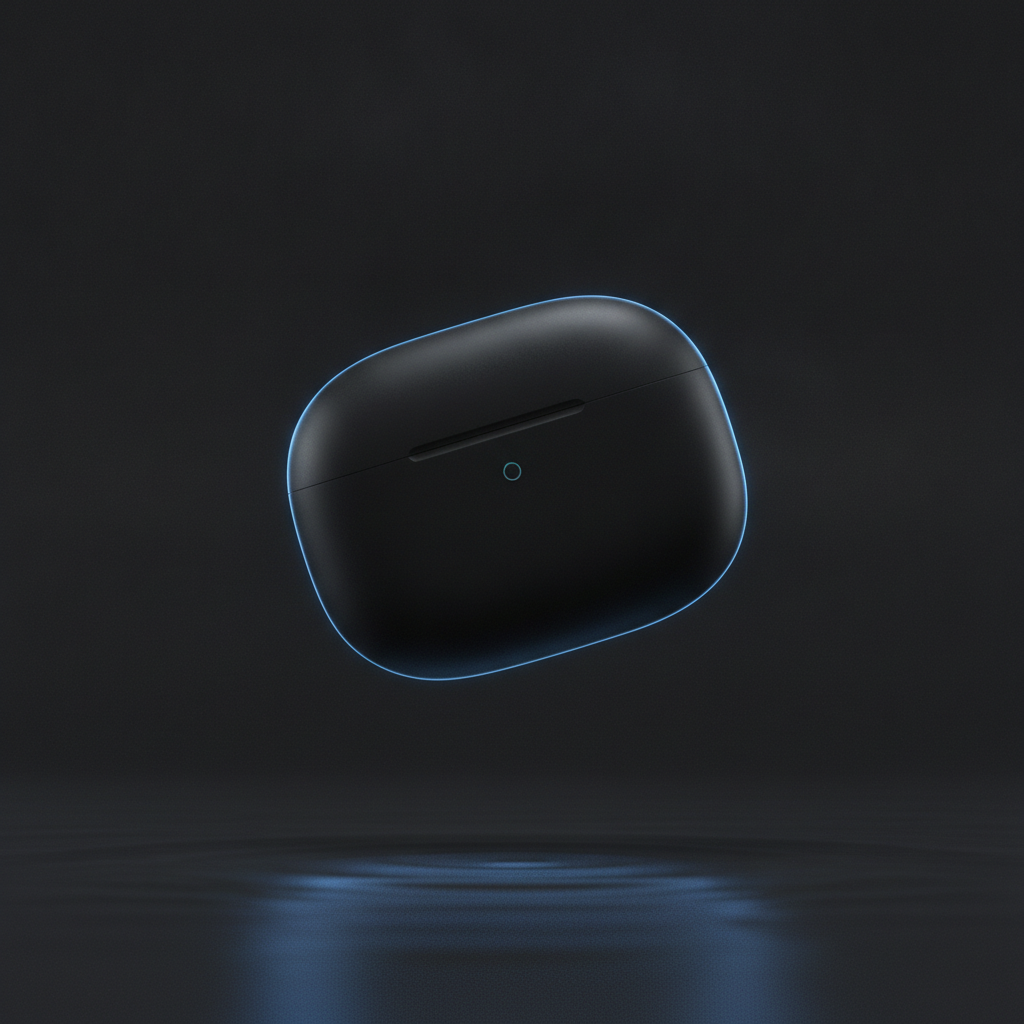
Unreleased Product Concept
Work you cannot circulate
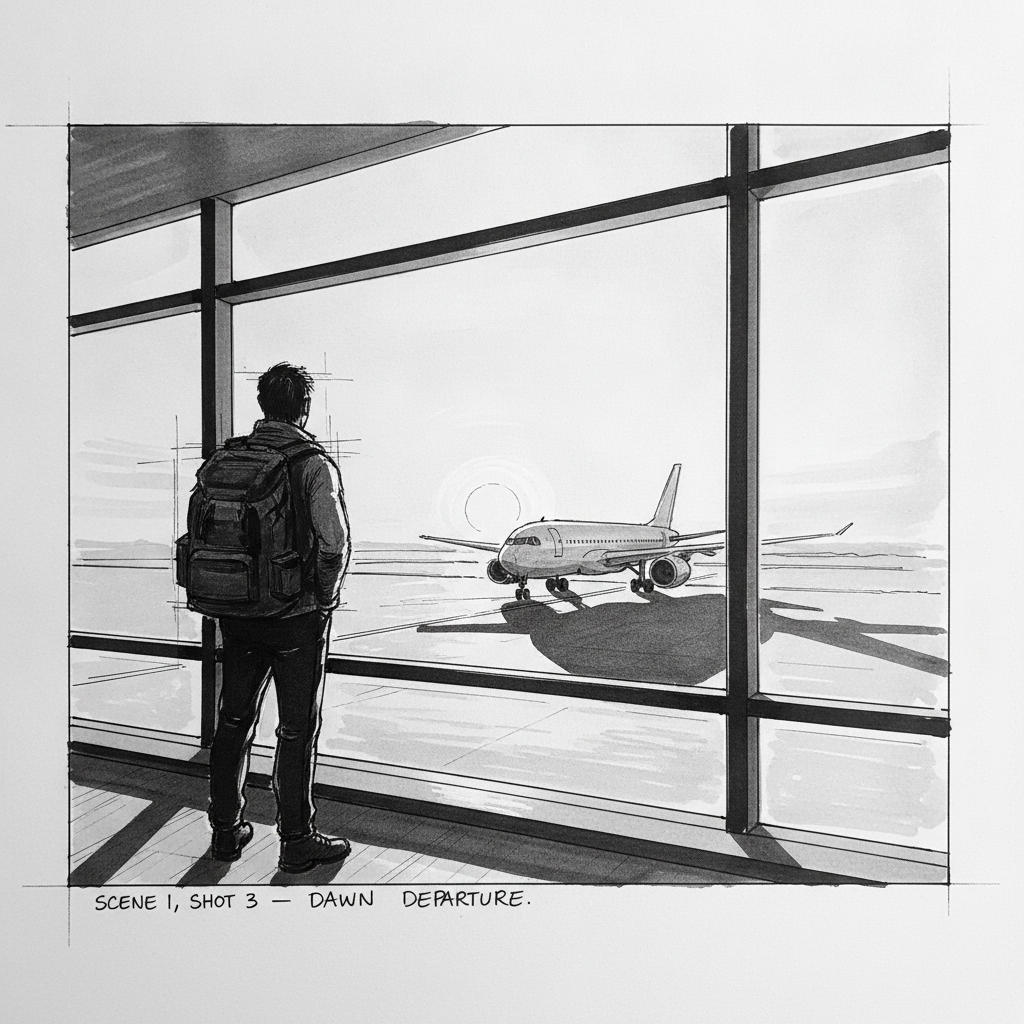
Storyboard Frame
Pre-production on the move
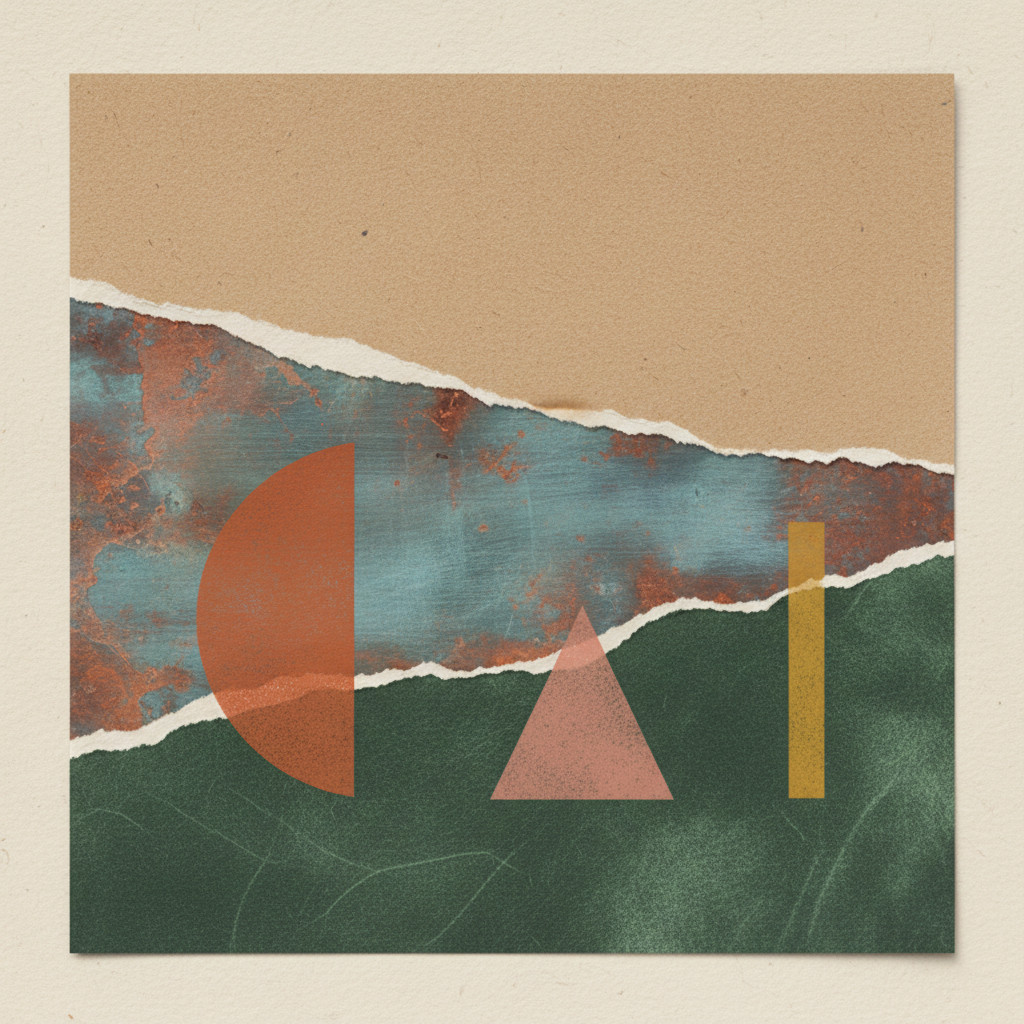
Moodboard Tile
Art direction references
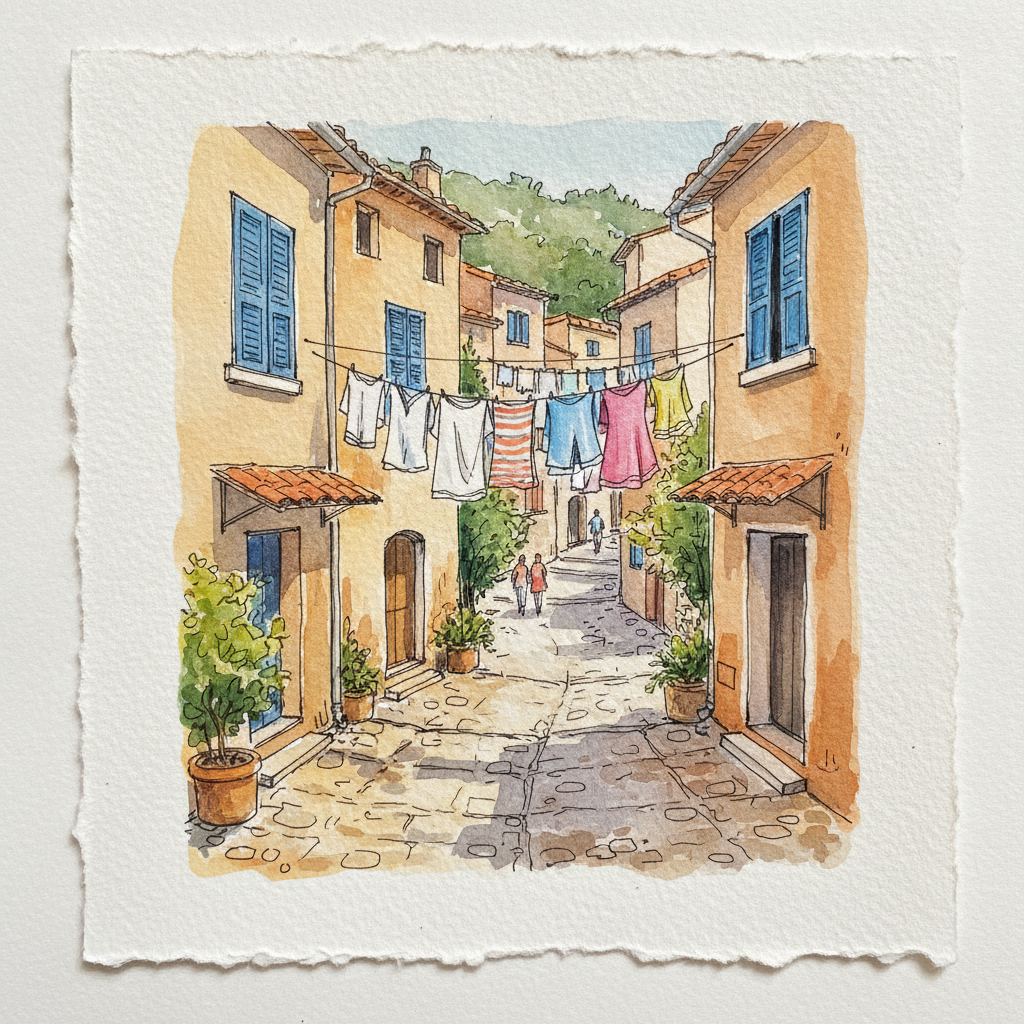
Travel Sketch
Field work, no signal
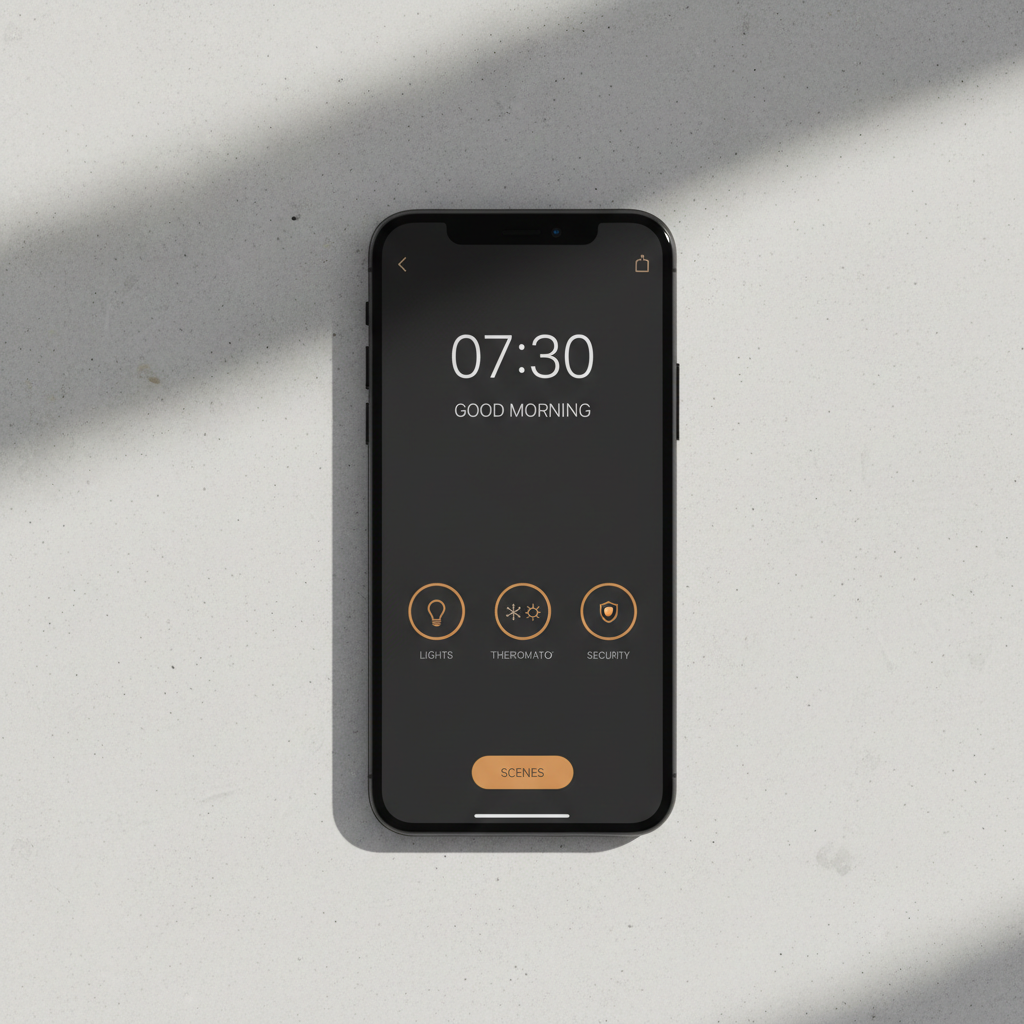
Client UI Mockup
Under NDA

Personal Avatar
Your own likeness, your call
How to Use the Generator on This Page
Three steps, about fifteen seconds — nothing to download, no toolchain to maintain
Pick the Kind of Asset
Product concept, storyboard frame, moodboard tile, field sketch, client mockup or stylised avatar. Each preset carries the medium, the lighting and the finish, so you are choosing a whole visual treatment rather than nudging a style slider until something appealing appears.
Describe the Subject
Add the object, materials, palette and angle in the prompt box — "folding electric scooter, brushed aluminium and olive green, three-quarter view". Specificity is the largest free quality lever you have. A bare noun returns an average of everything the model has seen; a described subject returns yours.
Compare and Decide
The image arrives at 4K-class resolution in about fifteen seconds. If you are weighing a local install, run the same prompt through both and judge the gap on your own work rather than on a benchmark — that comparison is the only one that answers your question. Paid plans from $2.99 add watermark-free files and commercial rights.
On-Device AI Image Generator vs Hosted: The Real Trade-Offs
Eight factors that actually decide it — and which side wins each one
| Factor | Local / On-Device | Hosted (this page) |
|---|---|---|
| Where the prompt goes | Never leaves the device | Sent to a server; governed by policy |
| Works with no connection | Yes, after the initial weight download | No — requires a live connection |
| Time per image | 30s–3min desktop; up to several minutes on phone | About 15 seconds |
| Maximum resolution | Commonly 512–1024px before memory pressure | 4K-class output |
| Text rendered inside the image | Unreliable on quantised models | Legible and consistent |
| Set-up required | 2–7GB download, toolchain, driver upkeep | None — open the page |
| Cost shape | Hardware and time up front, then free per image | Free to try, plans from $2.99 |
| Battery and thermals | Heavy drain; phones throttle under sustained load | Negligible on your device |
Read the table as a decision rather than a scoreboard. Local wins the two rows that are absolute — the prompt never leaves the machine, and it works with the network off — and those two rows outrank everything else when they apply to you. Hosted wins on every axis of convenience and output quality. If your constraint is confidentiality or connectivity, no amount of speed compensates; if it is not, several gigabytes of install and a multiple-minute render are a real price to pay for a guarantee you did not need.
What to Know Before Choosing Offline AI Tools
Privacy, hardware, quality ceilings and cost shape — including where this page falls short
Privacy Is Architectural, Not a Promise
The reason people search for an AI on-device image generator is almost never speed — it is that a local model has no server to log anything. There is no retention window to trust, no terms of service that can change next quarter, and no vendor breach that could expose your prompts, because the prompt never left the machine. That is a categorical guarantee rather than a policy commitment, and for NDA work, unreleased design, or regulated material it is frequently the only guarantee that counts. Hosted tools narrow the gap with commitments about storage and training; they cannot close it, and it is more useful to say so than to blur the distinction.
Genuinely Offline, After the First Download
Once the weights are on disk, offline AI tools work with the network switched off entirely — on a flight, on a remote shoot, inside a secure facility, or anywhere the connection is metered and unreliable. The caveat is the download itself: model weights run roughly two to seven gigabytes depending on quantisation, and they need a connection to fetch. Plan that before you leave rather than after you arrive. The other thing worth budgeting for is power, because sustained diffusion inference will flatten a laptop battery several times faster than ordinary work.
What the Hardware Actually Has to Be
On desktop, the workable floor is a discrete GPU with about 8GB of VRAM or an Apple Silicon Mac with 16GB of unified memory. Below that, generation still runs, but you are pushed onto smaller distilled models and long waits. On mobile, recent iPhone Pro handsets and Snapdragon flagships with dedicated NPUs can run quantised models — Apple ships Core ML conversions of Stable Diffusion for exactly this — at roughly twenty seconds to a couple of minutes per image, at 512 to 1024 pixels, with the phone getting noticeably warm. Mobile AI art on local hardware is real. It is not the same experience as a hosted generator.
The Quality Ceiling Is Set by Memory
Local models are quantised and distilled to fit consumer hardware, and that compression shows up in three predictable places: text rendered inside an image, hands and fine anatomy, and adherence to long compound prompts. A hosted model running at full precision on datacentre GPUs has no such constraint, which is why it holds a product name legible and follows a paragraph-long instruction. For textures, moodboards, loose sketches and stylised avatars the difference is often invisible. For a hero image with a readable brand name on it, it is usually decisive.
Cost Moves From Per-Image to Up-Front
Running locally means no per-generation charge, which matters if you produce hundreds of images a week and already own capable hardware. What you pay instead is set-up: several gigabytes of storage, a Python or Core ML toolchain to install and keep working, driver and dependency friction, and your own time whenever an update breaks something. That trade is clearly worth it at high volume and clearly not worth it at low volume. The generator on this page sits at the other end — nothing to install, free to try, and paid plans from $2.99 with no ongoing subscription.
This Page Is Hosted — Stated Plainly
The generator below runs on our servers, not inside your browser. We would rather be explicit than let a page about on-device generation imply something it does not do. What the hosted path buys you is a far larger model than any phone can hold, roughly fifteen seconds per image, 4K-class output, and zero installation. What it cannot buy you is the architectural guarantee above. If your requirement is that the data must never leave your machine, use a local install; this page is the right tool when you want maximum quality now and your privacy requirement is the ordinary kind.
Who Needs Secure AI Image Generation
Four groups for whom the question is a requirement rather than a preference
Designers Working Under NDA
If the concept you are exploring is an unannounced product, the prompt describing it is itself confidential — the text can leak the roadmap even when no image does. That is the cleanest argument for a local model, and it is worth making to whoever signs off on your tooling. For the same designer's non-confidential work — internal moodboards, style exploration, anything already public — a hosted generator is faster and better, and keeping the two streams separate is usually more practical than forcing everything through one tool.
Mobile Users and Field Creatives
Location scouts, travel illustrators, journalists and anyone who works where the signal does not reach have a connectivity problem rather than a privacy one. Mobile AI art on a phone NPU solves it genuinely, at the cost of a warm handset and a fast-draining battery. Download the weights before the trip, not during it. When you are back on a connection, the hosted path gives you the resolution the field sketch could not.
Regulated and Sensitive Sectors
Healthcare, legal, finance and government work often carries a rule that data must not transit third-party infrastructure at all. That is a compliance boundary, not a preference, and no vendor policy satisfies it — only architecture does. If you are in this group, treat local inference as the default and read any hosted tool's data terms carefully before making an exception. This page is not the right tool for material under that kind of obligation, and we would rather you knew that here than after the fact.
High-Volume Independent Creators
If you generate hundreds of images a week for game assets, print-on-demand or content pipelines, per-image cost starts to dominate and a local model amortises quickly — provided you already own a capable GPU and are willing to maintain the toolchain. The honest version of this calculation includes your time: dependency breakage after an update is a recurring cost that rarely appears in the comparison. Many creators land on both, iterating locally and finishing hosted.
AI On-Device Image Generator — FAQ
Hardware requirements, offline capability, privacy and the real quality gap
Benchmark It Against Your Local Setup
The only comparison that settles the local-versus-hosted question is your own prompt run through both. This one is free, needs no account and takes about fifteen seconds — so you can answer it before committing several gigabytes and an afternoon to an install.
Start Creating FreeAn Honest Guide to the AI On-Device Image Generator
Search interest in the AI on-device image generator has grown for a reason that has little to do with the technology being novel. Diffusion models have run on consumer hardware since 2022; what changed is that more people now have work they do not want to upload. An unannounced product, a client concept under NDA, a medical or legal illustration, a personal likeness — in each case the objection is not that a hosted service will misbehave, but that once the prompt leaves the machine you are relying on somebody else's policy rather than on physics. Local inference removes that dependency entirely. That is the whole appeal, and it is a good one.
What local inference costs you is worth stating with the same clarity. The model has to fit in your memory, so it is quantised and distilled, and the compression shows up predictably: text rendered inside an image goes unreliable, hands and fine anatomy degrade, and long compound prompts get partially ignored. Generation takes thirty seconds to three minutes on a desktop GPU and can run to several minutes on a phone, with the handset throttling as it heats. Output typically tops out between 512 and 1024 pixels before memory pressure bites. And before any of that, there is a two-to-seven-gigabyte download and a toolchain — Core ML on Apple Silicon, a Python and CUDA stack elsewhere — that will need attention every time something updates. None of this makes offline AI tools a bad choice. It makes them a choice with a shape, and the shape fits some work and not other work.
The generator on this page is hosted, which we would rather state directly than imply otherwise on a page with this title. Your prompt goes to our servers, renders on datacentre hardware and comes back as a 4K-class image in about fifteen seconds, with nothing to install and no account required. That buys you a model far larger than any phone can hold, legible text inside images, resolution that survives a crop, and none of the maintenance burden. It does not buy you the architectural guarantee that local inference provides, and if your requirement is that the data must never transit third-party infrastructure, this is not the right tool — a Core ML build or a desktop Stable Diffusion runtime is. Most people's privacy requirement is the ordinary kind, in which case the practical answer is often to use both: iterate locally on the sensitive material, and finish the non-sensitive assets where the quality ceiling is higher.
Whether you arrived searching for an AI on-device image generator, secure AI image generation, offline AI tools, privacy-first image editing or mobile AI art, this is the dedicated page for the topic on aibanana.net. If your interest is editing rather than generating, On-Device AI Image Editing covers that side of the same question. For general-purpose creation with no privacy framing, start at AI Image Generator or Free AI Image Generator. If a locally generated image came out too small for its final use, AI Image Upscaling is the usual fix for the resolution ceiling described above. The generator here runs server-side and asks for no account, email or credit card — free usage is protected with per-IP rate limits rather than ads or a login wall. Paid plans from $2.99 unlock unlimited high-resolution runs, watermark-free downloads and full commercial usage rights with no ongoing subscription.