
On-Device AI Image Editing
Edit Photos Anywhere, From Any Device
On-device AI image editing puts a full photo editor on the phone, tablet, or laptop already in your hand — no bulky app to install and no desktop required. Enhance, retouch, and restyle any photo in about fifteen seconds. Built for mobile users, photographers, and travelers who need powerful editing on the go, it turns a quick snapshot into a polished image right where you are. Edit your photo below and see it transform instantly.
Try On-Device AI Image Editing — Free
Upload a photo, choose an editing style or describe your change, and let the AI edit it in seconds — right from your device
On-Device AI Image Editor
Upload a photo, pick an edit or describe the change, and get a polished result instantly on any device
Upload a photo from your device, choose an editing style, and click Generate
Edits Made With On-Device AI
Six examples of photos enhanced and transformed right from a device
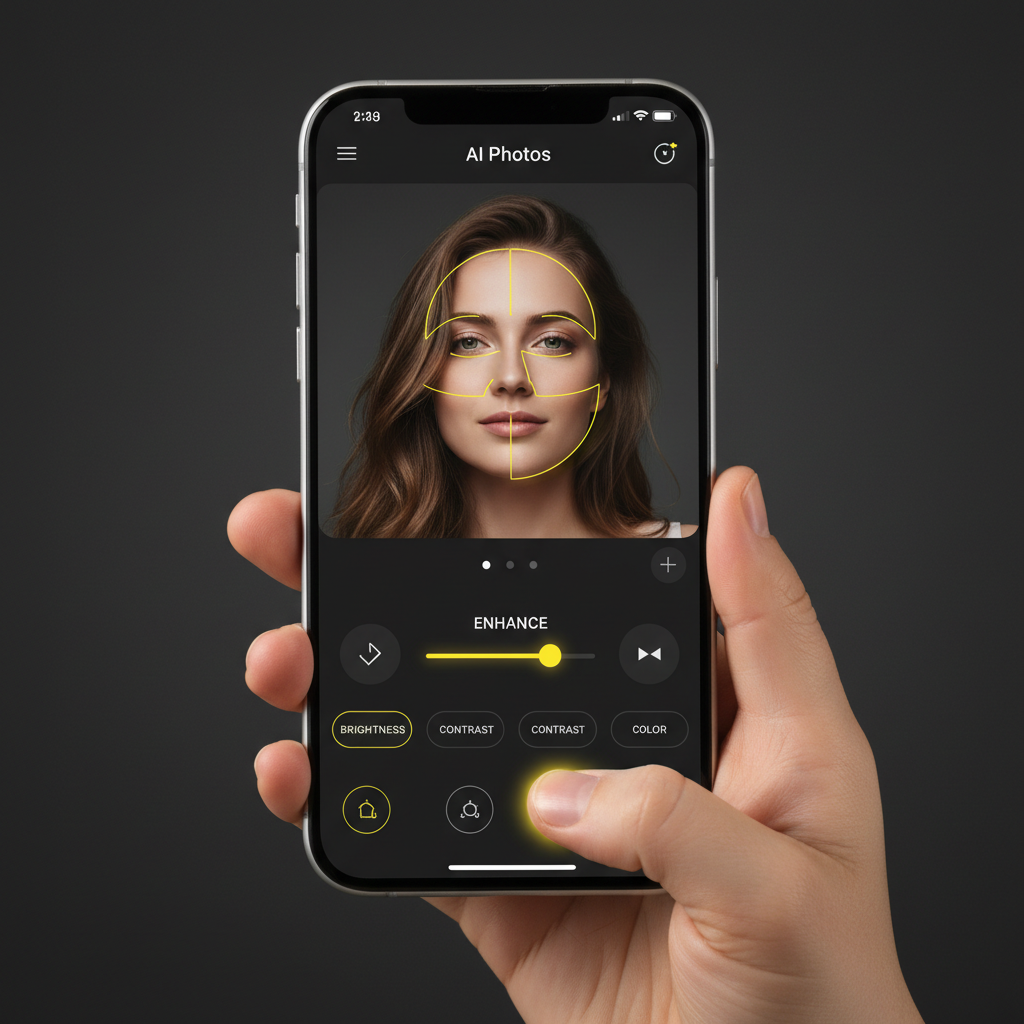
Edit On Your Phone
Mobile editing
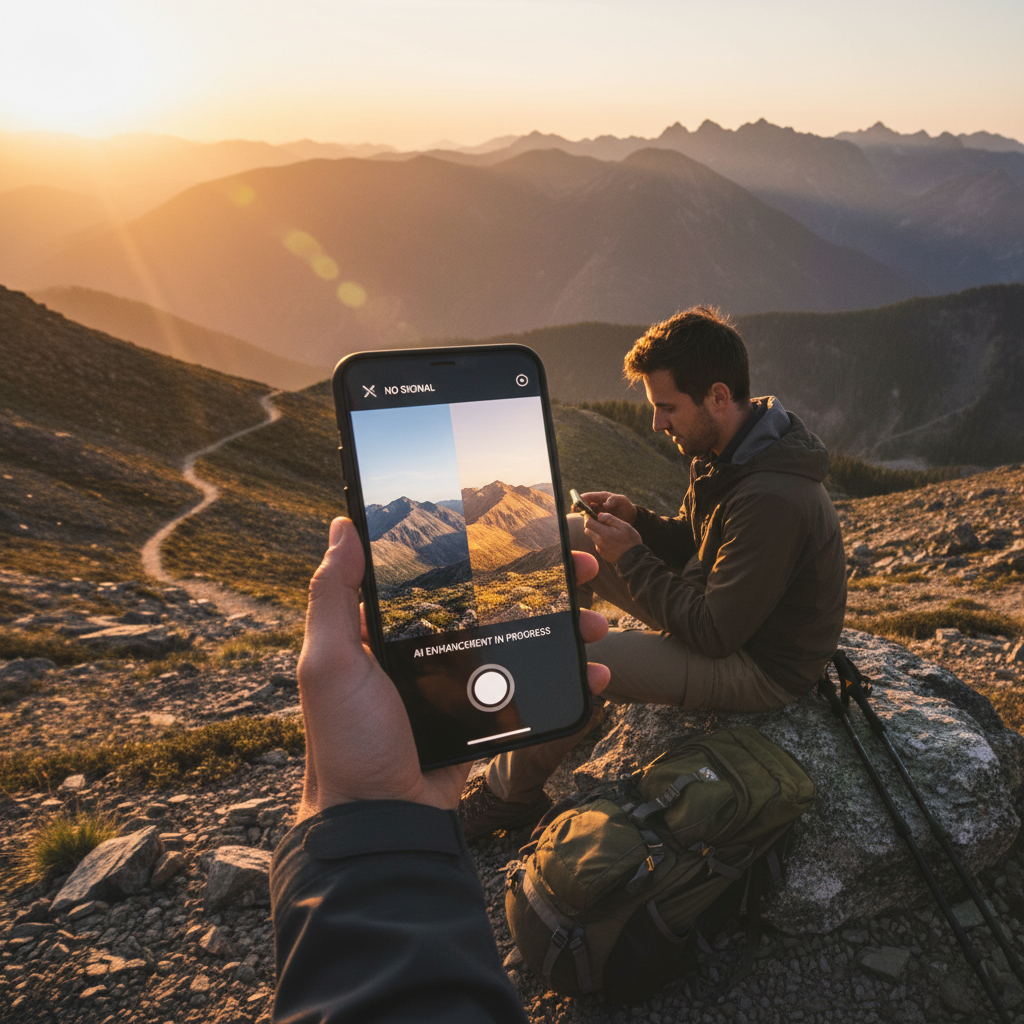
Edit While Traveling
On the go
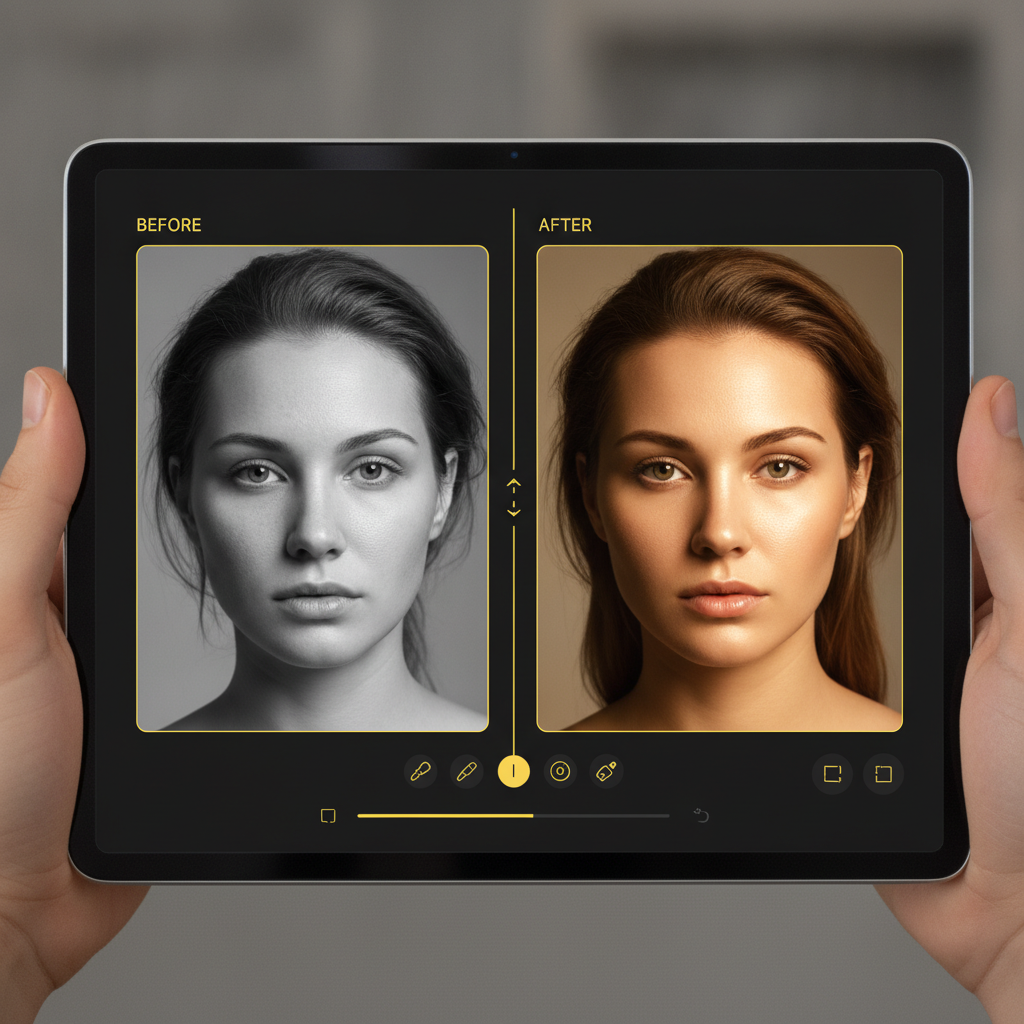
Instant Enhancement
Photo enhancement
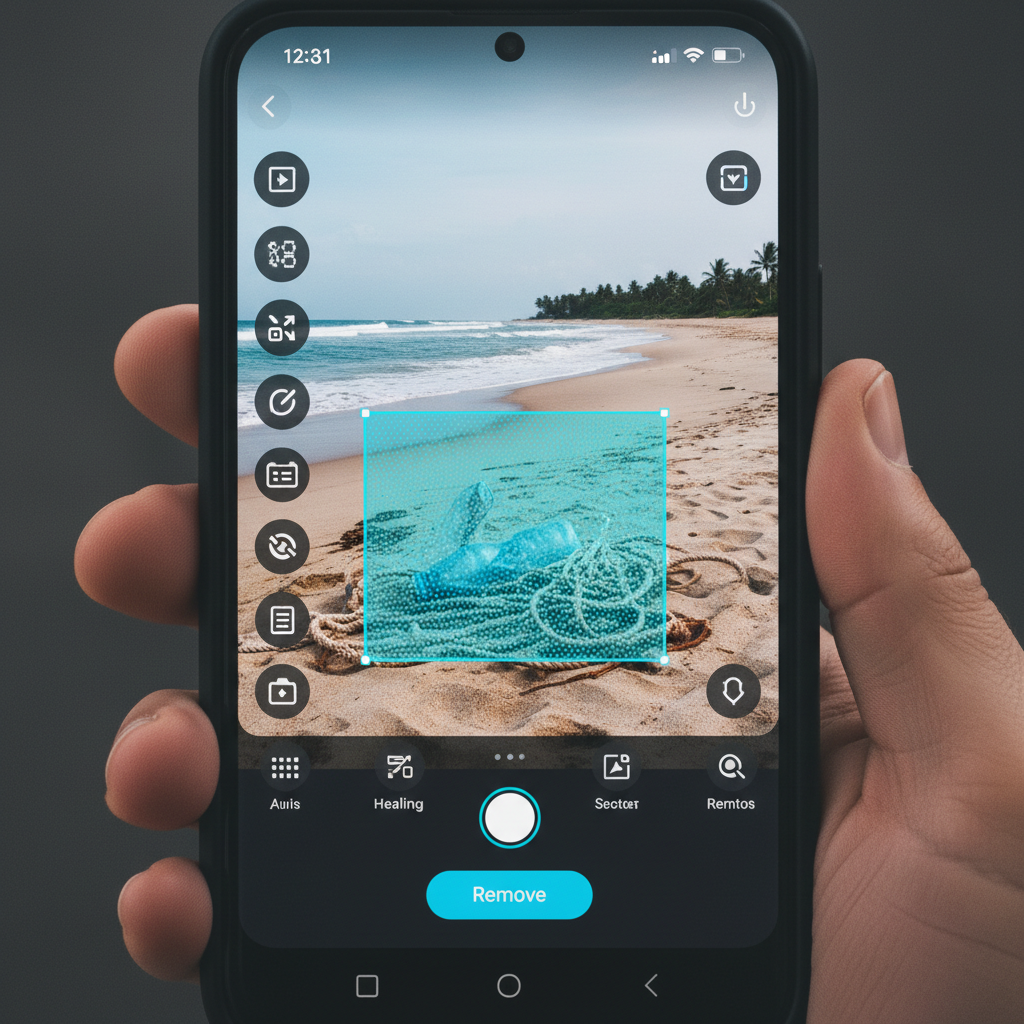
Remove Objects
Clean-up edits
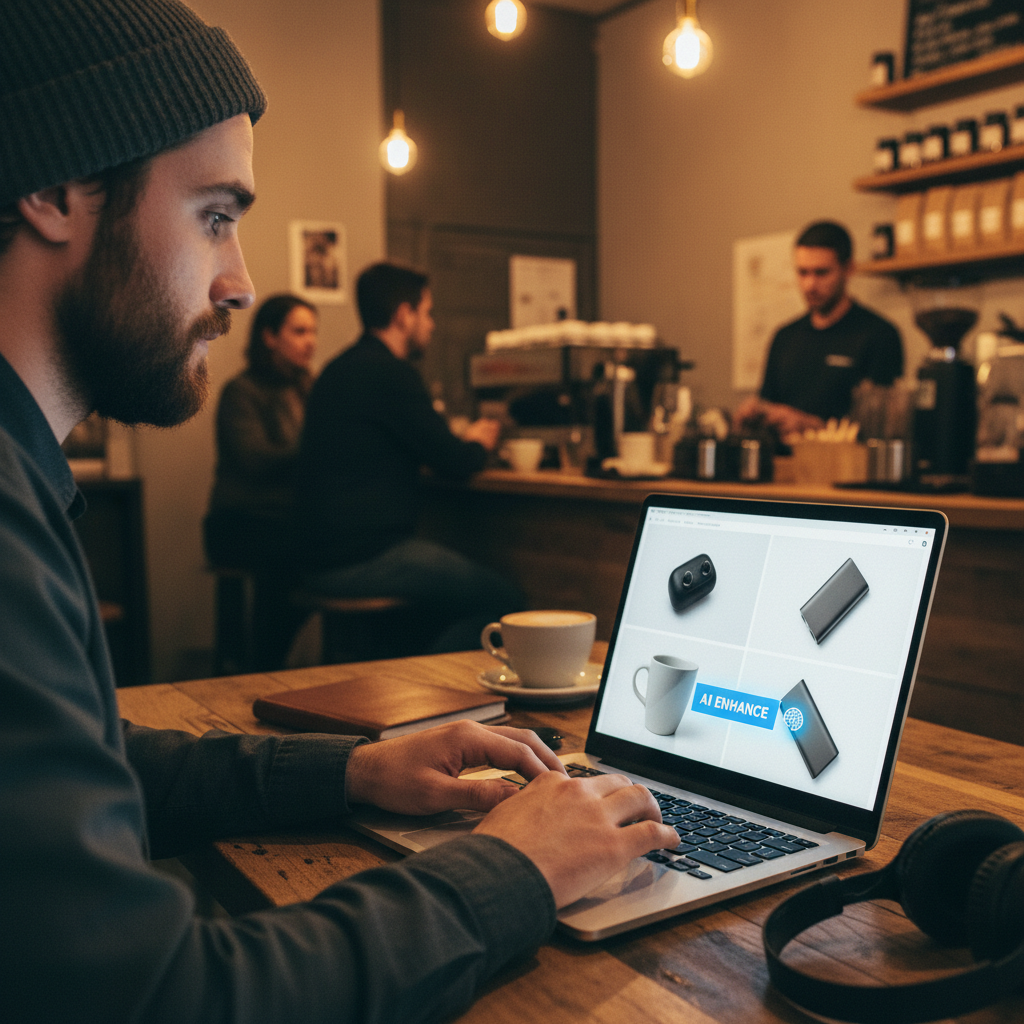
Product Photo Editing
For creators
Powered by AI
Smart processing
How On-Device AI Image Editing Works
Three simple steps from a raw photo to a polished result — on any device
Upload Your Photo
Open the tool on your phone, tablet, or laptop and upload the photo you want to edit — straight from your camera roll or files. There is no app to install, so on-device AI image editing starts the moment you drop in an image.
Choose or Describe the Edit
Pick a preset — enhance to HD, retouch portrait, remove background, fix low light, or restyle — or type the exact change you want in plain language. The AI reads your instruction and knows precisely what to do to your image.
Download and Share
In about fifteen seconds your edited photo is ready. Download the high-resolution result to your device and share it right away. Not quite right? Adjust the description or switch presets and edit again — the AI is instant, so you can refine until it is perfect.
Why Choose On-Device AI Image Editing
Powerful editing for mobile users, photographers, and travelers — wherever you are
Full AI Editor On Any Device
On-device AI image editing puts a complete photo editor on the screen already in your hand. There is no bulky app to install and no desktop required — open the tool in your mobile or laptop browser and start editing. It runs the same on an iPhone, an Android phone, a tablet, or a laptop, so mobile users get studio-grade editing power without giving up storage space or waiting for a big download.
Enhance Photos in Seconds
Dull, flat, or low-light photos become bright, sharp, high-resolution images in about fifteen seconds. On-device photo enhancement AI improves clarity, color, and detail in a single tap, so a quick phone snapshot can look like it came from a professional camera. Photographers use it to rescue underexposed shots between sessions, and travelers use it to polish photos the moment they capture them.
Retouch and Remove With AI
On-device AI image editing does more than filters. Remove unwanted objects, clean up busy backgrounds, retouch portraits, and swap scenes — all by describing the change in plain language. The AI understands what you want and applies it precisely, keeping the rest of the photo natural. It is the kind of editing that used to require desktop software and manual masking, now handled on the device you already carry.
Restyle Into Any Look
Turn a photo into an oil painting, an anime scene, a watercolor, or a cinematic color grade in seconds. Local AI image editing lets you explore several artistic styles for the same shot and pick the one you like best. Content creators and social media managers use it to give a whole feed a consistent aesthetic without opening a single desktop editing program.
Built for Travelers and Mobile Users
When you are away from your desk, you should not lose access to powerful editing. On-device AI image editing is designed for people who work on the move — travelers, field photographers, and mobile creators — so you can enhance, retouch, and restyle photos right from your phone and share them immediately. No syncing to a computer, no waiting until you get home.
Free, Instant, No Login
Powerful editing used to mean expensive software and a steep learning curve. On-device AI image editing returns a finished, high-resolution result in about fifteen seconds, free to start with no account, install, or credit card. Pick a style or describe your edit, then download — that is it. Unlimited editing and watermark-free downloads unlock from just $2.99, so editing every day on your device stays affordable.
On-Device AI Image Editing — FAQ
Everything you need to know about editing photos with AI on any device
Edit Your Photos With AI — On Any Device, Free
Great editing should not be stuck on your desktop. On-device AI image editing turns any photo into a polished, high-resolution image in about fifteen seconds — no install, no login, from the phone, tablet, or laptop already in your hand. Upload a photo now and watch the AI transform it instantly.
Start Editing FreeThe Complete Guide to On-Device AI Image Editing
Editing a photo used to mean sitting down at a desktop, launching heavy software, and learning a maze of tools. On-device AI image editing changes that by bringing a complete, intelligent photo editor to whatever device you are already holding. On aibanana.net the tool runs in your mobile or desktop browser and connects to the Nano Banana Pro model, so you can enhance, retouch, restyle, and transform an image in about fifteen seconds — from a phone on a hiking trail, a tablet on a train, or a laptop at a café. There is nothing to install, no account to create, and no expensive subscription to sign, which is exactly what mobile users, photographers, and travelers need when they want powerful editing without being tied to a desk.
Using it is refreshingly simple. Upload the photo you want to change, then choose a preset edit — enhance to HD, retouch portrait, remove background, fix low light, oil painting, or anime style — or describe the exact change you want in plain language. On-device AI image editing reads your instruction and applies it precisely, keeping the rest of the image natural. Because it runs on Nano Banana Pro, fine detail, faces, and even text stay clean after a big transformation, so a quick phone snapshot can end up looking like it came from a professional studio. Photographers use this on-device photo enhancement AI to rescue underexposed shots between sessions, travelers use it to polish images the moment they capture them, and content creators use it to give a whole feed a consistent look without opening a single desktop program.
What makes local AI image editing genuinely useful is that it removes the friction between capturing a photo and finishing it. Traditional mobile apps are either lightweight filters that cannot do real editing, or huge downloads that eat your storage and battery. This tool sits in between in the best way: it needs no install, works the same across iPhone, Android, tablet, and laptop, and hands the heavy lifting to a powerful cloud model so your device stays fast. You get desktop-class results — object removal, background swaps, portrait retouching, color grading, and artistic restyling — from a browser tab. Everything downloads as a standard high-resolution file, so you can share it to social media, send it to a client, or drop it into a project right away.
You can try on-device AI image editing free on this page with no account, no software install, and no credit card — usage is protected with per-IP rate limits instead of a login wall, so you can edit risk-free and watch a photo transform immediately. Paid plans start at just $2.99 and unlock unlimited editing, watermark-free high-resolution downloads, and full rights to use your edited images commercially, which makes editing on your device every day genuinely affordable for photographers, creators, and businesses. The best editor is the one you always have with you. Upload a photo above, choose an edit or describe it in your own words, and let on-device AI image editing turn it into a polished, professional image in seconds.