
AI Image Tools vs GIMP
Comparing AI image tools with GIMP sounds like a contest and mostly is not one. GIMP is a free, mature raster editor that changes pixels you already have, exactly and repeatably. AI image tools create pixels that never existed, from a sentence, in about fifteen seconds. This page sets out precisely where each one wins, where each one genuinely cannot help, and how to run both — with a generator you can test right here against your GIMP workflow.
Try The AI Generator FreeTry It Now — Free
Six presets covering the assets people normally open GIMP to build or go hunting on a stock site to find — background plates, seamless textures, product scenes, editorial illustration, poster art and icon marks. Generate one, then take the PNG into GIMP and finish it properly.
AI Image Generator
Generate the raw material a layer editor cannot invent — then finish it in GIMP
What AI Image Tools Produce That GIMP Would Have To Source
Six assets generated from a sentence each. Every one of them is something a GIMP session would need to start with — shot, licensed or painted first. That upstream step is the part generation removes, and it is usually the expensive one.
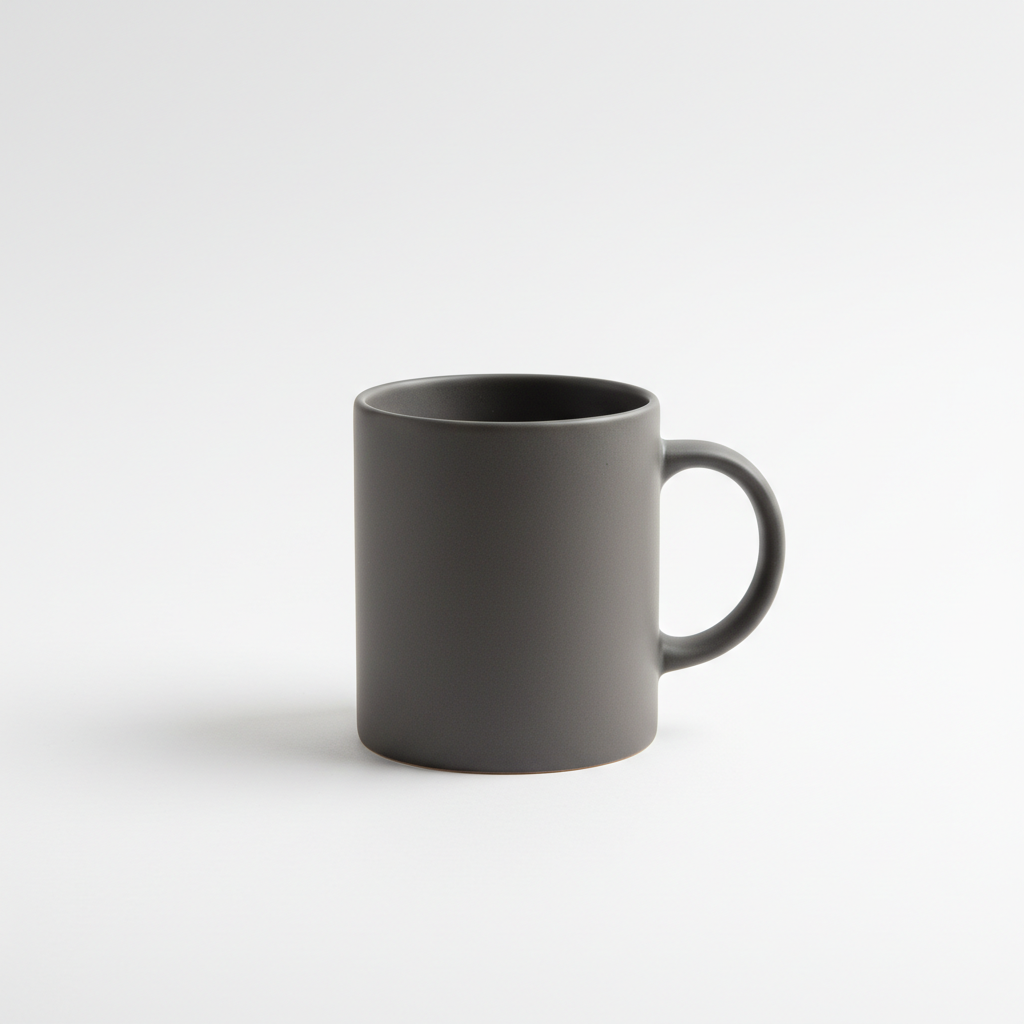
Product Shots Without A Shoot
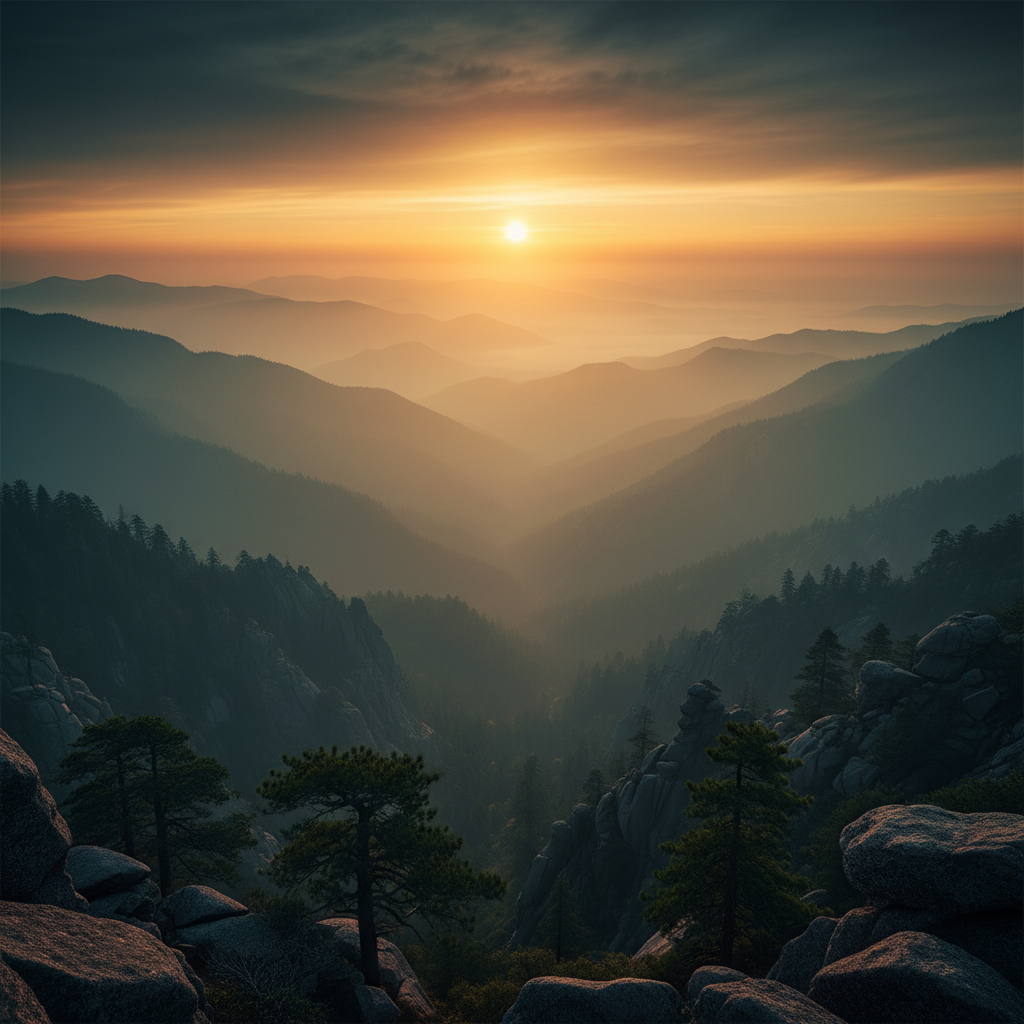
Grading, Described Not Dialled
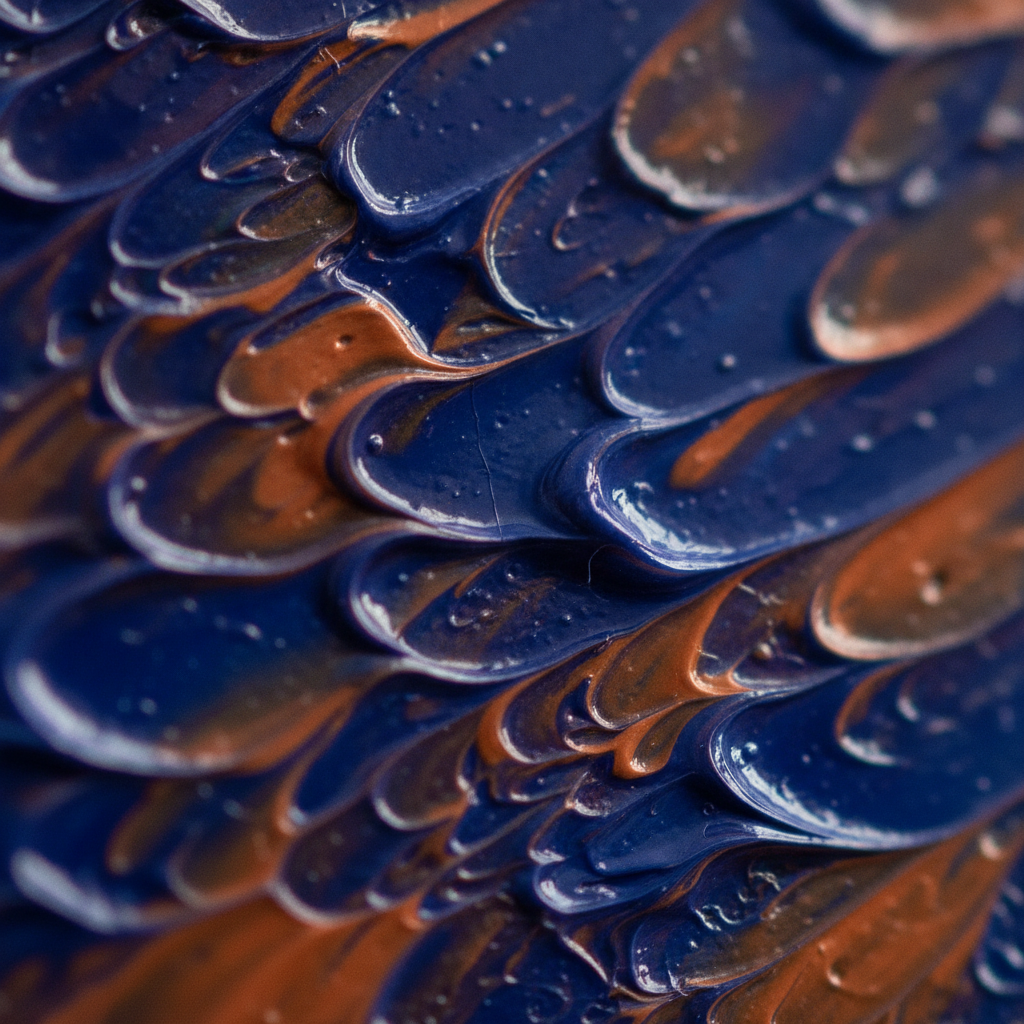
Texture Without Brushwork

Background Plates On Demand

Restored Look, No Masking
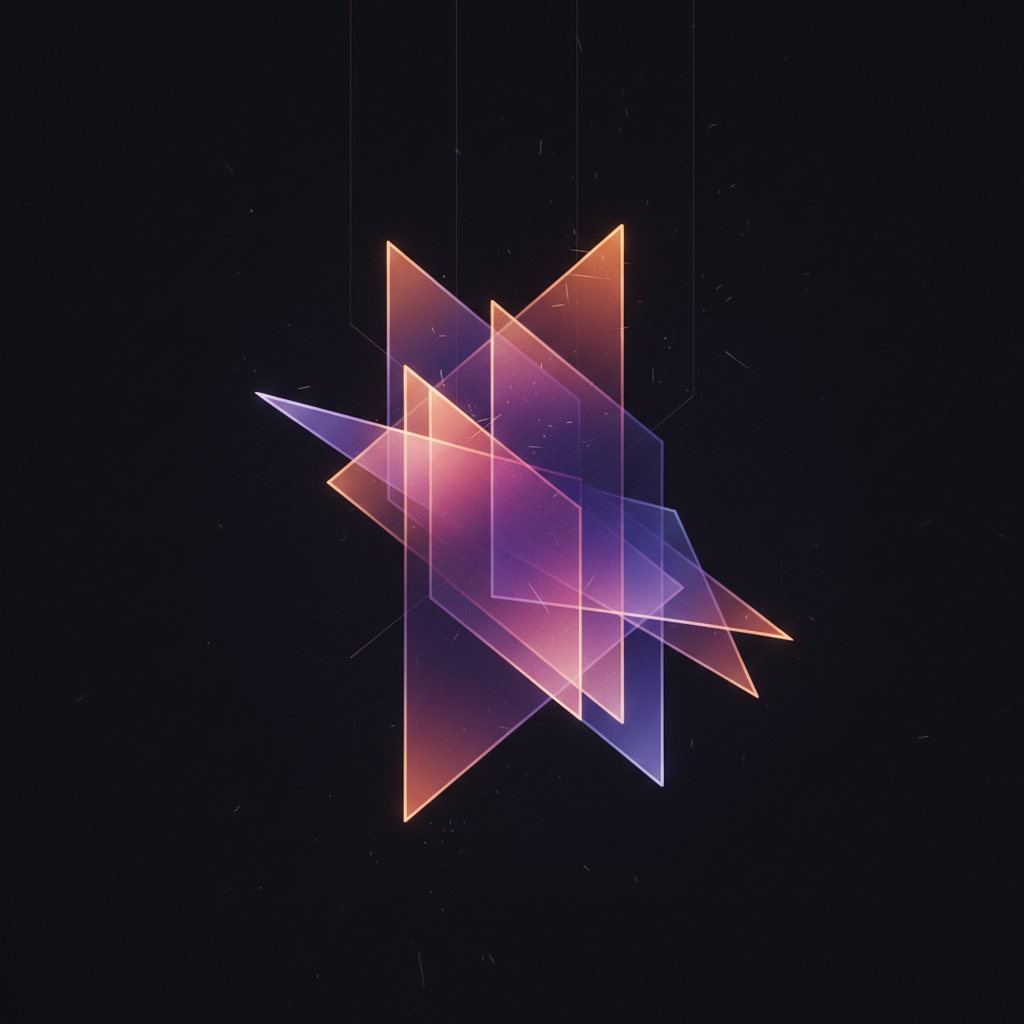
Layered Looks, One Prompt
AI Image Tools vs GIMP: Which Tool Owns Which Job
Six jobs that come up in almost every image task, and which side of the comparison each one belongs to. Most projects contain several of them, which is the real reason this is a handoff rather than a choice.
This is the cleanest split in the whole comparison. GIMP edits pixels that are already there; it has no way to invent a product photograph, an illustration or a background from a description. If your starting point is a blank canvas and a sentence, generation is not the better option — it is the only one, short of shooting, drawing or licensing the source yourself.
Moving one layer three pixels, painting a mask by hand, matching a brand hex value, cropping to an exact pixel dimension. Generation is probabilistic by construction, so the same prompt twice gives you two different images. When the requirement is "change this and nothing else," a deterministic editor is the right instrument and no amount of model quality substitutes.
A described image arrives in roughly fifteen seconds with no source material and no interface to learn. The equivalent in GIMP means sourcing a photograph, building a selection, masking, colour-matching and exporting. For a blog header or a social card that will be looked at once, that difference is the entire decision.
A generator hands you a flat PNG. GIMP hands you an XCF with a layer stack, masks and non-destructive layer effects that a colleague can open six months later and revise. For anything a team maintains rather than ships once, that structural difference matters far more than the quality of the first render.
ICC profiles, high bit depth, and the CMYK and prepress handling that GIMP 3.x introduced and its post-3.2 roadmap continues to extend. Generated output is RGB, and getting it press-ready is a job for an editor. This is a whole category of professional work where the comparison is not close.
GIMP scripts identical operations across hundreds of files through Script-Fu and Python-Fu, deterministically. Generators batch too, but each output is a new roll of the dice rather than the same operation repeated. Same word, genuinely different guarantees — pick based on whether you need repetition or variation.
AI Image Tools vs GIMP: Feature By Feature
GIMP figures reflect the 3.x line current at the time of writing. Read the table as two different instruments rather than two competitors — several rows are wins only in the sense that a hammer beats a saw at driving nails.
| Factor | GIMP | AI Banana |
|---|---|---|
| Core purpose | Edit pixels that already exist | Create pixels that never existed |
| Price | Free, GPL, no tiers | Free to test, plans from $2.99 |
| Install | ~300MB desktop app | Runs in the browser |
| Time to competence | Weeks of real use | About a minute |
| Time to one asset | Minutes to hours, plus sourcing | ~15 seconds |
| Needs a source file | Yes, always | No — text is the input |
| Determinism | Exact and repeatable | Probabilistic by design |
| Pixel-level precision | Complete | None — you describe, not place |
| Layered source file | XCF, PSD, PSB | Flat PNG output |
| Text in image | Any licensed font, exact | Legible, spelled correctly |
| CMYK and prepress | Yes, extending in 3.x | RGB output only |
| Batch processing | Script-Fu, deterministic | Batch, but each result varies |
| Works offline | Fully | No — hosted service |
| Team access | Whoever learned GIMP | A URL anyone can open |
When To Reach For GIMP, And When To Reach For AI Image Tools
Open GIMP when
- You are editing a specific photograph and everything you did not select must stay bit-for-bit identical.
- The output goes to print and needs colour management, high bit depth or CMYK handling.
- Someone else has to open, understand and revise the file later — that means layers, not a flat PNG.
- Brand exactness is the requirement: a licensed font at a set size, a hex value matched across assets, a logo at known coordinates.
- You need the same operation applied identically across two hundred files via Script-Fu.
- The work must happen offline, or the budget is genuinely zero.
Use AI image tools when
- The image does not exist yet and shooting, drawing or licensing it is the actual bottleneck.
- You need a look rather than an exact arrangement — a header, a texture, a background plate, a mood.
- Nobody on the team has weeks to spend learning a raster editor.
- The asset ships once and will never be revised, so a layered source file buys you nothing.
- You want twelve variations to choose from, where variation is the point rather than a defect.
- It is needed today and the alternative is an afternoon of compositing.
Most projects contain both lists. Generate the raw material, finish it in GIMP, and the question stops being which tool to pick and becomes where the handoff sits.
How The Generate-Then-Edit Workflow Works
Generate The Raw Material
Pick a preset — background plate, seamless texture, product scene, illustration, poster art or icon mark — and describe your subject. This replaces the sourcing step that happens before GIMP ever opens: the shoot, the stock licence, the blank canvas.
Download The 4K PNG
Results come back watermark-free on paid plans with full commercial rights, at a resolution that survives cropping and compositing. No account is needed to test, and nothing is uploaded, because text-to-image needs no source file from you.
Finish It In GIMP
Open the PNG and do the work a generator cannot: exact crops, brand-colour correction, real text in your licensed font, logo placement at known coordinates, and export to whatever format the destination demands. Handoff, not competition.
What AI Image Tools Give You That GIMP Does Not
Six advantages that are about access and sourcing rather than image quality — which is where the real difference sits, and where most comparisons never look.
Nothing To Learn First
GIMP asks for layers, masks, alpha channels, selection modes and paths before it gives you much back, and competence is measured in weeks. Describing an image in a sentence has no ramp at all — the first useful result lands in about a minute, which is why AI image tools spread through teams that never had a designer on staff.
No Source Material Needed
Every GIMP session starts with a file: something photographed, licensed or drawn. That upstream step is invisible in most comparisons and is usually the expensive one. Generation removes it entirely — the asset is created from the description, so there is no shoot to arrange and no stock subscription to keep paying for.
Legible In-Image Text
Put your headline in quotes in the prompt and it comes back spelled correctly at 4K. This is the one place generative output has genuinely caught up on a task people used to open an editor for, though GIMP still wins the moment the text must be set in a specific licensed brand font at an exact size.
Seconds, Not An Afternoon
A composite that takes an experienced GIMP user an hour — background, subject, mask refinement, colour match, export — is a fifteen-second generation when the requirement is a look rather than an exact arrangement. Being clear about which of those two you actually need is most of the skill in choosing.
Runs In A Browser
No install, no 300MB download, no version that behaves differently on the designer’s Mac than on the marketer’s Windows laptop. Open the page and generate. GIMP is genuinely cross-platform and free, and it is still software somebody has to install, update and support on every machine that needs it.
Anyone On The Team Can Use It
GIMP concentrates image work in whoever learned GIMP, and every request routes through that person. A prompt box is a URL. For a docs team, a marketing team or a founder who needs an image before a call, that access difference decides more real workflows than any feature table does.
What GIMP Does That No AI Image Tool Can
A comparison page that only lists the other side’s weaknesses is an advert. These four are structural advantages of a raster editor, and no amount of model quality erodes them.
Layers, Masks And Paths
The core of a raster editor and the thing no prompt reproduces. Non-destructive layer effects arrived in GIMP 3.0 and matured through 3.2, so adjustments stay live and editable rather than baked into pixels — a working model that generation has no equivalent for.
Prepress And Colour
ICC colour management, high bit depth, and the CMYK support GIMP 3.x introduced with full CMYK on the post-3.2 roadmap. If the destination is a printing press rather than a screen, this is where the work has to happen.
Script-Fu And Python-Fu
Deterministic batch processing across hundreds of files with identical parameters, plus a modernised 3.x plug-in API. Community plug-ins can even bridge GIMP to a local Stable Diffusion install, which is the do-it-yourself version of the workflow this page describes.
Free Forever, GPL
No subscription, no watermark, no feature tier, no account, on Linux, Windows and macOS. Twenty-five years of development given away. Any honest comparison has to put this first rather than treat it as a footnote.
AI Image Tools vs GIMP FAQ
Run The Comparison On Your Own Work
Take the next asset you were going to build from scratch in GIMP, describe it here instead, and see how much of the job is already done before you open the editor. Free, no account, about fifteen seconds.
Try The Generator FreeChoosing Between AI Image Tools And GIMP
The question “AI image tools vs GIMP” usually arrives phrased as a replacement decision, and that framing is what makes it hard to answer. GIMP is a raster editor: it operates on an image that already exists, and its entire value is precision and repeatability. Layers, masks, paths, selections and — since the 3.x line — non-destructive layer effects give you control over exactly which pixels change and by how much. AI image tools have no such control and were never designed to. What they have instead is the ability to produce an image that does not exist yet, from a sentence, without a photograph, an illustration or a stock licence underneath it. Neither capability substitutes for the other, so the useful question is not which tool to adopt but which part of your workflow each one is actually for.
Cost is the first place the comparison gets distorted, because GIMP is free and nothing beats free on a licence line. It has been free for twenty-five years, it is GPL licensed, there is no subscription, no watermark and no feature tier, and it runs on Linux, Windows and macOS. Any comparison that buries that is selling something. But the full cost of a GIMP-only workflow is not the licence — it is the sourcing step that happens before GIMP opens and the learning curve that happens before you are any good at it. Somebody has to shoot the photograph, buy the stock image or draw the illustration, and somebody has to have spent weeks becoming fluent in masks and selection modes. AI image tools charge a small per-image cost, here from $2.99 for a credit pack, and remove both of those. If your constraint is budget, GIMP wins and it is not close. If your constraint is the afternoon it takes to produce something you could describe in one sentence, the trade looks entirely different.
The technical line between the two is determinism, and it is worth understanding precisely because it predicts every other difference. A GIMP operation is exact: the same input and the same parameters produce the same output, every time, and everything you did not select stays untouched. Generation is probabilistic — the same prompt twice gives you two different images, which is a feature when you want twelve options and a hard blocker when you need one specific correction. That single property is why GIMP still owns retouching, brand-exact composition, prepress with ICC colour management and the CMYK support the 3.x releases introduced, scripted batch runs through Script-Fu and Python-Fu, and any file a colleague will open and revise six months from now. It is also why an AI image tool cannot promise you a one-pixel adjustment, and why claims that generative models have made layer editors obsolete tend to come from people who have not had to deliver a printed asset.
The recommendation that survives contact with real work is unglamorous: use both, and be deliberate about where the handoff sits. Generate the raw material — the background plate, the seamless texture, the product scene, the editorial illustration — and take the 4K PNG into GIMP for exact crops, brand-colour correction, real text in your licensed font, logo placement and export to whatever the destination demands. It works in the other direction too: rough a composition out in GIMP, export it, and use it to condition an image-to-image pass before bringing the result back for finishing. Testing the generator here is free after a one-time bot check, with paid plans from $2.99 including watermark-free 4K downloads and full commercial rights. If you want the same comparison against the commercial editor most GIMP users are also weighing, the AI image tools vs Photoshop page covers it; if the editing half is what you actually need, the AI photo editor and image-to-image tools sit closest to a GIMP workflow, and the rest of the AI image tools cover the more specialised jobs around them.