
AI Image Tools vs Photoshop
The Honest 2026 Comparison
AI image tools vs Photoshop compared head-to-head — speed, cost, ease of use, and control. AI image tools edit and create in seconds from a plain text prompt with no layers, no masks, and no Adobe subscription, while Photoshop still wins on pixel-level precision and professional print work. This comparison helps designers, photographers, and digital artists pick the right tool for the job. Try the free AI image tool below and see the AI vs Photoshop difference in fifteen seconds.
Try the AI Image Tool — Free
Pick a task Photoshop would take you an hour to do — product photo, headshot, marketing banner, background swap — and watch the AI finish a 4K result in fifteen seconds
AI Image Tool vs Photoshop Demo
Describe the edit or image you want and watch AI finish in fifteen seconds — the same jobs that take Photoshop layers, masks, and an hour of work
AI Image Tools vs Photoshop in Action
Six results that would each take real Photoshop time — done by AI in seconds
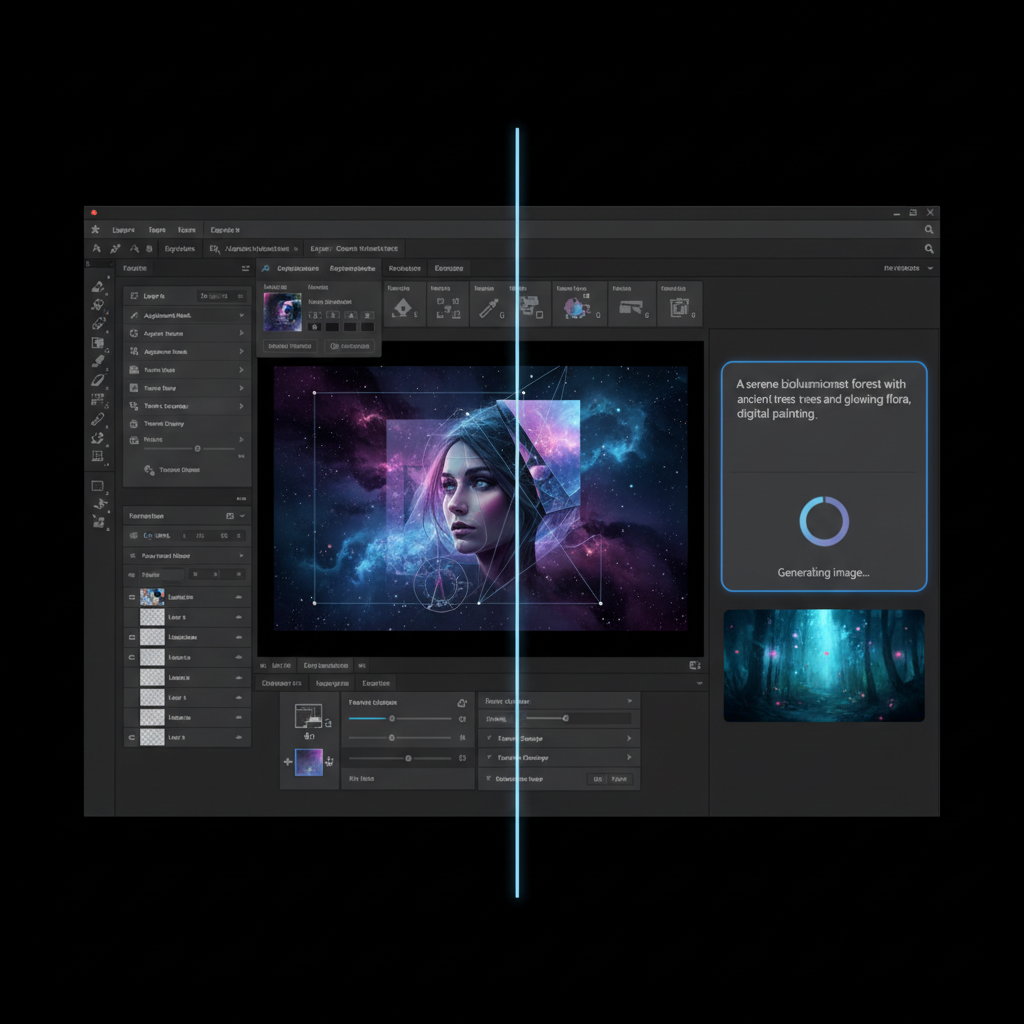
AI Prompt vs Layers
One text box vs 100 menus
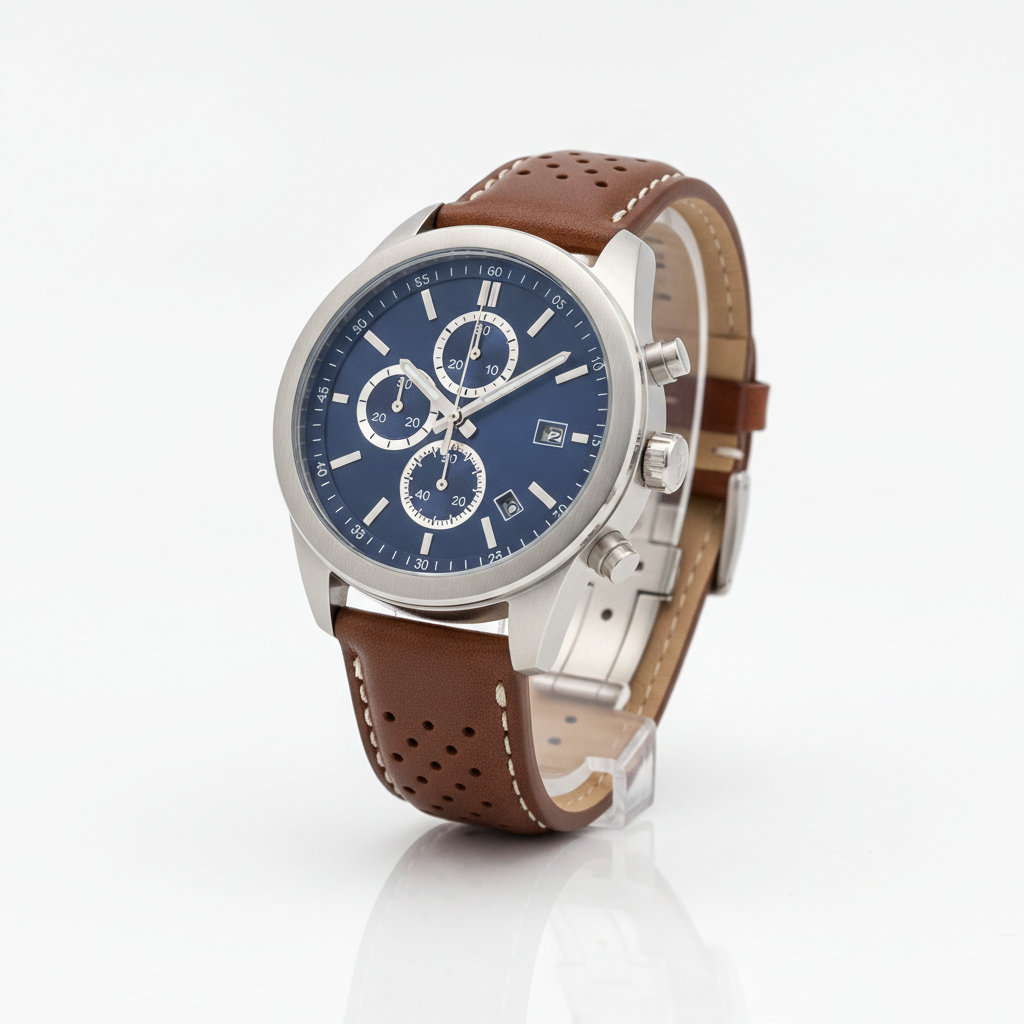
AI Product Photo
White background in ~15s
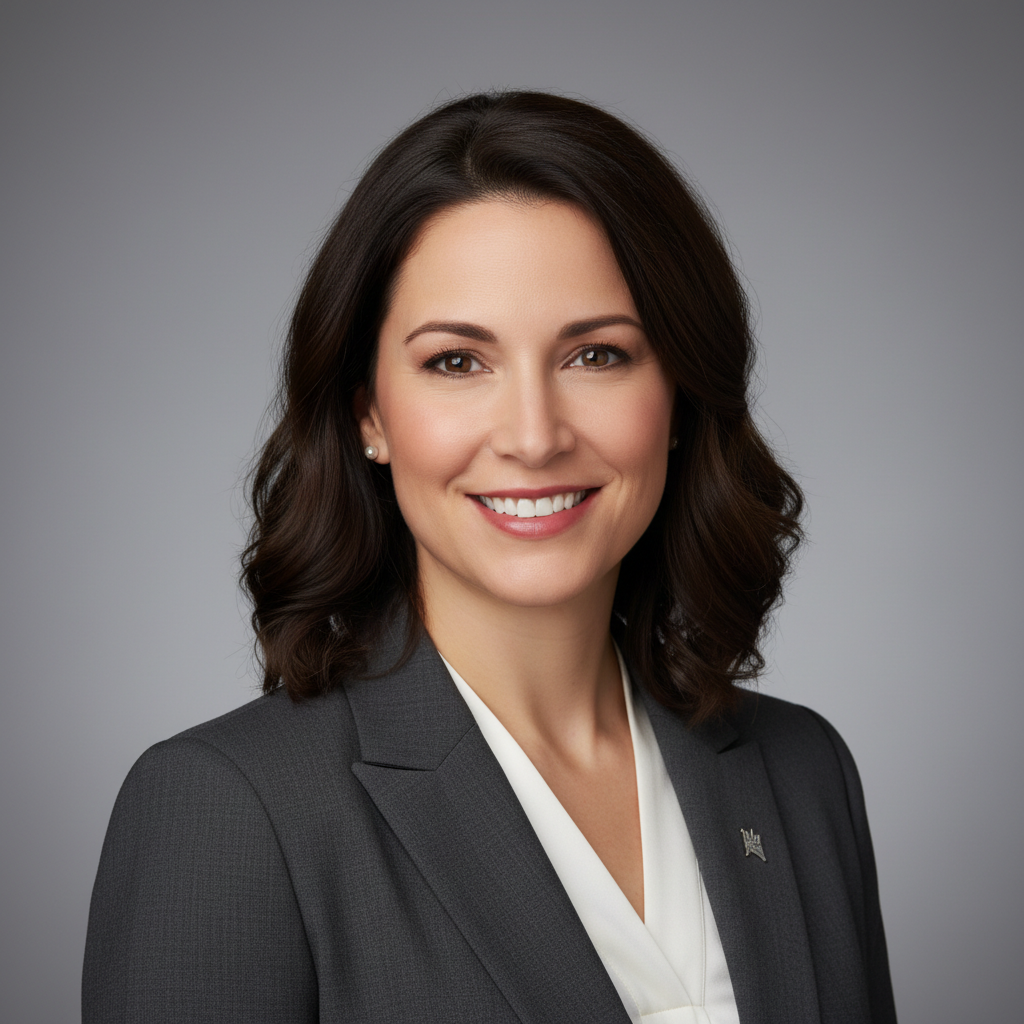
AI Headshot
No manual retouching
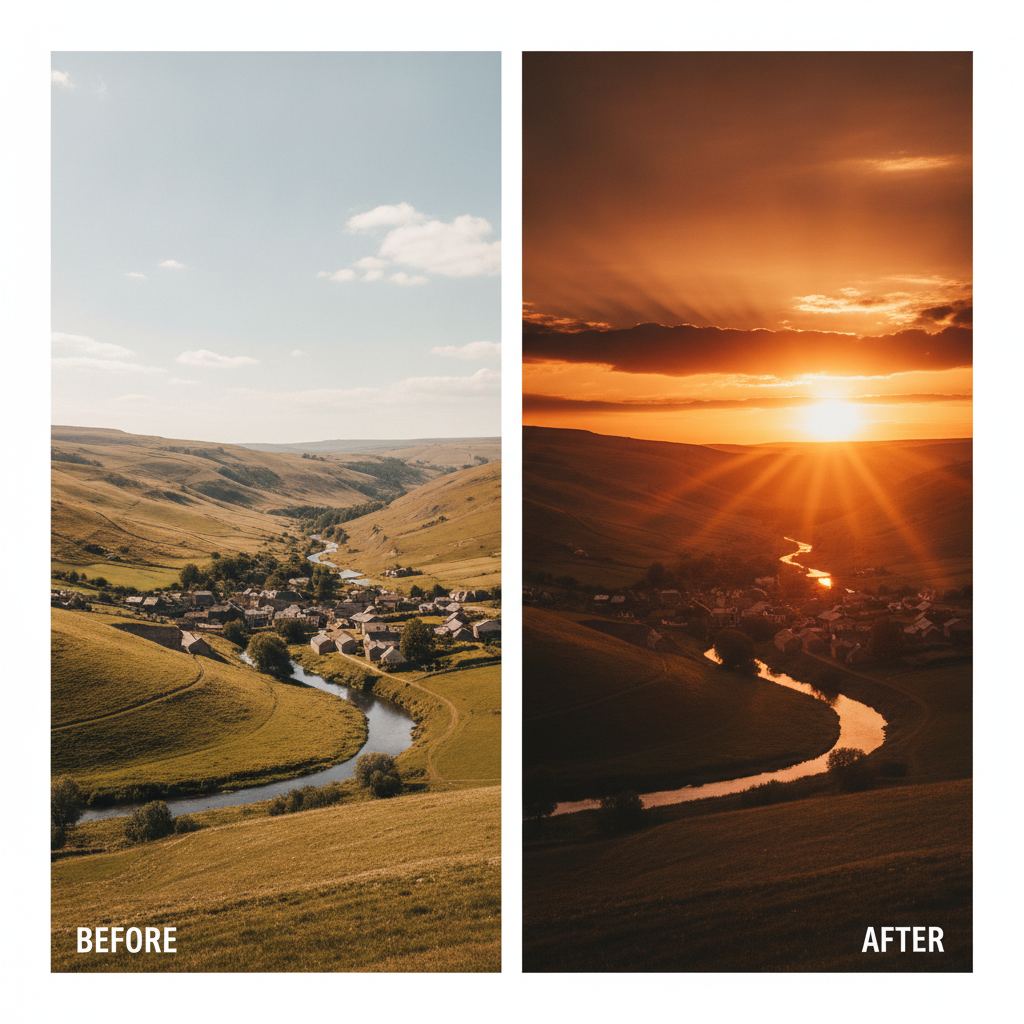
AI Sky Replacement
One prompt, no masking
AI Marketing Banner
Text-to-image, no design skills
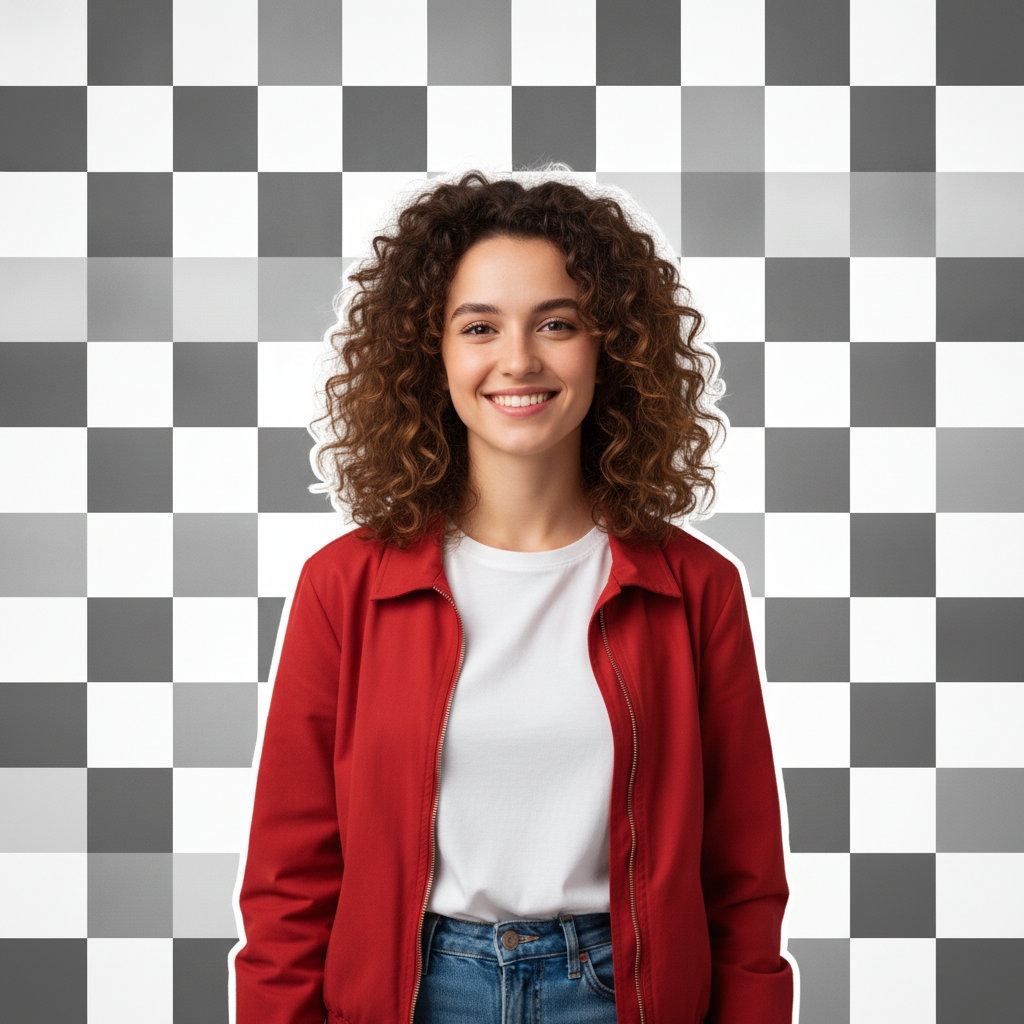
AI Background Removal
Crisp edges, one click
AI Image Tools vs Photoshop — Full Comparison
The honest breakdown: where AI image tools win decisively, and where Adobe Photoshop still holds the edge
| Feature | AI Image Tools | Adobe Photoshop |
|---|---|---|
| Time per typical edit | 15–30 seconds | 10 minutes – several hours |
| Learning curve | None — type a prompt | Months to master layers & masks |
| Price | Free, then $2.99 | ~$22.99/mo (~$263/yr) |
| Background removal | One click, auto edges | Manual masking & selection |
| Text-to-image generation | Built in | Not available natively |
| Batch / high-volume work | Fast prompt iteration | Slow manual repetition |
| Install & setup | None — runs in browser | Multi-GB download & account |
| Pixel-level manual control | Limited fine control | Total precise control |
| Layered non-destructive editing | Not layer-based | Full layer stack & masks |
| Print color management | RGB / web focused | CMYK & pro print controls |
| Complex compositing | Good for simple composites | Industry-standard control |
| Ease of use for beginners | Instant — plain English | Steep, expert-oriented |
AI Image Tools Win For
- • Fast background removal and object cleanup
- • Product photos and e-commerce visuals
- • Headshots, portraits, and quick retouching
- • Social media graphics, banners, and blog headers
- • Text-to-image generation from a prompt
- • Beginners and anyone avoiding a subscription
Photoshop Still Wins For
- • Pixel-level manual retouching and control
- • Complex multi-layer compositing
- • Precise CMYK color management for print
- • Non-destructive layered editing workflows
- • Custom digital painting and brushwork
- • High-end commercial studio production
How the AI Image Tool Works
Three steps, fifteen seconds — vs opening Photoshop and building a layer stack
Pick a Task or Prompt
Tap one of the eight presets that mirror common Photoshop jobs — product photo, headshot, marketing banner, sky swap, social graphic, poster, logo, or blog header. Or skip the presets and describe your own edit or image in plain English. No layers, masks, or menus in the AI image tools vs Photoshop workflow — just a text box.
Generate the Image
Click generate. The AI returns a 4K finished result in about fifteen seconds — the same work that takes ten minutes to several hours in Photoshop. Iterate live: tweak the prompt, swap the preset, change the mood or colors. The AI vs Photoshop workflow makes twenty variations per session genuinely practical instead of a full day of manual editing.
Download & Use
Download the AI image output and use it as a product listing, social post, blog header, presentation slide, ad creative, or printed marketing piece. Output is 4K and ready for both digital publishing and large-format print — no Photoshop export dialog, no Adobe subscription, no install required.
Why AI Image Tools Win on Speed — and Photoshop on Precision
Six concrete reasons designers, photographers, and digital artists add AI image tools alongside Photoshop
AI Image Tools vs Photoshop — Seconds, Not Hours
The first thing you notice in the AI image tools vs Photoshop comparison is speed. A Photoshop edit — cutting out a subject, retouching skin, replacing a sky, building a banner — takes anywhere from ten minutes to several hours of layer work, masking, and manual selection. AI image tools return the same result in fifteen to thirty seconds from a plain text prompt. For a batch of fifty product photos, ten social graphics, or a hundred variations, AI image tools turn a day of Photoshop labor into an afternoon of prompting. That is why marketers, store owners, and content creators reach for AI first on high-volume work.
No Learning Curve — Just Describe the Edit
Photoshop has one of the steepest learning curves in software: layers, masks, selections, blend modes, curves, and hundreds of menu options that take months to master. AI image tools replace all of that with a text box. Type “remove the background”, “make this a professional headshot”, or “change the sky to a sunset” and the AI does the work. In the AI editing vs Photoshop comparison, ease of use is the decisive advantage for beginners, small businesses, and anyone who never had the time to learn Adobe’s full toolset.
Pennies vs a $263/Year Adobe Subscription
Adobe Photoshop is subscription-only, starting around $22.99 per month — roughly $263 a year for a single app, forever. AI image tools on AI Banana start free with no account and unlock unlimited generations from just $2.99. The AI vs Adobe Photoshop cost comparison saves hundreds of dollars every year for anyone who does not need Photoshop’s full professional feature set. For casual editing, e-commerce visuals, and social content, AI image tools cover the common jobs at a fraction of the price.
Create From Nothing — Not Just Edit
Photoshop edits images you already have; it cannot invent a brand-new scene from a sentence. AI image tools do both — transform an uploaded photo or generate an entirely new 4K image from a text description. Need a marketing banner, a product mockup, a blog header, or a concept illustration that does not exist yet? In the AI image tools vs Photoshop comparison, text-to-image generation is a capability Photoshop simply does not have on its own, making AI the faster path from idea to finished visual.
Photoshop Still Wins on Pixel-Level Control
The AI image tools vs Photoshop comparison is honest about where Adobe still leads. Photoshop’s non-destructive layered workflow, precise selections, exact color management for print, and manual retouching remain the industry standard for high-end commercial work. When you need to control every pixel, composite a dozen elements by hand, or prepare files for professional print, Photoshop wins. AI image tools are the fast everyday choice; Photoshop is the precision tool for the final one-percent polish.
No Sign Up, No Install, No Credit Card
Photoshop means downloading a multi-gigabyte install and starting an Adobe subscription before you edit a single image. The AI image tool on this page asks for nothing upfront — no download, no account, no credit card. It runs in your browser: type the edit or the image you want, click generate, and download a 4K result immediately. Free usage is protected with per-IP rate limits, not a login wall, so you can test AI image tools vs Photoshop hands-on before paying anything from $2.99.
AI Image Tools vs Photoshop — FAQ
Everything you need to know about the AI vs Photoshop comparison
Verdict: AI Image Tools for Speed, Photoshop for Precision
The AI image tools vs Photoshop comparison favors AI on speed, cost, and ease of use for most everyday editing and creation, while Photoshop still wins on pixel-level control and professional print work. Try the free AI image tool, see the difference in fifteen seconds, and pick the right tool for the job.
Try the AI Image Tool FreeAI Image Tools vs Photoshop — The Honest Creator's Guide
The AI image tools vs Photoshop debate finally has a clear answer for most working designers, photographers, and digital artists in 2026. AI image tools built on Nano Banana Pro and similar foundation models have crossed the threshold where they produce equal or better results than manual Photoshop work on the everyday tasks that consume most of a creative week — background removal, product photos, headshots, sky replacement, social media graphics, blog headers, and text-to-image creation. This page is the dedicated AI image tools vs Photoshop entry point on aibanana.net for anyone weighing AI editing before committing to an Adobe subscription. Whether you have been searching for "AI vs Photoshop", "AI editing vs Photoshop", "AI vs Adobe Photoshop", or a broader image editing tools comparison, this is the deep-dive breakdown and live demo built for designers, photographers, and digital artists.
The AI image tools vs Photoshop speed gap is the single biggest reason creators add AI to their workflow. A typical Photoshop edit — cutting out a subject, retouching a portrait, replacing a sky, or building a marketing banner — takes anywhere from ten minutes to several hours of layers, masking, and manual selection. AI image tools finish the same job in fifteen to thirty seconds from a plain text prompt. For a batch of fifty product photos, ten social posters, or a hundred concept variations, AI image tools turn a full day of Photoshop labor into an afternoon of prompt iteration. The image editing tools comparison is not a marginal improvement — it restructures how a creator schedules their week, shipping more campaigns per month with faster client turnaround. Photoshop remains unbeatable for the one-off hero deliverable that needs pixel-perfect manual craft, but for volume, AI wins decisively.
The AI vs Adobe Photoshop cost comparison favors AI just as clearly for high-volume work. Photoshop is subscription-only, starting around $22.99 per month — roughly $263 a year for a single app, paid forever. AI image tools on AI Banana start free with no account required and unlock unlimited generations from just $2.99. The AI editing vs Photoshop cost comparison saves creators hundreds of dollars per year on the common editing and creation tasks that make up the bulk of everyday work. The savings compound fastest for freelancers, marketing teams, e-commerce sellers, and small businesses that ship dozens of visual assets per week. For a studio that needs Photoshop’s full professional toolset — complex compositing, precise CMYK print color, custom brushwork — the subscription still earns its keep. For everyone else, AI image tools cover the real jobs at a fraction of the price.
The control question is the one most professionals worry about, and the honest answer is nuanced. For the everyday tasks — background removal, product photos, headshots, sky swaps, banners, and generation from scratch — AI image tools already match or beat manual Photoshop output while being dramatically easier to use. For pixel-level manual control, non-destructive layered editing, exact color management for professional print, and complex hand-built composites, Photoshop still wins decisively. AI image tools interpret intent from a prompt; Photoshop gives you precise command over every pixel. Most working creators in 2026 blend the two — AI image tools for fast, high-volume editing and creation, Photoshop for the final one-percent polish that needs a human hand. The AI image tools vs Photoshop comparison is no longer about good-enough versus perfect; it is about speed, cost, ease of use, and where a creator’s hours actually go. Try the free AI image tool above, see the AI vs Photoshop difference in fifteen seconds, and decide for yourself which tool fits each job.