
AI Image to YAML Converter
Both Directions, Explained
An AI image to YAML converter means one of two very different jobs. Reading a screenshot of a manifest and emitting parsable YAML is a vision-model task, and the guide below shows how to do it without shipping a broken indent. Rendering the system your YAML already describes — architecture diagrams, pipeline flows, documentation artwork — is an image task, and that is the half you can run right here, free, with no signup.
Generate Developer Artwork — Free
Pick a style, describe the services or stages in your config, and get a clean diagram in seconds
AI Diagram & Docs Image Generator
Choose a developer visual style and describe the system your YAML defines — the AI renders it as clean unlabelled artwork you can annotate afterwards
What the Generator Produces
Architecture, pipelines, data structures, and documentation artwork — all generated from a description

Isometric Architecture
SYSTEM DIAGRAM
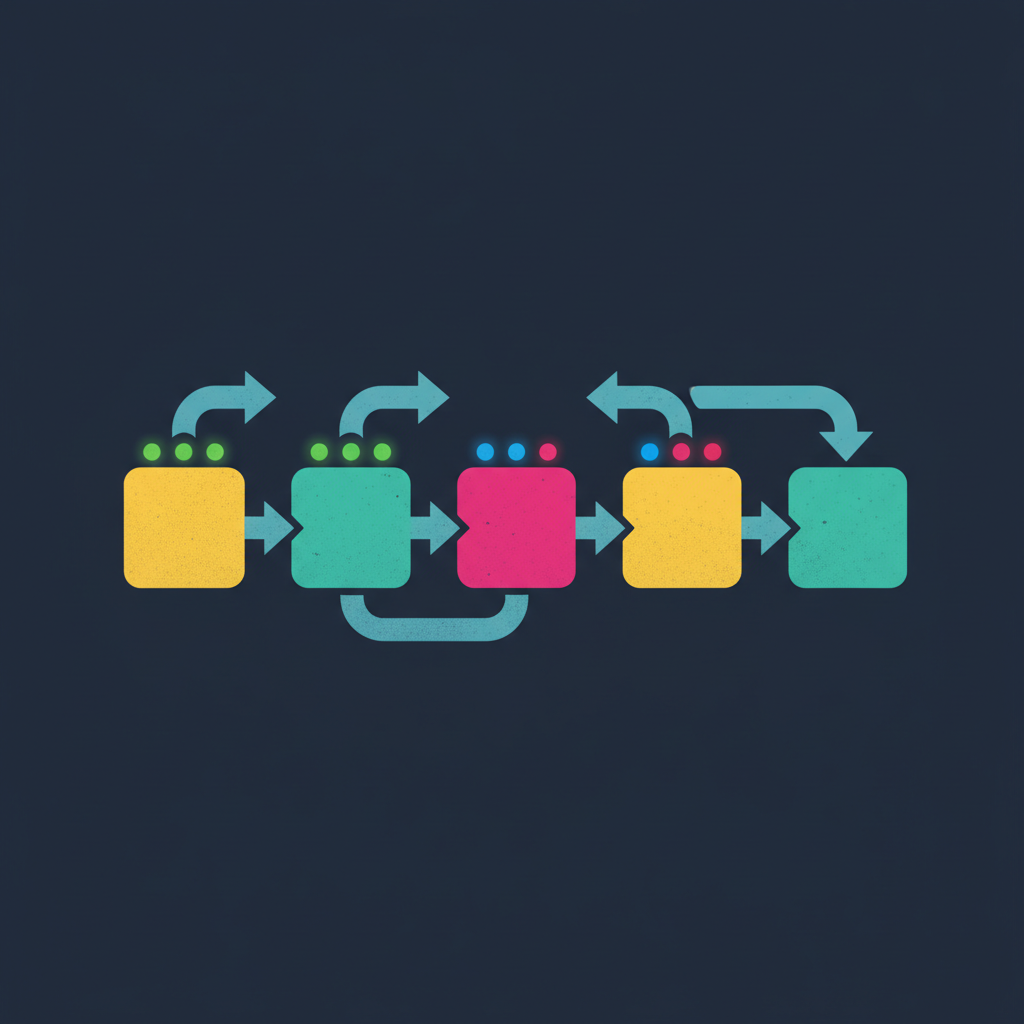
Pipeline Flow
CI/CD ILLUSTRATION
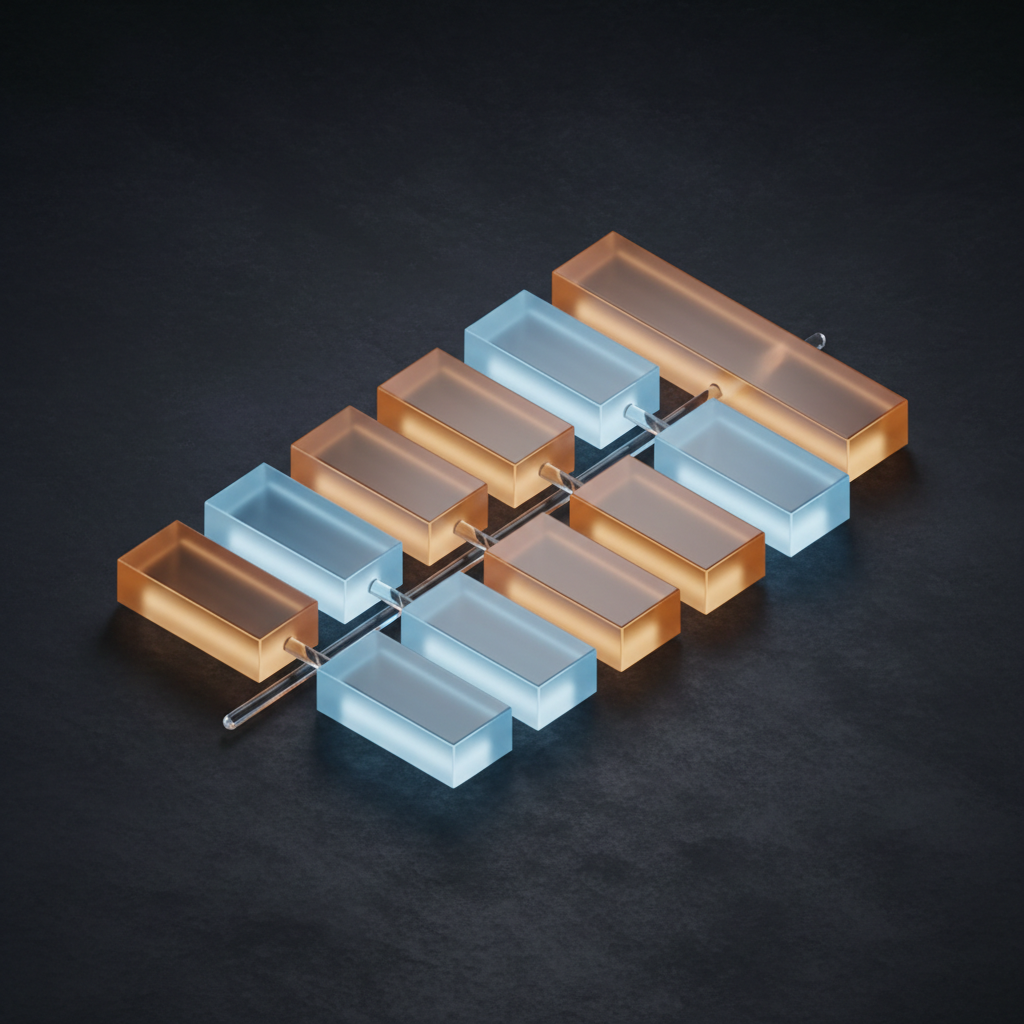
Nested Config Tree
DATA STRUCTURE ART

Infrastructure Photography
DOCS HERO IMAGE

DevOps Icon Set
UI ICONOGRAPHY

Image to Structured Data
CONCEPT ARTWORK
The Two Halves of AI Image to YAML Conversion
One is an extraction problem. One is a rendering problem. They need different tools.
Image → YAML (Extraction)
You have a screenshot of a Kubernetes manifest, a settings table in a PDF, or a whiteboard architecture sketch, and you want structured YAML out of it. This is optical character recognition plus schema inference — a job for a vision-capable language model, not an image generator. AI Banana does not do this, and no page that sells you an AI image to YAML converter should pretend otherwise.
Tools that fit: any multimodal LLM with vision input, a dedicated document-parsing service for tables and forms, or classic OCR followed by a hand-written mapping step when the layout is fixed and repetitive.
YAML → Image (Rendering)
You already have the config, and now the README, the docs site, the onboarding deck, or the architecture review needs a picture of it. That is a generation problem, and it is the one the tool above solves — describe the services, stages, or layers your file defines and get finished artwork in seconds instead of an evening spent nudging boxes in a diagramming app.
Tools that fit: this generator for illustrative artwork and hero images; Mermaid, Graphviz, or Structurizr when you need a diagram that is mechanically derived from the file and stays in sync with it.
How to Convert an Image to YAML Properly
Four steps that keep AI YAML conversion out of your incident channel
Give the Model the Schema, Not Just the Image
Asking a vision model for "YAML" in the abstract gets you invented key names and an inconsistent shape between runs. Paste the target schema — or a short example document with the exact keys you expect — alongside the image. Constrained output is the single biggest quality lever in image metadata AI work.
Fence the Output and Extract It Mechanically
Ask for the YAML inside a fenced code block so your script can pull it out with a regex rather than trying to guess where the prose stops. Models that are told to return only a document still tend to add a sentence of commentary; a fence makes that harmless.
Parse Before You Trust It
Run the result through the same YAML library your production tooling uses, then validate it against a JSON Schema if you have one. YAML is whitespace-significant, so a dropped indent does not error — it silently parses into a different structure, which is far worse than a crash.
Quote Anything Ambiguous
The classic traps bite hardest on extracted data: a bare country code like NO becomes the boolean false under YAML 1.1 parsers, a version string like 1.10 collapses into the float 1.1, and digits with a leading zero can be read as octal. Quote every value that must stay a string before the file goes anywhere near a deploy.
Why Developers Land Here Searching for an AI Image to YAML Converter
Because the visual half of the job usually turns out to be the real bottleneck
Diagrams for the System Your YAML Describes
A manifest is a description of a system, and sooner or later somebody has to draw that system. Isometric architecture renders, service topologies, and node graphs come back in seconds instead of an evening in draw.io — which is why an AI image to YAML converter search so often ends with someone who actually needed the picture, not the parser.
Pipeline and Workflow Artwork
Build pipelines, deploy stages, and branching strategies rendered as clean flat-vector flows with chunky stage blocks and thick connectors. Ideal for the diagram at the top of a contributing guide, the slide that opens an internal platform talk, or the hero image on a developer marketing page.
Honest About the Extraction Half
This platform generates images; it does not parse them. Pulling YAML out of a screenshot is a vision-language-model task, and this page walks through how to do it properly — pin the schema, fence the output, parse before you trust it. No pretending an image generator does OCR.
Clean Unlabelled Base Artwork
Every preset is prompted for artwork with no lettering, because image models render service names as convincing gibberish. You get sharp geometry to label yourself in Figma, Excalidraw, or Mermaid — which is how technical diagrams that survive close reading get built anyway.
4K Output for Docs and Decks
Renders go up to 4K, enough for a full-width README banner, a retina documentation header, a conference slide projected on a wall, or a printed architecture poster. No upscaling pass and no visible compression artefacts in flat colour areas.
Free to Start
Generate your first diagram free with trial credits — no credit card, no signup wall. Paid plans start at $2.99 and add higher volume, 4K output, watermark-free downloads, and full commercial rights for open-source docs, product sites, and client work.
Where AI Coding Tools Need Images
The visuals every configuration-driven project ends up needing
Frequently Asked Questions
Straight answers about AI image to YAML conversion
Your Config Already Describes the System. Draw It.
Join 1,200+ developer teams using AI Banana for architecture diagrams, pipeline illustrations, README banners, and docs artwork. Pick a preset, describe your stack, and download a clean 4K render in seconds.
AI Image to YAML Converter: What the Search Really Means
Search for an AI image to YAML converter and you will find plenty of pages happy to imply that one product does everything. It does not. YAML image conversion splits cleanly into two jobs with two different classes of tool behind them. Extraction — photograph or screenshot in, parsable document out — is optical character recognition plus schema inference, and belongs to vision-capable language models and document-parsing services. Rendering — config in, picture out — is image generation, and that is what AI Banana does. Being clear about which one you actually need saves an afternoon of evaluating the wrong category of product.
If extraction is what you need, the four steps above are the difference between a usable result and a silent failure. Pin the schema in the prompt so the model stops inventing key names. Fence the output so you can extract it mechanically. Parse with the same library your production tooling uses, because YAML is whitespace-significant and a dropped indent produces a valid document with the wrong shape rather than an error you would notice. And quote anything ambiguous — the boolean trap that turns a bare NO into false, the float that eats the trailing zero of a version string, the leading zero read as octal. These failure modes are old, well documented, and hit AI YAML conversion output harder than hand-written files because nobody reviews a generated document line by line.
If rendering is what you need, the tool at the top of this page covers it. Six presets handle the visuals that configuration-driven projects keep asking for: isometric architecture diagrams for design docs, flat-vector pipeline illustrations for contributing guides, abstract renders of nested data structures for conceptual explanations, data-centre photography for infrastructure pages, devops icon sets for internal dashboards, and abstract hero banners for documentation sites. Everything is generated without lettering on purpose — image models render service names as convincing gibberish, so you get clean geometry and add sharp editable type in Figma or Excalidraw afterwards. When you need a diagram mechanically derived from the file itself and kept in sync with it, reach for Mermaid, Graphviz, or Structurizr instead; these AI data tools are for the illustrative layer those renderers were never meant to cover.
Start generating today. AI Banana is free to try — no credit card, no signup wall. Pick a preset, describe the services and stages your manifest defines, and download your first render in high resolution with no watermark. Paid plans start at $2.99 and unlock higher volume, 4K output, and full commercial rights for open-source documentation, product landing pages, conference decks, and client work. The AI image to YAML converter you were looking for might have been an image generator all along.
More AI Tools for Developers
Explore more AI-powered diagram and developer tooling from AI Banana