
AI Halloween Costume Generator
Try on a Halloween costume with AI straight from a selfie. Upload your photo, pick a costume — witch, vampire, superhero, sugar-skull skeleton, zombie or pumpkin — and get a photorealistic costume portrait in about fifteen seconds. No sewing, no shopping, no GPU. Free to try, and no account needed to test the quality first.
Try On My Halloween CostumeTry It Now — Free
Upload a selfie, pick a costume, and see yourself in a Halloween look in about fifteen seconds. No sewing, no account, and the result is yours to download.
AI Halloween Costume Generator
Upload your selfie, pick a costume style, and try on a Halloween look in seconds
Upload a clear selfie, pick a costume style, and click Generate
Six Costumes From One AI Generator
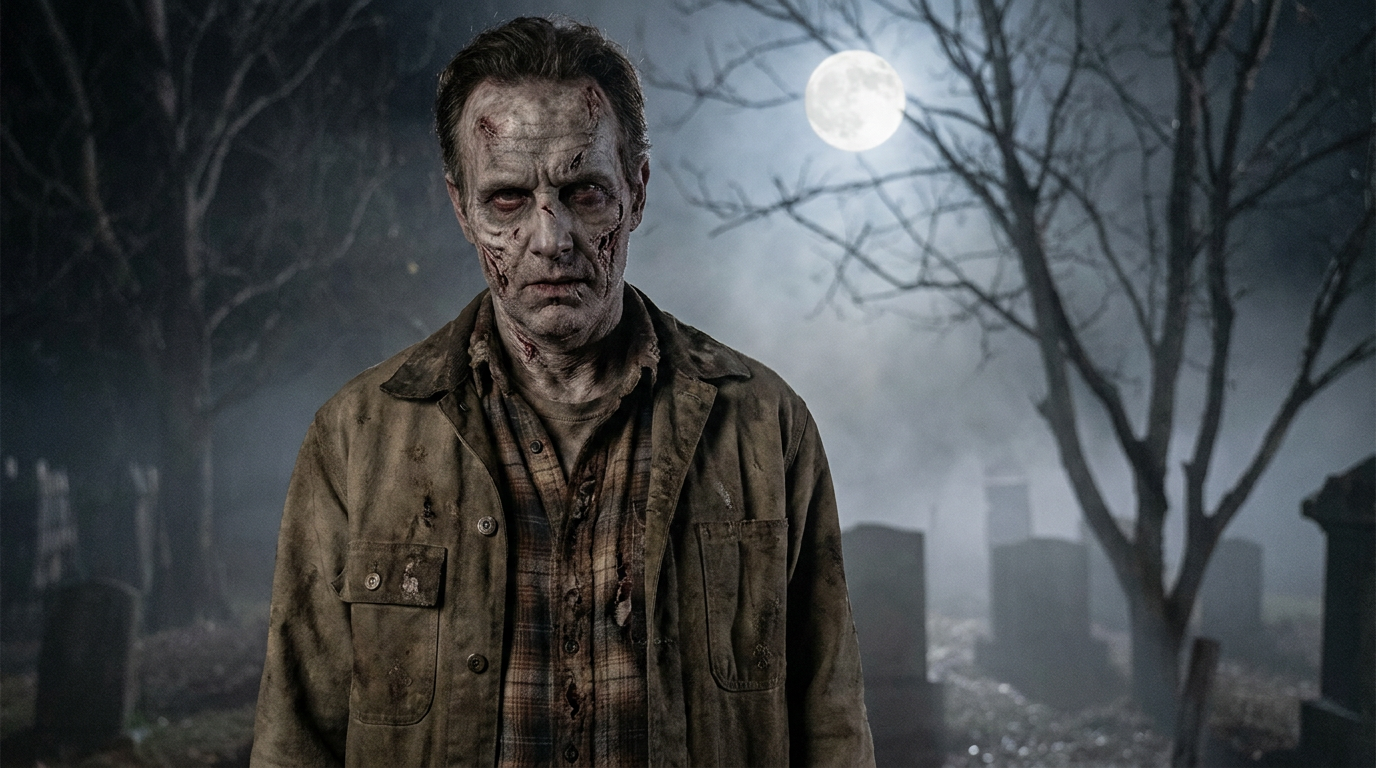
Every image below came from the generator on this page: a classic witch, a gothic vampire, an action superhero, a sugar-skull skeleton, an undead zombie and a friendly pumpkin — the same tool, six different Halloween looks.
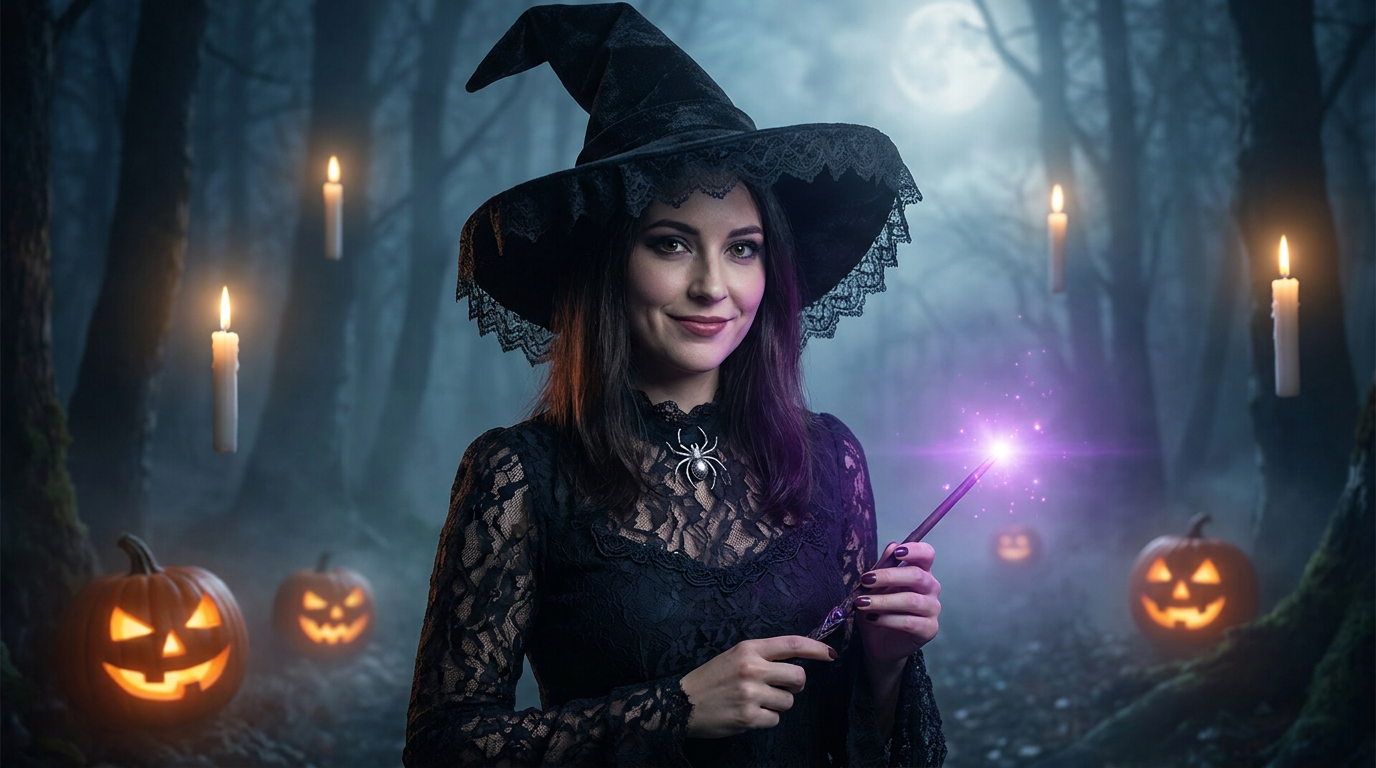
Classic Witch
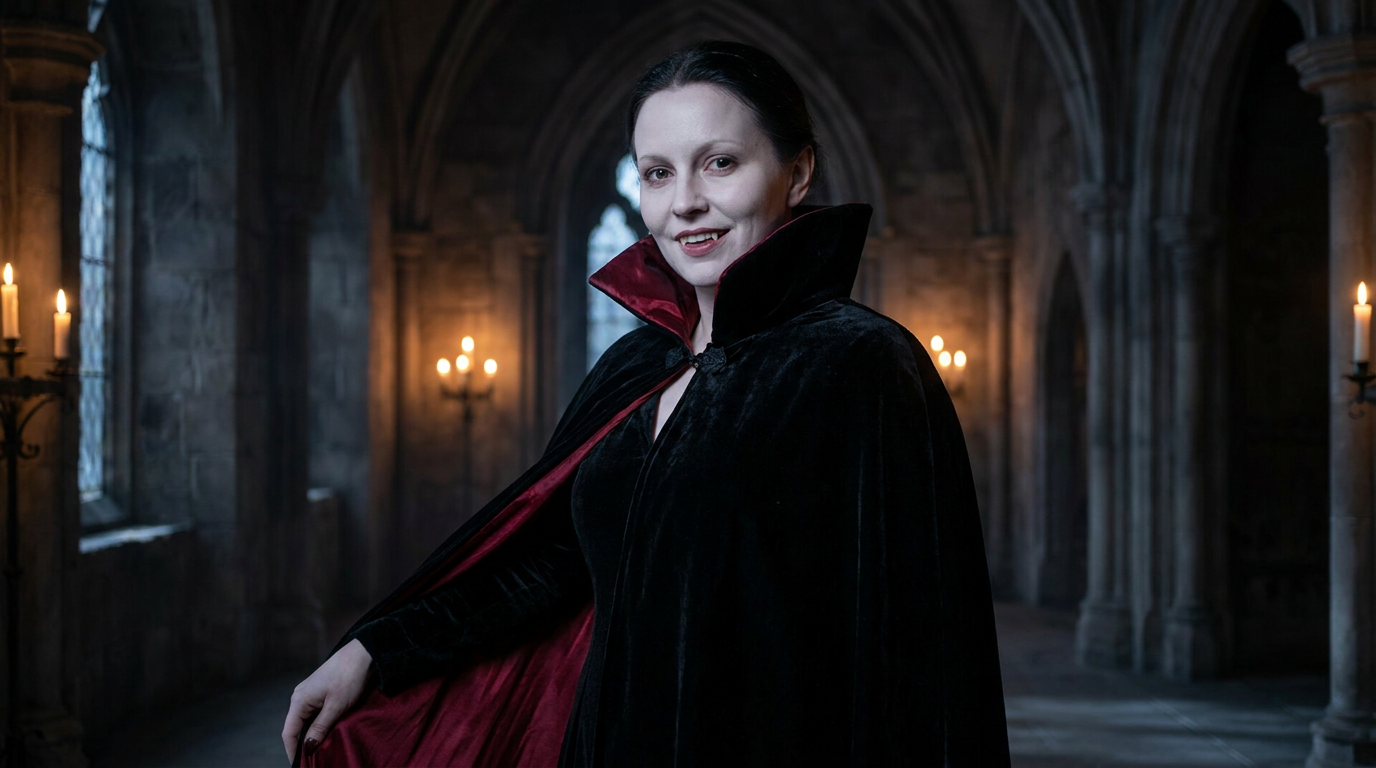
Vampire Noble
Superhero
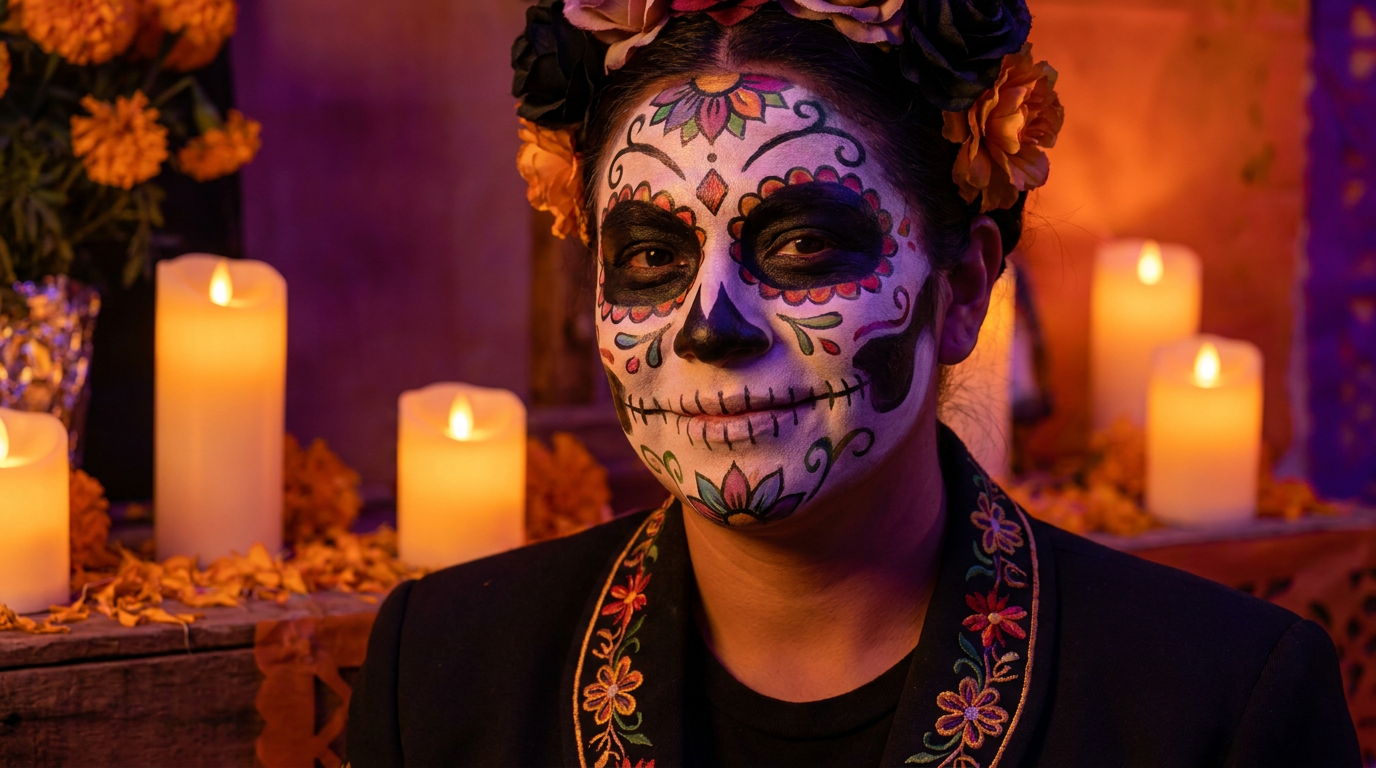
Sugar-Skull Skeleton
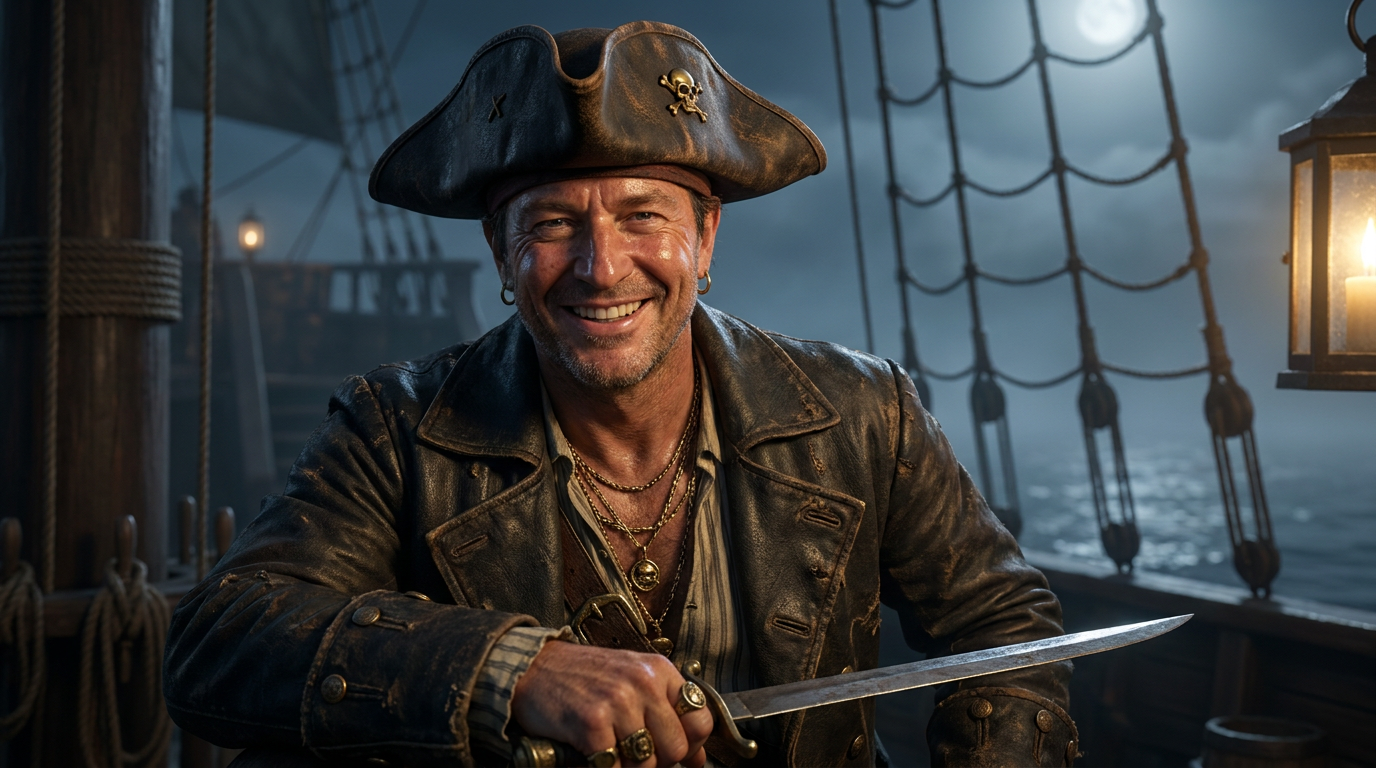
Zombie
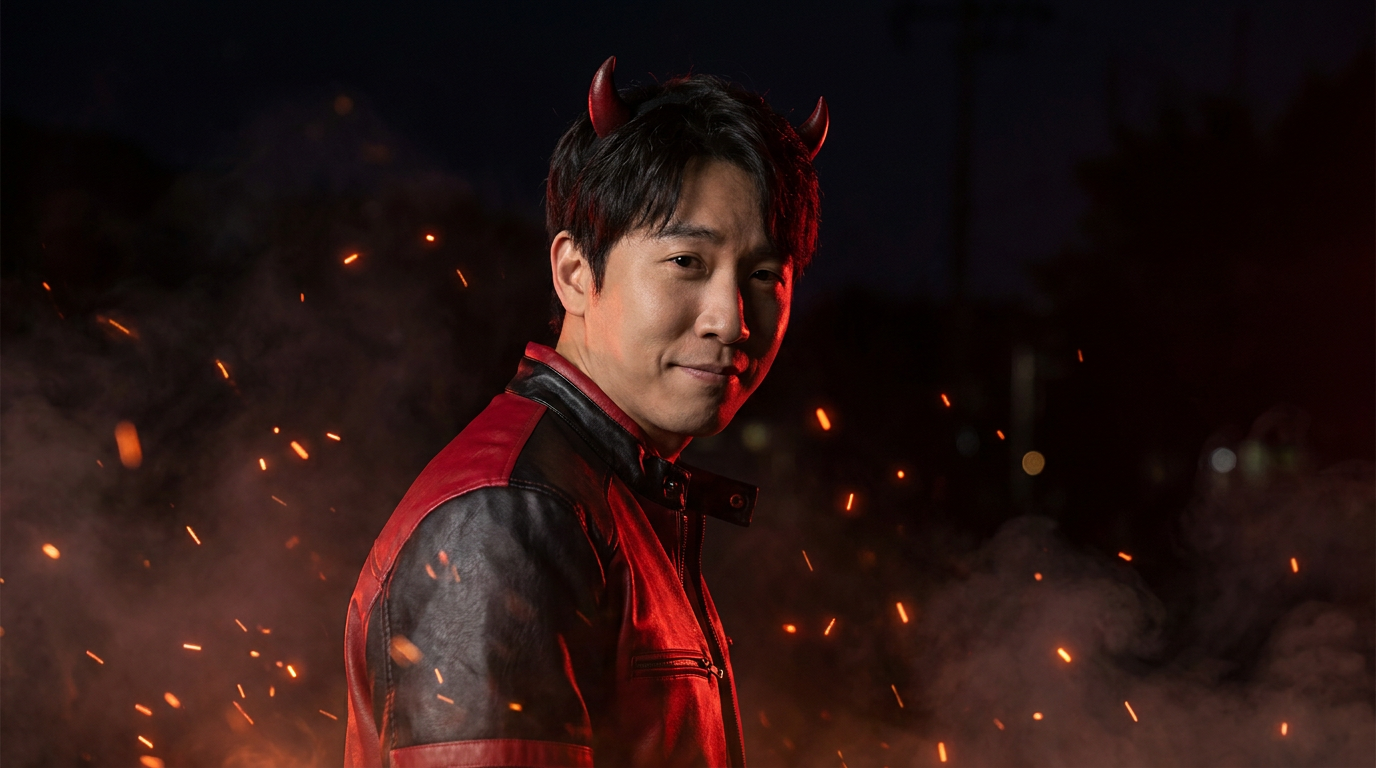
Cute Pumpkin
How To Make An AI Halloween Costume Photo
Three steps from an ordinary selfie to a full costume portrait.
Upload Your Selfie
Pick a clear, well-lit photo with your head and shoulders in frame. The AI reads your pose and composition, so a simple front-facing shot gives it the most to work with — no costume, makeup or props needed on your end.
Pick A Costume
Choose from six presets below — classic witch, vampire noble, superhero, sugar-skull skeleton, zombie or cute pumpkin. Each label carries a detailed prompt behind it, so the outfit, makeup and matching Halloween scene are already specified for you.
Generate And Share
Your costume portrait comes back in about fifteen seconds at up to 4K. Not the look you pictured? Switch costumes and generate again — then download it for your profile picture, party invite or a quick costume poll with friends.
Why This AI Halloween Costume Generator
The things that matter when you want to see yourself in a costume before Halloween arrives.
Try On A Costume With No Costume
The whole point is to wear the outfit without owning it. These presets render a full Halloween look — the witch robe, the vampire cape, the superhero suit, the sugar-skull makeup — on top of your own photo, so you can see yourself in costume without buying, renting or sewing a thing.
Keeps Your Pose, Swaps The Outfit
This is a photo-to-photo transformation, not a random generator. Upload your image and the AI preserves your framing, head angle and composition while dressing you in the costume and the matching seasonal lighting, so the result still reads as your picture.
Great For Deciding What To Be
Stuck on what to dress up as? Run the same selfie through several costumes and compare them side by side before you commit. It turns a vague idea into a clear picture, so you can shop, rent or assemble the real outfit with confidence instead of guessing.
No Sewing, No Install, ~15 Seconds
Everything runs in the cloud. Open the page on a laptop or phone, upload, pick a costume and the render lands in roughly fifteen seconds. There is nothing to download, no app to grant permissions to and no account required to test the quality first.
Six Distinct Halloween Looks
Classic witch, gothic vampire, action superhero, Dia de los Muertos sugar-skull, undead zombie and a family-friendly pumpkin — six unrelated costume vibes from one tool. Try several on the same selfie to see which one actually suits you best.
Up To 4K, Ready To Post
Renders come back sharp enough for profile pictures, party invites, story thumbnails and prints at ordinary sizes. Generate at full resolution even for a small slot — a large master crops down cleanly, while upscaling a tiny file after the fact never recovers the detail.
AI Halloween Costume Generator FAQ
Get Your AI Halloween Costume Photo
No costume, no sewing, no camera setup. Upload a selfie, pick a costume, and get a photorealistic Halloween portrait in about fifteen seconds. Free to test, no account needed.
Try On My Halloween CostumeThe AI Halloween Costume Generator, Without The Shopping Or Sewing
Every October the same question comes around: what should I be for Halloween, and will the costume actually look good on me? An AI Halloween costume generator answers both before you spend a cent. You upload a selfie, and an image model re-renders you in a full costume — the witch robe and pointed hat, the vampire cape, the superhero suit, the sugar-skull makeup — with the lighting and scene that costume is known for. The reason to search for an AI Halloween costume generator rather than a plain photo filter is that you want the whole look, not a sticker pasted over your face: the outfit, the makeup, the mood and the Halloween-night setting around you. That is exactly what the tool on this page is tuned to produce.
The generator runs on Nano Banana Pro in the cloud, so there is no GPU to rent, no app to install and nothing to grant camera permissions to. You open the page on a laptop or a phone, upload a clear, well-lit photo, and pick one of six costumes. Classic Witch drops you into a misty graveyard with a glowing lantern. Vampire Noble gives you a Victorian cape and a candlelit castle hall. Superhero suits you up on a city rooftop at dusk. Sugar-Skull Skeleton paints on glamorous Dia de los Muertos face art under warm marigold candlelight. Zombie leans into tattered clothes and eerie fog, and Cute Pumpkin keeps it light and family friendly on a porch full of jack-o-lanterns. Because the transformation starts from your image, the AI holds your pose and framing while swapping in the costume and the lighting, so the result still reads as your photo rather than a stranger the model invented.
That makes it just as useful for planning as for posting. Not sure whether to go as a vampire or a superhero this year? Run the same selfie through several costumes, compare them side by side, and use the winner as a reference when you shop, rent or assemble the real outfit. Renders come back in about fifteen seconds at up to 4K, which is plenty for a profile picture, a Halloween party invite, a costume poll in the group chat or a seasonal story thumbnail. It is free to test with no account, and if you want more renders, higher resolution or commercial use for something like a paid event promotion, plans start at $2.99. The tool renders generic costume looks associated with the season rather than any specific protected character design, so your Halloween photos stay on the right side of the line.
Want a specific look instead of a preset? The Scream Ghostface AI photo generator nails the classic slasher-mask costume, the AI photo editor handles any costume or transformation you can describe in words, and the full set of AI image tools covers avatars, posters, product shots and the rest. However you use it, the AI Halloween costume generator above is free to try before any plan matters — upload a selfie and see yourself in costume in about fifteen seconds.