
Scream Ghostface AI Photo Generator
Turn any selfie into a Scream-style Ghostface AI photo — the iconic white screaming ghost-face mask and long black hooded robe, dropped into a cinematic slasher-movie scene. Upload your picture, pick one of six styles, and get a masked portrait in about fifteen seconds. Free to try, no GPU, no install, no account needed to test.
Make My Scream Ghostface PhotoTry It Now — Free
Upload a selfie, pick a slasher style, and step into a Scream Ghostface photo in about fifteen seconds. No GPU, no account, and the result is yours to download.
Scream Ghostface AI Photo Generator
Upload your selfie, pick a slasher-movie style, and transform into the classic masked ghost in seconds
Upload a clear selfie, pick a Scream Ghostface style, and click Generate
Six Scenes For Your Scream Ghostface Photo
Every image below came from the generator on this page: a dark porch, a phone-call scare, a foggy street, a neon poster, a group costume and a grainy 90s garage — the same tool, six different slasher moods.
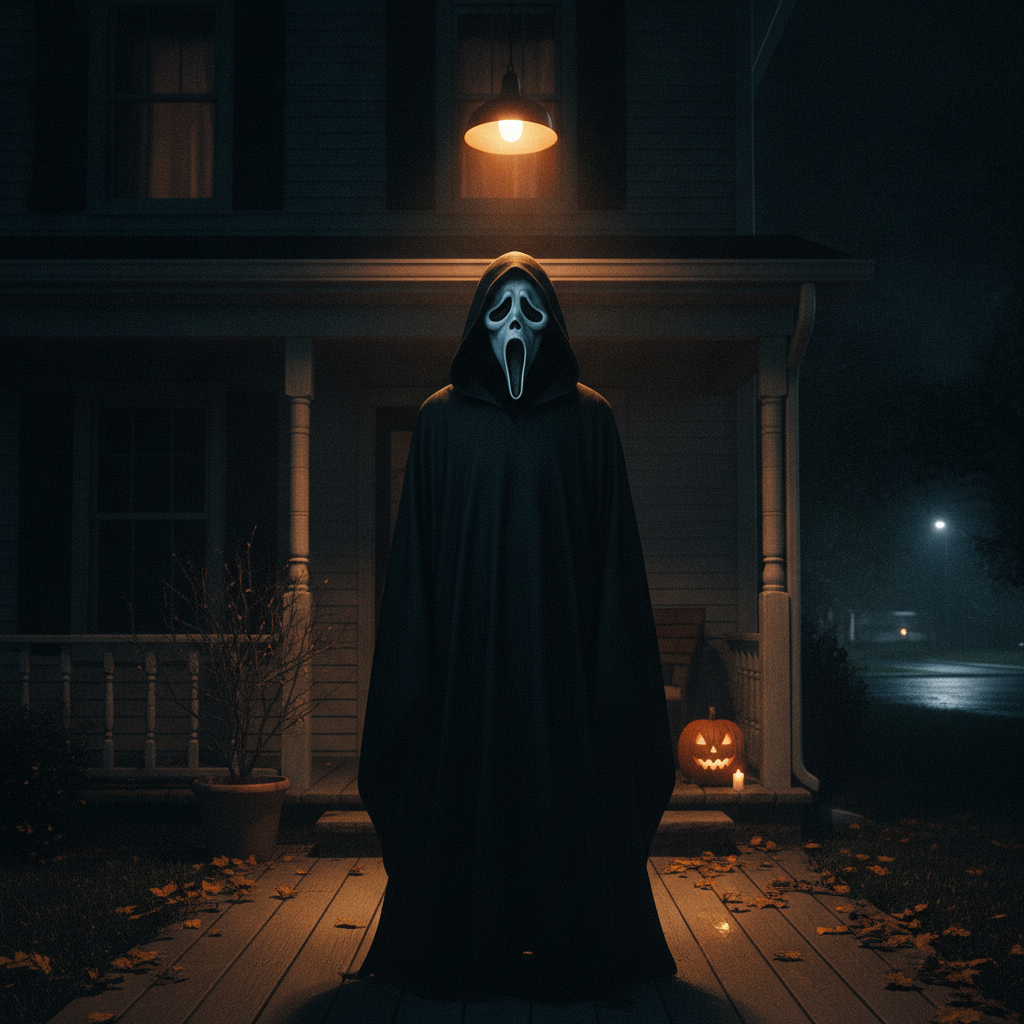
Porch Night
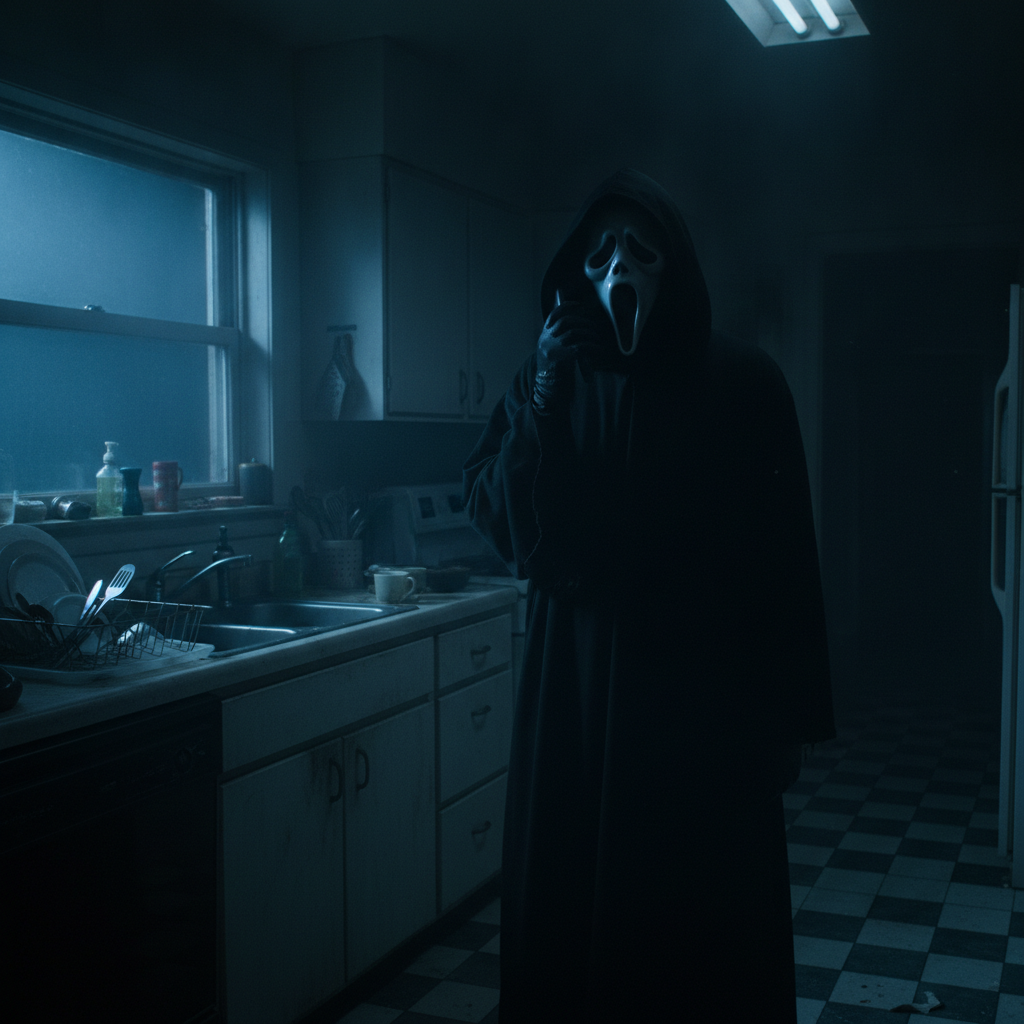
The Phone Call
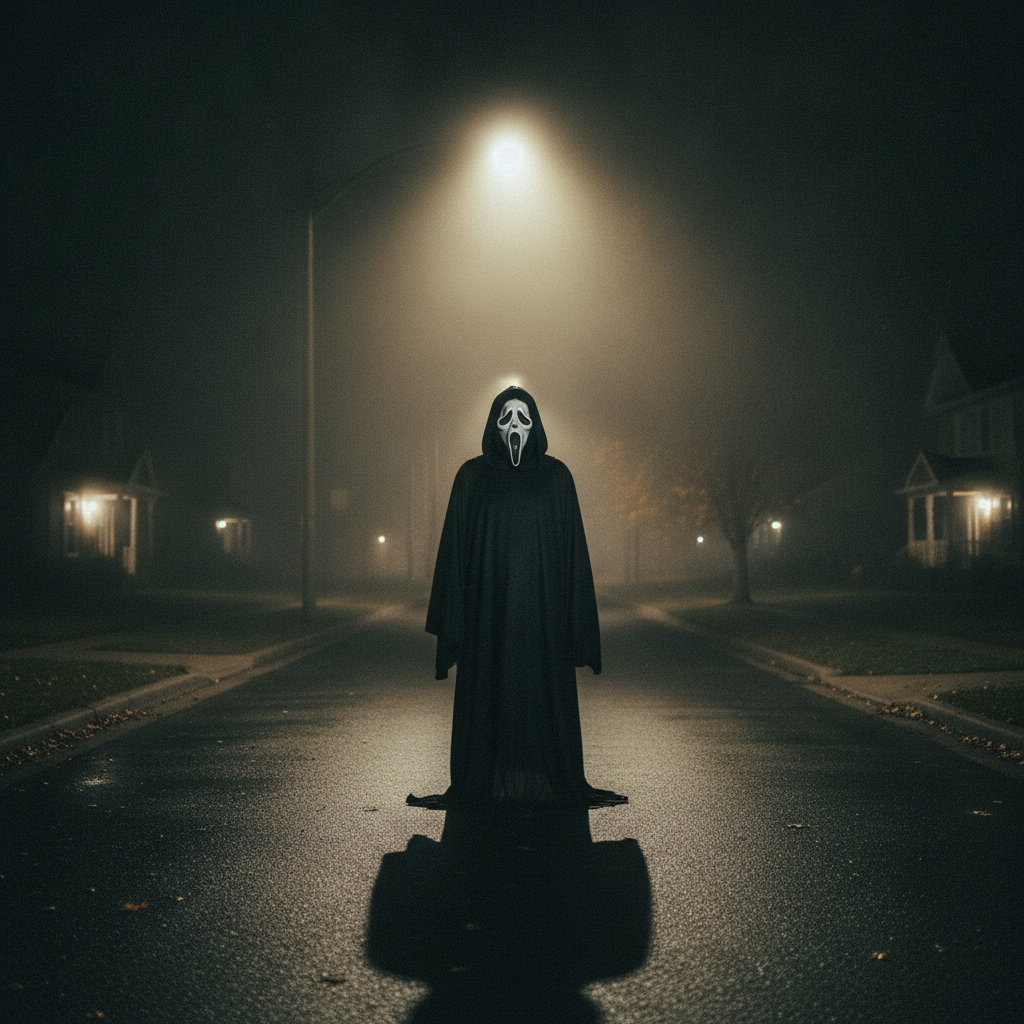
Foggy Street
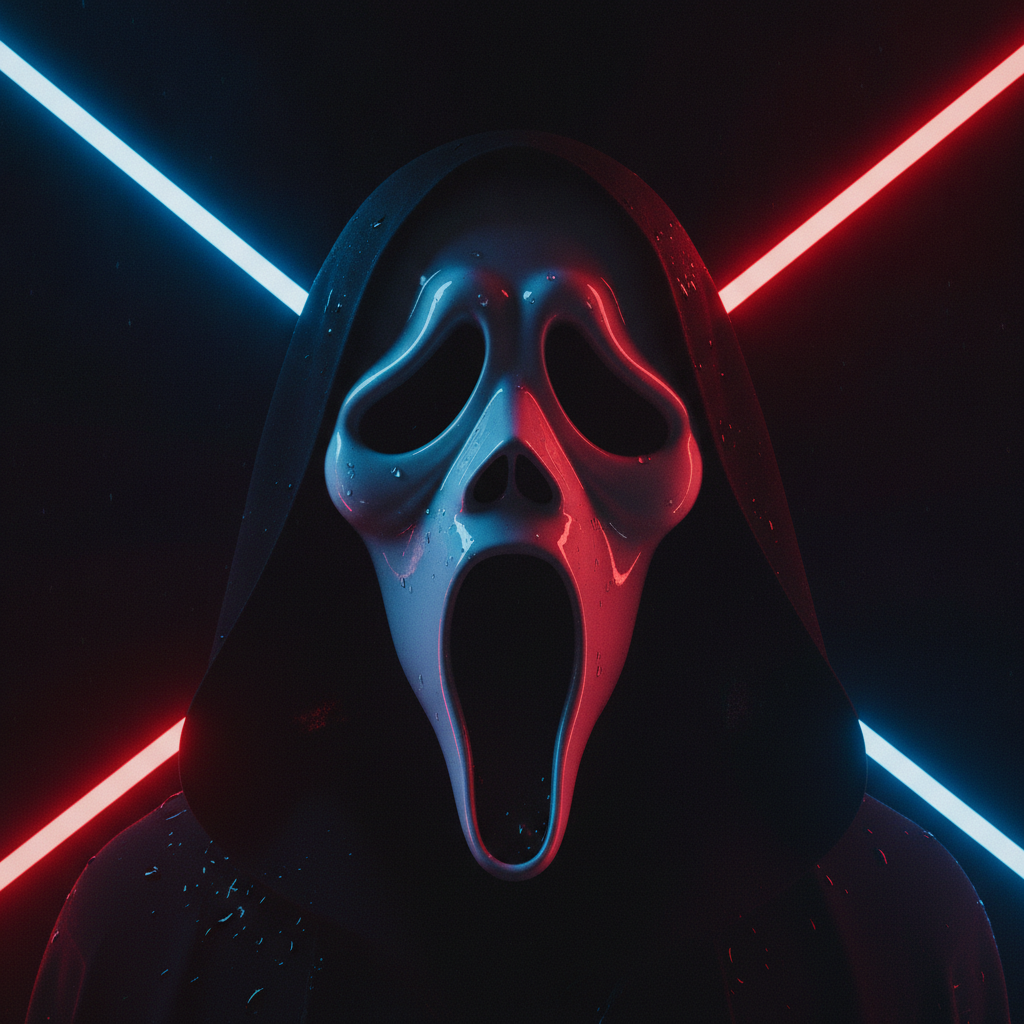
Neon Poster
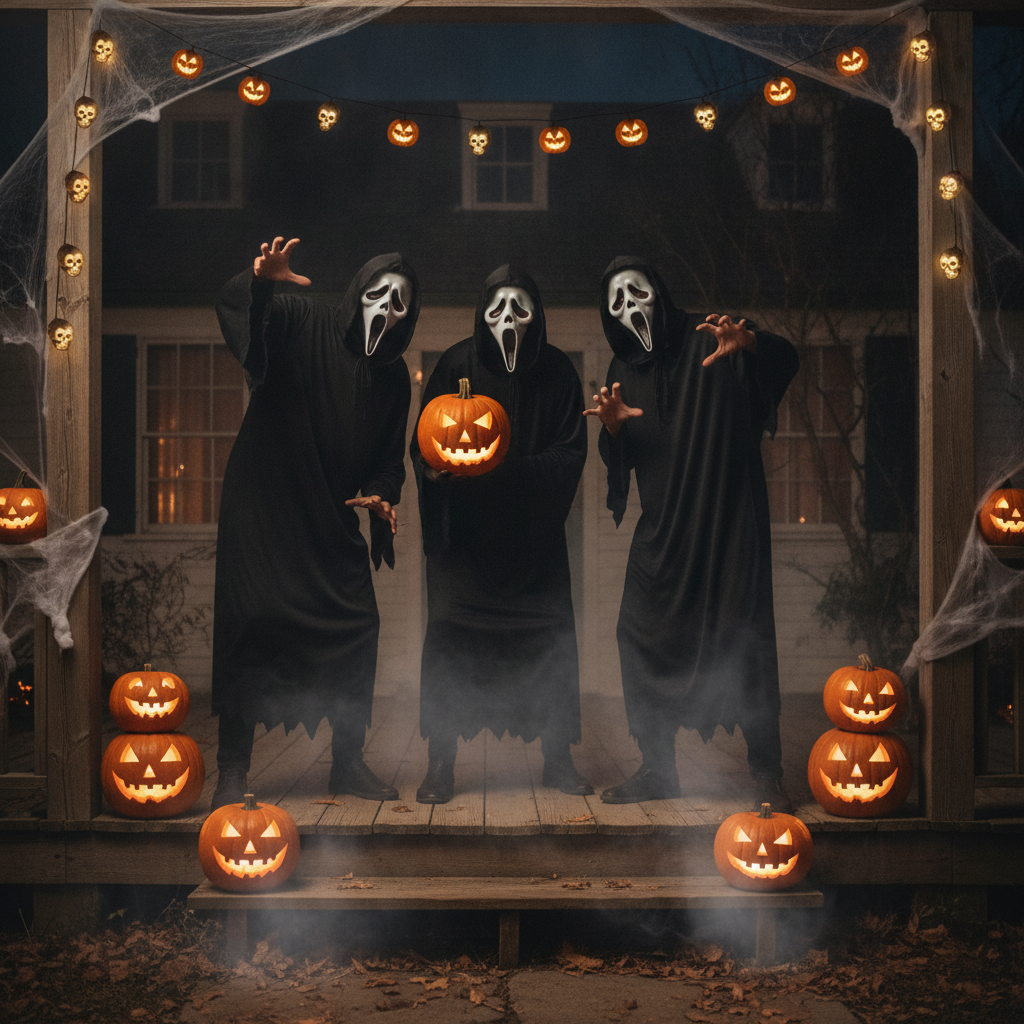
Group Costume
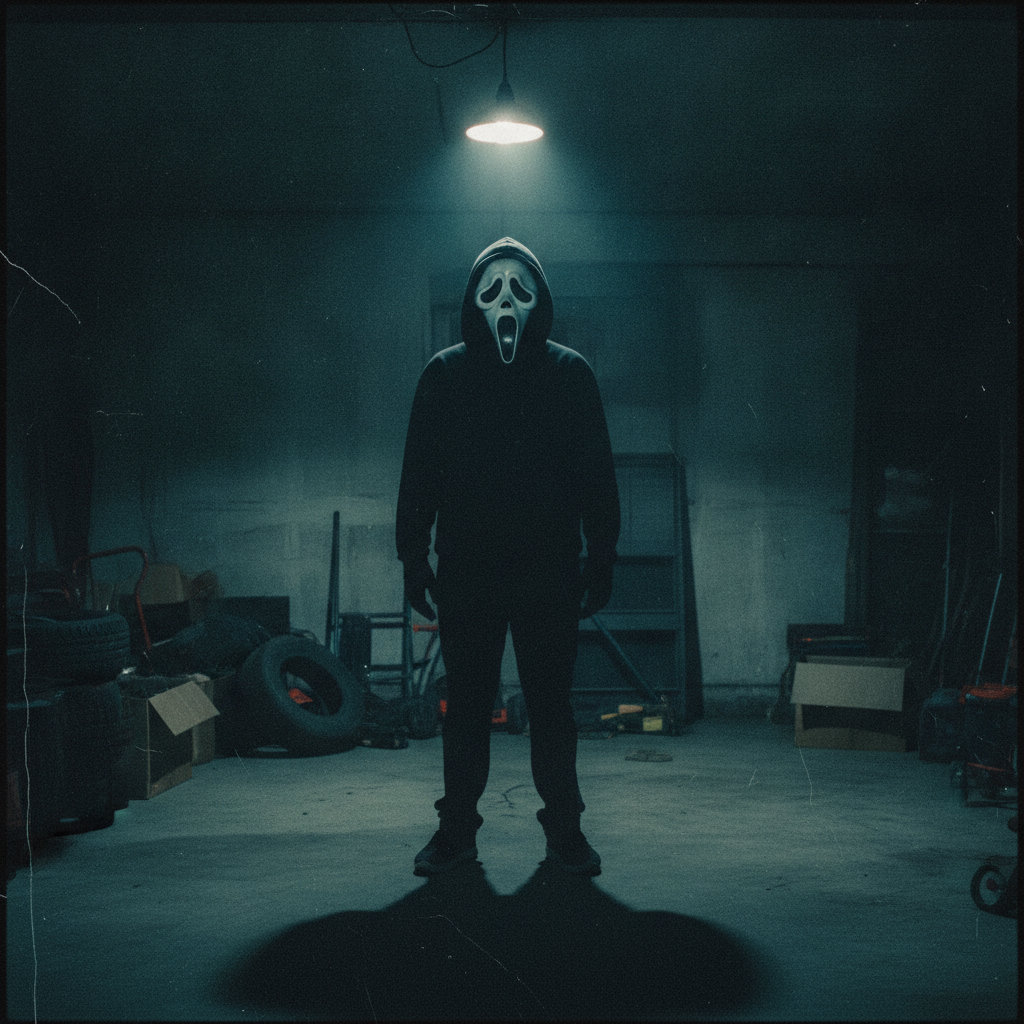
90s Garage Grain
How To Make A Scream Ghostface AI Photo
Three steps from an ordinary selfie to a masked slasher portrait.
Upload Your Selfie
Pick a clear, well-lit photo with your head and shoulders in frame. The AI reads your pose and composition, so a simple front-facing shot gives it the most to work with — no mask, costume or special lighting needed on your end.
Pick A Slasher Style
Choose from six presets below — porch night, phone-call horror, foggy street, neon poster, 90s garage grain or group costume. Each label carries a detailed prompt behind it, so the white ghost-face mask, the black hood and the matching cinematic lighting are already specified.
Generate And Share
The masked slasher portrait comes back in about fifteen seconds at up to 4K. Not quite the mood you wanted? Switch styles and generate again — then download it for your profile picture, party invite or spooky Halloween post.
Why This Scream Ghostface Generator
The things that matter when you want a convincing slasher costume photo without the costume.
The Iconic Slasher Ghost Look
The white, elongated screaming ghost-face mask over a long black hooded robe is the slasher costume people recognise on sight. These presets render that exact silhouette and mood — the dramatic hood, the pale mask, the suburban-night horror atmosphere — from an ordinary selfie, without you owning a single prop.
Keeps Your Pose, Swaps The Style
This is a photo-to-photo transformation, not a random generator. Upload your image and the AI preserves your framing, head angle and composition while dressing you in the masked ghost costume and the matching slasher lighting, so the result still reads as your picture.
Real Scene Moods, Not Just A Mask
A Scream Ghostface photo is about the scene as much as the mask: the dark porch, the ringing phone, the empty foggy street. Each preset builds a full cinematic moment around you, so the image carries the slasher-movie tension instead of pasting a mask onto a flat background.
No GPU, No Install, ~15 Seconds
Everything runs in the cloud. Open the page on a laptop or phone, upload, pick a style and the render lands in roughly fifteen seconds. There is nothing to download, no app to grant permissions to and no account required to test the quality first.
Six Distinct Halloween Moods
Porch night, phone-call suspense, foggy street full body, neon poster, grainy 90s garage and warm group costume — six unrelated slasher vibes from one tool. Try several on the same selfie to see which one fits your Halloween post best.
Up To 4K, Ready To Post
Renders come back sharp enough for profile pictures, party invites, story thumbnails and prints at ordinary sizes. Generate at full resolution even for a small slot — a large master crops down cleanly, while upscaling a tiny file after the fact never recovers the detail.
Scream Ghostface AI Photo FAQ
Get Your Scream Ghostface Photo
No mask, no costume, no camera setup. Upload a selfie, pick a slasher style, and get a cinematic masked portrait in about fifteen seconds. Free to test, no account needed.
Make My Scream Ghostface PhotoThe Scream Ghostface AI Photo, Without The Mask Or The Camera
Every October the same slasher costume comes back around: the long white screaming ghost-face mask and the black hooded robe that has become shorthand for Halloween horror. A Scream Ghostface AI photo lets you wear that look without buying anything — you upload a selfie, and an image model re-renders you in the mask and hood with the dramatic, suburban-night lighting the costume is known for. The point of searching for a Scream Ghostface AI photo generator rather than a plain photo filter is that you want the whole slasher moment, not just a sticker pasted over your face: the silhouette of the hood, the pale mask, the tense horror-movie scene behind you. That is exactly what the tool on this page is tuned to produce.
The generator runs on Nano Banana Pro in the cloud, so there is no GPU to rent, no app to install and nothing to grant camera permissions to. You open the page on a laptop or a phone, upload a clear, well-lit photo, and pick one of six styles. Porch Night gives you the cinematic standard — mask, hood and a dark suburban doorway. The Phone Call recreates the classic ringing-phone suspense in a dim kitchen. Foggy Street places you full body on an empty road under a lone streetlight. Neon Poster turns the look into a modern movie one-sheet with red and blue backlight. 90s Garage Grain leans into grainy slasher nostalgia under a bare bulb. Group Costume keeps it light and social with jack-o-lanterns and warm string lights. Because the transformation starts from your image, the AI holds your pose and framing while swapping in the costume and the lighting, so the result still reads as your photo rather than a stranger the model invented.
Renders come back in about fifteen seconds at up to 4K, which is plenty for a profile picture, a Halloween party invite, a story thumbnail or a group costume reveal. It is free to test with no account, and if you want more renders, higher resolution or commercial use for something like a paid event promotion, plans start at $2.99. The one thing to keep in mind is what the look actually is: a generic white-mask, black-hood ghost costume associated with the season. This tool is independent and not affiliated with any film, franchise or trademark holder, so it renders that general slasher aesthetic rather than reproducing any specific protected character design or artwork — which keeps your Scream Ghostface photos on the right side of the line.
Want a cleaner cut of the same look, or something else entirely? The original Ghostface AI photo generator focuses on the plain masked portrait, the general AI photo editor handles any transformation you can describe, and the full set of AI image tools covers avatars, logos, product shots, restoration and the rest. However you use it, the Scream Ghostface photo generator above is free to try before any plan matters — upload a selfie and see yourself in the mask in about fifteen seconds.