
Three-Sided AI Image Generator
A single hero shot never tells you what the back of something looks like. This three-sided AI image generator renders one subject from front, side and back in the same frame — same jacket, same seam, same colour in every panel — so you get a turnaround sheet you can actually hand to a modeller, a client or a product page instead of three pictures that merely share a description.
Generate A Turnaround FreeTry It Now — Free
Pick the kind of sheet you need, describe your subject, and get front, side and back in one 4K frame. No account, no install.
Three-Sided AI Image Generator
Choose a sheet type, describe your subject once, and get front, side and back views in a single frame
Sheets The Three-Sided Generator Produces
Six formats, from illustrated character turnarounds to blueprint elevations.
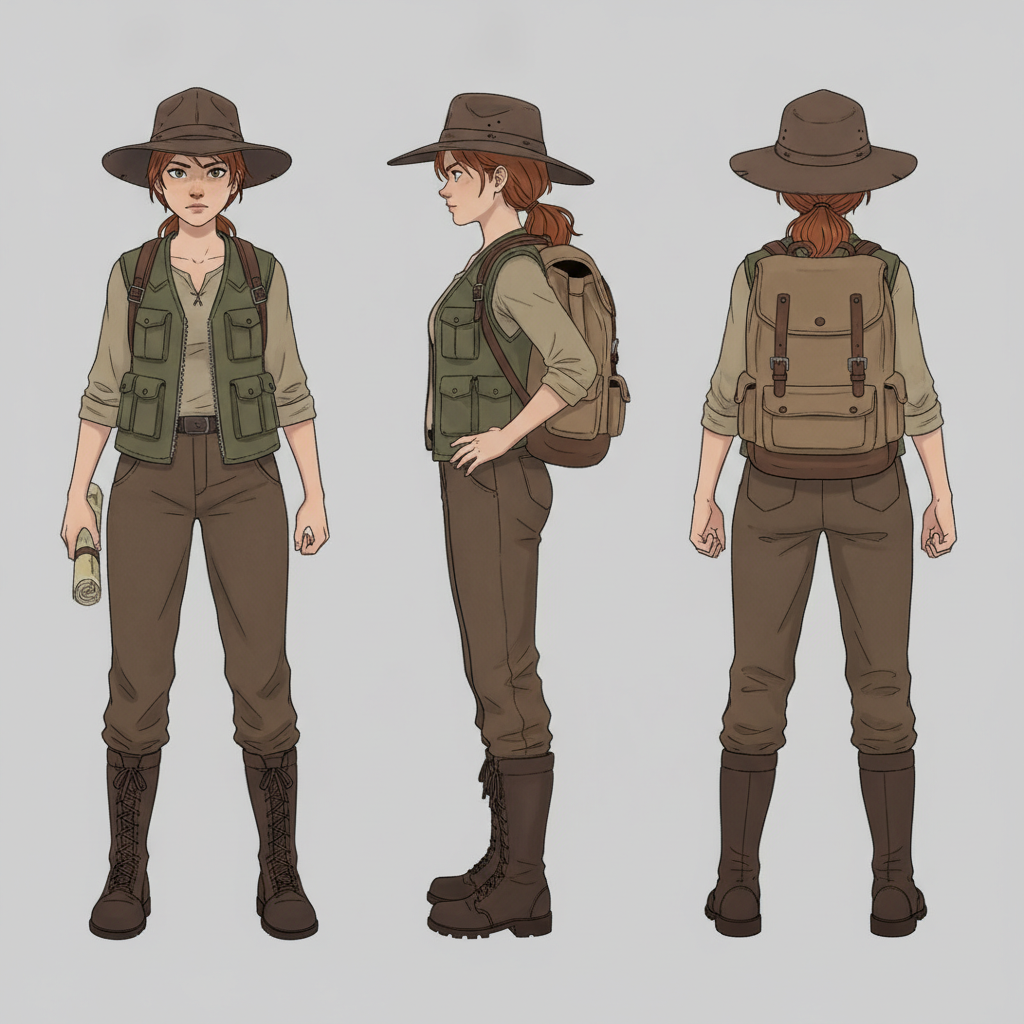
Character Turnaround Sheet
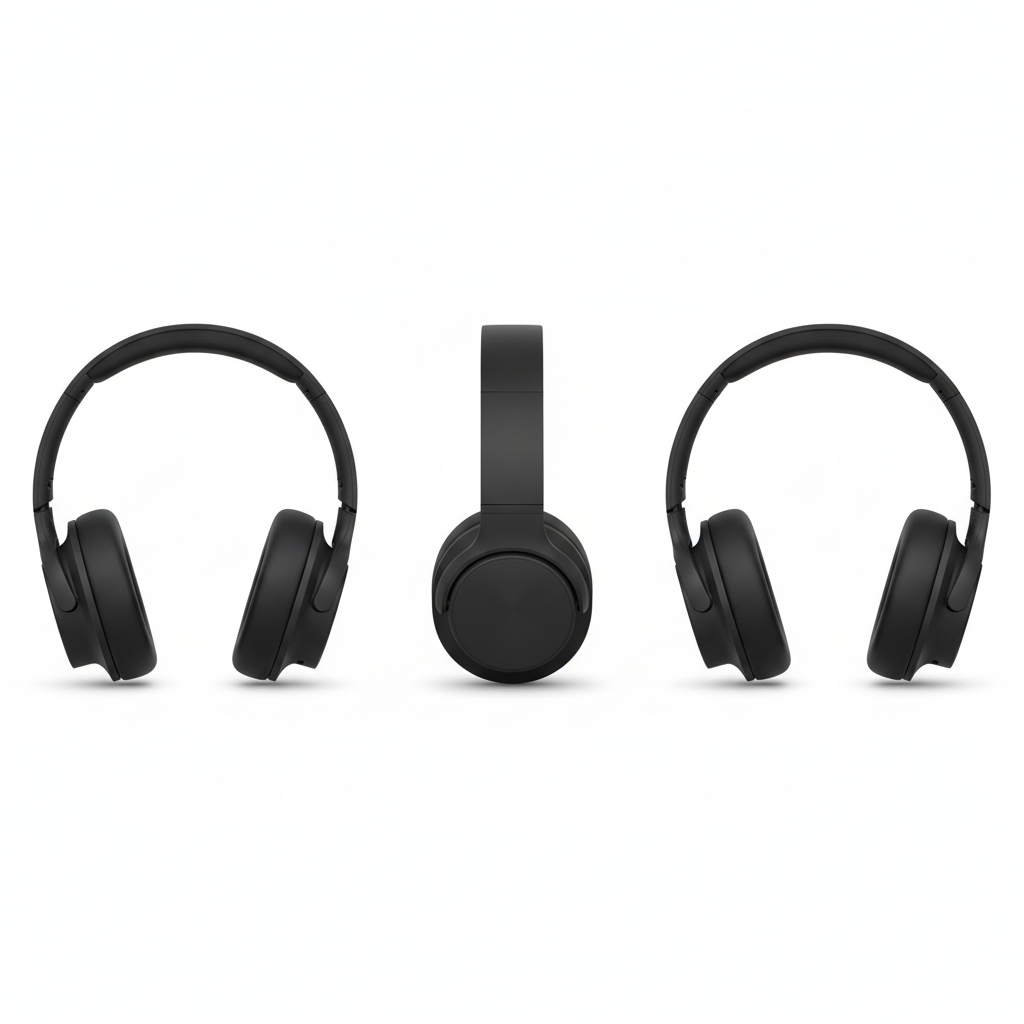
Product Three-View
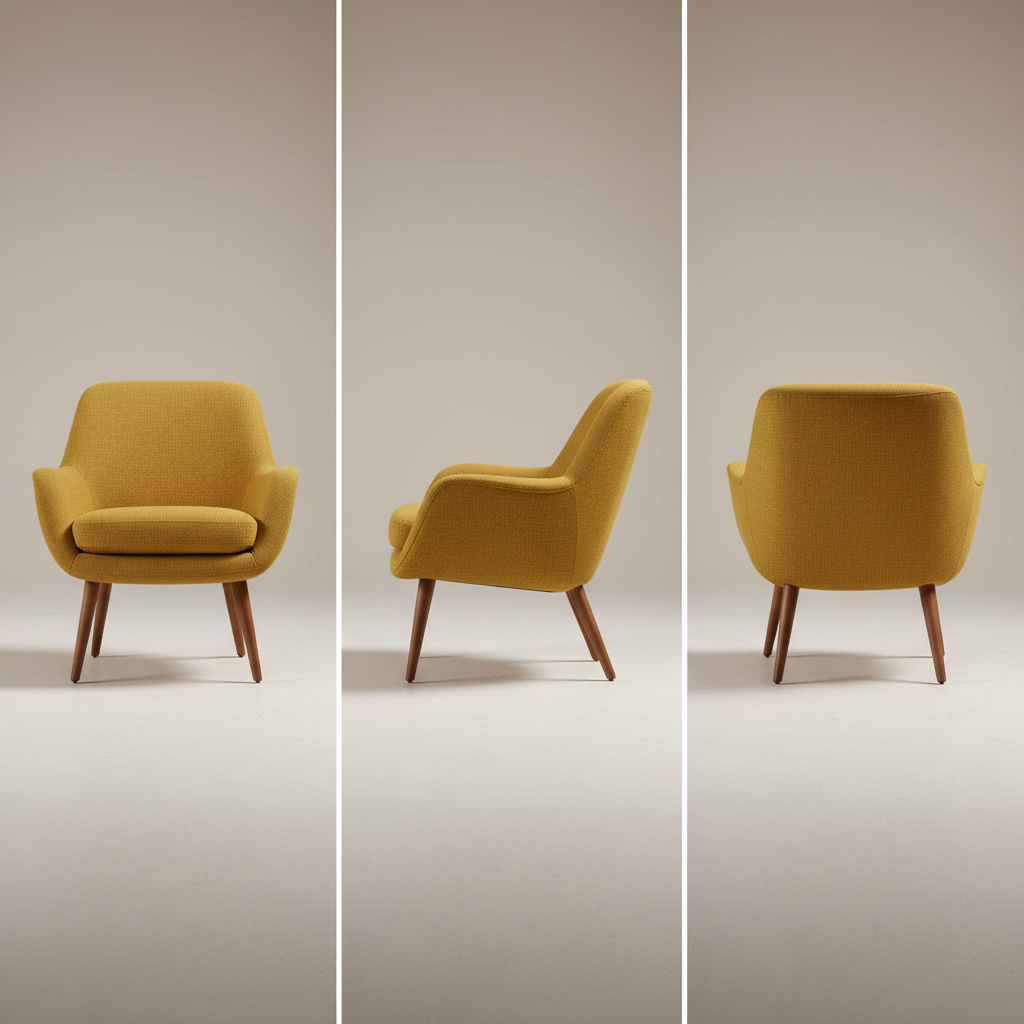
Furniture Turnaround
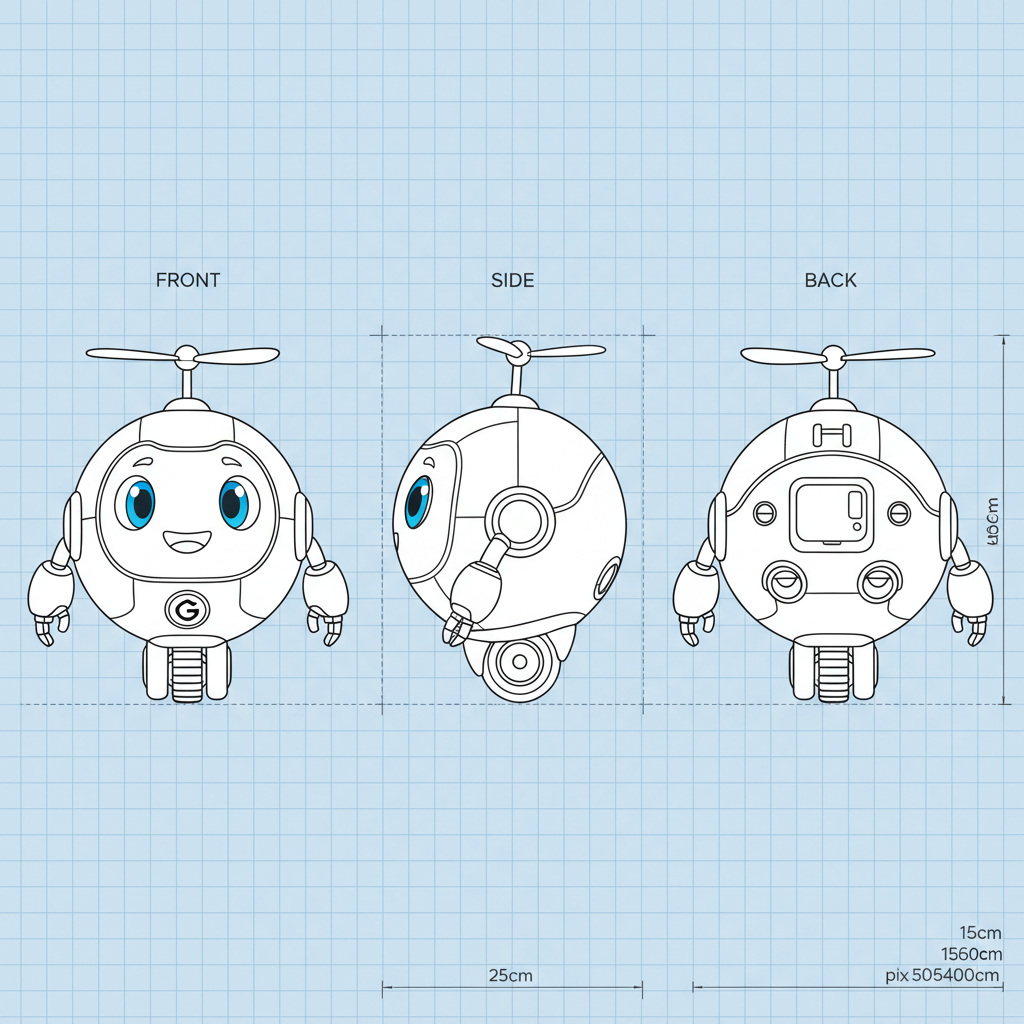
Orthographic Model Sheet
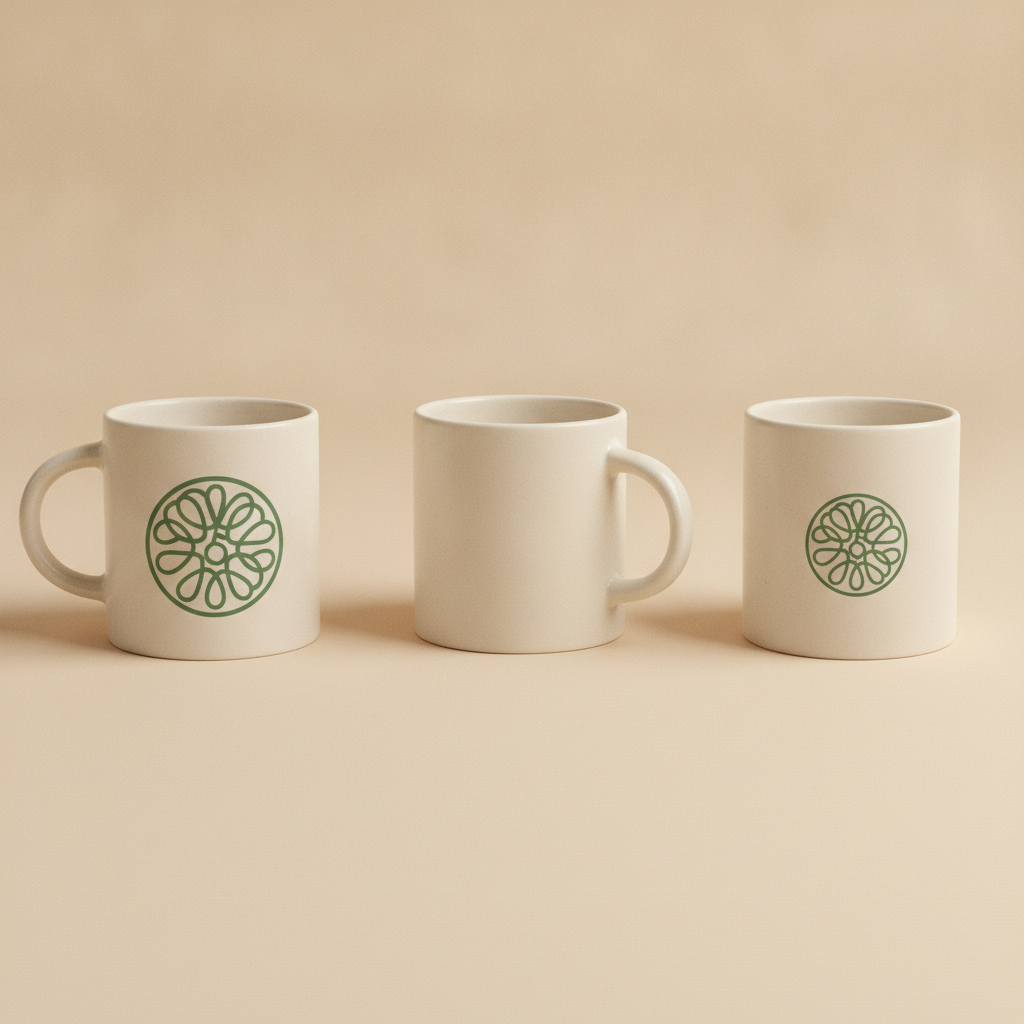
Packaging & Branding Views
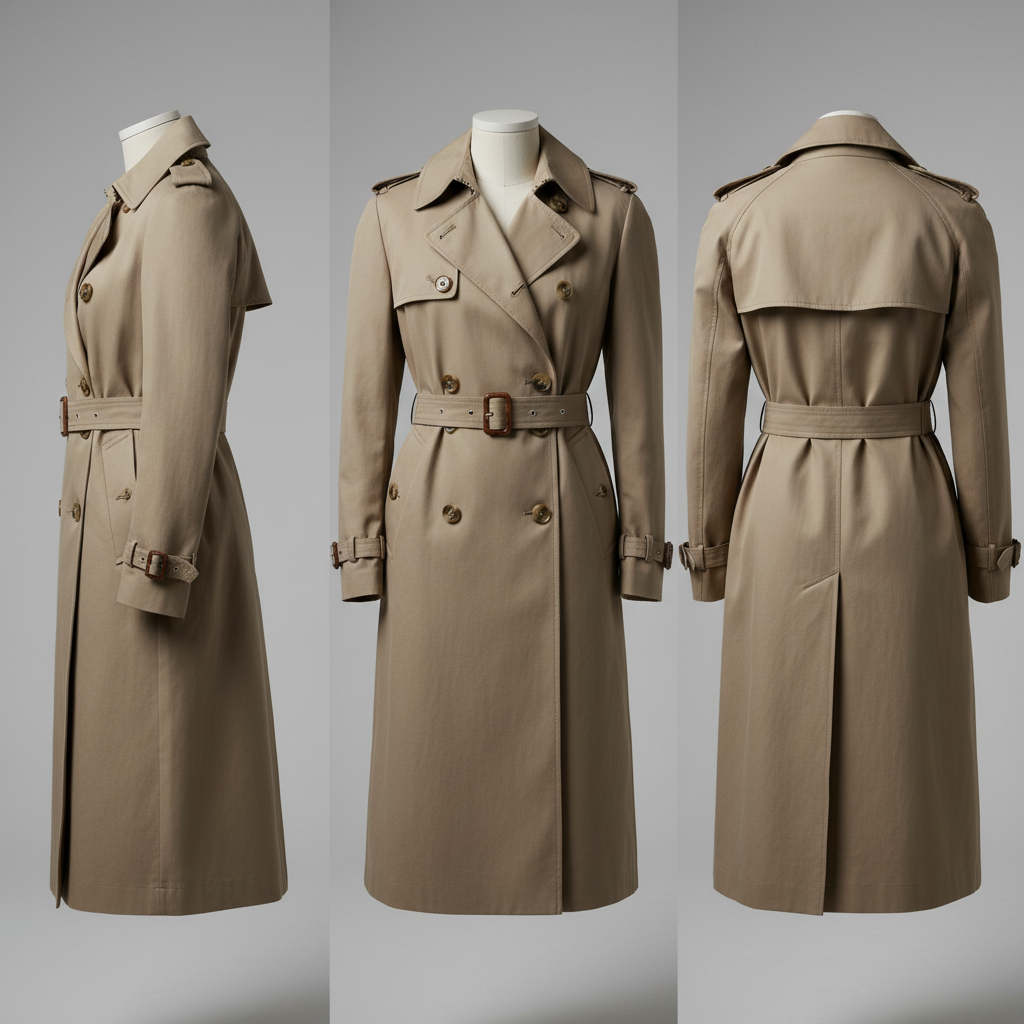
Apparel Front, Side, Back
How The Three-Sided AI Image Generator Works
Pick The Sheet Type
Choose the preset that matches your subject — character turnaround, product three-view, apparel, footwear, orthographic blueprint or mascot. Each one carries the layout and lighting instructions with it.
Describe The Subject Once
Write the subject fully and concretely: silhouette, outfit or material, colour, and any distinguishing detail. Everything you leave unspecified is something the model gets to change between panels.
Download The Turnaround
Front, side and back come back in one 4K-class PNG in about fifteen seconds — ready to drop into a design doc, a model sheet or a product layout.
Built To Keep One Subject Consistent
One Subject, Three Angles
The point of a three-sided AI image generator is not three pictures — it is three views of the same thing. The hat, the seam, the palette and the proportions survive the rotation instead of being reinvented panel by panel.
Front, Side And Back In One Frame
Every preset asks for a single row on one flat background, so the three views share lighting, scale and camera height. That is what makes a sheet usable as reference rather than as three loose renders.
Presets Built For The Hard View
The side view is where these prompts usually fail, because training data is full of front and three-quarter shots. Each preset describes the silhouette that should be visible instead of naming a camera angle.
4K Output In About 15 Seconds
Generation runs server-side, so an old laptop gets the same speed as a workstation. Sheets come back as 4K-class PNG with room to crop a single panel out at full resolution.
Clean Plates, No Invented Text
Prompts pin the background to plain and even and explicitly suppress captions and labels, because generators love to letter anything that looks like a technical drawing — usually with garbled words you cannot publish.
Free To Try, $2.99 To Own
Run the generator free with no account. Paid plans start at $2.99 one-time for unlimited high-resolution runs, watermark-free downloads and full commercial rights, with no subscription.
Three-Sided AI Image Generator — FAQ
What the format is for, why the side view is the hard one, and how to prompt it properly
See All Three Sides In One Run
Describe your subject once and get the turnaround back in about fifteen seconds. Free to try, no account needed.
Generate A Turnaround FreeWhy Three Views Beat Three Prompts
The obvious way to get a front, side and back view is to run three prompts and keep the description identical. It almost never works. Each run is an independent sample, so the jacket picks up a different number of buttons, the palette drifts a shade warmer, the proportions shift, and you end up compositing three near-misses that clearly are not the same object. A three-sided AI image generator sidesteps that entirely by asking for all three views inside one image, where the model has to keep the subject coherent across the frame because it is drawing one picture rather than three. That single structural change is what turns the format from a novelty into something you can use.
The format itself long predates AI. Illustrators call it a turnaround or a model sheet and have used it since the earliest days of animation, because a character has to be drawn the same way by a dozen different hands. Industrial designers call it a three-view and use it for the same reason a floor plan exists — the object has to be buildable by someone who was not in the room when it was designed. Both traditions exist because the interesting information about a shape is very rarely on the front. It is in the profile, the depth, the way the back closes, and none of that survives a single hero angle. What the three-sided AI image generator adds is speed: a reference sheet in fifteen seconds during the conversation, rather than an afternoon of drawing after it.
The side view is where these prompts fail, and it is worth knowing why. Photographs of people and products overwhelmingly favour front and three-quarter angles, so true lateral profiles are thin in the training data — ask for a side view and the model reaches for the far commoner angle it has seen thousands of times. Shoes are the worst offenders and will happily give you two front views and a heel. The reliable fix is to describe the silhouette instead of naming the camera: say the toe points to the right edge of the frame and the whole outer wall from toe to heel is visible. Describing what should be in the picture beats naming a camera position almost every time, and the presets above are written that way.
Two limits are worth stating plainly. This produces a very good approximation of orthographic agreement, not a guarantee — look closely and a strap may sit a centimetre differently between panels, so treat the output as reference rather than as a measured technical drawing. And for a physical product you are actually selling, generated back views are for concepting, mockups and layout; photograph the real unit for the listing. Within those limits it is quick and genuinely useful: 4K-class PNG with room to crop a single panel out, plans from $2.99 one-time with full commercial rights, and the generator above free without an account. If the design settles and you need geometry rather than a picture, the AI image-to-3D model converter is the next step, or browse the rest of the AI image tools for character design and product work beyond turnarounds.