
AI Image to 3D Model Converter
Turn Any Image Into a 3D Model
The AI image to 3D model converter turns a flat image into a clean, lit 3D-style asset in about fifteen seconds — no manual modeling required. Upload a photo, concept sketch, or product shot and get a turntable-quality 3D render you can use for concepts, references, and pitches. Built for 3D designers, game developers, and animators who need to go from a reference image to a usable 3D asset fast. Upload your image below and watch it become a 3D model.
Try the AI Image to 3D Model Converter — Free
Upload an image, choose a 3D asset style or describe the model you want, and let the AI render it in seconds
AI Image to 3D Model Converter
Upload an image, pick a 3D asset style or describe the model, and get a 3D-style render instantly
Upload a photo or concept image, choose a 3D asset style, and click Generate
3D Models Made From Images
Six examples of 3D assets rendered from a single image with AI
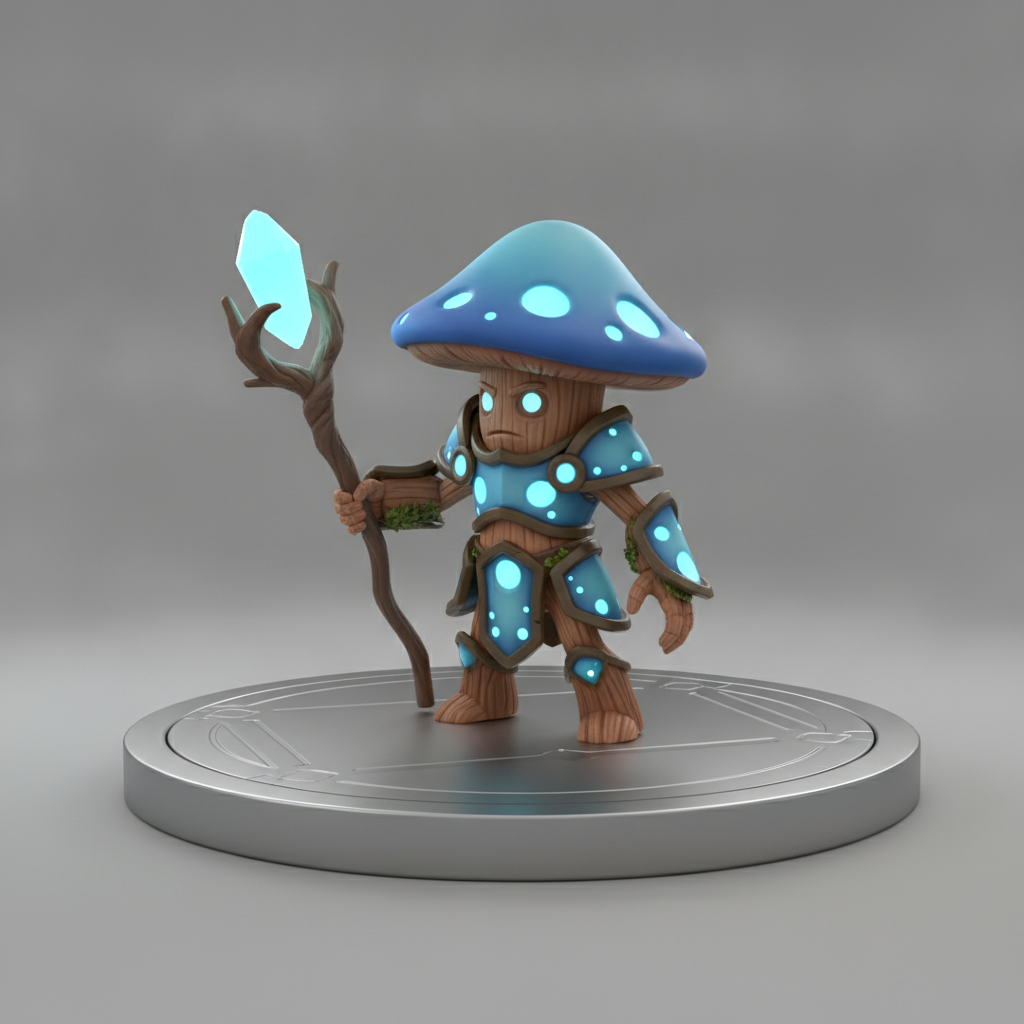
Game Character Model
For game developers
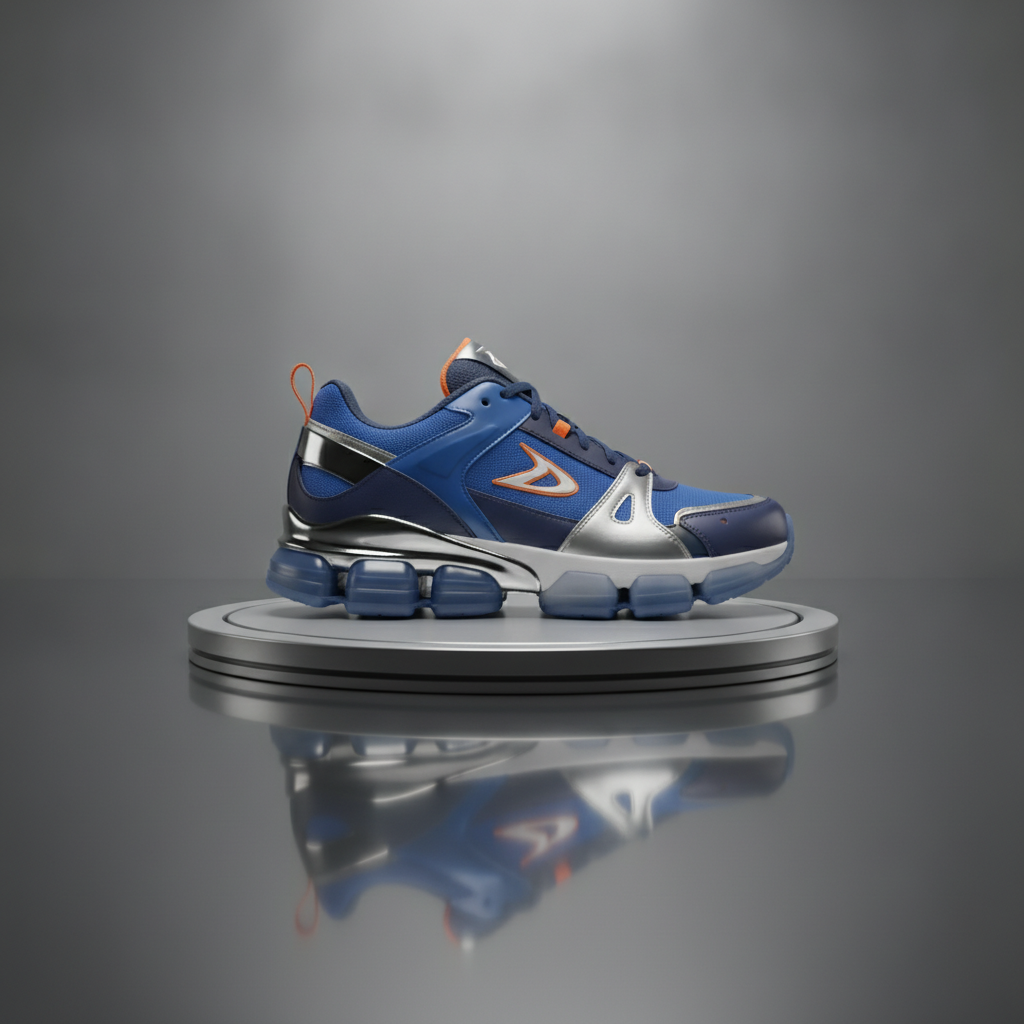
Product 3D Model
For product design
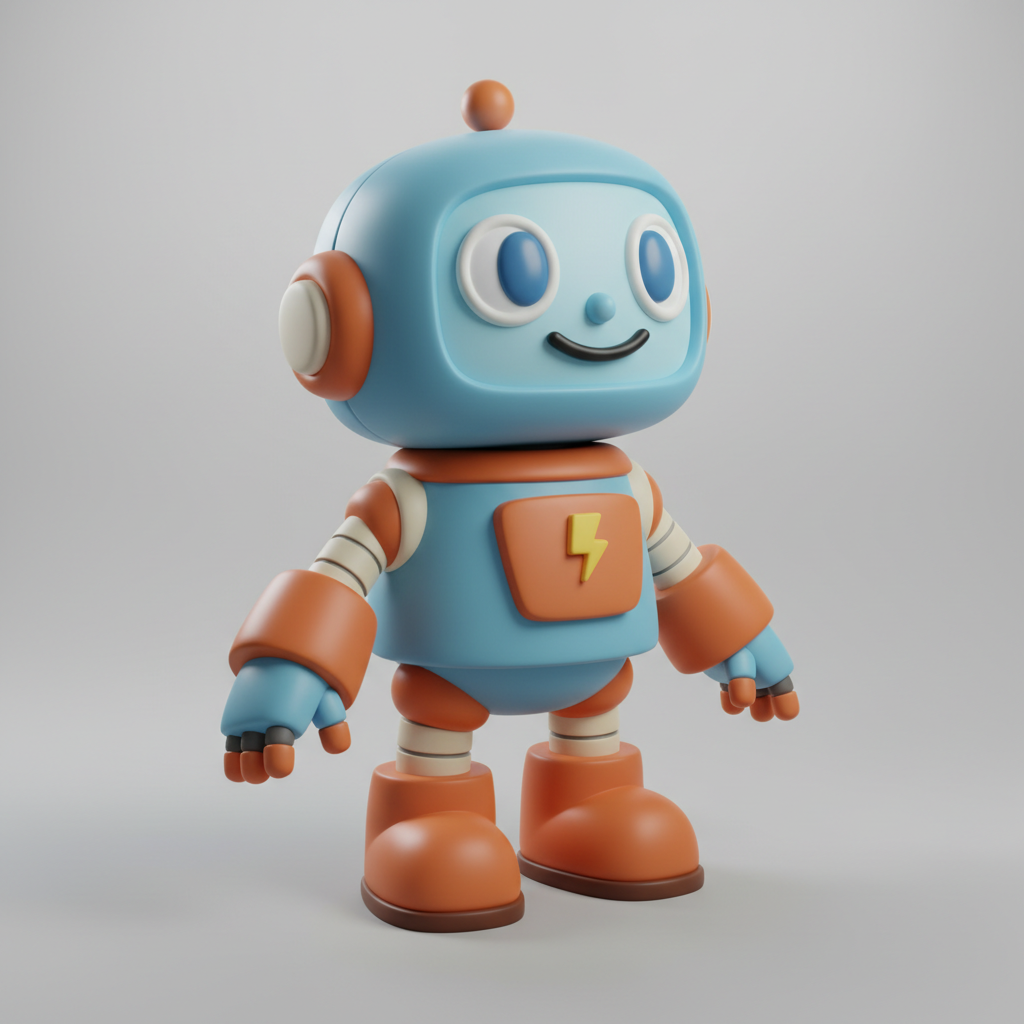
Stylized Character
For animators
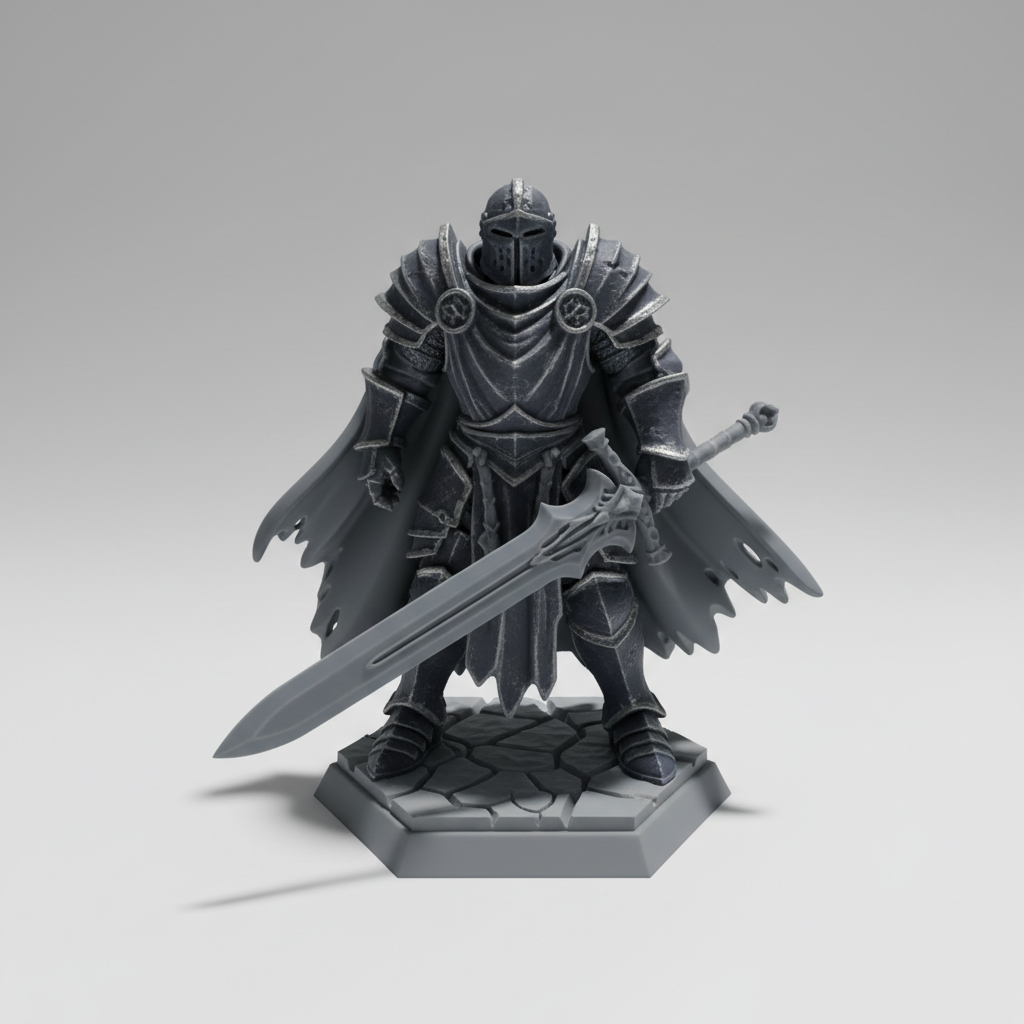
Printable Figurine
For tabletop & 3D print
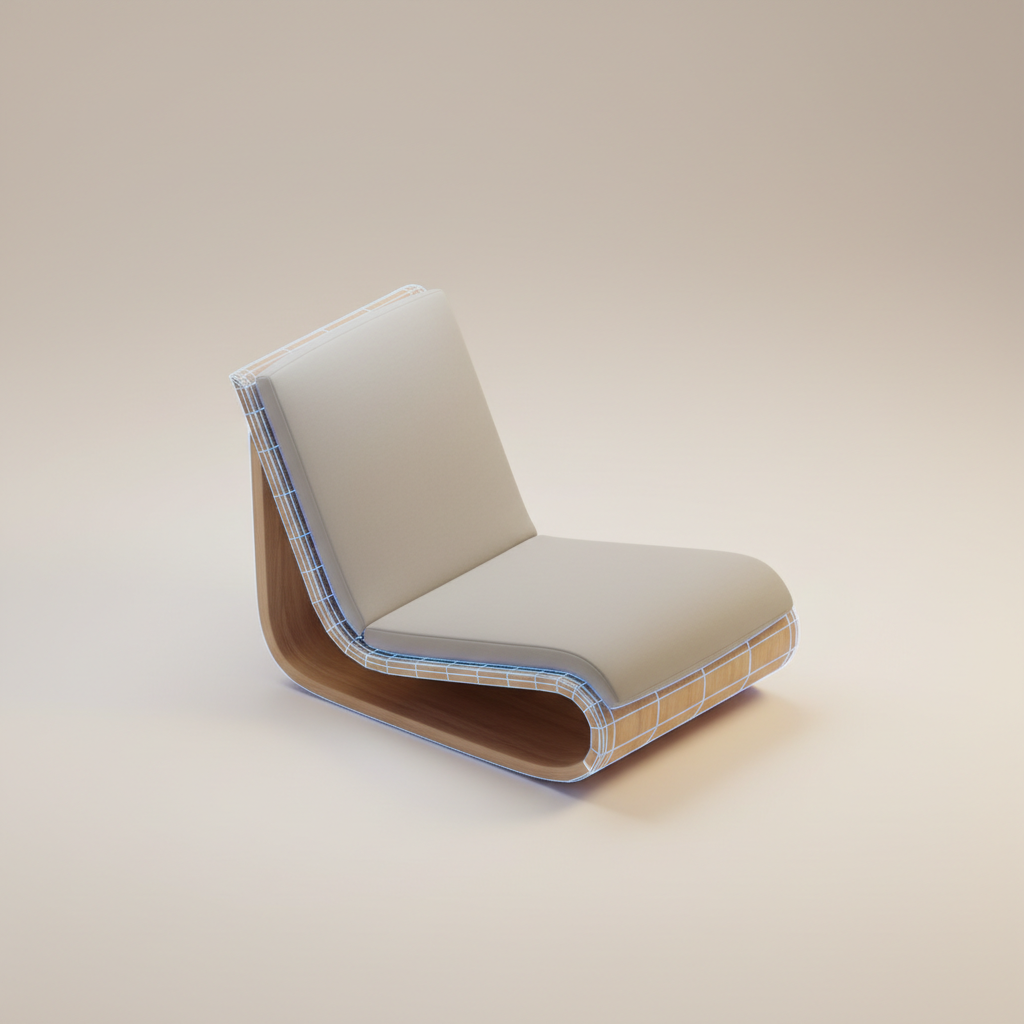
Furniture Model
For architecture
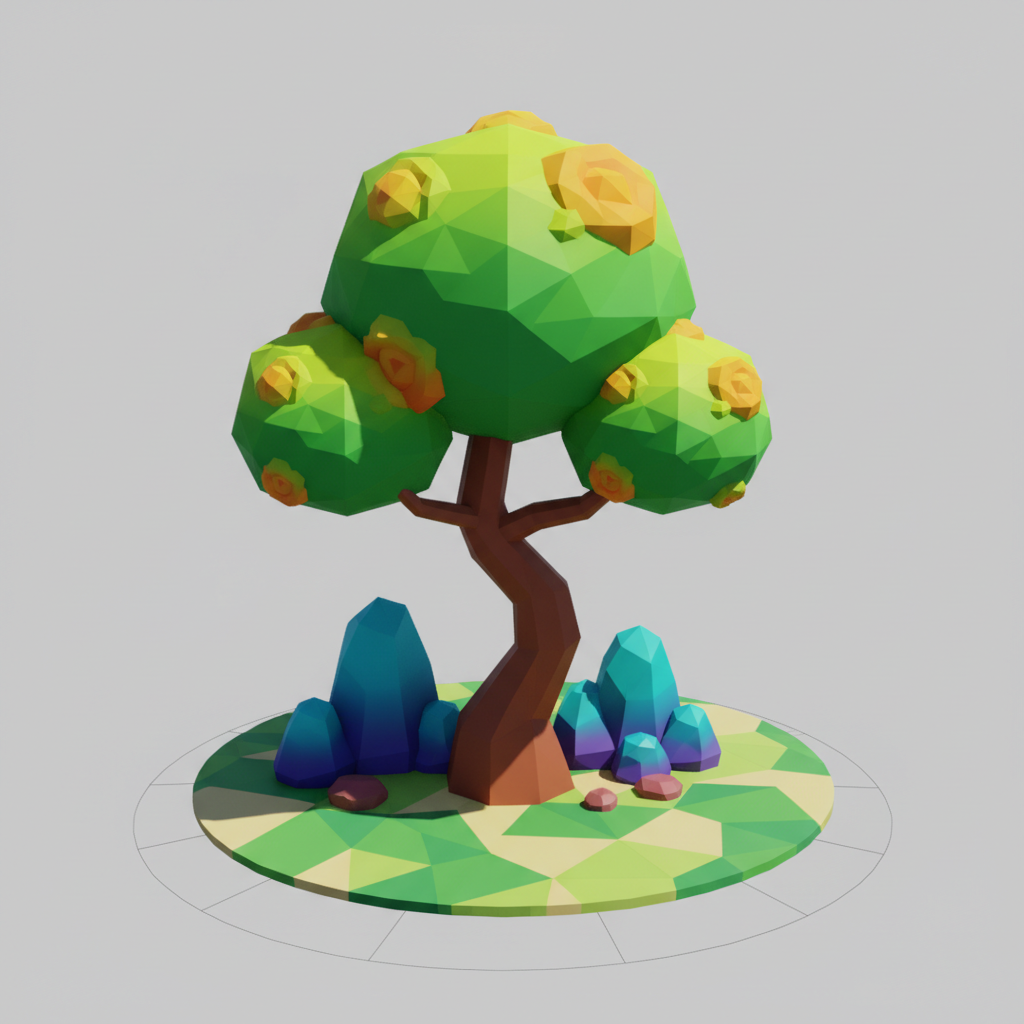
Environment Asset
For level design
How the AI Image to 3D Model Converter Works
Three simple steps from a flat image to a 3D-style model render
Upload Your Image
Open the tool and upload the image you want to convert — a photo, concept sketch, or product shot. There is no software to install, so the AI image to 3D model converter starts the moment you drop in a reference image.
Choose or Describe the 3D Look
Pick a preset — game character, product model, printable figurine, furniture, or low-poly asset — or describe the exact material, angle, and style you want. The AI reads your instruction and knows precisely how to render your 3D model.
Download and Build
In about fifteen seconds your 3D model render is ready. Download the high-resolution asset and use it for concepts, references, and pitches. Want a different look? Adjust the description or switch presets and generate again — iteration is instant.
Why Choose This AI Image to 3D Model Converter
Fast 3D asset creation for 3D designers, game developers, and animators
Turn Any Image Into a 3D Model
The AI image to 3D model converter takes a flat 2D image — a photo, concept art, or product shot — and renders it as a clean, lit 3D-style asset in seconds. Instead of blocking out geometry by hand, you start from a reference image and get an immediate three-dimensional visualization. 3D designers use it to move from idea to asset faster, skipping the slow first pass of manual modeling.
Built for Game Developers
Prototype characters, props, and environment pieces without opening a full modeling suite. Upload a concept and the AI 3D modeling tool returns a game-ready looking asset render you can drop into a mood board or pitch deck. Indie developers and studios use it to explore dozens of asset directions quickly before committing engineering time to a final mesh.
Describe the 3D Look You Want
This is more than a filter. Pick a preset — game character, product model, printable figurine, or environment asset — or describe the exact material, angle, and style in plain language. The AI reads your instruction and applies it precisely, giving you control over how the 3D model from your image looks, from clay-render characters to photorealistic product visualizations.
Product, Furniture, and Architecture Ready
Generate photorealistic product models, furniture, and architectural assets from a single image. AI 3D design lets you visualize a sneaker, a lounge chair, or a room prop as a polished turntable render for e-commerce, catalogs, and concept boards. Product teams use it to preview items in 3D before a full CAD or modeling pipeline begins.
Results in About Fifteen Seconds
A traditional 3D asset can take hours to model, texture, and light. The image to 3D model converter AI returns a high-resolution, studio-lit render in about fifteen seconds. That speed changes how you work — you can iterate through many looks in the time it once took to block out a single model, keeping your creative momentum going.
Free, Instant, No Login
Powerful 3D visualization used to mean expensive software and a steep learning curve. The AI image to 3D model converter returns a finished, high-resolution result in seconds, free to start with no account, install, or credit card. Pick a style or describe your asset, then download — that is it. Unlimited generation and watermark-free downloads unlock from just $2.99.
AI Image to 3D Model Converter — FAQ
Everything you need to know about turning images into 3D models with AI
Turn Your Image Into a 3D Model — Free
Great 3D assets should not require hours of manual modeling. The AI image to 3D model converter turns any image into a polished, high-resolution 3D render in about fifteen seconds — no install, no login, straight from your browser. Upload an image now and watch the AI build your 3D model.
Start Creating FreeThe Complete Guide to the AI Image to 3D Model Converter
Building a 3D asset the traditional way means launching heavy software, blocking out geometry, sculpting detail, unwrapping UVs, texturing, and lighting — hours of work before you even see a finished render. The AI image to 3D model converter collapses that first stretch of the pipeline. On aibanana.net the tool runs in your browser and connects to the Nano Banana Pro model, so you can upload a flat image and get a clean, lit 3D-style asset in about fifteen seconds. Whether you start from a photo, a concept sketch, or a product shot, you go straight from a 2D reference to a three-dimensional visualization — which is exactly what 3D designers, game developers, and animators need when they want to explore ideas quickly instead of committing hours to every concept.
Using it is refreshingly simple. Upload the image you want to convert, then choose a preset — game character, product model, clay character, printable figurine, furniture model, or low-poly asset — or describe the exact material, angle, and style you want in plain language. The AI image to 3D model converter reads your instruction and renders the shape, form, and materials of your image as a turntable-quality 3D asset. Because it runs on Nano Banana Pro, clean silhouettes, fine detail, and realistic material shading stay sharp even after a big transformation, so each 3D model from your image looks production-ready. Game developers use this AI 3D modeling workflow to prototype characters and props, product teams use it to visualize items before a full CAD pipeline, and animators use it to explore forms and styles before sculpting.
What makes an image to 3D model converter AI genuinely useful is that it removes the friction between an idea and a usable visual. It is important to be clear about what you get: the tool generates high-resolution 3D-style render images — turntable visualizations of your asset — rather than editable mesh files like OBJ or FBX. That makes it ideal for concepting, reference, mood boards, marketing renders, and asset previews. Many 3D designers treat these AI 3D design renders as a visual blueprint: they generate several directions in minutes, pick the strongest one, and then rebuild the final mesh in Blender, Maya, or a game engine with a clear target in mind. The result is a faster, more confident modeling process, because the hardest part — deciding what to build — is already solved on screen.
You can try the AI image to 3D model converter free on this page with no account, no software install, and no credit card — usage is protected with per-IP rate limits instead of a login wall, so you can generate risk-free and watch an image become a 3D model immediately. Paid plans start at just $2.99 and unlock unlimited 3D model generation, watermark-free high-resolution downloads, and full rights to use your renders commercially, which makes creating 3D assets every day genuinely affordable for designers, studios, and product teams. From a single reference image to a polished 3D render, this is the fastest way to see your idea in three dimensions. Upload an image above, choose a 3D style or describe it in your own words, and let the AI image to 3D model converter turn it into a 3D model in seconds.