
Qwen Image 2.1 Free Online
Qwen Image 2.1 is Alibaba's open-weight image model — a 7B diffusion transformer with native 2048px output, transparency and notably improved typography. Running it yourself needs a GPU and a non-commercial licence. This page explains what it is and how it compares, then lets you generate the same kinds of images free in your browser with Nano Banana Pro — no GPU, no install, no account to test.
Generate Images FreeTry It Now — Free
Pick a style, describe your subject on top of it, and generate. No GPU, no account, and the result is yours in about fifteen seconds.
Qwen Image 2.1 Alternative — Free Generator
Choose a style, describe your subject, and get a 4K image in about fifteen seconds — no GPU, no install, no licence hunt
Six Jobs People Bring To Qwen Image 2.1
Every image below came from the generator on this page with nothing changed but the words: a typographic poster, a portrait, an anime scene, a logo, an infographic and a product shot.
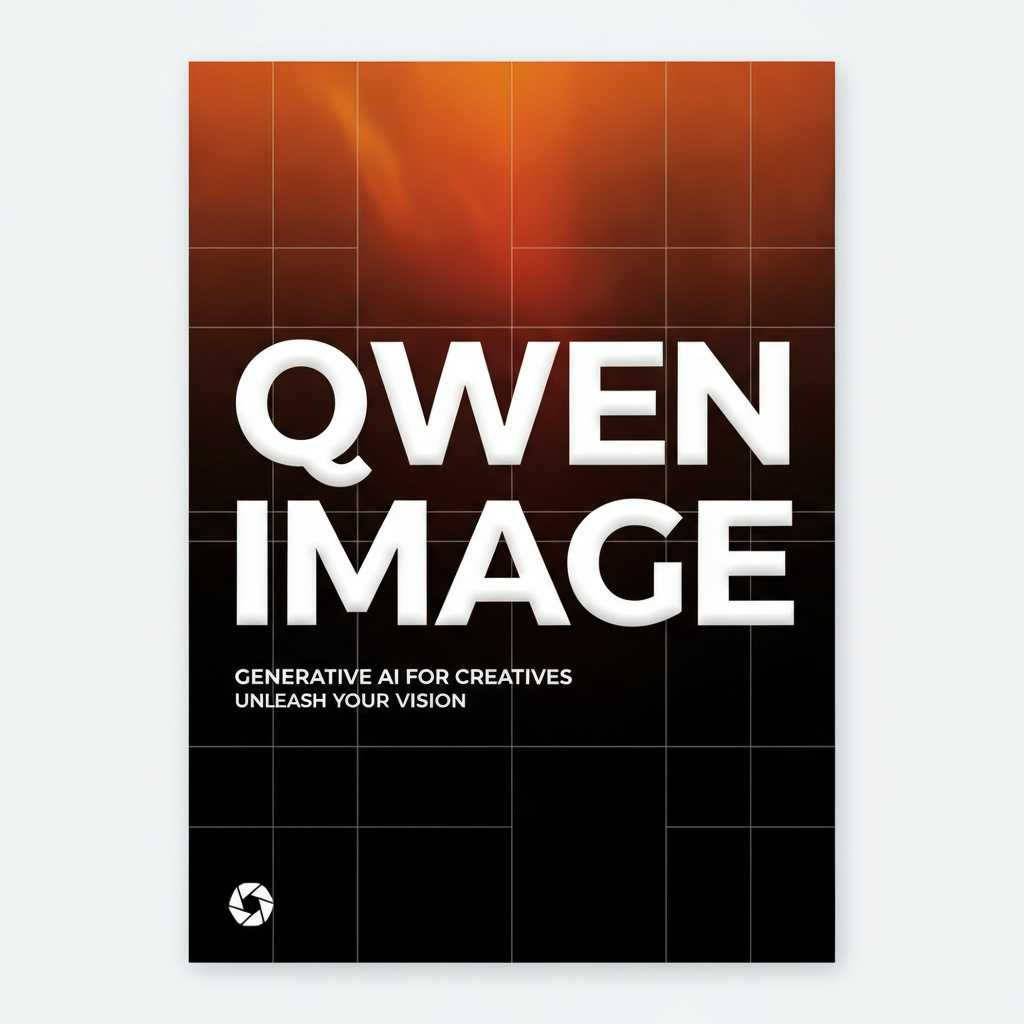
Typographic Poster
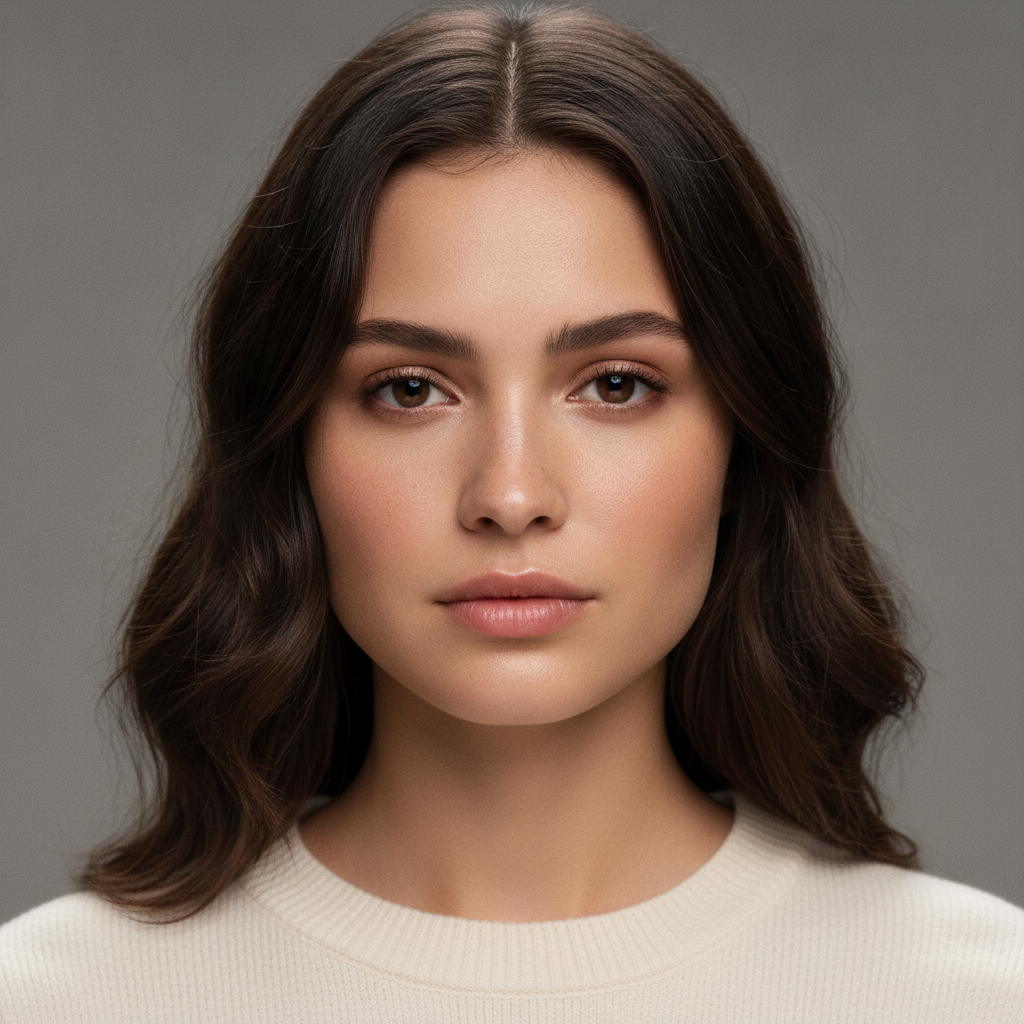
Studio Portrait
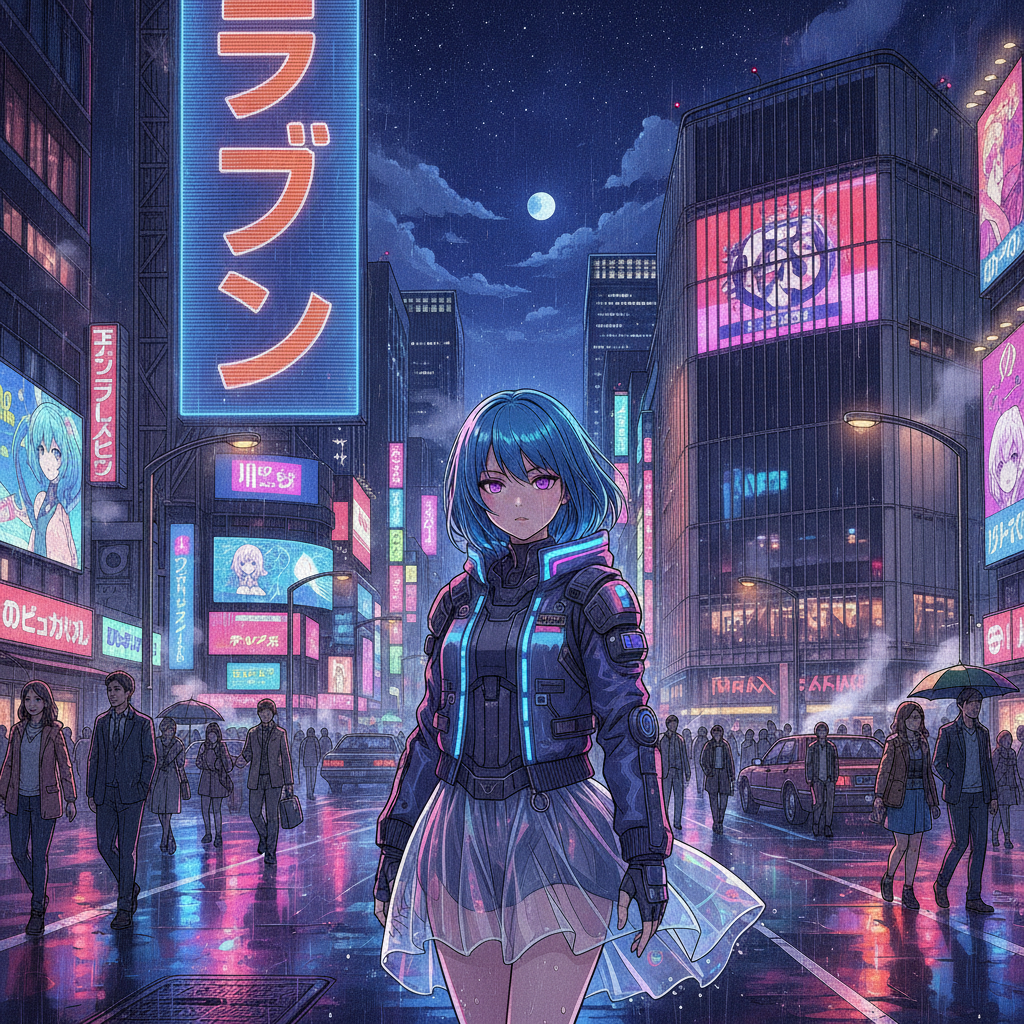
Neon Street
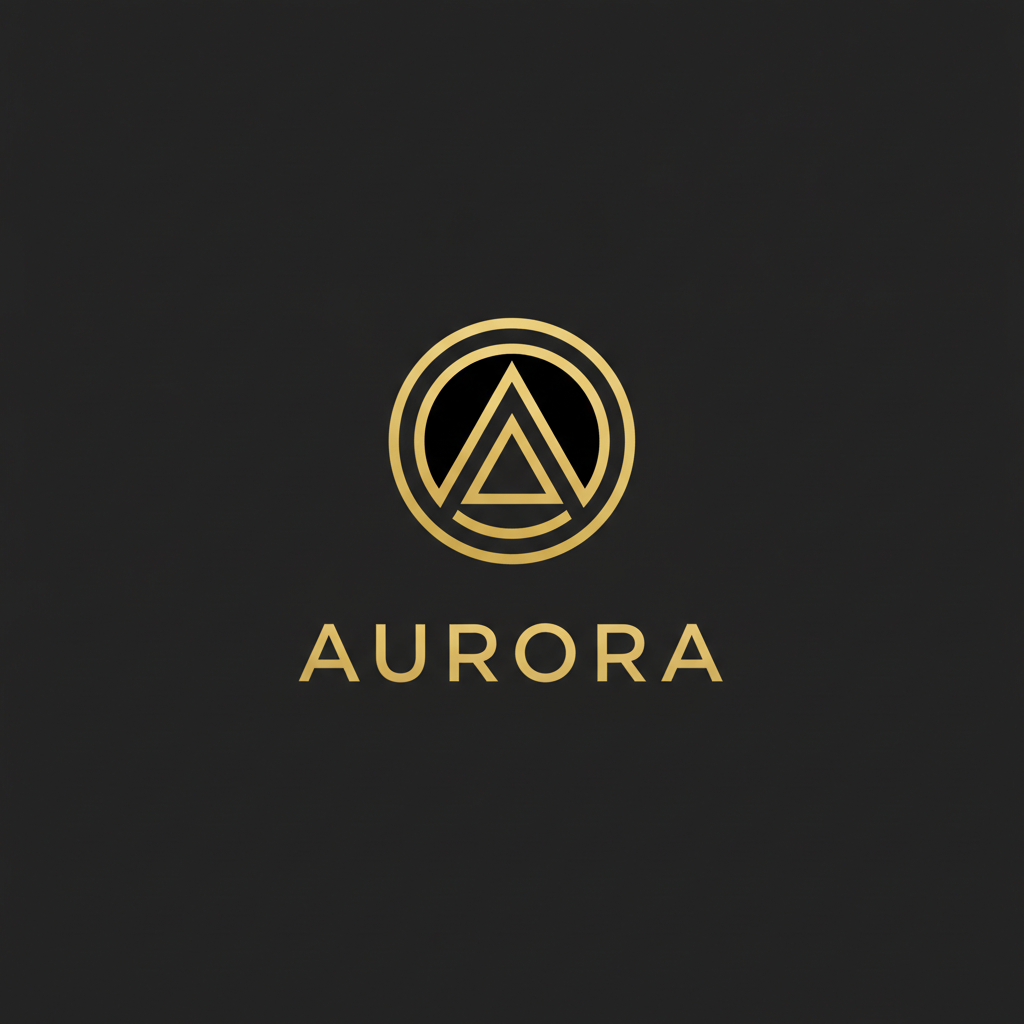
Logo & Wordmark
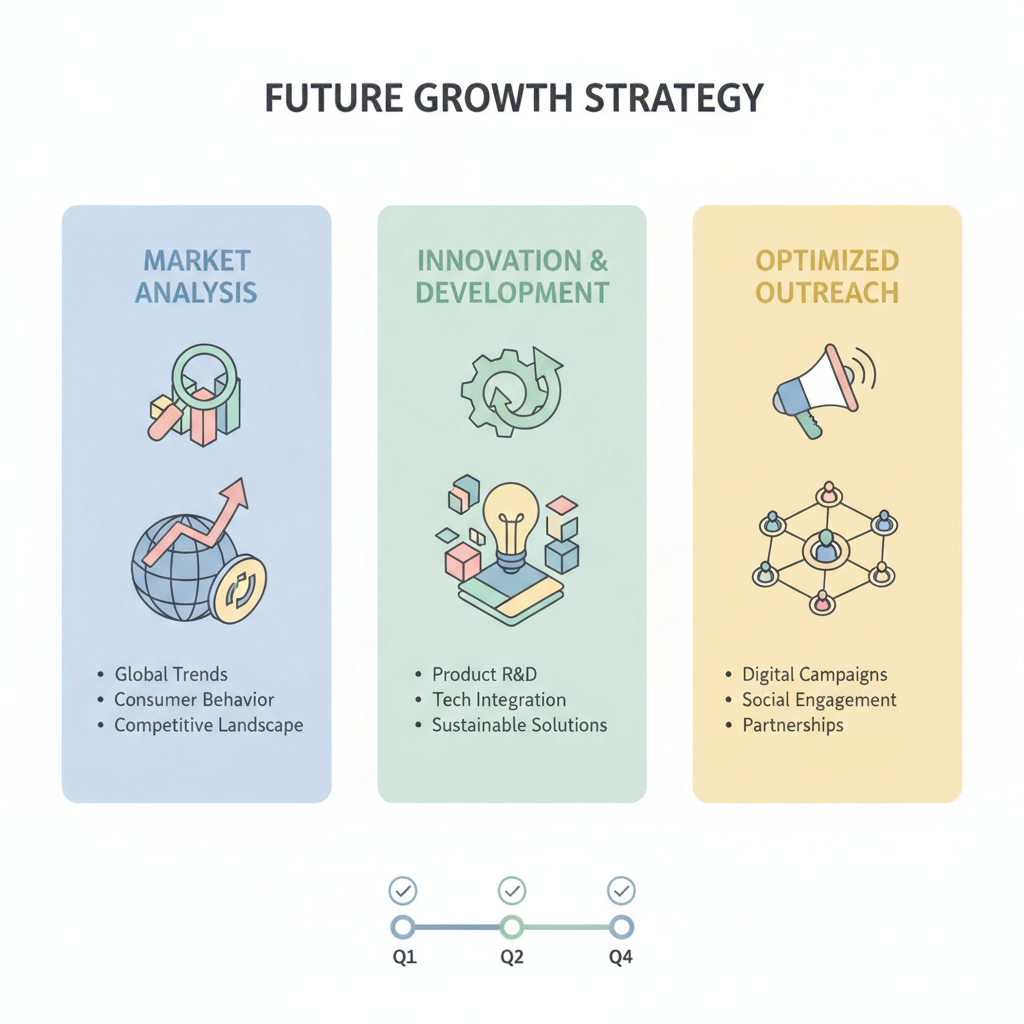
Labelled Infographic
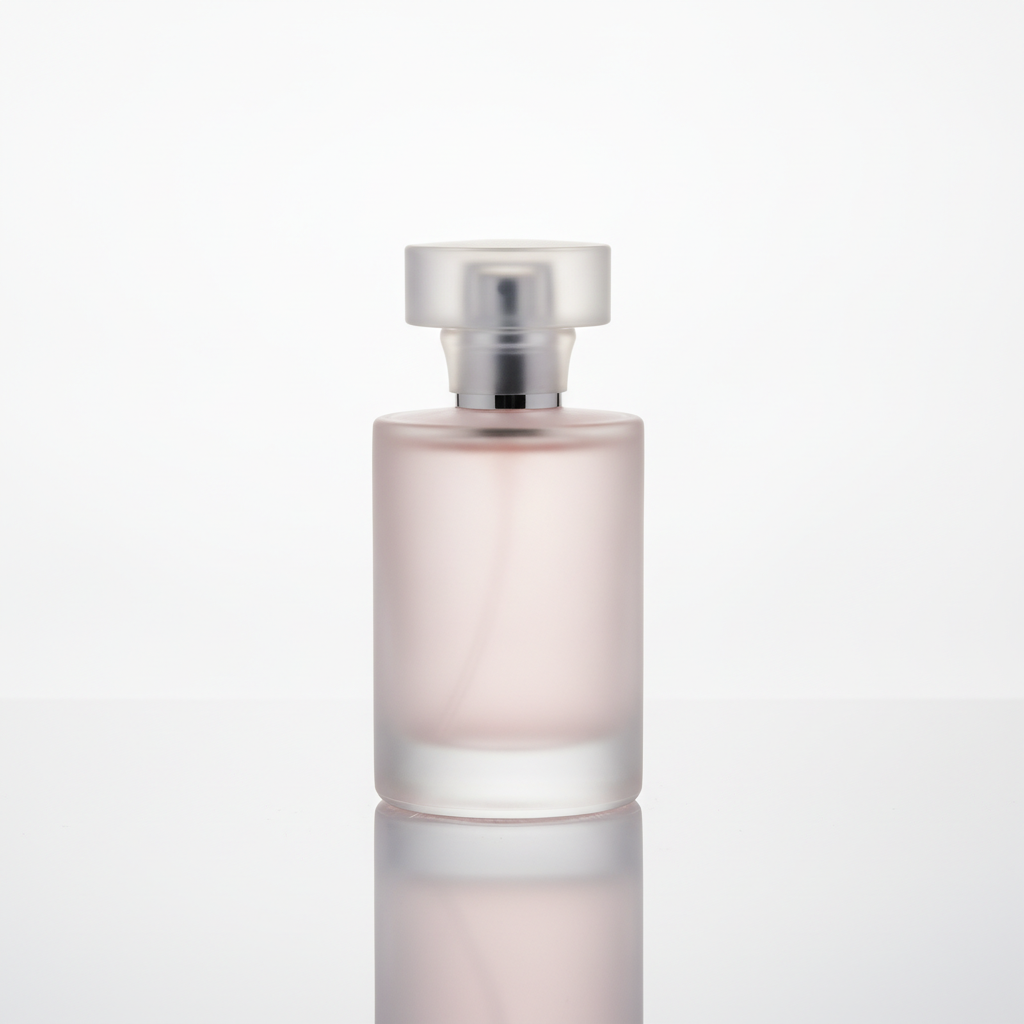
Product Shot
What Is Qwen Image 2.1?
The short version, from Alibaba's September 2026 release — accurate where the public details are clear, and hedged where they are not.
| Detail | What is known |
|---|---|
| Model type | Open-weight diffusion transformer (single-stream DiT) |
| Parameters | Around 7 billion, with a Qwen3-VL text encoder |
| Native resolution | 2048x2048, rendered over roughly 40 steps |
| Standout features | RGBA transparency, local editing, up to 10 reference images, improved typography |
| Weights | Published on Hugging Face and ModelScope under the Qwen organisation |
| License | Research / non-commercial; commercial use needs a separate agreement |
| What it needs to run | A capable GPU and local setup, or a rented cloud GPU |
Independent benchmarks for Qwen Image 2.1 specifically were still thin at launch, so treat headline quality claims as directional rather than settled.
How The Free Generator Works
Three steps, and the third is where an adequate image becomes the one you pictured.
Pick A Style, Add Your Subject
Choose one of six presets below — typographic poster, portrait, anime, logo, infographic or product shot — then describe your subject on top of it. Each preset carries a full prompt behind it, so the medium is already specified in the detail the model needs.
Generate At Up To 4K
The render comes back in roughly fifteen seconds, composed for your exact wording rather than retrieved from a library. No GPU is spun up on your side and nothing is installed — the model runs in the cloud and hands you the result.
Change One Clause And Repeat
Almost no first render is final. Swap only the lighting, or only the style, and regenerate. Isolating one variable tells you which part of your wording is carrying the result, and three quick iterations usually beat one long rewrite.
Qwen Image 2.1 vs A Hosted Generator
Running the open model yourself and using a browser tool are different answers to different questions. Here is the honest split.
| Qwen Image 2.1 (self-hosted) | This generator | |
|---|---|---|
| Setup | Download weights, provision a GPU, install a runtime | Open the page — nothing to install |
| Hardware | GPU with enough memory for a 7B model + encoder | Runs in the browser on any device |
| Cost model | Free weights, but you pay for the GPU and your time | Free to test; plans from $2.99 |
| Commercial use | Needs a separate licence agreement | Included on paid plans |
| Control | Full — fine-tune, run offline, own the stack | Hosted — presets and prompts, no tuning |
| Best for | Developers and researchers who want to own it | Creators who want an image right now |
What The Generator On This Page Gives You
The things that matter when your goal is an image rather than a model to maintain.
Text That Reads As Text
Strong typography is one of the reasons the Qwen-Image family draws attention, and legible in-image lettering is exactly what unlocks posters, labels, packaging and social graphics. The generator here renders specified words as characters rather than decoration — put the exact wording in quotes, keep it short, and say where in the frame it sits.
No GPU, No Install
Running Qwen Image 2.1 yourself means a capable GPU, model downloads and a runtime to wire up. This tool skips all of it: the model runs in the cloud, you run nothing, and the first image is about fifteen seconds away on whatever device you already have open.
4K Output, Kept Sharp
Every render can come back at up to 4K, which covers posters, blog headers, ad creative and prints at ordinary sizes. Generate at full resolution even for a small slot — cropping a large master down stays crisp, while upscaling a small file after the fact never fully recovers detail.
Any Medium, One Interface
Typographic poster, photorealistic portrait, anime illustration, logo, infographic and product shot are six unrelated visual jobs, and all six on this page came from the same tool with nothing changed but the words — the range a model like Qwen Image 2.1 is prized for, without the setup.
Commercial Use Without The Licence Hunt
Qwen Image 2.1 ships under a non-commercial research licence, so selling its output means a separate agreement. Nano Banana Pro includes commercial use on paid plans from $2.99, which keeps blog art, ad creative and client work in scope without a legal detour.
Plain English, No Prompt Syntax
No weights, no negative-prompt fields, no colons to memorise. Describe the picture in ordinary sentences the way you would brief a photographer or an illustrator, add exclusions in plain words, and iterate by changing one clause at a time. The skill that transfers is art direction, not syntax.
Which One Should You Use?
Pick by what you are actually trying to do, not by which has the newer version number.
Reach for the open weights when
You want to fine-tune on your own data, run fully offline, integrate the model into a pipeline you control, or study the architecture. You have — or can rent — a GPU with enough memory, and you are prepared to handle the non-commercial licence for any output you ship.
Reach for this generator when
You want an image now: a poster, a portrait, a logo, a product shot. You are on a laptop or phone with no GPU, you do not want to install anything, and you would rather have commercial use included on a plan than negotiate a licence. Speed and zero setup are the whole point.
Use both when
You prototype quickly in the browser to settle a direction, then move the chosen look into a self-hosted Qwen pipeline for volume or custom tuning. Plenty of teams brief visually with a hosted tool and produce finals on infrastructure they own.
Watch the licence either way
Open weights are free to download but carry a non-commercial licence on 2.1; hosted output here includes commercial use on paid plans. Whichever you choose, avoid prompting for copyrighted characters or trademarked logos, and check the disclosure rules of wherever the work is headed.
Qwen Image 2.1 FAQ
Skip The Setup — Make An Image
You do not need a GPU or a licence to see what current-generation image models can do. Pick a style, describe your subject, and get a 4K result in about fifteen seconds. Free to test, no account needed.
Generate Images FreeQwen Image 2.1, And A Faster Way To Just Make The Image
Qwen Image 2.1 is Alibaba's open-weight image generation and editing model, released in September 2026 as a single diffusion transformer of roughly seven billion parameters paired with a Qwen3-VL text encoder. It renders natively at 2048 pixels, supports transparency through an RGBA pipeline, accepts up to ten reference images for editing, and was launched with improved typography among its headline changes. The reason people search for Qwen Image 2.1 by name rather than just "AI image generator" is that the weights are published openly on Hugging Face and ModelScope, which means you can download the model and run it on your own hardware instead of depending on anyone's hosted service. That openness is the appeal, and it is also where the practical friction starts.
Running Qwen Image 2.1 yourself is not a one-click affair. A seven-billion-parameter diffusion model plus its text encoder needs a GPU with a meaningful amount of memory, which rules out most laptops and every phone, and it needs a runtime and model files wired together before the first image appears. On top of the hardware, version 2.1 ships under a research-oriented, non-commercial licence — a change from the Apache 2.0 terms of the earlier Qwen-Image line — so using its output in a product, an advertisement or paid client work is a separate licensing decision rather than an assumption. None of that makes the model a bad choice; for developers and researchers who want to fine-tune, run offline or own the whole stack, those costs are exactly what they are signing up for. But for someone who simply wants a poster, a portrait or a product shot this afternoon, the setup is overhead with no payoff.
That is the gap this page fills. The generator above runs on Nano Banana Pro in the cloud, so there is no GPU to provision, nothing to install and no model files to manage — you open the page, pick one of six presets, describe your subject, and a 4K image comes back in about fifteen seconds. It renders legible text inside images, the same capability that makes the Qwen-Image family attractive for posters and labels; it holds a subject consistent across a set when you reuse a fixed description; and commercial use is included on paid plans starting at $2.99, which removes the licence question for work you intend to publish or sell. It is not the Qwen model and it is not affiliated with Alibaba — it is a no-setup alternative for the large share of searches where the real goal is an image, not a model to maintain.
If you want to go deeper on the craft behind any of these tools, the AI text-to-image generation guide breaks down what each clause of a prompt controls, and the general AI image generator covers everything in one place. The full set of AI image tools breaks out the specialised jobs — logos, headshots, product shots, restoration and the rest. And if you do decide to host Qwen Image 2.1 yourself, get the weights from the official Qwen repositories so the licence terms that apply to you are the ones you actually read. Either way, the Qwen Image 2.1 alternative above is free to try before any of that matters.