
Fine-Tuned AI Art Customization
Most AI art tools give you a text box and a slot machine. Fine-tuned AI art customization gives you the two things that make a personalized art style actually usable: presets that hold a coherent visual language while you change the subject, and multi-turn editing that lets you refine one element at a time. Six distinct styles, consistent characters across a series, and text that comes out spelled correctly.
Start Customizing FreeTry It Now — Free
Pick a style, describe your subject, and get a 4K-class custom artwork in seconds. No account, no watermark on paid plans.
Fine-Tuned AI Art Customization
Choose an engineered art style, add your own subject, and generate a custom artwork
Six Styles, One Customization Engine
Every image below came from a preset on this page. Swap the subject and the visual language holds.
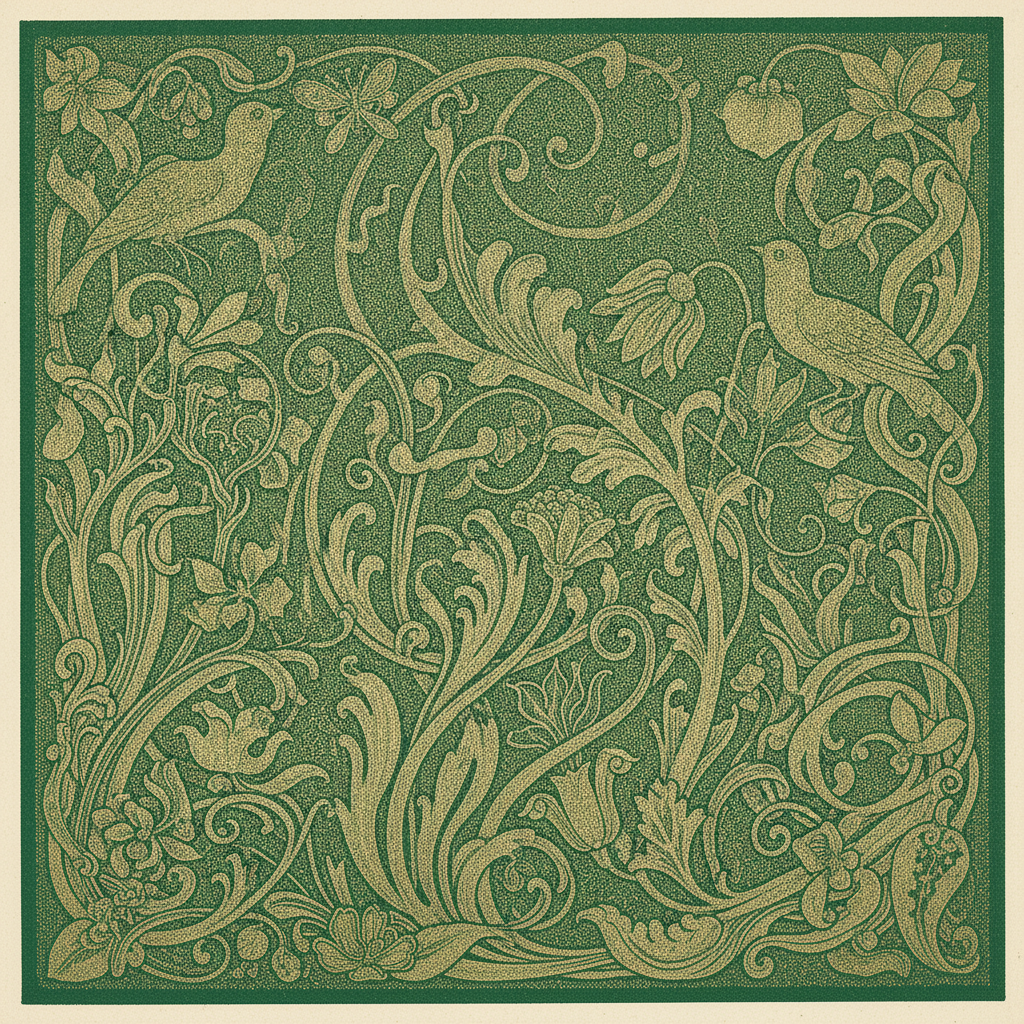
Gold Filigree Botanical
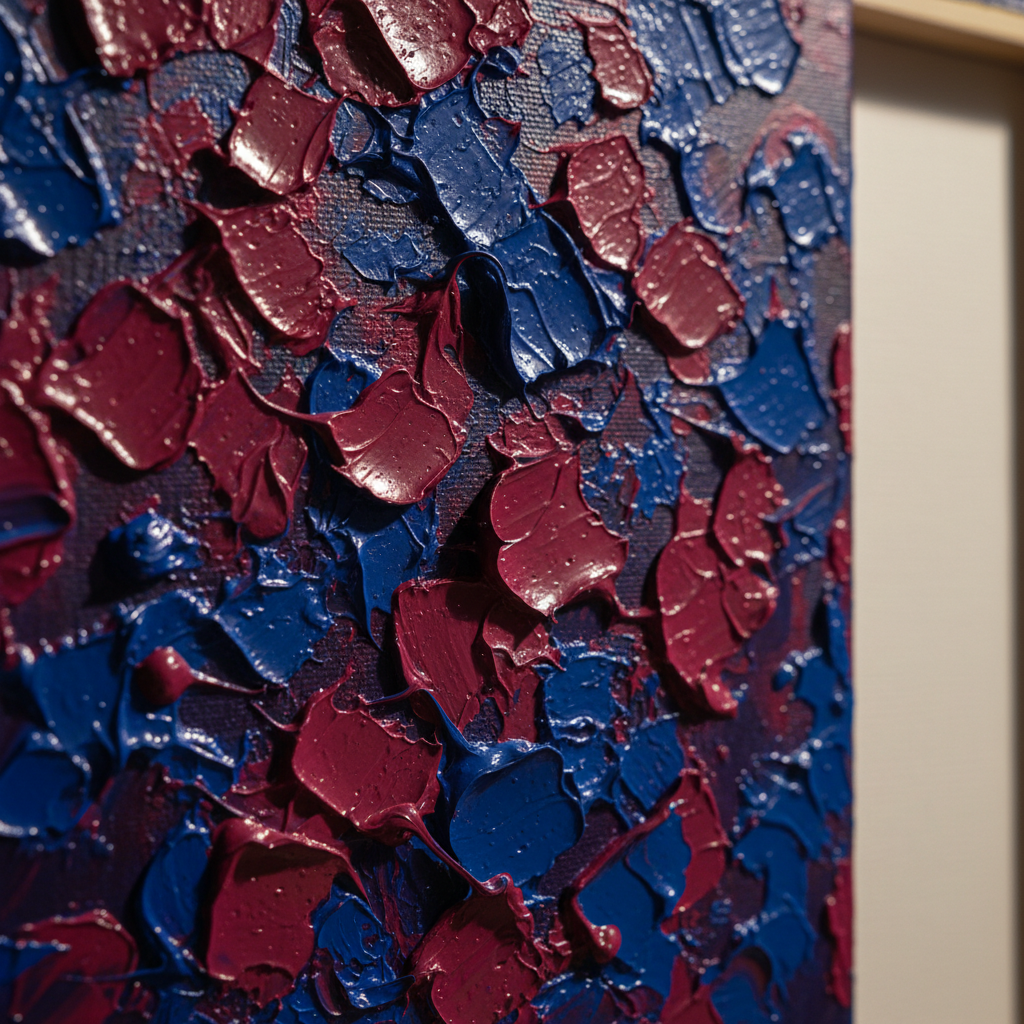
Impasto, Up Close
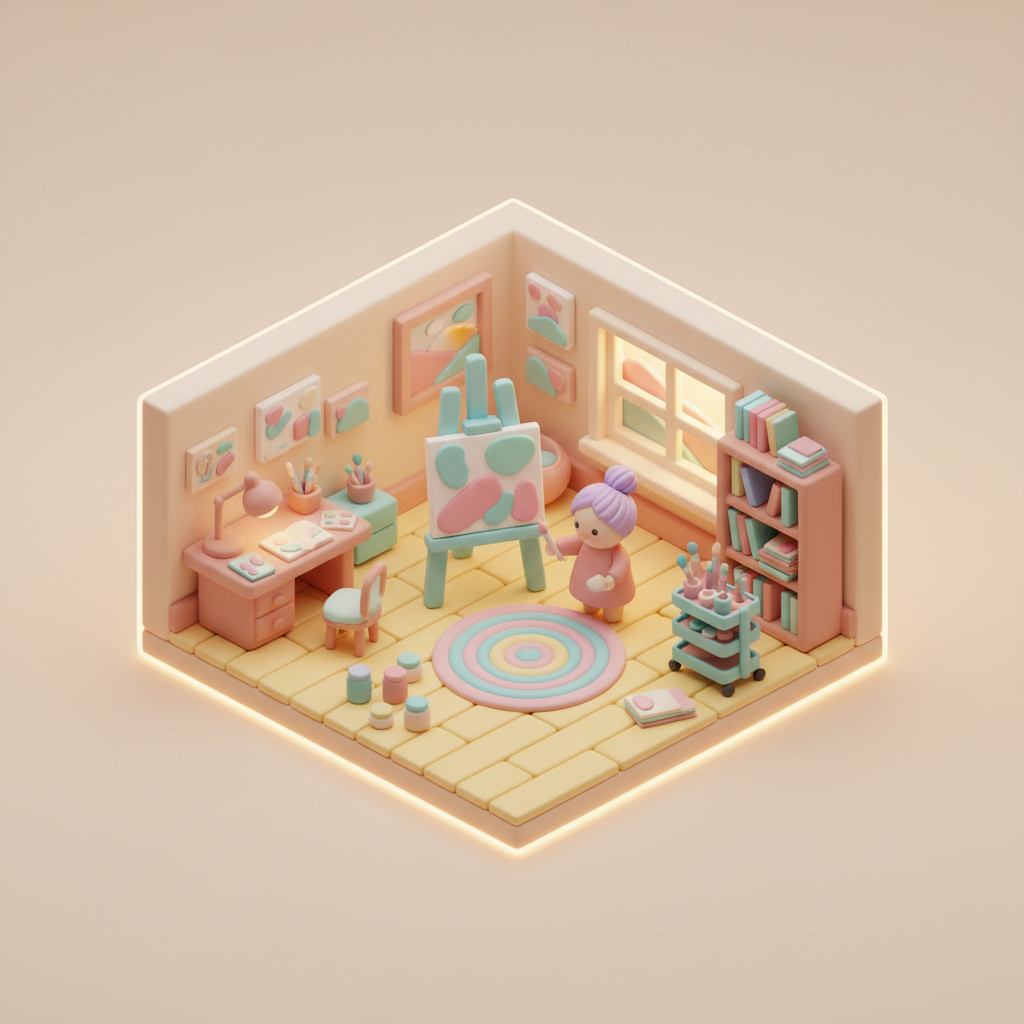
Miniature Studio
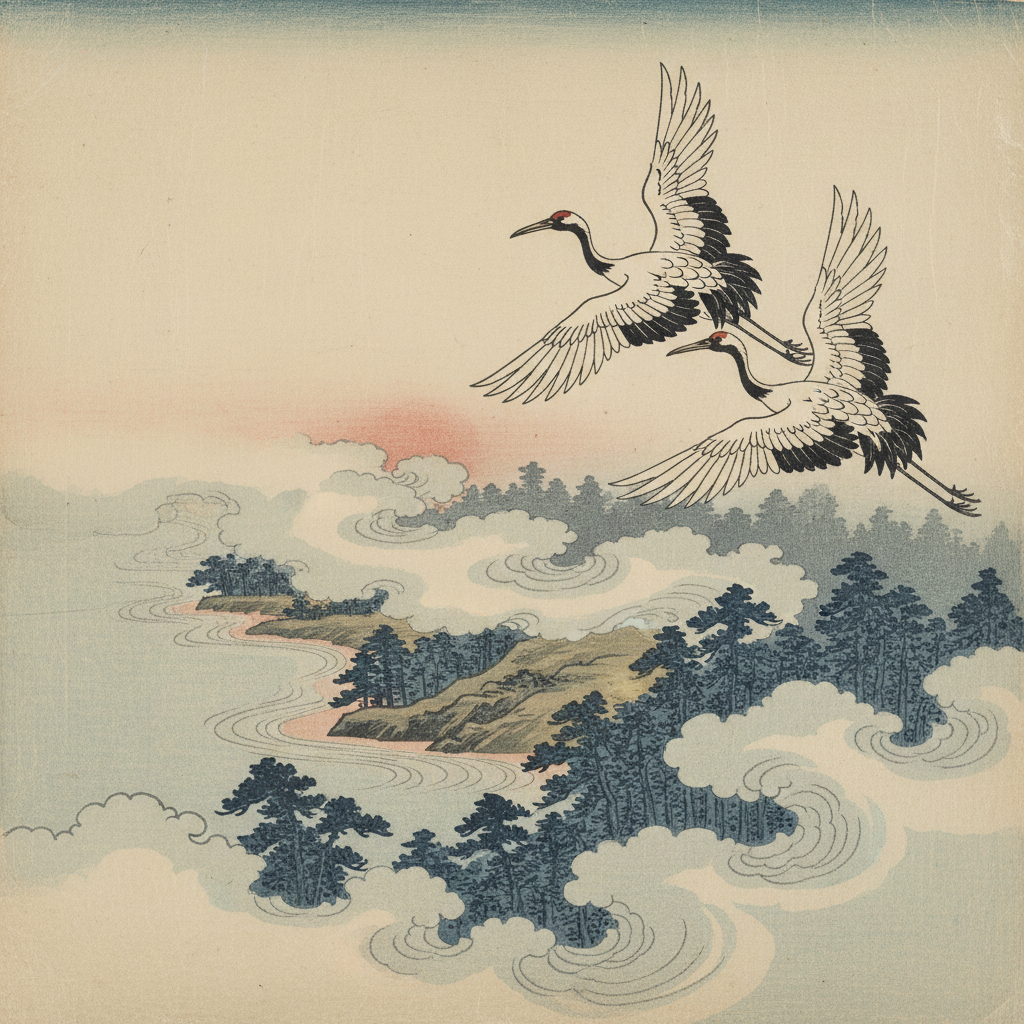
Cranes Over Pines
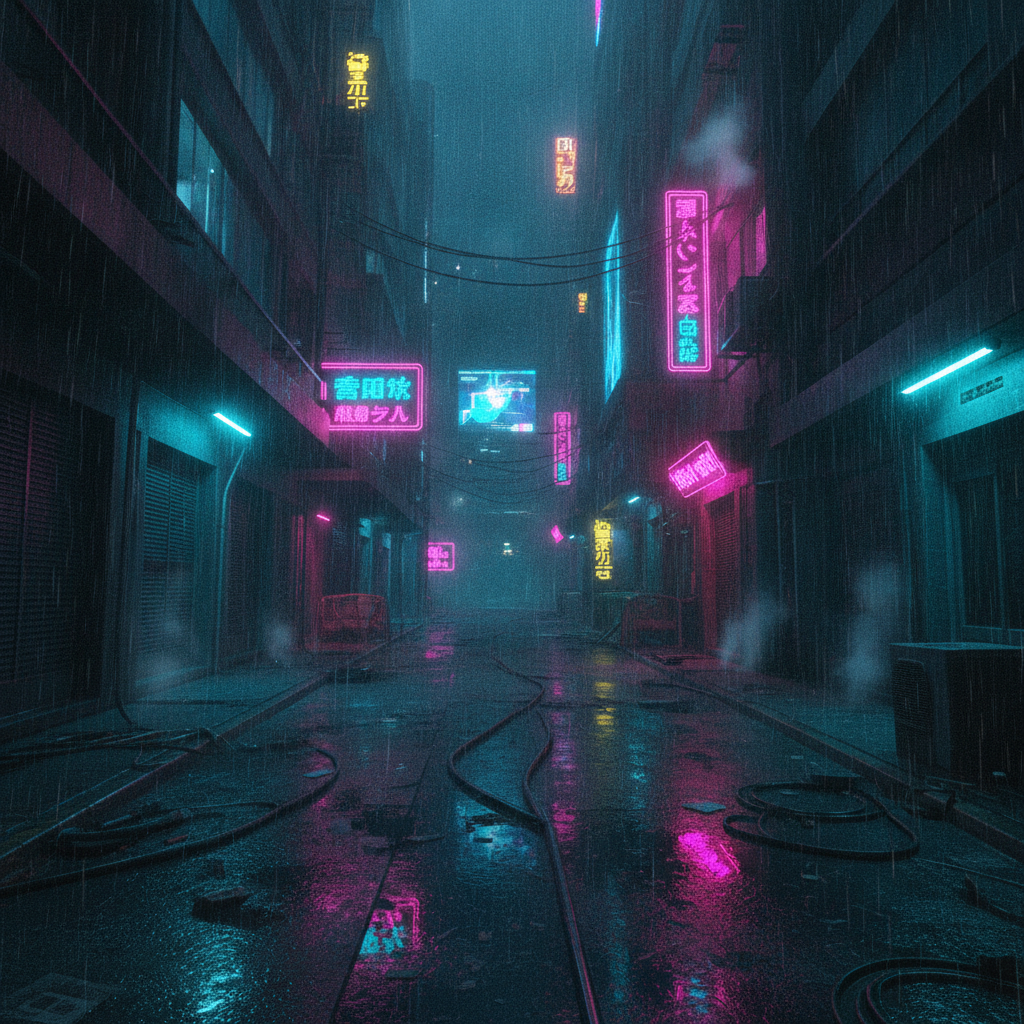
Neon And Rain
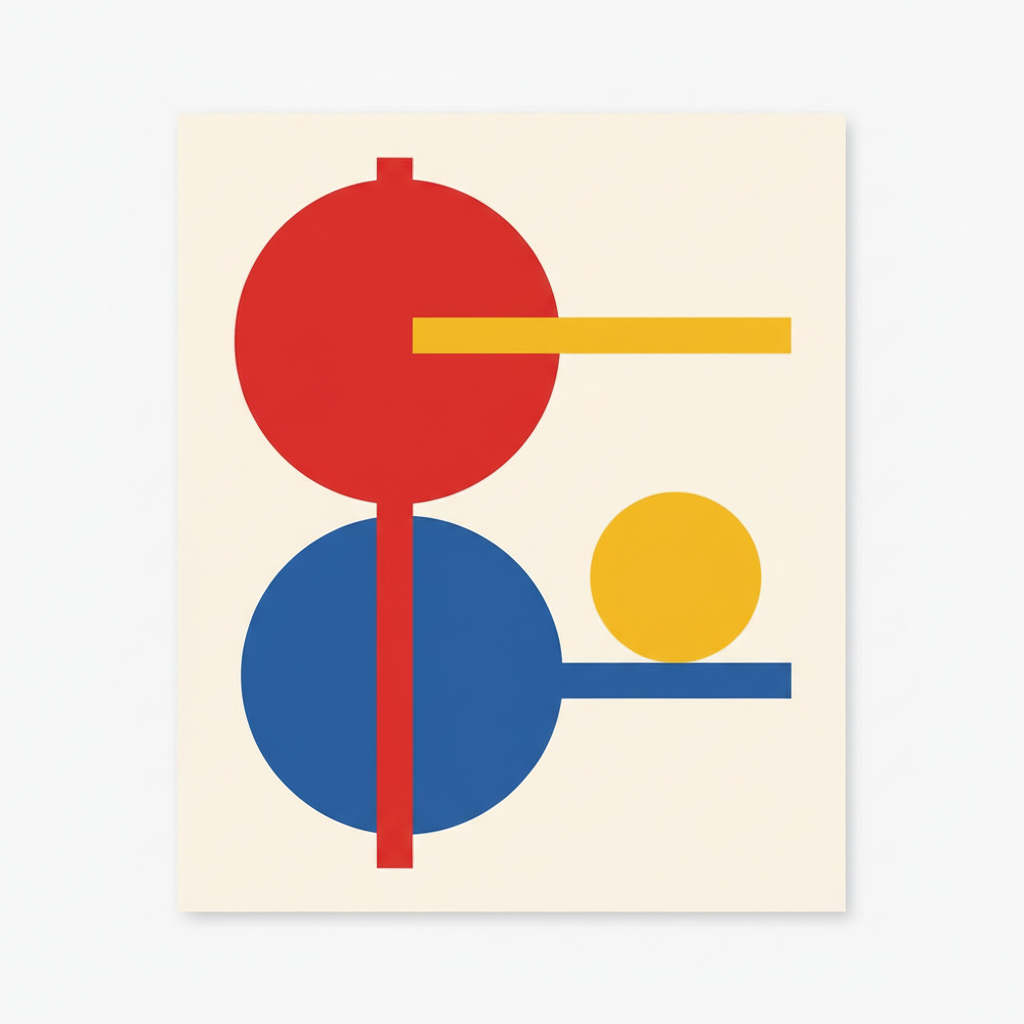
Primary Geometry
How The AI Art Customization Works
Pick The Style That Carries The Look
Choose from six engineered presets. Each one has the medium, palette, lighting and finish already specified, so you are starting from a coherent visual language instead of an empty prompt box.
Describe Your Subject, Not The Style
Add what the image is of — the object, character, scene or headline in quotation marks. Leave the style vocabulary to the preset; competing style instructions are the fastest way to get a muddy average of two looks.
Refine One Axis, Then Download
Adjust a single thing per pass — colour, density, mood — until it lands. The finished image comes back in about fifteen seconds as a 4K-class PNG, ready to print, publish or ship.
How Much Customization Do You Actually Need?
“Fine-tuned” covers four very different levels of control. Most projects need the second or third, not the fourth.
You type a description and take what comes back. Fine for a one-off illustration or a quick concept, hopeless for anything that needs to match a second image. Most of what people call "AI art not working" is this level being asked to do a job two levels up.
A long, tested style prompt is fixed and you change only the subject. This is what the tool on this page does, and it is the level most illustration, poster, packaging and social work actually needs — repeatable look, unlimited subjects, nothing to train.
You add your own image as a reference and iterate on the result across several turns, keeping characters and composition consistent. This covers series work: storyboards, a cast of characters, a set of product shots that need to look related.
Actual weight-level fine-tuning on a dataset of your own images, producing a model artifact you load later. Worth it when a specific proprietary style, product or person must reproduce across hundreds of images with no drift — and overkill for anything less.
Built For Personalized Art Tools Work
Style Locked, Subject Free
Each preset carries a long engineered prompt covering medium, palette, lighting, linework and finish — the part that is hard to write and easy to break. You supply the subject. That split is what makes the result repeatable instead of a fresh gamble every time you press Generate.
The Same Character, Twelve Times
Character consistency holds across a series when you keep the description stable, so illustrated sequences, storyboards and multi-page projects stay coherent. Distinctive subjects hold best — three specific details give the model something to anchor on, a generic description gives it nothing.
Text That Comes Out Spelled Right
Put your title, brand name or poster headline in quotation marks and it renders legibly, integrated into the artwork rather than pasted over it. Album covers, event posters and illustrated title pages stop being a category AI art cannot do.
Refine One Element At A Time
Multi-turn editing means you keep the image and change one thing: warm the palette, thin the linework, open up the negative space. That is what customization actually looks like in practice, as opposed to rerolling the dice and hoping the next draw is closer.
Six Styles That Do Not Overlap
Art nouveau linework, impasto oil, clay diorama, ukiyo-e woodblock, cyberpunk neon and Bauhaus geometry span illustration, painting, 3D, print, cinematic and graphic design. Six genuinely different visual languages rather than six shades of the same digital-painting default.
Free To Try, $2.99 To Own
Run the tool free with no account. Paid plans start at $2.99 for unlimited high-resolution runs, watermark-free downloads and full commercial rights, with no subscription — which suits custom art work that arrives in project-sized bursts.
AI Art Customization FAQ
Make It Look Like Yours
Pick a style, bring your own subject, and refine until it is right — rather than rerolling until something acceptable falls out. Free to try, no account needed.
Start Customizing FreeWhat Fine-Tuned AI Art Customization Buys You
The word “fine-tuned” carries two meanings that get quietly conflated, and picking the wrong one costs people weeks. In the technical sense it means continuing to train a model’s weights on your own images — LoRA, DreamBooth, textual inversion — so it learns a face, a product or a house style it did not previously know. That is real, powerful and genuinely the right answer when a proprietary look has to reproduce across hundreds of images with no drift. It also costs a dataset, a training run, GPU time and a saved artifact to manage. In the everyday sense, fine-tuned AI art customization means steering the model precisely rather than accepting whatever a one-line prompt hands back: locked style presets, reference images, and iterative refinement of a single result. Almost every illustration, poster, packaging concept and social campaign that people set out to train a model for is actually solved at this second level, in seconds, for nothing.
What makes preset-level customization work is the split between style and subject. The hard part of a good prompt is never the noun — it is the eighty words specifying medium, palette, lighting direction, linework weight, surface finish and compositional habit that together make an image read as art nouveau rather than as generic digital painting with some flowers in it. Those eighty words are also the part that breaks silently when you edit them, which is why prompt-tweaking so often feels like it makes things worse. Fixing that block and exposing only the subject gives you a repeatable visual language across an unlimited number of images. The six presets here were chosen to be genuinely non-overlapping — ornamental illustration, physical painting texture, soft 3D render, traditional print, cinematic realism and flat graphic design — so that picking one is a real decision rather than a choice between six shades of the same default.
Two capabilities decide whether custom art creation survives contact with a real project. The first is character consistency: an illustrated series, a storyboard or a children’s book is worthless if the protagonist’s face changes between spreads. Nano Banana Pro holds a subject across a series when the description stays stable, and holds it best when the subject is specific — a silver undercut, round tortoiseshell glasses and a mustard scarf give the model three anchors, where “a woman with brown hair” gives it none. The second is text. Put your title, brand name or headline in quotation marks and it comes back legible and correctly spelled, integrated into the artwork rather than pasted over it, which moves album covers, event posters, packaging concepts and comic panels from impossible to routine. Keep it to a headline; no current model sets a paragraph of body copy, and the honest workflow is to bake in the big words and set the small ones in a layout tool.
The practical loop is short: pick the style, describe the subject, then change exactly one axis per pass — colour, density, or mood — so you can see what each change did. Results come back in around fifteen seconds at 4K-class resolution as PNG, big enough to frame at A3, run full-bleed across a book spread, or crop a detail out of without going soft. Plans start at $2.99 with full commercial rights and no subscription, and the generator above runs free without an account. If your subject is a photograph you want restyled rather than a description, start with the AI image style transfer tool instead, use the AI image upscaling tool when a finished piece needs to go larger than 4K, or browse the rest of the AI image tools for editing beyond style work.