
Auto-Research AI Imaging
Publication Visuals in Minutes
Auto-research AI imaging turns a written description of your work into finished scientific artwork — a graphical abstract for a submission, a schematic concept for a figure, a header for a conference poster, or cover art for a journal. It is an illustration tool, not an analysis pipeline: it draws what you have found, it does not measure it. Describe your system below and generate a high-resolution render free.
Try Auto-Research AI Imaging — Free
Pick the publication format you need, describe your system or mechanism, and get clean unlettered artwork you can annotate yourself
AI Research Visual Generator
Choose the format you are producing — graphical abstract, structural render, cutaway schematic, bench photography, poster artwork or journal cover — and describe the science you want illustrated
Research Visuals This Generator Produces
Graphical abstracts, structural renders, schematics, bench photography, poster art and journal covers — all from a written description
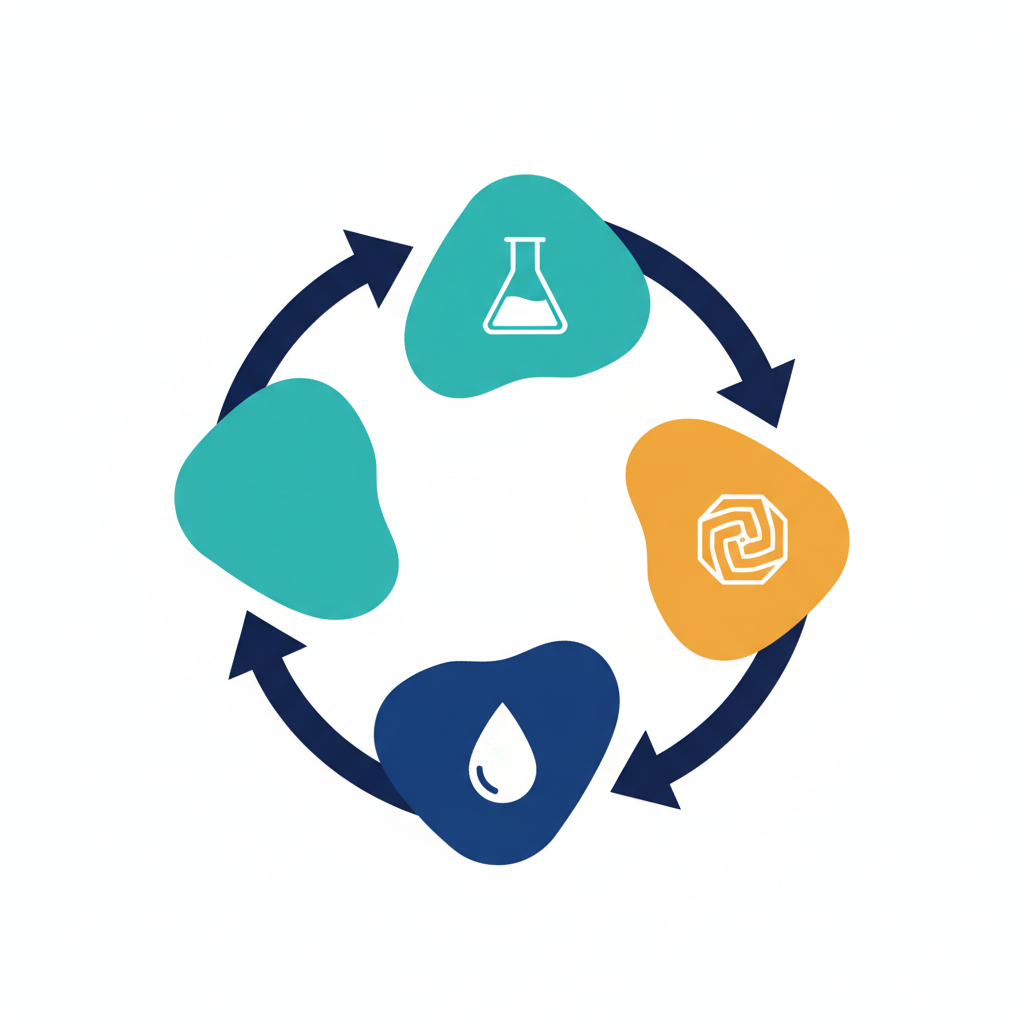
Cyclic Graphical Abstract
GRAPHICAL ABSTRACT
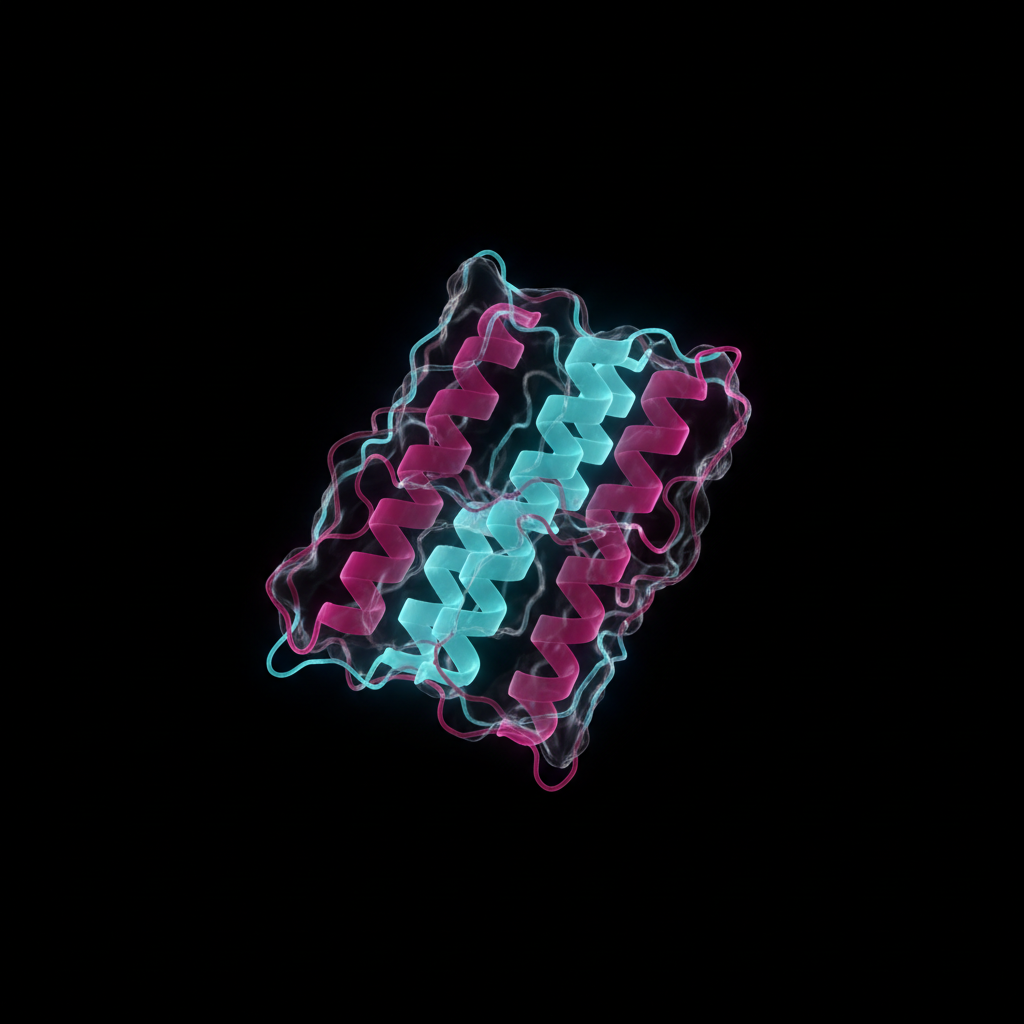
Molecular Ribbon Render
STRUCTURAL FIGURE
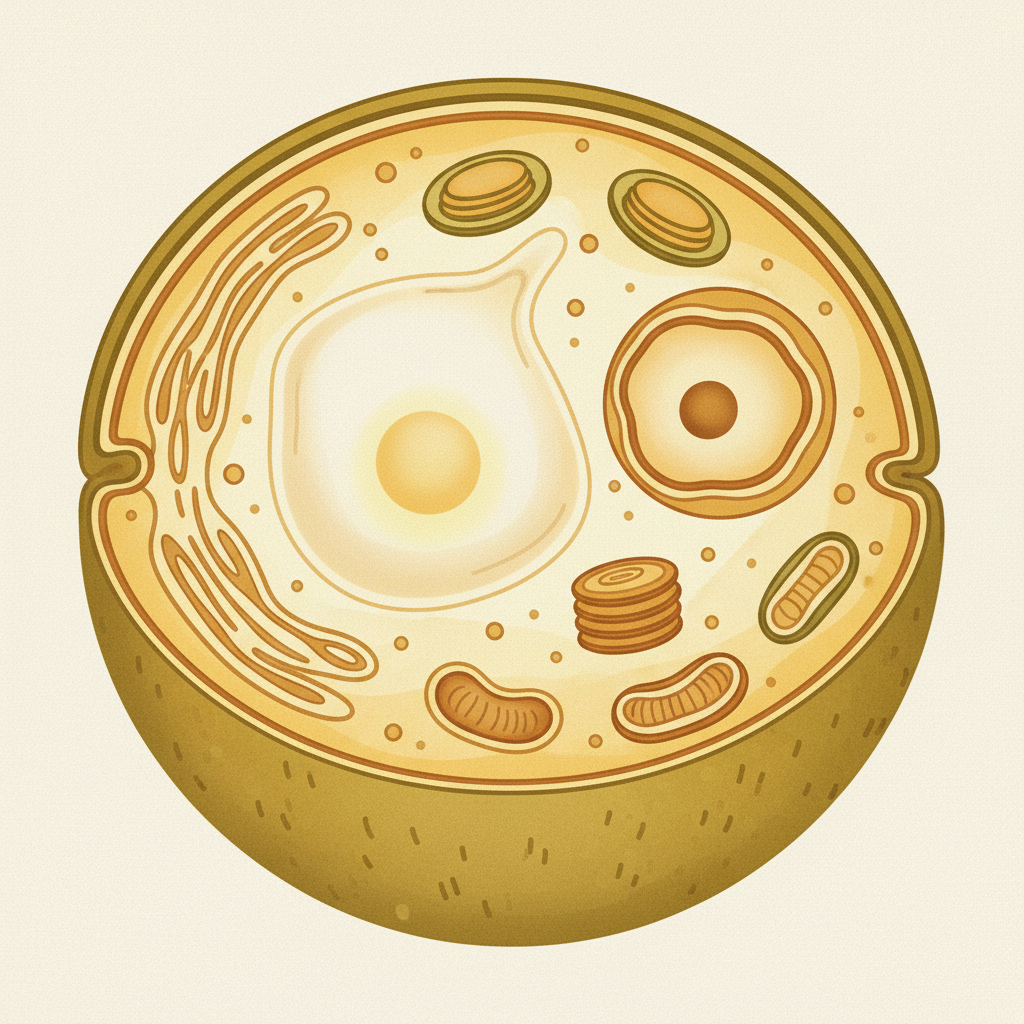
Cutaway Schematic
TEXTBOOK FIGURE
Lab Bench Macro
PRESS & WEB
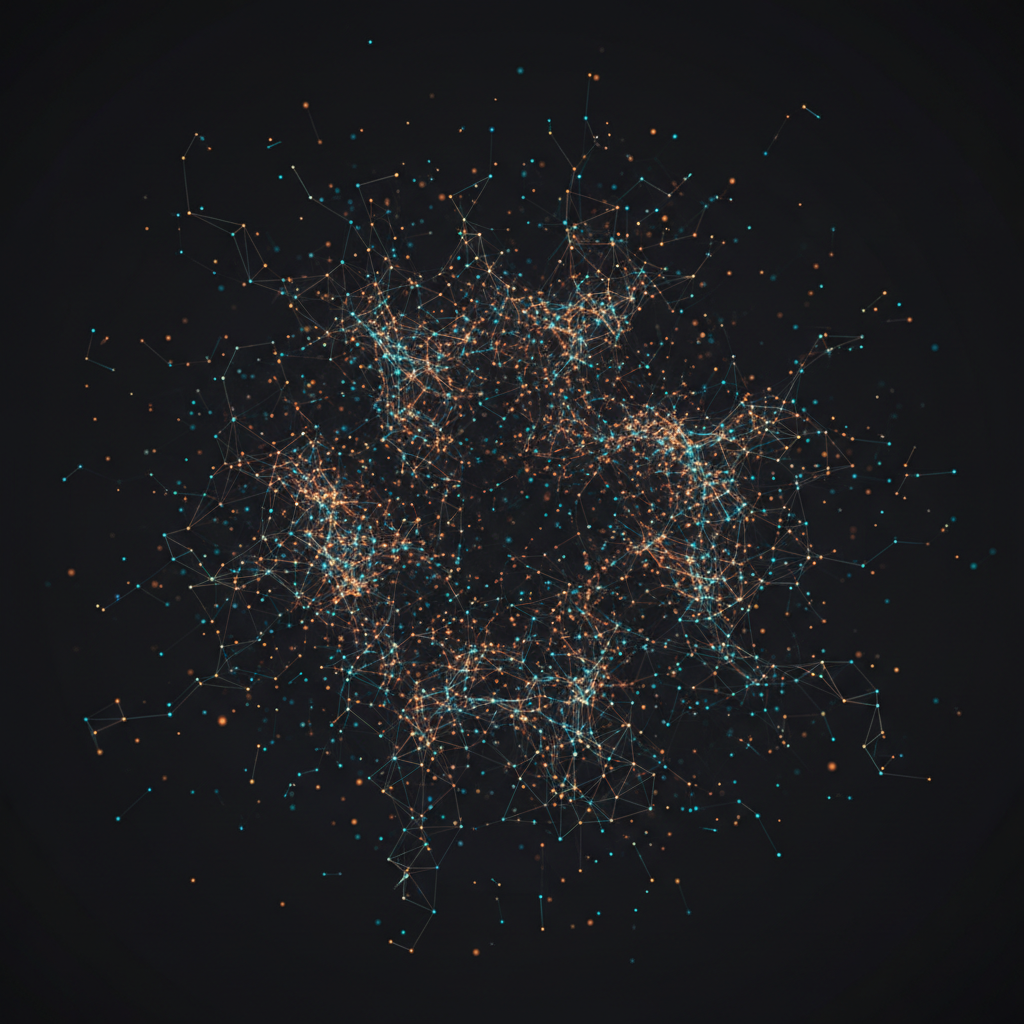
Network Abstraction
POSTER ARTWORK
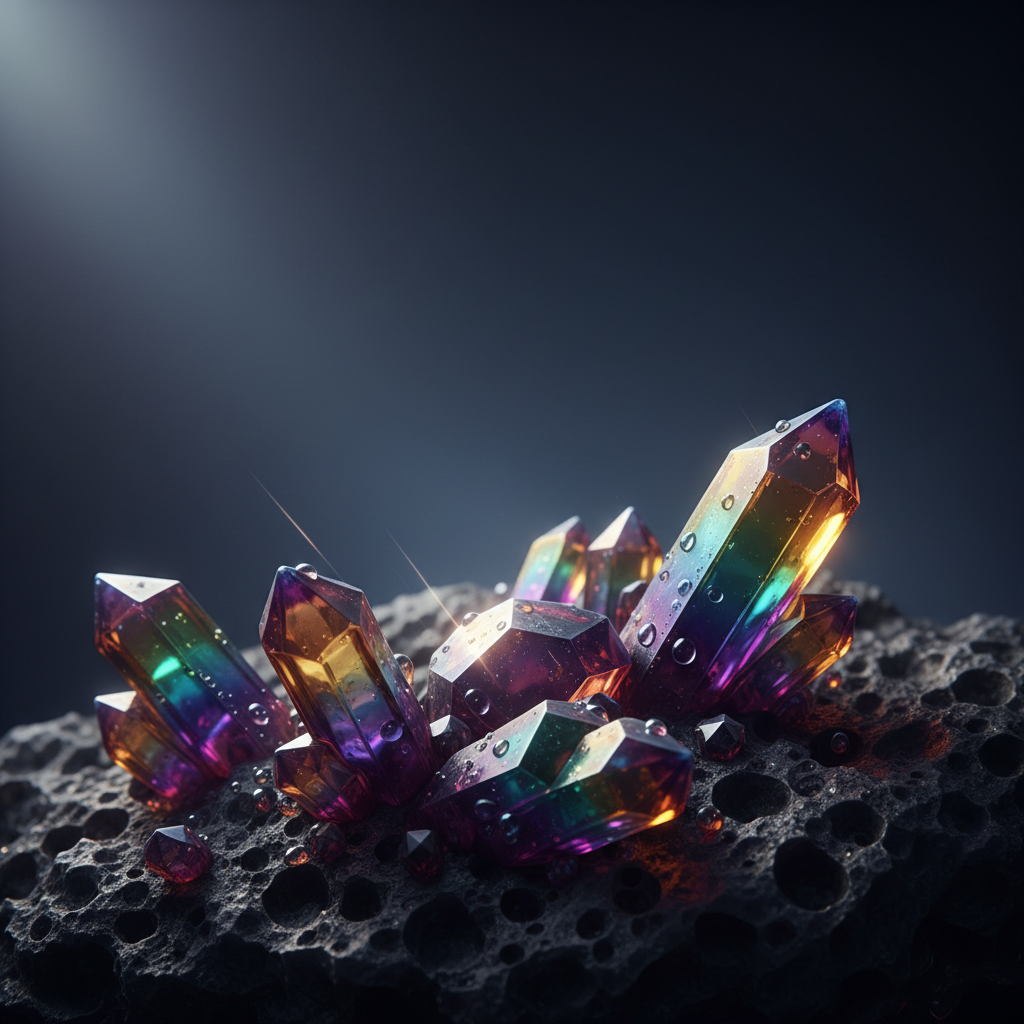
Iridescent Cover Art
JOURNAL COVER
Where Scientific Imaging AI Helps — and Where It Must Not
The single most important thing to understand before using generated visuals in research
Use It For Illustration
- Graphical abstracts summarising an accepted paper
- Concept drafts for mechanism and workflow schematics
- Conference poster headers and section artwork
- Journal cover submissions and editorial imagery
- Grant proposal and lab website visuals
- Teaching slides, course material and outreach posts
Never Use It For Evidence
- ✕Generating or retouching micrographs, gels or blots
- ✕Producing anything a reader would treat as a result
- ✕Segmenting, counting or quantifying image data
- ✕Filling gaps in a figure where data is missing
- ✕Clinical or diagnostic imaging of any kind
- ✕Replacing a plot drawn from your actual numbers
The rule of thumb: if a reviewer could ever need to trace a number back to a pixel, that pixel must come from your instrument and your analysis pipeline. Major publishers — Springer Nature, Elsevier and the ICMJE among them — permit AI-generated illustration with disclosure while prohibiting AI generation or alteration of data-bearing figures. Check your target journal's policy before submission and declare the tool where required.
How Auto-Research AI Imaging Works Here
Three steps from a description to a figure you can annotate and submit
Pick the Publication Format
Graphical abstract, molecular render, cutaway schematic, lab photography, data abstraction, or journal cover. Each preset carries the visual conventions of that format — palette, lighting, composition, amount of white space — so the render arrives already looking like the thing you were asked for.
Describe the Science and Generate
Write your system in one sentence — the pathway, the organism, the catalytic cycle, the instrument. The AI returns high-resolution square artwork in about a minute. Generate several and compare them side by side; finding out which arrangement communicates is the expensive part of figure design, and this is the cheap way to do it.
Annotate in a Vector Editor
Bring the render into Illustrator, Inkscape, Affinity or PowerPoint and add your own labels, arrows, scale bars and panel letters. Nothing generated here contains text on purpose, so every word in the final figure is one you typed, checked and control — which is exactly how a submission should be assembled.
Why These Research AI Tools Suit Academic Work
Built around how figures are actually produced and reviewed
Presets Built for Publication Formats
The six styles here map to things researchers are actually asked for — a graphical abstract, a structural render, a cutaway schematic, bench photography for a press release, poster artwork, and journal cover art. Each preset carries the visual conventions of its format, so the first render already looks like it belongs in the venue rather than needing to be translated into it.
Clean Unlettered Output by Design
No preset generates text. Image models write convincing nonsense, and an invented gene name or a garbled axis in a published graphical abstract is a correction rather than a cosmetic problem. You get the artwork clean and add real, spell-checked, editable type in a vector editor — which is where figure labels should live anyway.
An Honest Line Between Art and Evidence
This is a generative tool for illustration. It does not analyse your data, segment your micrographs, or quantify anything. That boundary is stated everywhere on this page because publishers enforce it, and because a research AI tool that blurs it is a liability rather than a shortcut. Schematics yes, evidence never.
4K Renders for Posters and Full-Width Figures
Paid plans output at 4K, which is enough for a full-column journal figure at 300 DPI and comfortably enough for a panel on an A0 conference poster. Square 1:1 output crops cleanly into the abstract boxes most publishers specify, and downscales without the softness that catches reviewers on a resubmission.
Iterate Before You Commit a Day to Drawing
The real saving is not the final file, it is the exploration. Generating eight arrangements of a mechanism in ten minutes tells you which one communicates before you spend an afternoon in Illustrator building the wrong one. Automated AI imaging is at its best as a fast, cheap way to be wrong early.
Free to Start, $2.99 for Commercial Rights
Generate your first research visuals free with trial credits — no credit card, no signup wall. Paid plans start at $2.99 and add higher volume, 4K output, watermark-free downloads, and full commercial rights covering papers, grant applications, institutional press, textbooks and paid talks.
Where Automated AI Imaging Gets Used
Eight visuals research groups stop outsourcing once they can generate them
Frequently Asked Questions
Straight answers about auto-research AI imaging and scientific imaging AI
Stop Waiting on a Designer
Graphical abstracts, schematics, poster art and journal covers — describe your science, pick a format, and download a 4K render in about a minute. Free to try, no credit card, no signup wall.
Auto-Research AI Imaging: Drawing the Science, Not Measuring It
The phrase “research AI tools” covers two completely different things, and conflating them is how good researchers get into trouble. One kind measures: CellProfiler counting nuclei, Fiji thresholding a stack, QuPath scoring a slide, nnU-Net segmenting a volume. That work produces numbers, and those numbers have to be defensible. The other kind draws — and that is what auto-research AI imaging means on this page. It takes a sentence about your system and returns artwork. It has no opinion about your data because it has never seen your data.
Framed that way, generative scientific imaging AI solves a real and unglamorous problem. A paper gets accepted and the journal asks for a graphical abstract within the week. A conference deadline lands and the poster needs a header that is not clip art. A grant needs one diagram that makes the whole proposal legible to a panel outside the subfield. Historically these jobs went to a scientific illustrator at several hundred dollars and a fortnight of turnaround, or to a postdoc losing a weekend to Illustrator. Automated AI imaging compresses the first draft to about a minute, which changes what you are willing to explore before committing.
The six presets above map to the formats researchers are actually asked for. Graphical abstract produces the flat vector cycles and generous white space that editorial guidelines specify. Molecular render gives the glowing ribbon structures of structural biology. Cutaway schematic returns warm hand-painted textbook illustration for anatomy, cell biology and geology. Lab photography covers press releases and web headers. Data abstraction produces the node-and-filament imagery that reads as complexity without pretending to be a specific dataset. Journal cover renders the iridescent macro artwork that editors select from. None of them generate lettering, deliberately — an invented gene name in a published abstract is a correction rather than a cosmetic flaw, so you add real editable type afterwards. If you need finer control over an existing image instead of a fresh render, the AI photo editor handles targeted edits, and the AI poster maker is tuned for full conference and seminar poster layouts.
Start generating today and keep the line clean. AI Banana is free to try with no credit card and no signup wall, so you can test whether AI image generation is good enough for your next abstract before spending anything. Paid plans start at $2.99 and add higher volume, 4K output for A0 posters and full-width figures, watermark-free downloads, and full commercial rights for papers, grants, teaching material and institutional press. Use it for everything that illustrates, disclose it where your publisher asks, and let your instruments and your analysis pipeline produce everything that counts as evidence — that division is what makes AI data processing and AI illustration coexist honestly in the same manuscript.
More AI Tools for Academics
Explore more explanatory-visual tools from AI Banana