
AI Sketch to Image
Turn Drawings Into Polished Digital Art
Convert any sketch to a stunning digital image with our AI sketch to image tool. Upload a pencil drawing, marker doodle, or rough line art, pick a style, and get fully rendered concept art, anime, architectural visualizations, product designs, creature illustrations, or cartoons in seconds. Built for illustrators, designers, concept artists, architects, and anyone who thinks in sketches. Free to try, no signup required.
Try the AI Sketch to Image Converter — Free
Upload your sketch, pick a style preset, and watch AI transform your drawing into a polished digital artwork in seconds
AI Sketch to Image Converter
Upload your sketch, pick a style preset, and the AI sketch to image converter renders it as concept art, anime, architecture, product design, creature art, or cartoon — fully colored, lit, and detailed
Upload your sketch (pencil drawing, line art, marker doodle, or rough sketch) and pick a style
AI Sketch to Image Examples
Concept art, anime, architecture, product design, creatures, and cartoons rendered by our AI sketch to image converter
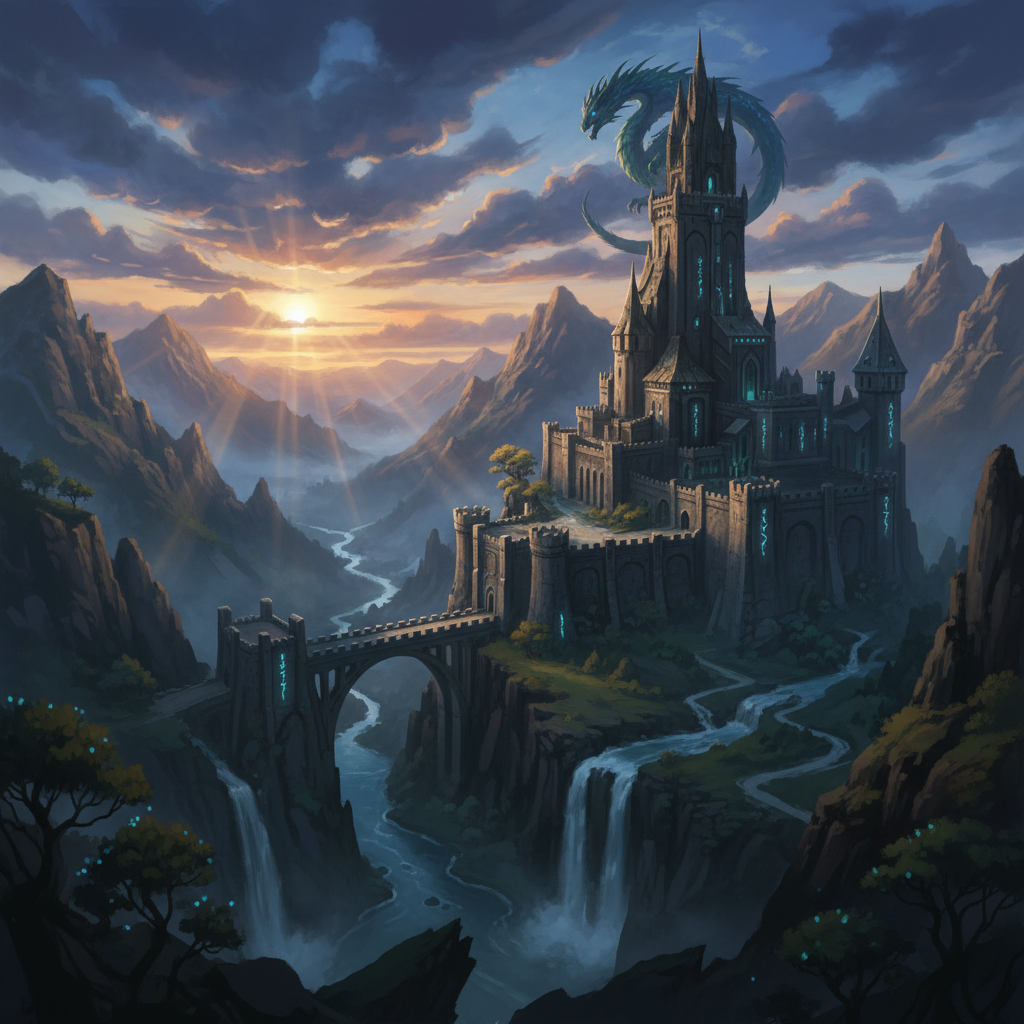
Fantasy Concept Art
CASTLE RENDER
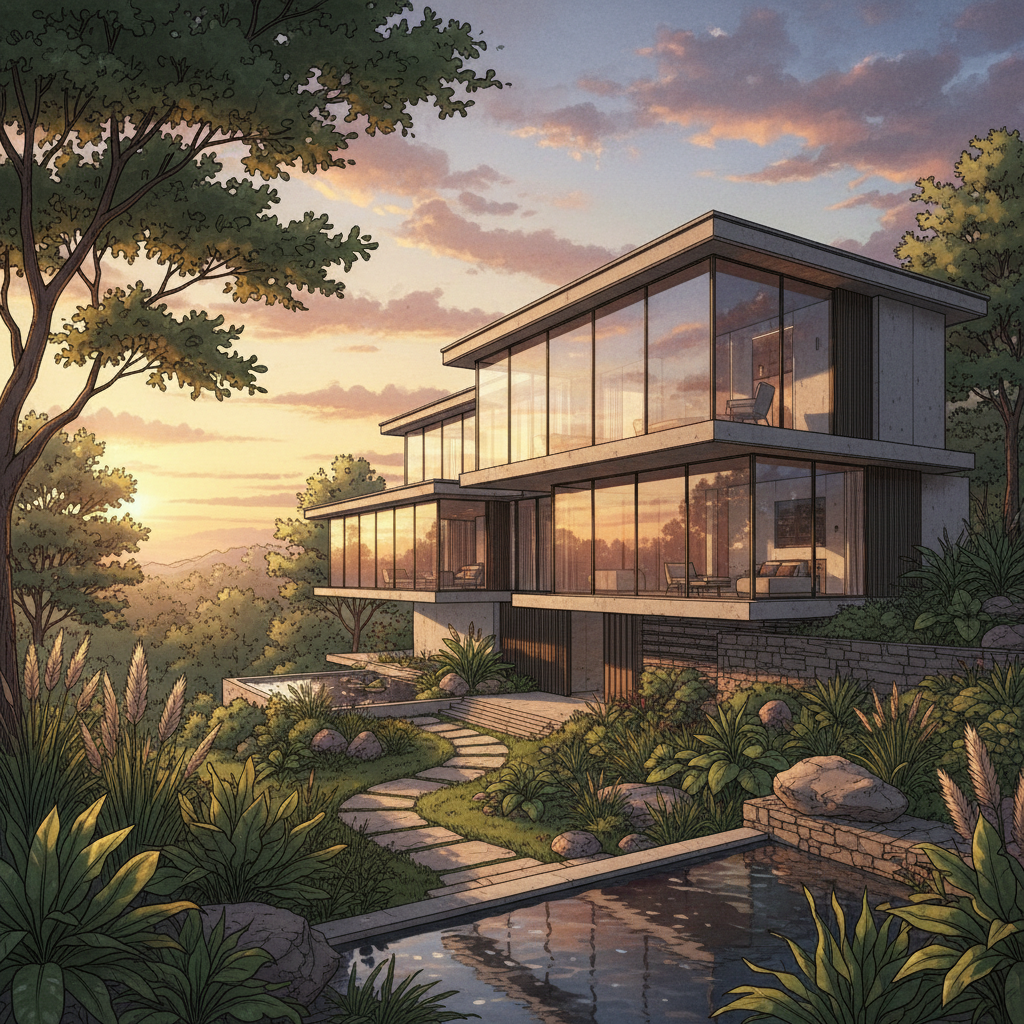
Architectural Rendering
EXTERIOR VIZ
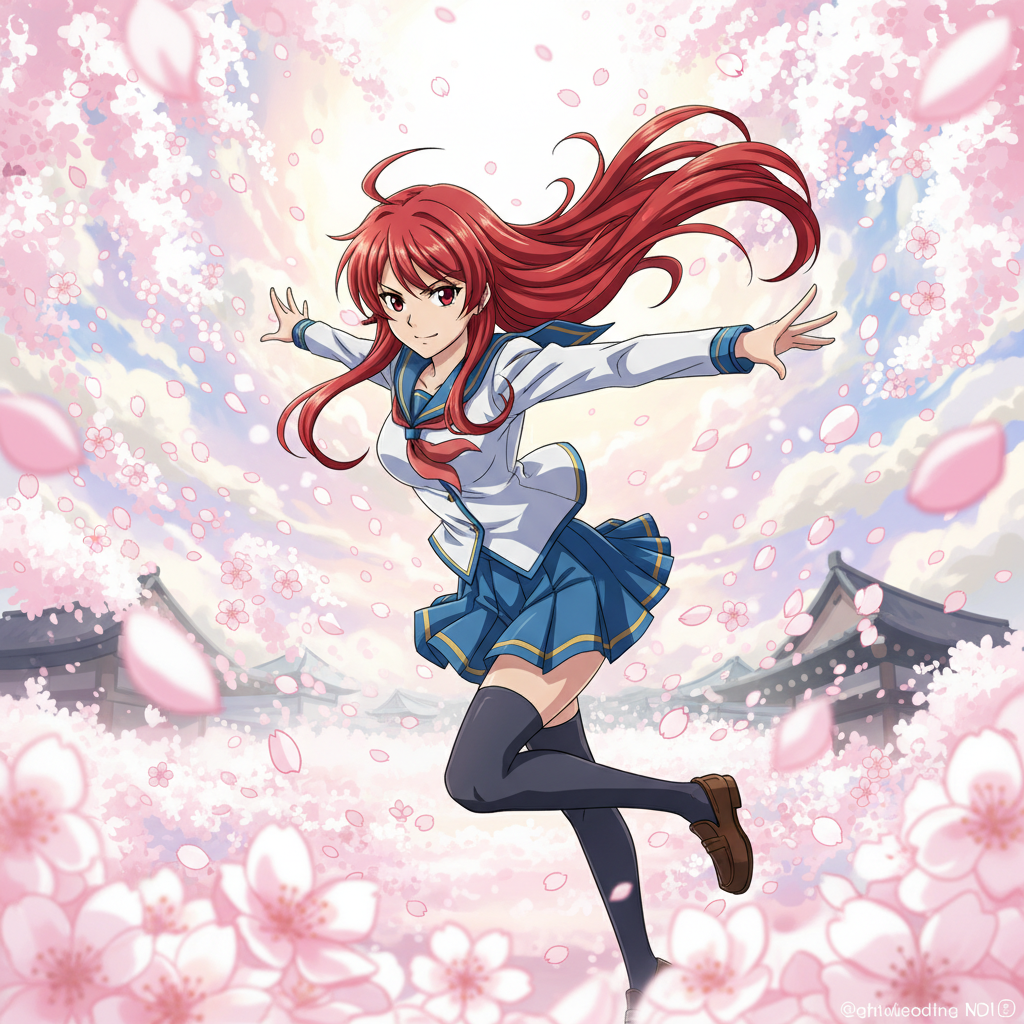
Anime Illustration
CEL SHADING
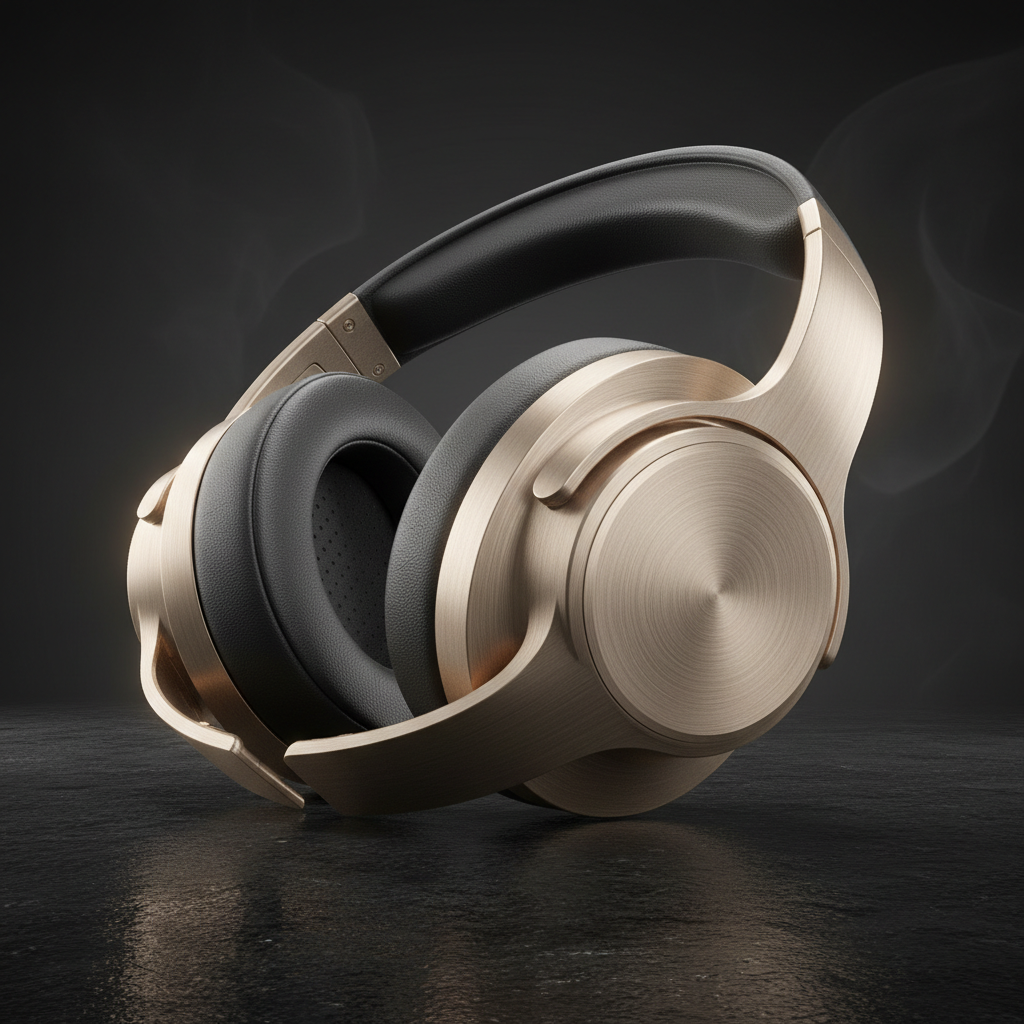
Product Design
INDUSTRIAL VIZ
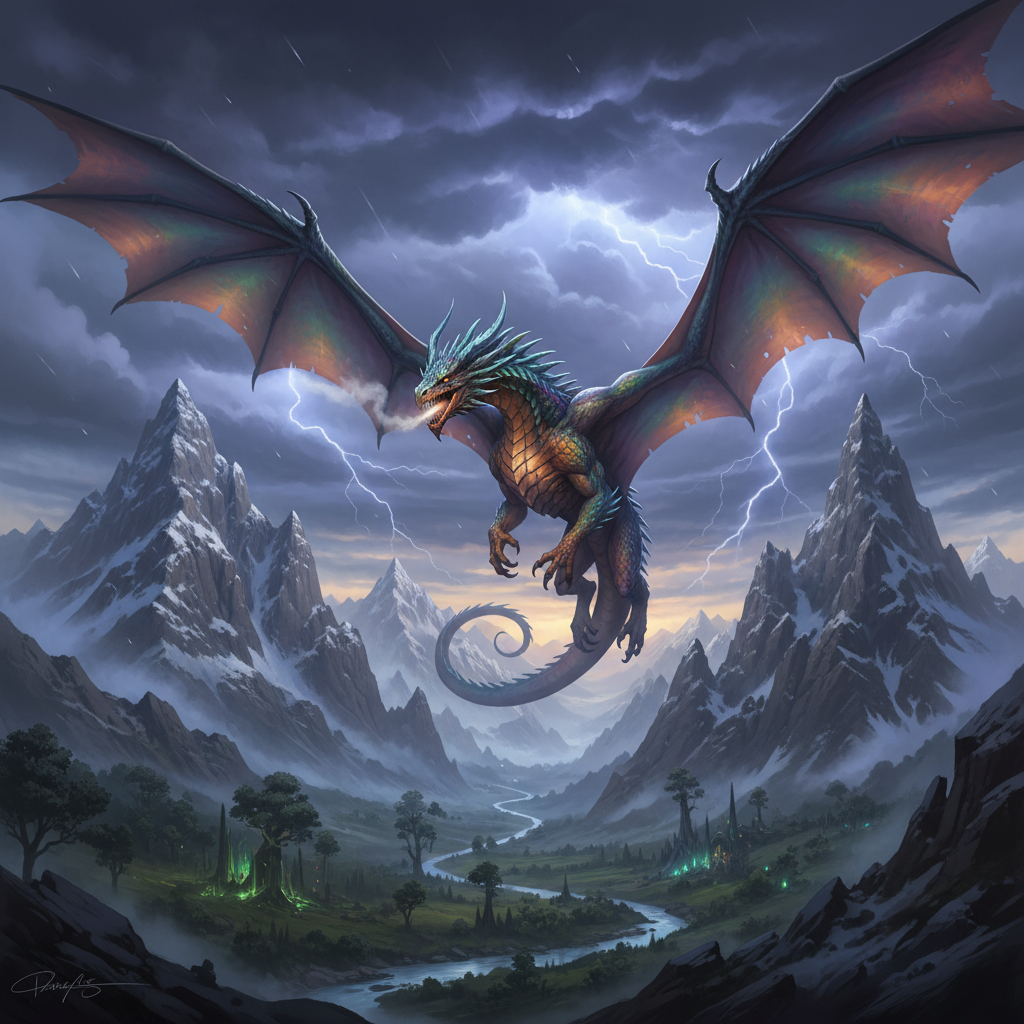
Creature Concept
DRAGON RENDER
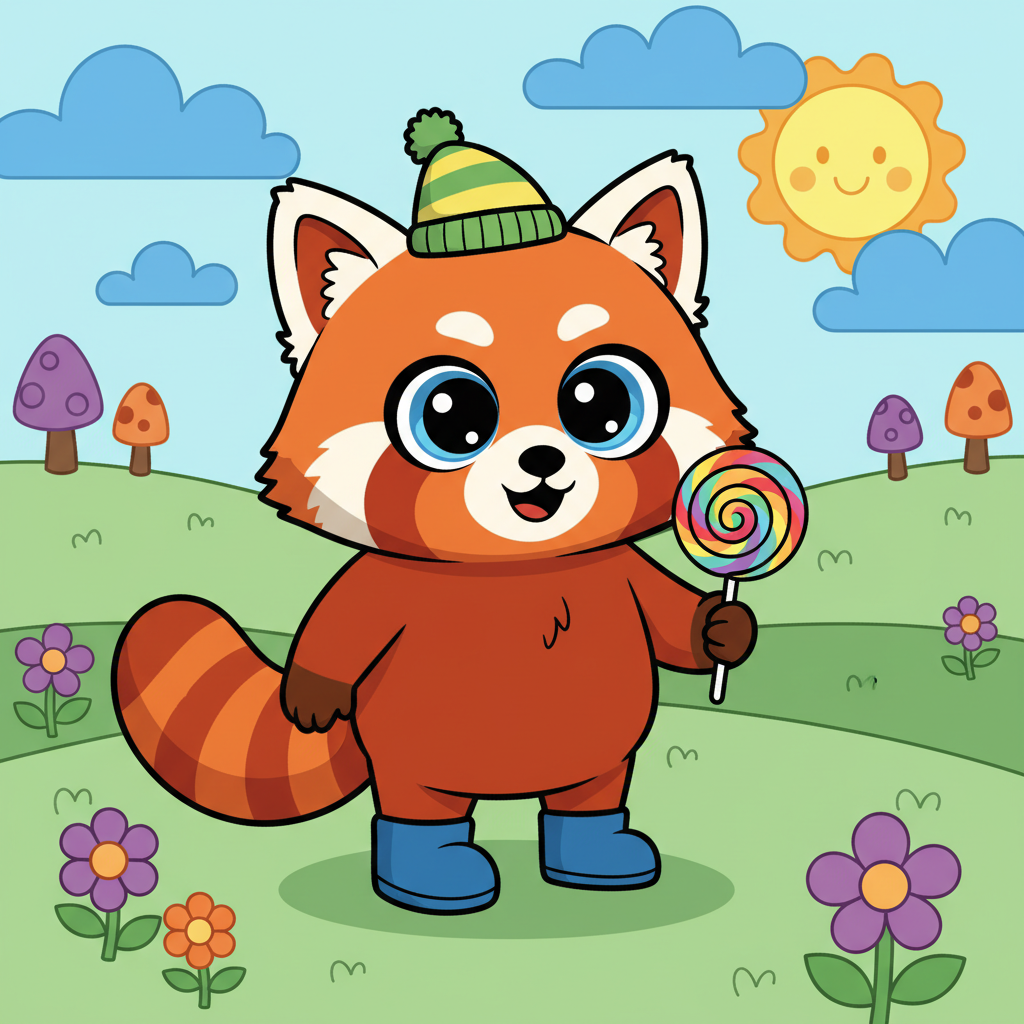
Cartoon Character
DOODLE TO ART
How the AI Sketch to Image Tool Works
Turn a rough drawing into a polished digital image in three simple steps
Upload Your Sketch
Upload any sketch — pencil drawing, ink line art, marker doodle, digital wireframe, architectural elevation, character rough, product concept, fashion croquis, storyboard panel, or comic page layout. The clearer the linework, the more polished the result — but even rough sketches work beautifully.
Pick a Style Preset
Choose a style direction — fantasy concept art, anime illustration, architectural rendering, photorealistic product design, creature concept, cartoon, watercolor, or cyberpunk. The AI sketch to image converter reads your sketch and renders it in that exact style with appropriate color, lighting, texture, and atmosphere. Swap styles to test different visual directions.
Download & Use
Download your AI-rendered image in high resolution with no watermarks. Use it for portfolios, client pitches, concept art boards, architectural presentations, product design mockups, book illustrations, comic pre-production, game asset references, and marketing. Full commercial rights on paid plans.
Why Choose the AI Banana Sketch to Image Tool
The fastest way to turn rough drawings into polished, portfolio-ready digital artwork
Multi-Style Sketch Conversion
The AI sketch to image tool ships with curated style presets — fantasy concept art, anime illustration, architectural rendering, photorealistic product design, dragon and creature concept art, and friendly cartoon styles. Each preset is a complete style-aware renderer, not just a filter slapped on top of your linework. Swap presets in seconds to test different visual directions for the same sketch — perfect for finding the right look for a portfolio piece, client pitch, or game concept.
Infers Color, Light & Texture From Lines Alone
Forget tedious coloring, shading, and rendering work. The AI sketch to image converter reads your line drawing first — identifying subjects, perspective, depth, and intent — then generates color palettes, lighting setups, material textures, and atmospheric depth that match the style you picked. A simple character rough becomes a fully rendered illustration. An architectural elevation becomes a photoreal exterior. A product doodle becomes a magazine-worthy industrial render. No painting skill required.
Built for Illustrators, Designers & Concept Artists
Illustrators preview finished compositions before committing hours to a full render. Concept artists explore visual directions for film, game, and animation projects. Architects turn elevation sketches into client-ready renderings in minutes instead of days. Product designers mock up industrial concepts. Comic and storyboard artists polish rough panels. Fashion designers render croquis. The AI sketch to image converter is a creative force multiplier for anyone who thinks in sketches.
Skip Photoshop, Procreate & The Render Artist
A finished digital illustration from a rough sketch used to demand a skilled illustrator fluent in Photoshop or Procreate, plus 4-20 hours of coloring, shading, lighting, and rendering — easily $200-$2,000 per piece at agency rates. The AI sketch to image tool delivers comparable polish from a single uploaded sketch in seconds, with full creative control over style, mood, and palette. Faster than a render artist, smarter than a Photoshop filter, and infinitely more flexible.
Iterate on Visual Directions Instantly
Test dozens of style directions, color palettes, and rendering moods in the time it takes to color a single panel in Photoshop. The AI sketch to image converter turns sketch refinement into a real-time creative loop — upload the sketch, swap style preset, change the mood, regenerate. Perfect for concept art exploration, illustration portfolio building, architectural client pitches, product design brainstorming, comic book pre-production, and high-volume freelance work.
Free to Start
Convert your first sketch to a polished digital image completely free with trial credits — no credit card required, no signup walls. Premium plans start at just $9.90 for unlimited sketch-to-image conversion, 4K resolution, full commercial rights, and watermark-free output for portfolios, client deliverables, prints, book illustrations, game assets, and marketing.
Sketch to Image Conversion for Every Use Case
Use the AI sketch to image converter wherever drawings need to be brought to life
Frequently Asked Questions
Everything you need to know about the AI sketch to image converter
Ready to Turn Your Sketches Into Art?
Join 2,400+ illustrators, designers, concept artists, architects, and product designers using the AI sketch to image converter to turn rough drawings into polished, portfolio-ready digital artwork. From fantasy concept art to architectural renderings, anime to product design — get the finished look without spending hours in Photoshop or Procreate.
AI Sketch to Image: Polished Digital Art From Rough Drawings in Seconds
AI Banana's AI sketch to image converter lets any illustrator, designer, concept artist, architect, or hobbyist transform a rough sketch into a fully rendered, portfolio-ready digital image without spending hours coloring, shading, and rendering in Photoshop or Procreate. Upload the sketch, pick a style direction — fantasy concept art, anime illustration, architectural rendering, photorealistic product design, creature concept, cartoon, watercolor, or cyberpunk — and the AI sketch to image tool returns a polished, finished artwork in seconds. Whether you need cinematic fantasy concept art for a film pitch, a magazine-worthy product rendering for a client deck, a photorealistic architectural exterior for a presentation, a vibrant anime illustration for your portfolio, or a friendly cartoon character for a children's book — the AI sketch to image converter handles every style, every subject, and every creative direction.
A finished digital image is the difference between a sketchbook idea and a portfolio piece. Concept artists know that exploring multiple visual directions is the foundation of strong pre-production work. Illustrators know that finished color, lighting, and texture are what convince clients to hire them. Architects know that a polished rendering wins more pitches than line drawings ever will. Product designers know that photoreal mockups close deals faster than wireframes. Until now, turning a rough sketch into a finished image meant hiring a skilled render artist fluent in Photoshop or Procreate, then waiting days for completed work — easily $200-$2,000 per piece at agency rates. With the AI sketch to image converter, anyone produces finished, render-quality artwork from sketches in seconds — perfect for concept art exploration, illustration portfolios, architectural client pitches, product design mockups, comic and storyboard polishing, fashion croquis rendering, game asset references, and book and editorial illustration.
The AI sketch to image tool handles every type of sketch and every creative brief. For fantasy concept art it renders castles, characters, and magical landscapes with cinematic lighting and atmospheric depth. For anime illustration it converts character roughs into vibrant cell-shaded heroes with clean expressive line art and dynamic color. For architectural visualization it transforms elevation sketches into photorealistic exteriors with accurate materials, realistic landscaping, and golden hour lighting. For product design it turns industrial doodles into magazine-quality renderings with studio lighting and accurate materials. For creature design it expands rough monster sketches into detailed dragons, beasts, and fantasy creatures with intricate textures and dramatic environments. For cartoons it turns simple doodles into polished children's-book illustrations with vibrant flat colors and confident line art. Every output looks like a senior render artist spent hours finishing your drawing — ready to drop into your portfolio, client deck, magazine pitch, or game pre-production board.
Start using the AI sketch to image converter today. AI Banana is free to try — no credit card required, no signup walls. Upload your first sketch, pick a style preset, swap between dozens of visual directions, download the result in high resolution with no watermarks, and use it for concept art exploration, illustration portfolios, architectural pitches, product design mockups, comic and storyboard polishing, fashion croquis, game asset references, book illustrations, and editorial features. Your sketch, your style, your polished digital artwork — powered by the AI sketch to image converter from AI Banana.
More AI Tools
Explore more AI-powered creative tools from AI Banana