
AI Architectural Design Tool
Free AI Building Visualizer
Enhance your architectural designs with our AI architectural design tool — perfect for client presentations, schematic concepts, interior visualizations, urban planning studies, and design competition entries. The AI architectural design tool returns 4K-ready architectural renders in about fifteen seconds, with no sign up required and full commercial usage on paid plans.
Try the AI Architectural Design Tool — Free
Pick an architectural style preset or describe your own building concept — the AI architectural design tool returns a 4K-ready render in seconds
AI Architectural Design Tool
Choose an architectural style or describe your custom building concept
AI Architectural Design Tool Showcase
A sample of architectural visualizations, building concepts, and interior renders the AI architectural design tool produces
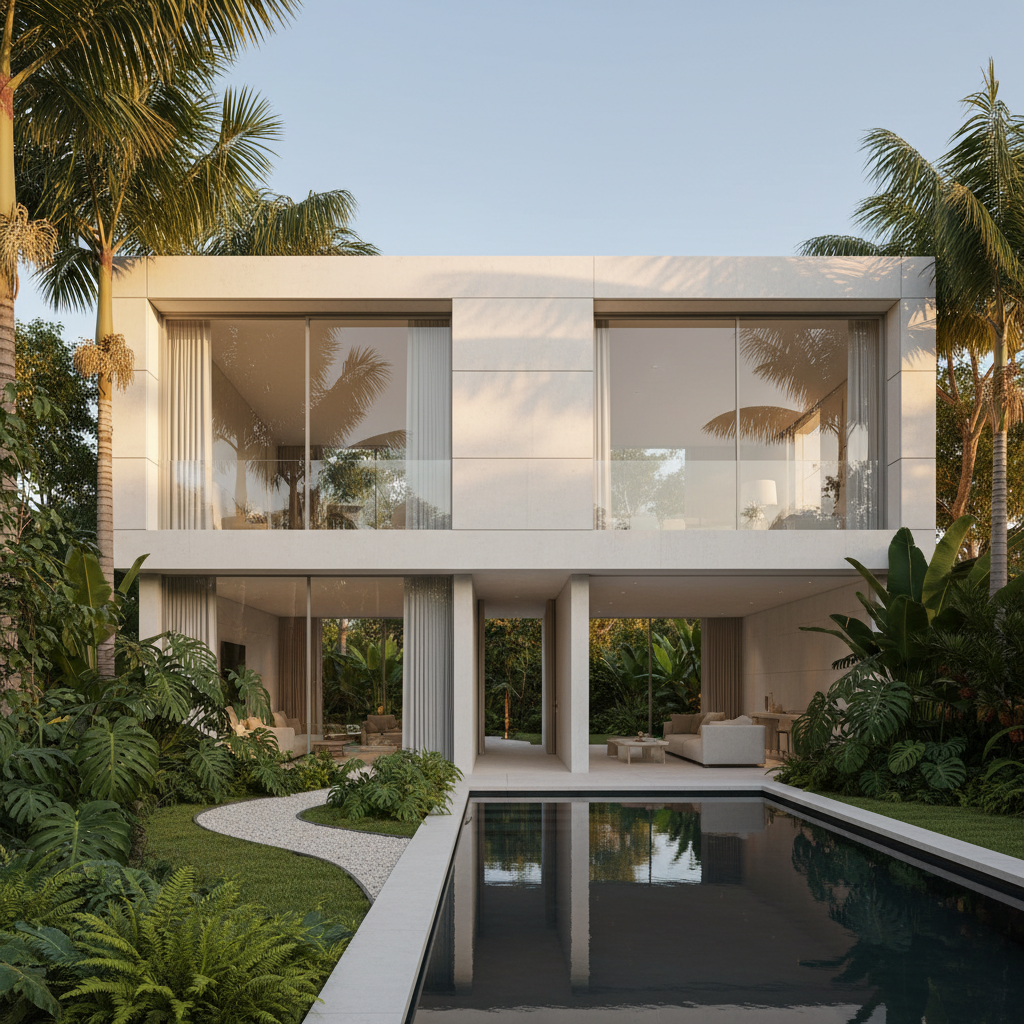
Modern Residential
Minimalist homes, contemporary residences, designer houses
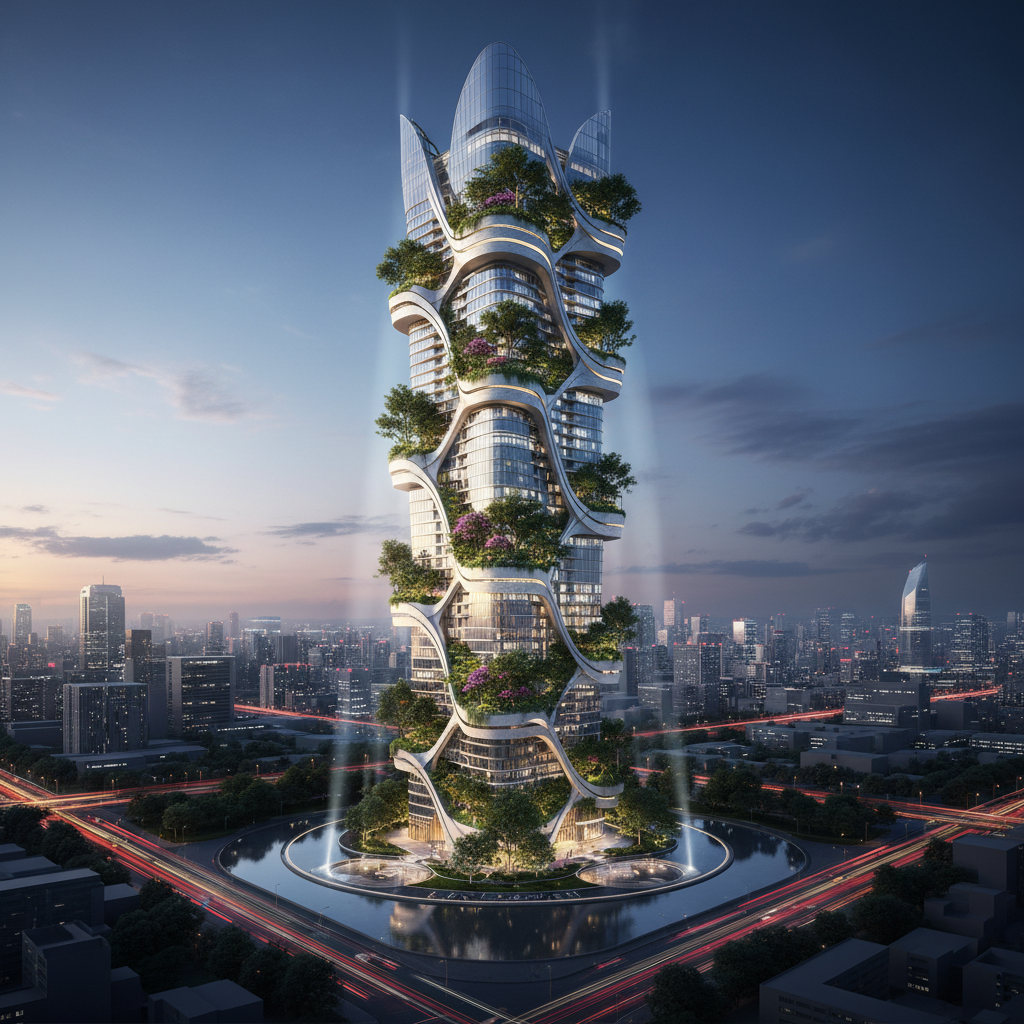
Futuristic Skyscraper
High-rise concepts, parametric design, urban towers
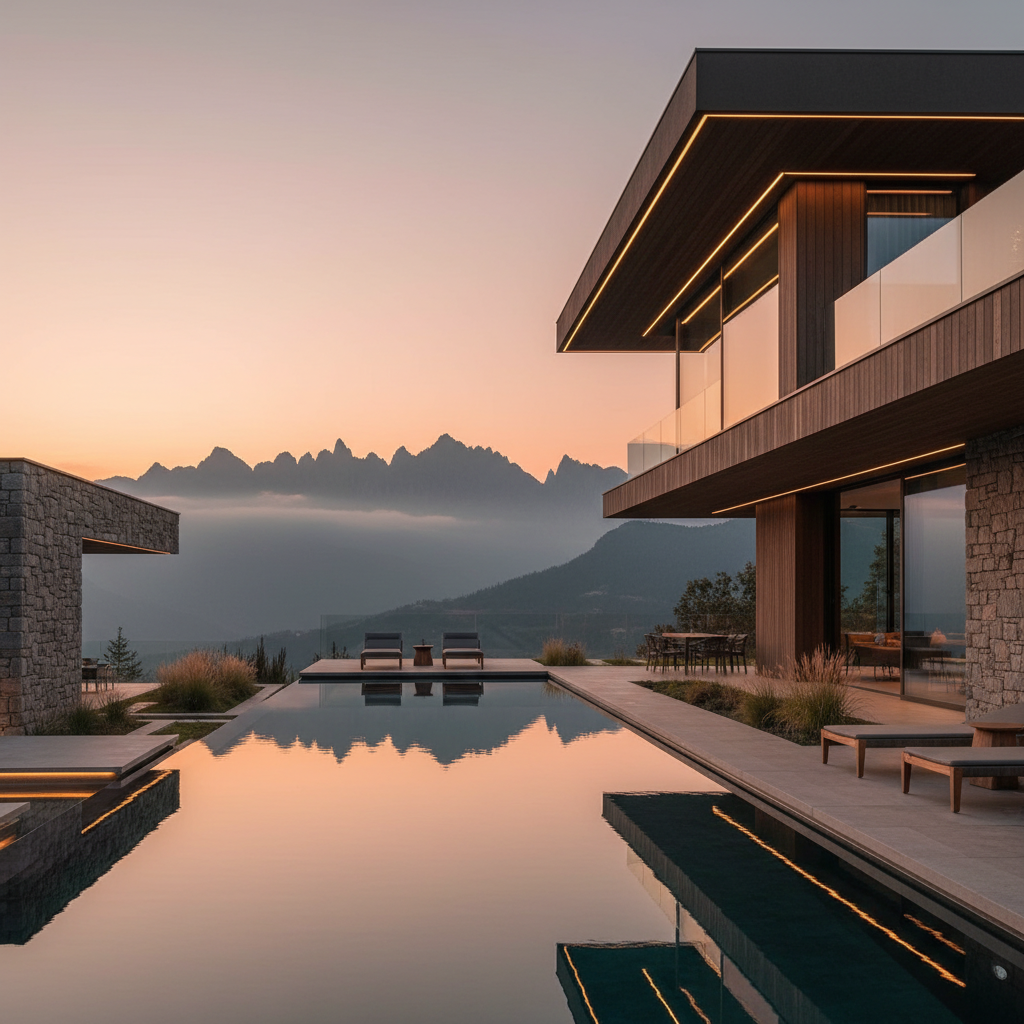
Luxury Villa
Resort architecture, custom homes, hospitality projects
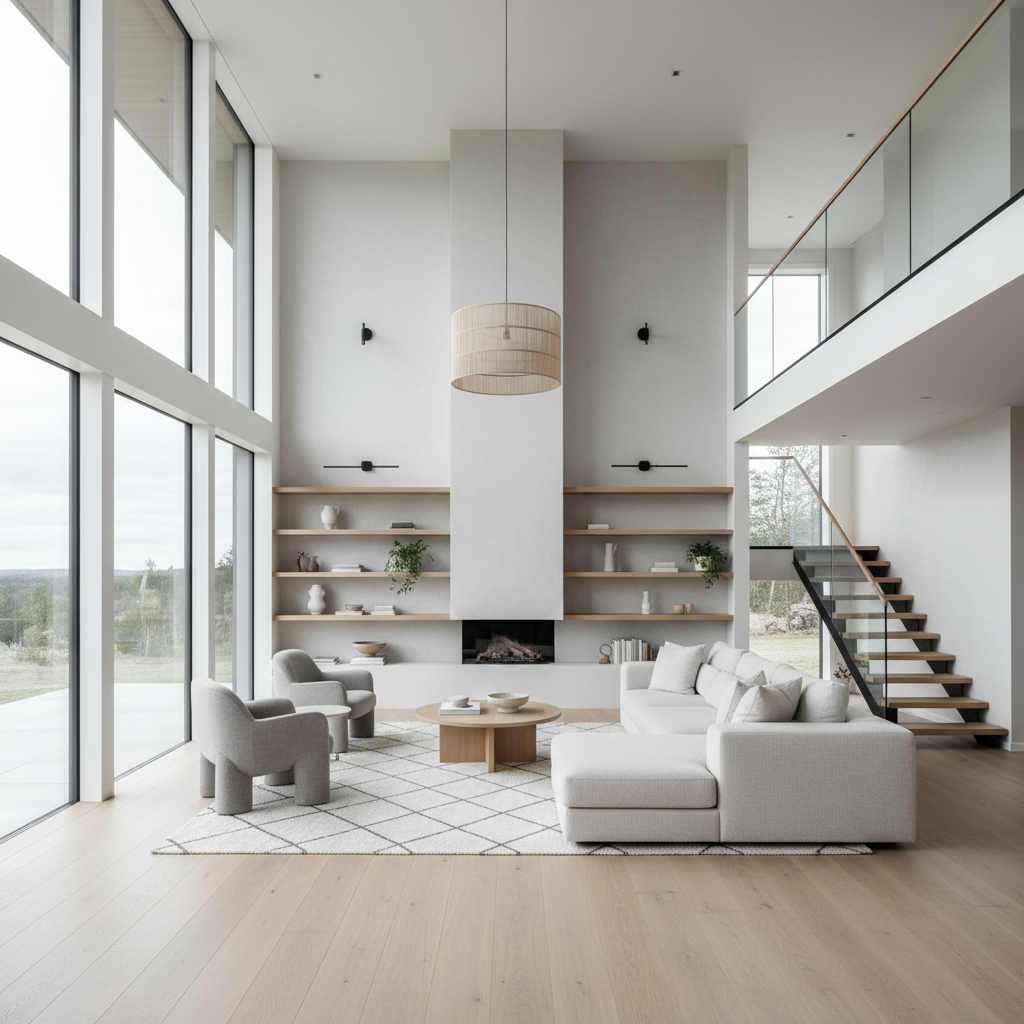
Interior Visualization
Interior design, residential interiors, design boards
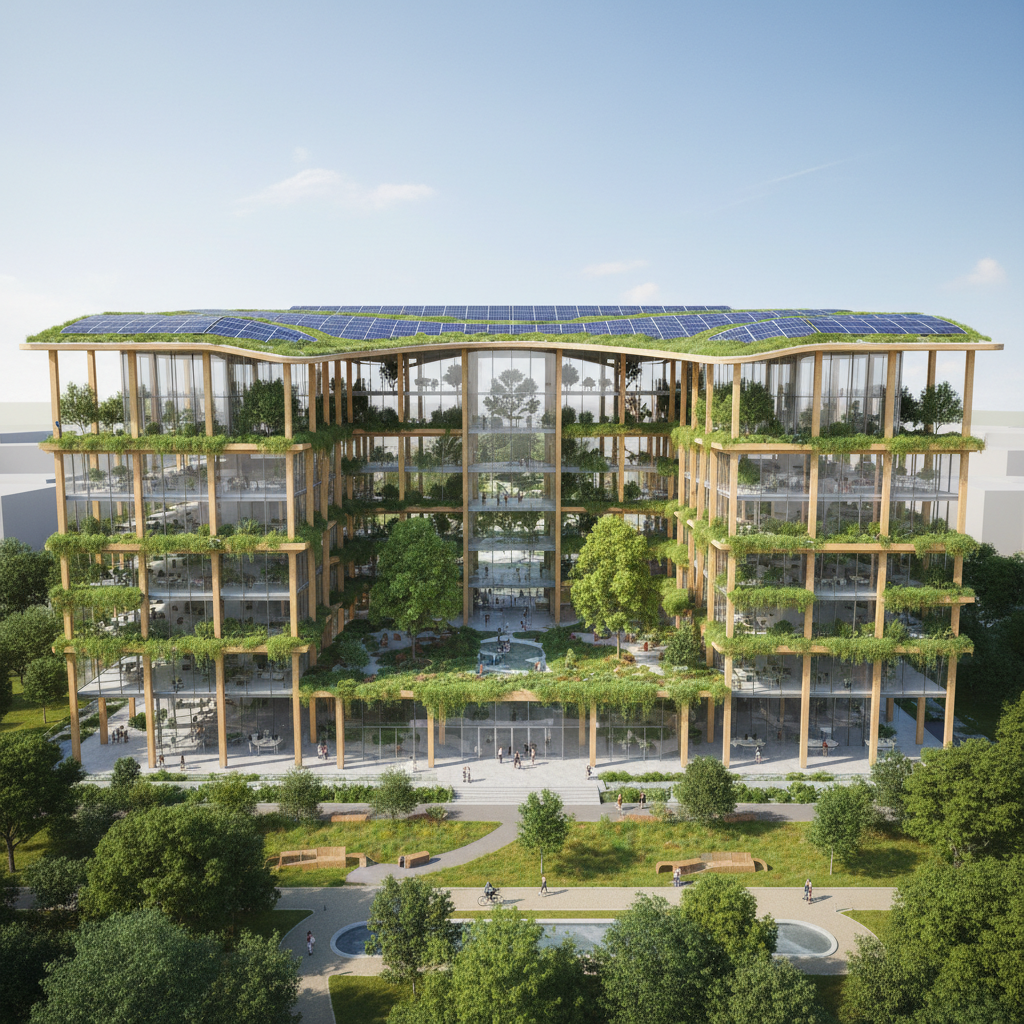
Sustainable Building
Green architecture, eco buildings, biophilic design
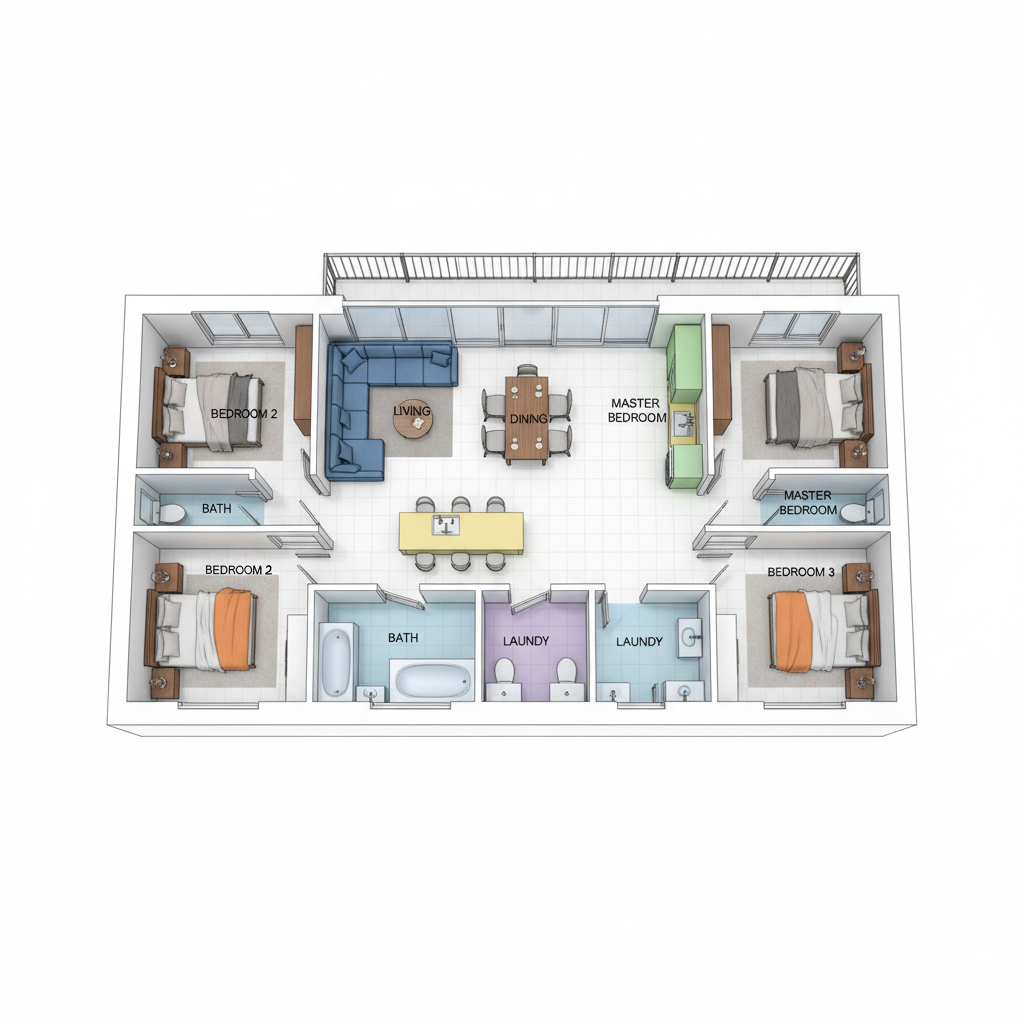
3D Floor Plan
Floor plans, layout studies, technical visualization
How the AI Architectural Design Tool Works
Three steps, fifteen seconds, ready for your client presentation or design competition
Pick an Architectural Style
Tap one of the eight preset categories in the AI architectural design tool above — modern residential, futuristic skyscraper, luxury villa, interior design, sustainable building, 3D floor plan, urban planning, or conceptual sketch. Or skip the presets and describe your own building in the custom field with details about facade materials, lighting conditions, surrounding context, and architectural character.
Generate the Visualization
Click the generate button. The AI architectural design tool returns a 4K render in about fifteen seconds. Iterate on the prompt — adjust the facade material, change the time of day, swap the surrounding landscape, tweak the architectural style — until the visualization matches the design vision you have in mind.
Present Anywhere
Download the AI architectural visualization and use it in your client presentation, schematic design package, marketing brochure, design competition entry, planning application, real estate listing, or studio portfolio. The AI architectural design tool output is 4K-ready and large enough for any architectural publishing or presentation context — print, screen, or projection.
Why Choose This AI Architectural Design Tool
Built for architects, interior designers, and urban planners who want concept visualizations fast
Built for Architectural Visualization
The AI architectural design tool on this page is purpose-tuned for architectural rendering: every preset explicitly requests "architectural visualization", "photorealistic render", "professional architecture photography", and "detailed materials" so the output instantly feels like it belongs in an architectural portfolio, client presentation, or design competition entry. The AI architectural design tool handles modern residential homes, futuristic skyscrapers, luxury villas, sustainable office buildings, interior design boards, urban planning concepts, and conceptual studies with the visual fluency of a dedicated architectural visualizer — no generic stock-style AI output that breaks the architectural-medium feel.
Perfect for Architects & Interior Designers
Practicing architects, interior designers, urban planners, real estate developers, landscape architects, and architectural students use this AI architectural design tool for client presentations, schematic design exploration, marketing renders, design competition entries, conceptual studies, real estate listings, planning permission visualizations, and architectural portfolio pieces. The AI architectural design tool output works at sizes large enough for full-page magazine print and projection-quality client meetings, so a single prompt session can produce a complete concept board ready for stakeholder review.
Concept Boards at Studio Speed
Architecture firms, interior design studios, and urban planning consultancies rely on the AI architectural design tool to iterate on facade options, material studies, lighting scenarios, and massing concepts faster than any traditional 3D rendering pipeline could deliver. Use the AI architectural design tool to explore twenty facade variants in an afternoon, lock in the design direction of your project, and hand off the chosen direction to a BIM modeler — or ship the AI architectural design output directly under a paid commercial license for your studio presentations.
No Sign Up, No Credit Card
The AI architectural design tool on this page never asks you to register an account, verify an email, or save a payment method before generating architectural visualizations. No Google OAuth redirect, no "add card to continue" step — just a prompt box. Type your architectural concept, click generate, and download the visualization immediately. Free usage is protected with per-IP rate limits, not an account wall, so architects and design students can validate concepts without commitment.
Architectural Renders in ~15 Seconds
Most AI architectural design tool runs return a full-resolution PNG in about fifteen to twenty seconds. Free users share the same backend priority as paid users — no throttled queue, no slower lane for free traffic. The fast turnaround makes live iteration practical: tweak your building concept, regenerate with a different facade material or time of day, and have a new architectural visualization ready before the previous one even finishes downloading. A design competition entry deserves twenty drafts before submission — the AI architectural design tool makes that finally possible at any budget.
4K Print & Presentation Ready
Every AI architectural design tool output comes out as a high-resolution PNG ready to use anywhere — printed architectural portfolios, magazine submissions, real estate marketing brochures, projection-quality client presentations, design competition boards, planning application packages, social media studio content, and trade-show banners. The AI architectural design tool output works at sizes up to large-format print without visible blurring. No more rejected printed presentations due to insufficient image resolution, no more pixelated visualizations in your published architectural marketing materials.
AI Architectural Design Tool — FAQ
Everything about creating architectural visualizations and building concepts with AI
Start the AI Architectural Design Tool
The AI architectural design tool is free, loaded on this page, and needs no account. Pick an architectural style, describe your building concept, and download a 4K visualization in about fifteen seconds.
Generate Your Architectural Render FreeAbout the AI Architectural Design Tool
The AI architectural design tool on AI Banana is a free, no-sign-up architectural visualization tool built for practicing architects, interior designers, urban planners, real estate developers, landscape architects, architectural students, and design firms who want professional architectural renders without committing to a full BIM modeling and 3D rendering pipeline. Type a short description of your building concept — "modern minimalist residential house with white concrete facade and large windows", "futuristic skyscraper with parametric facade in urban setting", "sustainable office building with green roof and biophilic design" — and the AI architectural design tool returns a 4K-quality PNG in about fifteen seconds, ready to use in a client presentation, schematic design package, marketing brochure, design competition board, or planning permission visualization. Whether you have been searching for "AI architectural design tool", "AI for architecture", "AI building design", "AI architectural visualization", or "AI design software", this is the dedicated AI architectural design tool entry point on aibanana.net.
Most other AI architectural design tools require an account, an email, a saved payment method, or a trial-credit countdown before you can produce a single visualization. The AI architectural design tool on this page skips that entirely. The interactive tool above is loaded directly into the page — open the prompt box, pick an architectural style preset (modern residential, futuristic skyscraper, luxury villa, interior design, sustainable building, 3D floor plan, urban planning, conceptual sketch), and the AI architectural design tool routes your request through the Nano Banana image model. No registration, no checkout, no dark patterns. Free usage is protected with per-IP rate limits rather than a login wall, so a normal architectural concept exploration session for a residential commission or competition entry fits comfortably inside the free envelope. Validate visual concepts and A/B test multiple facade options before committing to a paid plan.
The AI architectural design tool is tuned for architectural visualization, not generic image output. Every preset prompt explicitly requests "architectural visualization", "photorealistic render", "professional architecture photography", and "detailed materials", so the resulting AI architectural design output instantly feels like it belongs in a published architectural portfolio, design magazine, or client presentation board. The AI architectural design tool handles every architectural style and visual register: modern minimalist residential houses with clean lines and large glass facades, contemporary luxury villas with infinity pools and natural stone materials, futuristic skyscrapers with parametric organic forms, sustainable eco-friendly office buildings with green roofs and biophilic design, traditional vernacular architecture, industrial loft conversions, Scandinavian minimalist interiors with double-height ceilings, Mediterranean villa exteriors, brutalist concrete structures, mid-century modern homes, Japanese minimalist architecture, urban planning masterplans with mixed-use neighborhoods, and conceptual architectural sketches with hand-drawn watercolor accents. It interprets architectural vocabulary like "facade", "cantilever", "biophilic", "parametric", "double-height", "cross-laminated timber", and "curtain wall" accurately, so the AI architectural design output matches the design direction you have in mind without dozens of regenerations.
Output from the AI architectural design tool is high-resolution PNG, large enough for any architectural use — printed portfolio submissions, magazine publication, real estate marketing brochures, projection-quality client presentations, design competition boards, planning application packages, social media studio content, RFP and proposal documents, indie architectural publications, and trade-show banners. Practicing architects use the AI architectural design tool to explore facade variants for residential commissions consistently across multiple project phases. Interior designers use the AI architectural design tool to lock in the visual direction of a project before final material specification. Urban planners use the AI architectural design tool to give every masterplan study a unique illustrated visualization stakeholders can engage with. Once you find an architectural direction you want to ship to a client, competition, or marketing campaign, upgrade to a Nano Banana paid plan starting at $2.99 to unlock unlimited generations and full commercial usage rights — a tiny fraction of the $500 to $5000 cost of a single professional 3D rendering commission, and orders of magnitude faster than a traditional rendering pipeline timeline. Better architectural visualization translates directly into more won bids, more impressed clients, more competition wins, and a more memorable design portfolio — that is what AI architectural design generation is built to deliver.