
AI-Powered vs Traditional Photo Editing
One workflow tells the software which pixels to change. The other tells it what the finished picture should be. This AI-powered vs traditional photo editing comparison covers where each one genuinely wins — speed, precision, cost, batch work and fidelity to a real subject — including the cases where the manual tools are still the right answer. There is a working AI editor below, so you can settle the quality question yourself rather than take anyone's word for it.
Try The AI Editor FreeTry It Now — Free
Each preset below is a job that traditional photo editing bills by the hour — compositing, studio product shots, colour grading, poster layout. Pick one, or write a brief from real work, and time it against how long the manual route would take you.
AI Photo Editor
Pick an editing job that normally takes hours by hand, and see what AI-powered editing returns in about fifteen seconds
AI-Powered vs Traditional Photo Editing, Side By Side
Nine factors that decide which workflow belongs on which job
| Factor | Traditional Editing | AI-Powered Editing |
|---|---|---|
| How you give instructions | Step by step. Layers, masks, curves, selections and brushes — you specify which pixels change and by how much. | By outcome. You describe the image you want in plain language and the model resolves how to get there. |
| Time for one image | Minutes to hours. A clean background swap with hair detail is realistically 15–40 minutes of masking and edge work. | About fifteen seconds per generation, including the run you throw away and the one you keep. |
| Precision and repeatability | The clear win. Deterministic, pixel-exact and fully auditable — the same file plus the same steps gives the same result every time. | Probabilistic. The same prompt twice gives two different images, so exact-match work needs a manual finishing pass. |
| Learning curve | Months to competence. Masks, curves, blend modes, frequency separation and colour management each take real practice. | Minutes. The interface is a text box and a preset list; the skill that matters is describing and judging, not operating. |
| Cost | Ongoing subscription — a photography plan runs roughly $10–$23 per month indefinitely — plus a machine that can handle it. | Free to try with no account. Paid access from $2.99, no subscription, runs in the browser on any device. |
| Batch and bulk work | Still the better tool. One action or preset applied to 400 files is faster and more consistent than 400 generations. | Built around single images. Excellent for one-off assets and format variants, weaker as a bulk pipeline. |
| Fidelity to a real subject | Preserves the actual photograph. Every detail of a real person, product or event stays true — necessary for advertising and editorial. | Produces a plausible reconstruction. Excellent for concepts and backgrounds, wrong where the image is evidence. |
| Text inside the image | Perfect by construction — you set the type yourself, in the font and kerning you chose. | Now genuinely legible. Nano Banana Pro was tuned for in-image typography, which used to be AI editing’s tell. |
| Output resolution | Whatever the source file supports. A raw capture holds up to large-format printing without an upscaling step. | 4K-class output by default, watermark-free on paid plans and ready for print, book spreads and full-bleed web. |
The verdict on AI-powered vs traditional photo editing: traditional tools win outright on precision, batch consistency and fidelity to a real subject. If a client has approved an exact colour, if the image is evidence of a real product or event, or if four hundred files need the identical treatment, the manual route is not nostalgia — it is the correct tool. AI-powered editing wins on everything that shortens the distance between an idea and a finished file: concepts, backgrounds, mockups, social assets, format variants and any job where you would otherwise spend forty minutes masking. Most working editors now run both.
Subscription prices for traditional editing suites reflect publicly published information as of August 2026 and are summarised for comparison only. Check the vendor's own pricing page before purchasing.
Six Jobs Traditional Photo Editing Bills By The Hour
Each of these was generated on this page in about fifteen seconds.
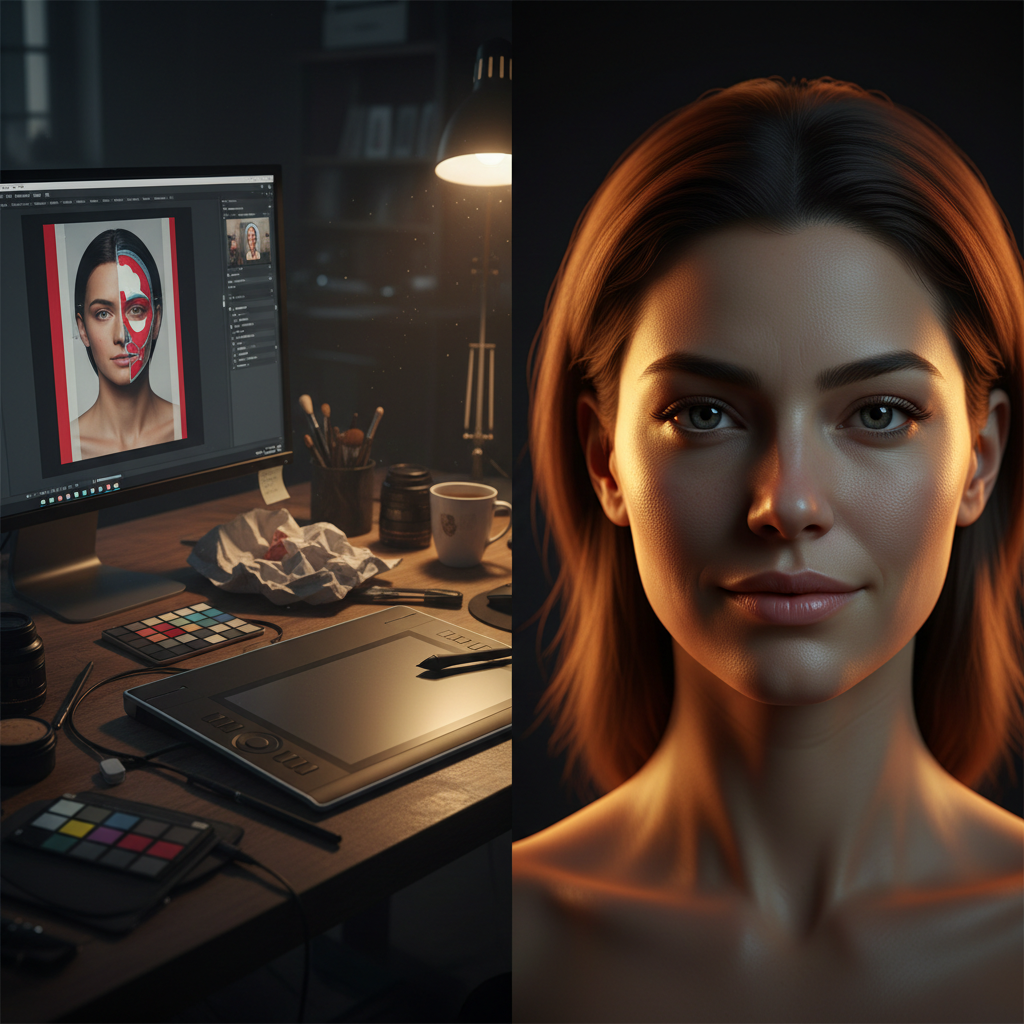
Two Routes, One Result
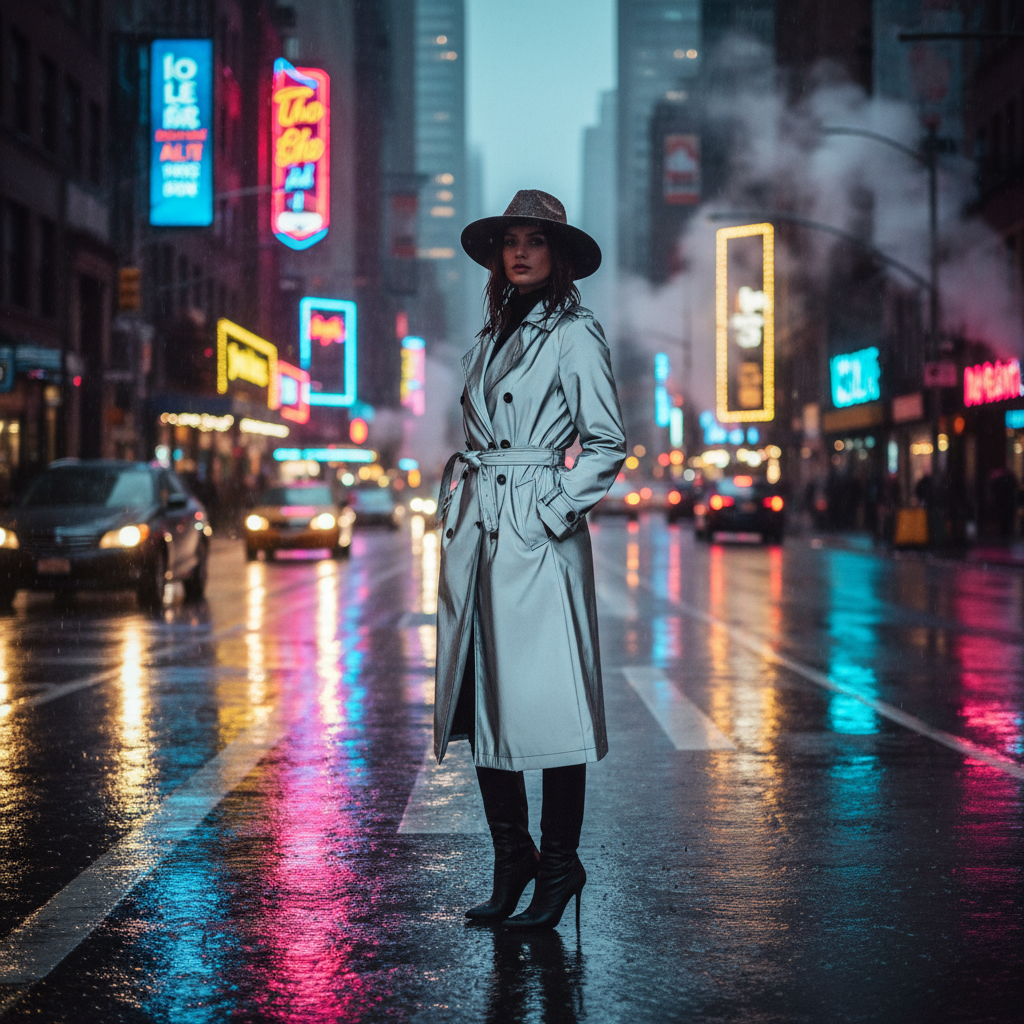
Composite In Seconds

Studio Shot, No Studio
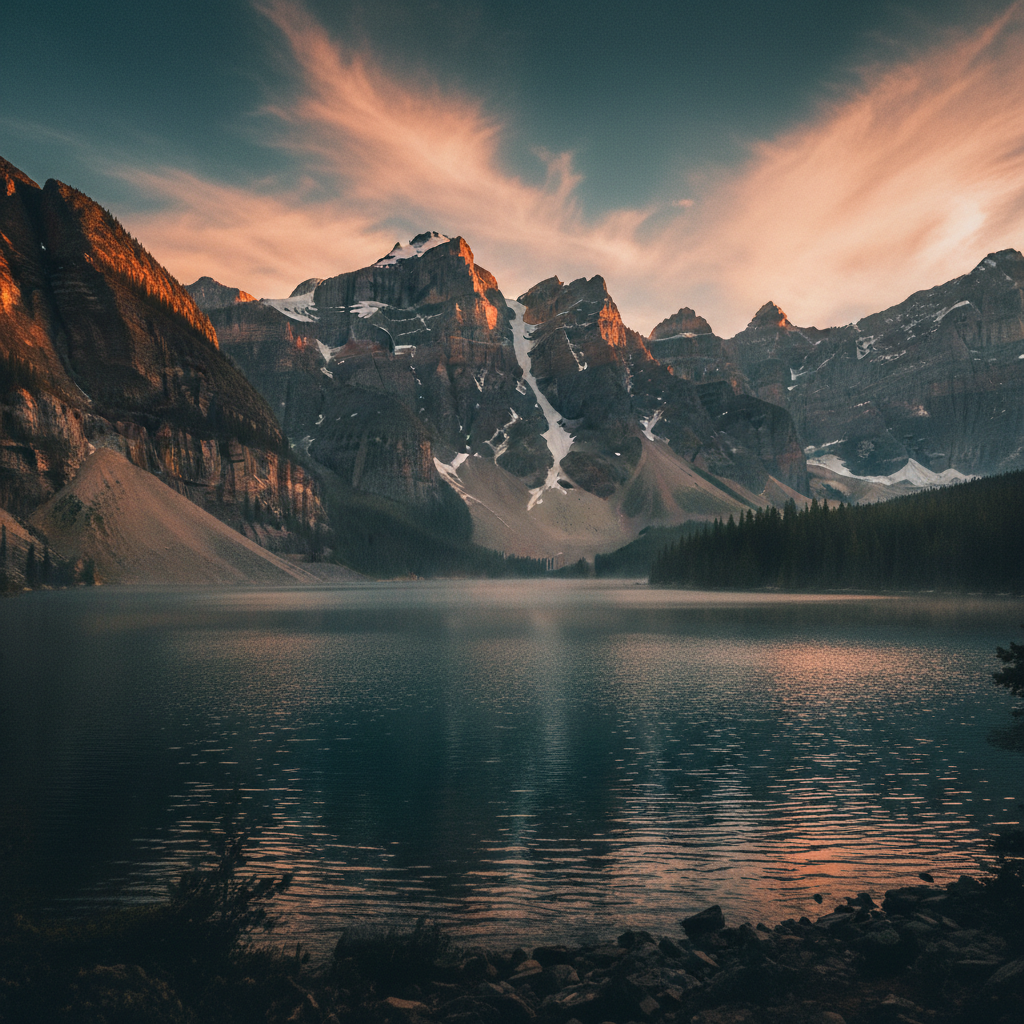
Cinematic Colour Grade
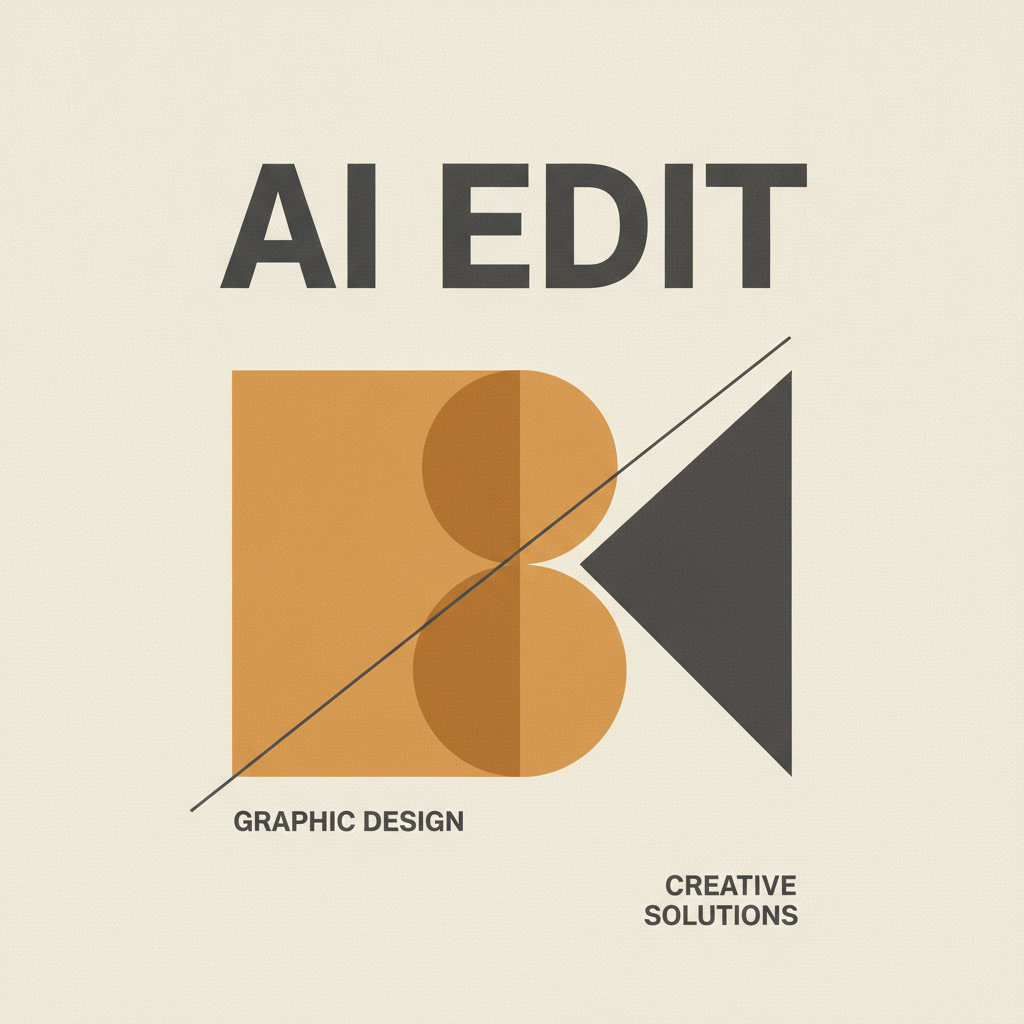
Legible In-Image Text
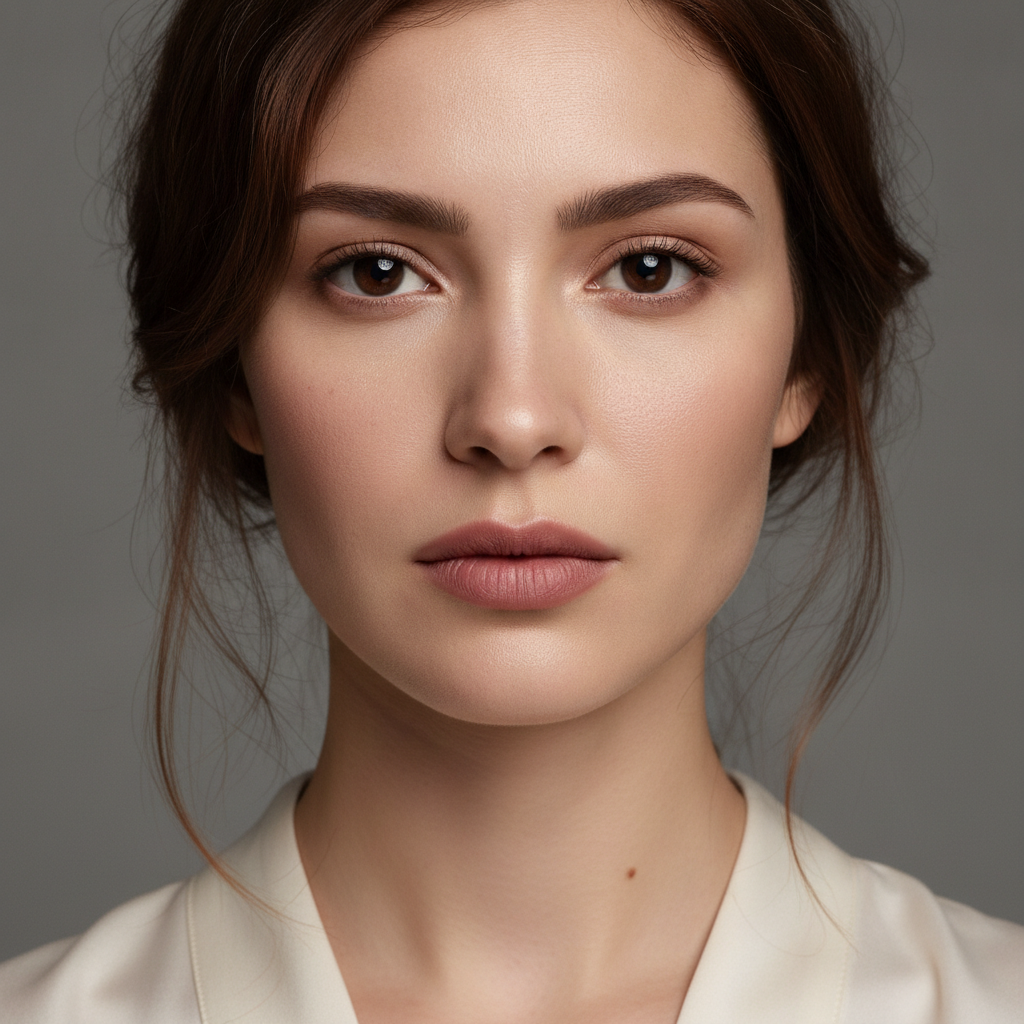
Texture-Safe Retouching
How AI-Powered Editing Works In Practice
Describe The Edit, Not The Steps
Pick a preset or write what you want the finished image to be. Traditional editing asks how; AI-powered editing asks what — say the outcome, including the lighting and mood.
Generate And Compare
Results come back in about fifteen seconds. Run a few variations rather than perfecting one, then judge them the way you would judge any edit — the discarded runs cost nothing.
Download, Or Finish By Hand
Take the 4K PNG as-is, or bring it into your traditional editor for the last five percent. Most working editors now do both, which is the honest end of this comparison.
Where The AI Side Of The Comparison Earns Its Place
Fifteen Seconds Instead Of An Afternoon
The edits that dominate traditional photo editing time — background replacement, compositing, relighting, style transfer — return in about fifteen seconds here. The saving is not the minutes; it is that trying a fifth option stops feeling expensive.
Judgement Still Beats Execution
AI-powered editing does not remove the taste required, it relocates it. Composition, colour and knowing when an image looks wrong are exactly the skills traditional editing taught, and they are what decide which generation you keep.
Typography That Survives A Client Review
Garbled lettering was the fastest way to spot AI work. Headlines, product names and price badges come out correctly spelled and kerned, so marketing creative leaves the tool as a deliverable rather than a mockup.
No Suite, No Install, No Login
Traditional photo editing assumes a subscription, a download and a capable machine. This runs in the browser on whatever you have open, and you can generate before creating an account.
Your Original Is Never Overwritten
Every run returns a new file and leaves your upload untouched — the same non-destructive discipline traditional editors get from adjustment layers, without having to remember to use them.
$2.99 Instead Of A Monthly Suite
Paid plans start at $2.99 with unlimited high-resolution runs, watermark-free downloads and full commercial rights — no ongoing subscription, which suits work that arrives in bursts rather than steadily.
AI-Powered vs Traditional Photo Editing FAQ
Settle The Comparison On Your Own Work
Take a job from your actual backlog, run it here, and compare it against the manual route. Free to try, no account needed.
Start Editing FreeChoosing Between AI-Powered vs Traditional Photo Editing
Most write-ups on AI-powered vs traditional photo editing try to settle the argument on image quality, which is the least useful axis available. Both routes now produce output good enough for professional delivery, and the gap between a strong model and a skilled retoucher is far smaller than the gap between two workflows. The real difference is structural. Traditional photo editing is instruction-based — layers, masks, curves, selections and blend modes, where you specify which pixels change and by how much. AI-powered editing is intent-based: you describe the finished image and the model resolves the path there. That single distinction explains every trade-off below it, including the ones that go against AI.
The speed case is the easy part. Background replacement, compositing, relighting and style transfer are the four jobs that dominate manual editing hours, and all four return in roughly fifteen seconds here. What matters is less the minutes saved than the change in behaviour: when a fifth variation costs nothing, you actually run it, and creative work is a volume problem long before it is a craft problem. Digital editing techniques that were reserved for paying clients because of the labour involved — multiple concept directions, a dozen format variants, a full set of social crops — become the default rather than an upsell.
The honest counter-case is precision and provenance. Manual tools are deterministic: the same file plus the same steps produce the same result every time, and you can point at exactly which adjustment did what. AI generation is probabilistic, so identical prompts yield different images and steering happens through description rather than direct manipulation. Where a brand colour has been approved to a hex value, where the image documents a real product or a real event, or where four hundred files need byte-identical treatment, the traditional route is not nostalgia — it is correct. AI tools vs manual methods is a job-by-job question, not a side to pick once.
Which is why the practical answer for photographers, digital artists and technology enthusiasts is almost always both. Generate or extend the background with AI, composite the real photographed subject in a traditional editor, then grade the merged frame by hand so the whole image shares one look. Or shoot and retouch normally, then hand the format variants to the AI. The skills that made you good at manual editing — colour, composition, and knowing when something looks wrong before you can say why — are exactly what makes AI output usable, so nothing you learned is wasted. You can run the AI half free above with no account; paid plans start at $2.99 with 4K downloads and full commercial rights. From there, pair it with the AI image upscaling tool for print work, or browse the rest of the AI image tools to see which parts of your workflow are worth handing over.