
AI Image Inpainting
Edit & Fix Any Part of a Photo
Brush over any area of your image and let AI do the rest. Remove unwanted objects, replace backgrounds, add new elements, or fix damaged photos — the AI inpainting tool fills, replaces, and blends seamlessly. No Photoshop skills needed.
Try It Now — Free
Upload a photo and describe what to change, or try a preset edit
AI Image Inpainting
Describe the edit you want or pick a preset inpainting style
Upload your photo, describe what to remove or replace, and let AI inpaint it seamlessly
What AI Inpainting Can Do
Explore the range of edits the AI inpainting tool can perform
Generated Examples
Real outputs created with this AI tool
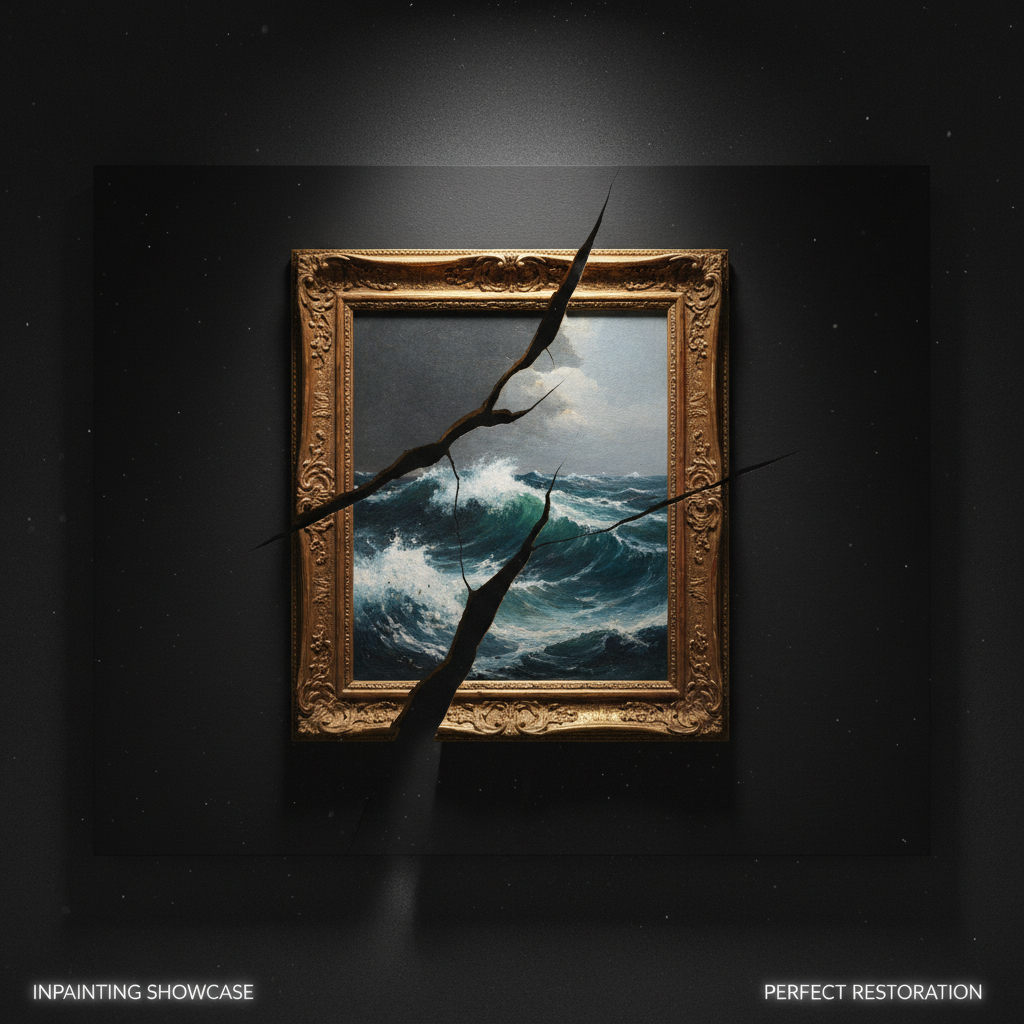
Example 1
AI Banana
Example 2
AI Banana
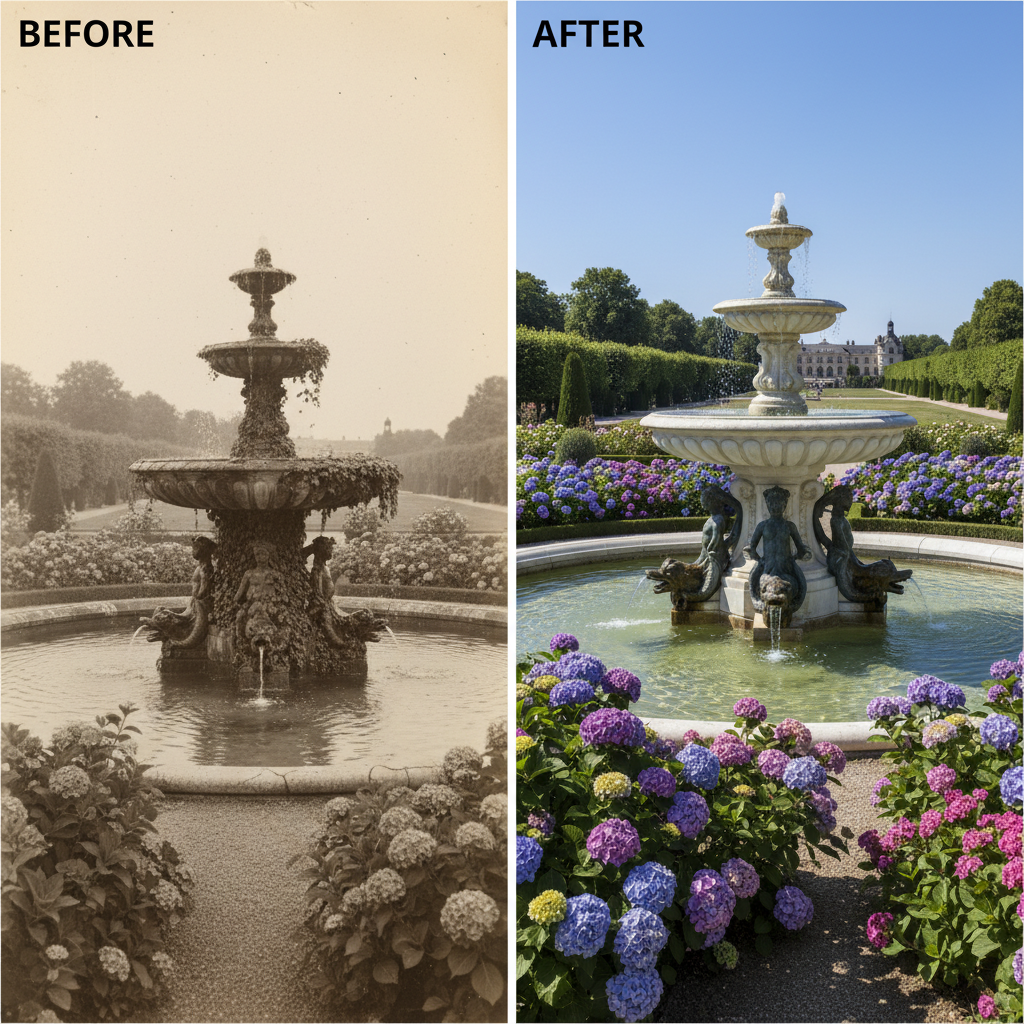
Example 3
AI Banana
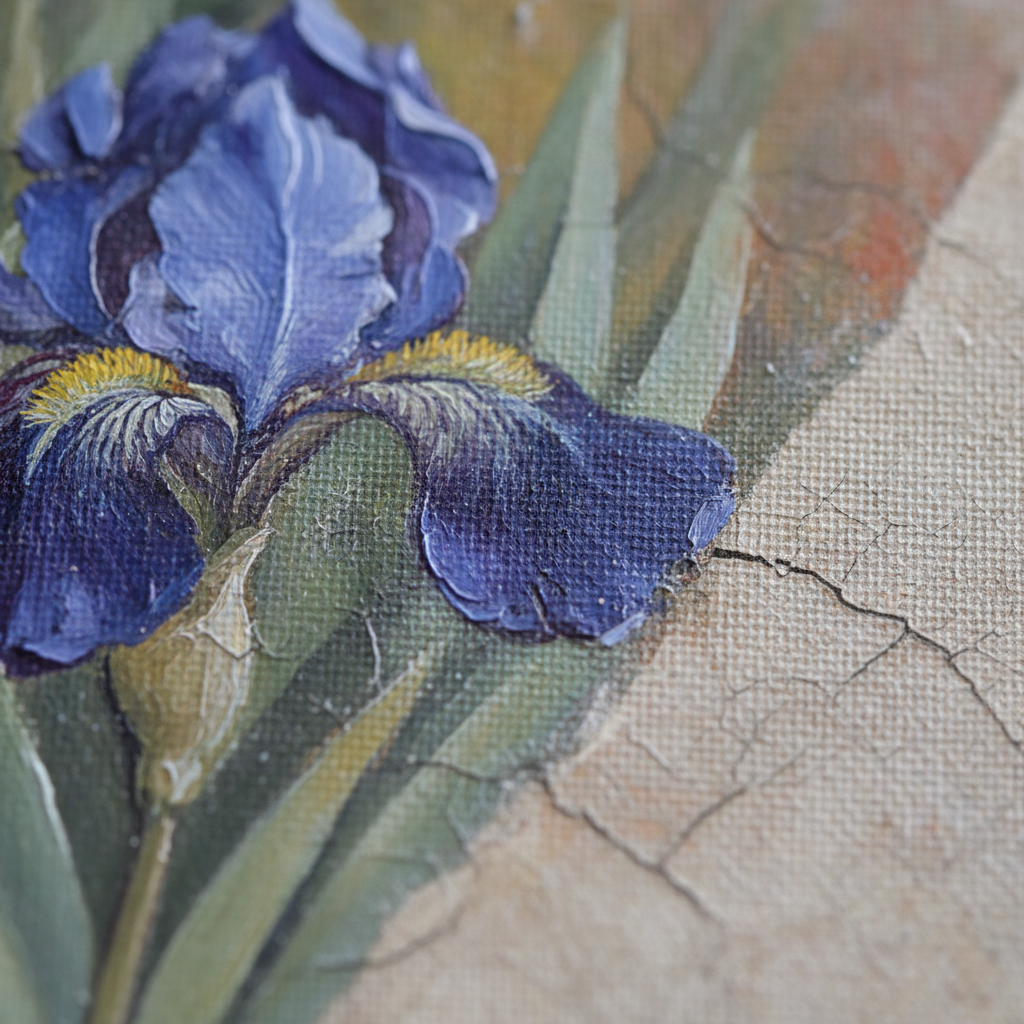
Example 4
AI Banana
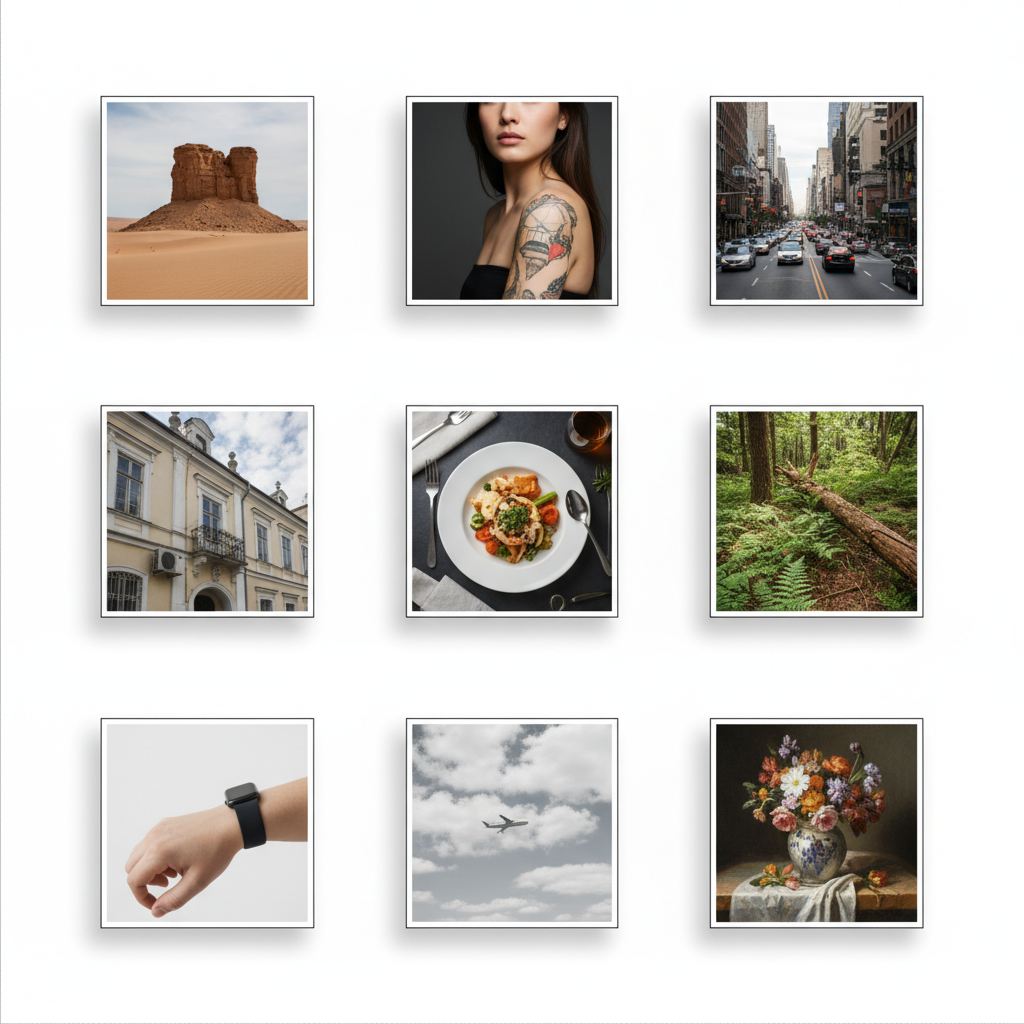
Example 5
AI Banana
Example 6
AI Banana
How It Works
Edit any part of your photo in three simple steps
Upload & Brush
Upload your photo and brush over the area you want to edit. Select an object to remove, a background to replace, or a region to modify. The brush tool lets you precisely target any part of the image.
Describe the Edit
Tell the AI what to do with the selected area. Remove an object, replace a background, add something new, or fix a defect. The AI understands natural language and context — just describe what you want.
Download Result
The AI generates a seamless edit in seconds. The filled area blends naturally with the rest of the image — no visible seams, no artifacts. Download your edited photo at full resolution, ready for any use.
Why Choose AI Banana Inpainting
The fastest way to edit any part of your photos with AI
Seamless Object Removal
Brush over any unwanted object — people, text, wires, trash, watermarks — and the AI fills the area with a realistic continuation of the background. No clone stamping, no manual work. The result blends naturally with the surrounding image.
Brush & Describe Editing
Select any region of your image, then describe what should appear there. Replace a plain wall with a window, swap a cloudy sky for a sunset, or add flowers to an empty vase. The AI understands context and generates edits that match the scene.
Intelligent Fill Technology
The AI analyzes surrounding pixels, lighting, texture, and perspective to generate fills that are indistinguishable from the original photo. No visible seams, no color mismatches, no artifacts — just clean, professional results.
Background Replacement
Replace any background in seconds. Brush over the area behind your subject and describe the new scene — studio backdrop, beach sunset, city skyline, or abstract gradient. The AI preserves your subject and generates a perfectly blended new background.
Free to Start
Try AI inpainting free with no credit card and no signup. Edit your first photos at full quality during your free trial. Premium plans unlock unlimited inpainting and editing starting at just $9.90.
Fast & High Resolution
Generate inpainting edits in seconds, not minutes. The AI processes high-resolution images and outputs results that match the original quality — suitable for print, social media, e-commerce, and professional photography workflows.
Inpainting for Every Need
From quick fixes to professional edits — AI inpainting handles it all
Frequently Asked Questions
Everything you need to know about AI image inpainting
Ready to Edit Your Photos with AI?
Join 15,000+ creators who use AI Banana to remove objects, replace backgrounds, and fix photos in seconds. No Photoshop skills needed — just brush and describe.
AI Image Inpainting: Edit, Fix, and Transform Any Part of Your Photos
AI Banana's AI image inpainting tool lets you edit any part of a photo without manual pixel-level work. Brush over the area you want to change, describe the edit in plain text, and the AI fills, removes, or replaces the selected region with results that blend seamlessly into the original image. Whether you need to remove an unwanted object, swap a background, fix a damaged photo, or add new elements to a scene — AI inpainting handles it all in seconds.
Traditional photo editing requires Photoshop expertise, hours of work with clone stamp and healing brush tools, and a trained eye for seamless blending. AI inpainting eliminates all of that. The AI understands the context of your image — lighting, texture, perspective, and color — and generates fills that are indistinguishable from the original photograph. No visible edges, no color mismatches, no artifacts.
The tool handles every type of inpainting edit. Object removal erases unwanted elements and fills the space with natural background continuation. Background replacement swaps the entire backdrop while preserving the foreground subject. Photo restoration repairs scratches, tears, and damage on old photographs. Text and watermark removal cleanly erases overlaid text. Scene extension (outpainting) expands images beyond their original borders. And generative fill adds entirely new elements that match the scene.
Start editing your photos today. AI Banana's inpainting tool is free to try — no credit card, no signup, full quality from the start. Perfect for photographers, content creators, e-commerce sellers, real estate agents, social media managers, and anyone who needs to edit photos quickly and professionally. Your next perfect edit is one brush stroke away.
More AI Tools
Explore more AI-powered creative tools from AI Banana