
AI Image Generator vs SeaArt AI
These two are not really competing on quality — they are competing on shape. SeaArt AI is a community platform with thousands of shared models, LoRA training and deep conditioning controls, metered by a daily stamina balance. AI Banana is one strong model with engineered presets, no login, no credit meter, and a 4K-class file in about fifteen seconds. This AI image generator vs SeaArt AI comparison covers nine factors and puts a working generator on the page so you can judge the output yourself.
Try The Generator FreeTry It Now — Free
Reading a comparison only gets you so far. Take one prompt from real work — ideally with a headline in quotation marks — and see what comes back in about fifteen seconds. No account, nothing to install.
AI Image Generator — Free Nano Banana Pro
Pick a style, describe your subject, and compare the result against your SeaArt AI output
AI Image Generator vs SeaArt AI — Side by Side
Nine factors that decide which tool belongs in your workflow
| Factor | SeaArt AI | AI Banana (This Page) |
|---|---|---|
| What it is | A community platform layered on Stable Diffusion, SDXL and FLUX — thousands of shared checkpoints and LoRAs, a public prompt gallery, and your own model training. | A focused text-to-image generator. One strong model (Nano Banana Pro), engineered style presets, and a finished 4K-class file in about fifteen seconds. |
| Pricing structure | Free tier with a daily stamina allowance (publicly listed around 150 credits/day, non-cumulative). Paid tiers published from roughly $2.99–$4.79 up through $30+ per month. | Free to run with no card and no credit balance. Paid access from $2.99 as a one-time unlock — no subscription, no daily meter, no token arithmetic. |
| Getting started | Create an account, then choose a base model, a community checkpoint, a sampler and a step count. Powerful once learned, a real curve on day one. | Nothing to install and no login needed to generate. Pick a preset or type a prompt on this page and press Generate. |
| Model library | The headline strength. A very large catalogue of community-trained models covering specific series, artists, characters and rendering styles. | No library. Six engineered presets that fix medium, palette, lighting and finish while you supply the subject. |
| Custom LoRA training | Supported. Train on your own images to reproduce a proprietary style or a recurring original character across hundreds of generations. | Not offered. You steer style through presets and prompt wording rather than a trained checkpoint. |
| Text inside the image | Inconsistent across the library. FLUX-based models handle short text reasonably; most community SD 1.5 and SDXL derivatives still garble lettering. | Tuned specifically for legible typography. Put a headline in quotation marks and it comes back correctly spelled and composed into the artwork. |
| Fine-grained control | Deep. ControlNet-style pose, depth and edge conditioning, inpainting, sampler and step control, negative prompts, seed locking. | Deliberately shallow. Preset plus subject, then multi-turn editing to change one element at a time. |
| Output and speed | Depends on model, steps and upscaler choice, and on your remaining stamina. Free-tier queues slow at peak times. | 4K-class PNG by default in roughly fifteen seconds, with no upscaler step to configure or pay for. |
| Commercial rights | Granted on paid tiers, but individual community models carry their own licences — some popular checkpoints are explicitly non-commercial. | Watermark-free downloads and full commercial usage rights spelled out on paid plans from $2.99, with no per-model licence to check. |
The verdict: SeaArt AI wins outright on breadth and control. A vast community model library, your own LoRA training, and ControlNet-style pose and depth conditioning are real capabilities this page simply does not have — and if any one of them is a requirement, the choice is already made. AI Banana wins on everything that shortens the distance between a prompt and a finished file: nothing to log into, no daily stamina to ration, legible in-image typography, 4K-class output by default, and $2.99 to unlock rather than another monthly subscription. Pick the platform if you are building a proprietary style over months. Pick the focused generator if you need a shippable image this afternoon.
SeaArt AI plan names, stamina allowances and prices described on this page reflect publicly published information as of August 2026 and are summarised for comparison only. Check seaart.ai for current pricing and licence terms before purchasing.
What This AI Image Generator Produces
Every image below came from a preset on this page. Run the same brief on SeaArt AI and compare the first pass rather than the feature list.
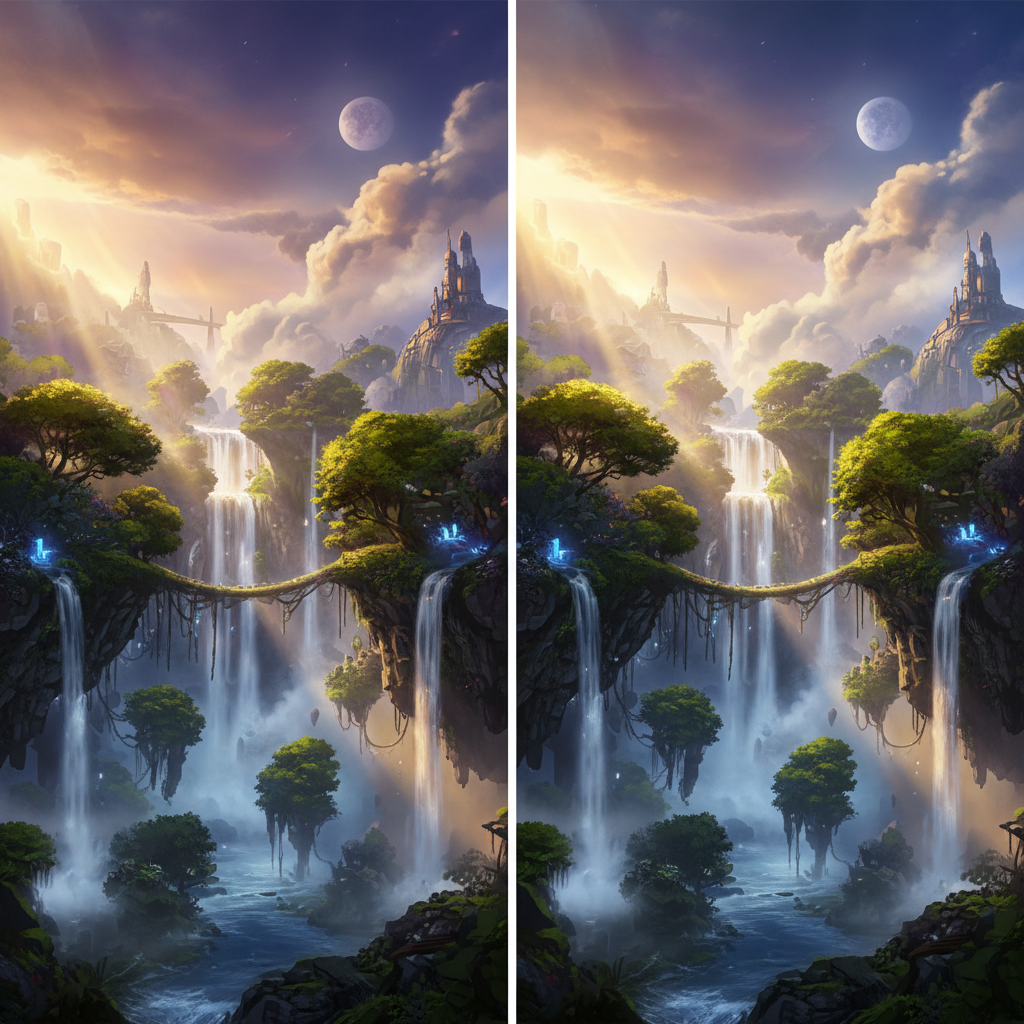
Floating Islands Diptych

Cherry Blossom Hilltop
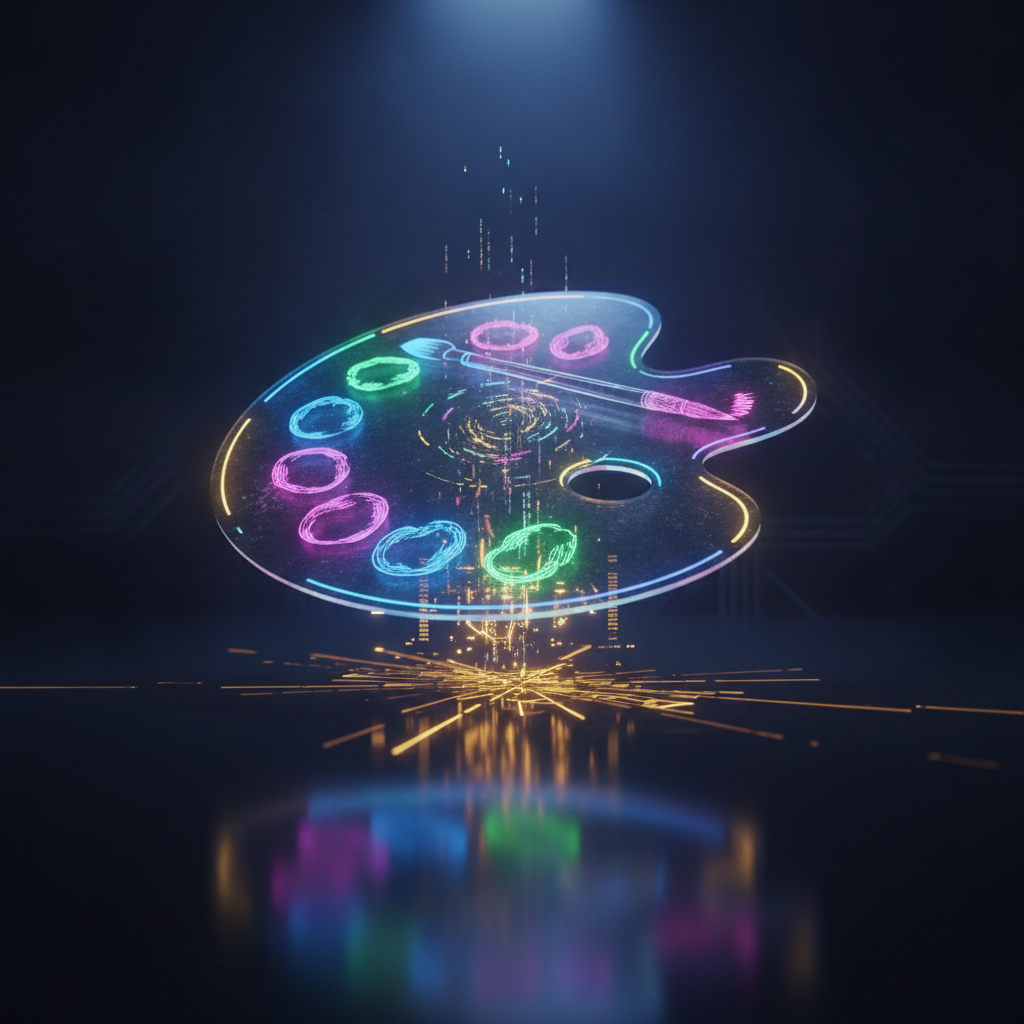
Holographic Palette
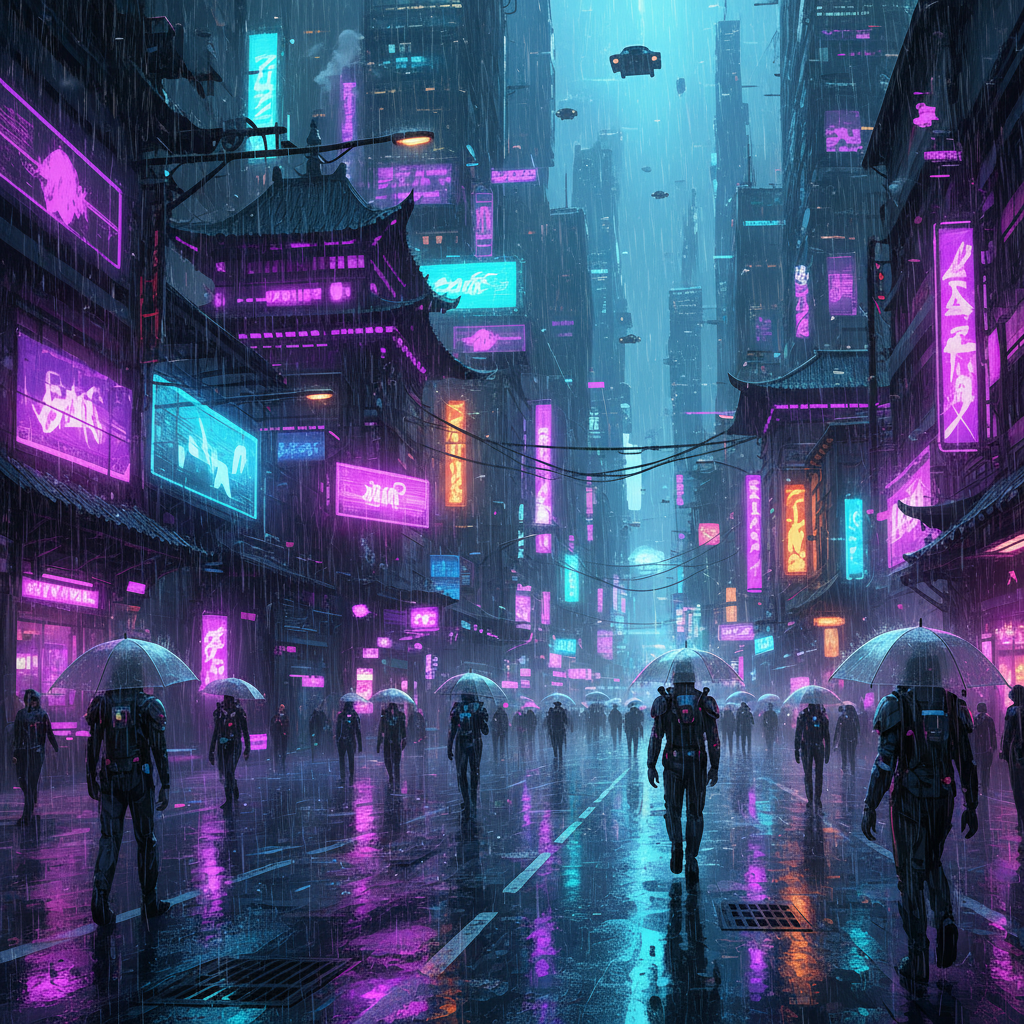
Neon After Rain
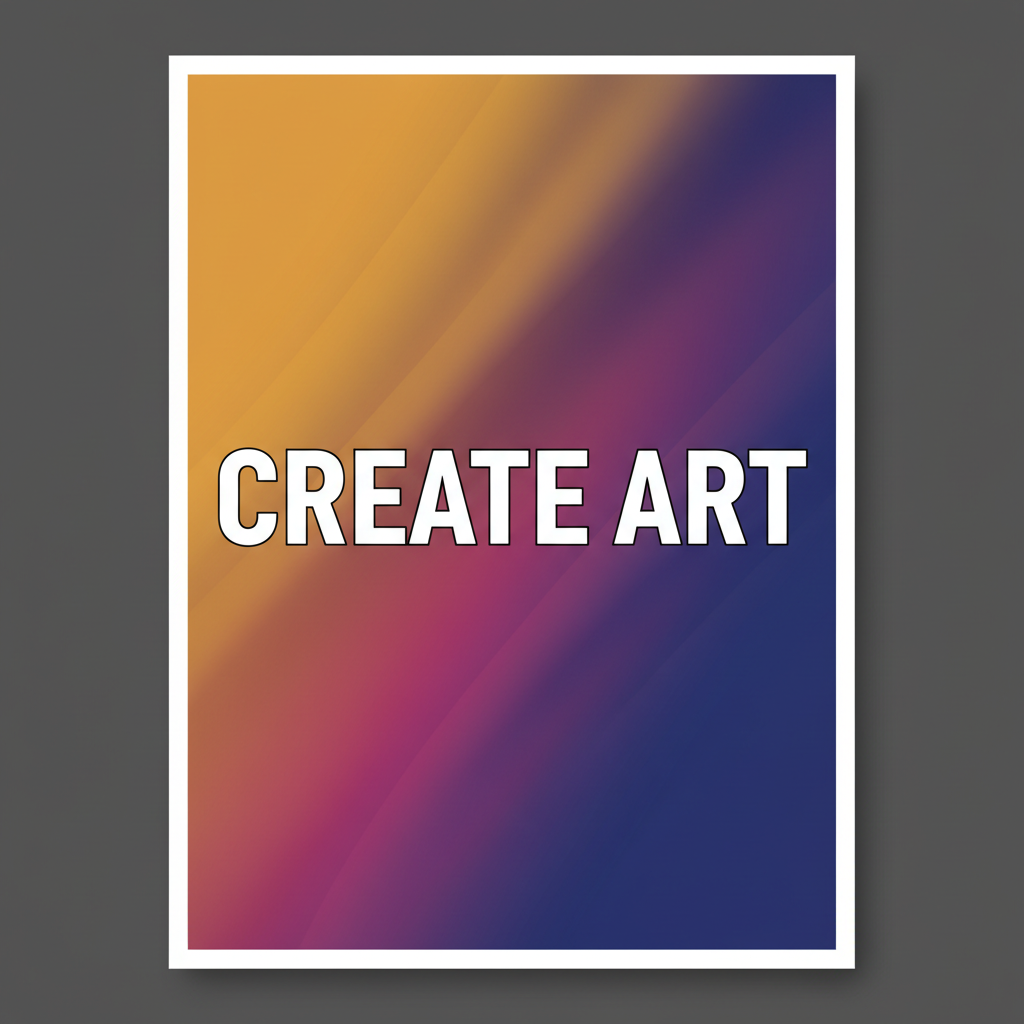
Text That Reads
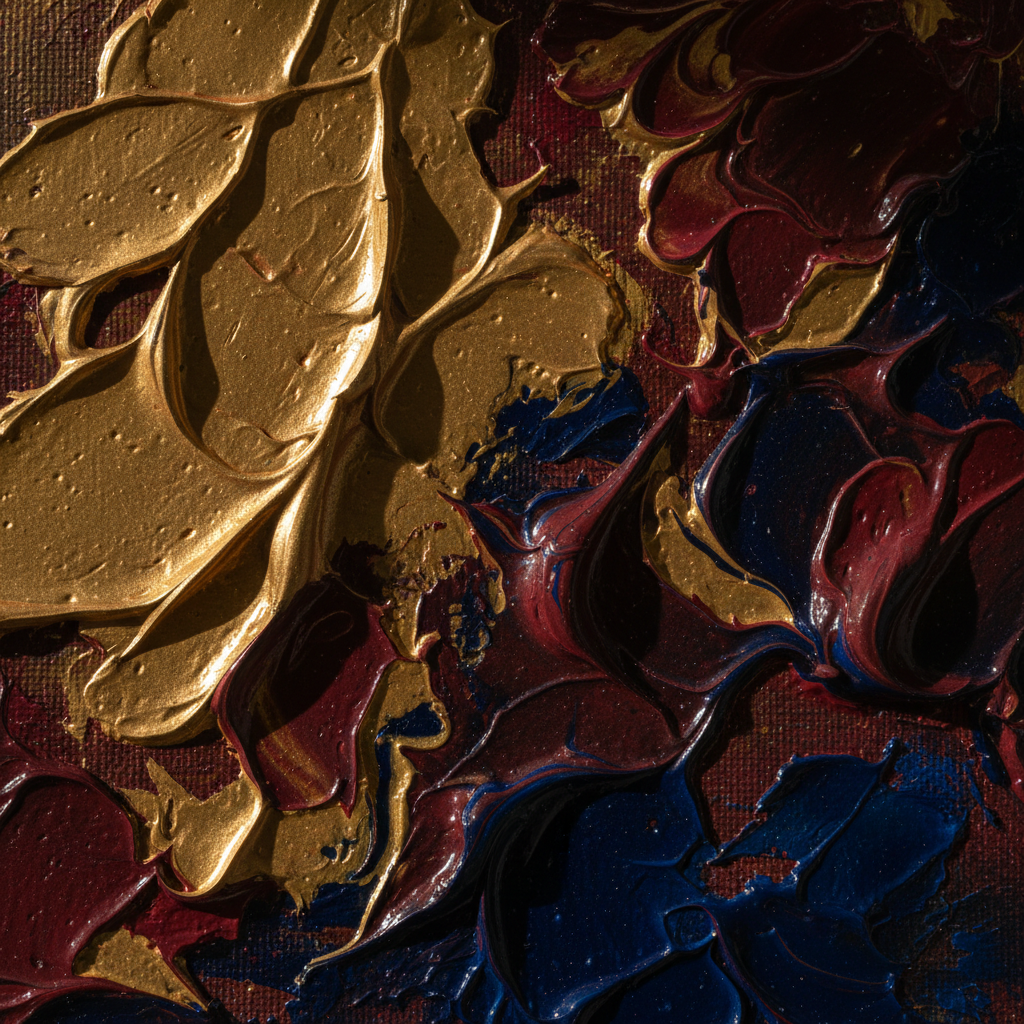
Paint, Up Close
How The Generator On This Page Works
Pick The Style, Skip The Model Hunt
Choose one of six engineered presets. Each already specifies medium, palette, lighting and finish, so you start from a coherent visual language instead of comparing community checkpoints you have never used.
Describe The Subject — And Any Text
Add what the image is of. If it needs a headline, brand name or sign copy, put the exact words in quotation marks and they will render legibly rather than as decorative gibberish.
Refine One Axis, Then Download
Change a single thing per pass — colour, density, mood — so you can see what each edit did. The result arrives in about fifteen seconds as a 4K-class PNG, ready to print, publish or ship.
Which One Should You Actually Use?
Answer one question before comparing feature lists: is the model library the point, or is it overhead?
Choose SeaArt AI if…
- You want a very specific anime, illustrator or series aesthetic that a community model has already been trained for.
- You need to train a LoRA on your own images for a proprietary house style or a recurring original character.
- Your work depends on pose, depth or edge conditioning, seed locking, negative prompts and sampler control.
- You enjoy the exploration — browsing a public gallery and remixing other people’s prompts is genuinely part of the appeal.
Choose AI Banana if…
- The image has words in it — a poster headline, a product name, a thumbnail caption that has to be spelled correctly.
- You want to iterate freely without a daily stamina balance shaping how many variations you feel able to run.
- You need 4K-class output by default rather than an upscaler pass you have to configure and pay for.
- You want commercial rights covered by one licence, not by whichever community checkpoint you happened to generate with.
Where This AI Image Generator Pulls Ahead
No Daily Stamina To Ration
A daily credit meter changes how you work, and not for the better. You start weighing whether the ninth variation is worth the balance, which is precisely the wrong instinct — finding the right image is a volume problem before it is a craft problem. Running without counting is the single biggest workflow difference in this comparison.
Headlines That Come Out Spelled Right
Garbled lettering is the fastest way to tell a demo image from a deliverable, and it is where most Stable Diffusion derivatives still fail. Put your title, brand name or sign copy in quotation marks and it renders legibly inside the artwork — posters, thumbnails, album covers, packaging concepts.
Presets Instead Of A Model Hunt
A library of thousands of checkpoints is powerful and it is also a research project. Six non-overlapping presets — anime, cinematic concept, product render, painterly, poster graphic, photographic — cover most real briefs without an afternoon spent comparing community models you have never used.
The Same Character, Across A Series
Character consistency holds across a sequence when the description stays stable, so storyboards, multi-panel work and illustrated series stay coherent without training anything. Specific subjects hold best — three distinctive details give the model something to anchor on where a generic description gives it nothing.
One Licence, Not Per-Model Terms
On a community platform your commercial rights depend on the licence of the specific checkpoint you generated with, and some of the most popular ones forbid resale. Here there is one set of terms: paid plans grant full commercial use of everything you make, with nothing to audit per image.
Free To Try, $2.99 To Own
Run the generator on this page free with no account, protected by per-IP rate limits rather than a signup wall. Paid access starts at $2.99 for unlimited high-resolution runs, watermark-free downloads and commercial rights — a one-time unlock rather than another monthly subscription.
AI Image Generator vs SeaArt AI FAQ
Settle It With Your Own Prompt
Ten minutes of testing beats another comparison article. Run one brief from real work here, run the same one on SeaArt’s free tier, and keep whichever gets closer to shippable on the first pass.
Start Creating FreeReading An AI Image Generator vs SeaArt AI Comparison Honestly
Most write-ups on this matchup try to settle it on image quality, which is the least useful axis available. Both platforms produce output that clears the bar for professional use, and the gap between two strong models is far smaller than the gap between two workflows. The real comparison is architectural. SeaArt AI is a community platform built on the open Stable Diffusion, SDXL and FLUX lineage: tens of thousands of shared checkpoints and LoRAs, your own model training, ControlNet-style pose and depth conditioning, a public prompt gallery to remix, and a daily stamina balance metering all of it. AI Banana is a single-purpose generator built around Nano Banana Pro, with six engineered style presets in place of a model catalogue and a 4K-class file in roughly fifteen seconds in place of a workspace to learn. Framed that way, the question stops being which is better and becomes which shape fits the work you have.
SeaArt AI wins wherever value comes from breadth and reuse, and any comparison that buries that is selling rather than informing. Its library is genuinely deep in anime and stylized illustration — specific series, named illustrators, character designs, cel-shading checkpoints — so if a community model already nails the look you want, starting there beats prompt-engineering from a general base every time. Its LoRA training is the correct answer when a proprietary style or a recurring original character has to reproduce across hundreds of images with no drift; presets do not substitute for weight-level training, and this page will not pretend they do. Its conditioning controls matter when you need a figure in an exact pose or a composition locked to a depth map. And its free tier, at roughly 150 daily stamina credits, is more generous than most. The costs are the mirror image of those strengths: an account, a learning curve across models and samplers, a daily ceiling that shapes how freely you iterate, and per-model licence terms you have to check before selling anything.
Where the AI image generator on this page pulls ahead is the distance between a prompt and a finished file. Three differences do most of that work. The first is text: put a headline, brand name or sign copy in quotation marks and it comes back correctly spelled and composed into the artwork rather than pasted over it, which turns posters, ad creative, thumbnails, album covers and packaging concepts from a category AI could not reliably do into routine output — and it is exactly where most community SD and SDXL derivatives still fail. The second is the absence of a credit meter. A daily stamina balance quietly changes your behaviour, making you hesitate before the ninth variation, and hesitation is the wrong instinct for creative work that is a volume problem before it is a craft problem. The third is defaults: 4K-class PNG with no upscaler tier to select, in about fifteen seconds, with character consistency holding across a series when the description stays stable.
So the practical recommendation is a single question, asked before any feature list. Do you need a trained model, a specific community aesthetic, or fine-grained pose and depth control? If yes, use SeaArt AI and accept the account and the curve, because those capabilities are worth it and nothing here replaces them. If no, you are about to spend an afternoon learning a platform to get an image a preset would have produced in fifteen seconds. The generator above is free, needs no account, and answers the question faster than any article can — take one real brief, with a headline in quotes if your work involves lettering, and run it on both. When it earns a place in your workflow, plans start at $2.99 for unlimited high-resolution generations, watermark-free downloads and full commercial usage rights, with no ongoing subscription. For related reading, see the AI art vs Midjourney comparison, the Leonardo AI comparison, the AI anime style image generator if stylized art is your main use case, or browse all AI image tools.