
AI Half-Life Photo Enhancer
Every print has a half-life. Dyes break down, blacks drift to grey, and the picture you remember slowly stops matching the one in the box. This AI half-life photo enhancer models that decay and works backwards from it — recovering true colour, tonal range and fine detail from photographs that have been fading for forty years.
Start Restoring FreeTry It Now — Free
Upload a scan of the faded print, choose the kind of damage you are fighting, and get the restored photograph back in seconds. No account, no watermark on paid plans.
AI Half-Life Photo Enhancer
Upload a faded or damaged photo, pick the restoration type, and recover the original colour and detail
Upload your scanned photo, choose a restoration type, and click Generate
What The AI Photo Enhancer Recovers
Six restoration types, each targeting a different way photographs decay.
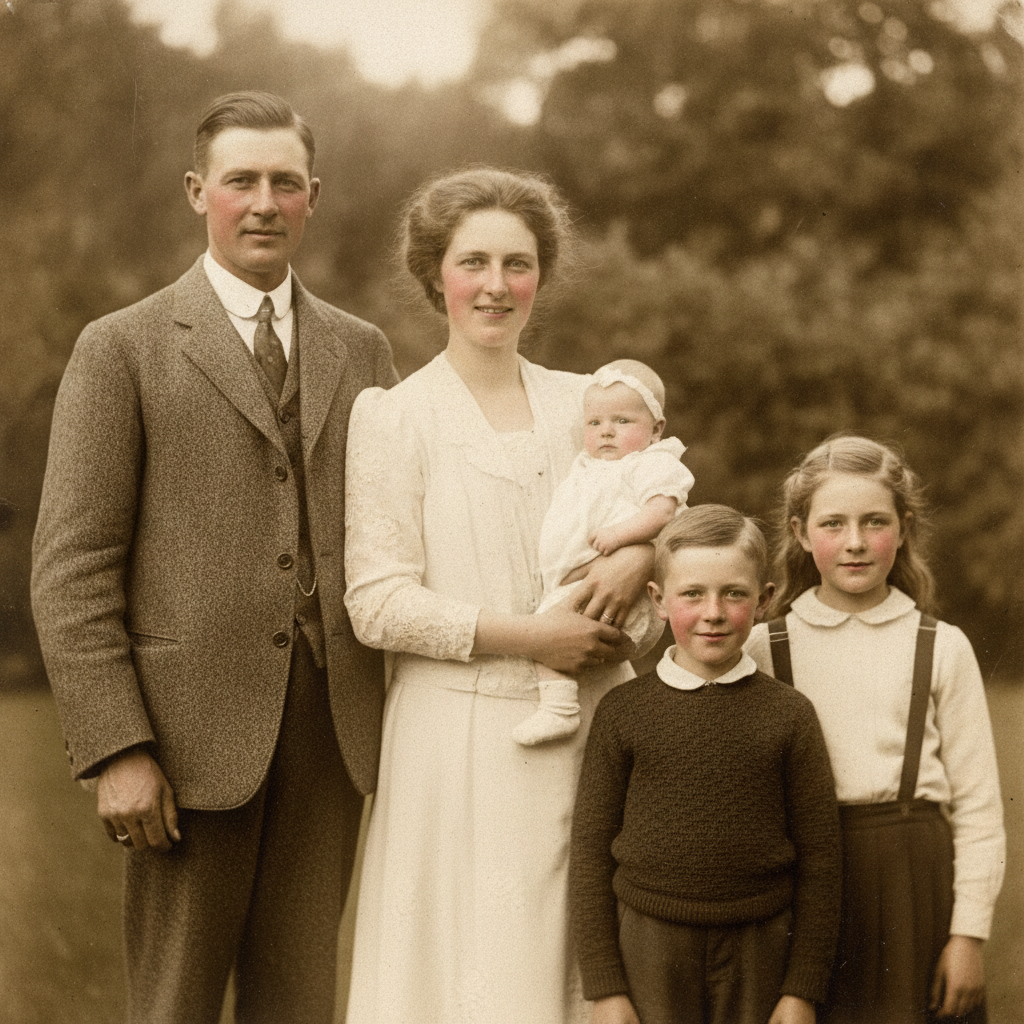
Faded Family Portrait
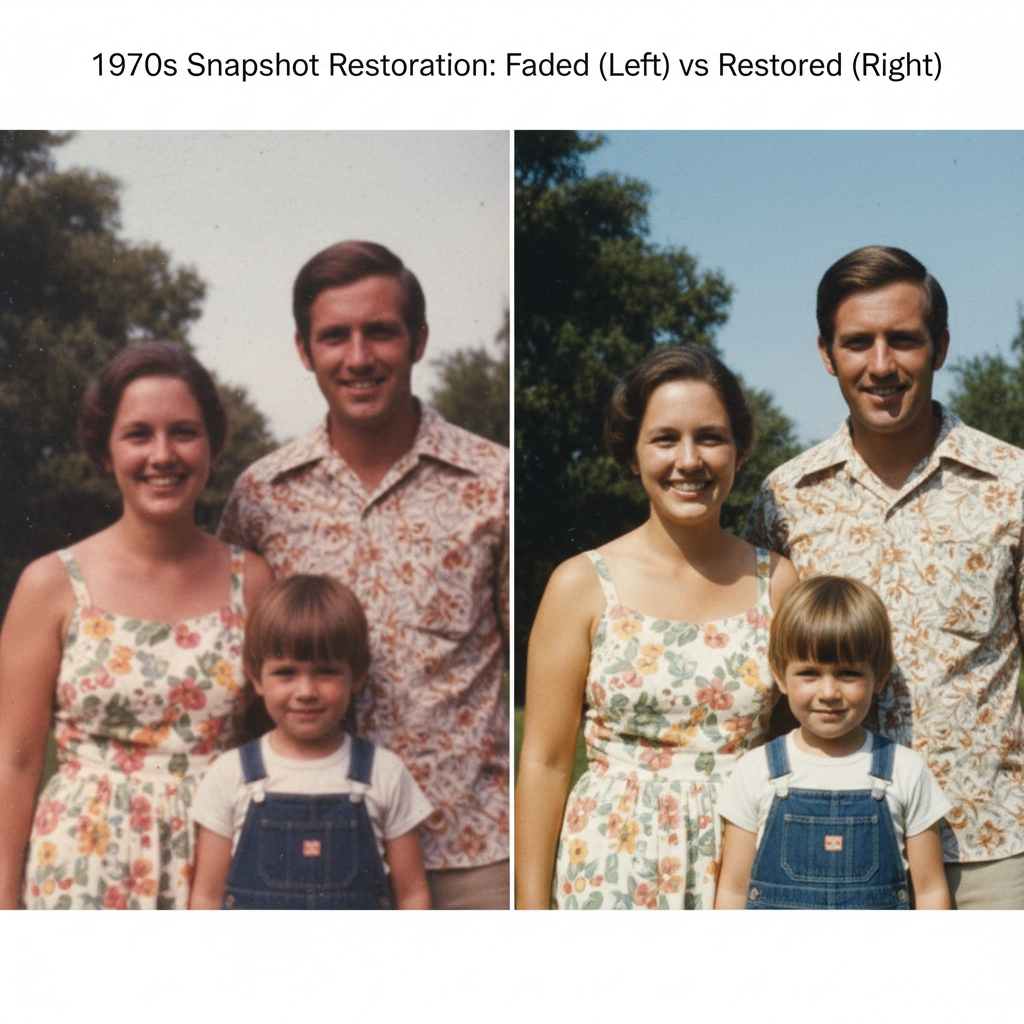
Dye Shift Corrected
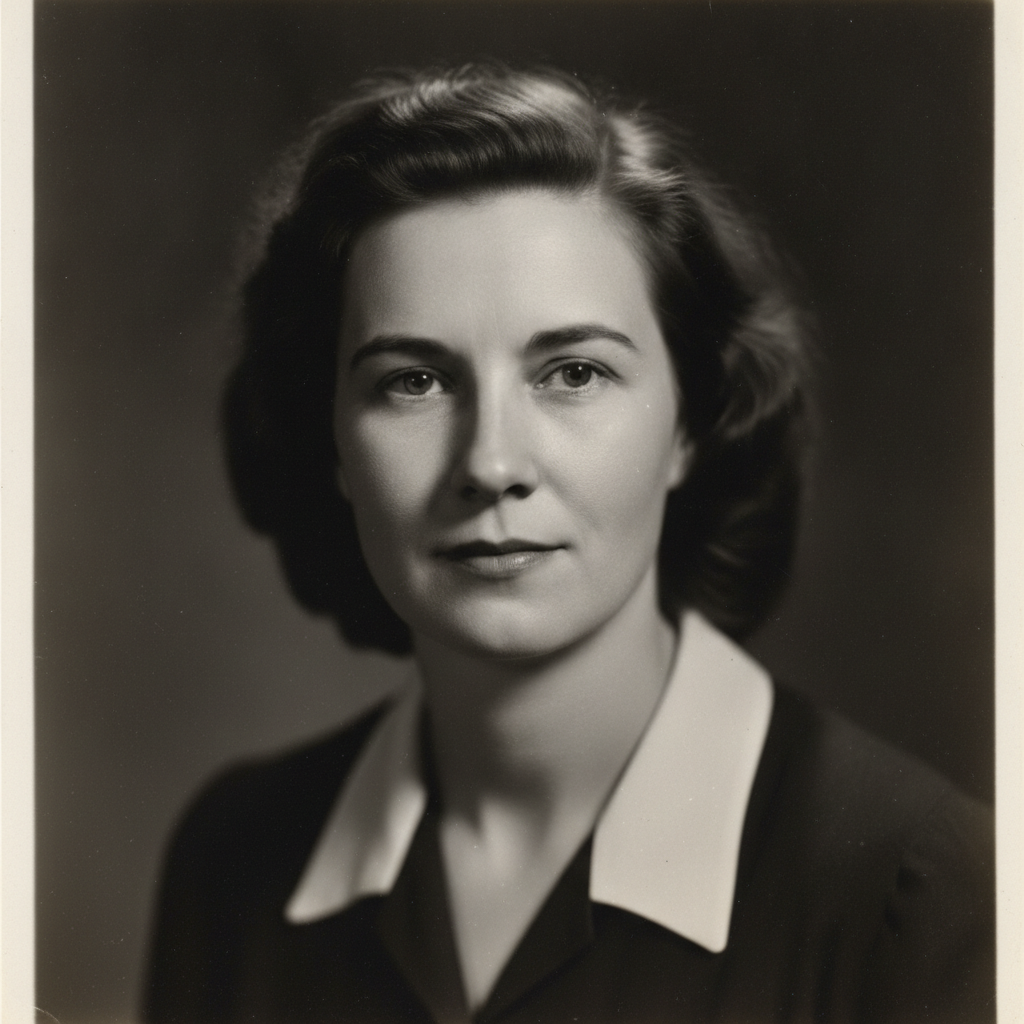
Tonal Range Rebuilt
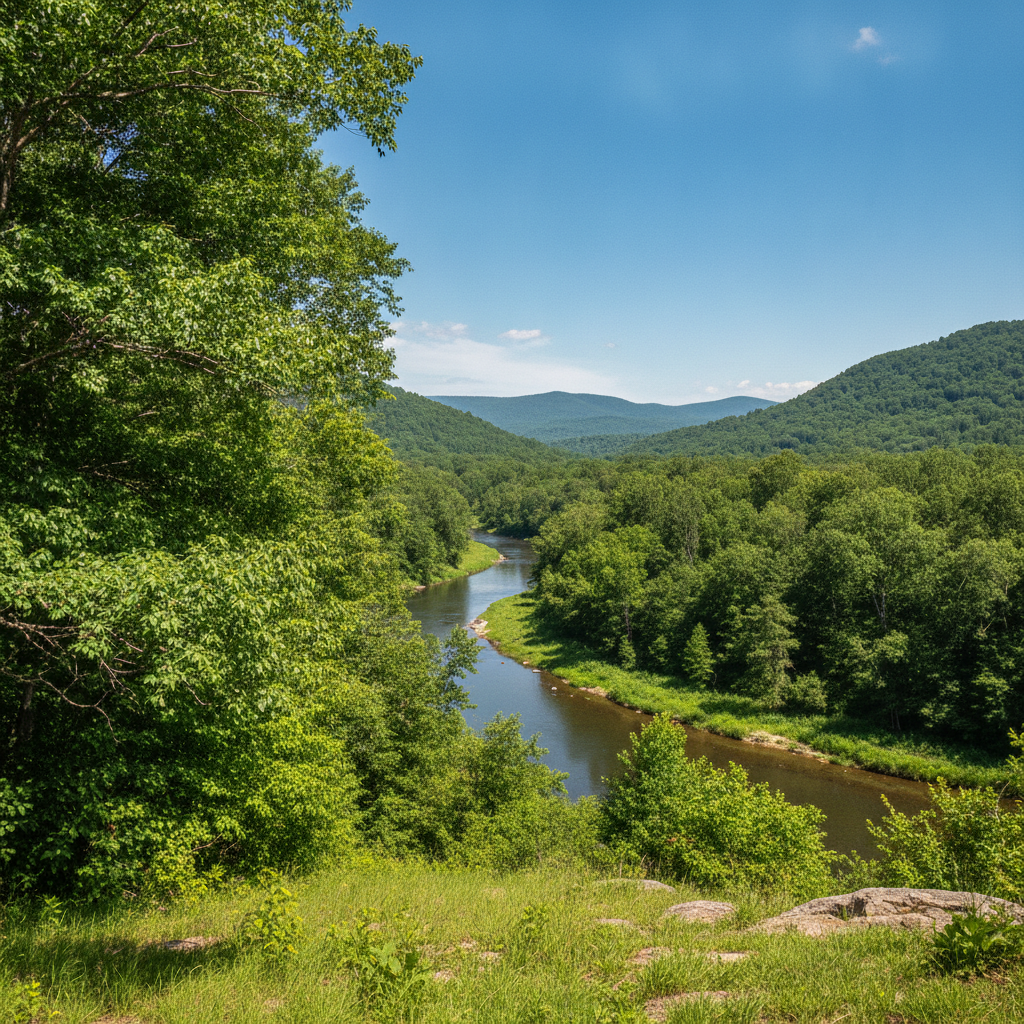
Sun Bleaching Undone
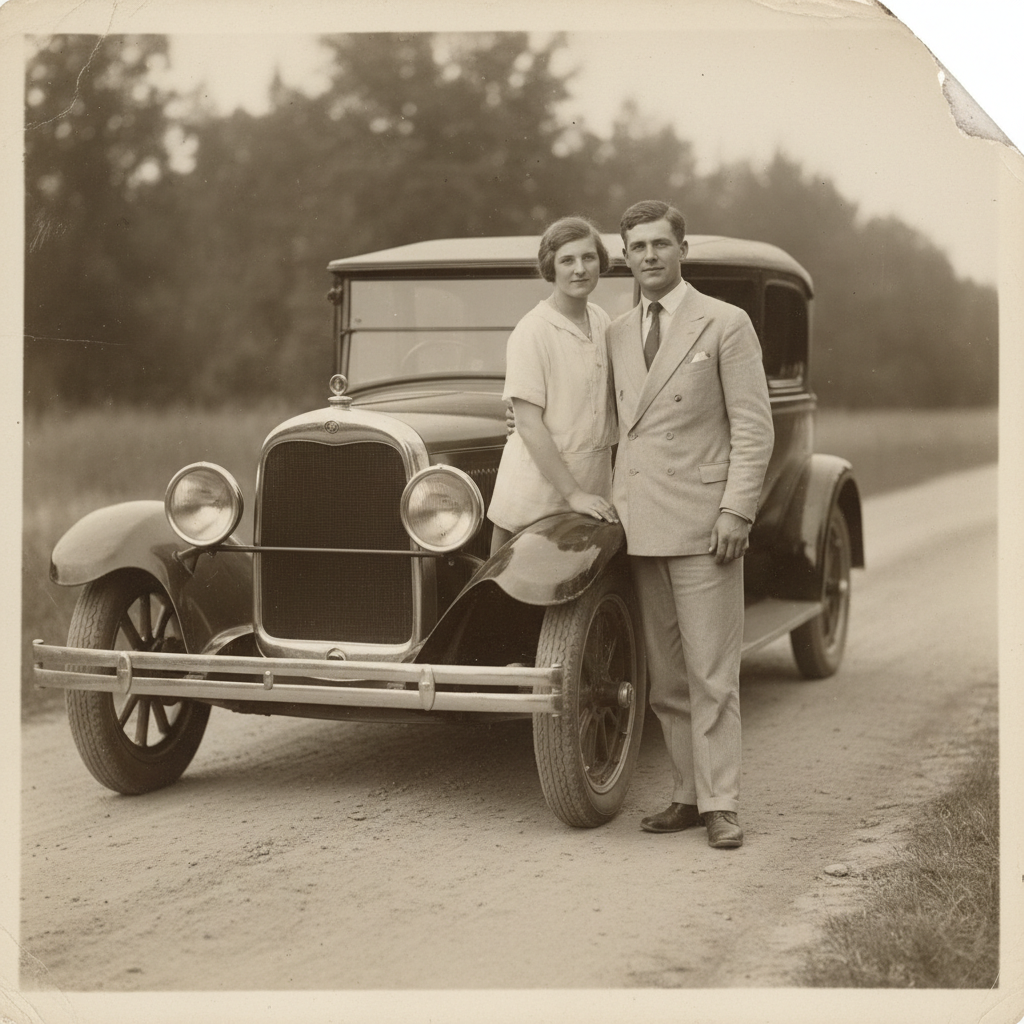
Creases & Torn Corners
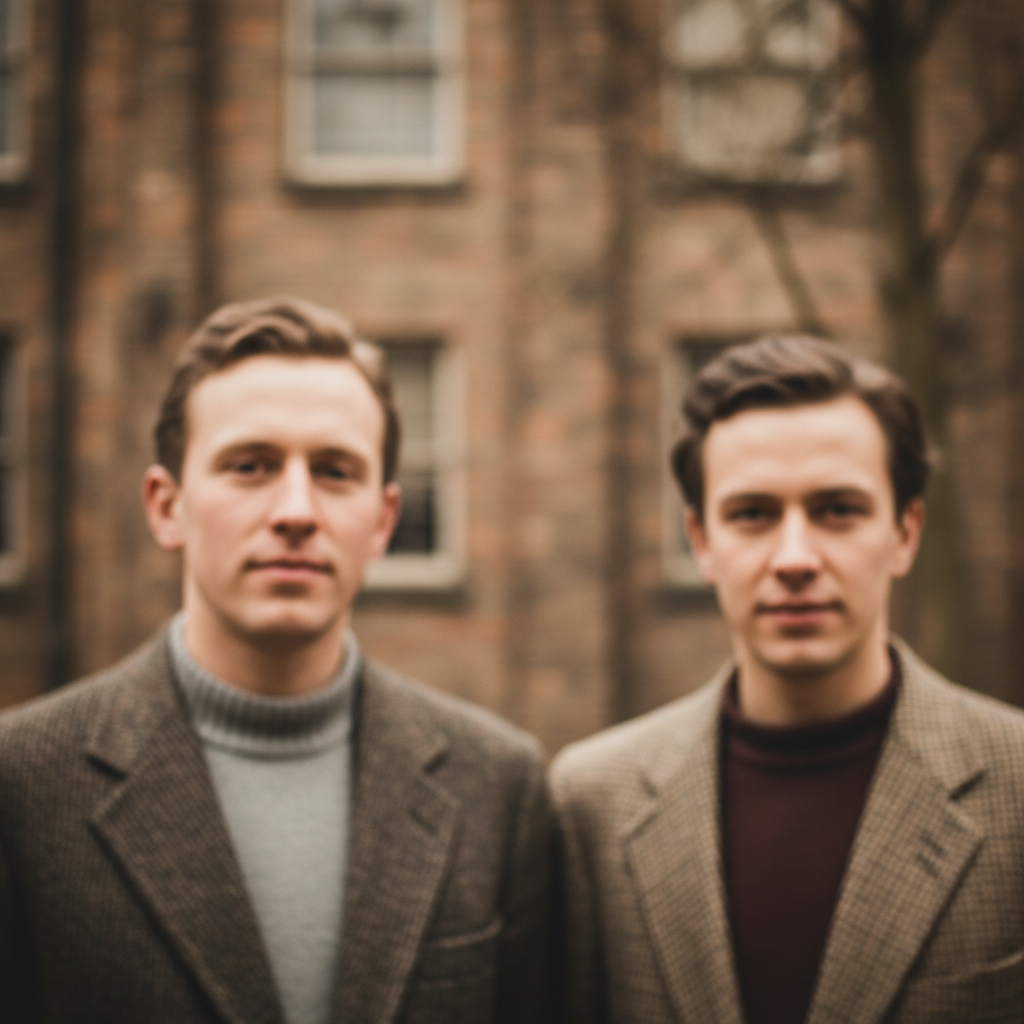
Clarity Recovered
How The AI Half-Life Photo Enhancer Works
Upload Your Faded Photo
Drop in a scan of the print — 600 DPI or higher gives the AI half-life photo enhancer the most to work with. Turn off your scanner's own auto-correction first.
Pick The Damage Type
Choose the preset that matches what went wrong: colour fade, tonal collapse, sun bleaching, physical damage, dust and scratches, or plain softness.
Download The Restored File
The enhanced photograph is returned in about fifteen seconds at 4K-class resolution as a PNG, ready to print, share or archive.
Built For Photographs That Have Already Faded
Dye-Fade Colour Recovery
Colour prints lose cyan and yellow first, which is why old photos drift orange and magenta. The enhancer models that decay curve and rebuilds the balance instead of applying a blanket auto-correct.
Tonal Range Reconstruction
Black and white prints collapse toward grey as silver oxidises. The AI photo enhancer re-establishes true blacks and clean highlights without crushing the midtones that carry facial detail.
Scratch, Dust & Crease Repair
Surface damage from handling, storage and imperfect scanning is removed in the same pass — including reconstructing torn corners and bridging creases that run across a face.
4K Detail Enhancement
Soft low-resolution scans are resolved up to 4K-class output, recovering texture in clothing, hair and background so the result survives printing and re-cropping.
Your Original Is Never Overwritten
The enhancer returns a new file and leaves your upload untouched. Keep the unmodified scan as your archival reference — good practice for any restoration workflow.
Free To Try, $2.99 To Own
Run the tool free with no account. Paid plans start at $2.99 for unlimited high-resolution runs, watermark-free downloads and commercial rights, with no subscription.
AI Half-Life Photo Enhancer FAQ
Stop The Clock On Your Photographs
Scan them once, restore them once, and the fade stops mattering. Free to try, no account needed.
Start Restoring FreeWhy An AI Half-Life Photo Enhancer Beats A Generic Filter
Photographic decay is not random, and that is the whole reason a dedicated AI photo enhancer outperforms a generic auto-correct. Chromogenic colour prints lose their cyan and yellow dye layers faster than magenta, which is why almost every colour snapshot from the 1960s through the 1980s has drifted toward the same warm pink cast. Silver gelatin black and white prints fail differently — oxidation lifts the blacks toward grey and leaves a faint metallic sheen in the darkest areas. Sun exposure produces a third pattern entirely, usually uneven, worst wherever the print sat closest to a window. A slider that raises contrast and saturation treats all three the same way. A model that has learned what each specific failure mode looks like can invert it.
That is what this tool does. You give it the scan and tell it which kind of damage you are fighting, and it reconstructs the photograph as it would have looked before the dyes started breaking down — recovering skin tones that had gone orange, skies that had gone white, and fabric texture that had flattened into a single tone. Physical damage is handled in the same pass: creases bridged, torn corners rebuilt, water staining lifted, dust and scratch speckle cleared without smoothing away the genuine grain that makes an old photograph look its age.
It is worth being honest about the limits, because a restoration tool that oversells itself is worse than one that does not. The AI half-life photo enhancer produces a plausible reconstruction, not a measurement of the original. Where a low-resolution scan has genuinely lost detail, the model generates convincing replacement detail rather than uncovering something hidden — which is exactly what you want for a framed family portrait and exactly what you do not want for forensic, legal or museum-cataloguing work. Keep the untouched scan as your archival reference, and check any small specific detail against it before relying on the enhanced version.
For everything else — the shoebox of family photographs, the memorial card, the photo book, the print that has been on a sunlit wall for thirty years — this is the fastest route from a faded print to something worth framing again. Output is 4K-class PNG, plans start at $2.99 with full commercial rights and no subscription, and you can run the tool free above without an account. If your scan is very small or very soft, pair this page with the AI image upscaling tool as a second pass, or explore the rest of the AI image tools for editing work beyond restoration.