
AI-Generated Stand-In Images
AI-generated stand-in images are placeholder art that actually fills the slot: the right subject, the exact aspect ratio your design calls for, and a consistent look across a whole set. They exist so an unfinished page can be judged honestly instead of imagined generously — because nobody has ever reviewed a grey box properly. Use the generator below to fill every empty frame in your mockup, deck or prototype in about ten seconds each, free and without an account.
Which model the generator below runs
The tool on this page runs Nano Banana, the free tier, for guests with no account — and for placeholder work that is the correct tool rather than a compromise, because stand-ins are disposable by design and paying a premium per image for something you intend to replace is a bad trade. The one limitation worth knowing up front is text inside the image: if a stand-in needs readable words on a sign, a label or a dashboard, the free tier is unreliable and Nano Banana Pro on the Create page is not. Everything else — banners, thumbnails, product slots, textures, abstract fills — the free tier handles well enough that spending more on it would be waste.
Try It Now — Free
Six presets covering the slots that go empty most often in a real layout. Pick the one that matches your slot, add your subject if you have one in mind, and generate — no account, no install, about ten seconds.
Stand-In Image Generator
Pick the kind of slot you need to fill, optionally describe the subject, and get placeholder art back in seconds. Free to try, no signup.
AI Stand-Ins vs Grey Boxes and Stock Comps
Nine dimensions where generated placeholder art differs from the traditional options — including the three where the old approach is still the right answer.
| Dimension | Grey Box / Stock Comp | AI-Generated Stand-In |
|---|---|---|
| Time to fill an empty slot | Instant for a grey box, an hour hunting stock | Around ten seconds, from a preset or a sentence |
| Cost per placeholder | Grey boxes are free; comp licences add up fast | One credit, with free trial credits to start |
| Subject matches the actual brief | Random photo services give you what they have | You describe the subject, so it suits the page |
| Exact aspect ratio for the slot | Crop a stock frame and hope the crop works | Generated at the ratio the design actually uses |
| Consistency across a set of six | Six stock photos rarely share a palette | Reuse the prompt scaffold, vary only the subject |
| Risk of shipping the placeholder | A grey box can never escape into production | Convincing enough to slip through — needs a list |
| Legible words inside the image | A photo of a sign contains a real, readable sign | Free tier is unreliable on text; the Pro tier is not |
| Right to keep it if it turns out good | Comp licences forbid it — buy the real file | Commercial rights included, so you can keep it |
| Debugging pure CSS with no content | A solid coloured div is the fastest thing there is | Overkill — you do not need a picture for that |
Credit costs are per generated image and current at the time of writing. The honest summary of this table is that generated placeholders win on relevance, ratio and consistency, and lose on cost, safety and in-image text — so use them where a review depends on the picture and keep the grey box where it does not.
Six Stand-In Images, One Visual System
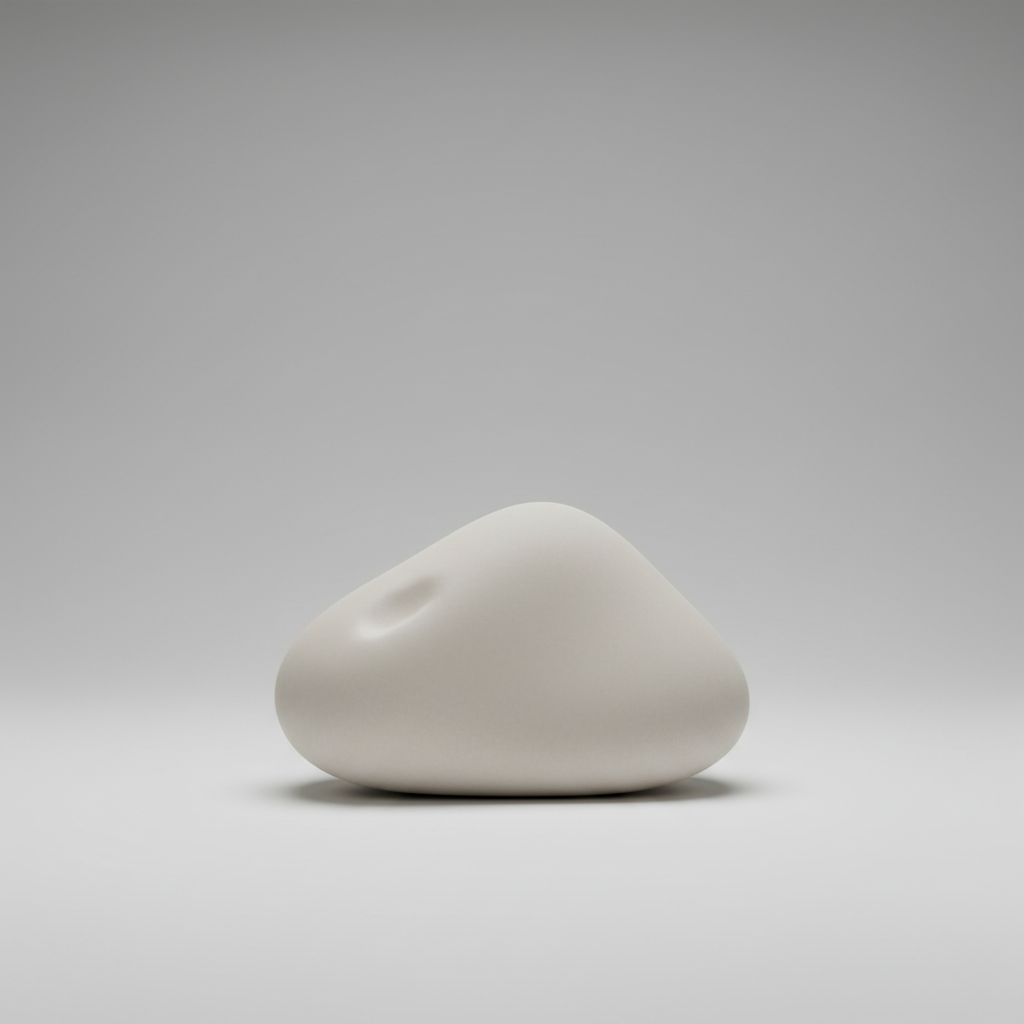
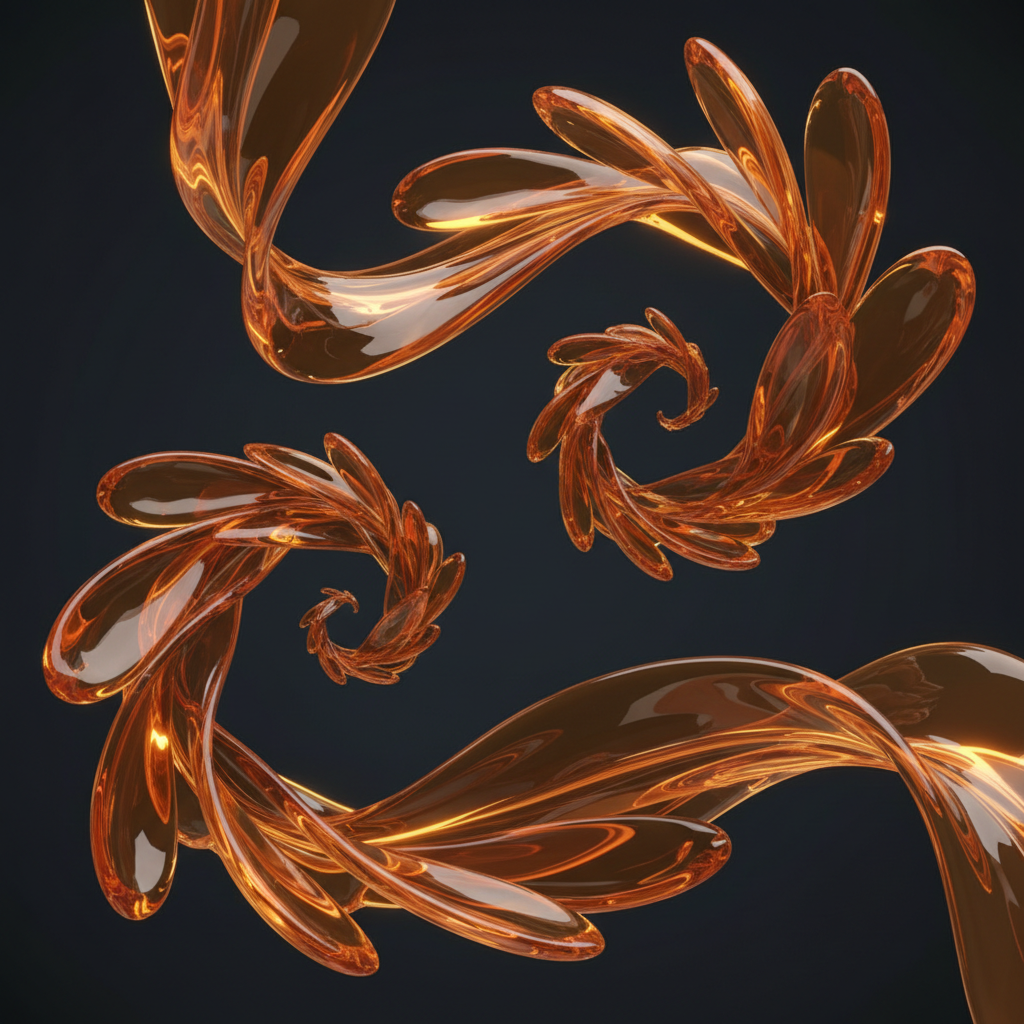
Every frame below came from the same model that powers the generator above, built from one shared prompt scaffold with only the subject changed. That is what makes a set of placeholders read as a design rather than as six unrelated pictures.




What AI-Generated Stand-In Images Are Actually For
Six rules that decide whether a set of placeholders helps your review or quietly derails it.
A stand-in fills a slot, not a brief
The job of a stand-in image is to make an unfinished layout reviewable. It is not a draft of the final artwork and it does not have to be beautiful — it has to be the right shape, the right weight and roughly the right subject, so that everything around it behaves the way it will on launch day. Judge a placeholder by what it reveals about the page, not by how much you like the picture.
The aspect ratio is the whole point
Generate at the ratio the slot actually uses. A square placeholder in a 16:9 container hides the exact problem the stand-in exists to surface: subjects that sit comfortably in one crop and get decapitated in another. If a design reuses one subject at three ratios, generate it three times rather than trusting object-fit to work it out, because that mismatch is what breaks when the real photograph finally arrives.
One scaffold, six siblings
Write the palette, the lighting and the medium once, then carry those clauses verbatim through every image in the set and change only the noun. Placeholders generated from six unrelated descriptions look individually fine and collectively look like a ransom note, and in a page mockup that inconsistency is the first thing a reviewer notices — which means they are reviewing your prompts instead of your layout.
Reviewers judge what they can see
Nobody reviews a grey box honestly. People imagine generously, approve the imagined version, and then reopen the whole discussion when the real image lands and the headline is unreadable over it. Filling the slot with something plausible moves that argument forward by three weeks. This is the single strongest argument for AI-generated stand-in images and it has nothing to do with the images being good.
Words in the frame are the weak spot
If your placeholder needs readable text in it — a shopfront sign, a dashboard label, a name on packaging — the free tier will fight you, because in-image text is where model generations differ most. Either accept an unlabelled stand-in and add real type in Figma afterwards, which is what most designers do anyway, or move that one image to Nano Banana Pro on the Create page where legible strings are reliable.
Label them or lose track of them
The old safety net is gone. A grey box announced itself as temporary; a convincing photograph does not, and placeholders now escape into production regularly because nothing about them looks wrong. Name the files as placeholders, keep them in their own folder, and maintain a list of slots still awaiting real artwork. Keep a stand-in on purpose or replace it on purpose — just never find out after launch that you did neither.
Where a stand-in is the wrong thing to reach for
Never use a generated stand-in where a viewer could reasonably read the picture as evidence. A placeholder of a product you actually sell does not belong in a live listing, because customers treat product photography as a factual claim rather than an illustration. The same goes for a plausible photograph of a real person, a real building or a real event presented as documentation, and for regulated contexts — medical, financial, safety — where an illustrative image carries implied promises. In news and editorial work a synthetic image that reaches publication unlabelled is a correction waiting to happen. And if you are only debugging CSS with no reviewer in sight, a coloured div is faster and free, so skip the generator entirely and save yourself the step.
How to Generate a Usable Set of Stand-In Images
Start from the slot, not the picture
Open the design and write down what each empty slot needs: the aspect ratio, the rough subject, and whether anything will sit on top of it. That list is your brief. Doing it first is what separates a useful set of stand-in images from a folder of pleasant pictures that do not fit anything, and it usually takes about two minutes for a whole page.
Generate the set from one scaffold
Pick the preset closest to the slot — each carries a written prompt to the model — and add your subject in the custom field if you want something specific. Then reuse that same wording for the siblings, changing only the subject. Consistency across the set matters more than the quality of any single frame, because the set is what gets reviewed together.
Drop them in and log what is still fake
Put each image in its real container at its real size and look at the page as a whole — that is when crop problems, contrast problems and text-over-image problems become visible, which is the entire return on the exercise. Then write down every slot that still needs real artwork, because the images are convincing enough that memory is not a reliable tracking system.
Who Gets the Most From AI-Generated Stand-In Images
Four situations where filling the empty slot is worth ten seconds and one credit, and what each one should watch out for.
Developers building ahead of the content
The copy is late, the photography is not commissioned, and the sprint is now. Stand-in images let you build and demo the real component with real images in real containers rather than shipping a grid of grey rectangles to staging and calling it done. The images are disposable and the layout knowledge you get from them is not, which is a good trade at one credit each.
Designers presenting layouts to clients
A client cannot approve a wireframe full of crosses, and the meeting drifts into imagining. Filling those slots with AI-generated stand-in images keeps the conversation on structure and hierarchy — provided you say clearly, on the slide, which pictures are placeholders. Flag them up front and nobody falls in love with an image that was never going to be reproducible.
Marketers drafting decks and campaign mockups
Pitch decks, ad concept boards and landing page mockups all need visuals before anything is signed off, and a watermarked stock comp makes a deck look provisional in a way that undercuts the argument. Generating placeholder art at the exact dimensions of each frame takes minutes and makes the concept legible, which is what the deck is for.
Writers filling article slots in a CMS draft
An editorial draft with empty featured-image slots reads as unfinished even when the writing is done, and editors review structure better when the page looks like a page. A stand-in thumbnail at the right ratio lets the draft be judged as published output. Replace it before publication unless it is genuinely decorative — and decide that consciously rather than by omission.
A simple rule for how much effort a placeholder deserves
Spend effort on a stand-in in proportion to who will see it. A placeholder that lives on your own machine for an afternoon deserves the first thing the model returns — do not iterate on an image you are deleting. A placeholder going into a client presentation deserves one shared prompt scaffold across the set so the deck holds together. A placeholder that might survive into production is no longer a placeholder at all: treat it as final artwork, generate it properly, check the rights, and take it off the replacement list on purpose. Most wasted time in placeholder work comes from polishing images in the first category and rushing the ones in the third.
Related Reading
Once a stand-in stops being temporary, you are doing a different job. The AI image generator page covers producing artwork you intend to keep, and the breakdown of text-to-image generation explains which clause of a prompt controls what, which is the fastest way to make a set of placeholders consistent. For the two slots that go empty most often there are dedicated pages on background generation and abstract art, and if your placeholders are headed for a deck or a campaign board, the business graphics generator is aimed squarely at that.
AI-Generated Stand-In Images — Common Questions
A stand-in image is a picture that occupies the slot where the real picture will eventually go. Designers have called them comps or placeholders for decades, and until recently they were grey boxes with a cross through them, a solid colour block, or a watermarked stock photo nobody had licensed yet. AI-generated stand-in images are the same idea with the box filled in: instead of a grey rectangle labelled "hero image, 1600x900", you generate an actual 1600x900 picture of roughly the right subject, in roughly the right mood, at exactly the right aspect ratio. The point is not that the image is finished. The point is that the layout around it can now be judged honestly, because a grey box tells you nothing about whether your headline survives being placed over a busy photograph.
Fill Every Empty Slot in Your Mockup
Free trial credits, no credit card, no signup wall. Generate the set, drop it into the real layout, and find out what your design does when the boxes are not grey.
Generate a Stand-In FreeUnderstanding AI-Generated Stand-In Images
A stand-in image is the picture that holds a slot open until the real one arrives, and designers have used them under other names — comps, placeholders, greeking, FPO artwork — for as long as layouts have been drawn before photography was commissioned. What changed is what goes in the slot. For decades the options were a grey rectangle with a cross through it, a solid colour block, or a watermarked stock photograph nobody had licensed, and all three shared the same weakness: they told a reviewer almost nothing about how the finished page would behave. AI-generated stand-in images close that gap by producing a picture of roughly the right subject at exactly the right dimensions, in about the time it takes to describe the slot.
The argument for them is not that the images are good. It is that a layout with real pictures in it can be reviewed and a layout full of grey boxes can only be imagined, and people imagine generously. Approval on an imagined page is approval that gets withdrawn later, usually at the moment the actual photograph lands and the headline turns out to be unreadable over it. Placeholder art at the correct aspect ratio surfaces those problems while they are still cheap to fix: crops that behead the subject, contrast that swallows the overlay text, a card grid that looks balanced empty and lopsided full. Three things make the difference between a set that helps and a set that distracts — generate at the ratio the slot actually uses, keep one shared prompt scaffold across the whole set so the palette and lighting match, and change only the subject between siblings. Digital placeholders built that way read as one system, which keeps the conversation on your layout rather than on your pictures.
The risk is worth stating as plainly as the benefit. A grey box announced itself as temporary and could never escape into production unnoticed; a convincing photograph can, and does. That is the one genuine regression in replacing traditional placeholders with generated ones, and it is handled by process rather than by restraint: name placeholder files as placeholders, keep them in their own folder, and maintain a list of every slot still waiting on real artwork so that keeping a temporary image is always a decision rather than an oversight. In client work, say on the slide which images are stand-ins. And keep synthetic images well away from any context where a viewer would read them as evidence — live product listings, real named people, regulated or editorial claims — because a placeholder that reaches publication unlabelled is a correction waiting to happen.
For the practical side, the generator on this page runs the free Nano Banana tier without an account, which suits temporary images precisely because most of them get thrown away — there is no sense paying a premium per frame for art you plan to replace. The six presets cover the slots that go empty most often in real projects: hero banners, article thumbnails, product cards, avatar tiles, background textures and interface mocks, each written to leave clean space where your own type will sit. The one limitation to know in advance is words inside the picture, where the free tier is unreliable and Nano Banana Pro is not, so either plan to add real type in your design tool afterwards, which most designers do anyway, or promote that single image to the Pro tier. Everything runs in the browser with nothing to install, output reaches 4K on paid plans starting at $2.99, and commercial rights are included — so on the rare occasion a stand-in turns out better than the picture it was holding a place for, you are free to keep it.