
Text-to-Image vs Image-to-Image AI
Which Method Fits Your Work?
Text-to-image vs image-to-image AI explained and compared head-to-head. Text-to-image AI creates a brand-new picture from a written prompt with no source photo, while image-to-image AI transforms a photo or sketch you upload — retouching, restyling, and enhancing while keeping the original composition. This AI image generation comparison helps digital artists, content creators, and tech enthusiasts pick the right method for every project. Try both free below and see the difference between generating and transforming in fifteen seconds.
Try Text-to-Image AI — Free
Pick a preset or describe any scene and watch text-to-image AI generate a 4K image from nothing but words — then compare it with the image-to-image transformations in the gallery below
Text-to-Image AI Generator
Describe any scene and text-to-image AI creates a brand-new 4K picture from your words — no source photo needed
Text-to-Image vs Image-to-Image AI in Action
Six examples showing when to generate a new image and when to transform an existing one
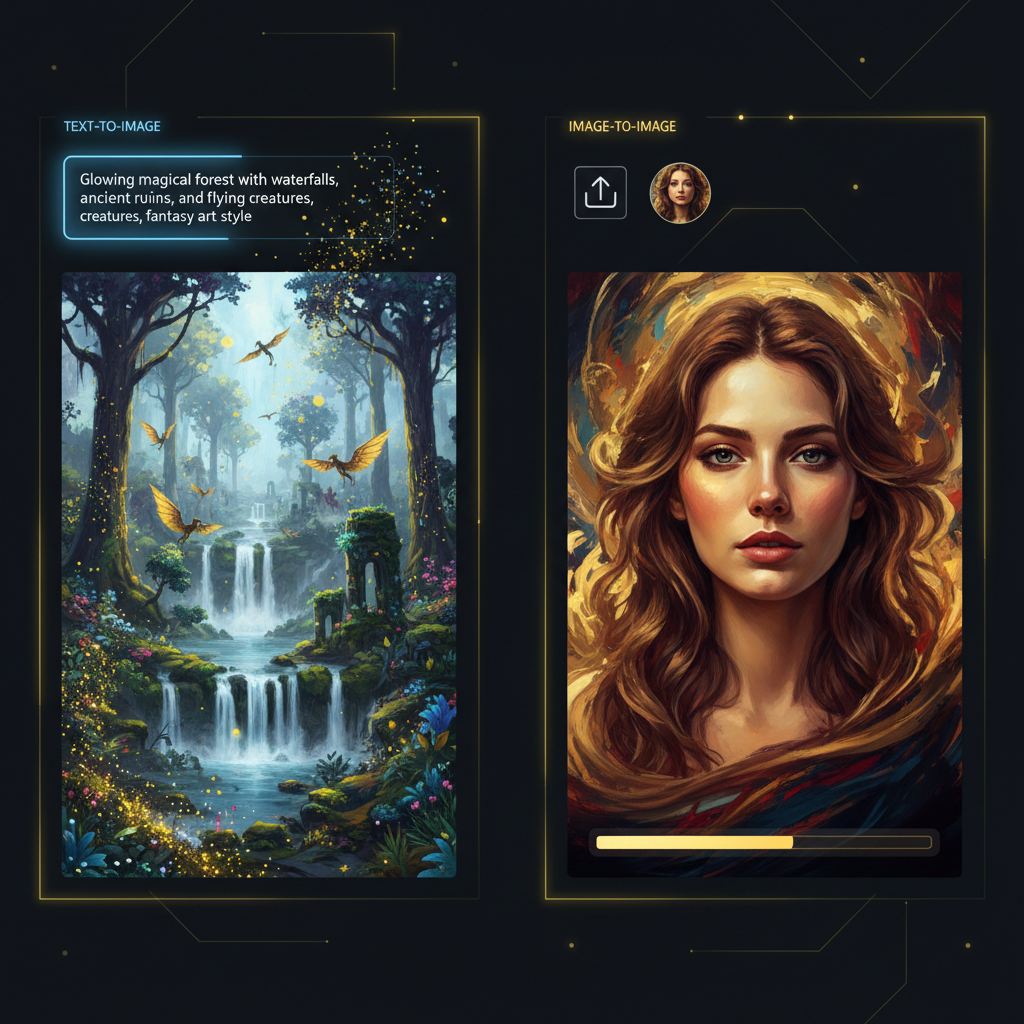
The Two AI Methods
Generate vs transform
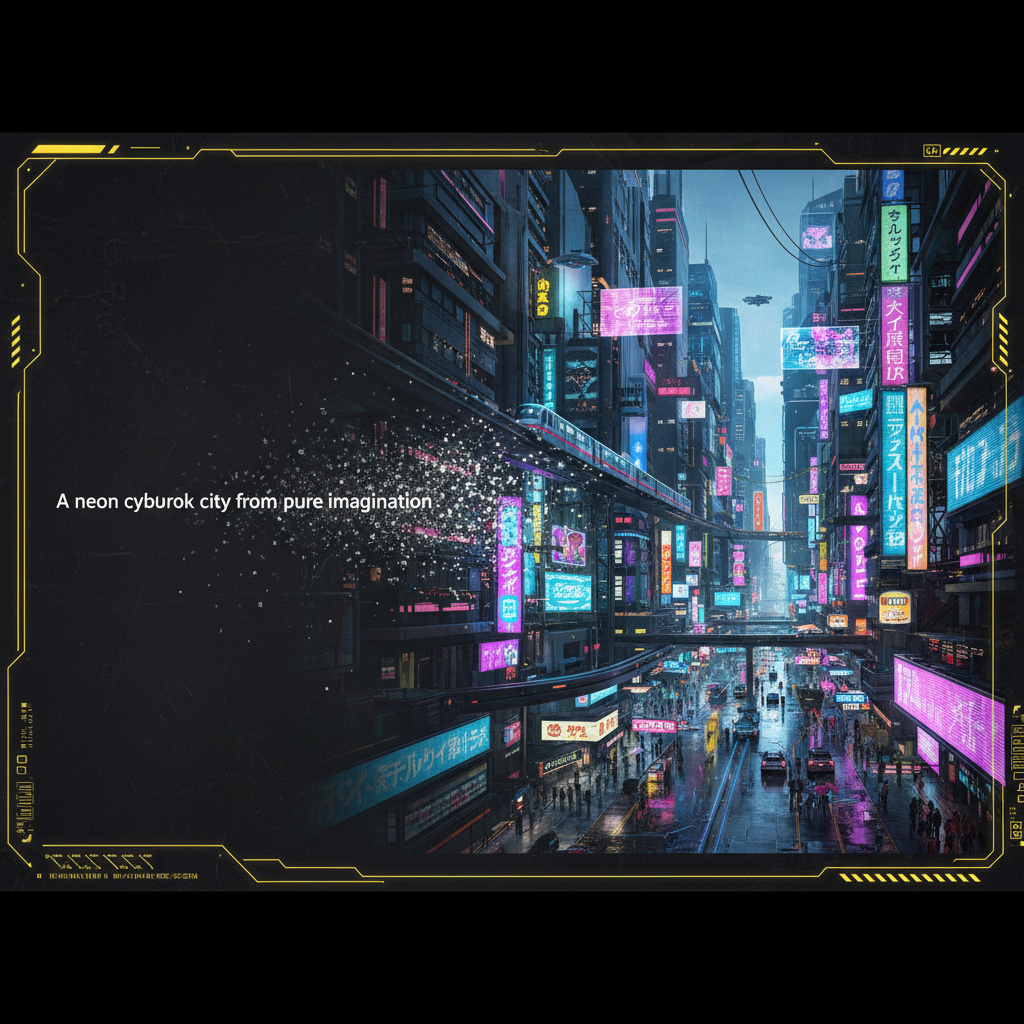
Text-to-Image Generation
From words to a new image
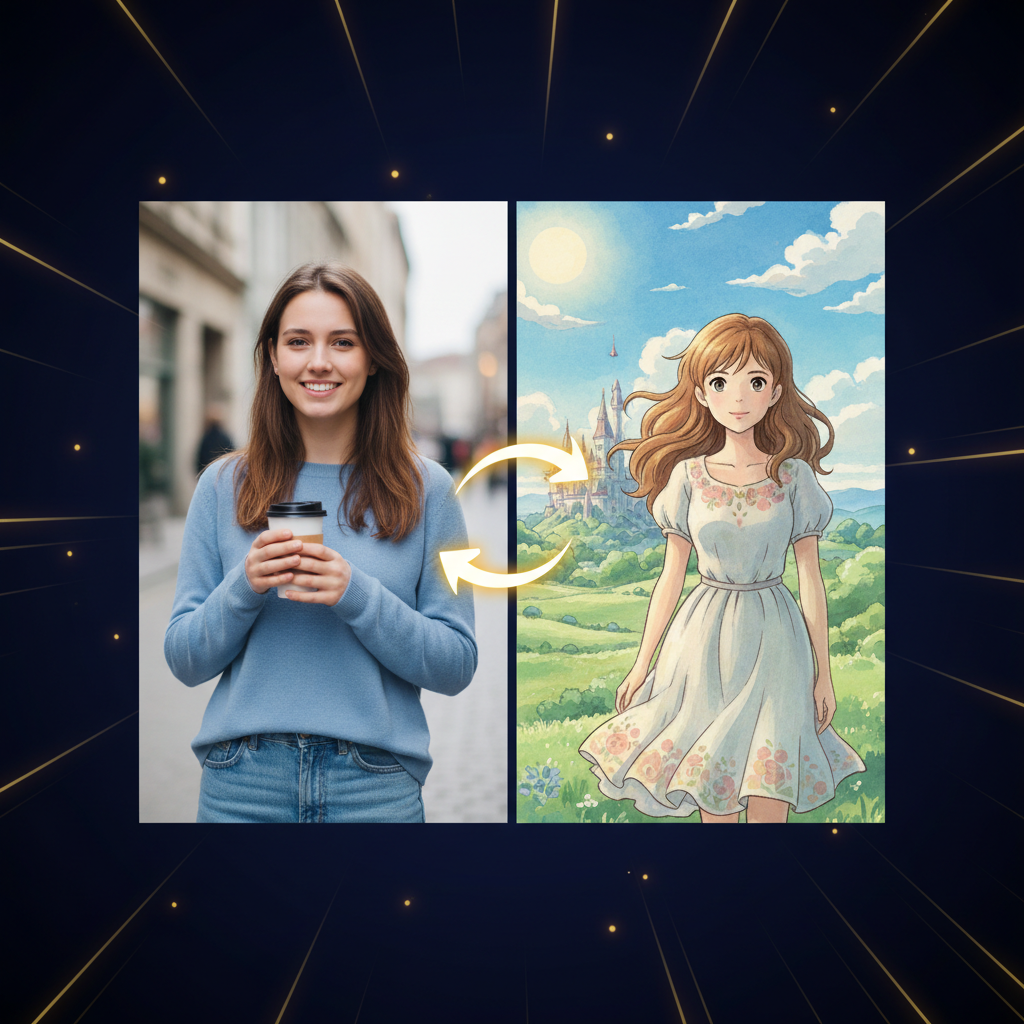
Image-to-Image Transform
From a photo to a new style
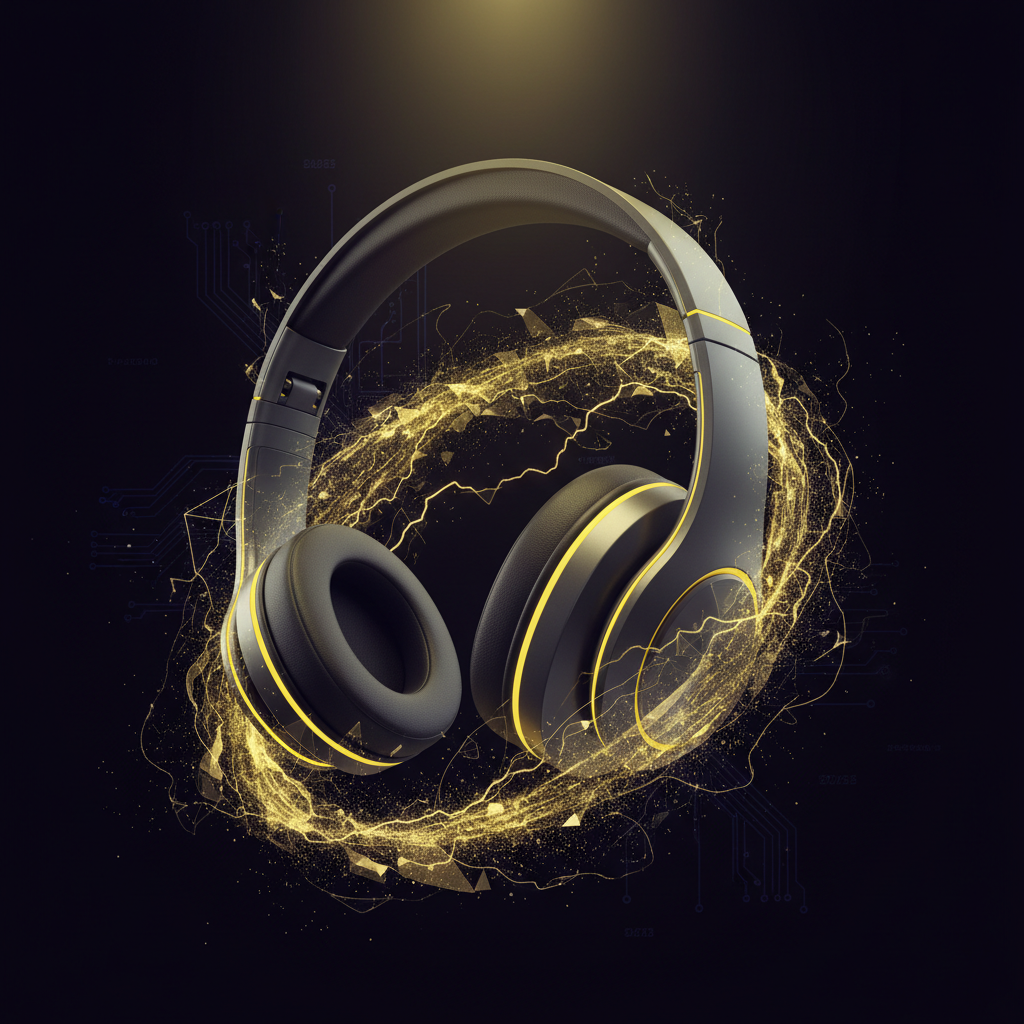
Text-to-Image Product Shot
Invent visuals from nothing
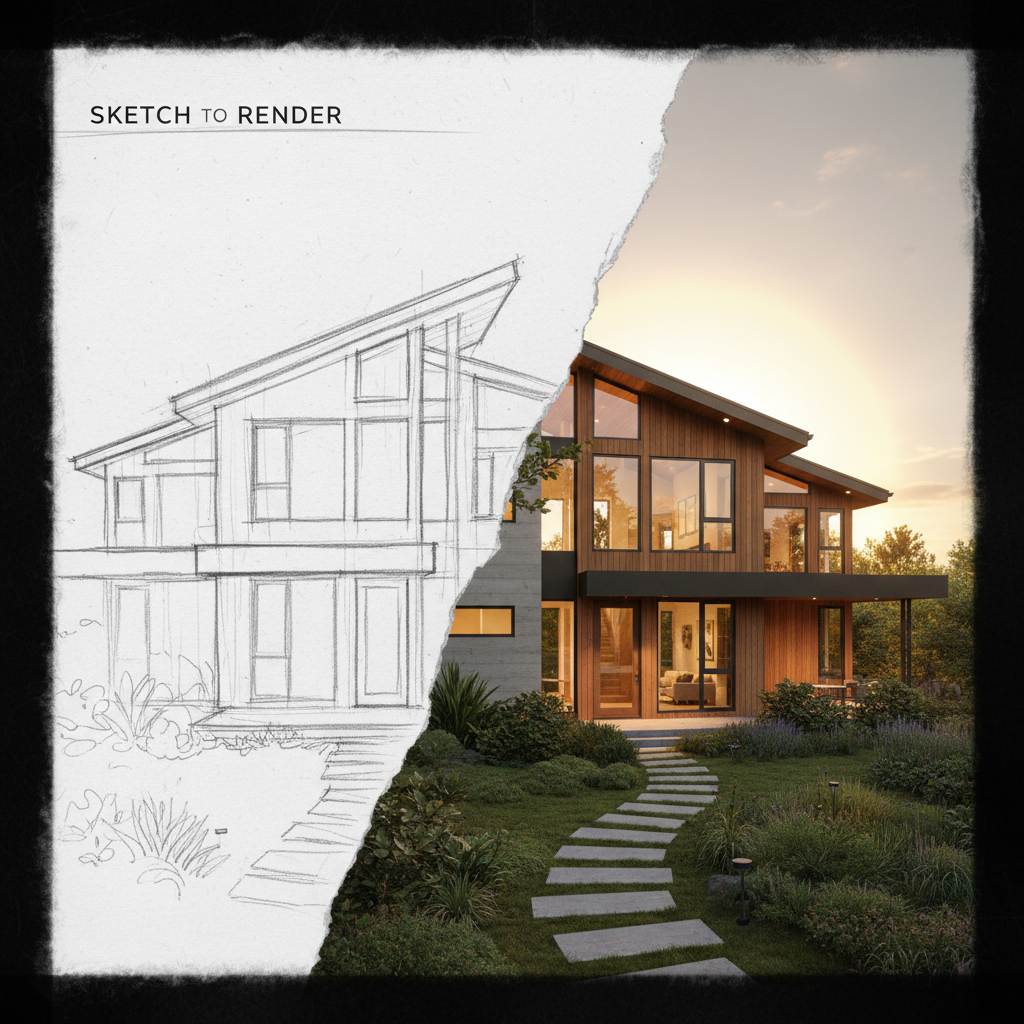
Sketch-to-Render
Image-to-image refinement
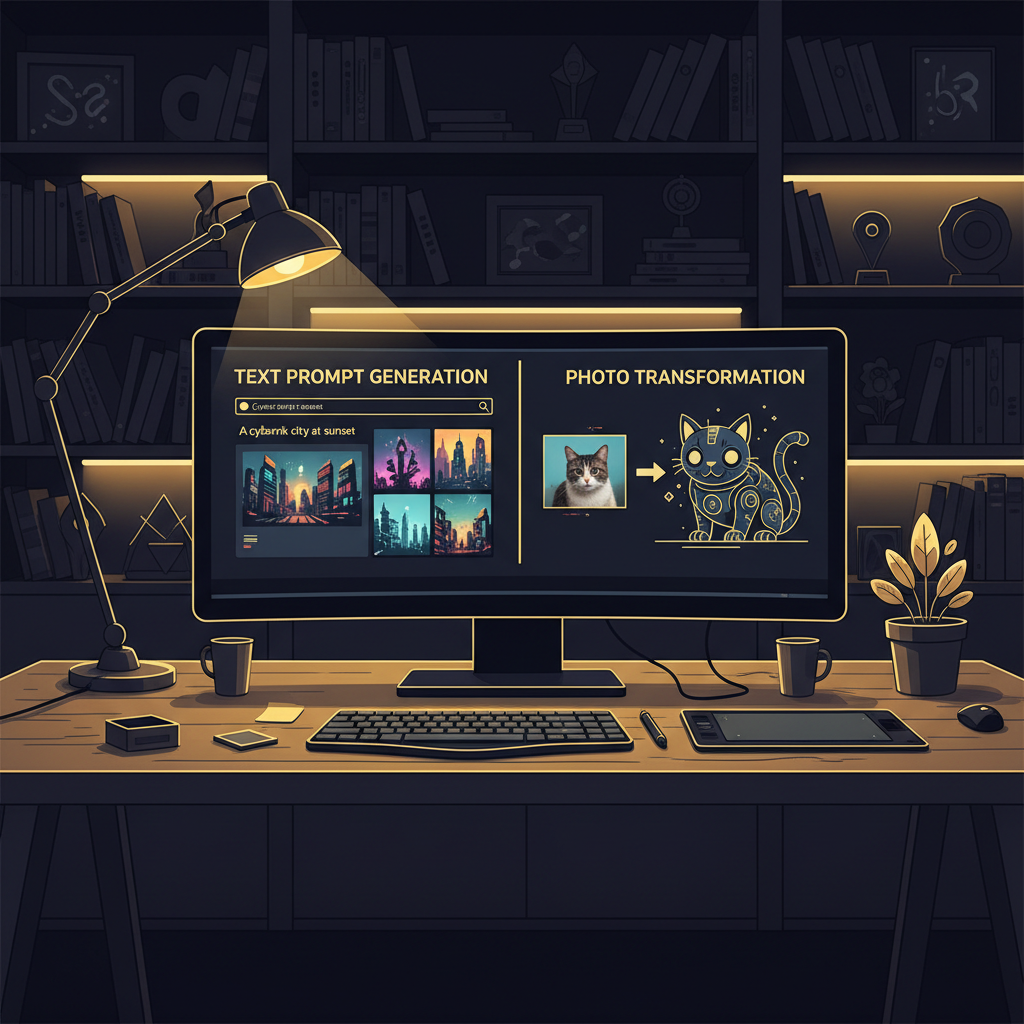
Both in One Workflow
Generate, then refine
Text-to-Image vs Image-to-Image AI — Full Comparison
The clear breakdown of how the two AI image generation methods differ and when each one wins
| Feature | Text-to-Image AI | Image-to-Image AI |
|---|---|---|
| Starting point | A written prompt — nothing else | An uploaded photo or sketch |
| What it does | Creates a brand-new image | Transforms an existing image |
| Best for original concepts | Ideal — invents from scratch | Needs a source to start |
| Best for editing a real photo | Cannot use your photo | Ideal — keeps composition |
| Creative freedom | Total — subject, style, scene | Bounded by the source image |
| Composition consistency | Reinvents each generation | Preserves pose, face, layout |
| Style transfer | Style from the prompt | Restyle your own photo |
| Ease of use | Type an idea, generate | Upload, describe, generate |
| Output quality | Up to 4K, prompt-driven | Up to 4K, source-driven |
| Typical use cases | Concept art, logos, mockups | Retouch, background swap, render |
Choose Text-to-Image AI For
- • Original concept art and illustrations
- • Ideas with no source photo to start from
- • Product mockups and marketing visuals
- • Logos, social graphics, and fantasy scenes
- • Total creative freedom over subject and style
- • Generating many fresh variations fast
Choose Image-to-Image AI For
- • Editing and restyling a real photo
- • Portrait retouching and background swaps
- • Style transfer — photo to anime or oil paint
- • Sketch-to-render and concept refinement
- • Keeping pose, face, and layout consistent
- • 4K enhancement and photo cleanup
How the Two AI Image Methods Work
Three steps to generate from words — and how image-to-image adds just one more
Pick Your Method
Decide what you need in the text-to-image vs image-to-image AI comparison. If you are inventing something new, use text-to-image — just type a prompt. If you want to edit a real photo, switch to image-to-image and upload it first. Both live in the same tool, so you can move between generating and transforming without leaving the page.
Describe and Generate
For text-to-image, tap a preset or write your own scene and click generate — the AI builds a brand-new 4K image from your words in about fifteen seconds. For image-to-image, describe the change you want applied to your uploaded photo. Iterate live: tweak the prompt, swap the style, and compare both AI image methods side by side.
Download & Combine
Download your 4K result and use it anywhere — social posts, product listings, presentations, ads, or print. For the most control, combine both methods: generate a base with text-to-image, then refine it with image-to-image. No layers, masks, install, or Adobe subscription required at any step.
Why Both AI Image Methods Belong in Your Toolkit
Six things digital artists and content creators should know about text-to-image vs image-to-image AI
Text-to-Image AI — Create From Nothing but Words
Text-to-image AI is the pure creation method: you type a description and the model generates a brand-new picture pixel by pixel, with no source photo required. In the text-to-image vs image-to-image AI comparison, this is the side to reach for when the image in your head does not exist yet — concept art, marketing illustrations, product mockups, fantasy scenes, or social media graphics. If you can describe it in a sentence, text-to-image can build it, giving you total freedom over subject, style, and composition.
Image-to-Image AI — Transform What You Already Have
Image-to-image AI starts from a photo, sketch, or design you upload and transforms it while preserving the original composition. In the text-to-image vs image-to-image AI comparison, this is the editing side — portrait retouching, background swaps, style transfer, sketch-to-render, and 4K enhancement. Because image-to-image keeps faces, poses, and layouts consistent, it is the right AI image method whenever the source picture matters and you want to change it rather than start over.
Same Model, Two Ways to Work
Both text-to-image and image-to-image run on the same Nano Banana Pro engine and output up to 4K, so quality is comparable — the methods simply serve different goals. Text-to-image quality scales with how detailed your prompt is, since the model invents everything. Image-to-image quality depends on your source image plus your prompt, because it works from real pixels. Understanding this difference is the heart of the text-to-image vs image-to-image AI decision: choose by whether you are inventing a scene or editing one.
Combine Both in a Single Workflow
The most powerful approach in the text-to-image vs image-to-image AI comparison is not choosing one — it is combining them. Generate a base image with text-to-image, then feed it into image-to-image to refine the background, adjust the style, or enhance detail. Or start with a real photo, transform it with image-to-image, then spin off matching variations with text-to-image. Text-to-image invents and image-to-image refines, and moving fluidly between the two gives you the most control over the final result.
No Layers, No Masks, No Learning Curve
Both AI image methods replace complex editing software with a simple prompt box. Text-to-image needs only an idea; image-to-image adds one step — upload a photo, then describe the change. Neither requires layers, masks, selections, or months of training. In the text-to-image vs image-to-image AI comparison, ease of use is a tie, and both are beginner-friendly enough to master in minutes, so you can switch between generating and editing depending on the task without ever touching Photoshop.
Free to Try Both — 4K in Seconds
You do not have to guess which method fits your project — try both on this page for free, with no account, install, or credit card. Text-to-image and image-to-image both return a 4K result in about fifteen seconds, so you can generate a scene from a prompt, transform an uploaded photo, and compare the two AI image methods hands-on. Free usage is protected with per-IP rate limits, not a login wall, and unlimited generations unlock from just $2.99.
Text-to-Image vs Image-to-Image AI — FAQ
Everything you need to know about the text-to-image vs image-to-image AI comparison
Verdict: Text-to-Image to Create, Image-to-Image to Transform
The text-to-image vs image-to-image AI comparison has a simple answer — use text-to-image when you are inventing a new image from nothing, and image-to-image when you are editing or restyling a photo you already have. The smartest workflow uses both. Try each free on this page, see the difference in fifteen seconds, and pick the right method for every project.
Try Both AI Methods FreeText-to-Image vs Image-to-Image AI — The Complete Guide
The text-to-image vs image-to-image AI question is one of the first things every new creator runs into, because the two methods look similar but solve very different problems. Text-to-image AI is pure creation: you type a written prompt and the model generates a brand-new picture pixel by pixel, with no source photo required at all. Image-to-image AI is transformation: you upload a photo, sketch, or design and the model reworks it — changing style, background, lighting, or detail — while preserving the original composition. This page is the dedicated text-to-image vs image-to-image AI entry point on aibanana.net for anyone deciding which AI image generation method fits their project. Whether you have been searching for "text-to-image vs image-to-image", "AI image generation comparison", or "which AI image method to use", this is the deep-dive breakdown and live demo built for digital artists, content creators, and tech enthusiasts.
Knowing when to use text-to-image is the key to the whole comparison. Reach for text-to-image AI whenever the image in your head does not exist yet as a photo — original concept art, marketing illustrations, product mockups, fantasy scenes, logos, anime characters, and social media graphics. Because text-to-image builds the entire picture from your words, it gives you total creative freedom over subject, style, and composition, and it can spin off dozens of fresh variations in minutes. The trade-off is that text-to-image reinvents the image on every generation, so it is not the tool for keeping a specific face, pose, or product looking exactly the same across results. When originality and imagination matter more than fidelity to a real source, text-to-image AI wins the comparison decisively.
Image-to-image AI wins the other half of the comparison just as clearly. Use image-to-image whenever you already have a photo, sketch, or design and want to change it rather than start from scratch — portrait retouching, background swaps, style transfer that turns a photo into anime or an oil painting, sketch-to-render, product photo cleanup, and 4K enhancement. Because image-to-image works from real pixels and preserves the original composition, it keeps faces, poses, and layouts consistent while transforming everything around them. That fidelity to the source is exactly what text-to-image cannot offer. For editing real subjects and refining images that already exist, image-to-image is the right AI image method, and it is why photographers, e-commerce sellers, and designers lean on it for everyday production work.
The most important insight in the text-to-image vs image-to-image AI comparison is that you rarely have to choose only one. Both methods run on the same Nano Banana Pro model, output up to 4K, and live in the same free tool on this page, so the smartest workflow combines them. Generate a base image with text-to-image, then feed it into image-to-image to refine the background, adjust the style, or enhance the detail. Or start with a real photo, transform it with image-to-image, then generate matching variations with text-to-image. Text-to-image invents and image-to-image refines, and moving fluidly between the two gives you far more control than either method alone. Try both free above — no account, install, or credit card required — see the difference between generating and transforming in fifteen seconds, and decide for yourself which AI image method fits each job.