
GPT-5 vs AI Image Generators
Which One Do You Actually Need?
The comparison people expect is a fight between two image models. It is not. GPT-5 is a language and reasoning system that delegates the drawing to a separate model, while a dedicated AI image generator is built for nothing but pixels — resolution, in-image text, character consistency and fifteen-second iteration. This page lays out the real GPT-5 vs AI image generators trade-off, factor by factor, and puts a working generator on the page so you can judge the image side yourself. No install, no login required to try it.
Test the Image Side — Free
Reading a GPT-5 vs AI image generators comparison only gets you so far. Pick a category below or write your own prompt, and see what a dedicated image model returns in about fifteen seconds. No account, no install.
AI Image Generator — Nano Banana Pro
Choose a category or describe your own image, and a dedicated image model renders it at 4K-class resolution in seconds. No account, no install, no subscription.
What a Dedicated Image Model Produces
Portraits, typography, concept art and product shots — every image below came from a single text prompt
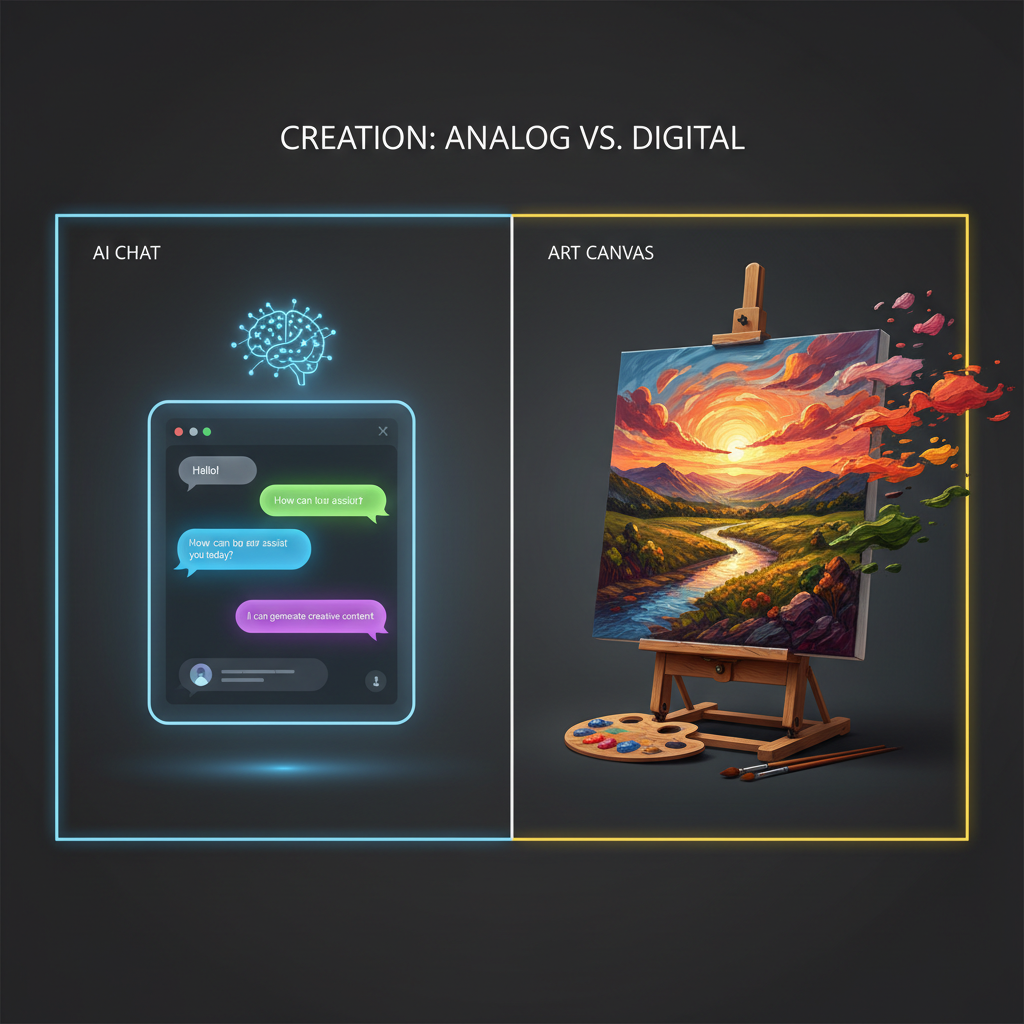
Reasoning vs Rendering
The Core Distinction
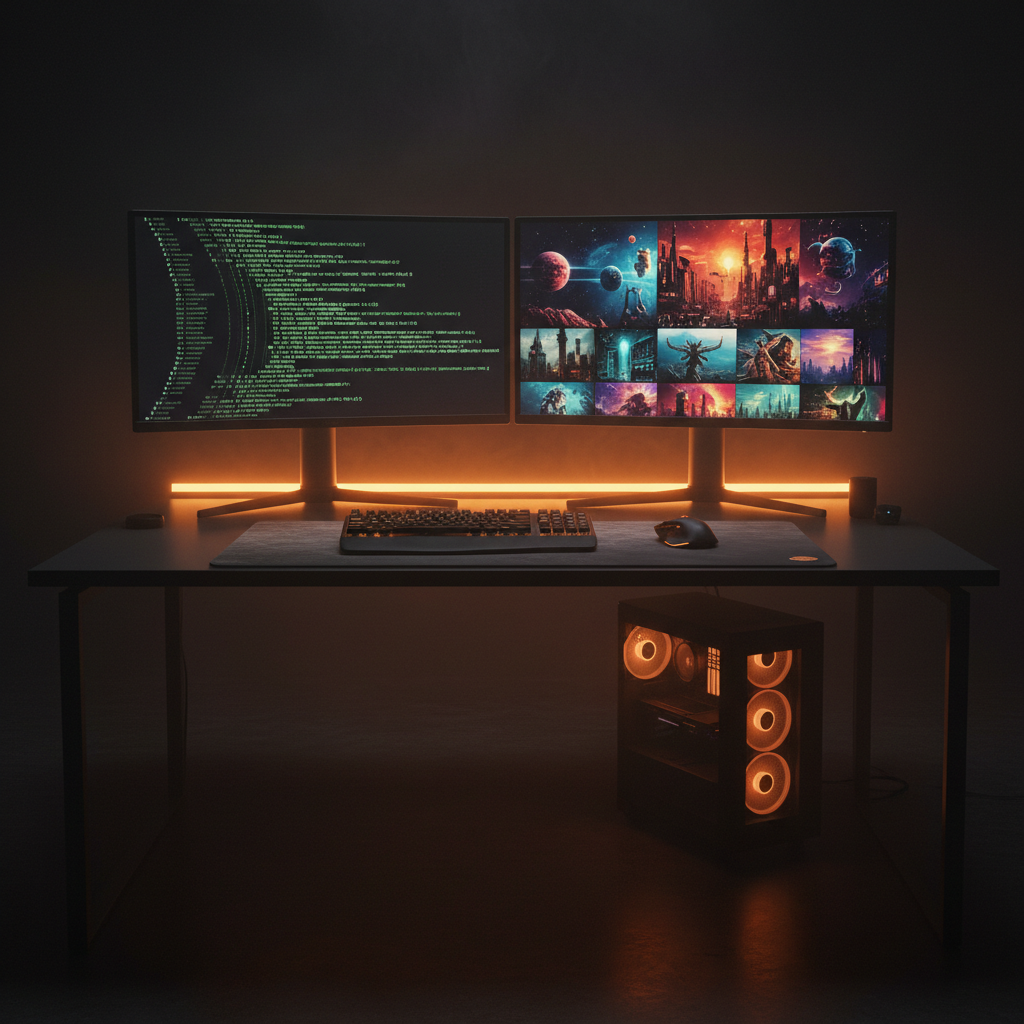
Two Tools, One Workflow
Prompt Then Render
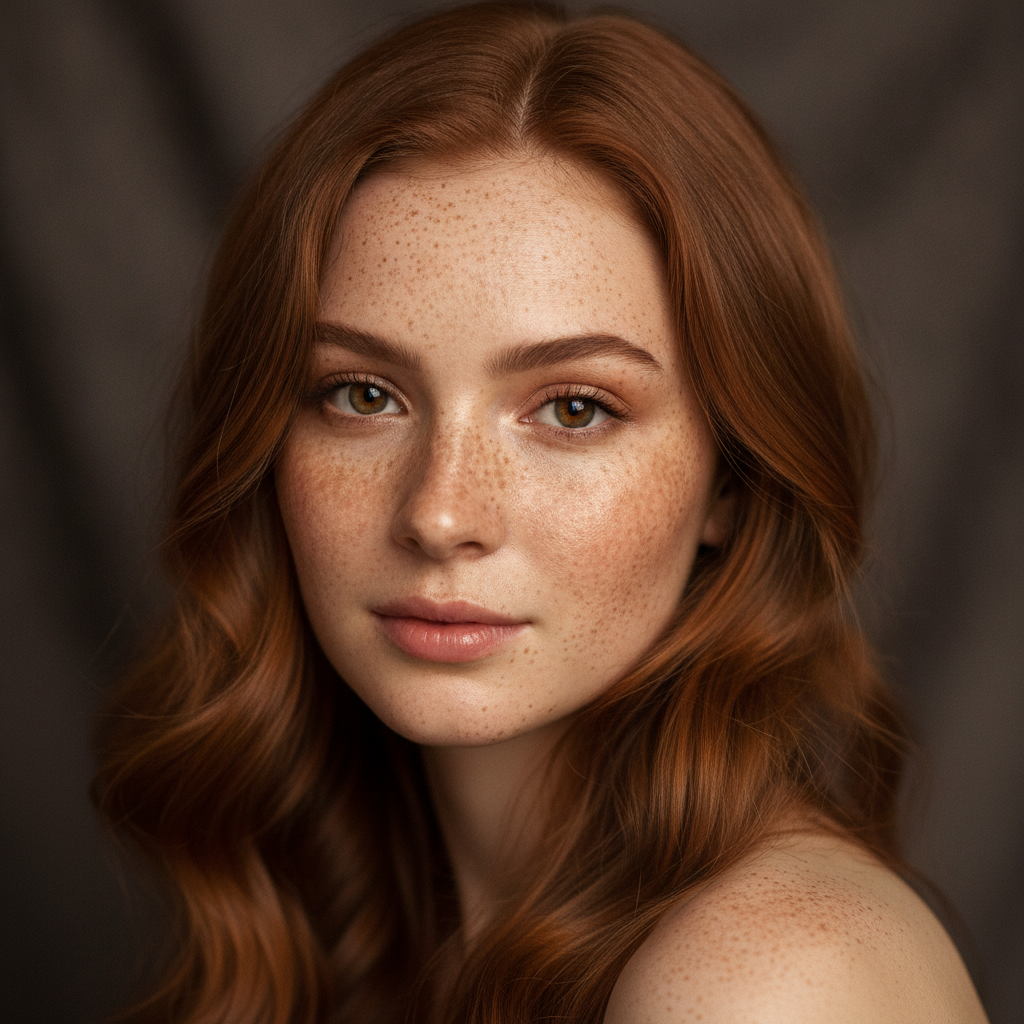
Photoreal Portrait
Dedicated Image Model
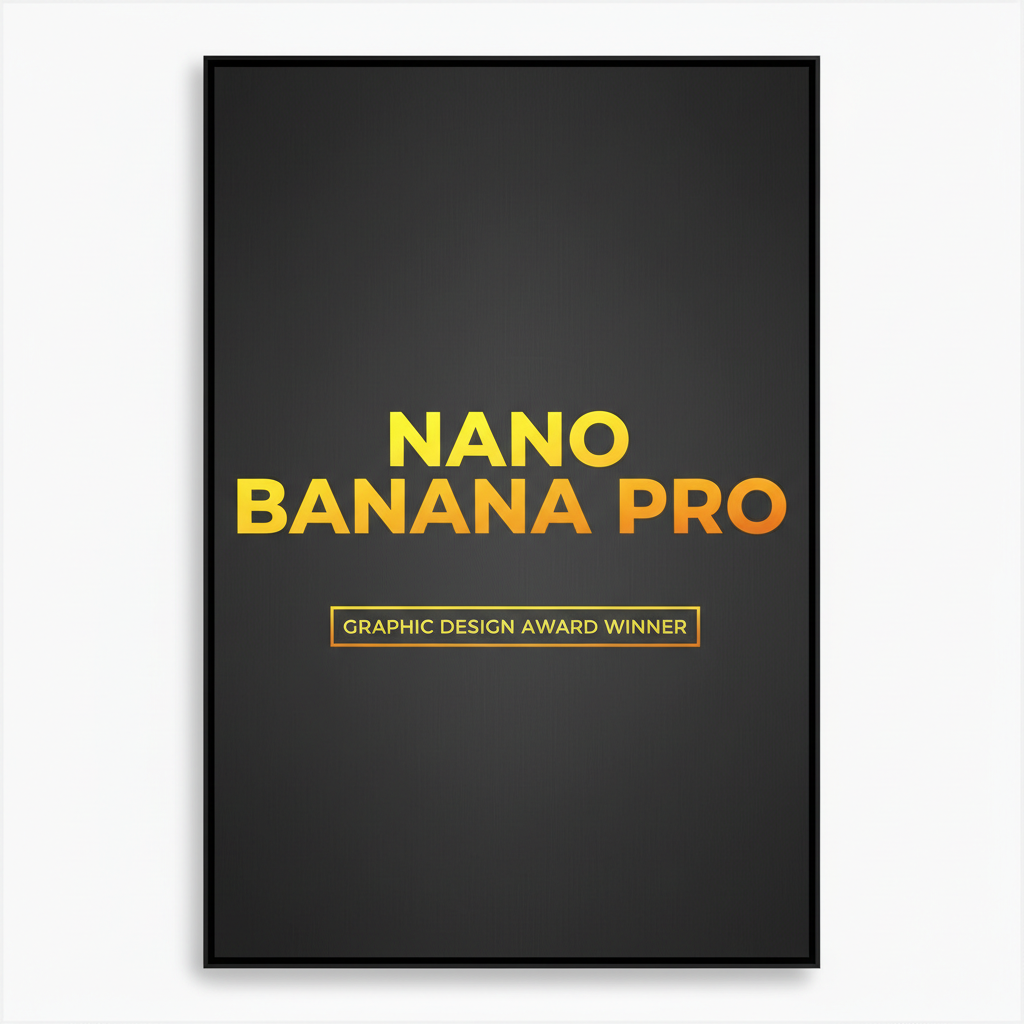
Legible In-Image Text
Typography Rendering
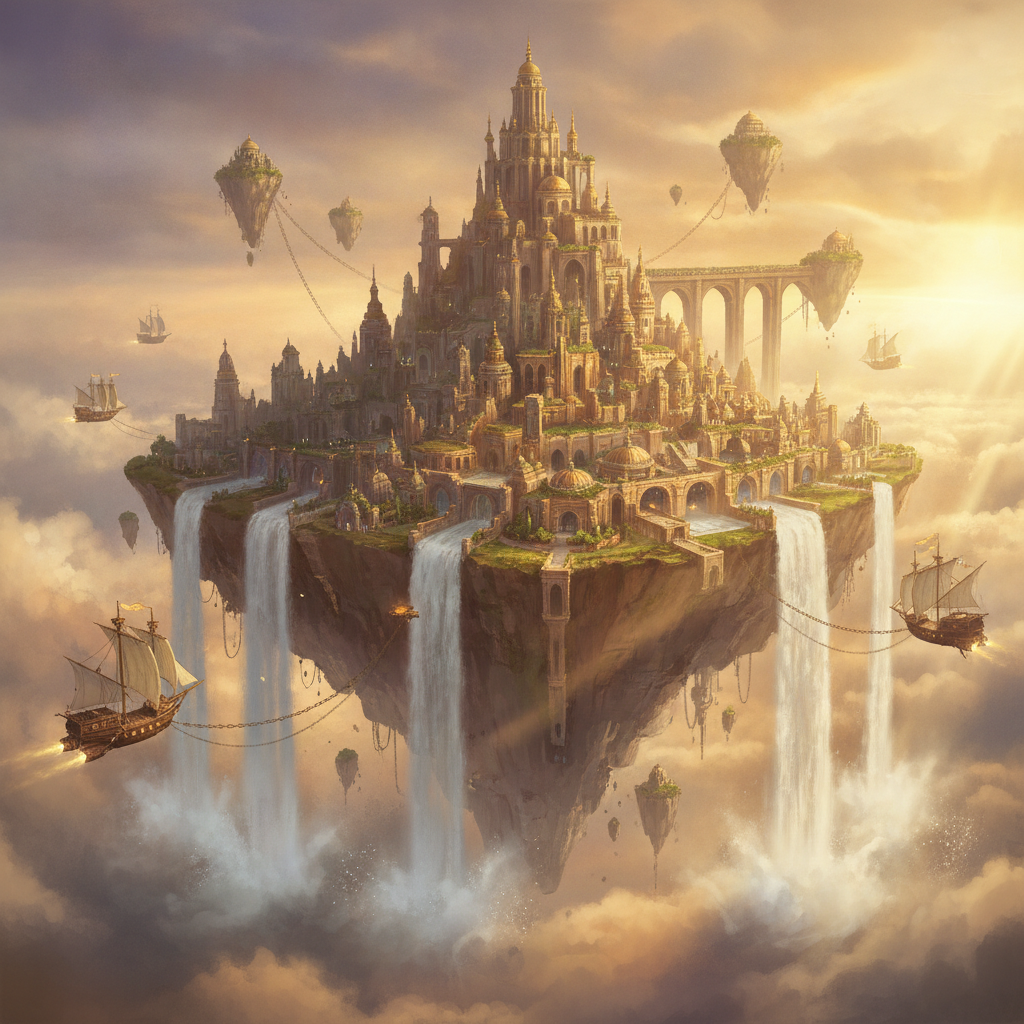
Concept Art at 4K
Creative Range
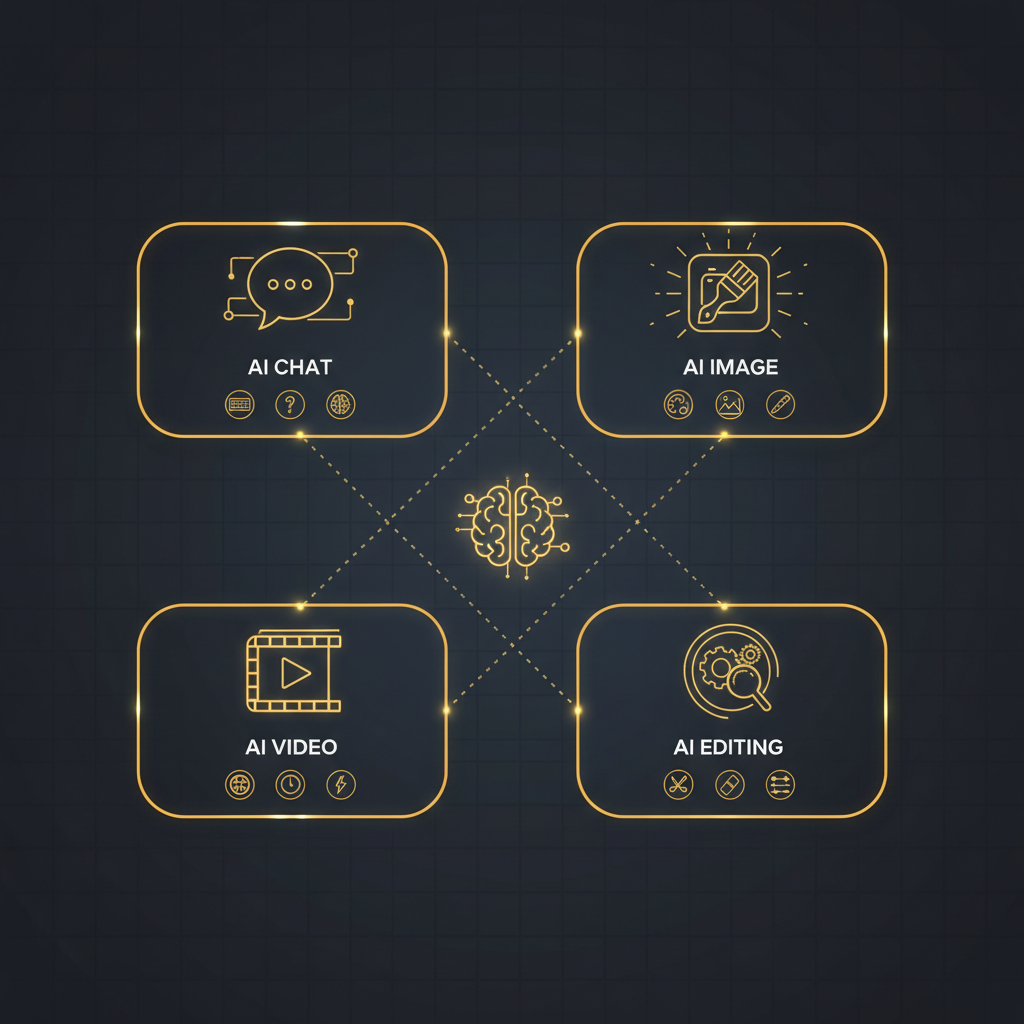
Where Each Tool Fits
AI Art Tools Landscape
GPT-5 vs AI Image Generators — Side by Side
Eight factors that decide which tool belongs in your workflow
| Factor | GPT-5 | AI Image Generator (This Page) |
|---|---|---|
| Primary output | Text, code and reasoning. Image requests are delegated to a separate image model behind the scenes. | Pixels. The entire system is a dedicated image model with nothing between your prompt and the render. |
| Output resolution | Whatever the bundled image model returns, usually capped and tuned for display inside a chat window. | 4K-class output built for cropping, large-format printing and client delivery. |
| Text inside the image | Excellent at deciding what the copy should say. The rendering of that copy is out of its hands. | Tuned specifically for clean, correctly spelled typography inside the artwork — posters, ads, thumbnails. |
| Character consistency | Consistency across a set depends on the underlying image model and is difficult to steer conversationally. | Holds the same character, product or brand look across a whole series of generations. |
| Iteration speed | Each variation is another conversational turn — you describe the change and wait for the round trip. | About fifteen seconds per generation. Change one preset, regenerate, compare side by side. |
| Concept and copywriting | Its strongest ground. Interrogates a vague brief, proposes concepts, writes headlines and full prompts. | None. It renders what you give it and expects the thinking to already be done. |
| Cost to start | Typically a monthly subscription bundling text, reasoning and a capped image allowance. | Free to try with no account, email or card. Paid plans from $2.99, no subscription required. |
| Commercial rights | Governed by the assistant provider’s general terms, which cover far more than image usage. | Watermark-free downloads and full commercial usage rights spelled out on paid plans. |
The verdict on GPT-5 vs AI image generators: GPT-5 wins outright on thinking — briefs, concepts, copy, translation and prompt-writing are exactly what a reasoning model is for. A dedicated AI image generator wins on everything that decides whether the file ships: resolution, legible in-image text, consistency across a set, iteration speed and a written commercial licence. If your bottleneck is deciding what to make, reach for GPT-5. If your bottleneck is producing the image, use the generator on this page — and if you have both bottlenecks, use them in that order.
How to Use Both Together
The workflow most professionals land on after running the comparison themselves
Think It Through
Use a reasoning model like GPT-5 to sharpen a vague brief into a concrete concept — the subject, the style, the lighting, the headline copy. This is the half of the job a dedicated image generator genuinely cannot do, and it is where GPT-5 earns its place.
Render It Properly
Paste that prompt into the generator above, or start from one of the six category presets. Nano Banana Pro renders it at 4K-class resolution with legible in-image text in about fifteen seconds — no conversational round trip between you and the pixels.
Iterate & Download
Change one element — the style, the lighting, the aspect ratio — and regenerate to compare versions side by side. Download the winner and ship it. Paid plans from $2.99 add watermark-free files and full commercial rights.
Where a Dedicated Image Model Pulls Ahead
Six differences that decide whether an image stays a demo or becomes a deliverable
A Language Model Is Not an Image Model
The single most useful thing to understand in the GPT-5 vs AI image generators debate is that they are not competing at the same layer. GPT-5 is a reasoning system whose native output is text; when a chat product returns a picture, the request has been handed off to a separate image model and GPT-5 has effectively written the prompt. A dedicated AI image generator removes that intermediary. You are talking to the image model directly, which means the controls you get — aspect ratio, style preset, resolution — are real parameters rather than requests you phrase politely and hope are honoured.
Typography That Survives the Render
Garbled lettering has been the signature failure of AI text-to-image for years, and it is the fastest way to tell a demo image from a deliverable. A poster with a misspelled headline is worthless no matter how good the composition is. Nano Banana Pro was tuned specifically for in-image text, so headlines, product names, price badges and calls to action come out legible and correctly kerned. This is the cleanest division of labour in the whole comparison: GPT-5 is excellent at deciding what the words should be, and a dedicated generator is what puts them on the canvas without mangling them.
Consistency Across a Whole Set
Producing one good image is easy almost anywhere now. Producing eight images of the same character, the same product or the same brand world is where AI art tools separate. Campaigns, storyboards, product catalogues and children’s books all need a subject that stays recognisably itself from frame to frame. Steering that conversationally through a general assistant is frustrating because each turn re-interprets your description. A dedicated image generator with explicit style presets and reference handling holds the look across the series, which is what turns a novelty into a production workflow.
Iteration in Fifteen Seconds
Creative work is a volume problem before it is a craft problem — you need to see ten versions to know which one is right. Every variation through a chat assistant is another conversational turn: describe the change, wait, evaluate, describe again. Generating directly cuts that loop to roughly fifteen seconds and removes the prose negotiation entirely. Switch the style preset, regenerate, compare side by side. Exploring twenty compositions becomes an afternoon task rather than a week, and only the strongest ones go anywhere near a finished deliverable.
4K-Class Files, Not Chat Thumbnails
An image is only useful where it lands. Plenty of AI image generation looks perfectly good inside a chat window and collapses the moment you crop in, enlarge it or send it to a printer — the resolution was only ever tuned for on-screen preview. This generator targets 4K-class output, so the result stands up to poster prints, book and album covers, game backdrops, large-format signage and client hand-off. Combined with watermark-free downloads on paid plans, what comes back is a deliverable rather than a preview you still have to recreate somewhere else.
Pay for Images, Not a Whole Assistant
General assistants are sold as a bundle: reasoning, writing, code and a capped image allowance in one monthly subscription, whether or not images are why you signed up. If image generation is the actual job, that is an awkward way to buy it. The generator on this page runs in the browser with nothing to install and no account needed to start — free usage is protected by per-IP rate limits rather than ads or a login wall. Plans start at $2.99 for unlimited high-resolution generations with full commercial rights, and no ongoing subscription commitment.
Who Should Pick Which
Four common situations, and the honest recommendation for each
AI Enthusiasts & Tech Reviewers
If you are benchmarking capabilities, run both — but compare like for like. Judging GPT-5 image capabilities against a dedicated generator on raw pixel quality measures the bundled image model, not the reasoning system. The interesting benchmark is prompt quality: give both the same one-line brief and see how much better the expanded prompt performs when a reasoning model writes it.
Digital Artists & Illustrators
Volume and control matter more than conversation here. A dedicated AI image generator gives direct style presets, fast regeneration and 4K-class files that survive being taken into a paint tool for finishing. Use a reasoning model when you are stuck on the concept, then move to the generator the moment you know what you want to see.
Marketers & Content Teams
This is the clearest case for using both. GPT-5 writes the campaign angle, the headline and the variant copy; the image generator renders that copy into a poster, ad creative or thumbnail with typography that is actually legible. The combination replaces a brief-to-design cycle that used to take days with one that takes an afternoon.
Solo Founders & Small Businesses
If images are the actual need and budget is tight, the comparison resolves quickly. Paying a monthly assistant subscription for a capped image allowance is an expensive way to buy image generation. Starting free on this page and upgrading at $2.99 for unlimited high-resolution output with commercial rights costs a fraction of that, with no ongoing commitment.
GPT-5 vs AI Image Generators — FAQ
Capabilities, text rendering, cost and commercial rights
Settle the Comparison Yourself
Describe one image you actually need — a poster with a headline, a product shot, a character. The generator is free to try, loaded on this page, and needs no account and no install. Fifteen seconds is enough to know which side of the GPT-5 vs AI image generators question your work falls on.
Start Creating FreeGPT-5 vs AI Image Generators: The Comparison Explained
Almost every GPT-5 vs AI image generators comparison starts from a false premise — that these are two competing image models. They are not competing at the same layer at all. GPT-5 is a language and reasoning system whose native output is text; when you ask a chat product built on it for a picture, the request is routed to a separate image model and GPT-5's real contribution is writing the prompt and interpreting your feedback. A dedicated AI image generator removes that intermediary entirely. You address the image model directly, which is why parameters like aspect ratio, resolution and style preset are actual controls rather than requests phrased in prose and honoured inconsistently.
Once you frame the question that way, the trade-off becomes concrete. GPT-5 image capabilities are strongest everywhere the work is verbal: turning a vague brief into a concrete concept, proposing five campaign directions, writing the headline that will sit on the poster, translating a caption into six languages, and expanding a one-line idea into a detailed, well-structured prompt. Those are genuine advantages and no image model offers them. What a reasoning model cannot give you is the thing that decides whether a file ships — 4K-class resolution that survives cropping and print, typography rendered legibly inside the artwork, a character or product that stays recognisably itself across eight frames, and a variation turned around in roughly fifteen seconds rather than another conversational round trip.
Text rendering deserves particular attention because it is the sharpest line in this AI text-to-image comparison. Garbled lettering has been the signature failure of image generation for years, and a misspelled headline makes an otherwise beautiful poster worthless. The clean division of labour is that a reasoning model decides what the words should say and a dedicated image model puts them on the canvas without mangling them. Nano Banana Pro, the model behind the generator on this page, was tuned specifically for in-image typography, which is why marketing creatives, product posters, YouTube thumbnails and price badges are among the most common things people make with it — and why running the same brief through both approaches is the fastest way to see the difference for yourself.
Whether you arrived searching for "GPT-5 vs AI image", "GPT-5 image capabilities", an "AI text-to-image comparison" or simply the best AI art tools for a project you are starting, the practical recommendation is the same: use a reasoning model to decide what to make, and a dedicated generator to make it. The AI image generator above runs entirely server-side and asks for no account, email or credit card — free usage is protected with per-IP rate limits rather than ads or a login wall. When it earns a place in your workflow, a paid plan starting at $2.99 unlocks unlimited high-resolution generations, watermark-free downloads and full commercial usage rights, with no ongoing subscription required.