
Deviant Art vs AI Art Tools
One is a twenty-five-year-old art community that added a generator. The other is a generator built for output. This creative tools comparison lays out where each one actually wins — and why most artists end up keeping both.
Try It Now — Free
The fastest way to settle any art platform comparison is to run a prompt through it. Pick a style, add your own description, and see what comes back.
AI Art Generator
Pick an art style, describe your subject, and generate finished artwork in seconds
What AI Art Tools Produce
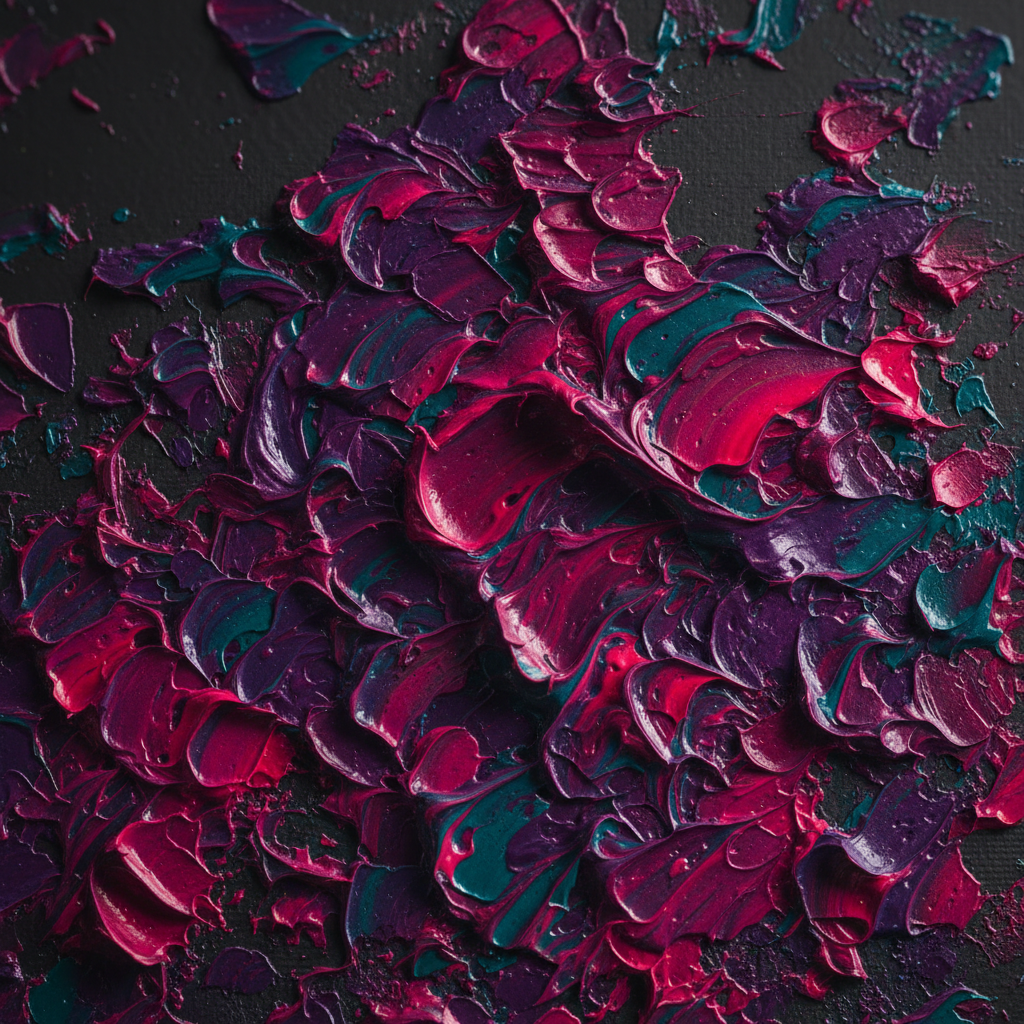
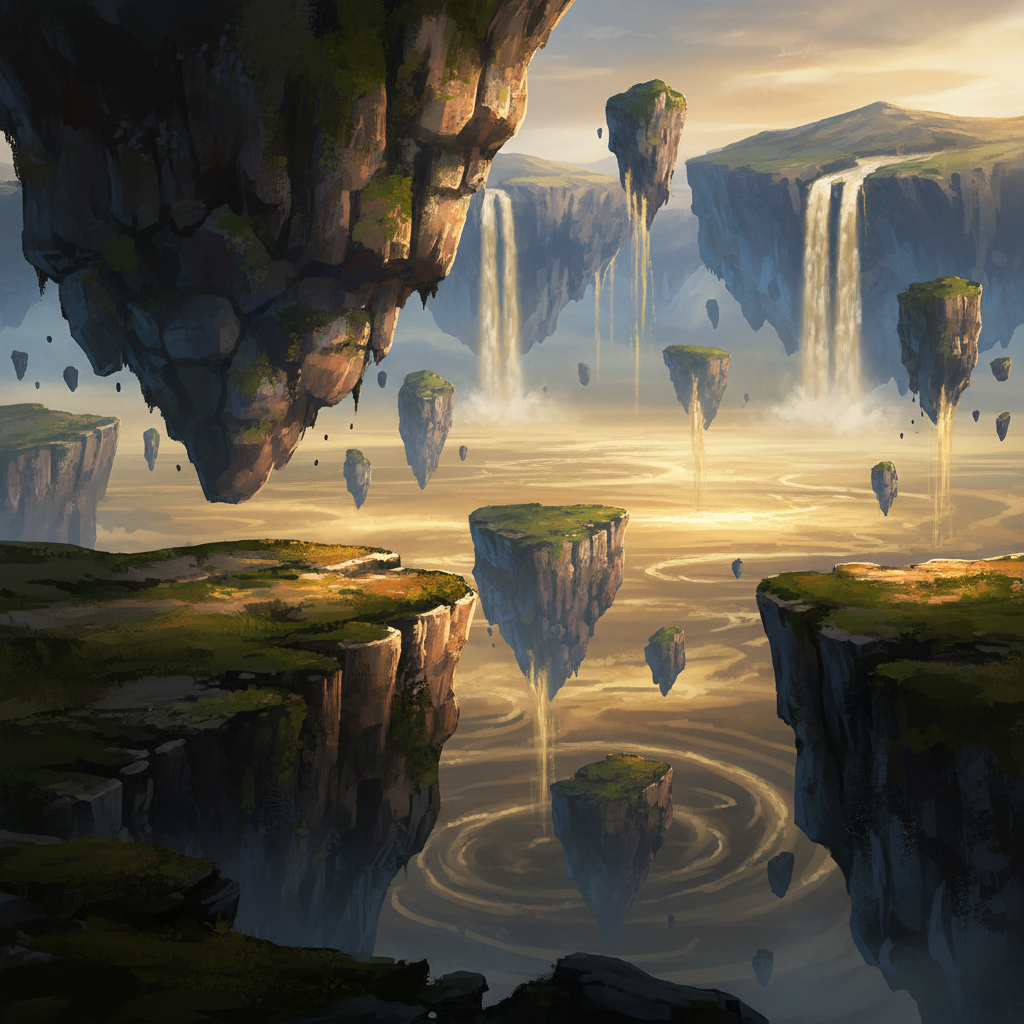
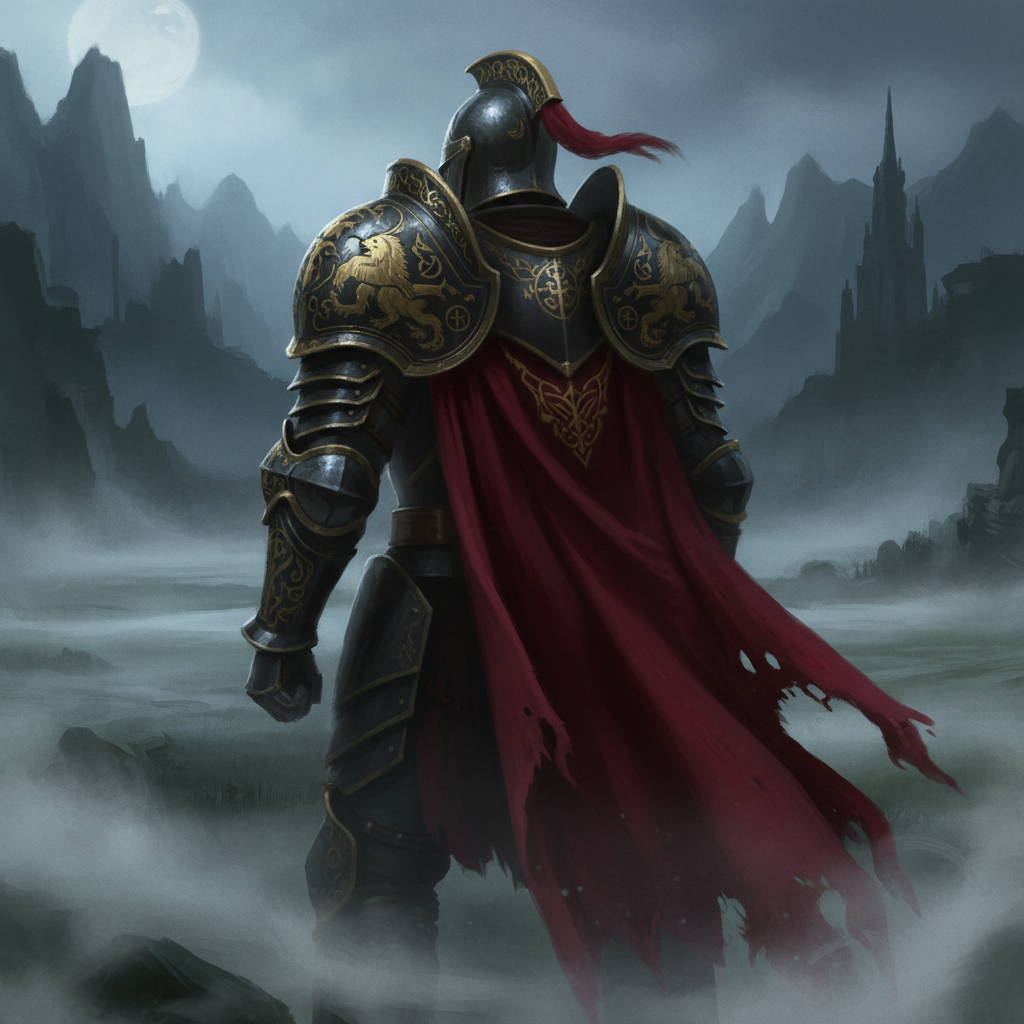
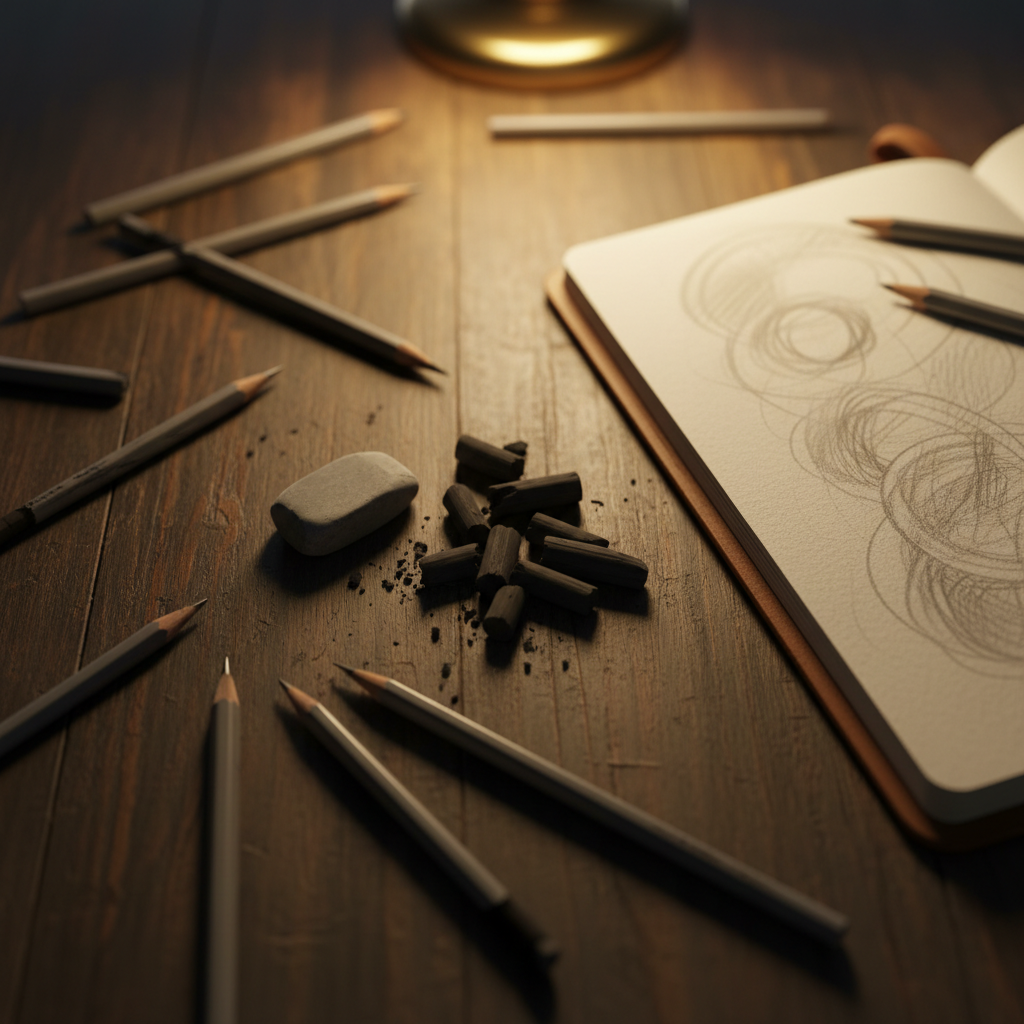
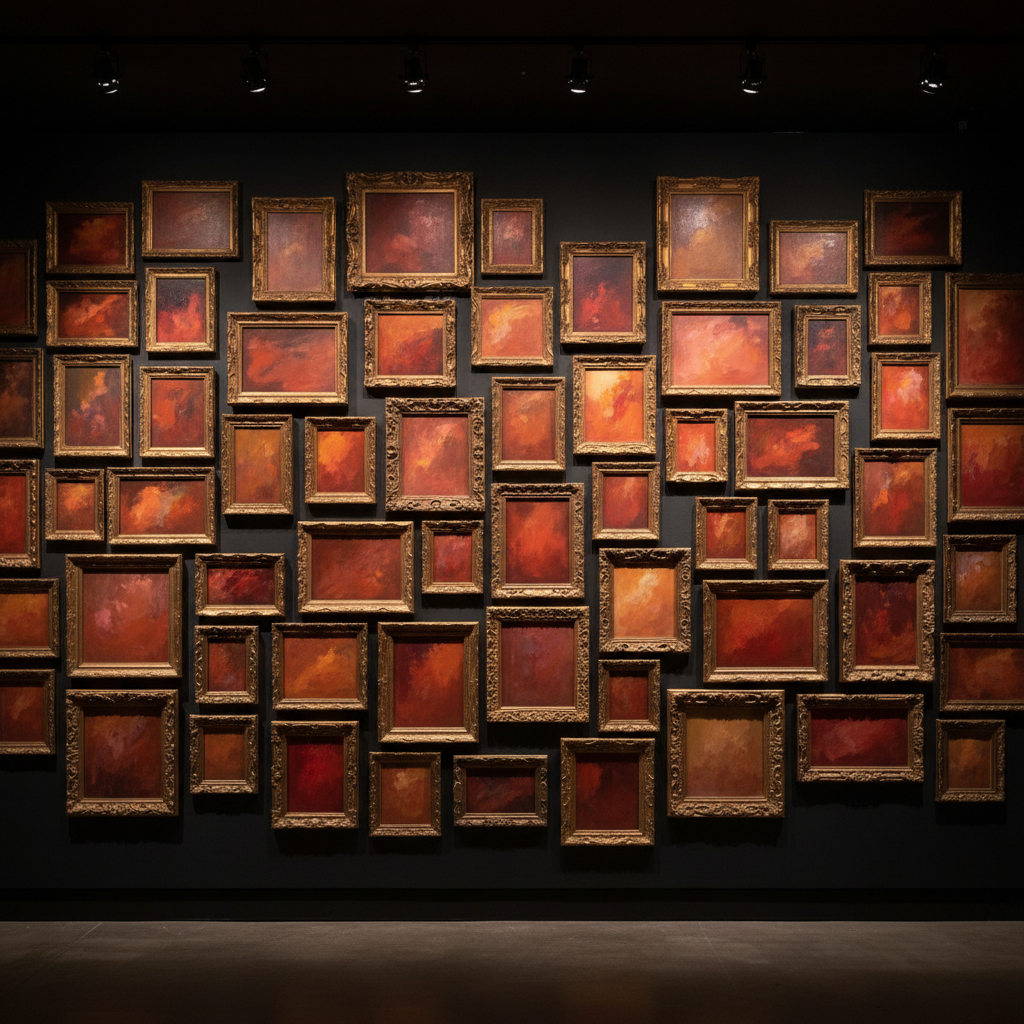
Every image below came out of the generator on this page — no retouching, no compositing. Judge the AI art features on the output rather than the marketing.
Deviant Art vs AI Art Tools, Feature by Feature
Read the ticks with some scepticism — this table is on our own site. The rows where DeviantArt wins are there because they are true, not for balance.
| Capability | DeviantArt | AI Banana |
|---|---|---|
| What the product is for | Publishing, audience and community | Producing finished images fast |
| Portfolio & gallery hosting | Core feature — profiles, groups, watchers | Not offered — export and host elsewhere |
| Community feedback & commissions | Decades-deep, with an active commission market | None — it is a tool, not a network |
| Anti-scraping controls for your art | "noai" tags plus DeviantArt Protect monitoring | Not applicable — no gallery to protect |
| Generation speed & iteration | Credit-metered DreamUp prompts | Seconds per image, built for volume |
| Output resolution | Web-oriented sizes | Up to 4K on paid plans |
| Readable text inside images | Not a focus of the built-in generator | Nano Banana Pro renders legible type |
| Image-to-image editing | Limited — largely prompt-to-image | Upload, restyle, edit and iterate |
| Character consistency across a series | Not a stated capability | Supported across multi-image sets |
| Free tier without signup | Account required to generate | Try it on this page, no login |
| Pricing model | Membership — presence plus prompt credits | From $2.99 — volume, 4K, commercial rights |
DeviantArt changes its membership tiers and DreamUp allowances periodically — check its current pricing directly rather than trusting any figure in a comparison article, including this one.
The Verdict: Different Jobs, Not Rival Products
Choose DeviantArt when
- You want an audience, watchers and critique — not just files
- You take commissions or sell prints and need a storefront
- You want "noai" tags and scrape monitoring on your own work
- Groups and long-running community threads matter to your practice
Choose AI art tools when
- You need many variations quickly, not a handful of metered prompts
- Output has to hold up at 4K for print or large format
- The image needs readable text — a cover, poster or thumbnail
- A client deadline means concepting has to happen today
Framing this as Deviant Art vs AI art tools makes it sound like a decision. In practice the two sit at opposite ends of the same workflow — generate and refine in a tool, then publish, tag and build an audience on a platform. Almost nobody who works in art creation AI professionally uses only one.
How the AI Art Generator Works
Pick a direction
Choose one of the art styles above — concept art, anime, painterly, vector, retro print. Each preset carries a full prompt behind it, so you are not starting from a blank field.
Add your own detail
Describe the subject, palette, mood or composition you want on top of the preset. The more specific the description, the less you will need to reroll.
Generate, then publish where your people are
Download the result and post it wherever your audience lives — including DeviantArt, tagged as AI-generated per its submission rules. The tool and the gallery are not rivals in this workflow.
Where AI Art Features Pull Ahead
Six things a dedicated generator does that a generator inside a community platform generally does not — plus one it does not do at all.
Iteration Speed Is the Real Difference
The honest gap between Deviant Art vs AI art tools is not picture quality on any single render — it is how many attempts you get. A dedicated generator turns around an image in seconds, so exploring twenty directions costs an afternoon rather than a fortnight. Credit-metered prompts inside a community platform make you ration ideas, and rationed ideas are how concepting dies.
Text That Reads as Text
Most art creation AI still produces convincing-looking gibberish when asked for words in an image, which quietly rules it out for posters, covers, thumbnails and anything with a title on it. Nano Banana Pro renders legible type, so a book cover concept or a stream overlay comes out usable instead of needing every word patched in afterwards.
Editing, Not Just Generating
Prompt-to-image is only half a workflow. Upload an existing piece — your own painting, a photo, a rough sketch — and restyle, extend or clean it up while keeping the composition. That image-to-image loop is where most real client work happens, and it is the AI art feature that prompt-only generators inside larger platforms tend to lack.
Community Is Genuinely DeviantArt's Column
No comparison of digital art platforms is honest without this. Twenty-five years of watchers, groups, critique threads and a working commission market is not something a generator competes with, and it is not something we offer. If what you need is people who care about your work, that is a gallery problem, and DeviantArt is very good at it.
Rights You Can Actually Ship With
Paid plans include watermark-free downloads and full commercial rights covering client delivery, product listings, editorial use, printing and paid campaigns. Worth reading closely on any platform before work goes on something you sell — the terms differ more than people expect, and the time to find out is not after the print run.
Style Range Without a House Look
Painterly fantasy, flat vector, anime, photoreal product shots, retro print — the presets above cover the styles this creative tools comparison actually turns on, and they are starting points rather than filters. Add your own description on top of any of them and the model follows it.
Deviant Art vs AI Art Tools — Common Questions
Most working artists end up using both, because they solve different problems. DeviantArt is a community and portfolio platform first: it exists so people can publish work, gather watchers, join groups, take commissions and sell prints. AI art tools exist to produce images. If your bottleneck is "nobody sees my work," a gallery platform helps and a generator does not. If your bottleneck is "I need forty concept variations by Thursday," a generator helps and a gallery does not. The comparison only becomes either/or if you assume one product has to cover the whole pipeline, and neither really does.
Settle the Comparison Yourself
Run one prompt through the generator above and compare it against anything else you use. Free trial credits, no credit card, no signup wall.
Start Creating FreeUnderstanding the Deviant Art vs AI Art Tools Comparison
Search for Deviant Art vs AI art tools and most results treat it as a straight product bake-off, which misreads what the two things are. DeviantArt launched in 2000 as a place for artists to publish and find each other, and that is still the centre of gravity: profiles, galleries, watchers, groups, critique, commissions and prints. Its built-in generator, DreamUp, arrived in late 2022 as an addition to that community rather than a replacement for it. Dedicated AI art tools start from the opposite end. There is no gallery, no follower graph and no commission market — there is a model, a prompt box and an export button. Comparing them feature-for-feature produces a table where each side wins the rows that describe its own reason for existing.
Where the art platform comparison does get genuinely competitive is generation itself. A generator that is one feature inside a large community site is built to be cheap to run and easy to moderate, which usually means metered prompts, conservative model updates and web-sized output. A tool whose entire product is generation can afford to push on the things that make output usable in professional work: 4K resolution for print and large format, legible text rendering for covers and posters, character consistency across a series, and image-to-image editing so you can bring in your own sketch or photograph instead of starting from a text box every time. If your work is concepting, marketing assets or client illustration on a deadline, those AI art features decide whether the tool is useful or merely interesting.
The part of this creative tools comparison that deserves more weight than it usually gets is consent. DeviantArt supports "noai" and "noimageai" metadata flags that mark a deviation as excluded from AI dataset collection, and DeviantArt Protect scans for copies of members' work appearing elsewhere online. The rollout was badly handled — DreamUp initially opted galleries in by default, and the platform reversed course after substantial member backlash — but the controls exist and they matter to artists who want their published work left out of training data. No pure generation tool offers an equivalent, for the simple reason that it hosts no gallery to protect. Artists weighing digital art platforms on ethics rather than throughput should weight that row heavily.
The practical answer for most people is not a winner. Generate and iterate in an AI art tool where iteration is cheap, finish the piece to your own standard, then publish where an audience already exists — tagged as AI-assisted where the platform requires it, because DeviantArt does require it and enforces filtering on that label. Art creation AI has not made community platforms obsolete any more than digital painting made sketchbooks obsolete; it changed which stage of the work is the slow one. Try the generator on this page free, with no signup, and see where it fits your own process before paying for anything — on this platform or any other.