
Cricut Sticker Maker
Design print-then-cut stickers for your Cricut from a short prompt — die-cut sheets with clean white borders, ready to print and cut. Type an idea, pick a style, and get a full sticker sheet in about fifteen seconds. Free to try, no GPU, no install, no account needed to test.
Make My Cricut StickersTry It Now — Free
Pick a style or type your own, and the Cricut sticker maker renders a die-cut sticker sheet in about fifteen seconds. No GPU, no account, and the result is yours to download and cut.
Cricut Sticker Maker
Pick a sticker style or type your own, and generate a print-then-cut sticker sheet in seconds
Cricut Stickers Made With This Tool
Every sheet below came from the maker on this page: kawaii animals, planner icons, retro aesthetic, name labels, holiday shapes and quote stickers. One tool, print-then-cut ready.
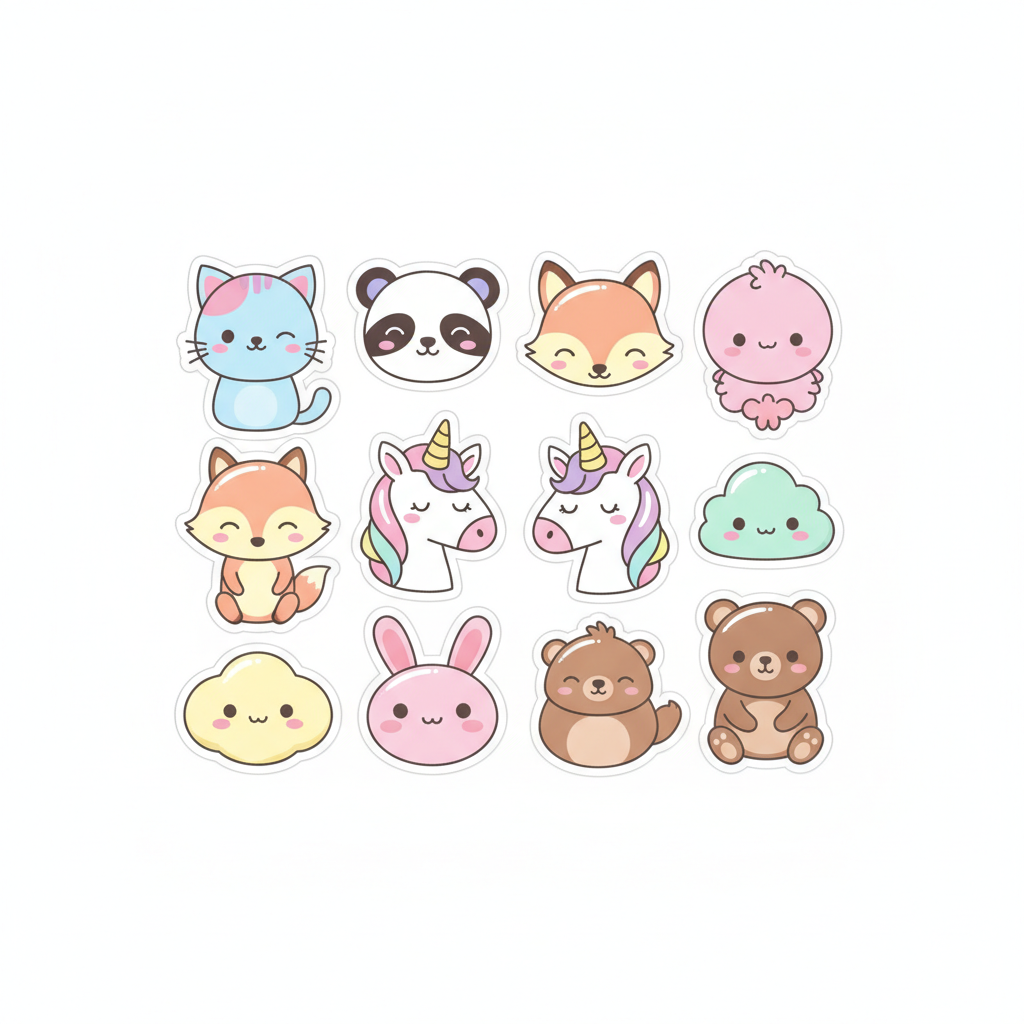
Kawaii Animals
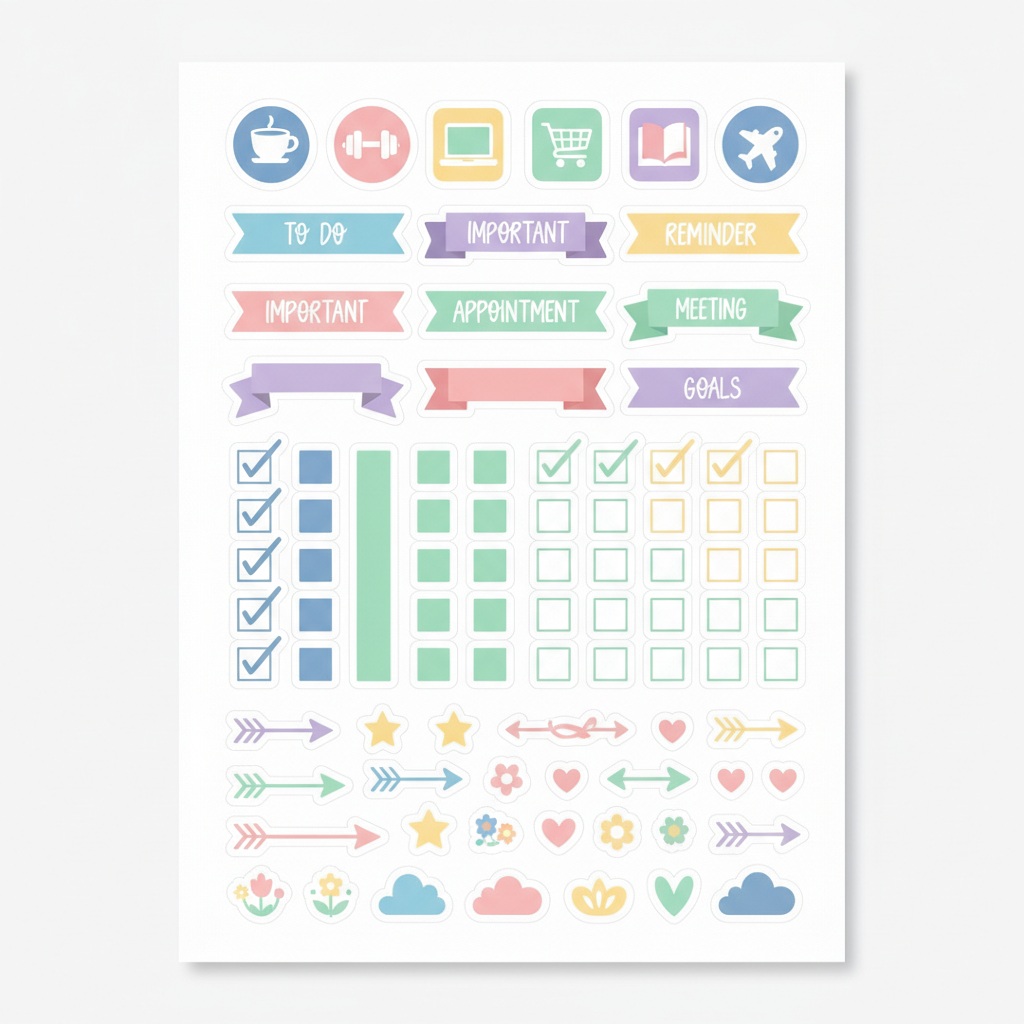
Planner Set
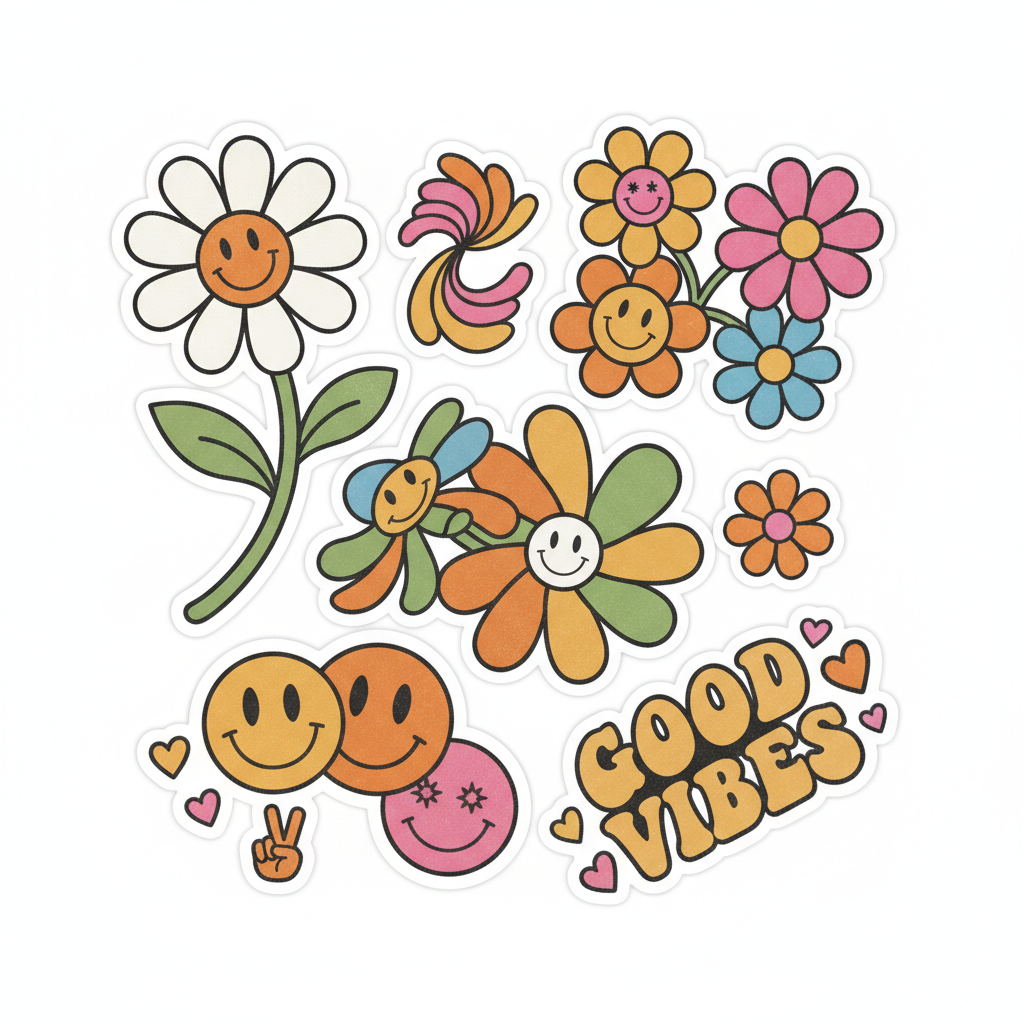
Retro Aesthetic
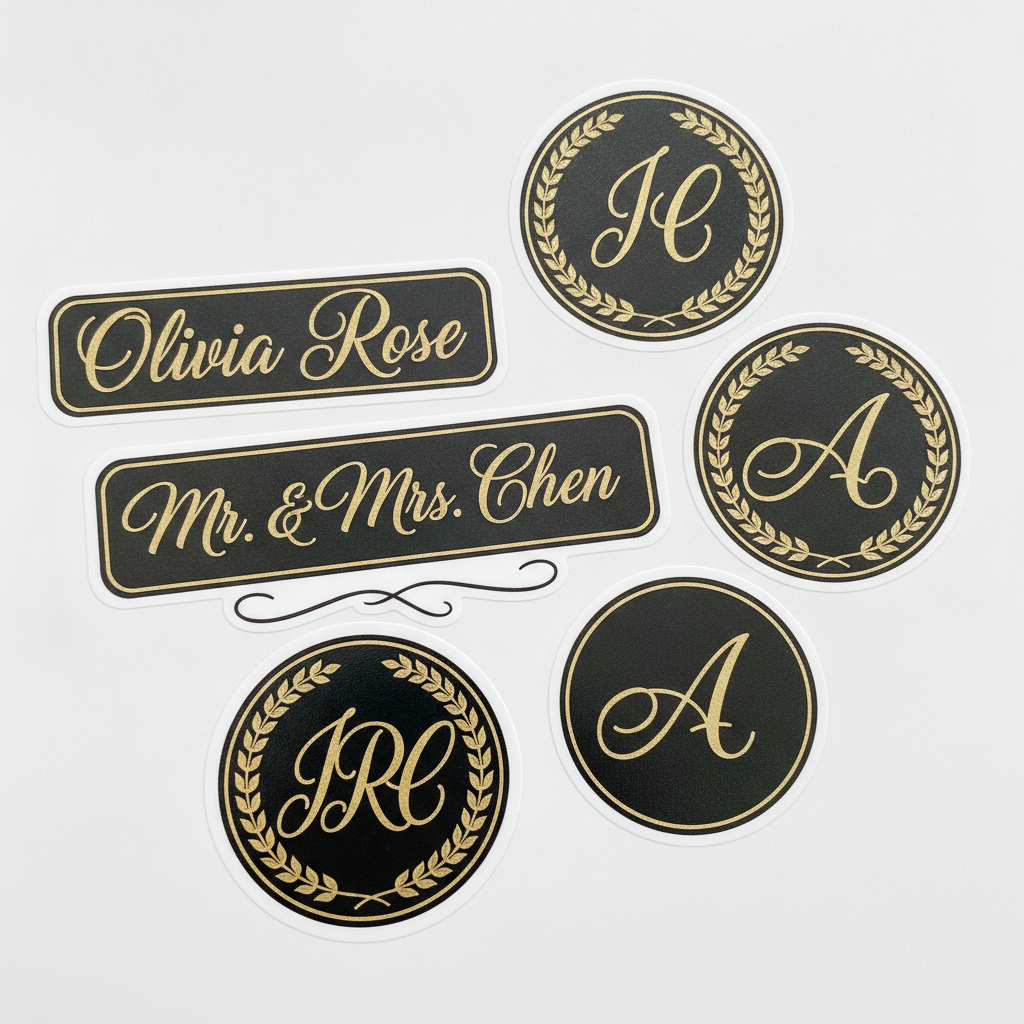
Name Labels
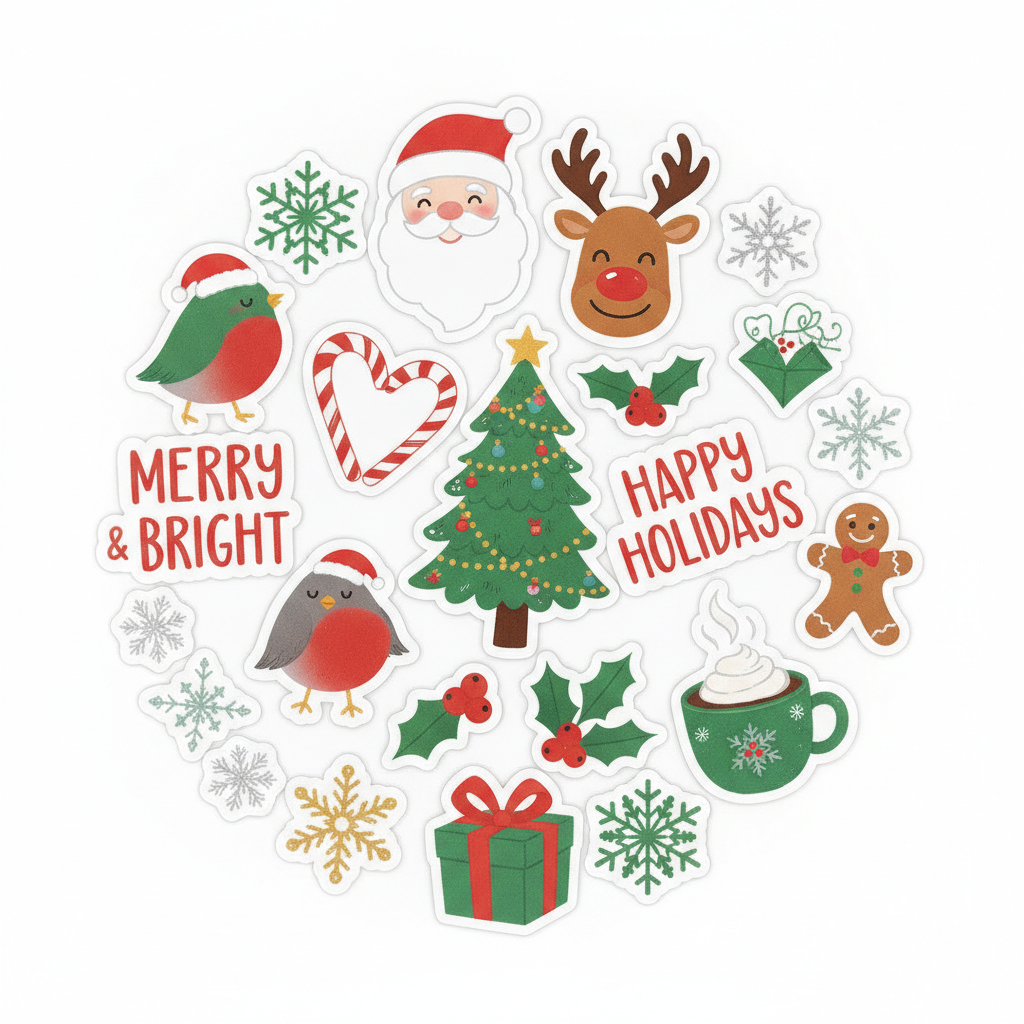
Holiday Pack
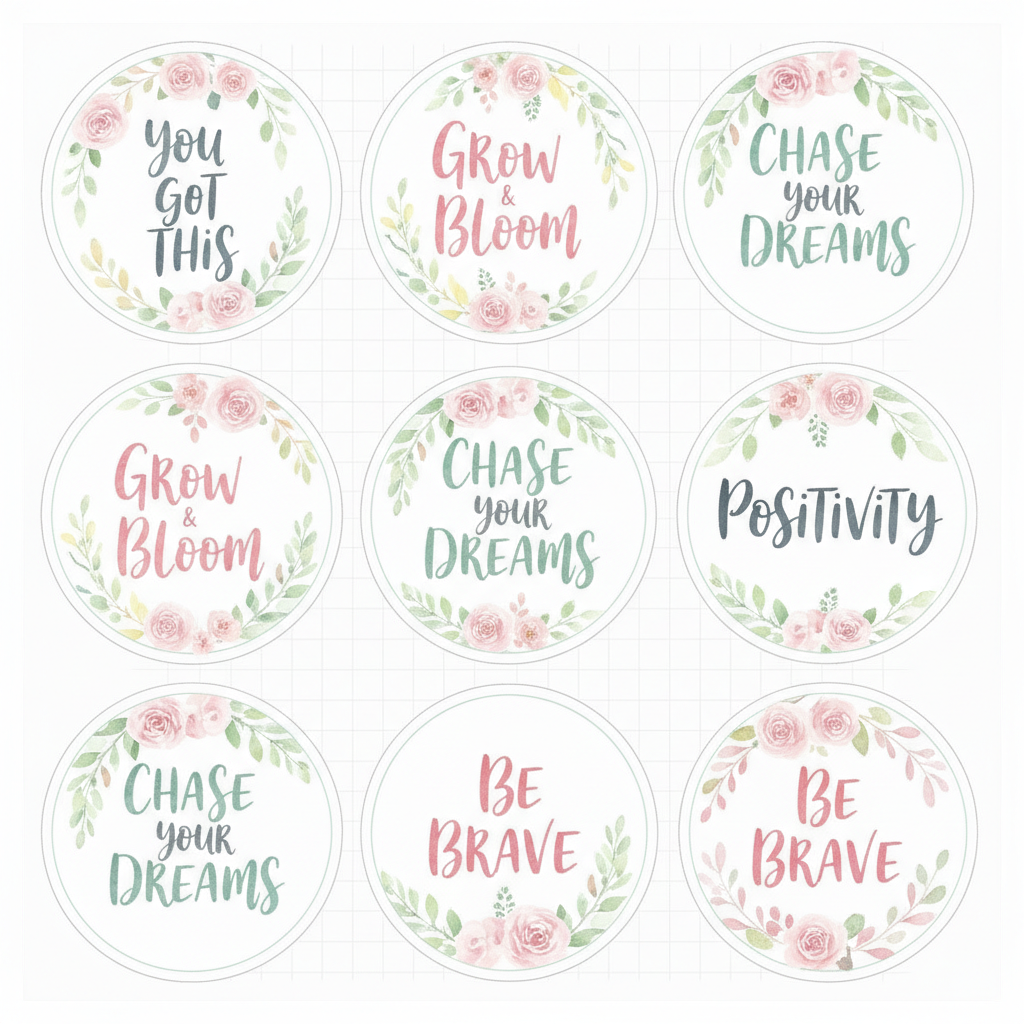
Quote Stickers
How The Cricut Sticker Maker Works
Three steps from a short prompt to a print-then-cut sticker sheet for your Cricut.
Describe Your Sticker Sheet
Pick one of the preset styles below — planner, kawaii, retro, name labels — or turn on custom input and type your own, like "watercolor coffee stickers" or "boho arch shapes in terracotta". One clear theme per prompt gives the cleanest sheet for your Cricut.
Generate And Download
Click Generate and the Cricut sticker maker renders a die-cut sticker sheet with clean white borders in about fifteen seconds. Save it as a high-resolution PNG at up to 4K — the big white outlines are exactly what Print Then Cut needs to follow.
Print Then Cut
Upload the PNG to Cricut Design Space, flatten it, print it on sticker paper or printable vinyl, then let your Cricut Explore or Maker cut around each design. Peel, stick and share — planners, laptops, water bottles, packaging and more.
Why This Cricut Sticker Maker
The things that matter when you want sticker sheets that cut cleanly and look like yours.
Built For Print Then Cut
Every sheet renders with thick white die-cut borders around each design — the clean edge a Cricut needs to follow in Print Then Cut. No tracing tight to the artwork, no ragged cuts: the border does the work, so your stickers come off the mat crisp and ready to peel.
Type It, Do Not Hunt For It
Stop buying SVG bundles that never quite match your theme. With the Cricut sticker maker you describe the sticker you want — a certain color palette, a specific icon set, a seasonal look — and get a matching sheet rendered on demand, so your crafts look like yours instead of someone else’s template.
No App, No GPU, ~15 Seconds
Everything runs in the cloud. Open the page on a laptop or phone, type a prompt and a full sticker sheet comes back in roughly fifteen seconds. Nothing to download before you design, no permissions to grant and no account needed just to test the quality.
A Whole Cohesive Collection
Generate a matching set — planner icons, labels, seasonal shapes — all in the same style so your sticker sheets look designed as a collection rather than thrown together. Custom input lets you keep extending a theme with new designs whenever a project calls for one.
Up To 4K, Print-Ready PNG
Each sticker sheet downloads as a crisp PNG big enough to print at full size without the pixelation that ruins cut edges. Generate at the highest resolution even for a small sheet — a large master scales down cleanly, while upscaling a tiny file never recovers the detail your Cricut needs.
Original Designs, Yours To Sell
The tool renders original sticker artwork on Nano Banana Pro rather than reproducing any protected character set or clip-art pack. Every sheet is generated fresh from your prompt, so it is yours to cut for personal projects and, on a paid plan, for stickers you sell at craft fairs or in an online shop.
Cricut Sticker Maker FAQ
Make Your Cricut Stickers
No design app, no drawing skills. Type an idea, pick a style, and get a print-then-cut sticker sheet in about fifteen seconds. Free to test, no account needed.
Make My Cricut StickersDesign Print-Then-Cut Stickers For Your Cricut, On Demand
Making stickers with a Cricut is one of the most popular ways to use the machine, but the design step is where most people get stuck. You either buy SVG and PNG bundles that never quite match the theme you had in mind, or you spend an evening fighting with design software. A Cricut sticker maker flips that around: you describe the sticker sheet you want — kawaii animals, functional planner icons, a retro aesthetic pack, custom name labels, holiday shapes — and the AI renders a matching sheet on the spot, so your crafts look like yours instead of someone else’s template.
The maker on this page runs on Nano Banana Pro in the cloud, so there is no GPU to rent, no app to install and nothing to grant permissions to before you design. You open the page on a laptop or a phone, pick one of the preset styles or switch on custom input and type your own — waterproof decals for water bottles, reward charts for the classroom, party favors, small-business branding labels. Click Generate and a die-cut sticker sheet comes back in about fifteen seconds, with the thick white borders that Print Then Cut relies on. Keep each prompt focused on one theme and the sheet comes out cleaner than a prompt crammed with several ideas at once.
Taking a design from this Cricut sticker maker to a finished, peelable sticker is straightforward. Download the sheet as a high-resolution PNG, open Cricut Design Space, choose Upload and add the image, then flatten it so the whole design prints as a single image. Place it inside the Print Then Cut printable area and send it to print — Design Space adds the registration marks your machine reads. Print on sticker paper for everyday use, or on printable vinyl sealed with a laminate sheet for anything that gets wet, then load the sheet and let your Cricut Explore or Maker cut around each die-cut shape. Printing at full resolution keeps the edges crisp so the cut lines land cleanly on the white borders.
It is free to test with no account, and if you want more renders, higher resolution or commercial use — stickers you sell at a craft fair or in an online shop — plans start at $2.99. The tool is independent and creates original artwork rather than copying any protected clip-art pack, so the sheets you make here are yours to cut and sell. Want to make more than Cricut stickers? The general AI sticker maker covers any sticker style you can describe, the blue emoji sticker maker is tuned for chat reactions, and the full set of AI image tools handles logos, labels, product shots and more. However you use it, the Cricut sticker maker above is free to try before any plan matters — type an idea and see your sticker sheet in about fifteen seconds.