
Coin-Sized Image Creation
Art That Still Reads at 25mm
Coin-sized image creation is not shrinking a picture — it is designing for a diameter. At 25mm the eye resolves silhouette and contrast long before it resolves detail, which is why beautiful artwork so often turns to mush the moment it is struck, cast, or printed small. The free generator below is built around that constraint, with presets for challenge coins, enamel pins, resin charms, wax seals and dollhouse miniatures.
Try Coin-Sized Image Creation — Free
Pick a miniature process, describe your motif, and get bold square artwork designed to hold together at coin scale
AI Miniature & Coin Art Generator
Choose the physical process you are designing for — struck metal, hard enamel, engraving, resin, wax — and describe the emblem you want rendered at coin scale
Small-Scale Images the Generator Produces
Struck metal, enamel, engraving, resin, wax and twelfth-scale sets — all from a written description
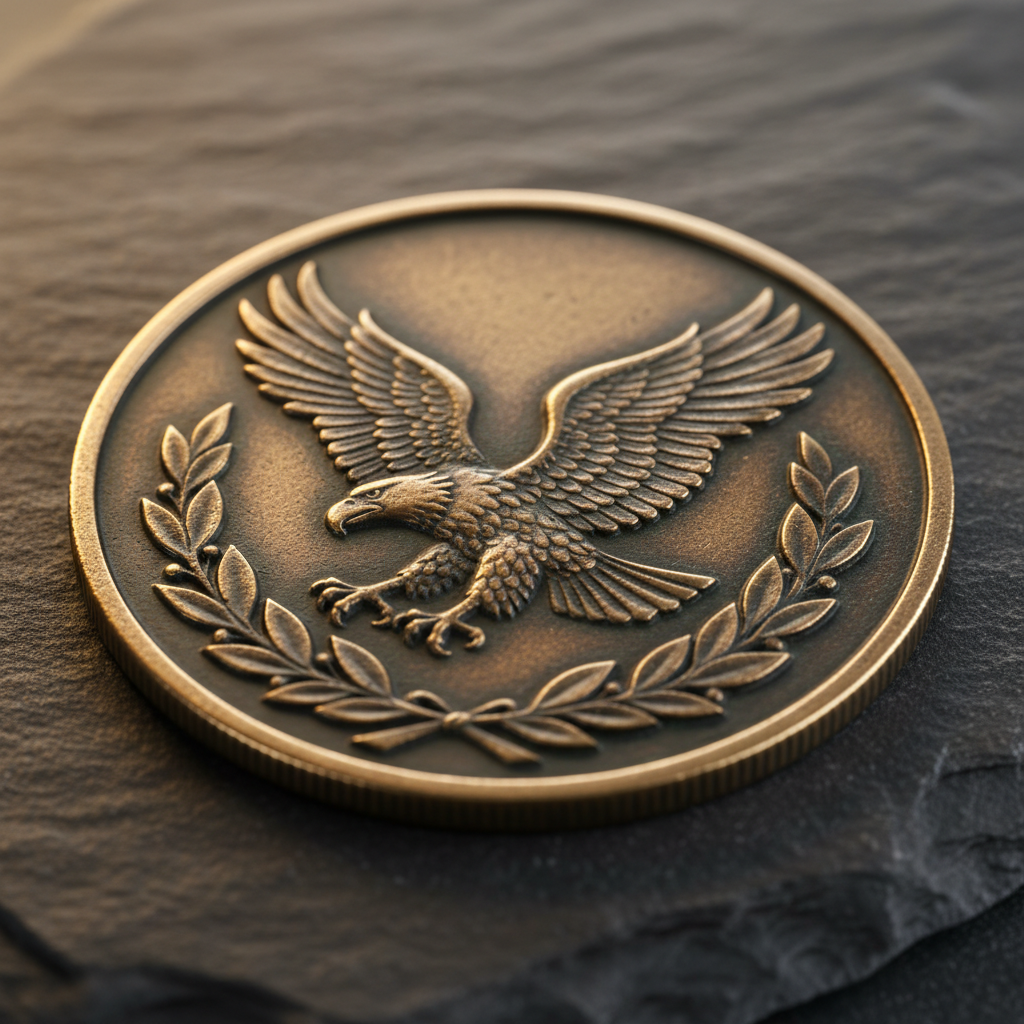
Struck Bronze Relief
CHALLENGE COIN
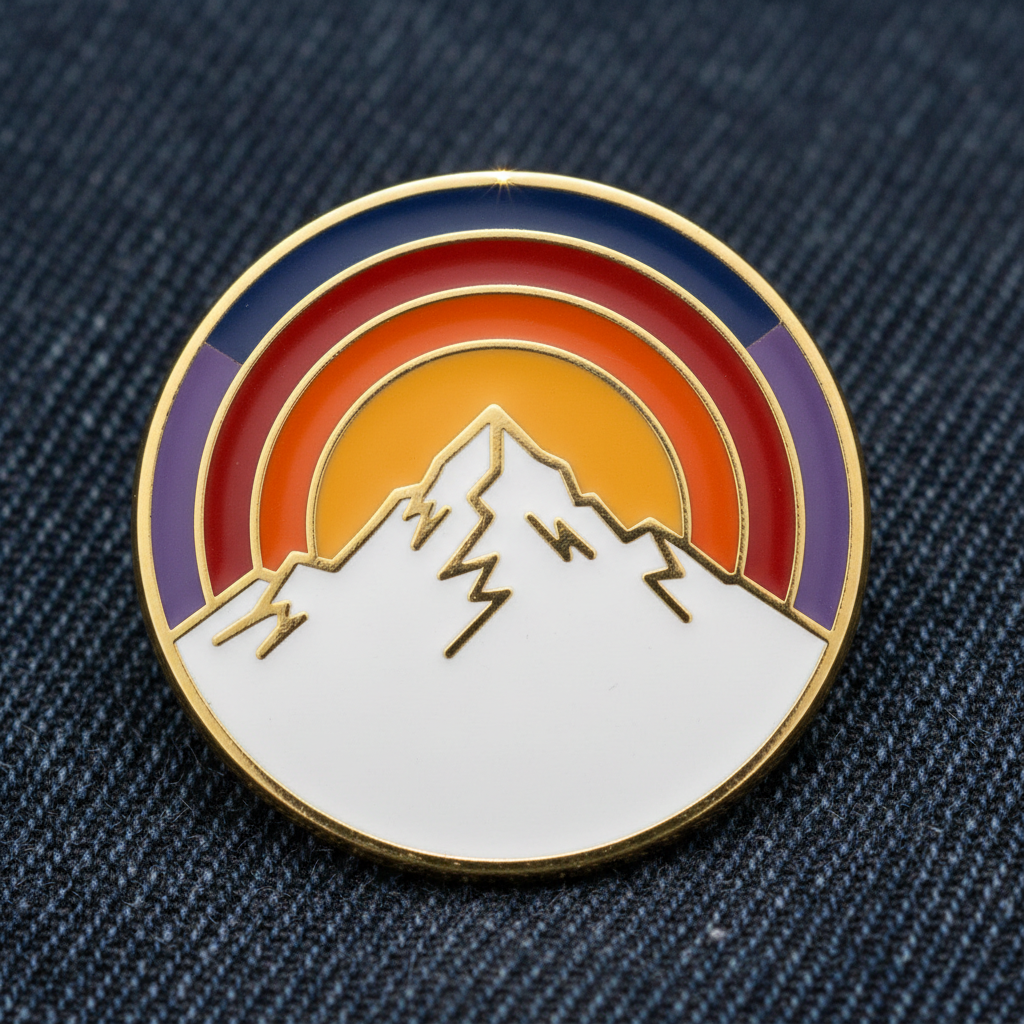
Hard Enamel Fill
LAPEL PIN
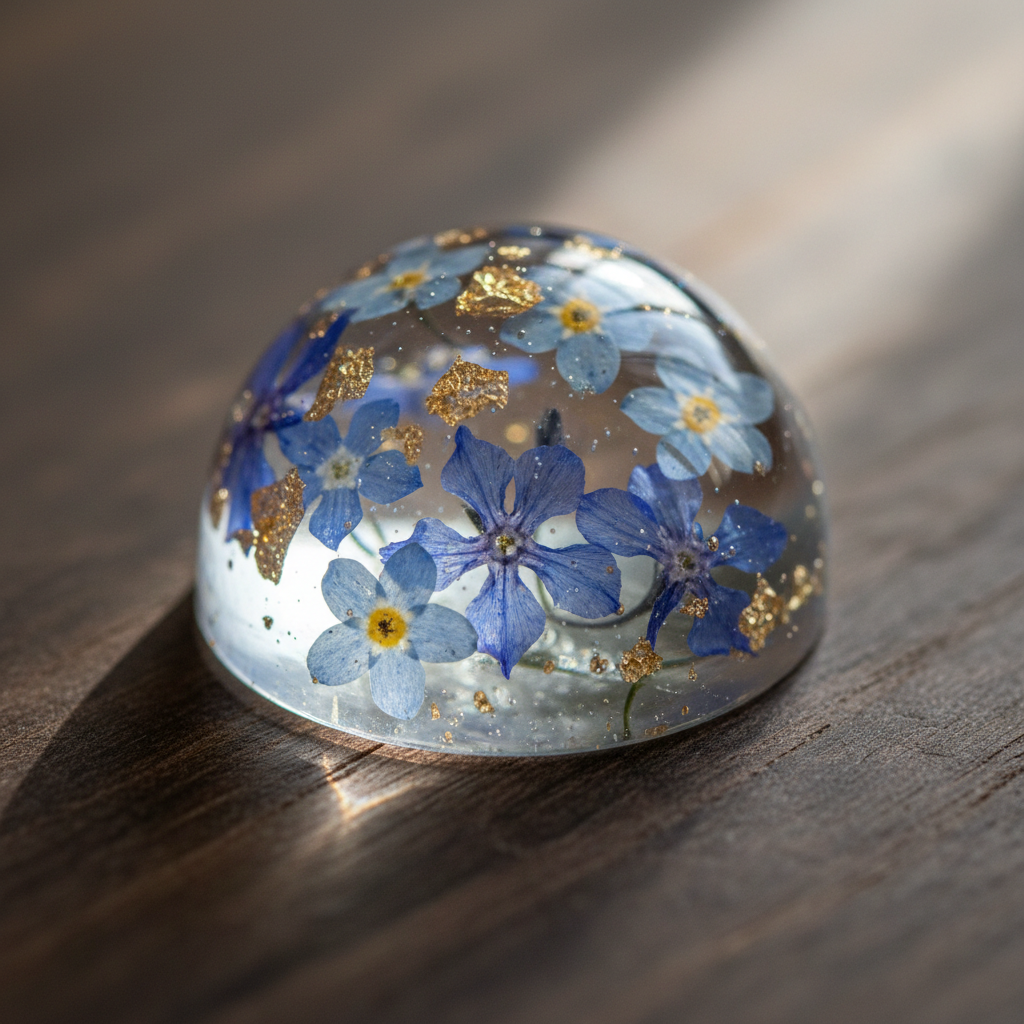
Suspended Miniature
RESIN CHARM
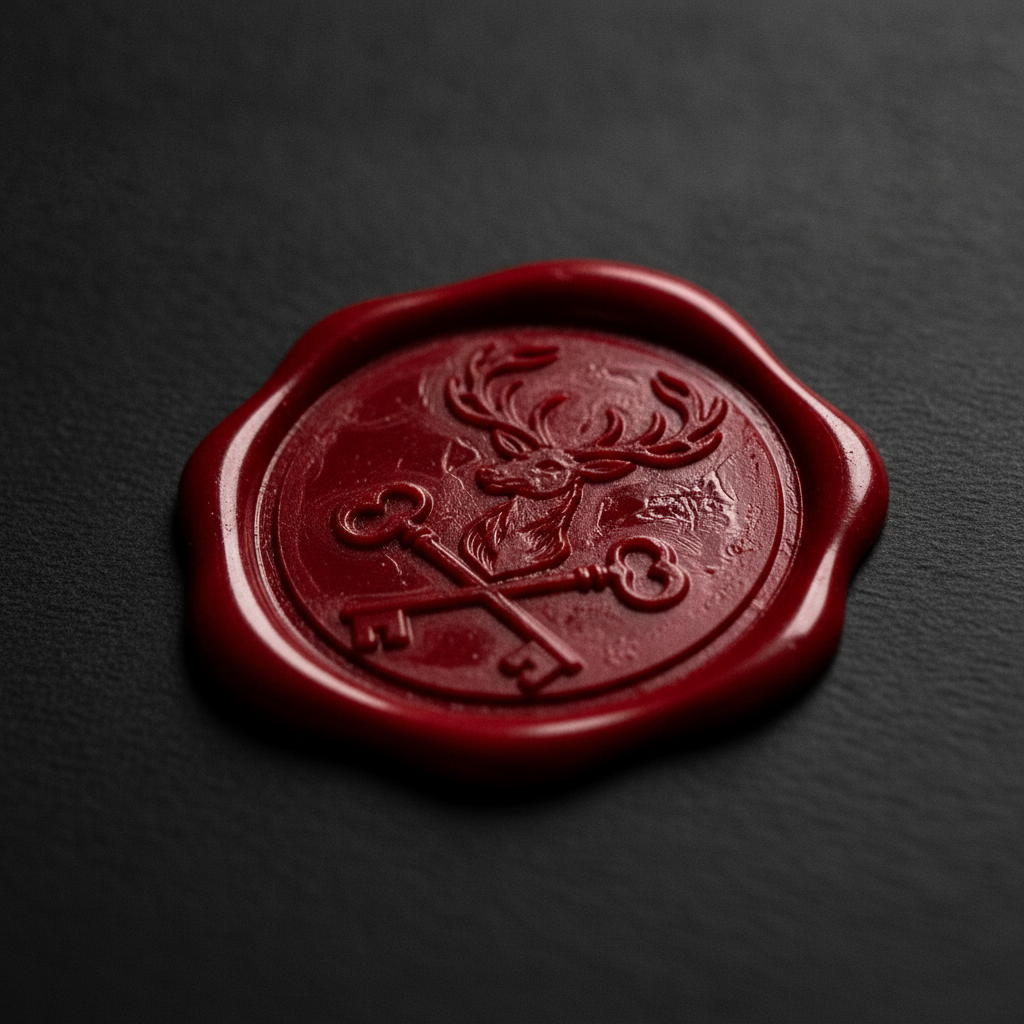
Pressed Wax Crest
WAX SEAL
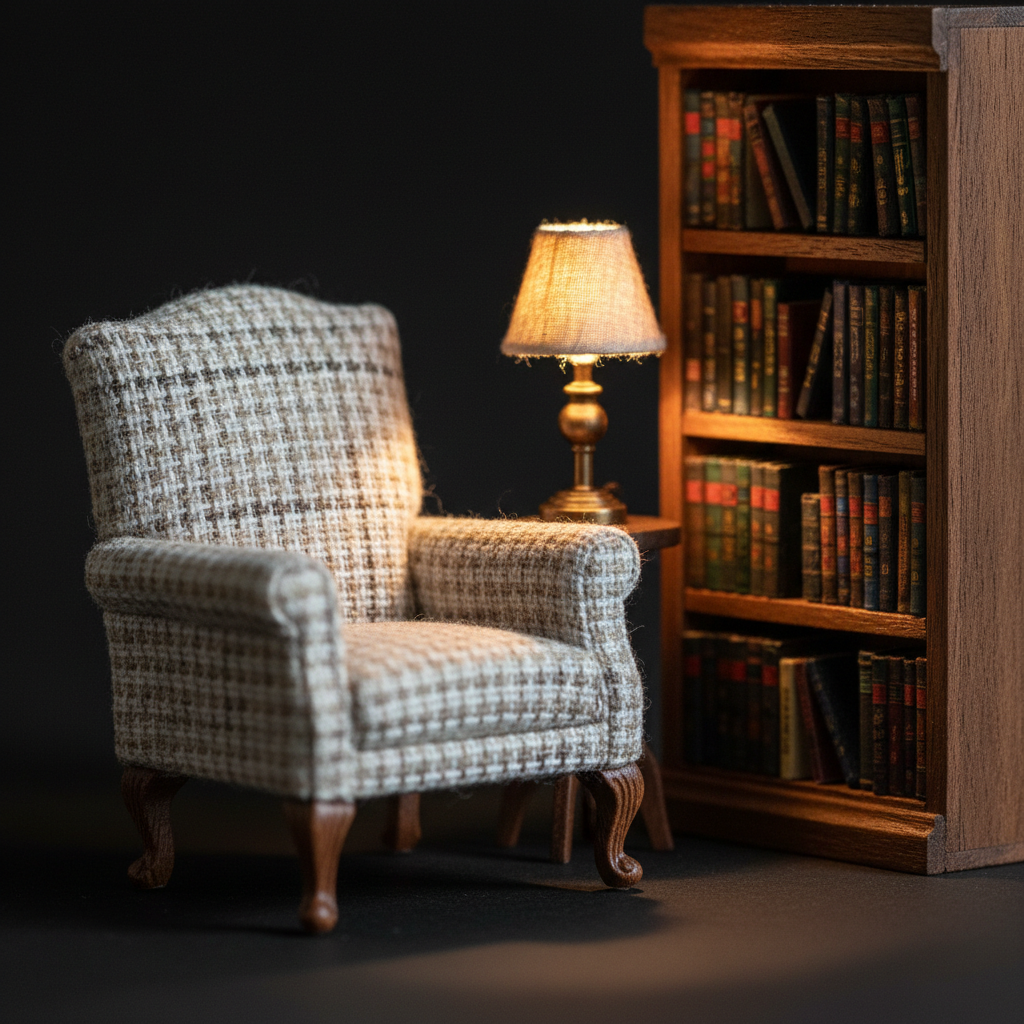
Twelfth-Scale Set
DOLLHOUSE PROP
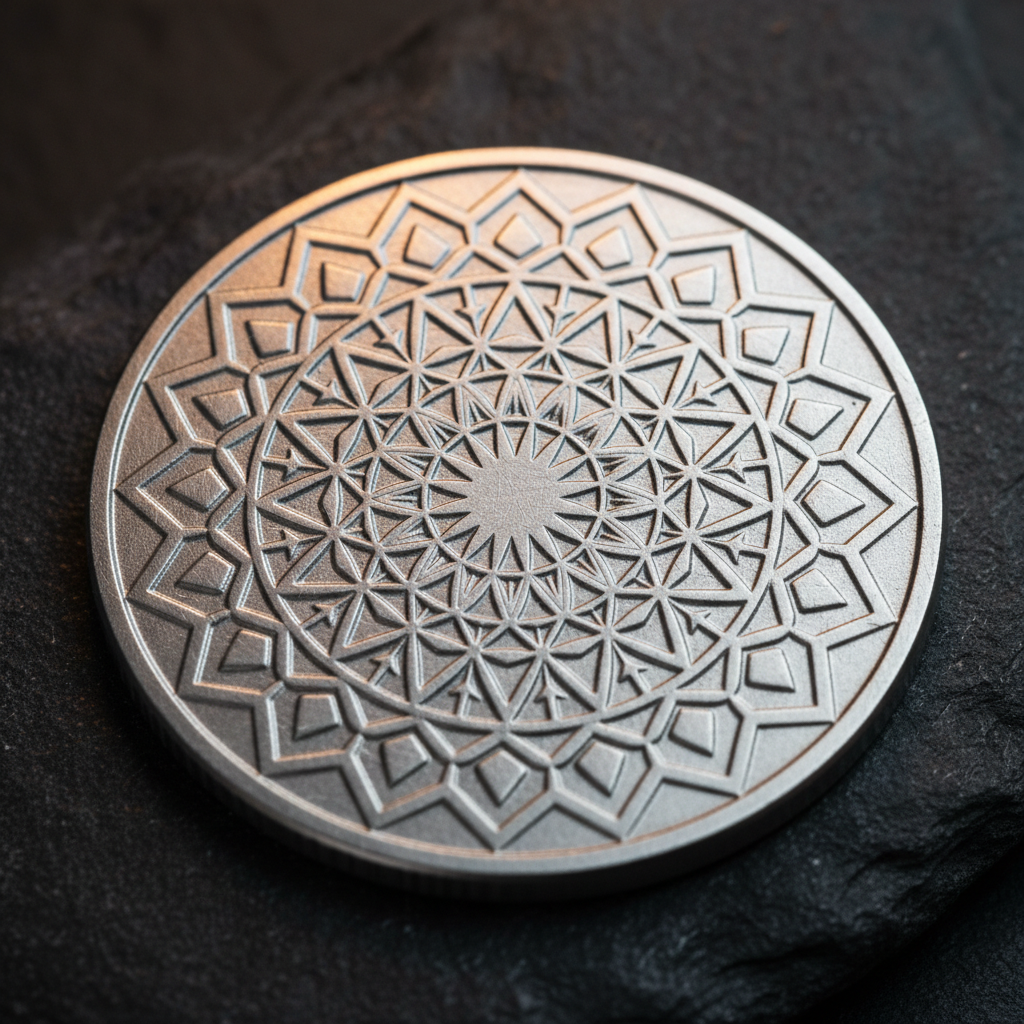
Engraved Geometry
METAL TOKEN
Four Rules of Coin-Sized Image Creation
Why detailed miniature images fail, and what to do instead
Design the Silhouette First
Fill your design with solid black and look at it. If the shape is still recognisable — a fox, an anchor, a mountain — it will survive being struck at 25mm. If it becomes an ambiguous blob, no amount of interior detail will save it, because at coin scale the outline is most of what the eye receives. This single test kills more bad small-scale images than every other check combined.
Push Contrast to the Extremes
Adjacent tones that differ by ten percent luminance merge into one flat area once the piece is coin-sized. Delete the mid-tones and let light sit against dark. This matters twice over for die-struck metal, where there is no colour at all and every bit of definition comes from shadow sitting in a recess — a design that only works in colour disappears the moment it is cast in single-tone brass.
Thicken Every Line You Own
A two-pixel stroke on a 1024px render lands at roughly 0.05mm on a finished 25mm coin. That is below what a die can cut, below what enamel can hold between metal walls, and well below what the eye separates at arm’s length. Fine hatching, stippling and feathered gradients do not read as texture at that scale — they read as dirt. Fewer marks, made heavier, always wins.
Leave the Rim Alone
Keep the motif inside about eighty percent of the diameter. Coins are finished with a raised rim, pins get a metal border, charms are drilled through the top, and wax seals lose their outermost few millimetres to spill. Artwork that runs to the edge gets clipped by whichever of those applies, so build the margin in from the start rather than cropping in a panic later.
How Coin-Sized Image Creation Works Here
Three steps from an idea to artwork you can hand to a manufacturer
Pick the Physical Process
Struck metal, hard enamel, laser engraving, cast resin, pressed wax, or twelfth-scale miniature. Each preset carries the material behaviour with it — relief depth, metal separators, refraction, wax spill — so the render already looks like the thing you are going to make.
Describe the Motif and Generate
Add your emblem in a sentence — the animal, the landscape, the crest, the arrangement. The AI renders it square at high resolution with bold shapes and hard shadows, which is the form miniaturised art needs. Generate a handful and compare them as thumbnails, not full size.
Run the Shrink Test, Then Vectorise
Print your favourite at true finished diameter and check it from two metres. What survives goes to a vector redraw for tooling, since most coin and pin factories want defined line art and colour separations rather than a raster file. The AI made the design decision; the trace makes it manufacturable.
Why This Generator Suits Coin-Sized Image Creation
Built around the constraint rather than fighting it
Presets Tuned for Legibility at 25mm
Every style on this page is prompted for bold silhouette, hard value separation, and thick stroke weight, because those are the three properties that survive reduction. Coin-sized image creation fails on contrast far more often than it fails on detail, so the presets spend their budget where the eye actually looks.
Built Around Real Manufacturing Processes
Die-struck relief, hard enamel with metal separators, laser engraving, cast resin, pressed wax. Each preset describes a physical process rather than a generic art style, so what comes back already resembles something a factory can quote on instead of a render that has to be reinvented for tooling.
Limited Palettes by Default
Enamel work charges per colour and single-tone metal has no colour at all. The presets stay inside three or four values so a design does not quietly become expensive — and so it still reads when it is struck in plain brass with nothing but shadow to define it.
Square Output With Room for the Rim
Renders come back 1:1 with the subject centred and margin left around it. Coins get rims, pins get borders, and charms get a hole drilled through the top — artwork that runs to the edge loses something in every one of those cases, so the presets keep the motif inside a safe circle.
Clean Unlettered Emblems
No text is generated on purpose. Image models write convincing nonsense, and a misspelled motto on a struck coin is scrap rather than a revision. You get the emblem as clean artwork and add sharp editable type afterwards, which is how medallic design has always been layered.
Free to Start, $2.99 to Sell
Generate your first miniature designs free with trial credits — no credit card, no signup wall. Paid plans start at $2.99 and add higher volume, 4K output for large-format proofs, watermark-free downloads, and full commercial rights for Etsy listings, unit coins, and client work.
Where AI Tiny Art Gets Used
Eight things people make once they can design at coin scale
Frequently Asked Questions
Straight answers about coin-sized image creation and AI miniature art
Design It Small From the Start
Struck coins, enamel pins, resin charms, wax seals and twelfth-scale props — pick a process, describe your motif, and download a bold 4K render in seconds. Free to try, no credit card, no signup wall.
Coin-Sized Image Creation: Designing for a Diameter, Not a Canvas
Almost everyone approaches coin-sized image creation backwards. They make a piece of artwork they love at full screen size, send it off to be struck or cast, and are surprised when the sample arrives looking like a thumbprint. Nothing went wrong in manufacturing. The design simply carried more information than 25mm of metal can hold. Small-scale images are governed by physical limits — how fine a die can cut, how narrow a wall of metal can be before enamel bleeds across it, how much detail an eye separates at arm’s length — and those limits do not care how good the file looked on a monitor.
The craft, then, is subtractive. Detailed miniature images earn their detail by spending it carefully: a bold closed silhouette that reads as a solid shape, a value range pushed to the extremes so light sits directly against dark, stroke weights heavy enough to survive the reduction, and a limited palette that will not multiply your enamel cost or vanish entirely when the piece is struck in single-tone brass. Every preset in the generator above is prompted with those properties built in, which is the difference between AI tiny art that a factory can quote on and a render that has to be redesigned from scratch before anyone can make it.
The six presets map to real processes rather than art styles. Struck coin relief gives you the deep bas-relief and raking shadow of die-struck bronze. Hard enamel produces the thick gold separators and flat glossy colour fields of a cloisonné pin. Engraved token covers laser work on brushed metal, where symmetry and clean radial geometry do the heavy lifting. Resin charm handles refraction and suspended botanicals for jewellery and keyrings. Wax seal renders crisp heraldic impressions for stationery and packaging. And dollhouse miniature covers twelfth-scale props where the trick is convincing material texture rather than relief. None of them generate lettering, deliberately — image models write plausible nonsense, and a misspelled motto on a struck coin is scrap rather than a revision, so you add sharp editable type afterwards in a vector editor. If you want the same discipline applied to flat die-cut artwork instead of relief, the AI sticker maker is tuned for that, and the AI logo generator covers marks that need to work at favicon size as well as on a banner.
Start generating today and test before you tool. AI Banana is free to try with no credit card and no signup wall, so you can explore a dozen coin-sized image creation ideas in an afternoon, print the best one at its true finished diameter, and check it from across the room before spending anything on a die. Paid plans start at $2.99 and add higher volume, 4K output for large-format proofs, watermark-free downloads, and full commercial rights for the pins, coins, charms and miniatures you intend to sell. AI precision art will not replace the vector redraw a manufacturer asks for — but it will get you to a design worth redrawing far faster than a blank sketchbook will.
More AI Tools for Makers
Explore more small-format design tools from AI Banana