
AI Virtual Try-On Tool
See the Garment on a Model in Fifteen Seconds
Describe a garment and get a photo-real on-model image in about fifteen seconds — a studio catalogue shot, a fit comparison across several body types, a fabric close-up, a three-look styling board or a retail lifestyle scene. Every image is generated fresh from your brief at 4K-class resolution, ready for a product listing, a lookbook, a wholesale line sheet or a campaign test. Built for fashion retailers, online shoppers and stylists who need to see it before the sample is sewn. No studio, no photoshoot, no login required to try it.
Try On Any Garment — Free
Pick a try-on preset below or describe your own piece — the cut, the fabric, the colour, the model and the setting. Your on-model image arrives in about fifteen seconds. No studio, no photographer, no account.
AI Virtual Try-On Tool
Choose a try-on preset or describe a garment, and the AI generates a photo-real on-model image in seconds. No account, no photoshoot, no subscription.
AI Virtual Try-On in Six Formats
Catalogue shots, fit comparisons, fabric close-ups, styling boards and retail scenes — each from a single prompt
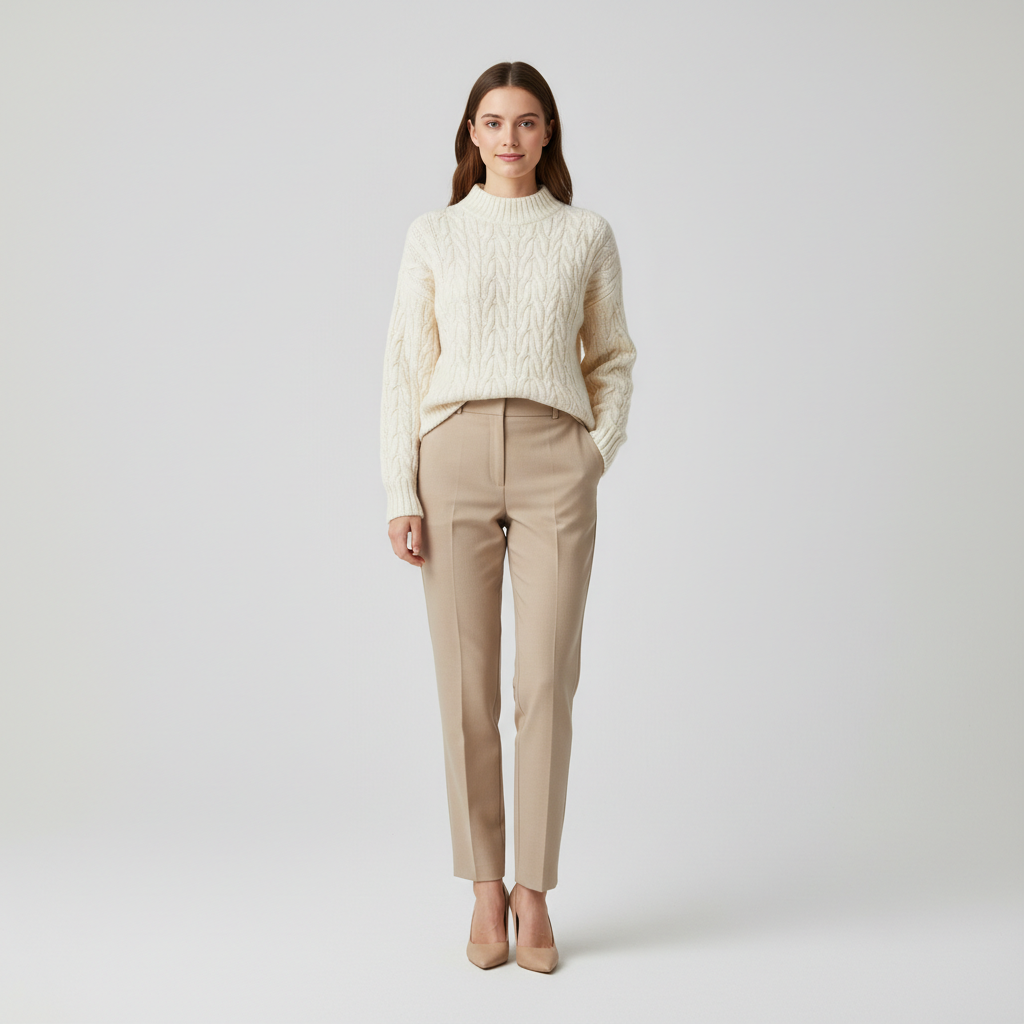
Studio Catalogue Shot
E-commerce Listing
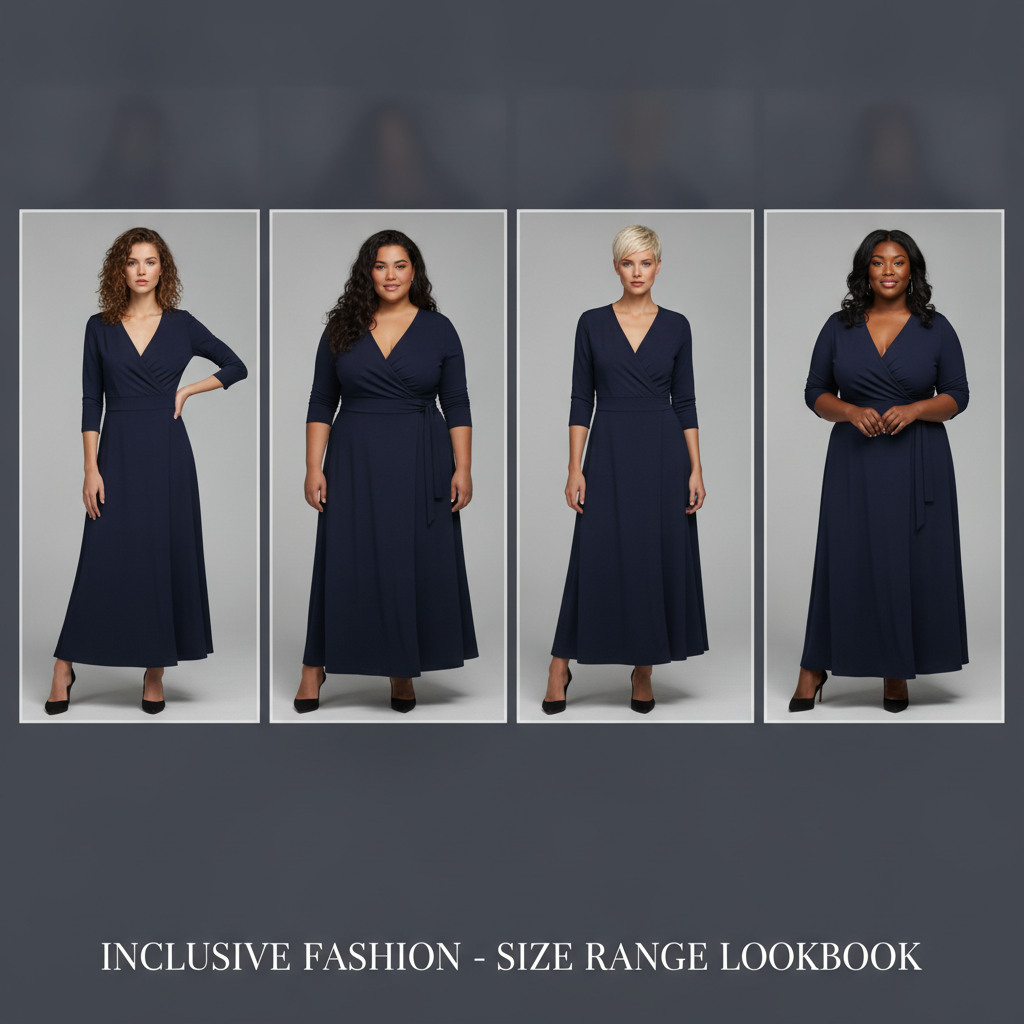
Multi-Body Fit Check
Size Range Lookbook
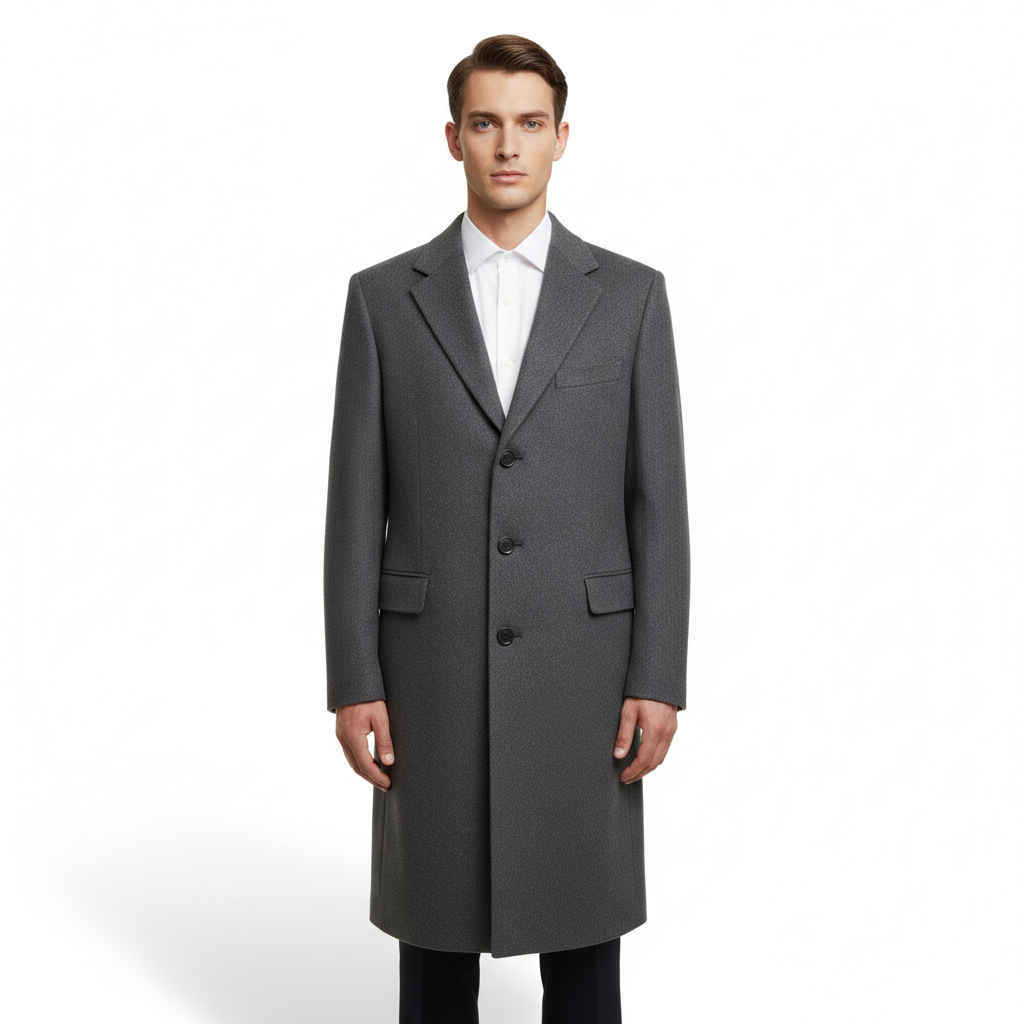
Menswear on White
Catalogue Photography
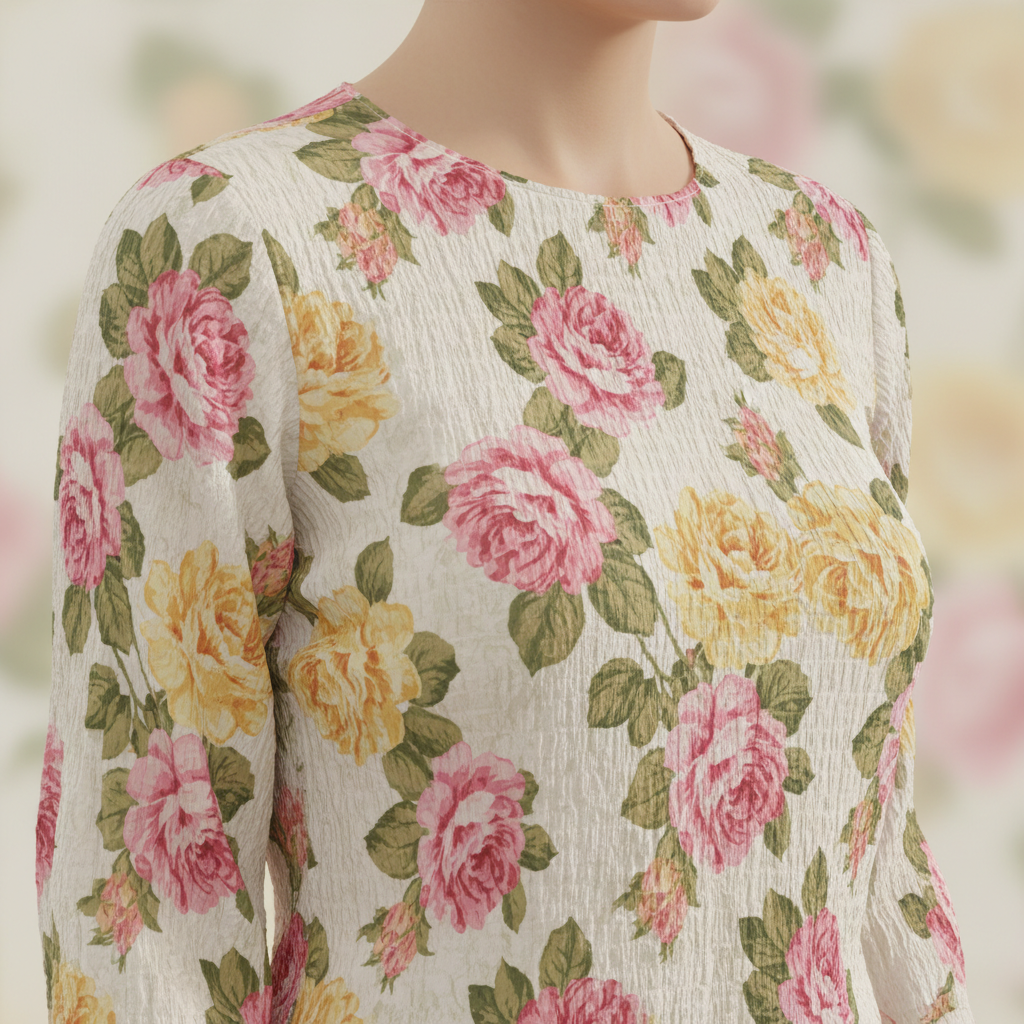
Fabric & Print Detail
Zoom View
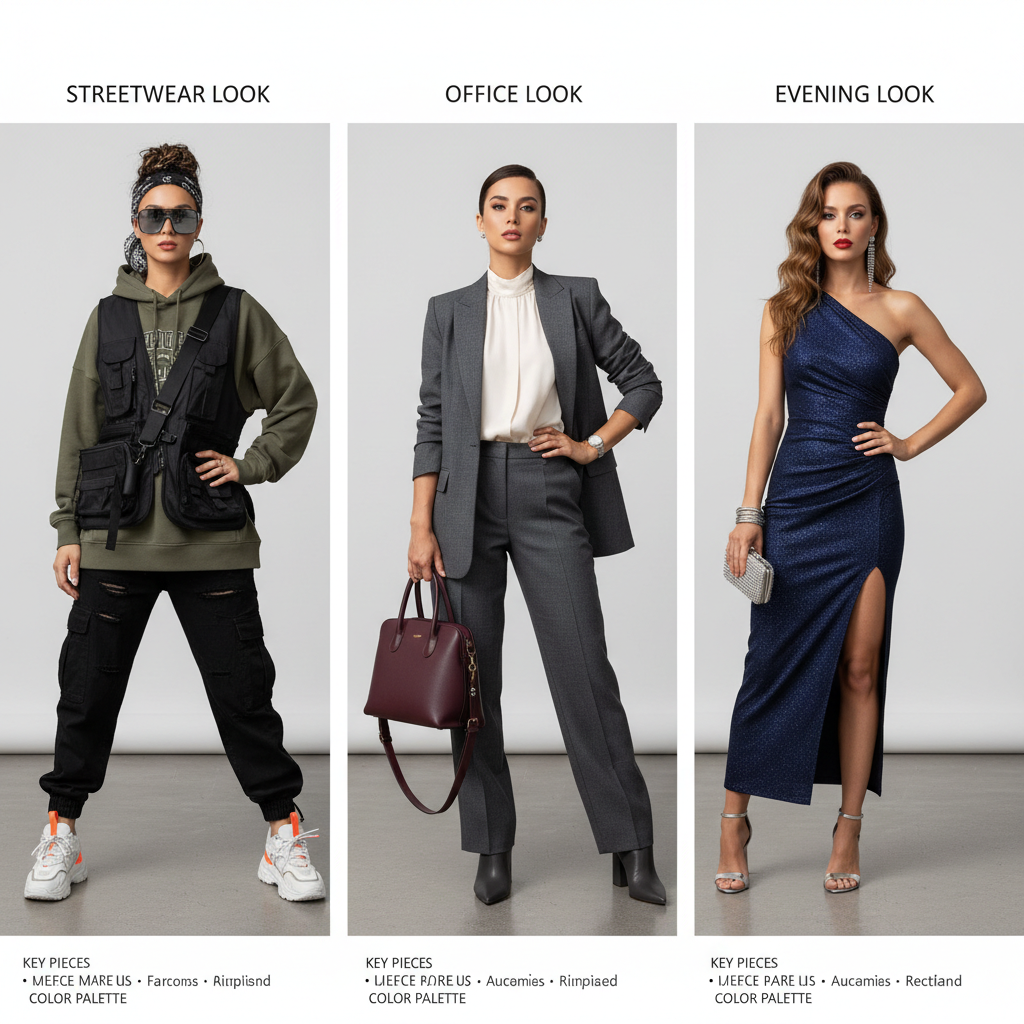
Three-Look Styling Board
Styling Comparison
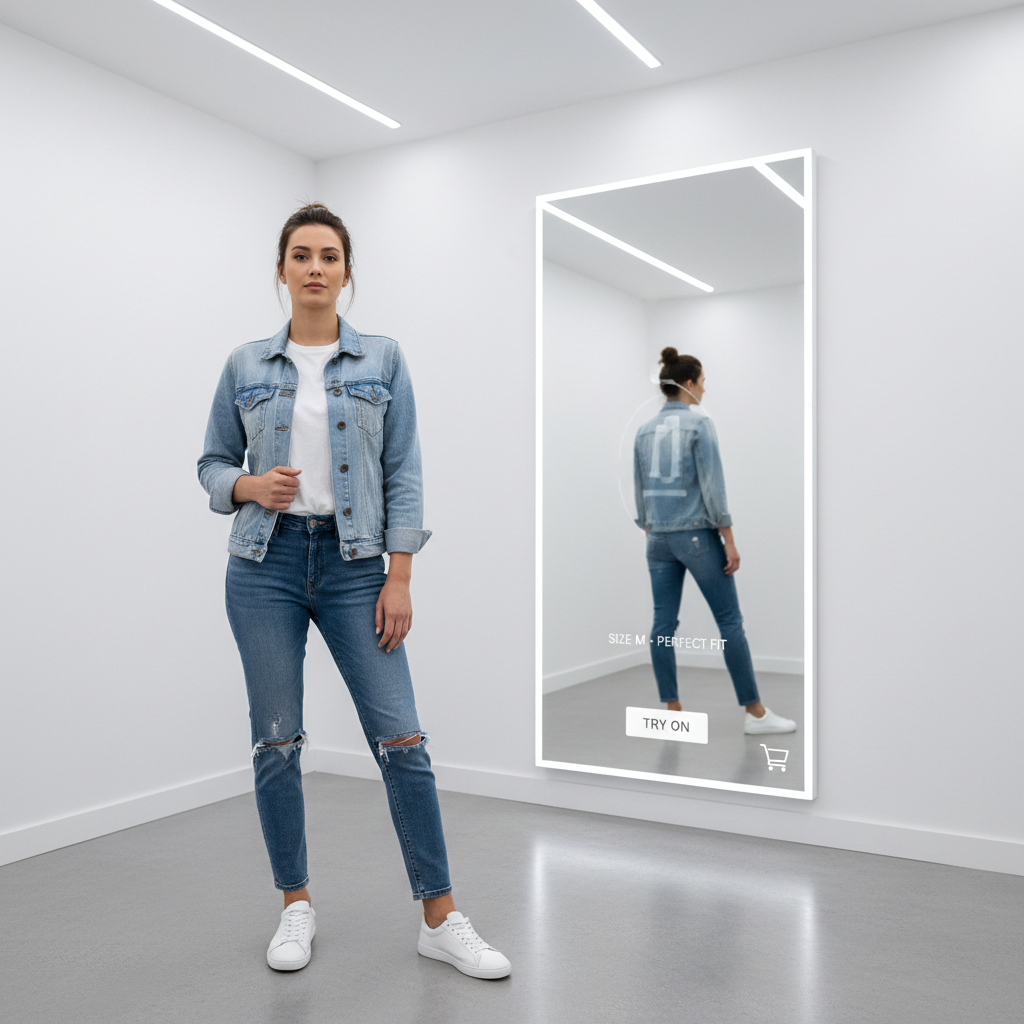
Retail Lifestyle Scene
Campaign Imagery
How the AI Virtual Try-On Tool Works
Three steps, fifteen seconds — no studio booking, no sample, no retouching pass
Describe the Garment
Type the piece into the generator above, or start from one of the six presets. Cut plus fabric plus colour does most of the work — "an oversized oatmeal linen shirt, half tucked". Add the model and the background if they matter. No account is required and nothing is installed.
AI Dresses the Model
Nano Banana Pro resolves the drape, the seams, the proportions, the lighting and the way the fabric meets the body into one finished photograph, holding the material behaviour you asked for instead of defaulting to generic cloth. Each pass takes about fifteen seconds.
Download & Publish
Download at 4K-class resolution and use it as a listing image, a lookbook page, a line sheet or a campaign test. Want a variation? Change the colourway, the fabric or the setting and regenerate. Paid plans from $2.99 add watermark-free files and commercial rights.
Why This AI Virtual Try-On Tool
What separates a usable on-model visual from an image that obviously never existed
Fabric That Falls Like Fabric
The thing that separates a usable try-on visual from an obvious fake is drape. Linen creases, jersey clings, denim holds its shape, wool crepe hangs heavy and satin catches light along every fold — and generic image models flatten all of that into the same neutral cloth. This AI virtual try-on tool runs on Nano Banana Pro, which responds to fabric vocabulary directly: name the material and the weight in your prompt and the garment behaves accordingly, including how a print registers across a seam and how a hem sits when a body is standing rather than posed.
A Size Range Before You Cut a Sample
One of the most expensive discoveries in apparel is that a design only works on one body. Shooting a size range means booking several models, and the bill arrives long before anyone knows whether the silhouette holds. Asking this online fitting room for the same garment across several body types in a single image answers that in about fifteen seconds, and because the model resolves every figure in one pass, the lighting, the framing and the garment stay consistent between them — which is exactly what makes the comparison readable rather than decorative.
The Whole Range Visualised in an Afternoon
A photoshoot costs a model, a studio, a photographer, a stylist and a retouching pass, which is why most small labels shoot the hero pieces and leave the rest on a mannequin. Generating each look costs about fifteen seconds instead, so the calculation changes: survey every colourway, every styling direction and every background register first, then spend the studio day on the handful that earned it. Fashion AI tools tend to shorten the shoot rather than cancel it, by making sure nothing on the call sheet is there to be found out.
4K-Class Output Because Customers Zoom
Apparel is the category where shoppers inspect pixels hardest — weave, stitching, button detail, print registration, the exact shade of a knit under daylight. Those are the first details to soften when an image is pushed past its native size, and softness in a product photo reads as a cheap product. Output targets 4K-class resolution, so a single generation carries the listing thumbnail, the zoomed detail view, the Instagram crop and a printed wholesale line sheet without resampling artefacts creeping into the seams.
Commercial Rights, Stated Plainly
Try-on imagery ends up on product pages and in paid advertising, so licensing is not optional. Paid plans from $2.99 include full commercial usage rights in writing — listings, lookbooks, social ads, email campaigns, wholesale line sheets and pitch decks. Two fashion-specific notes worth reading twice: describe a garment rather than naming a brand or designer, so the result is an original you own; and check your marketplace rules on labelling AI-generated product imagery, because most platforms now expect a disclosure when the image stands in for the item shipped.
No Studio, No Install, No Subscription
The generator runs entirely in the browser — nothing to download, no 3D garment file to prepare, no body-scanning SDK to integrate, no account needed to start. Free usage is protected with per-IP rate limits rather than ads or a login wall, so you can put a real product brief through the virtual styling assistant before spending anything. When you need volume, plans start at $2.99 with unlimited high-resolution generations and no ongoing subscription, which matches how fashion work actually arrives: a burst of images around a drop, not a flat monthly cost.
Who Uses This Online Fitting Room
Four situations where a fashion AI tool replaces a studio day
Fashion Retailers & Marketplaces
Every SKU needs imagery, and imagery is the line item that scales worst — a hundred products means a hundred styling setups. Retailers use the generator to visualise colourways and styling directions before the shoot, so the studio day covers only the looks that survived review. It is also the fastest way to test a product page: put a generated hero image in front of traffic, see whether the styling converts, then commission the real shot for the winners.
Online Shoppers
Product pages usually show one model, in one size, in one styling. If that model looks nothing like you, the photo answers very little. Describing the same garment on a body closer to your own, or in the colour the shop only shows as a swatch, gives you a second reference point before you commit — and seeing a piece styled three ways is often what settles whether it fits your wardrobe rather than just your measurements.
Stylists & Personal Shoppers
A styling proposal lands far better as pictures than as a list of links. Generating a three-look board for a client — the work look, the weekend look, the event look — takes minutes and makes the direction arguable in concrete terms rather than in adjectives. Stylists also use a virtual styling assistant to test whether a combination reads well together before pulling the actual pieces, which saves a fitting-room hour on every client.
Independent Labels & Designers
A small label has to show a collection to buyers before it can afford to produce one. Generated on-model visuals turn a tech pack into a presentable line sheet, let you test a colourway on a body instead of on a swatch card, and give a crowdfunding page or a wholesale pitch something to look at. The honest framing matters here: treat it as a design visualisation that precedes the sample, not as a photograph of a garment that exists.
AI Virtual Try-On Tool — FAQ
Accuracy, prompting, commercial use and how the online fitting room works
Open Your Online Fitting Room
Describe a garment in a sentence — the cut, the fabric and the colour. The generator is free to try, loaded on this page, and needs no account and no photoshoot. You will know in about fifteen seconds whether the piece works on a body.
Start Creating FreeAn AI Virtual Try-On Tool for Retailers, Shoppers and Stylists
Apparel has always had an imagery problem. A garment only becomes real to a customer once it is on a body, and putting it on a body has historically meant a sample, a model, a studio, a photographer, a stylist and a retouching pass — a chain of costs that has to be paid before anyone knows whether the piece even photographs well. An AI virtual try-on tool changes where that decision sits. Describing a garment and seeing it worn takes about fifteen seconds, which means the exploratory half of fashion imagery — the colourways that get cut, the styling directions that get rejected, the silhouettes that turn out not to work — no longer has to be paid for a studio day at a time. This page runs on the Nano Banana Pro image model and generates on-model photography from a written brief.
What makes digital clothing try-on convincing rather than merely plausible is material behaviour. Linen creases, jersey clings, denim resists, wool crepe hangs with weight and satin throws light along every fold — and a model that treats all cloth as the same neutral fabric produces images that look wrong in a way viewers notice before they can name. That is why fabric vocabulary is the highest-leverage part of any prompt here. The six presets on this page are built around the formats fashion actually needs: a studio catalogue shot on a seamless backdrop, a multi-body fit comparison with consistent lighting across every figure, a menswear listing image on plain white, a close-up showing how a print registers across a seam, a three-look styling board, and a lifestyle scene inside a retail interior. The prompt box takes everything past that — a colourway by hex value, a specific fabric weight, an editorial location, a flat lay, a runway frame or a seasonal campaign mood.
Prompting an online fitting room follows a reliable order: garment, then model, then framing, then lighting and background. "An oversized charcoal wool overcoat over a white shirt, worn by a male model, full length front view, soft even studio lighting, plain white background" gives the model everything it needs, where a longer pile of adjectives usually produces a muddier result. Adding "e-commerce product photography" or "editorial campaign" sets the register; asking for several figures or several looks inside a single image is the most reliable way to keep lighting and framing consistent, since the model resolves every panel in the same pass. Output targets 4K-class resolution, which matters more here than in most categories because apparel customers zoom — weave, stitching and print registration are the first details to soften when a file is pushed past its native size, and softness in a product photo reads as a cheap product.
Whether you arrived searching for an "AI virtual try-on" tool, an "online fitting room", a "fashion AI tool", "digital clothing try-on" or a "virtual styling assistant" for a storefront, a lookbook, a wholesale line sheet or your own wardrobe, this is the dedicated page for it on aibanana.net. If what you actually want is to see a different outfit on a photo of yourself, the AI Outfit Generator handles that upload-based path instead. The generator above runs entirely server-side and asks for no account, email or credit card — free usage is protected with per-IP rate limits rather than ads or a login wall. Paid plans from $2.99 unlock unlimited high-resolution generations, watermark-free downloads and full commercial usage rights with no ongoing subscription. Two honest caveats before you publish: generated imagery shows how a garment reads, not how a given size will fit a given body, so size charts still do that job; and most marketplaces now expect AI-generated product imagery to be labelled, so check your platform rules and make sure the garment a customer receives matches the one on screen.