
AI Space-Time Photo Editing
Futuristic Time Effects in Seconds
AI space-time photo editing turns a text prompt into a futuristic, dynamic visual — light trails, star trails, time-lapse effects, motion blur, and warped spacetime distortions — all in seconds. Built for photographers, digital artists, and creative professionals who want advanced photo tools without a tripod, exposure stacking, or complex software. Describe the space-time effect you want, hit generate, and download crisp HD output. No login required, with full commercial usage on paid plans.
Try AI Space-Time Photo Editing — Free
Type a prompt, pick a space-time effect preset, and the tool returns a polished HD visual in seconds
AI Space-Time Photo Editing
Describe the space-time effect you want, pick a preset, and the AI renders a futuristic, time-based visual — light trails, star trails, motion blur, multi-exposure, cosmic portraits, or warped spacetime
AI Space-Time Photo Editing Showcase
A sample of what AI space-time photo editing produces — light trails, star trails, spacetime warps, multi-exposure, cosmic portraits, and motion blur
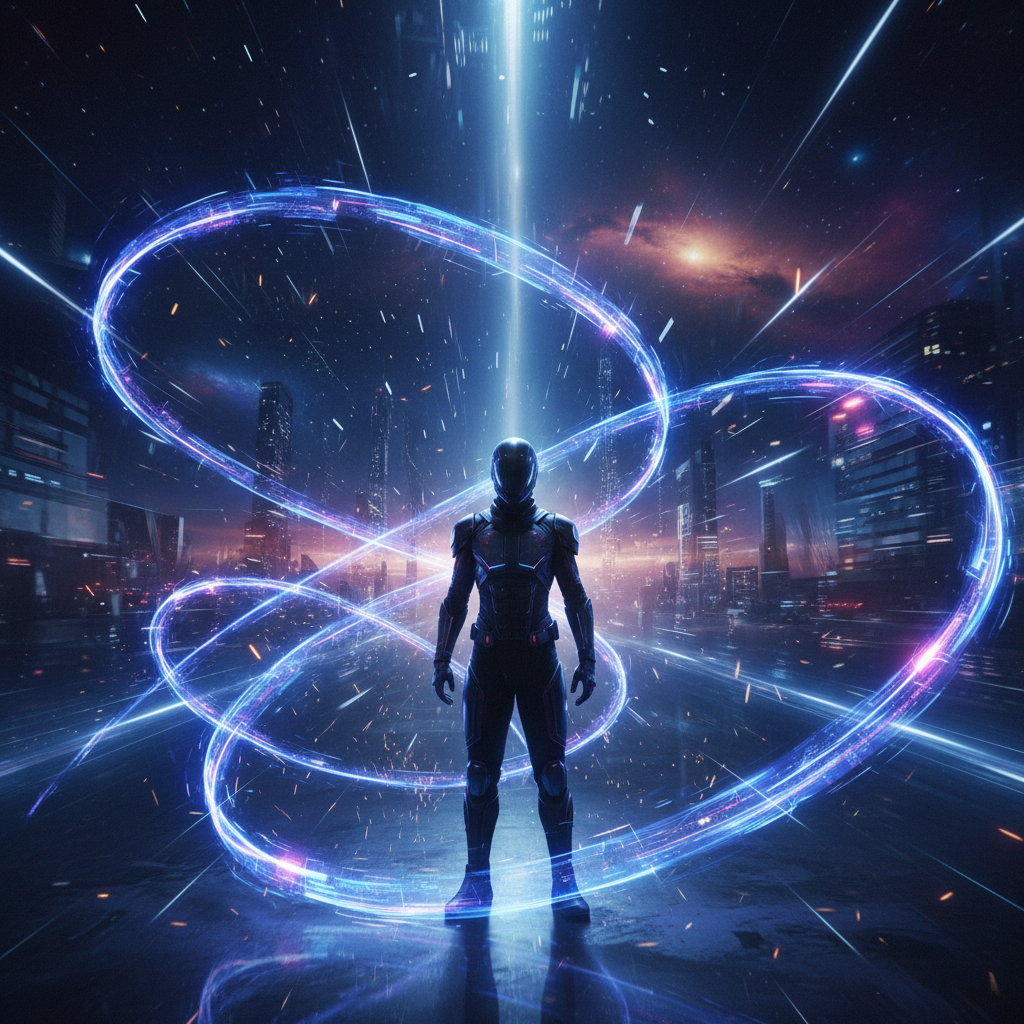
Light Trails
Long Exposure
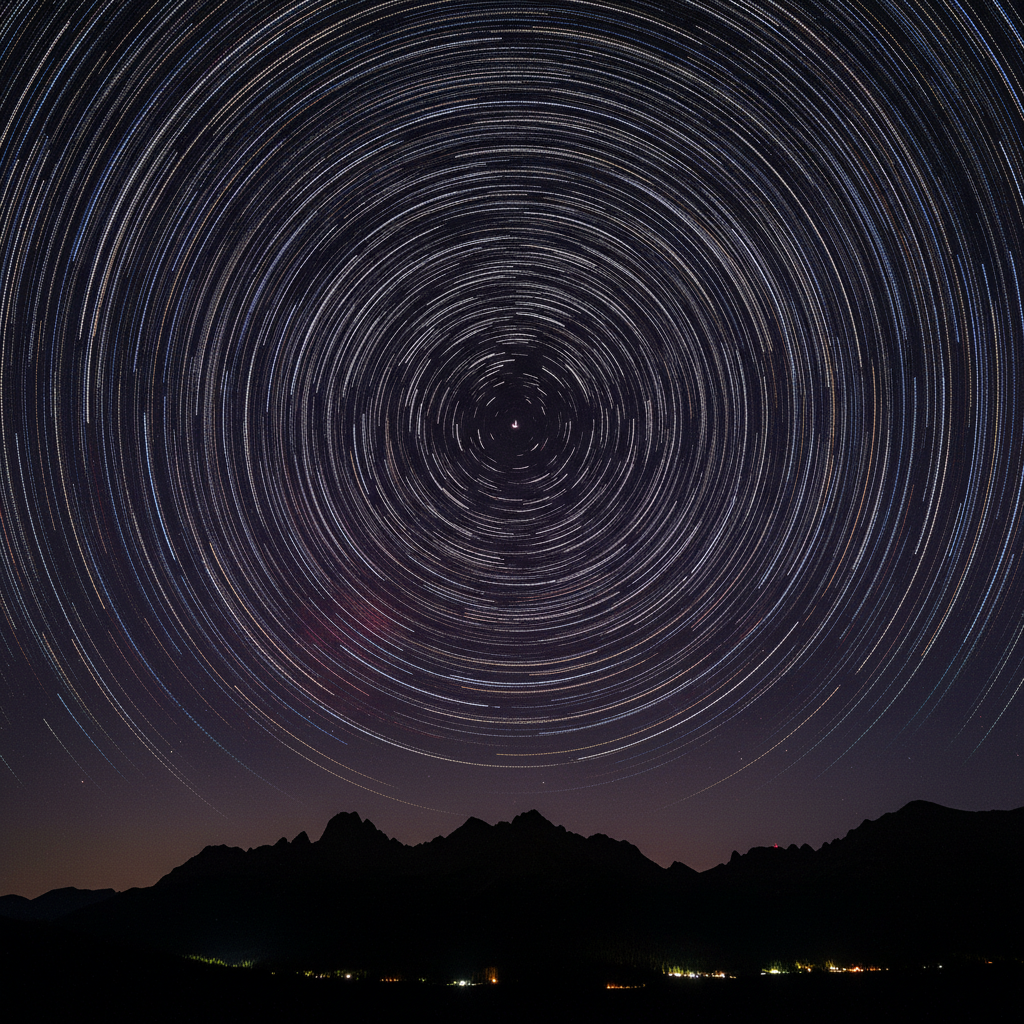
Star Trails
Astrophotography
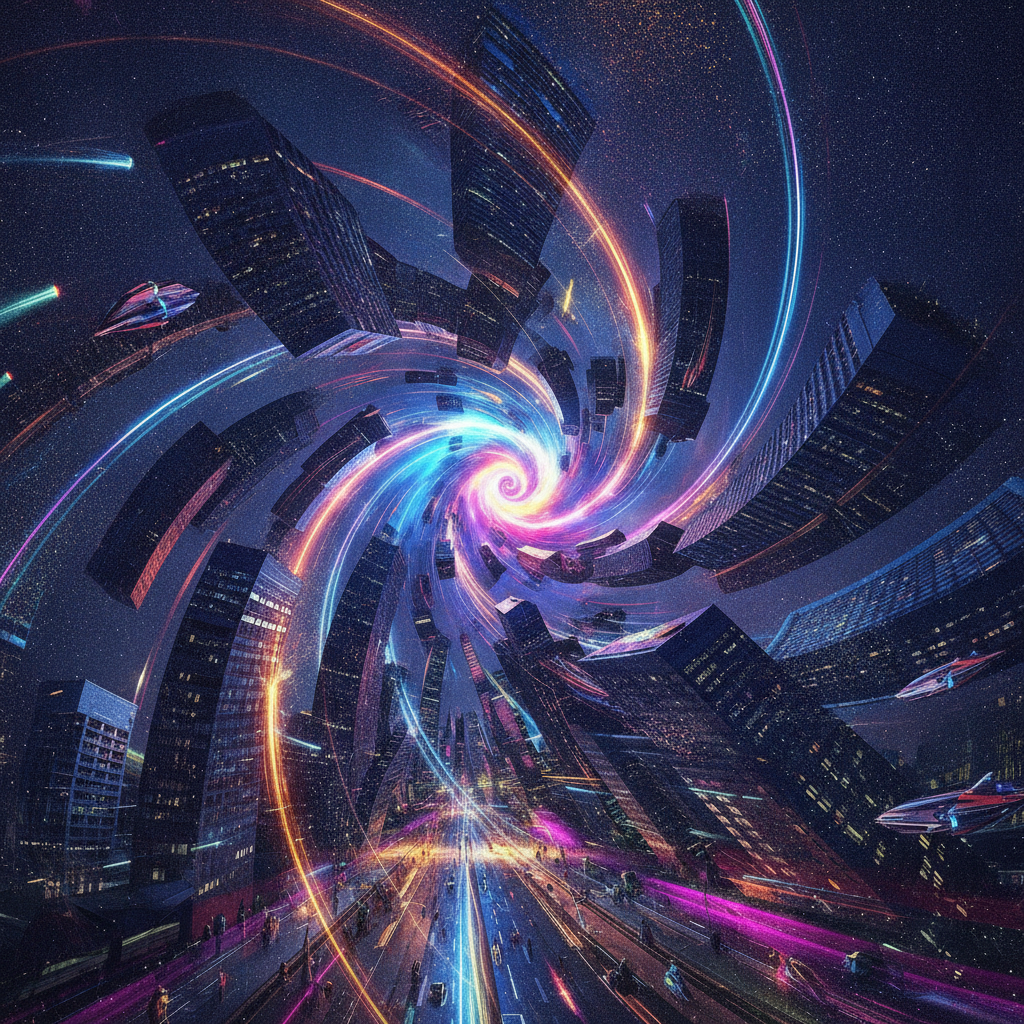
Spacetime Warp
Sci-Fi
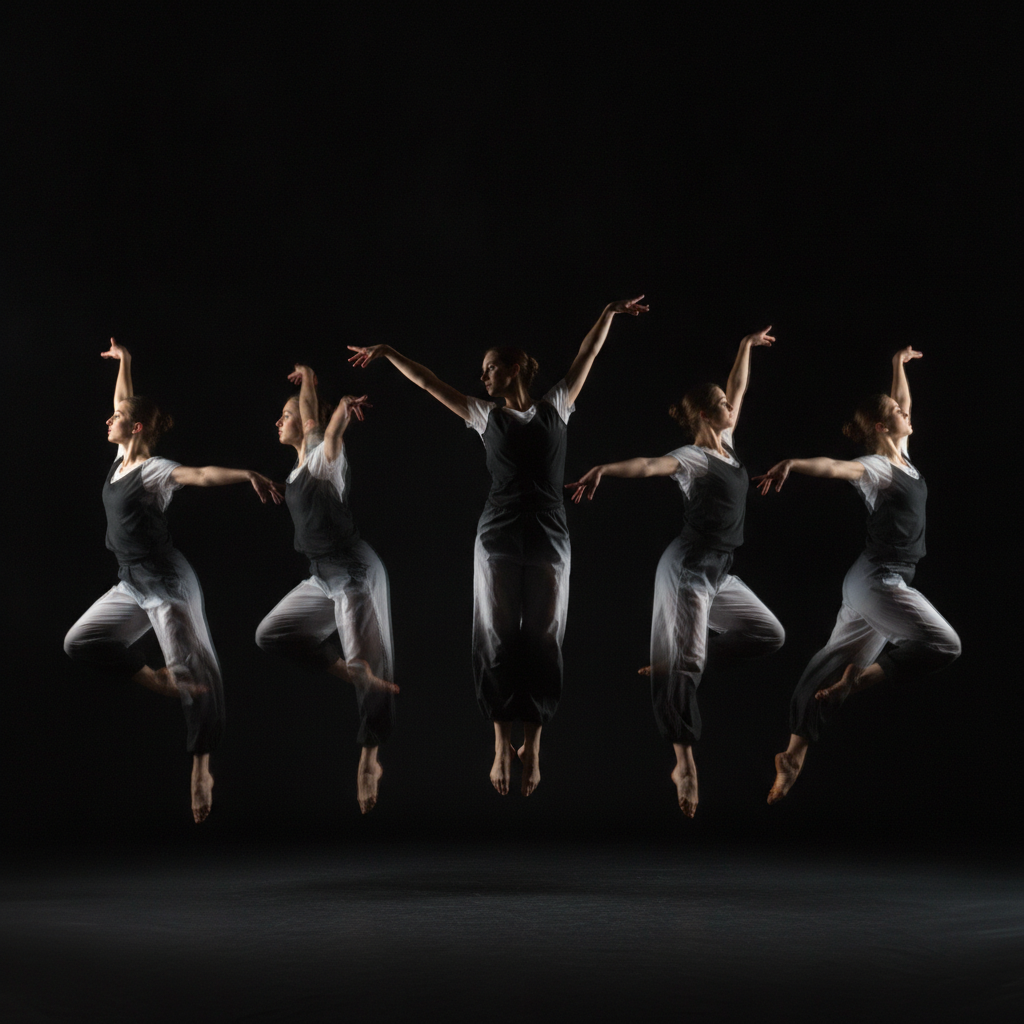
Multi-Exposure
Motion Sequence
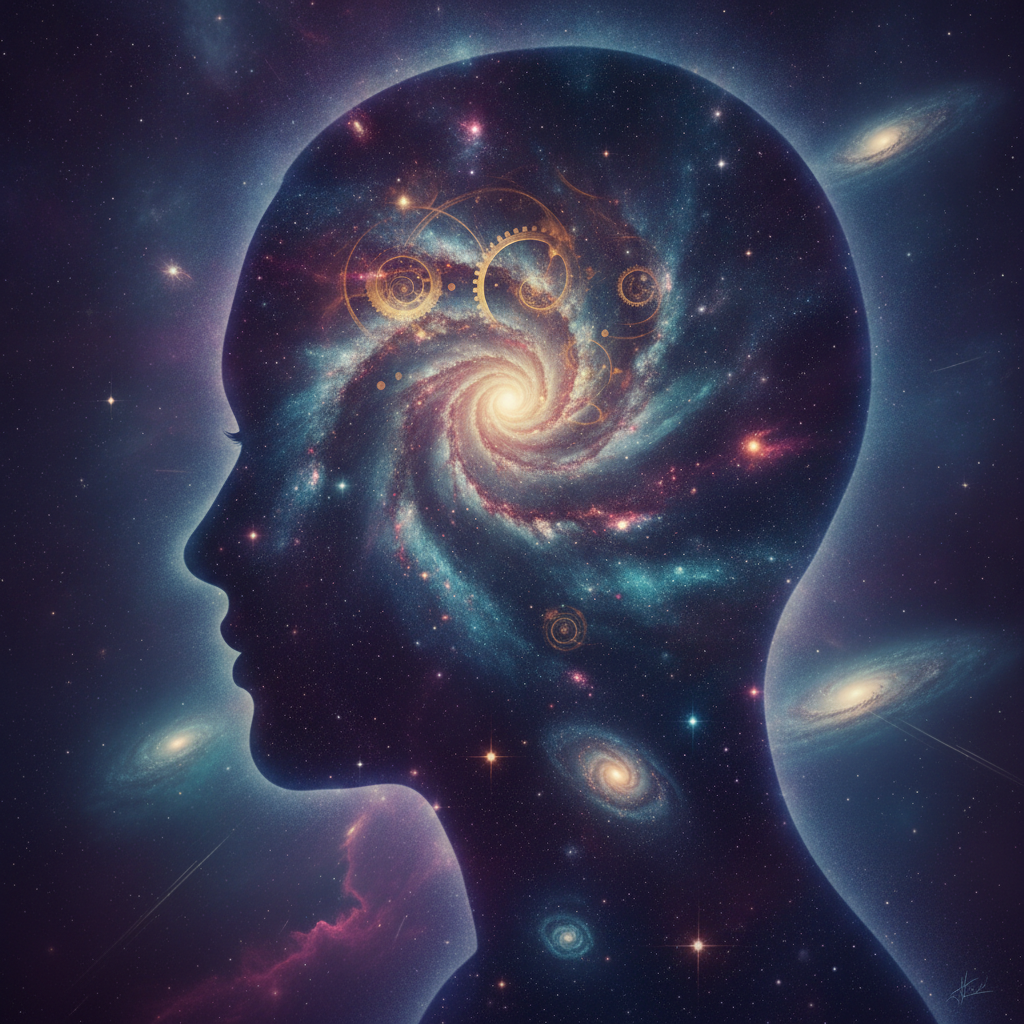
Cosmic Portrait
Double Exposure
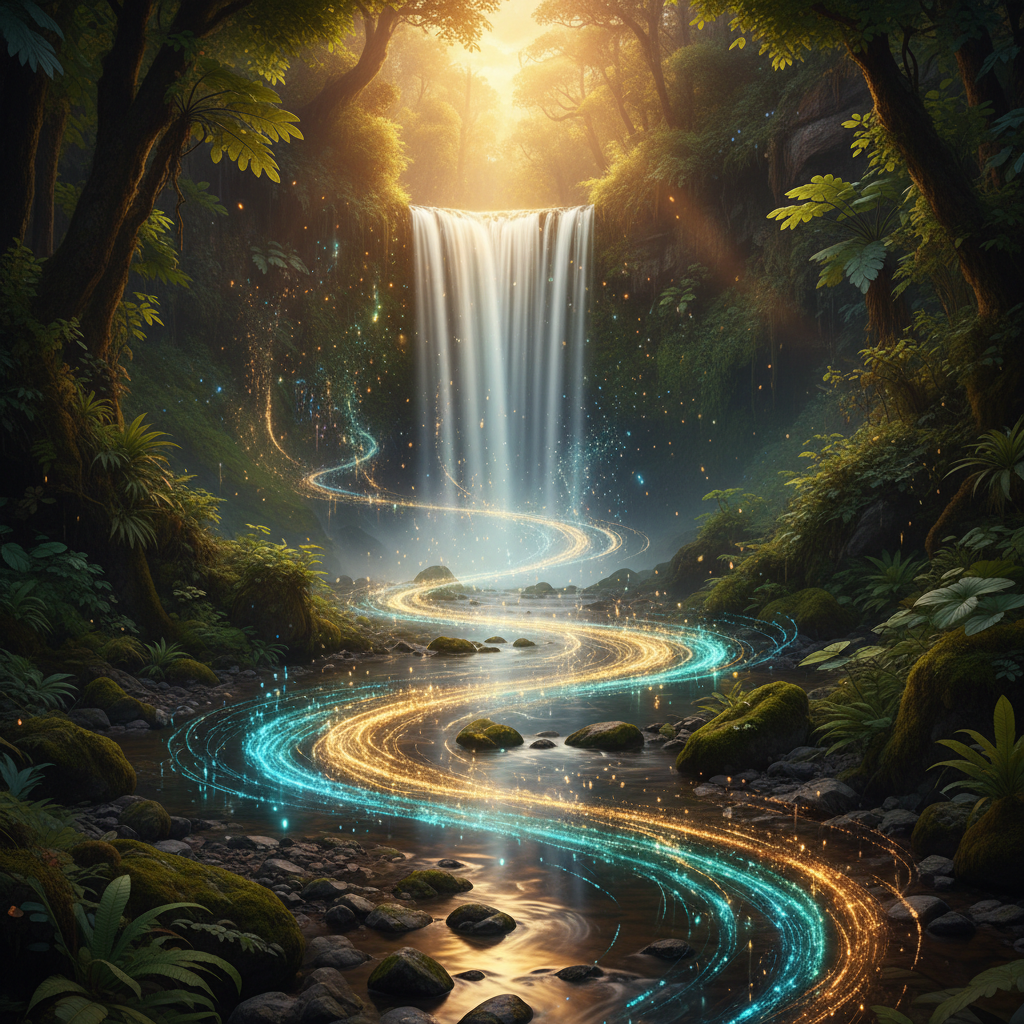
Motion Blur
Time-Lapse Water
How AI Space-Time Photo Editing Works
Three steps, fifteen seconds, no tripod required
Describe the Effect
Enter the space-time effect you want into the AI space-time photo editing tool above — the subject, the motion, the colors, the mood. Keep it vivid — "neon light trails warping around a still figure" — and this futuristic photo editing engine will render it as a clean, dynamic visual.
Pick a Space-Time Preset
Tap one of the presets in the AI space-time photo editing tool above — light trails, star trails, spacetime warp, multi-exposure, cosmic portrait, or motion blur. The tool returns a finished image in about fifteen seconds. Iterate freely — edit the prompt, swap the palette, regenerate — until the time-lapse effect fits your project.
Download & Use
Download the AI space-time photo editing output and drop it straight into your portfolio, post it to social media, use it as concept art or album art, or print it as a large gallery piece. The HD image scales cleanly for big prints and stays crisp at thumbnail size, so one generation covers your whole layout.
Why Choose This AI Space-Time Photo Editing Tool
Built for photographers and digital artists who want futuristic, time-based visuals
Time-Based Effects in One Step
AI space-time photo editing collapses hours of tripod work, exposure stacking, and manual compositing into a single prompt. Describe the time-based effect you want — light trails, star trails, motion blur, multiple exposure — and the tool renders it in seconds. This is futuristic photo editing without the rig: no long-exposure setup, no astrophotography gear, no layer-by-layer blending. Just type the effect and watch the AI bend time inside a single frame.
Futuristic Photo Editing for Artists
The AI space-time photo editing tool is tuned for surreal, sci-fi, and cosmic aesthetics — warped spacetime cityscapes, galaxy double-exposure portraits, and glowing energy ribbons. Digital artists and creative professionals use these advanced photo tools to produce concept art, album covers, and editorial visuals that would be nearly impossible to capture with a camera alone. Every space-time effect comes out clean, balanced, and gallery-ready.
Any Space-Time Effect You Can Describe
From silky long-exposure waterfalls to stroboscopic motion sequences, the AI space-time photo editing engine turns a short prompt into a finished, dynamic visual. Type the colors, the mood, the motion, and the composition, choose a preset, and the tool lays the time-lapse effects out with crisp detail and coherent lighting — ready to drop into your portfolio, feed, or print pipeline.
No Login, No Credit Card
The AI space-time photo editing tool on this page never asks you to register, verify an email, or save a payment method before creating a single image. No OAuth redirect, no "add card to continue" gate — just a prompt box and space-time effect presets. Type your description, hit generate, and download the result immediately. Free usage is protected with per-IP rate limits, not an account wall.
Finished Effects in ~15 Seconds
Most AI space-time photo editing runs return a finished, futuristic visual in about fifteen to twenty seconds. Free users share the same backend priority as paid users — no throttled queue, no slower lane for free traffic. The fast turnaround makes it practical to generate several variations of a space-time effect, compare them side by side, and pick the winners without breaking your creative rhythm.
HD Output, Scales Cleanly
Every AI space-time photo editing output comes out high-resolution, so the image stays crisp whether you shrink it to a thumbnail, post it on social media, or print it as a large gallery piece. No blurry edges, no muddy compression — just clean, ready-to-use visuals you can resize, recolor, and reuse across every platform and layout.
AI Space-Time Photo Editing — FAQ
Everything about futuristic, time-based photo editing with AI
Start AI Space-Time Photo Editing
The AI space-time photo editing tool is free, loaded on this page, and needs no account. Type your prompt, pick a space-time effect, and download a ready-to-use HD visual in about fifteen seconds.
Start Creating FreeAbout AI Space-Time Photo Editing
AI space-time photo editing on AI Banana is a free, no-login tool built for photographers, digital artists, and creative professionals who want futuristic, time-based visuals without a tripod, exposure stacking, or complex desktop software. Describe the effect you want — light trails curling around a subject, star trails arcing across a night sky, a city street warping into a wormhole — and the AI space-time photo editing tool renders it as a polished, dynamic image in about fifteen seconds, ready to drop into a portfolio, post on social media, or print. Whether you have been searching for "AI space-time photo editing", "space-time effects", "futuristic photo editing", or "time-lapse effects", this is the dedicated AI-enhanced photography entry point on aibanana.net.
Capturing real space-time effects in a camera takes hours: a sturdy tripod, careful long-exposure settings, dozens of stacked frames, and a dark sky for star trails — and even then the result can be hit or miss. The AI space-time photo editing tool on this page skips all of that. The interactive panel above is loaded directly into the page: type your description, pick a space-time effect preset, and the tool routes your request through the Nano Banana Pro image model, which is prompted to render clean motion, coherent lighting, and crisp cosmic detail. No registration, no checkout, no dark patterns. Free usage is protected with per-IP rate limits rather than a login wall, so generating several variations for one project fits comfortably inside the free envelope. These advanced photo tools keep your creative ideas flowing — validate the tool before committing to a paid plan.
The AI space-time photo editing engine is tuned for the futuristic photo editing work creators actually ship: long-exposure light trails, swirling star trails, warped spacetime cityscapes, stroboscopic multiple-exposure motion sequences, cosmic galaxy double-exposure portraits, and silky motion-blur water. Describe the details you want — the palette, the mood, the direction of motion — choose a preset, and the AI space-time photo editing tool lays the image out with clean edges, balanced exposure, and a coherent palette so it reads like deliberate art rather than a flat AI approximation. Reuse the same preset and prompt wording across a set of pieces and the tool keeps your series visually consistent, so a whole collection of time-lapse effects feels like one cohesive body of work.
Output from the AI space-time photo editing tool is high-resolution, so it scales up cleanly for gallery prints, posters, and channel art while staying crisp as a thumbnail or avatar. Drop the image straight into Lightroom, Photoshop, Figma, or your editor of choice, post it to Instagram, X, or TikTok, use it as album art or concept work, or send it to print. Photographers use AI space-time photo editing to preview long-exposure and time-lapse concepts; digital artists use it to build surreal, cosmic compositions; creative professionals use it to spin up futuristic campaign visuals in minutes. Once you find a direction that fits your project, upgrade to a Nano Banana Pro paid plan starting at $2.99 to unlock unlimited generations and full commercial usage rights — a tiny fraction of the cost of a photo shoot or stock library, and orders of magnitude faster. AI-enhanced photography should feel like bending time with a sentence — and that is exactly what AI space-time photo editing is built to deliver.