
AI Sketch to Image Converter
Turn Sketches Into Finished Art in Seconds
Upload a drawing and the AI sketch to image converter transforms it into a detailed, full-color image in about fifteen seconds. Built to convert sketches to photos and finished art for artists, illustrators, and designers, this AI sketch to image converter reads your linework and renders shading, texture, lighting, and color while keeping your original composition — no painting skills, no software, and no login. Create images from sketches free below and watch a rough pencil drawing become polished, professional artwork.
Try the AI Sketch to Image Converter — Free
Upload your sketch, choose a style, and let the AI render it into a detailed, full-color image in seconds
AI Sketch to Image Converter
Upload a sketch, pick a style, and get a detailed, fully rendered image instantly
Upload your sketch or line drawing, choose a style, and click Generate
AI Sketch to Image Conversions
Six sketches transformed into detailed, professional images by the AI sketch to image converter
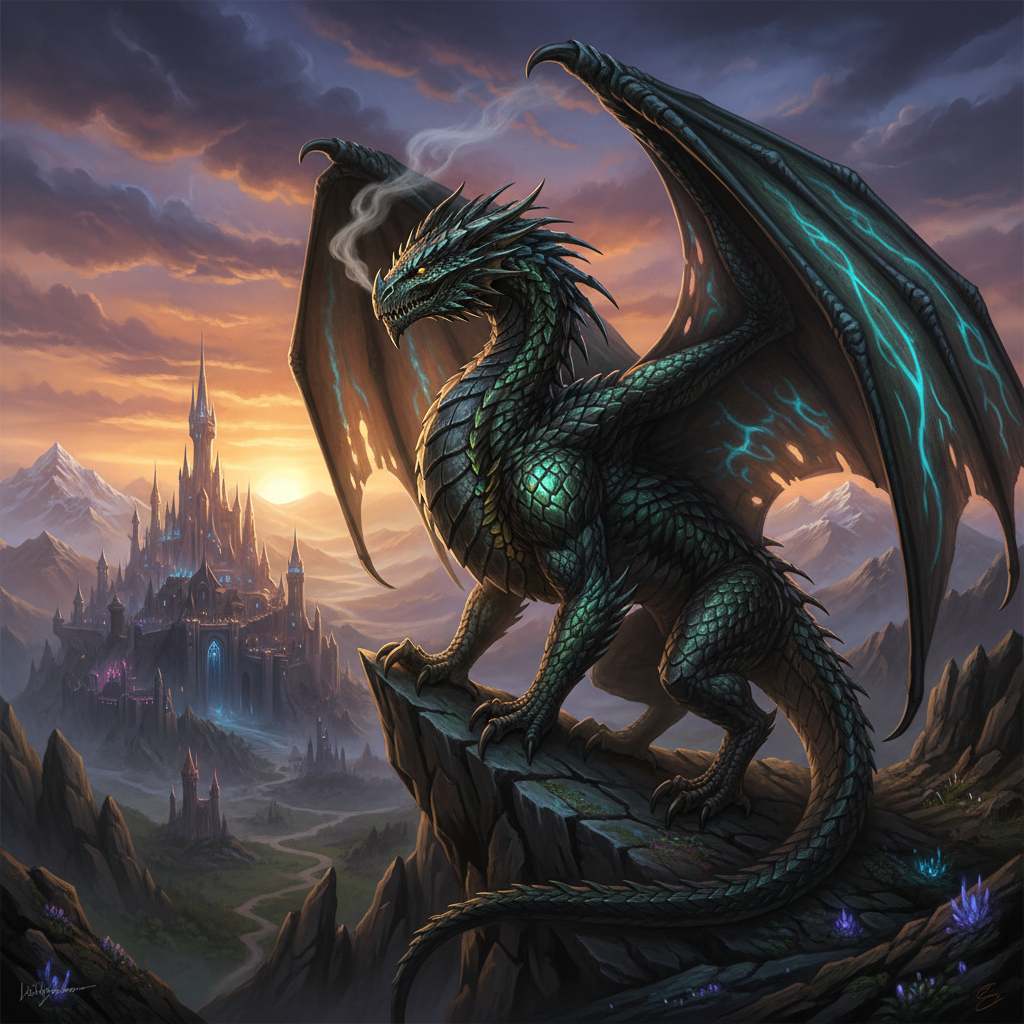
Fantasy Creature
Concept art render
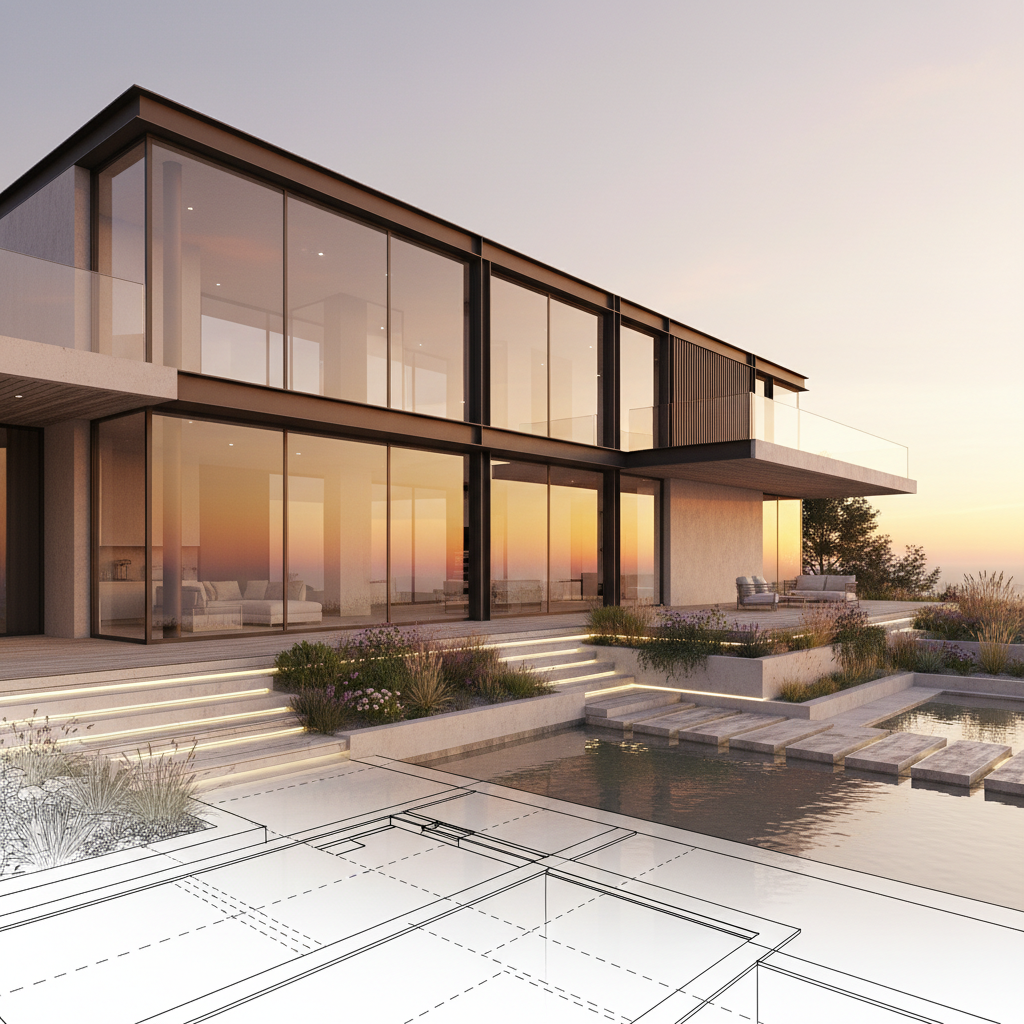
Modern House
Architectural viz
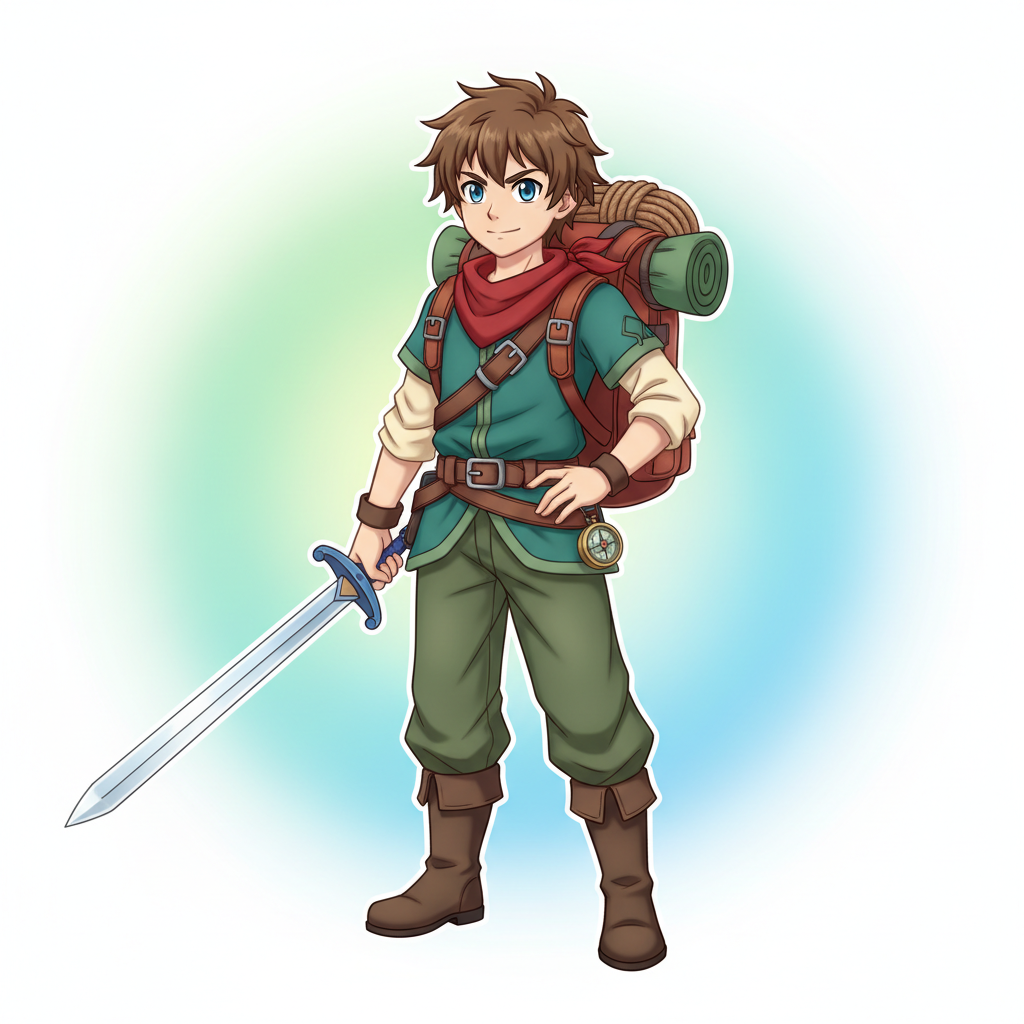
Character Design
Anime illustration
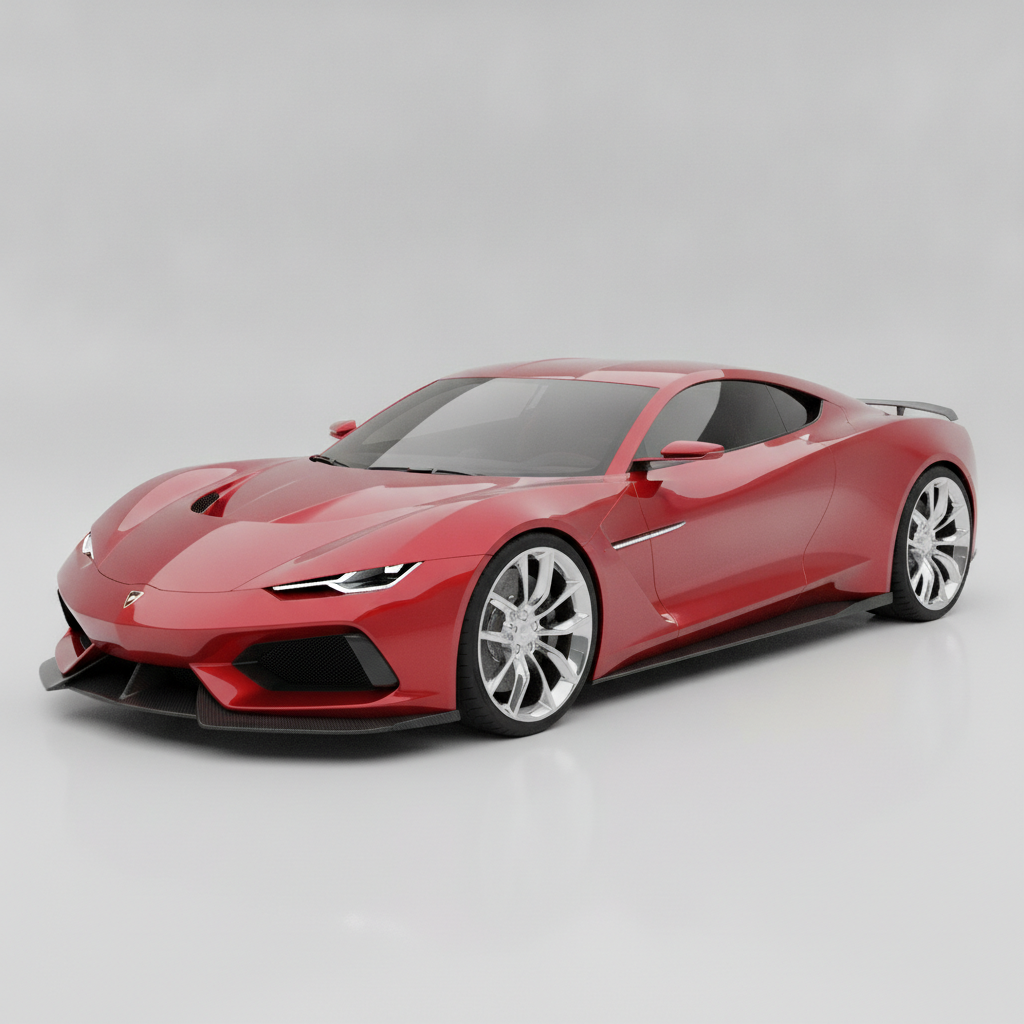
Product Render
Industrial design
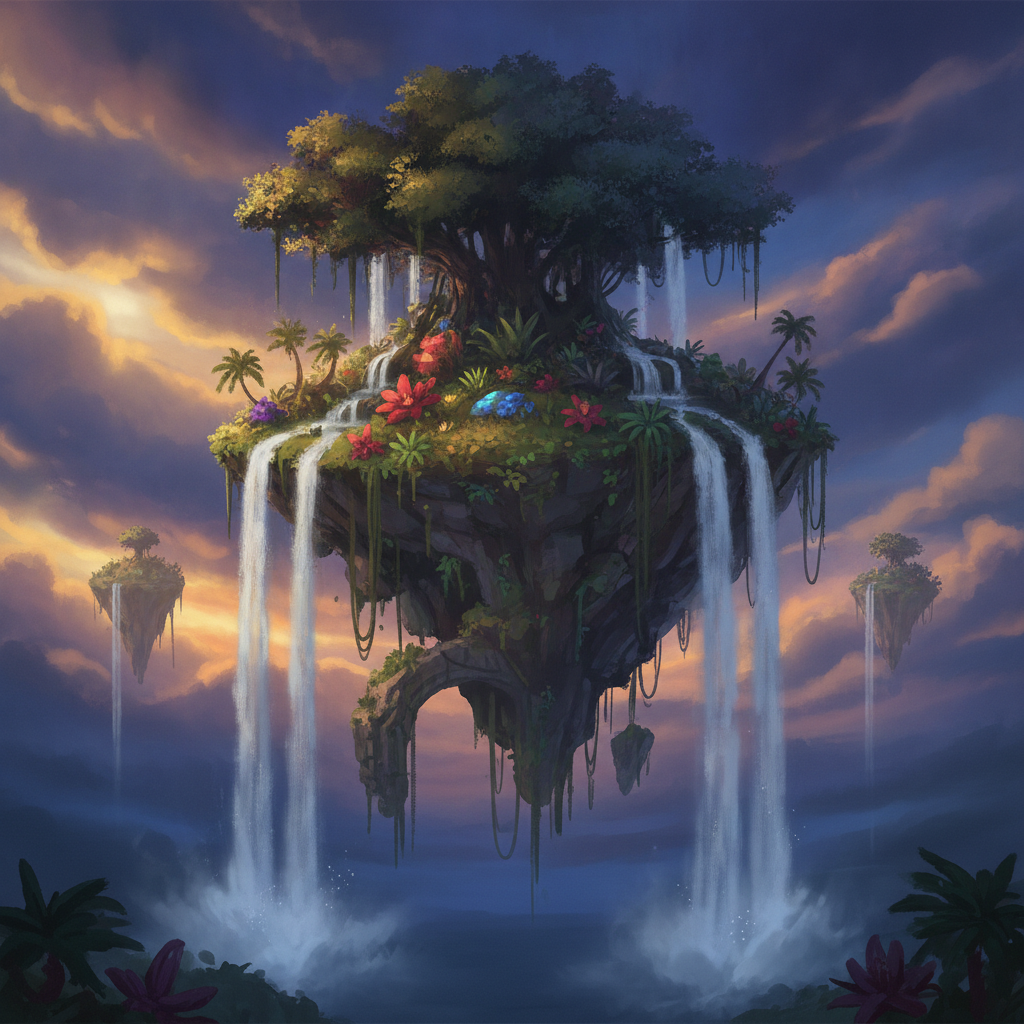
Fantasy Landscape
Digital painting
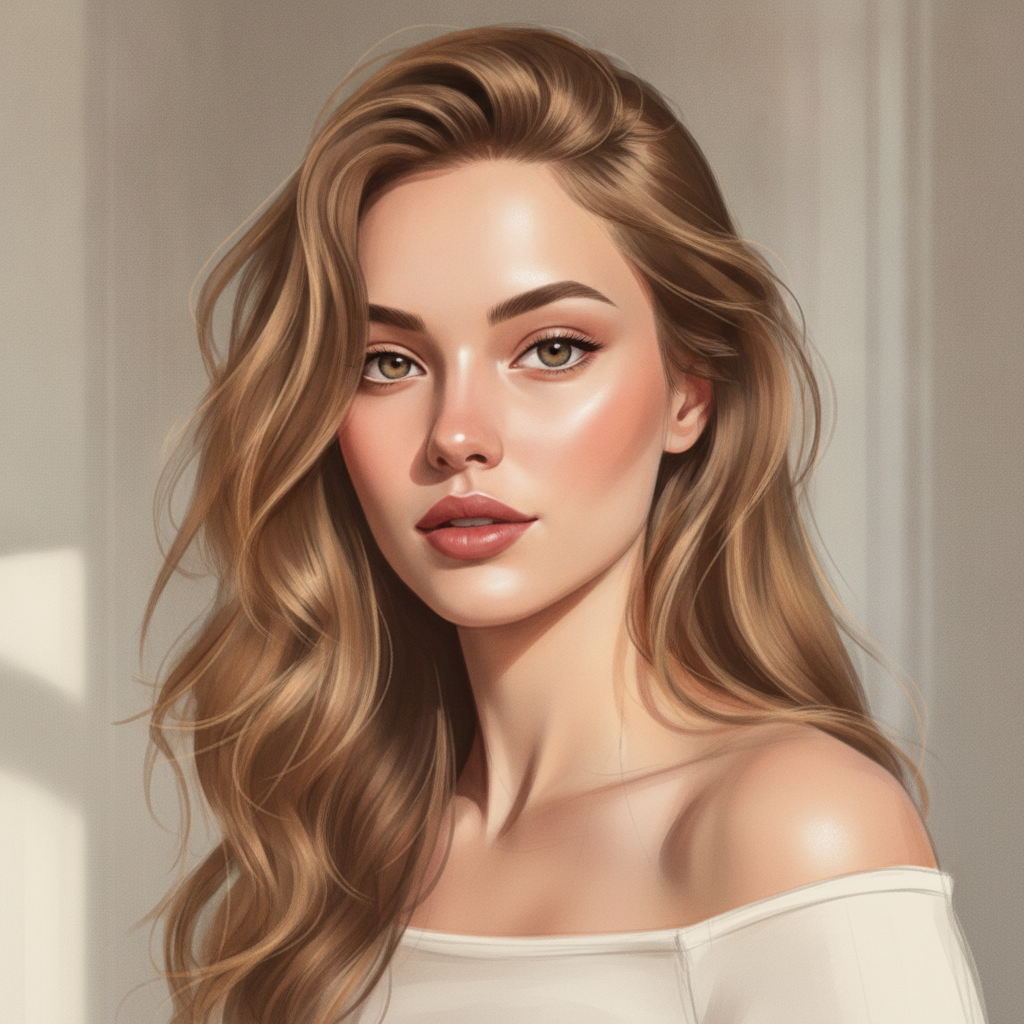
Realistic Portrait
Lifelike render
How to Convert a Sketch to an Image with AI
Three simple steps from a rough sketch to a finished, full-color image
Upload Your Sketch
Upload a photo or scan of your sketch to the AI sketch to image converter above. Rough pencil drawings, clean line art, doodles, character designs, floor plans, and product concepts all work. The clearer your linework, the more precisely the AI follows it — but even a loose sketch can become a finished image.
Choose a Style
Pick a style — realistic render, anime illustration, concept art, architectural visualization, product design, or fantasy painting. Or describe exactly how you want your sketch rendered, from a faithful clean-up to a bold creative interpretation. The AI sketch to image converter keeps your composition while adding color and detail.
Download Your Image
In about fifteen seconds your rendered image is ready. Download the detailed, high-resolution result and use it for your portfolio, comic, presentation, or client work. Not quite right? Switch the style or adjust the prompt and generate again — converting sketches to images with AI is instant, so you can iterate until it looks perfect.
Why Choose This AI Sketch to Image Converter
Everything you need to convert sketches to detailed, professional images
Turn Any Sketch Into a Finished Image
The AI sketch to image converter reads the lines, shapes, and composition of your drawing and renders a complete, full-color image on top of them. Rough pencil sketches, clean line art, quick doodles, and detailed designs all work — the AI fills in shading, texture, lighting, and color while keeping your original idea intact. It is the fastest way to convert sketches to photos and finished art without spending hours painting by hand.
Keeps Your Composition
A great sketch to image converter should render your idea, not replace it. This AI sketch to image converter respects the proportions, layout, and composition you drew, so the result looks like a polished version of your own sketch rather than an unrelated picture. You decide how faithfully it follows your linework through the style you choose and the prompt you write — from a faithful clean-up to a bold, imaginative render that still honors your drawing.
Multiple Art Styles
Convert one sketch into many looks. The AI sketch to image converter can render your drawing as a photorealistic image, a polished anime or comic illustration, epic concept art, an architectural visualization, or a clean product mockup. Artists and designers use it to explore several directions from a single sketch in seconds, then pick the style that best fits the project — no need to redraw or re-render anything by hand.
High-Resolution, Print-Ready Output
Every image the AI sketch to image converter produces is high-resolution and detailed enough for portfolios, presentations, prints, and client work. Fine textures, crisp edges, believable lighting, and rich color make your converted sketch look professionally finished. Whether you are creating images from sketches for a comic page, a design pitch, or a book illustration, the output is ready to use without extra cleanup.
Perfect for Non-Painters
You do not need advanced coloring or rendering skills to get a finished image. If you can sketch an idea, the AI sketch to image converter handles the hard part — the shading, blending, and color work that normally takes years to master. Illustrators, designers, hobbyists, and anyone who loves to draw but struggles with the final render can turn rough concepts into polished artwork in seconds.
Free, Instant, No Skills Needed
Rendering a sketch into a finished image used to mean hours of work and expensive software. The AI sketch to image converter returns a fully rendered, high-resolution result in about fifteen seconds, free to start with no account, install, or credit card. Upload your sketch, choose a style, and download — that is it. Unlimited conversions and watermark-free downloads unlock from just $2.99, making it affordable to turn a whole sketchbook into finished art.
AI Sketch to Image Converter — FAQ
Everything you need to know about converting sketches to images with AI
Convert Sketches to Images Free — In Seconds
Every great sketch deserves a finished render. The AI sketch to image converter reads your drawing and turns it into a detailed, full-color image in about fifteen seconds — no painting skills, no software, no login. Upload your sketch now and watch a rough drawing become polished, professional artwork.
Convert Your Sketch FreeThe Complete Guide to the AI Sketch to Image Converter
A sketch is where every great image begins, but turning that rough drawing into a finished, colored, rendered picture is where most of the work lives. Shading, texture, lighting, and color can take hours by hand and demand years of practice with digital painting or traditional media. An AI sketch to image converter changes that by using artificial intelligence to do the rendering for you. You upload a drawing and the AI sketch to image converter on aibanana.net reads the lines, shapes, and composition and generates a detailed, full-color image that follows your original idea. Powered by the Nano Banana Pro model, it returns a high-resolution result in about fifteen seconds, putting finished, professional artwork within reach of anyone who can sketch rather than only trained illustrators.
Converting a sketch to an image with AI is refreshingly simple. Upload a photo or scan of your sketch, choose a style — realistic render, anime illustration, concept art, architectural visualization, product design, or fantasy painting — and click generate. The AI sketch to image converter analyzes your linework, preserves the proportions and layout you drew, and then renders shading, textures, lighting, and color on top of it, so the result looks like a polished version of your own drawing rather than an unrelated picture. You can also describe exactly how you want the sketch rendered in plain language, from a faithful clean-up that simply colors your lines to a bold, imaginative interpretation. Because the whole process happens in seconds and needs no rendering skills, artists, designers, and hobbyists can create images from sketches quickly and explore several finished directions from a single drawing.
What makes a good AI sketch to image converter useful is how well it respects your original work while adding professional polish. The tool is built to keep your composition intact — the shapes, gestures, and structure you sketched stay recognizable in the final image — which is what separates a real sketch-to-image converter from a generator that ignores your input. It handles a wide range of drawings: rough pencil sketches, clean line art, character designs, storyboard frames, architectural elevations, and industrial design concepts. For the most accurate results, upload the clearest version of your sketch so the AI has strong linework to follow, whether you are converting a comic panel, a design pitch, a book illustration, or a quick doodle you want to see fully realized. You can convert the same sketch in multiple styles and keep the one that best fits your project.
You can convert sketches to images free on this page with no account, no software install, and no credit card — usage is protected with per-IP rate limits instead of a login wall, so you can try the AI sketch to image converter risk-free and see a rough drawing become finished art immediately. Paid plans start at just $2.99 and unlock unlimited conversions, watermark-free high-resolution downloads, and full rights to use your images commercially, which makes turning an entire sketchbook, comic, or design portfolio into finished work genuinely affordable. Great ideas should not stall at the sketch stage for lack of rendering skills or expensive software. Upload your sketch above, choose a style, and let the AI sketch to image converter turn your drawing into a detailed, full-color image in seconds.