
AI Portrait Photo Enhancer
Sharper, Brighter, More Flattering Portraits
This AI portrait photo enhancer turns a single look into a refined, high-resolution portrait in about fifteen seconds — clean studio headshots, warm golden-hour shots, radiant beauty close-ups, cinematic grades and timeless black-and-white, no editing skill required. Pick a look, optionally describe your subject, and let the AI improve clarity, lighting and skin tones with a professional retouch that stays lifelike and true to tone. Made for photographers, portrait artists and social media creators, this enhancer is free to start, needs no login, and outputs in HD with full commercial usage on paid plans.
Try the AI Portrait Photo Enhancer — Free
Pick a look and generate a refined, professional portrait in seconds — the AI portrait photo enhancer handles the clarity, lighting and skin tones for you
AI Portrait Photo Enhancer
Choose a portrait look, optionally describe your subject, and the AI generates a refined portrait with improved clarity, lighting and lifelike skin tones.
AI Portrait Photo Enhancer in Action
Six refined portraits made for profiles, portfolios and prints in about fifteen seconds each
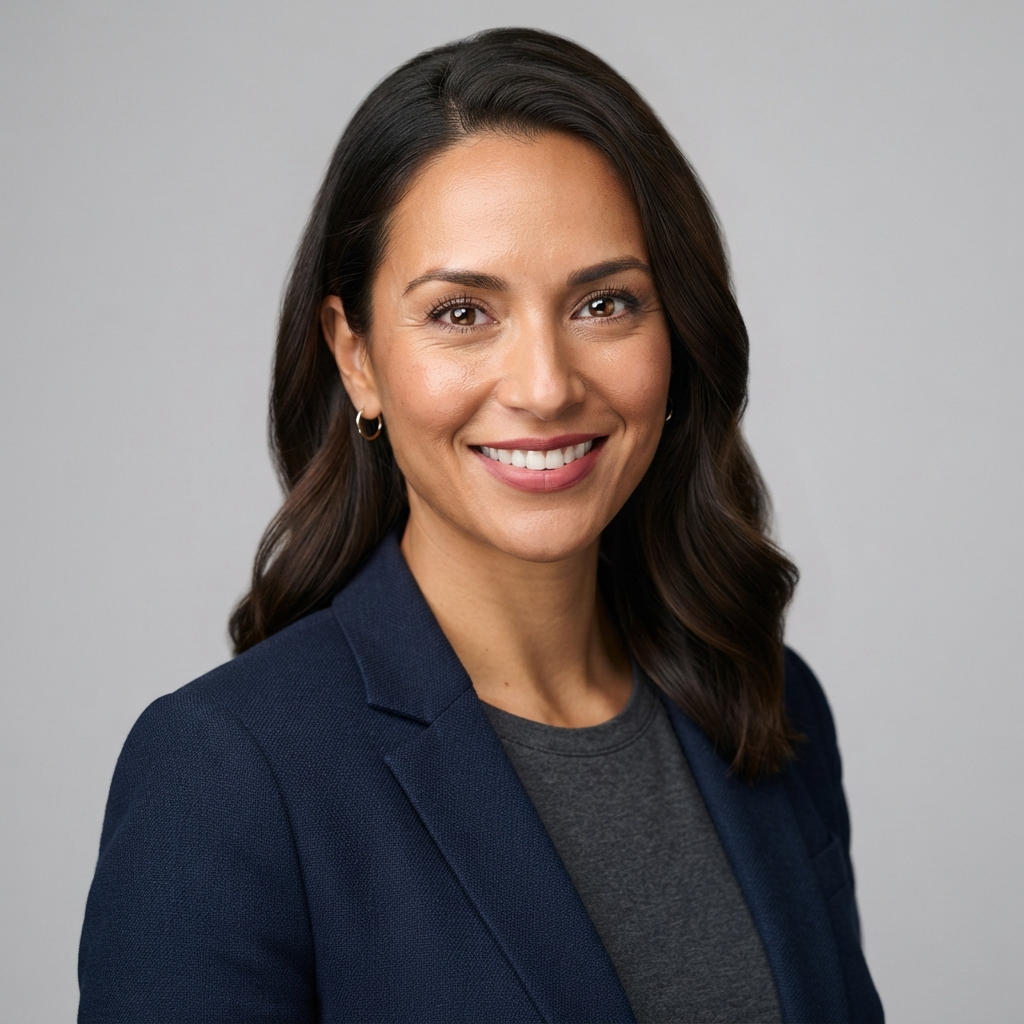
Studio
Made in ~15s
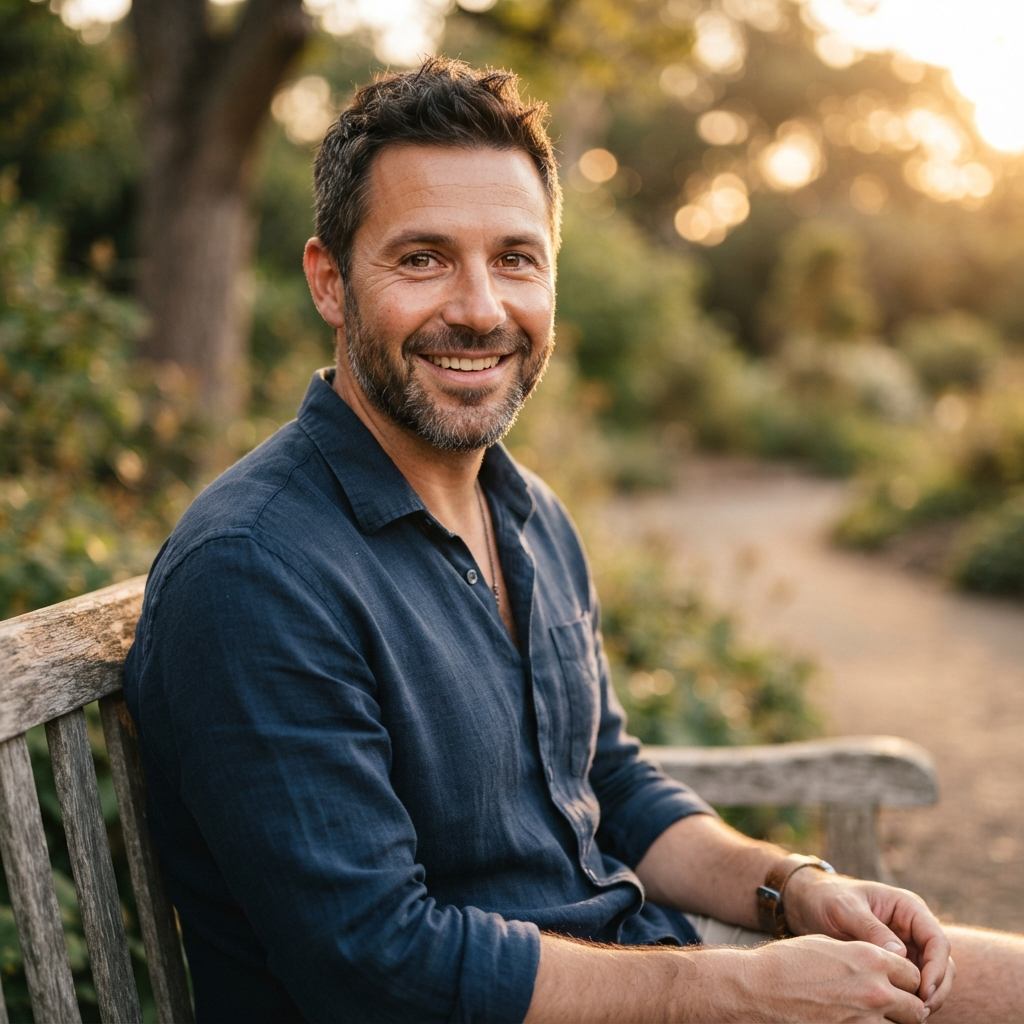
Golden Hour
Made in ~15s
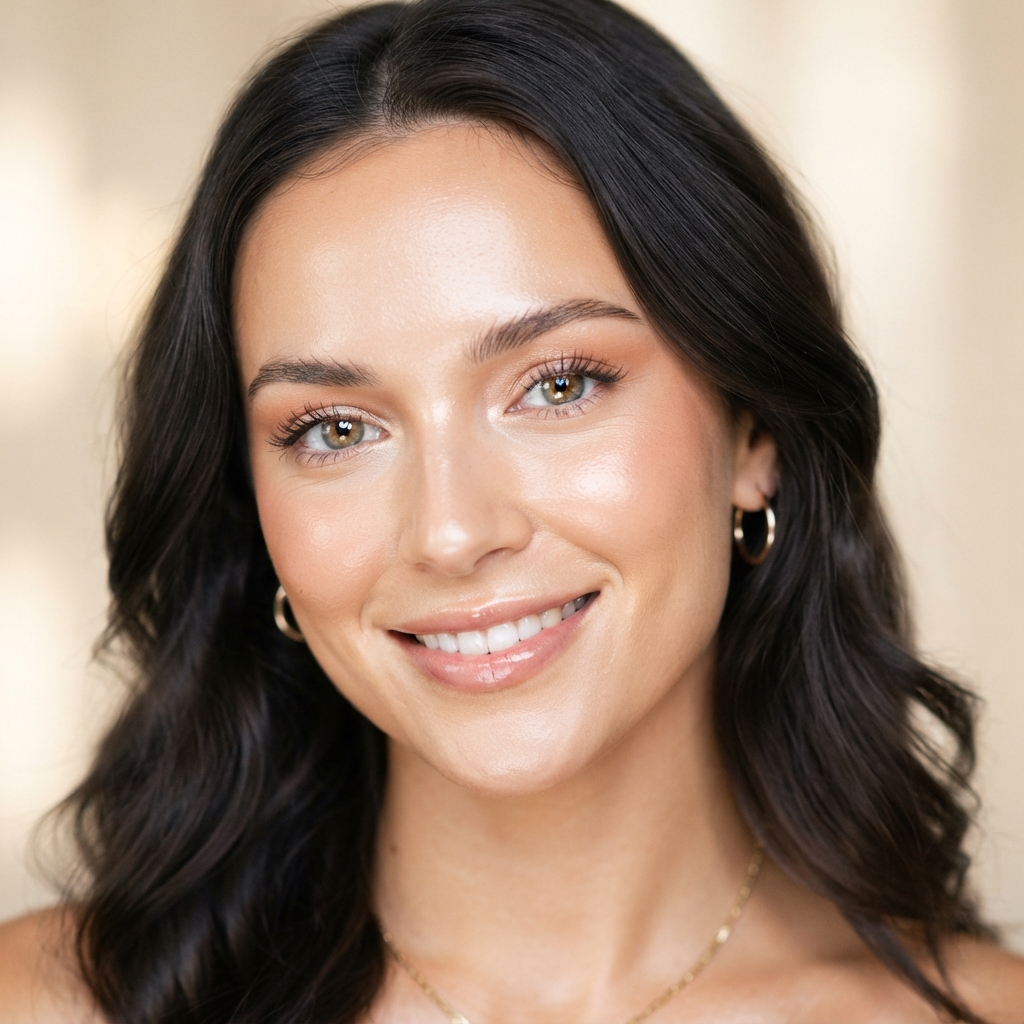
Beauty
Made in ~15s
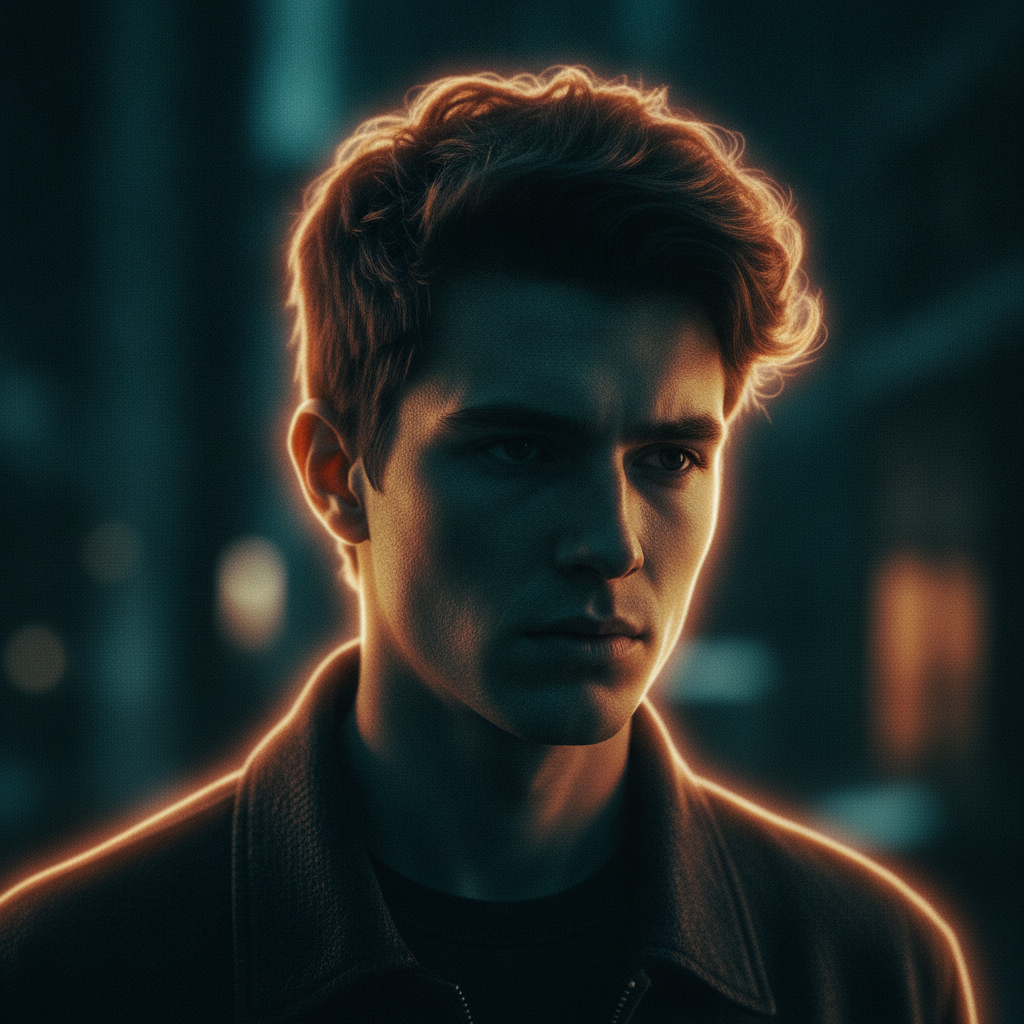
Cinematic
Made in ~15s
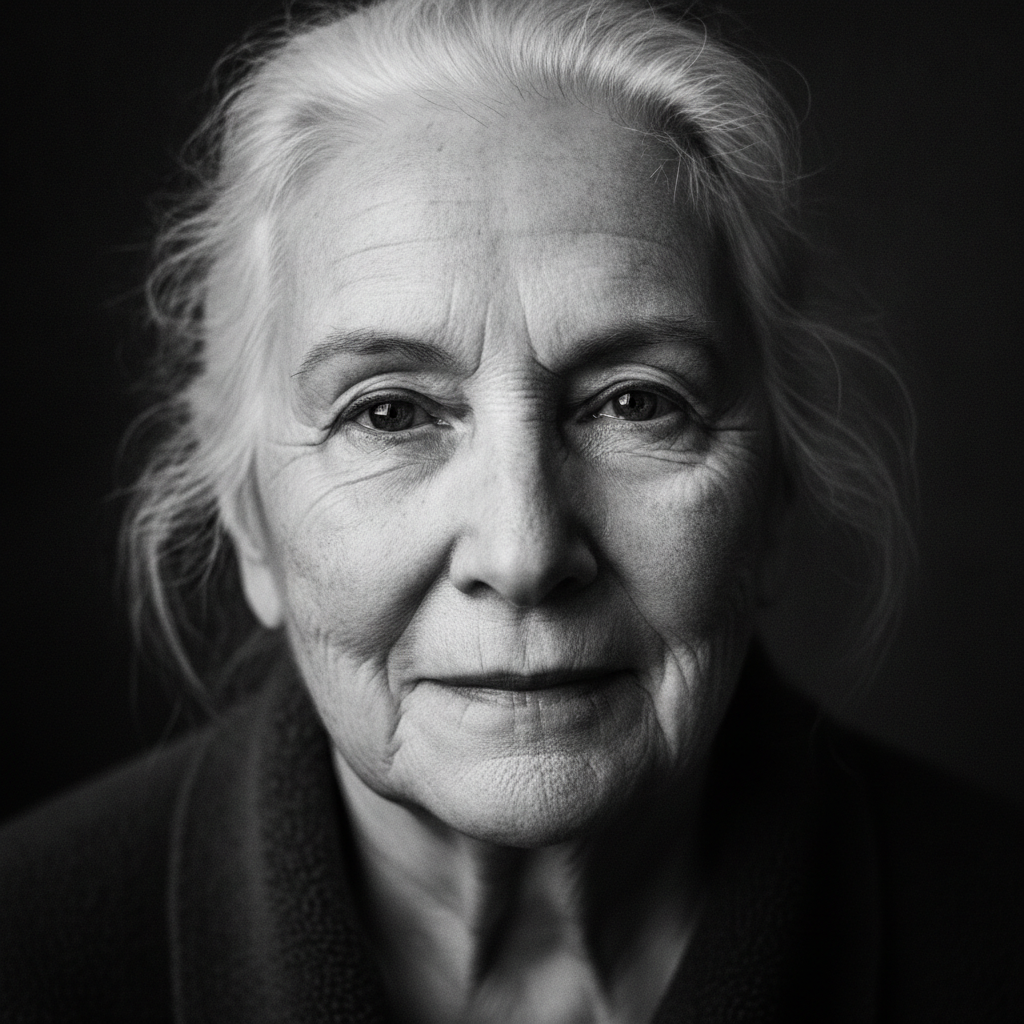
Black & White
Made in ~15s
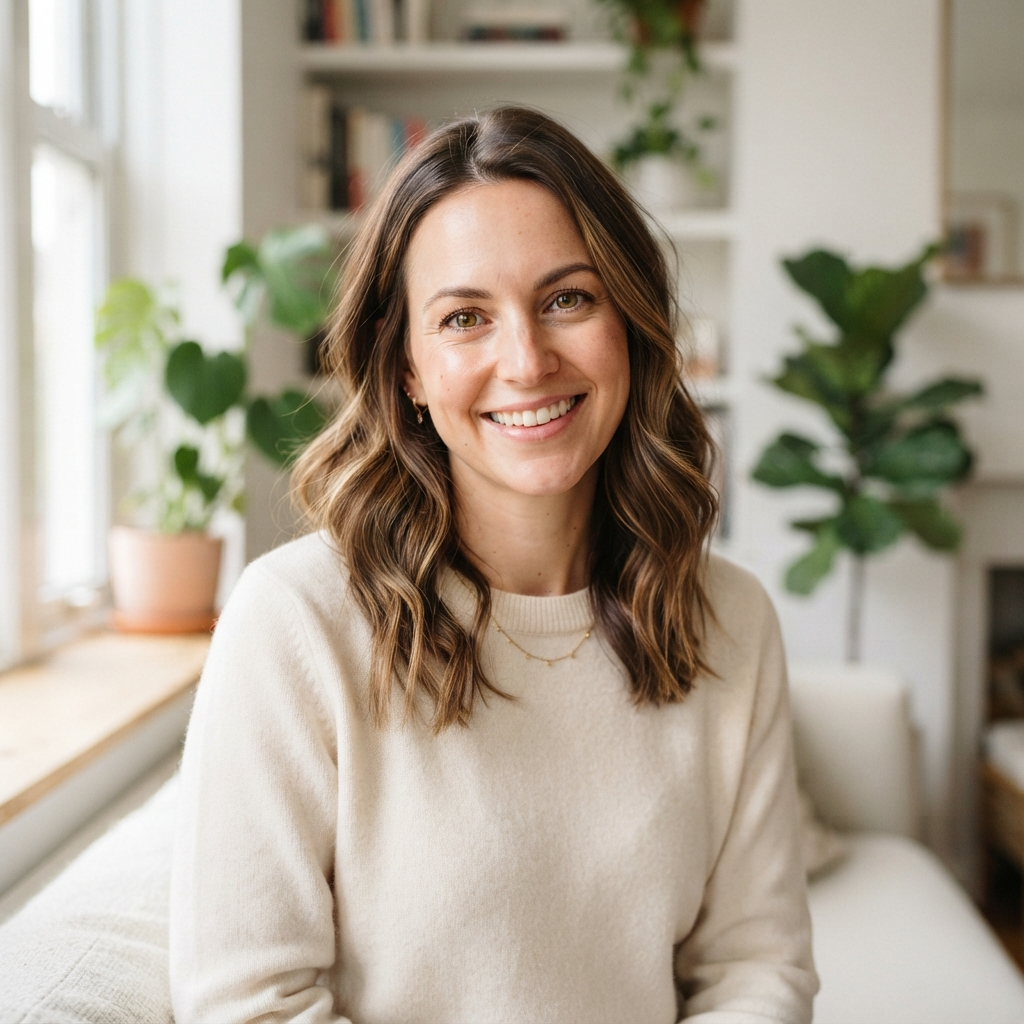
Natural
Made in ~15s
How the AI Portrait Photo Enhancer Works
Three steps, fifteen seconds — no editor, no learning curve
Pick a Look
Tap a preset in the AI portrait photo enhancer above — Studio, Natural, Beauty, Cinematic, Golden Hour or Black & White. Each look applies enhancement tuned for a different portrait style, so you start from a treatment that already fits your subject.
Describe the Subject
Optionally type a short description — the person's features, the mood, lighting or setting. The AI portrait photo enhancer blends your words with the chosen look and renders your refined portrait in about fifteen seconds. Regenerate as often as you like.
Download & Share
Download your polished portrait and use it anywhere — LinkedIn, Instagram, dating profiles, portfolios or prints. Output is high resolution and share-ready — upgrade for 4K, watermark-free exports and full commercial rights.
Why This AI Portrait Photo Enhancer Stands Out
The details that separate a real portrait enhancer from a generic beauty filter
Refined, Lifelike Skin — Not Plastic
This AI portrait photo enhancer renders faces with clean, believable skin texture, balanced lighting and accurate tone — the look of a professional retouch, not the waxy, over-smoothed feel of a cheap beauty filter. Blemishes soften while pores, catchlights and natural detail stay intact, so your subject looks like the best version of themselves rather than an airbrushed cutout.
A Look for Every Portrait
Switch between Studio, Natural, Beauty, Cinematic, Golden Hour and Black & White in one tap. The AI portrait photo enhancer matches the enhancement to your subject — clean bright lighting for headshots, warm glow for outdoor shots, magazine polish for beauty close-ups, or timeless monochrome for fine-art portraits.
Results in Seconds
Manual portrait retouching in an editor can take an hour of frequency separation, dodge-and-burn and masking. The AI portrait photo enhancer takes about fifteen seconds and starts free — pick a look, generate, and regenerate as many times as you like until the clarity, lighting and skin tones look exactly right.
No Editing Skills Needed
You do not need Photoshop, retouching know-how or a calibrated monitor. If you can tap a look and click generate, this AI portrait photo enhancer handles clarity, lighting, tone and skin for you. It is built for busy creators and total beginners alike, removing every technical barrier between you and a professional portrait.
Unique, Not a Canned Filter
Every image the AI portrait photo enhancer makes is generated fresh, so your portraits are not running the same preset thousands of other people use. Tweak your description, switch looks and regenerate to explore retouch styles until you land on a portrait that fits your subject and your brand.
Ready for Every Platform
Use your enhanced portraits on LinkedIn, Instagram, dating profiles, portfolios, prints and client work. The AI portrait photo enhancer outputs high-resolution square images that stay crisp at any size, and paid plans add 4K exports, watermark-free downloads and full commercial rights.
AI Portrait Photo Enhancer — FAQ
Everything you need to know about enhancing portrait photos with AI
Enhance Your Portrait Now
The AI portrait photo enhancer is free, loaded on this page, and needs no account. Pick a look, describe your subject, and watch a refined, professional portrait appear in about fifteen seconds.
Enhance Portrait FreeAI Portrait Photo Enhancer: Professional Portraits for Everyone
The AI portrait photo enhancer on this page exists for one job: to give you sharp, flattering, professional-looking portraits without a retouching app, a photography course or a single dollar to start. Where a great portrait once meant an hour of frequency separation, dodge-and-burn and skin masking in Photoshop, this AI portrait photo enhancer produces a polished, high-resolution result from one look choice in about fifteen seconds. The output is a genuine, ready-to-share portrait — clean in the skin, balanced in the lighting, sharp in the eyes, and framed square so it fits the slots used across LinkedIn, Instagram and print.
Getting a great result from an AI portrait photo enhancer comes down to the look you pick and the subject you describe. For headshots, the Studio and Natural looks deliver clean, even lighting and true-to-life skin. For outdoor shots, Golden Hour adds warm, glowing light and healthy tones. The Beauty look brings magazine-grade polish to close-ups, Cinematic adds moody teal-and-orange grading for a filmic feel, and Black & White gives a timeless, fine-art finish. Add a short description — the person's features, the mood or the lighting — and the enhancer blends it with the chosen look so the retouch fits your vision.
A dedicated AI portrait photo enhancer is different from a one-tap beauty filter. It is tuned specifically for faces: skin softens without going plastic, pores and catchlights stay intact, contrast stays balanced, skin tones stay accurate, and every result is generated fresh so your portraits are never the same canned preset thousands of other people are running. That focus is why it works so well for photographers refining a portfolio, portrait artists exploring retouch styles, influencers making their feeds shine, and anyone who simply wants a better profile picture without learning editing tools. You can enhance a portrait before spending a cent.
Whether you searched for an "AI portrait photo enhancer", a "portrait retouching tool", a "headshot enhancer", a "skin tone" fixer or a free way to make portraits look professional, this is the dedicated page for it on aibanana.net. The interactive tool above is powered by the Nano Banana Pro image model, runs entirely server-side, and asks for no account, email or credit card — free usage is protected with per-IP rate limits rather than a login wall. Pick a look, describe your subject, and see how fast a refined, professional portrait comes together. When a portrait fits your style, upgrade to a paid plan starting at $2.99 to unlock unlimited 4K exports, watermark-free downloads and full commercial usage rights — a tireless on-demand portrait studio for every photo you make.