
AI Portrait Enhancement Tool
Improve Portrait Photos in Seconds
Upload a portrait and the AI portrait enhancement tool sharpens every facial feature, refines skin, brightens the eyes, and grades color to a professional standard in about fifteen seconds. Built to improve portrait photos for photographers, influencers, and professionals, this portrait AI tool enhances facial features while staying faithful to the person — no Photoshop, no retouching skills, and no login. Improve your portrait photos free below and watch an ordinary shot become a studio-quality portrait.
Try the AI Portrait Enhancement Tool — Free
Upload your portrait, choose an enhancement style, and let the AI sharpen, retouch, and color-grade it to professional quality in seconds
AI Portrait Enhancement Tool
Upload a portrait, pick an enhancement style, and get a polished, professional-quality version instantly
Upload your portrait photo, choose an enhancement style, and click Generate
AI Portrait Enhancement in Action
Six portraits sharpened, retouched, and color-graded by the AI portrait enhancement tool
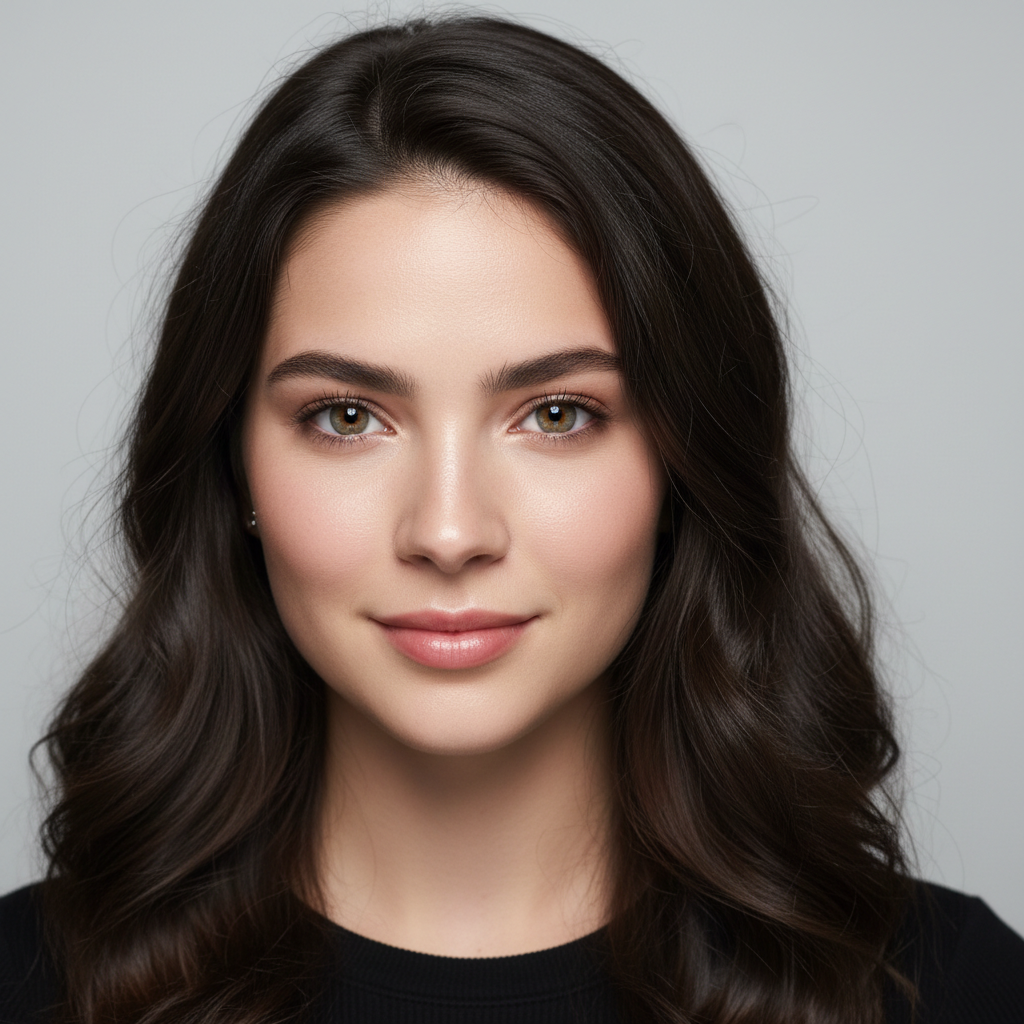
Studio-Quality Portrait
Sharpen + retouch
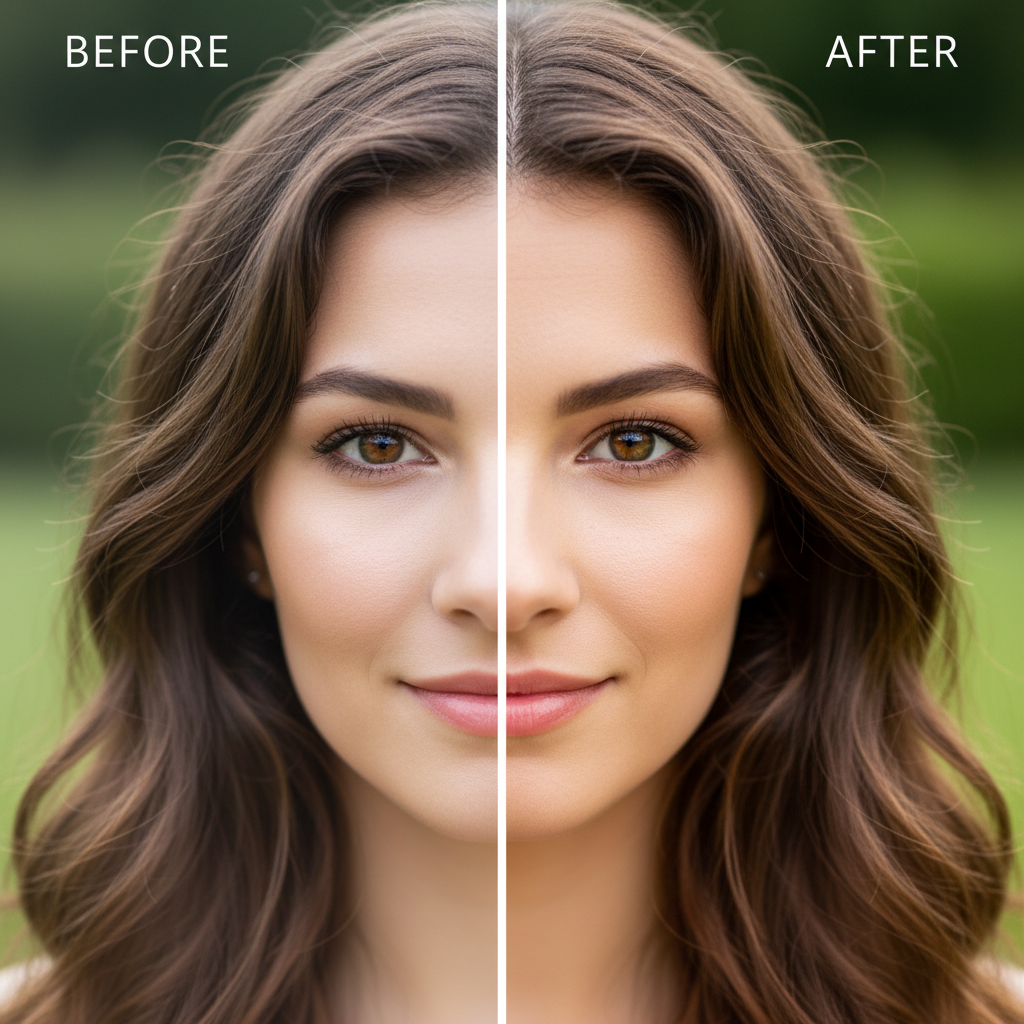
Before & After
Dull to polished
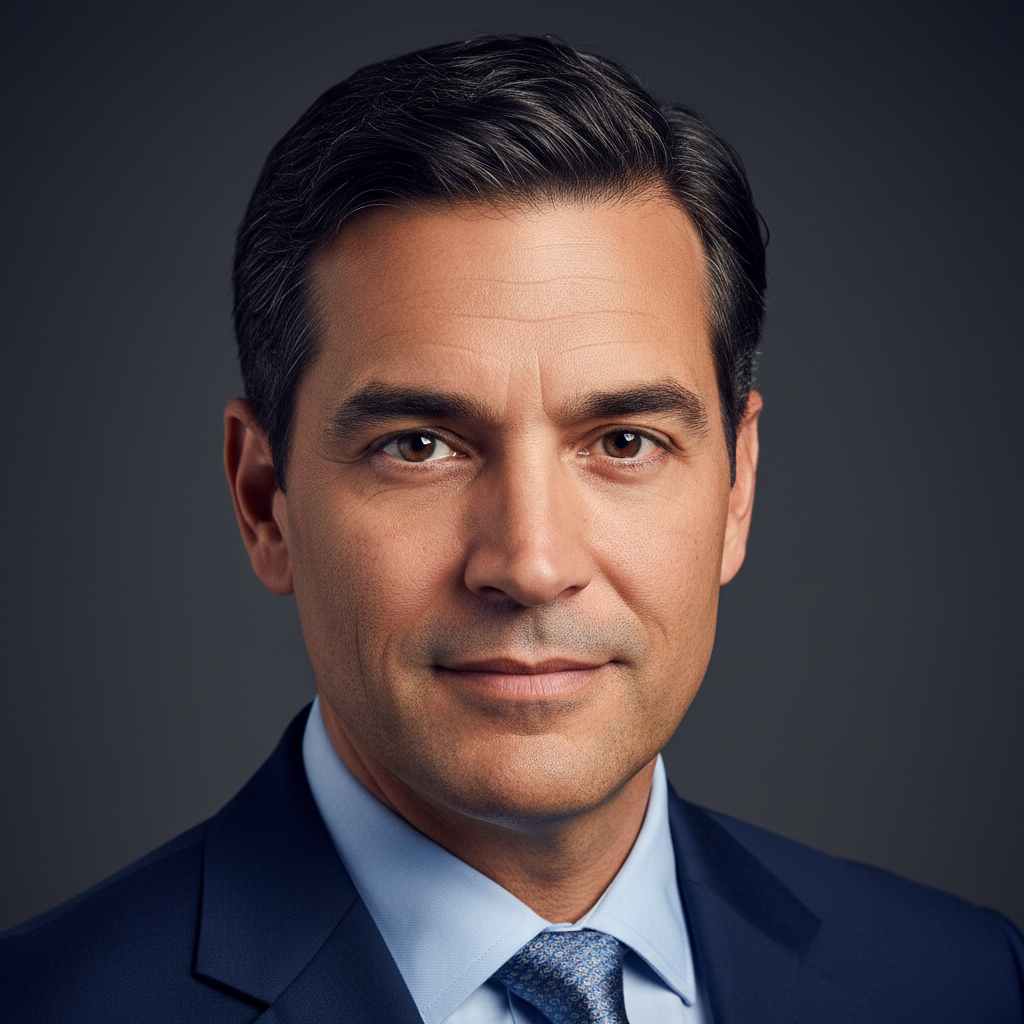
Professional Headshot
Corporate look
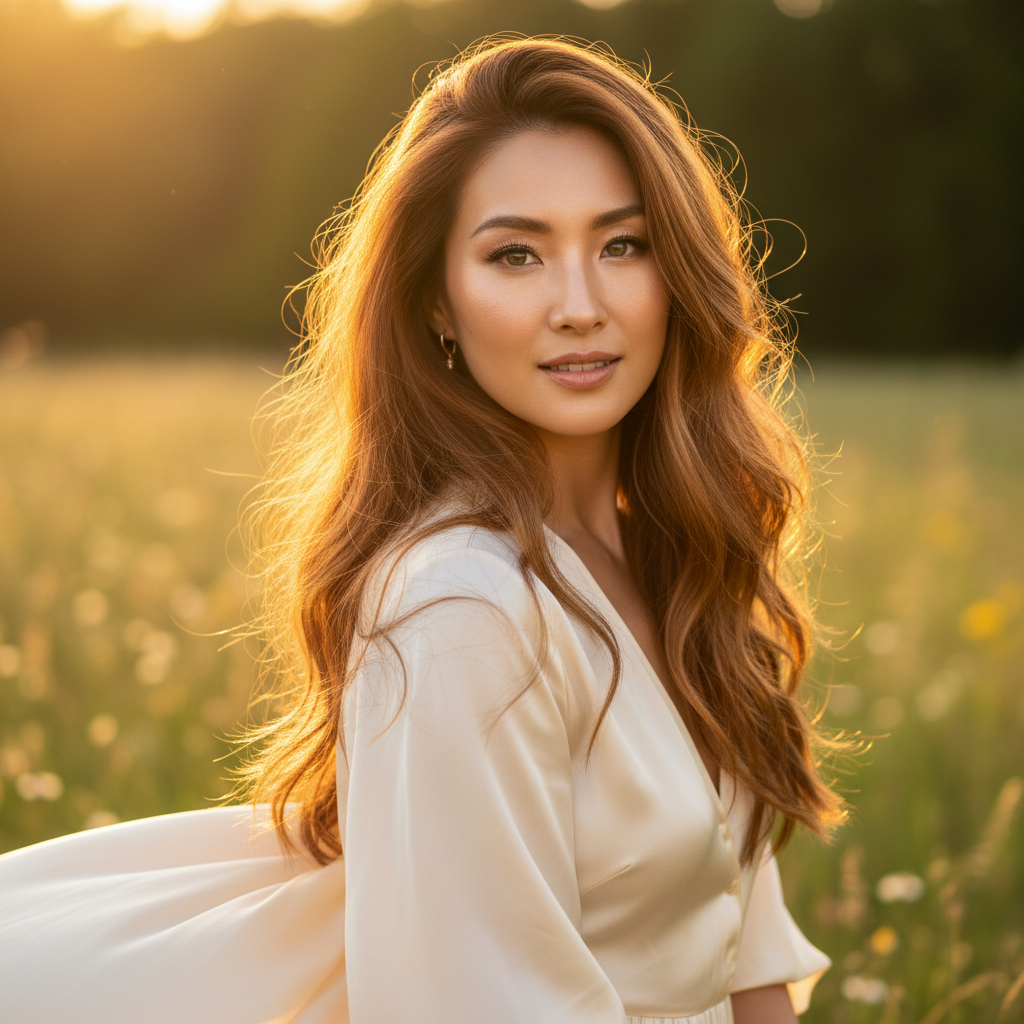
Golden Hour Glow
Color + vibrance
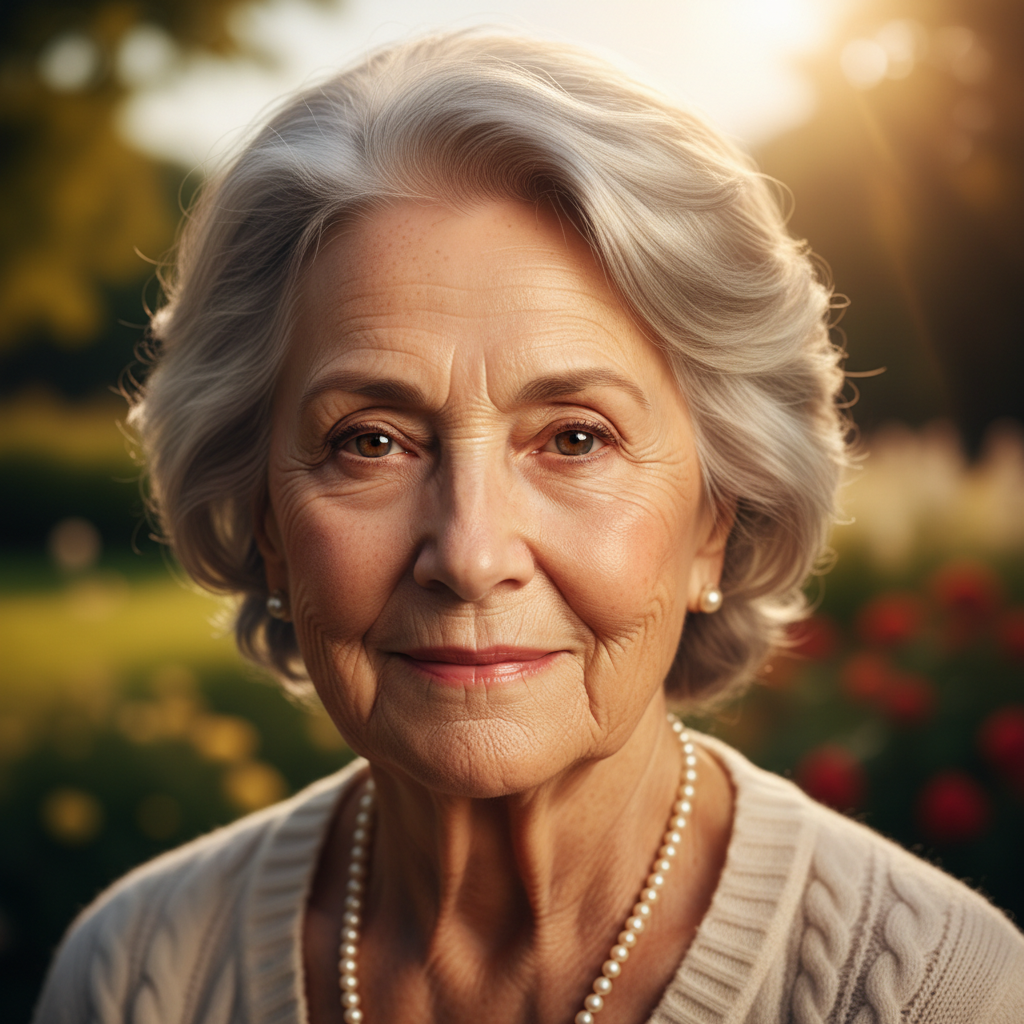
Natural Enhancement
Gentle retouch
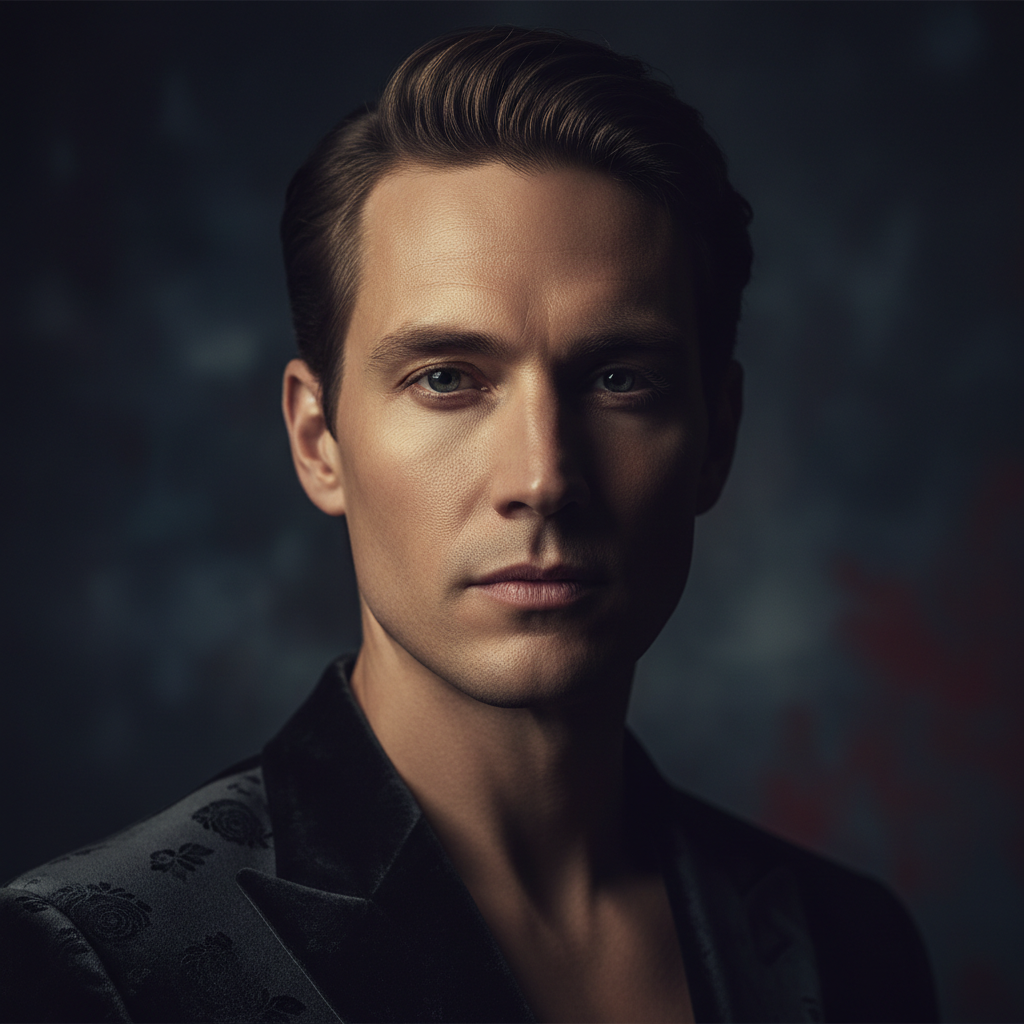
Cinematic Portrait
Dramatic grade
How to Improve Portrait Photos with AI
Three simple steps from an ordinary photo to a professional-quality portrait
Upload Your Portrait
Upload the portrait you want to improve to the AI portrait enhancement tool above. Use the clearest copy you have — the better the source, the more accurately the AI can enhance facial features and refine skin. Selfies, phone photos, event pictures, and studio shots all work, in any lighting and any pose.
Choose an Enhancement Style
Pick a preset — natural retouch, studio headshot, glamour, cinematic, HD sharpen, or outdoor glow. Or describe the exact look you want, from a subtle cleanup to a bold editorial finish. The AI portrait enhancement tool tailors the retouching, lighting, and color grading to match the style you choose.
Download Your Enhanced Photo
In about fifteen seconds your enhanced portrait is ready. Download the improved, high-resolution image and use it for your headshot, profile, portfolio, or print. Not quite the vibe you wanted? Switch the style or adjust the prompt and generate again — improving portrait photos with AI is instant, so you can iterate until it looks perfect.
Why Choose This AI Portrait Enhancement Tool
Everything you need to sharpen, retouch, and perfect your portrait photos
Sharpen Faces & Recover Detail
The AI portrait enhancement tool rebuilds fine detail in the eyes, eyelashes, hair, and skin texture, corrects soft focus, and reduces noise so blurry or low-resolution portraits come back crisp and print-ready. It clarifies and sharpens while staying faithful to the person, so improving portrait photos never turns your subject into a different face — just a sharper, cleaner version of the same portrait.
Natural Skin Retouching
Smooth blemishes, redness, and uneven tone while preserving real texture and pores, so the enhancement looks natural rather than plastic. The AI portrait enhancement tool evens complexion, softens harsh shadows, and refines skin without erasing character, giving you the polished-but-believable finish that professional retouchers spend hours creating — in about fifteen seconds and with no manual masking.
Brighten Eyes & Refine Features
Enhancing facial features is where portraits truly come alive. The AI brightens and sharpens the eyes, adds natural catchlights, defines the jawline and brows subtly, and balances symmetry without distorting identity. The result is a confident, engaging portrait where the face is the clear focal point — ideal for headshots, dating photos, and social profiles that need to make a strong first impression.
Professional Color & Lighting
Great portraits depend on great light. The AI portrait enhancement tool applies studio-style color grading, corrects white balance, lifts flat lighting, and adds depth so a phone snapshot looks like it was shot on professional gear. Choose from natural, studio, glamour, or cinematic looks to match the mood you want, and improve portrait photos to a magazine-quality standard in a single click.
Identity-Faithful Enhancement
A good enhancement should look like you on your best day, not someone else. The AI portrait enhancement tool balances polish and authenticity — it improves clarity, skin, and lighting while preserving your unique features, expression, and character. You stay in control with enhancement styles and prompts, from a light natural retouch that keeps things subtle to a bold studio finish, so every result still looks genuinely like the person in the photo.
Free, Instant, No Skills Needed
Professional portrait retouching used to cost money and take hours. The AI portrait enhancement tool returns an improved, high-resolution portrait in about fifteen seconds, free to start with no account, install, or credit card. There are no layers, masks, or brushes to learn — upload, choose a style, and download. Unlimited enhancements and watermark-free downloads unlock from just $2.99.
AI Portrait Enhancement Tool — FAQ
Everything you need to know about improving portrait photos with AI
Improve Portrait Photos Free — In Seconds
Every great portrait deserves a professional finish. The AI portrait enhancement tool sharpens faces, retouches skin, brightens eyes, and grades color in about fifteen seconds — no editing skills, no software, no login. Upload your portrait now and turn an ordinary photo into a studio-quality image.
Enhance Your Portrait FreeThe Complete Guide to the AI Portrait Enhancement Tool
A portrait is often the first impression you make — on a dating app, a LinkedIn profile, a company team page, or a social feed — yet most of us shoot portraits on a phone in imperfect light, with soft focus, uneven skin, and flat color. An AI portrait enhancement tool fixes that in seconds by using artificial intelligence to improve portrait photos automatically. Instead of learning frequency separation and dodge-and-burn in Photoshop or paying a retoucher, you upload a portrait and the AI portrait enhancement tool on aibanana.net analyzes the face, sharpens facial features, refines and evens skin, brightens the eyes, and grades color and lighting to a professional standard. Powered by the Nano Banana Pro model, it returns a high-resolution enhanced portrait in about fifteen seconds, putting studio-quality retouching within reach of everyone rather than only professionals.
Improving portrait photos with AI is refreshingly simple. Upload your clearest portrait, choose an enhancement style — natural retouch, studio headshot, glamour, cinematic, HD sharpen, or outdoor glow — and click generate. The AI portrait enhancement tool handles the technical work automatically: it detects the face and its features, sharpens soft focus, smooths blemishes while preserving real texture, corrects white balance, and applies flattering lighting so the result looks polished rather than over-edited. You can also describe exactly what you want in plain language, such as brightening the eyes, removing shine, or adding a cinematic color grade. Because the whole process happens in seconds and needs no editing skills, portrait photographers, social media influencers, and digital artists can enhance facial features across whole batches of images quickly and affordably.
What separates a great AI portrait enhancement tool from a cheap beauty filter is faithfulness. The goal is not to reshape you into someone else but to reveal the best version of the portrait you already have — so the tool preserves your unique features, expression, and character while improving clarity, skin, and light. Faces are sharpened without being smoothed into plastic, skin keeps its natural texture and pores, and identity stays intact even at higher enhancement strengths. For the most accurate results, upload the highest-resolution portrait you have so the AI has the most detail to work from. Whether you are polishing a professional headshot, refining a model comp card, or improving a personal photo before printing, the enhancement always looks like a genuinely better photo of the same person.
You can improve portrait photos free on this page with no account, no software install, and no credit card — usage is protected with per-IP rate limits instead of a login wall, so you can try the AI portrait enhancement tool risk-free and see the before-and-after difference immediately. Paid plans start at just $2.99 and unlock unlimited enhancements, watermark-free high-resolution downloads, and full rights to use your enhanced portraits commercially, which makes polishing an entire shoot or content calendar genuinely affordable. A better portrait can change how people see you, and it should not take hours or a studio budget to get one. Upload your portrait above, choose an enhancement style, and let the AI portrait enhancement tool turn an ordinary photo into a professional-quality portrait in seconds.