
AI Pixel Art Creator
Make 8-Bit & 16-Bit Art in Seconds
The AI pixel art creator turns a simple text description into crisp retro pixel art in about fifteen seconds — visible square pixels, clean outlines and authentic 8-bit or 16-bit color, no pixel editor required. Type what you want — an RPG knight, a glowing forest, a neon city, a cute mascot — pick a style preset, and let the create pixel art AI build a game-ready sprite or scene for you. Made for game designers, digital artists and retro art fans, this tool is free to start, needs no login, and outputs in HD with full commercial usage on paid plans.
Try the AI Pixel Art Creator — Free
Pick a style or describe your own — the AI pixel art creator renders crisp retro pixel art in seconds
AI Pixel Art Creator
Choose a pixel art style and describe your subject — the AI pixel art creator turns your prompt into a crisp 8-bit or 16-bit retro sprite or scene in seconds.
AI Pixel Art Creator in Action
Six pixel art pieces, each generated from a single text prompt in about fifteen seconds
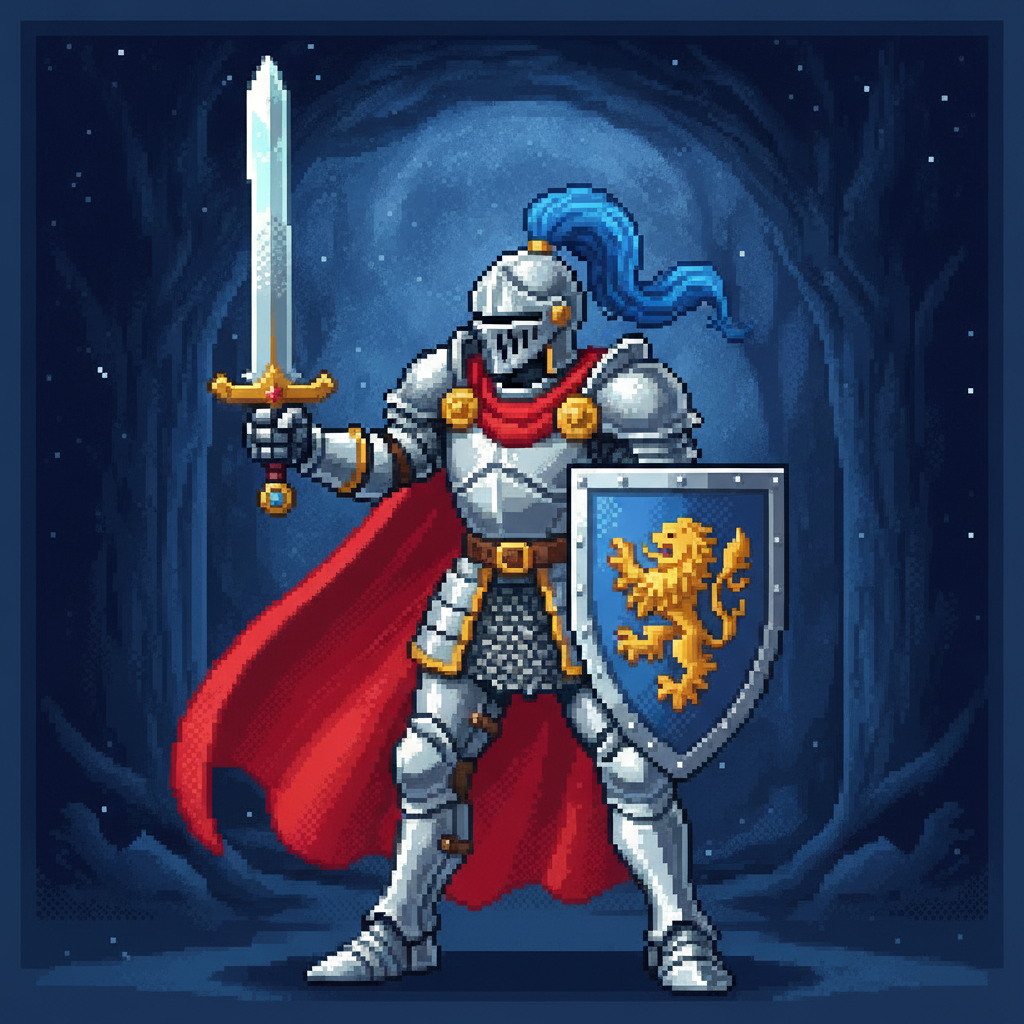
RPG Knight Sprite
AI in ~15s
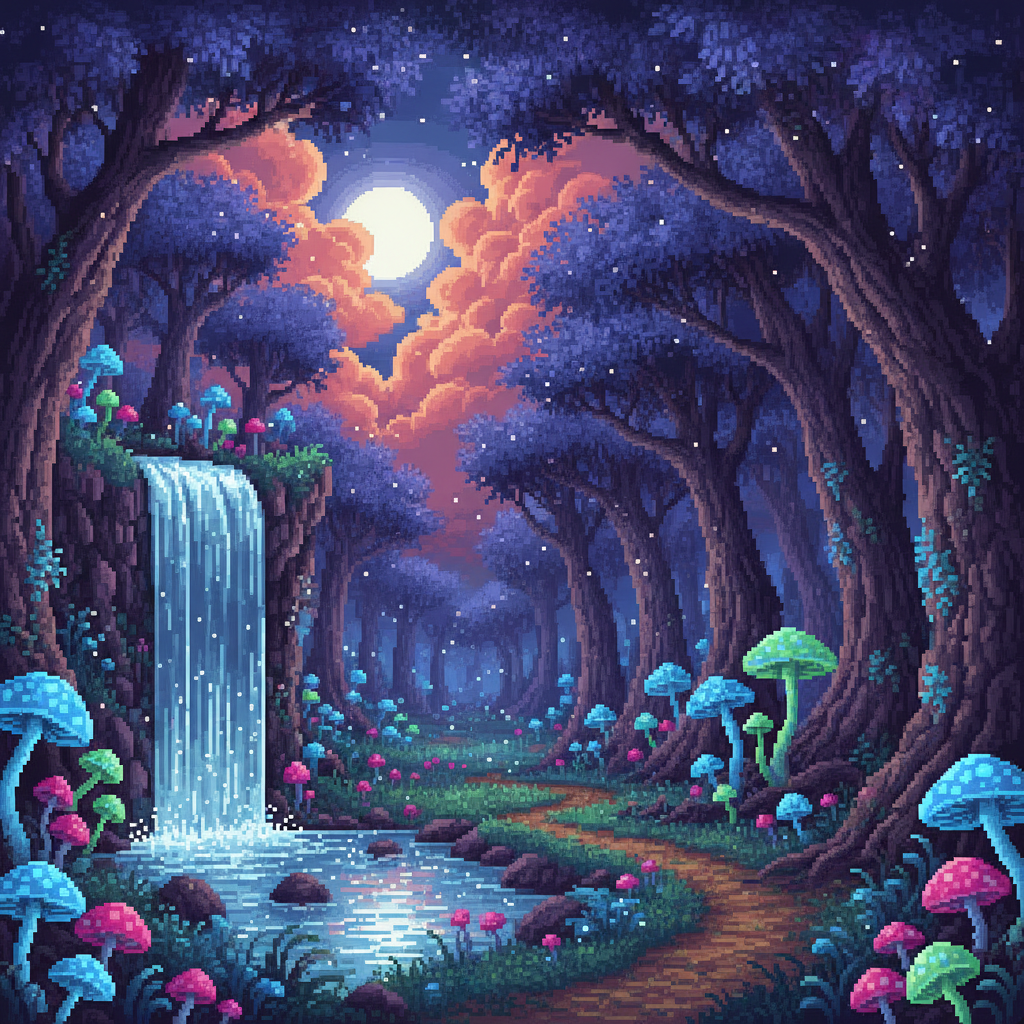
Game Scene
AI in ~15s
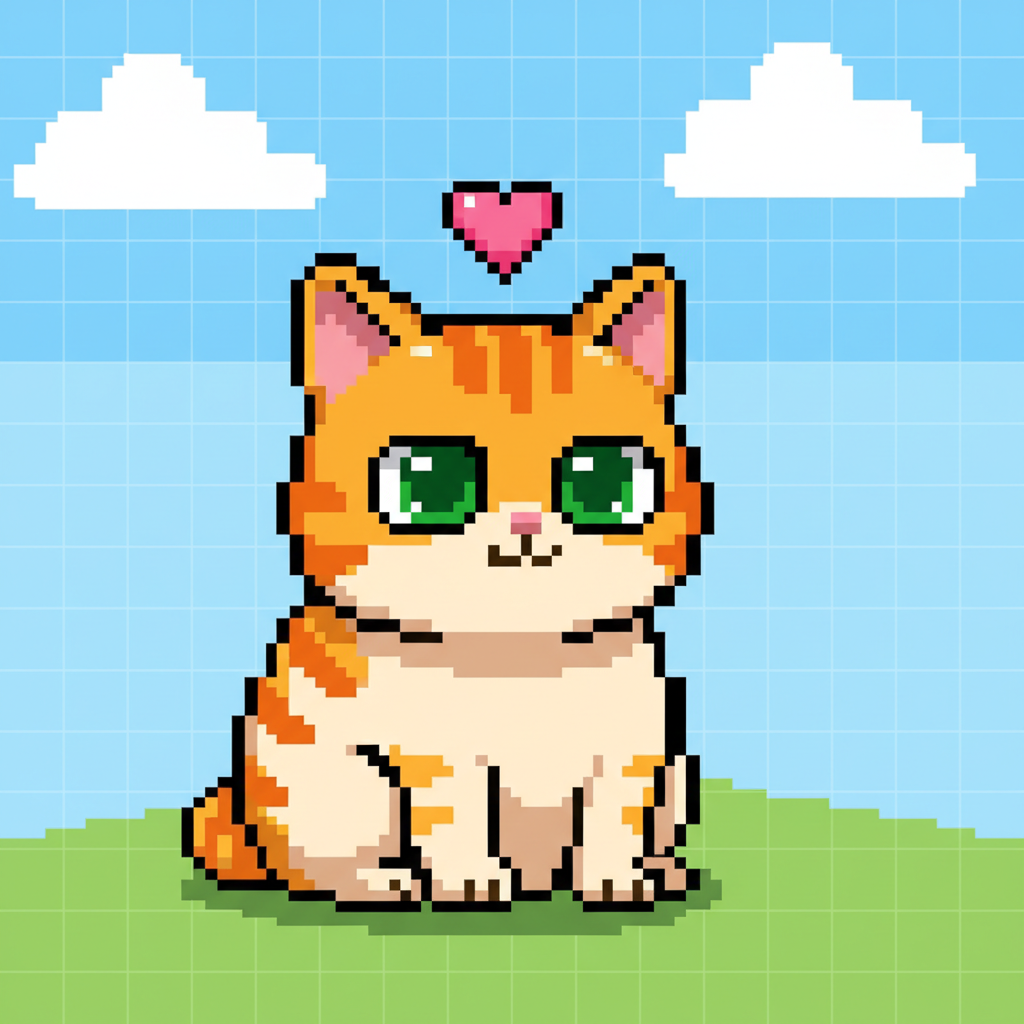
Cute Character
AI in ~15s
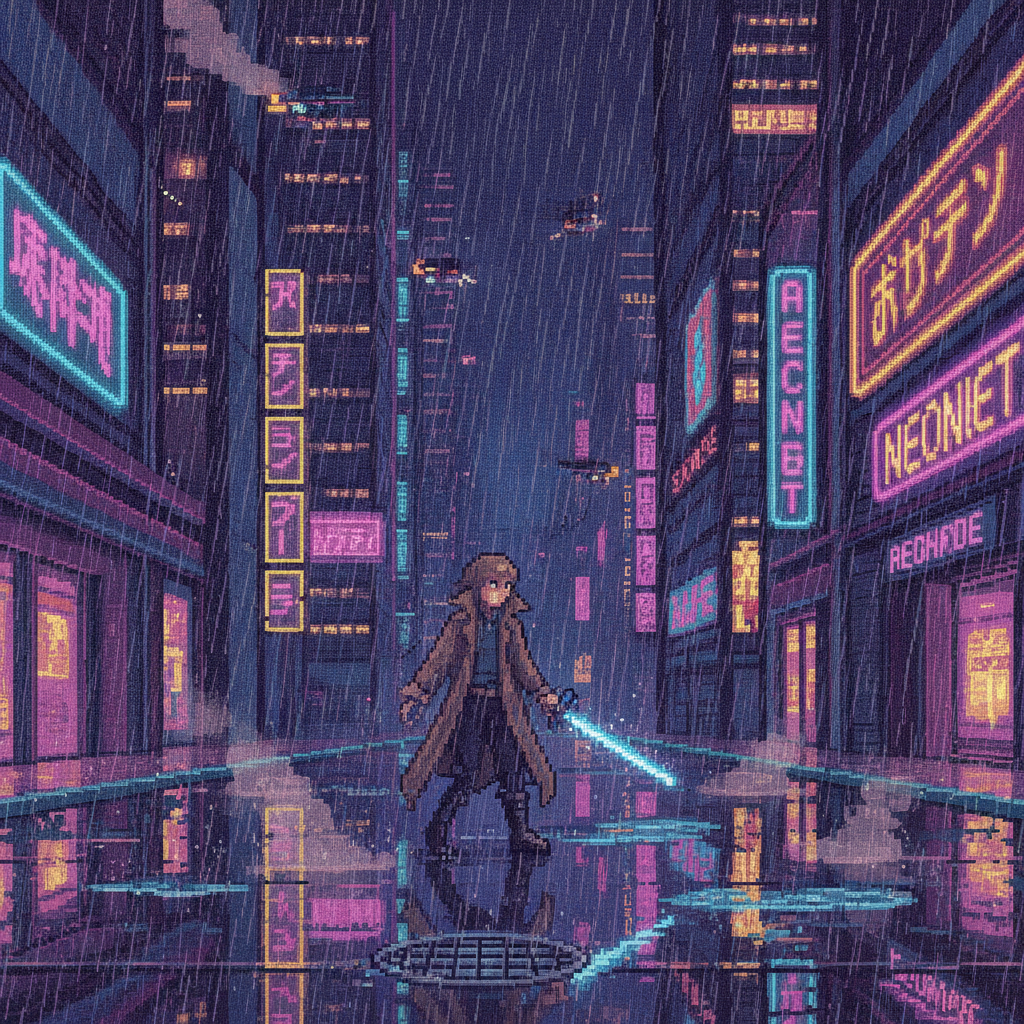
Cyberpunk Scene
AI in ~15s

Retro Item Icon
AI in ~15s
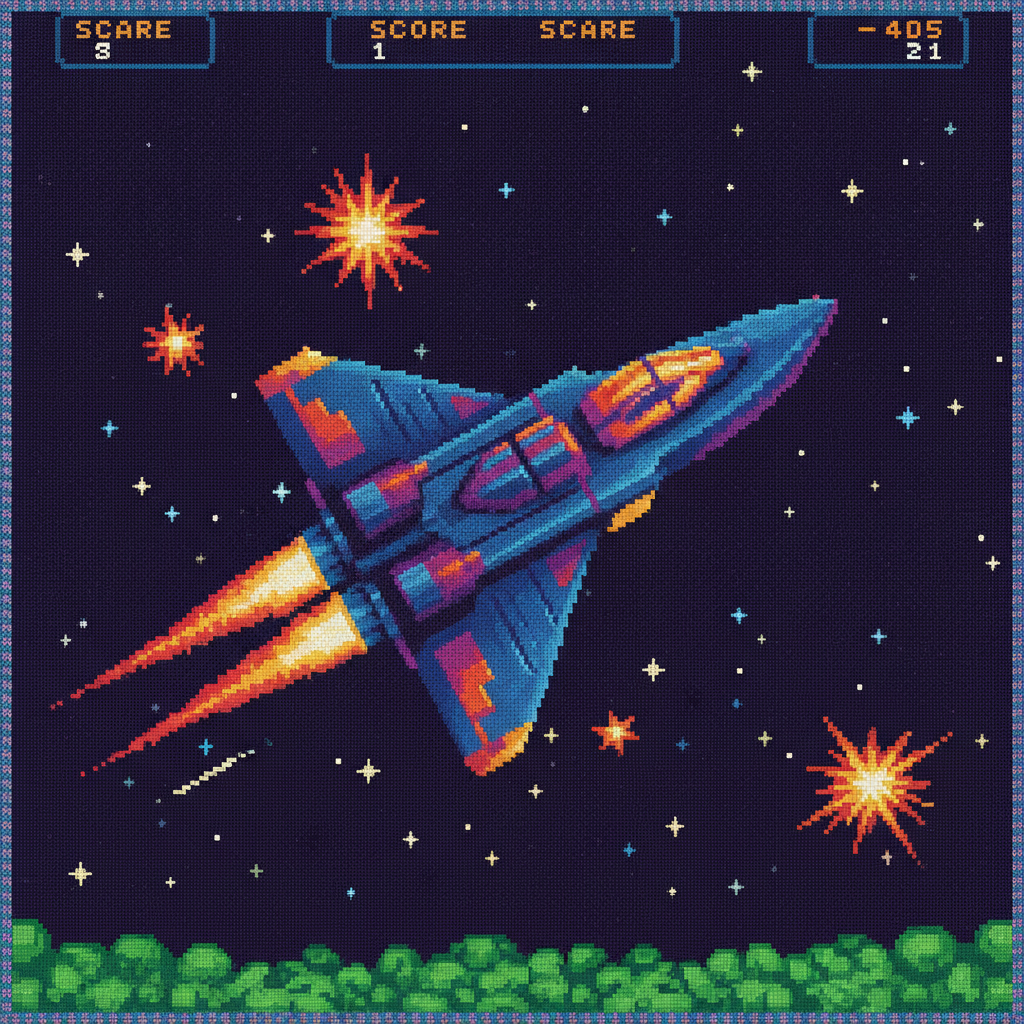
Arcade Spaceship
AI in ~15s
How the AI Pixel Art Creator Works
Three steps, fifteen seconds — no pixel editor, no manual dithering
Describe Your Art
Type what you want into the AI pixel art creator above — a subject, the era (8-bit or 16-bit), and a color mood. The more specific you are, the closer the create pixel art AI gets to your vision on the first try.
Pick a Style
Tap a preset — RPG Character, Game Scene, Cute Mascot, Cyberpunk City, Retro Item or Arcade Sprite — or write your own prompt. The pixel art generator AI renders a crisp sprite or scene in about fifteen seconds and you can regenerate freely.
Download & Use
Download your pixel art and drop it into a game, avatar, sticker pack or social post. Output is high resolution, so the 8-bit style art AI result stays crisp when scaled — upgrade for 4K, watermark-free exports and full commercial rights.
Why This AI Pixel Art Creator Looks So Authentic
The details that separate true pixel art from a blurry retro filter
Authentic 8-Bit & 16-Bit Style
This AI pixel art creator is tuned to produce genuine retro pixel art — visible square pixels, clean outlines and tasteful dithering rather than a blurry photo filter. Whether you want a chunky 8-bit NES-era sprite or a richer 16-bit SNES-style scene, the create pixel art AI keeps the grid crisp and the palette limited the way classic game art demands.
Built for Game Designers
Prototype characters, enemies, items, tiles and backgrounds in seconds instead of hours. Game designers use this AI pixel art creator to fill a mockup with concept-ready sprites before committing to final art, which is ideal for game jams and indie projects. The pixel art generator AI turns a written idea into a usable game asset almost instantly.
Endless Styles & Palettes
One AI pixel art creator covers fantasy RPG heroes, cute chibi animals, cyberpunk cityscapes, retro food icons, arcade spaceships and more. Instead of hunting for a matching asset pack, describe the era, subject and color mood you want and the 8-bit style art AI builds it to match — consistent retro aesthetics across an entire set of images.
Results in Seconds
Hand-placing pixels in an editor can take hours per sprite; this AI pixel art creator takes about fifteen seconds. Type a prompt, pick a style, generate, and regenerate as many times as you like. For digital artists and retro art fans iterating on ideas, the create pixel art AI turns a slow, finicky craft into a few quick clicks.
No Pixel Editor Skills Needed
You do not need to master a pixel editor, manage a limited palette or learn dithering by hand. If you can describe what you want in plain words, this AI pixel art creator handles the rest. It is built for beginners and pros alike — a retro art AI tool that removes the technical barrier so you can focus on ideas.
Ready for Any Project
Use your pixel art for indie games, avatars, emotes, stickers, NFT-style collectibles, social posts and merch. The AI pixel art creator outputs high-resolution images that stay crisp when scaled, and paid plans add 4K exports, watermark-free downloads and full commercial rights so you can ship your retro art anywhere.
AI Pixel Art Creator — FAQ
Everything you need to know about making pixel art with AI
Create Your Pixel Art Now
The AI pixel art creator is free, loaded on this page, and needs no account. Pick a style, describe your subject, and watch a crisp retro sprite or scene appear in about fifteen seconds.
Create Pixel Art FreeAI Pixel Art Creator: Make Retro Pixel Art in Seconds
The AI pixel art creator on this page exists for one job: to take a simple idea and turn it into crisp, authentic pixel art without the slow, finicky work of placing every pixel by hand. Where traditional pixel art means managing a limited palette, learning dithering and nudging individual squares for hours, this create pixel art AI renders a finished sprite or scene from a text prompt in about fifteen seconds. The result is genuine 8-bit and 16-bit art — visible square pixels, clean outlines and retro color — with no pixel editor, no green grid to fight, and no afternoon lost to a single character.
Getting a great result from an AI pixel art creator comes down to describing the look you want. Mention the era — chunky 8-bit NES-style or richer 16-bit SNES-style — name your subject, and add a color mood or setting. For game designers, the RPG Character and Arcade Sprite presets produce concept-ready assets; for atmospheric work, the Game Scene and Cyberpunk City presets build detailed backgrounds; for fun, the Cute Mascot and Retro Item presets make adorable icons. The presets on this page package proven pixel art prompts so you can generate pixel-perfect results in one tap, or write your own prompt for full control. Either way the pixel art generator AI keeps the grid crisp and the palette limited the way classic game art demands.
A dedicated AI pixel art creator is different from a generic image generator. General tools tend to produce blurry, anti-aliased images that only loosely resemble pixel art, while this 8-bit style art AI is tuned for the real thing: hard pixel edges, tasteful dithering, limited palettes and the chunky charm of retro game graphics. That focus is why it works so well for indie game prototyping, sprite sheets, item icons, tilesets, avatars, emotes, stickers and retro-styled merch. Game designers can fill a mockup with placeholder art in minutes, digital artists can iterate on a dozen variations before lunch, and retro art fans can bring any idea to life without learning a pixel editor.
Whether you searched for an "AI pixel art creator", a way to "create pixel art AI", a "pixel art generator AI", an "8-bit style art AI" or a "retro art AI tool", this is the dedicated page for it on aibanana.net. The interactive tool above is powered by the Nano Banana Pro image model, runs entirely server-side, and asks for no account, email or credit card — free usage is protected with per-IP rate limits rather than a login wall. Pick a style, describe your subject, and see how fast and clean modern pixel art generation has become. When a sprite or scene fits your project, upgrade to a paid plan starting at $2.99 to unlock unlimited 4K exports, watermark-free downloads and full commercial usage rights — a tireless on-demand pixel artist for every retro project you make.