
AI Photo Enhancer
Free Photo Enhancement AI for Wedding, E-Commerce & Social
Enhance photos with AI in seconds — the AI photo enhancer is built for photographers, social media influencers, and online sellers who need polished AI photo upgrade output for wedding album deliverables, magazine spreads, editorial layouts, e-commerce hero shots, real estate MLS listings, family heritage prints, and brand campaign visuals. The photo enhancement AI workflow returns 4K-ready 4K Upscale, Denoise & Restore, Sharpen Detail, Old Photo Restore, Product Polish, and HDR Recovery outputs in about fifteen seconds, with no sign up required and full commercial usage on paid plans.
Try the AI Photo Enhancer — Free
Upload your photo, pick an enhancement preset, and the AI photo enhancer returns a 4K publishable hero in seconds
AI Photo Enhancer
Upload your photo and pick an enhancement preset — 4K Upscale, Denoise & Restore, Sharpen Detail, Old Photo Restore, Product Polish, or HDR Recovery
Upload your photo (JPG or PNG, any resolution), pick an enhancement preset, and click Generate
AI Photo Enhancer Showcase
A sample of portrait upscales, vintage restores, e-commerce polish, wedding upgrades, and real estate HDR fixes the AI photo enhancer produces
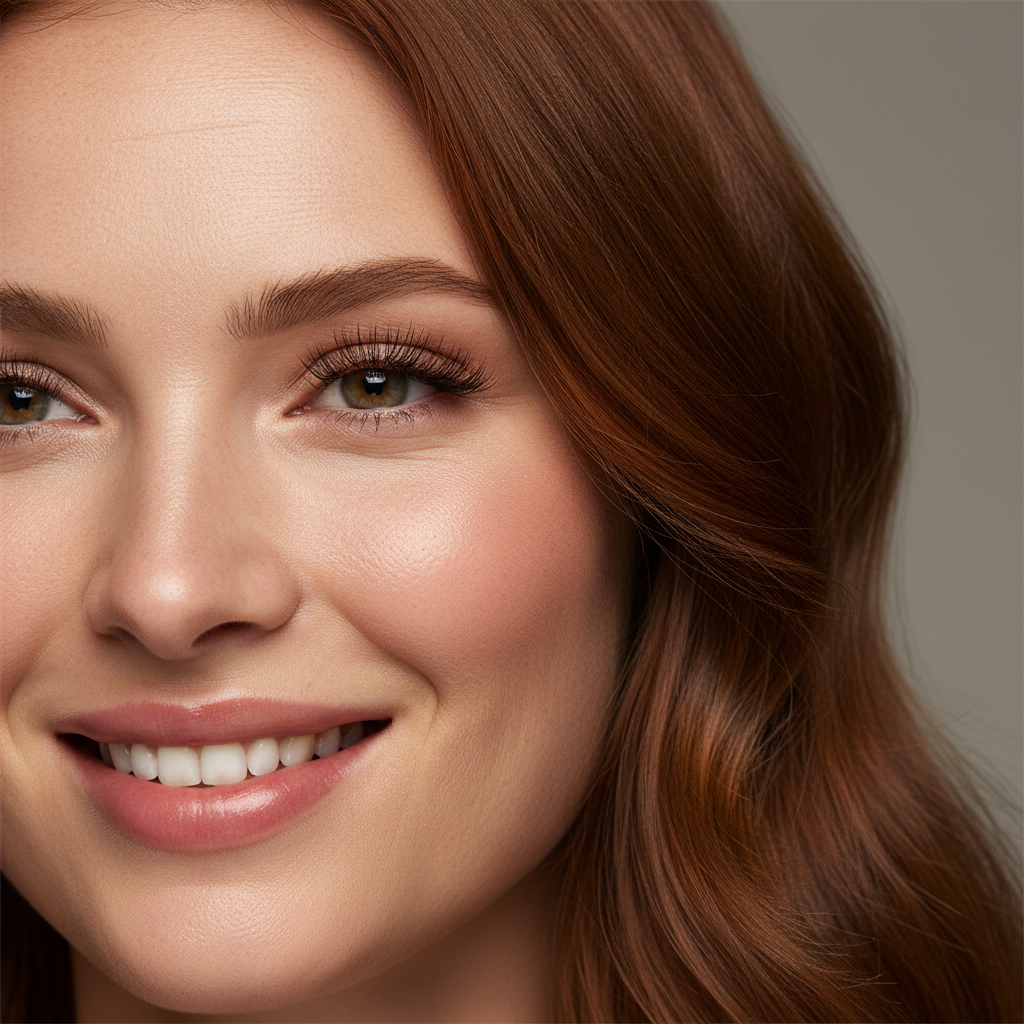
Portrait 4K Upscale
AI photo enhancer portrait
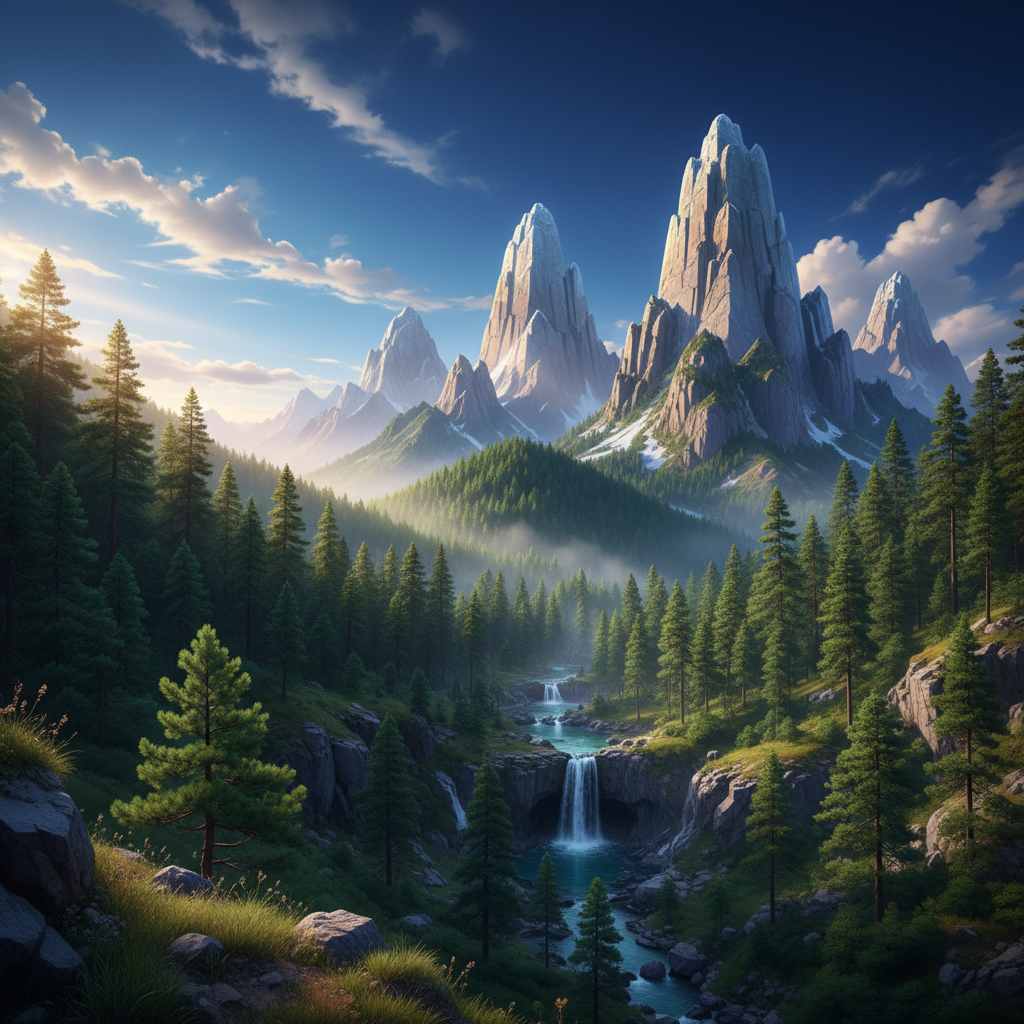
Landscape Detail Boost
Photo enhancement AI landscape
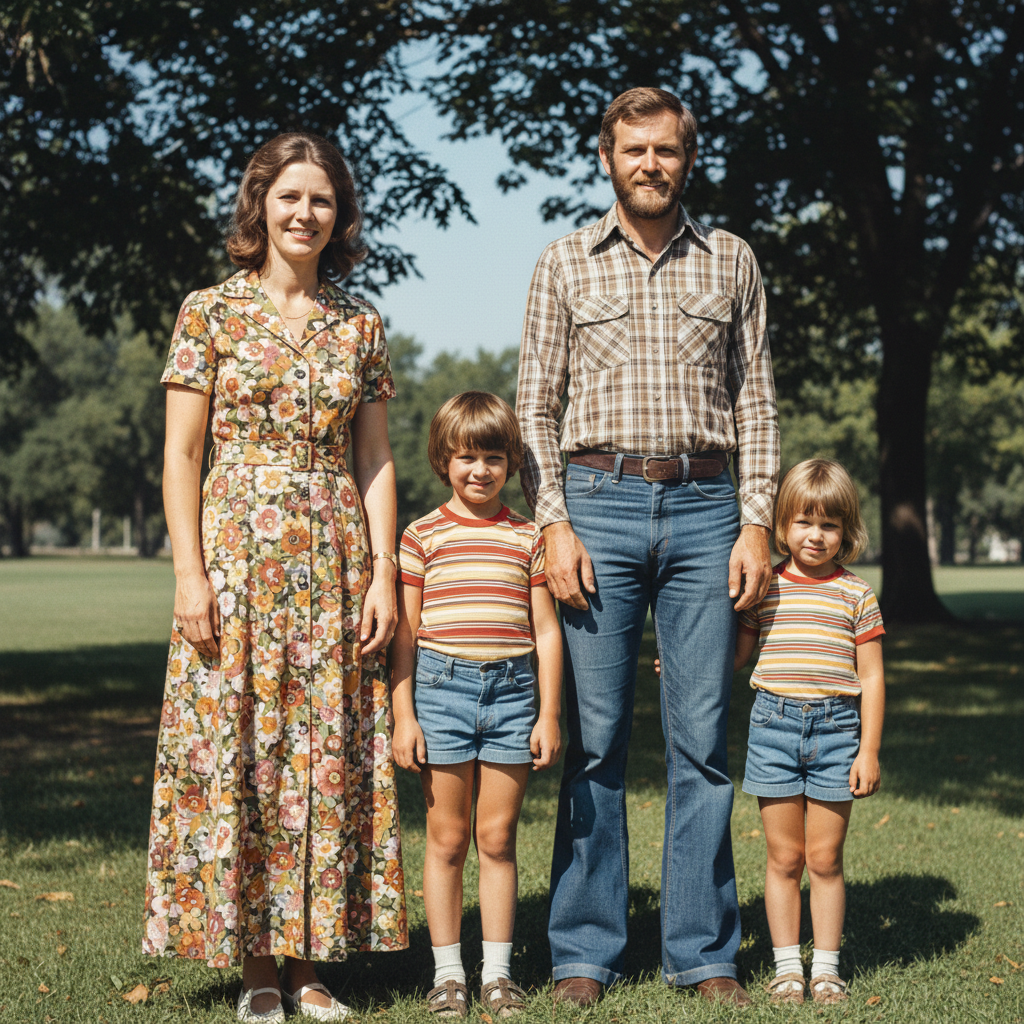
Old Photo Restoration
AI photo upgrade vintage
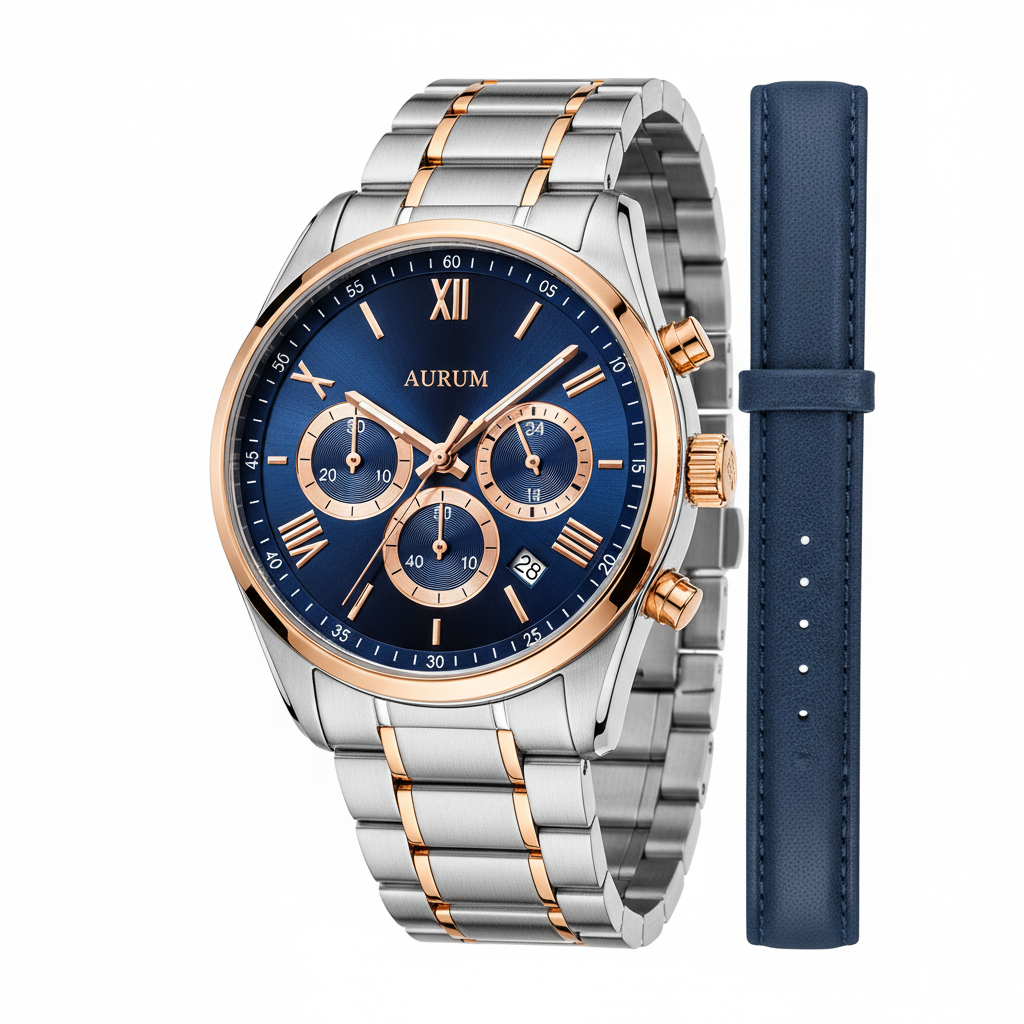
E-Commerce Product Polish
AI image quality product
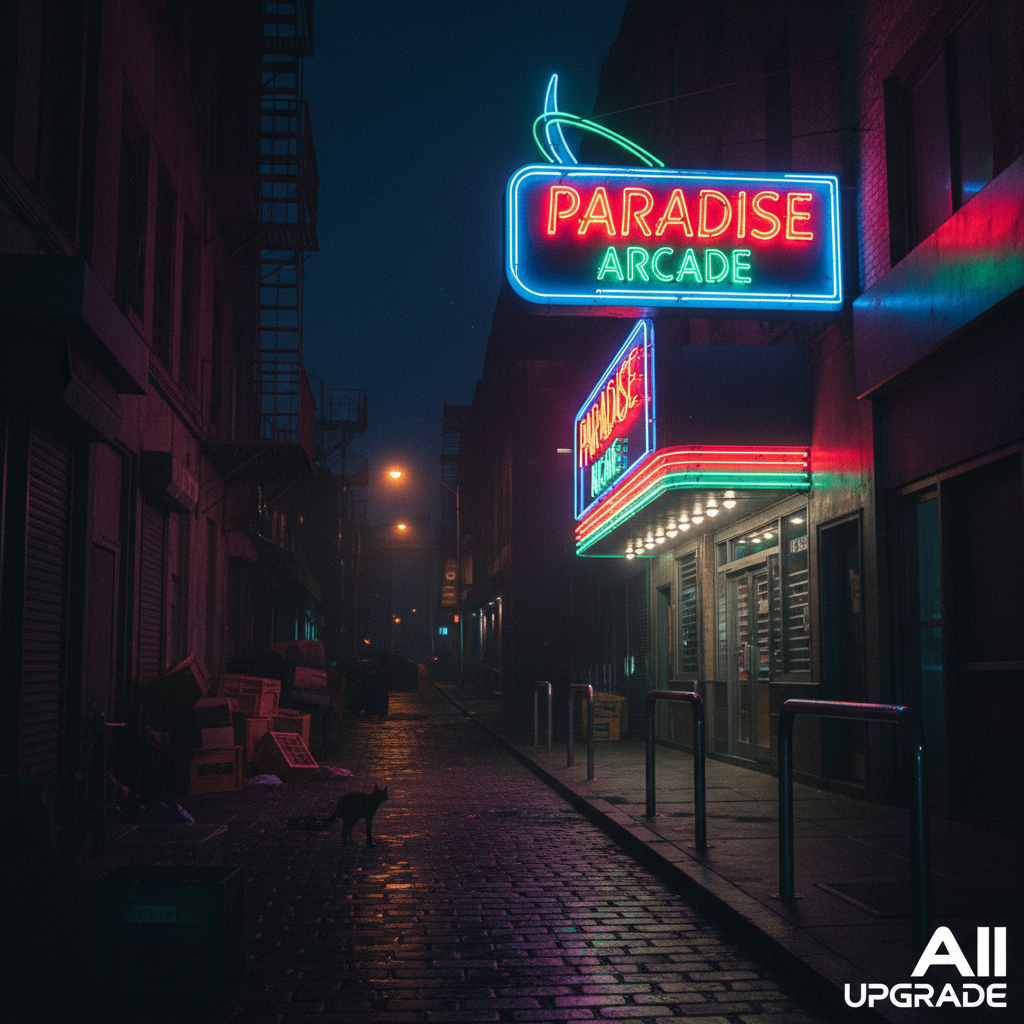
Wedding Portrait Upgrade
Enhance image quality AI wedding
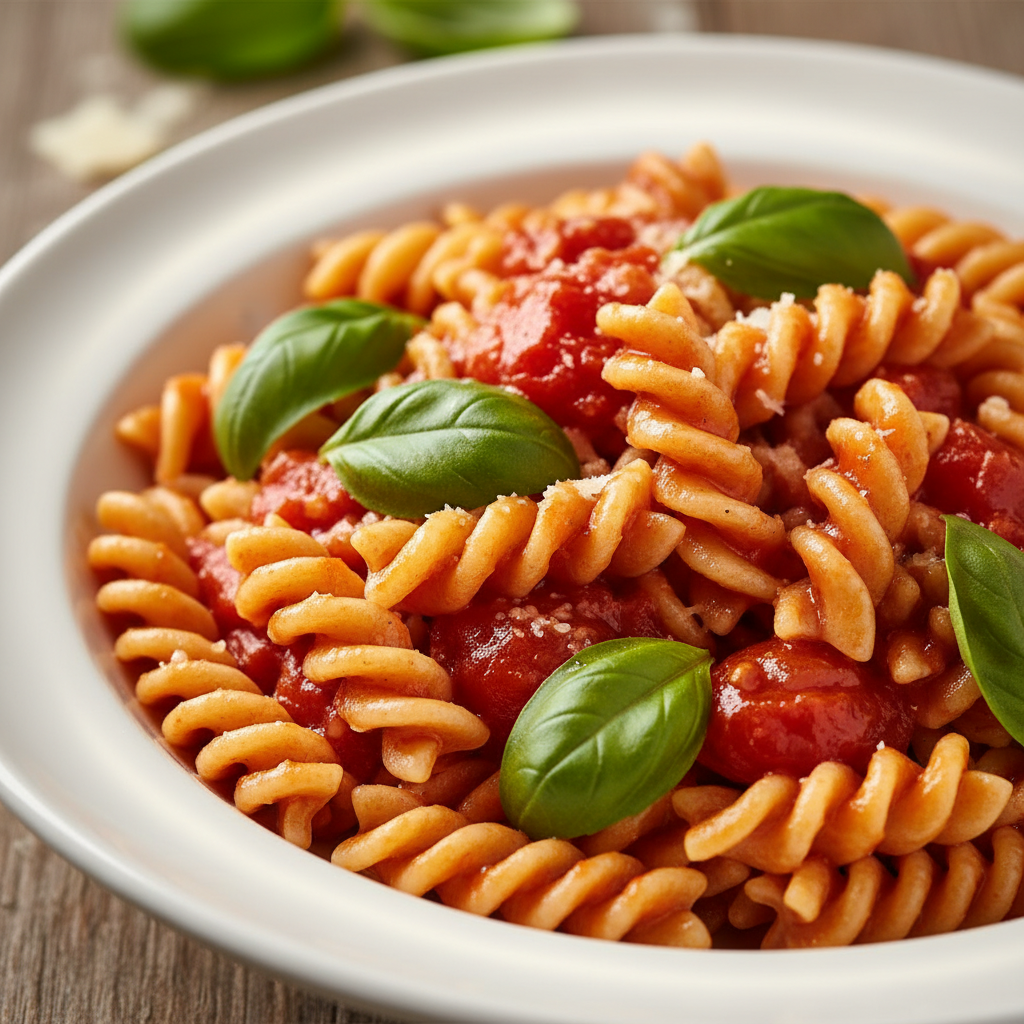
Real Estate HDR Recovery
AI photo enhancer real estate
How the AI Photo Enhancer Works
Three steps, fifteen seconds, ready for your wedding album drop, e-commerce storefront launch, brand campaign, or social media post
Upload Your Photo
Drag and drop your photo into the AI photo enhancer above — wedding portraits, e-commerce products, real estate listings, magazine editorials, travel landscapes, family sessions, food shots, faded vintage scans, or any JPG or PNG that needs an AI photo upgrade. The photo enhancement AI workflow accepts standard photo formats up to high resolution.
Pick an Enhancement Preset
Tap one of the six enhancement presets in the AI photo enhancer above — 4K Upscale, Denoise & Restore, Sharpen Detail, Old Photo Restore, Product Polish, or HDR Recovery. Iterate on the brief — swap from 4K Upscale to Denoise & Restore, change from Sharpen Detail to HDR Recovery — until the AI photo upgrade output matches the exact wedding album, e-commerce storefront, or social media post you have in mind.
Download & Publish
Download the AI photo enhancer output and publish it as a wedding album page, e-commerce hero shot, real estate MLS listing, magazine cover spread, editorial layout, travel print, gallery wall print, social media campaign tile, sponsored Instagram or TikTok post, paid ad creative, brand campaign visual, or family heritage book page. The photo enhancement AI output is 4K-ready and large enough for any digital surface or large-format print.
Why Choose This AI Photo Enhancer
Built for photographers, social media influencers, and online sellers who want polished AI photo upgrade output fast
Subject-Tuned AI Photo Enhancer
The AI photo enhancer on this page is purpose-tuned for editorial, wedding, e-commerce, social, and real estate work, not generic image filtering: every preset explicitly requests "intelligent denoise without plastic skin", "edge-aware sharpening with no halos", "balanced highlight roll-off and shadow recovery", "authentic skin pore and hair strand preservation", "brand-safe product material reproduction", and "broadcast-grade AI image quality finish" so the AI photo enhancer output instantly looks like a senior retoucher upscaled, denoised, and graded it frame by frame. Photographers, social media influencers, and online sellers get publishable AI photo upgrade output without the per-image Topaz Gigapixel batch run, the manual Photoshop unsharp mask stack, or the multi-hour Lightroom curves session that ruins most legacy photo enhancement workflows. The photo enhancement AI workflow reads source photo, resolution, noise level, focus, and exposure, then ships an enhanced hero balanced for editorial spreads, wedding albums, e-commerce storefronts, brand campaigns, and family heritage prints.
Built for Photographers, Creators & Sellers
Photographers, social media influencers, online sellers, wedding photographers, real estate photographers, e-commerce product photographers, family historians, family album curators, content creators, YouTube creators, Instagram reels makers, TikTok creators, Pinterest pin designers, brand identity studios, packaging illustrators, social-media art accounts, agency post-production teams, and album designers use this AI photo enhancer for wedding album deliverables, real estate MLS listings, e-commerce hero shots, social media campaigns, family heritage scans, sponsored brand content, packaging mockups, brand campaign visuals, and gallery print preparation. The AI photo upgrade output works for both digital surfaces (e-commerce hero shots, social media campaign tiles, sponsored Instagram and TikTok posts, Pinterest pins, gallery website heros, online portfolio pieces, real estate MLS listings, brand campaign hero images, packaging design previews) and printed deliverables (wedding album pages, magazine print spreads, editorial layouts, travel print runs, gallery walls, packaging artwork, calendar pages, family heritage books, trade-show booth banners) — a single AI photo enhancer session can rescue a complete wedding album batch or e-commerce product set from one short brief.
Six Photo Enhancement Presets in One Click
Photographers, social media influencers, and online sellers rely on the AI photo enhancer for 4K Upscale resolution boost, Denoise & Restore noise removal, Sharpen Detail edge clarity, Old Photo Restore vintage rescue, Product Polish e-commerce crispening, and HDR Recovery exposure balancing — faster than any manual Topaz Gigapixel batch run, Photoshop unsharp mask layer stack, or DxO PureRAW noise pipeline could deliver. Use the AI photo enhancer to refresh a complete two-hundred-image wedding album in an afternoon, lock in the visual direction for an e-commerce storefront launch, and hand off the chosen output to a paid client deliverable rotation — or ship the photo enhancement AI output directly under a paid commercial license for editorial publishing, brand campaigns, packaging mockups, and gallery print runs.
No Sign Up, No Credit Card
The AI photo enhancer on this page never asks you to register an account, verify an email, or save a payment method before enhancing a single photo. No Google OAuth redirect, no "add card to continue" step, no twelve-step onboarding wizard — just an upload box and a preset row. Upload your photo, pick an enhancement preset, click generate, and download the AI photo enhancer output immediately. Free usage is protected with per-IP rate limits, not an account wall, so photographers, social media influencers, and online sellers can validate AI photo upgrade variants without commitment. The photo enhancement AI workflow earns its place in your studio post-production rotation before it asks for a dollar.
Photo Enhancement in ~15 Seconds
Most AI photo enhancer runs return a full-resolution PNG enhanced image in about fifteen to twenty seconds. Free users share the same backend priority as paid users — no throttled queue, no slower lane for free traffic. The fast turnaround makes live studio post-production practical: tweak your preset, regenerate with a different enhancement direction or sharpening strength, and have a new AI photo enhancer output ready before the previous one even finishes downloading. A new wedding album batch, e-commerce storefront launch, or family heritage scan deserves twenty AI photo upgrade variants per source frame before you commit to a final hero — the AI photo enhancer makes that finally possible at any budget.
4K Print & Storefront-Ready Output
Every AI photo enhancer output comes out as a high-resolution PNG ready to use anywhere — magazine print spreads, editorial layouts, wedding album pages, e-commerce hero shots on Amazon, Shopify, Etsy, and Walmart Marketplace, real estate MLS listings, travel print runs, gallery walls, social-media campaign tiles, sponsored Instagram and TikTok posts, paid ad creative on Meta Ads, TikTok Ads, Pinterest Ads, Google Ads, and Snapchat Ads, plus wedding album centerpieces, brand campaign hero images, packaging mockups, calendar pages, family heritage books, in-flight magazine art features, and trade-show booth banners. The AI image quality output works at sizes up to large-format print without visible blurring or banding. No more pixelated smartphone snaps in your wedding album, no more soft product shots on your storefront, no more grainy low-light vacation photos that scroll right past every viewer.
AI Photo Enhancer — FAQ
Everything about the photo enhancement AI presets, AI image quality workflow, and AI photo upgrade output
Start the AI Photo Enhancer
The AI photo enhancer is free, loaded on this page, and needs no account. Upload your photo, pick an enhancement preset, and download a 4K publishable hero in about fifteen seconds.
Enhance Image Quality FreeAbout the AI Photo Enhancer
The AI photo enhancer on AI Banana is a free, no-sign-up photo enhancement AI solution built for photographers, social media influencers, online sellers, wedding photographers, real estate photographers, e-commerce product photographers, family historians, family album curators, content creators, YouTube creators, Instagram reels makers, TikTok creators, Pinterest pin designers, brand identity studios, packaging illustrators, social-media art accounts, agency post-production teams, and album designers who want polished AI photo upgrade output without spending hours on a per-image Topaz Gigapixel batch run, a manual Photoshop unsharp mask stack, or a multi-hour Lightroom curves session — and without the cost of a Creative Cloud subscription, a Topaz perpetual license, or a senior retoucher day-rate. Upload a wedding portrait, an e-commerce product shot, a real estate listing, a magazine editorial, a travel landscape, a faded vintage family scan, or any photograph that needs an AI photo upgrade — and the AI photo enhancer returns a 4K publishable PNG in about fifteen seconds, ready to drop into your wedding album page, e-commerce hero shot, magazine cover spread, editorial layout, gallery wall print, social media campaign tile, or family heritage book. Whether you have been searching for "AI photo enhancer", "photo enhancement AI", "AI image quality", "AI photo upgrade", or "enhance image quality AI", this is the dedicated AI photo enhancer entry point on aibanana.net.
Most other AI photo enhancer tools and legacy desktop enhancers require an account, an email, a perpetual desktop license, or a trial-credit countdown before you can preview a single enhanced image — and many lock the high-resolution download behind a one-time purchase or recurring monthly subscription long after the wedding album has shipped. The AI photo enhancer on this page skips that entirely. The interactive photo enhancement AI panel above is loaded directly into the page — open the upload box, drop your photo, pick an enhancement preset (4K Upscale, Denoise & Restore, Sharpen Detail, Old Photo Restore, Product Polish, or HDR Recovery), and the AI photo enhancer routes your request through the Nano Banana Pro image model. No registration, no checkout, no dark patterns. Free usage is protected with per-IP rate limits rather than a login wall, so a normal studio post-production session for a wedding album batch, a weekly e-commerce drop, or a family heritage scan project fits comfortably inside the free envelope. Validate AI photo upgrade variants and A/B test multiple enhancement directions before committing to a paid plan — the AI photo enhancer earns its place in your studio workflow before it asks for a dollar.
The AI photo enhancer is tuned for editorial, wedding, e-commerce, social, and real estate work, not generic image filtering. Every preset prompt explicitly requests "intelligent denoise without plastic skin", "edge-aware sharpening with no halos", "balanced highlight roll-off and shadow recovery", "authentic skin pore and hair strand preservation", "brand-safe product material reproduction", and "broadcast-grade AI image quality finish", so the resulting AI photo upgrade output instantly looks like a senior retoucher upscaled, denoised, and graded it frame by frame. The AI photo enhancer handles every popular photo problem and source format: low-resolution smartphone snaps; soft focus DSLR shots; noisy high-ISO event photography; JPEG-compressed social media downloads; faded vintage scans with scratches and dust; blurry old family portraits; washed-out vacation photos; oversharpened over-edited social posts; low-resolution e-commerce product photos; soft real estate listing shots from older phones; low-light wedding portraits with grain; and color-shift damage from old film prints. It interprets enhancement vocabulary like "4K upscale", "intelligent denoise", "edge-aware sharpening", "old photo restore", "product polish", "HDR recovery", "skin pore preservation", "brand-safe color", "authentic surface texture", "broadcast-grade clarity", "midtone protection", and "face mask isolation" accurately, so the photo enhancement AI output matches the editorial, album, or storefront vision you have in mind without dozens of regenerations.
Output from the AI photo enhancer is high-resolution PNG, large enough for any digital surface or print use — e-commerce hero shots on Amazon, Shopify, Etsy, and Walmart Marketplace, real estate MLS listings, gallery website heros, online portfolio pieces, magazine print spreads, editorial layouts, social-media campaign tiles, sponsored Instagram and TikTok feed posts, Pinterest pins, paid ad creative on Meta Ads, TikTok Ads, Pinterest Ads, Google Ads, Snapchat Ads, and X Ads, plus wedding album centerpieces, brand campaign hero images, packaging mockups, calendar pages, in-flight magazine art features, travel print runs, family heritage books, and trade-show booth banners. Photographers use AI photo enhancer for wedding album deliverables, family portrait sessions, real estate listings, travel photo collections, and editorial commissions. Social media influencers use the photo enhancement AI output for Instagram reels covers, TikTok thumbnails, YouTube hero shots, Pinterest pins, sponsored brand content, and personal portfolio refreshes. Online sellers use AI photo upgrade output for Amazon and Shopify product hero shots, paid ad creative, packaging mockups, and storefront banners. Once you find an enhancement direction you want to ship to a paid wedding album, magazine cover, e-commerce storefront, or brand campaign, upgrade to a Nano Banana Pro paid plan starting at $2.99 to unlock unlimited generations and full commercial usage rights — a tiny fraction of the cost of a Topaz perpetual license, and orders of magnitude faster than a manual Lightroom or Photoshop enhancement workflow. Publishable AI image quality translates directly into more wedding album sales, more e-commerce conversions, more brand-campaign engagement, and more revenue per shoot — that is what the AI photo enhancer is built to deliver.