
AI Photo Editing Suite
Every Edit in One Tool
This AI photo editing suite replaces a stack of manual steps with a single upload. Retouch a portrait without plastic skin, swap a background without masking hair by hand, apply cinematic colour grading, restore a damaged family photo, or clean a product shot to a pure white background — each edit finishes in about fifteen seconds at 4K-class resolution. Built for photographers, social media managers and digital artists who need finished frames rather than a starting point. No install, no subscription, no login required to try it.
Try the AI Photo Editing Suite — Free
Upload any photo, pick the edit you need — retouching, background swap, colour grade, restoration, product cleanup or sky replacement — and get a finished result in about fifteen seconds. No account, no install.
AI Photo Editing Suite
Upload your photo, choose an edit, and the AI returns a finished high-resolution result in seconds. No account, no install, no subscription.
Upload your photo, select the edit you want, and click Generate
What the AI Photo Editing Suite Produces
Six edits covering retouching, background replacement, colour grading, restoration, product cleanup and sky replacement — each finished in about fifteen seconds
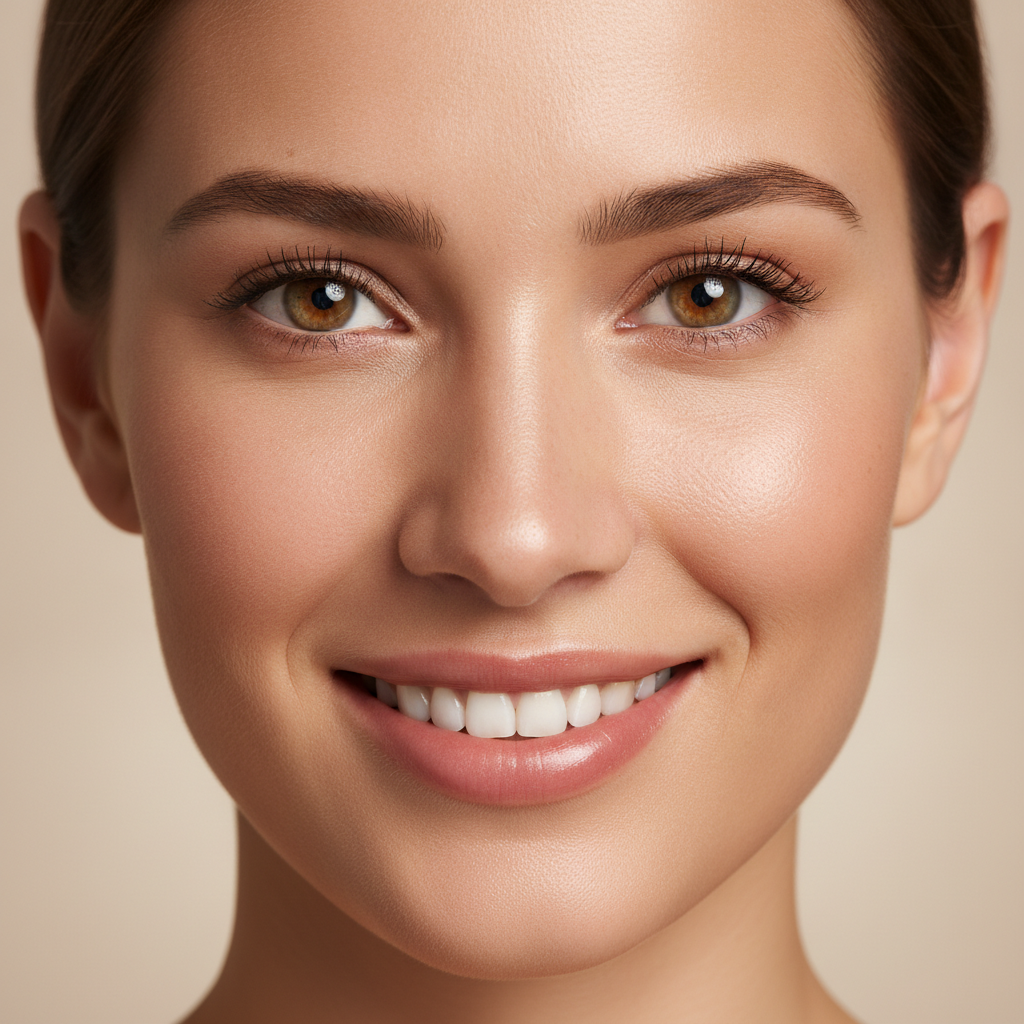
Portrait Retouching
Edited in ~15s

Background Replacement
Edited in ~15s
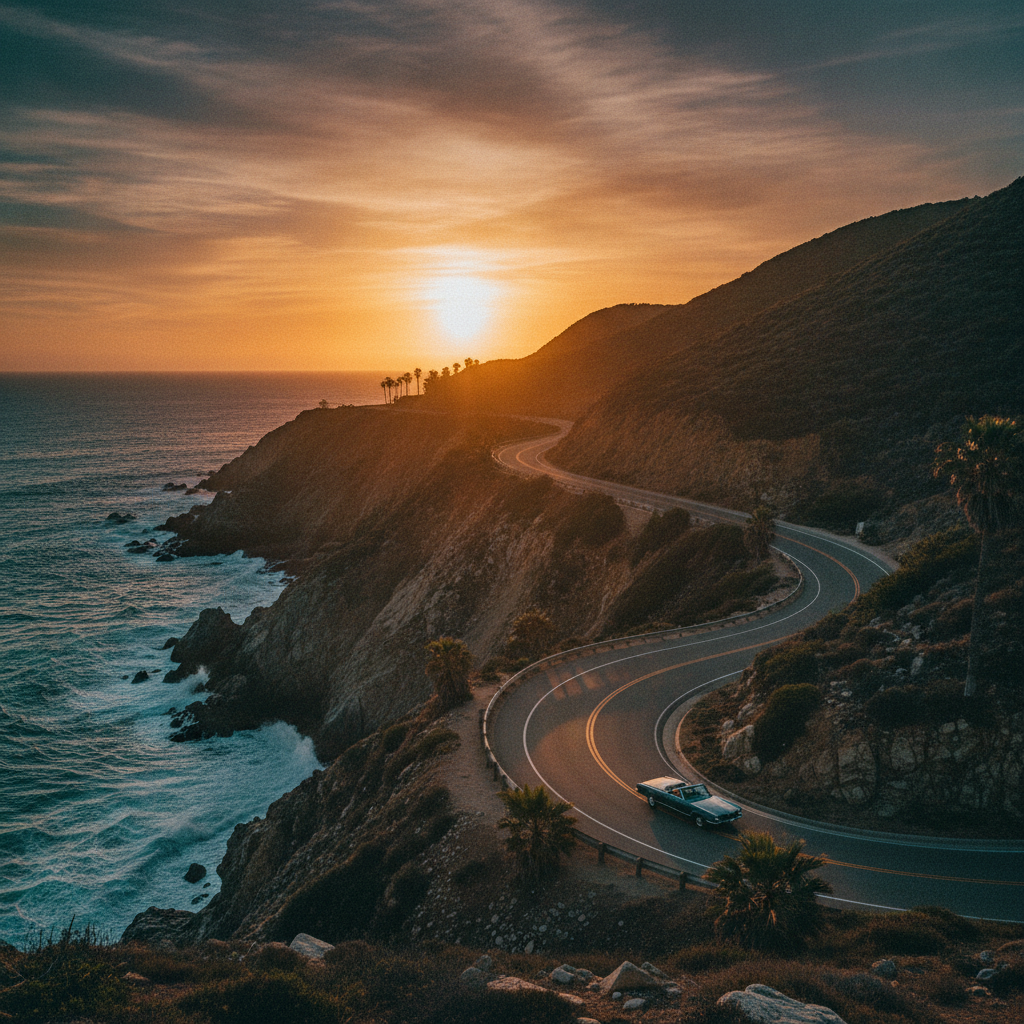
Cinematic Colour Grading
Edited in ~15s
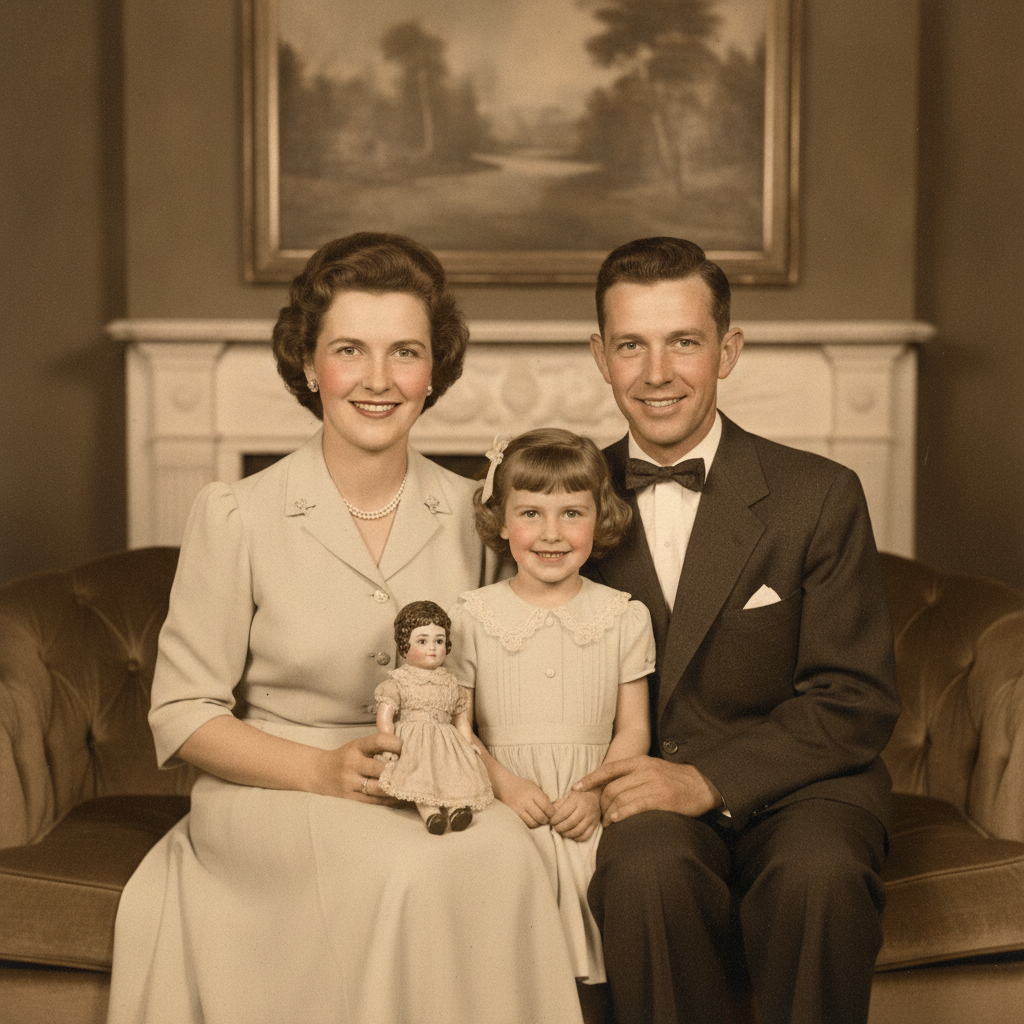
Old Photo Restoration
Edited in ~15s
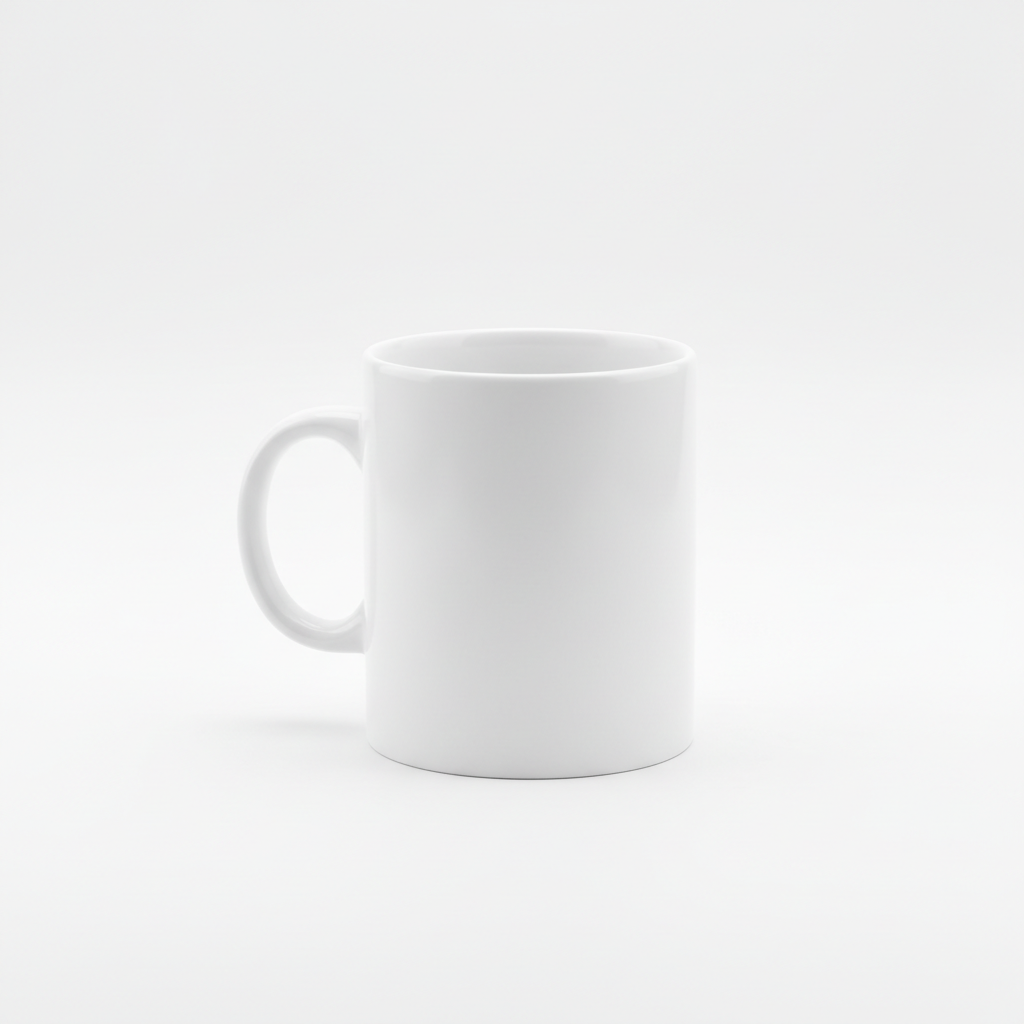
Product Photo Cleanup
Edited in ~15s
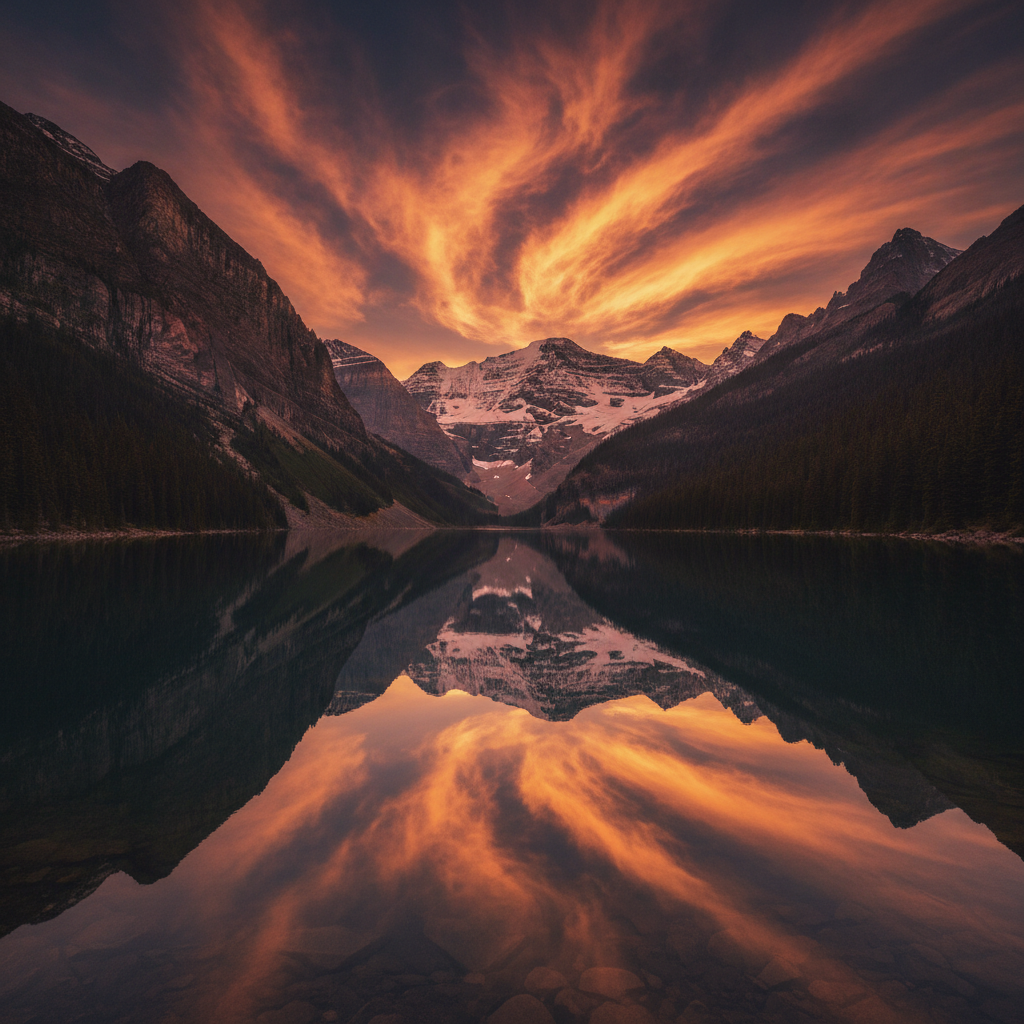
Sky Replacement
Edited in ~15s
How the AI Photo Editing Suite Works
Three steps, fifteen seconds — no masking, no layers, nothing to install
Upload Your Photo
Drop any JPG or PNG into the AI photo editor above — a portrait, a product shot, a landscape or a scan of an old print. Nothing is installed and no account is required. The photo is processed server-side and the suite reads what is actually in the frame before it edits anything.
Choose the Edit
Pick a preset — portrait retouch, background swap, cinematic grade, photo restoration, product cleanup or sky replacement. Each one carries a fully written instruction behind it, so there are no sliders to balance and no masks to draw. The AI photo editing tool returns a finished frame in about fifteen seconds.
Download & Publish
Download the edited photo at 4K-class resolution and send it straight to a client, a store listing, a print run or a feed. Not quite right? Regenerate or switch presets instantly. On a paid plan from $2.99 you get watermark-free downloads and full commercial rights, with no ongoing subscription.
Inside the AI Photo Editing Suite
The six tools that cover most of a photographer's editing queue
Retouching That Keeps Skin Real
The single most requested job in any photo editing queue is portrait retouching, and it is where automated tools historically failed — over-smoothing skin into plastic and flattening every pore. This AI photo editing suite removes blemishes, evens skin tone and cleans up stray hairs while preserving the texture that makes a face look like a face. Photographers get a usable frame straight out of the tool instead of a starting point that needs undoing, and social media managers can turn around a batch of headshots without booking retouching time.
Background Swaps Without Manual Masking
Cutting a subject out of a busy background is the classic time sink: hair edges, semi-transparent fabric, motion blur at the boundary. The AI photo editing suite understands the subject as an object rather than a set of pixels, so it separates and re-composites in one pass — new background, matched lighting direction, natural contact shadow. Swap a cluttered room for a clean studio backdrop, put a portrait in a modern office, or drop a product into a lifestyle scene without ever opening a masking tool.
Colour Grading in Plain Language
Colour grading normally means curves, HSL panels and a LUT library. Here you describe the look you want — moody cinematic teal and orange, warm film emulation, clean commercial neutrality, high-contrast editorial — and the AI photo editing tool applies it across the whole frame with tonal balance intact. Highlights do not blow out, shadows keep detail, and skin tones stay believable. It is the fastest way to give a mixed shoot one consistent look before it goes to a client or a feed.
Restore Damaged and Faded Photos
Old prints crack, fade and yellow, and repairing them by hand is hours of clone-stamping. Feed a scan into the AI photo editing suite and it removes scratches and creases, rebuilds missing areas, recovers faded contrast and can colourise black-and-white originals with plausible natural tones. Family archives, historical records and vintage brand assets come back at a resolution you can actually print, which is why restoration is one of the most-used tools in the whole suite.
4K-Class Output That Survives Print
An edit is only useful if the file holds up where it lands. Plenty of AI-driven photo tools return something that looks fine on a phone and falls apart the moment you crop or print it. This AI photo editing suite targets 4K-class resolution, so edited photos stand up to hard crops, large-format printing, product pages and client deliverables. Combined with watermark-free downloads on paid plans, the file you get back is publication-ready rather than a preview.
No Subscription, No Install
Traditional editing software means a monthly subscription, a multi-gigabyte install and a plugin ecosystem to maintain. This AI photo editor runs entirely in the browser with nothing to download and no account needed to start — free usage is protected with per-IP rate limits rather than ads or a login wall. When you need volume, plans start at $2.99 with unlimited high-resolution edits, watermark-free downloads and full commercial rights, and no ongoing subscription commitment.
AI Photo Editing Suite — FAQ
Pricing, output quality, supported edits and commercial rights
Put the AI Photo Editing Suite to Work
Take the photo currently sitting in your editing queue, upload it, and pick an edit. The whole suite is free to try, loaded on this page, and needs no account and no install. You will know in about fifteen seconds whether it saves you the afternoon.
Start Editing FreeThe Complete AI Photo Editing Suite for Photographers and Creators
An AI photo editing suite earns its place by collapsing the routine half of your workflow. Most editing queues are not made of hero shots that deserve an hour of manual attention — they are made of portraits that need honest retouching, product shots that need the same white-background cleanup, landscapes that need a better sky, and scans of old prints that need scratches taken out. This AI photo editing suite handles all of it from one upload box, powered by the Nano Banana Pro image model, returning a finished 4K-class frame in about fifteen seconds. Photographers, social media managers and digital artists use it to clear the volume work so the manual editor is reserved for the images that actually need it.
What separates this from earlier automated photo tools is restraint. AI-driven photo tools built on older models tended to announce themselves — skin smoothed into plastic, halos around badly masked edges, colour grades that crushed the shadows and pushed skin tones orange. The AI photo editing suite here preserves skin texture during retouching, tracks hair and semi-transparent edges during background replacement, and keeps tonal detail intact when it applies a cinematic grade. Photo enhancement should look like the photo you meant to take, not like software ran over it. Every preset on this page is written to that standard, and every one accepts free-form instructions if you want to push the result further or hold it back.
Practically, the suite covers six jobs. Image retouching removes blemishes and evens skin tone while keeping pores and hair detail. Background replacement cuts a subject out cleanly and re-composites it with matched lighting and a natural contact shadow. Cinematic colour grading applies a described look across the whole frame with balanced highlights and shadows. Photo restoration repairs scratches, creases and fading in old prints and can colourise black-and-white originals. Product cleanup drops an item on a pure white seamless background with even studio lighting for catalogue and marketplace listings. Sky replacement and landscape enhancement swap in a dramatic sky and rebalance exposure between sky and foreground. Any of them can be combined in a single instruction — this is a smart photo edit tool, not a fixed pipeline of filters.
Whether you arrived searching for an "AI photo editing suite", an "automated photo editor", "AI photo editing" for a client backlog, "photo enhancement" for a product catalogue, "image retouching" without a subscription, or simply the best "AI-driven photo tools" to try next, this is the dedicated page for it on aibanana.net. The editor above runs entirely server-side and asks for no account, email or credit card — free usage is protected with per-IP rate limits rather than ads or a login wall. Upload a photo, pick an edit and judge the result yourself. When it fits your work, a paid plan starting at $2.99 unlocks unlimited high-resolution edits, watermark-free downloads and full commercial usage rights, with no ongoing subscription required.