
AI Photo Benchmark Tool
Curated sample galleries tell you what a model does on its best day. This AI photo benchmark tool gives you six deliberately difficult scenes — legible text, hands, reflections, fine texture, colour and composition — so you can run the same fixed prompts through every generator you are considering and grade what actually comes back.
Try It Now — Free
Each preset below is one benchmark scene, written as plain portable text. Run it here, then copy the same wording into any other generator for a fair AI image comparison.
AI Photo Benchmark Tool
Pick a benchmark scene, generate three or four samples, then run the identical prompt on the model you are comparing against
Six Reference Renders From the Same Generator
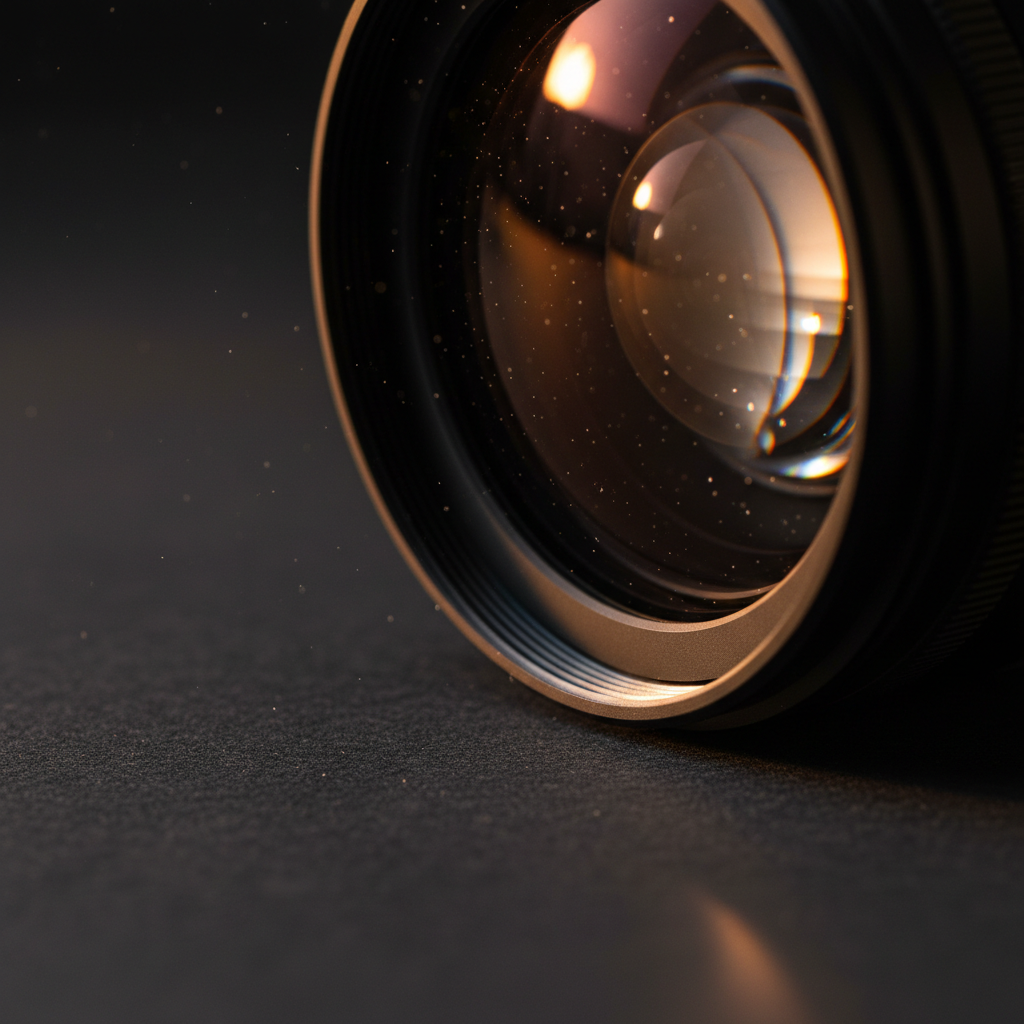
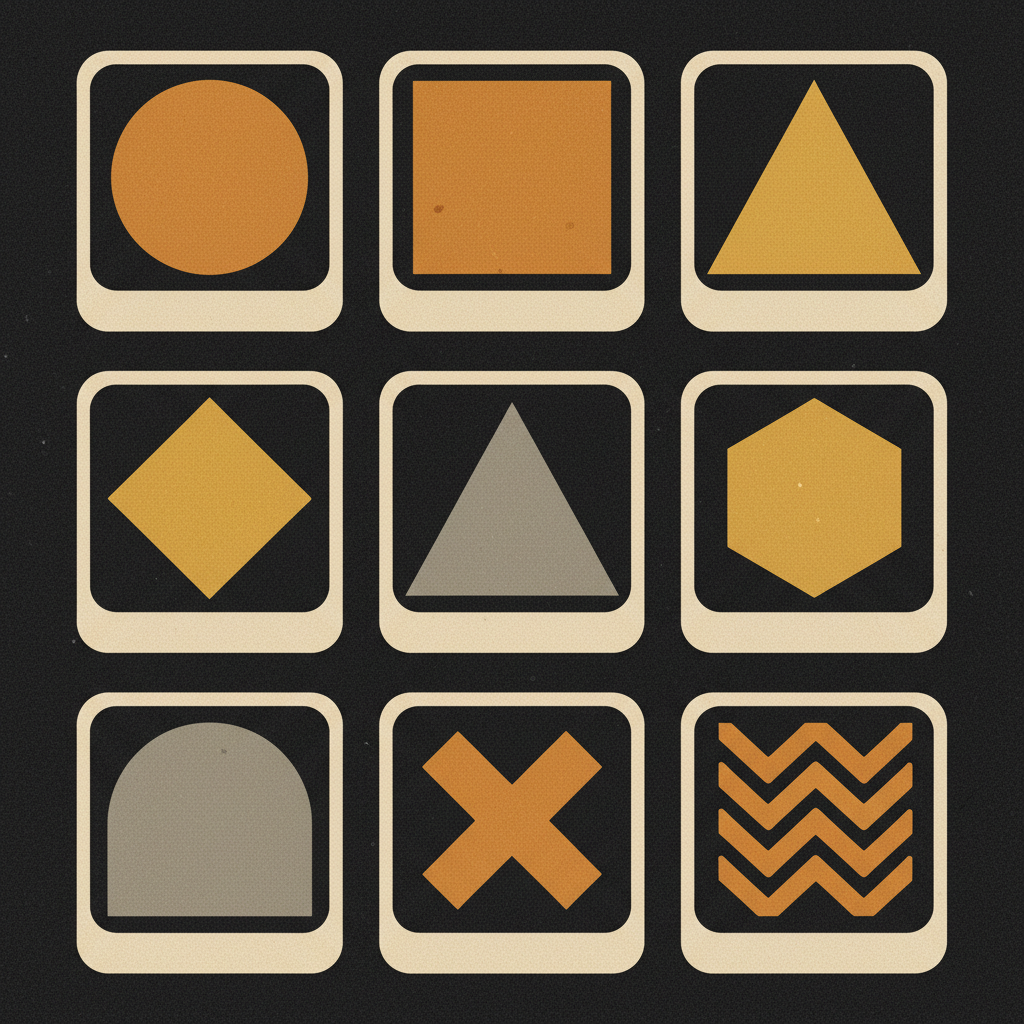
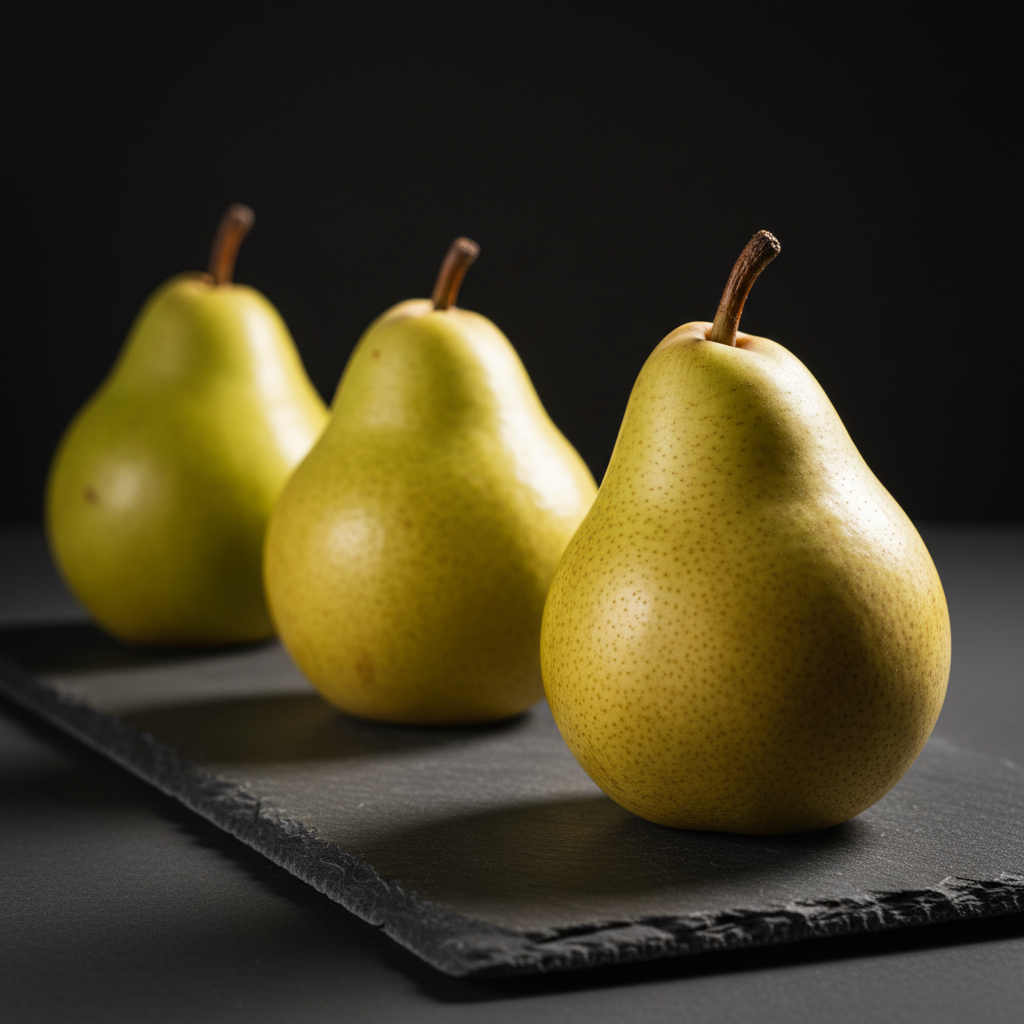
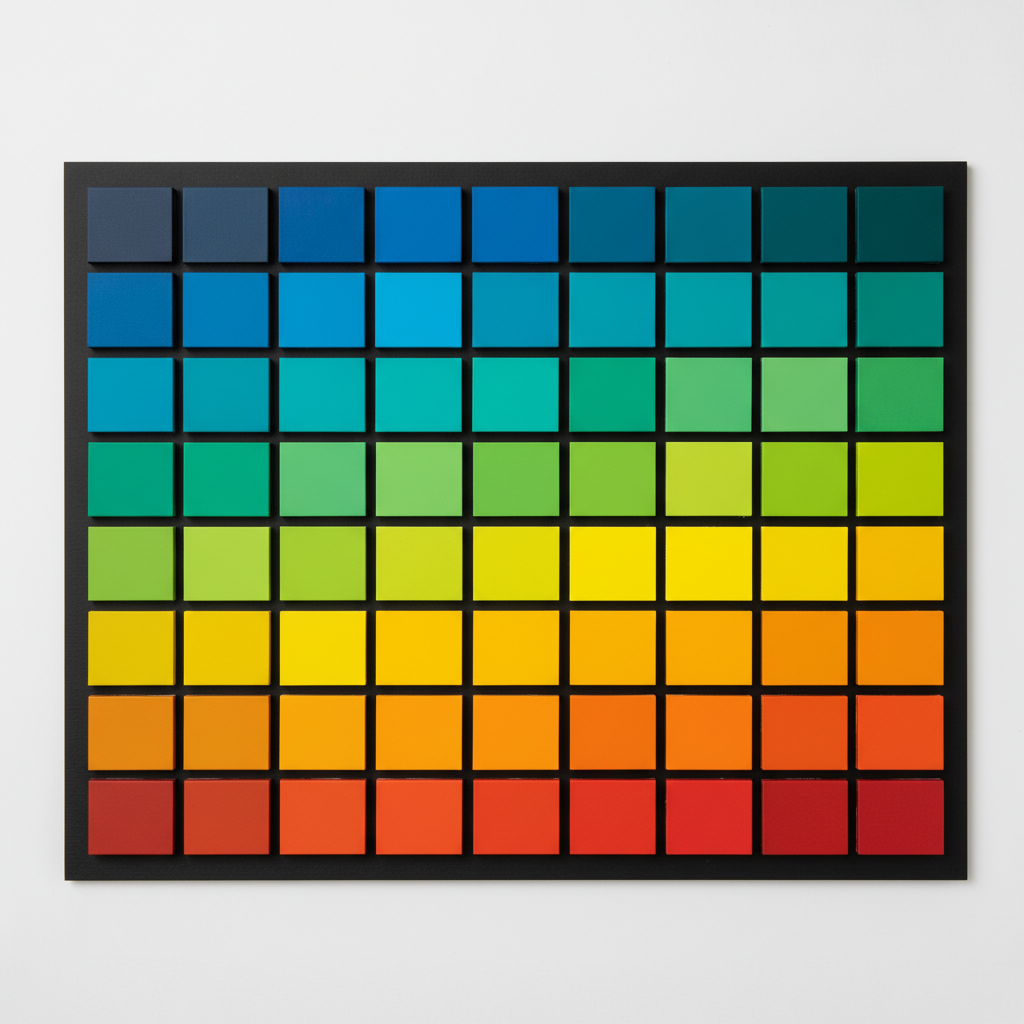
Every image below came out of the tool on this page, unretouched, at a 1:1 aspect ratio. They are the kind of output the benchmark scenes are grading — look at them at full size, which is where image quality assessment actually happens.


The Six Things an AI Photo Benchmark Should Measure
Models rarely differ by an overall amount. They differ by category — one wins on type, another on skin, a third on following instructions. These are the six that carry almost all of the signal.
Text rendering, checked first
Legible type is the fastest diagnostic in image quality assessment, because it either works or it obviously does not — there is no arguing about taste when a sign reads MENUU or a book spine dissolves into invented glyphs. Ask for a specific short phrase on a specific surface and read it back letter by letter. Models that handle five words cleanly usually handle everything else better too, which makes this the single most predictive question in the whole benchmark.
Hands, joints and how limbs attach
Anatomy remains the failure mode every viewer notices without being told to look. Count fingers, then check the harder things: whether the wrist rotates plausibly, whether a hand holding an object actually wraps around it, whether two people in one frame have four arms between them. A model can produce beautiful skin texture and still put a thumb on the wrong side, and no amount of resolution hides it.
Reflections, glass and transparency
A reflective surface forces the model to maintain a second, physically consistent copy of the scene, which is much harder than rendering the scene once. Put a chrome sphere on a patterned floor, or a wine glass in front of a striped backdrop, and see whether what appears in the reflection matches what is actually there. Weak models paint a plausible-looking smear; strong ones get the geometry right, and the difference is instantly visible.
Fine repeating texture at full size
Fabric weave, brickwork, foliage, hair and knitwear are where AI image comparison gets decided at 100 percent zoom. Downsampled to a thumbnail, almost every modern model looks fine. At full resolution the weaker ones reveal mush — repeating patterns that drift out of alignment, threads that merge, leaves that turn into green noise. Always judge this category at native size, never in a contact sheet.
Colour accuracy against a known reference
Many models drift warm, crush shadows or oversaturate by default, and you will not notice until you compare against something whose colour you already know. Name a specific reference — a neutral grey card, a colour swatch grid, a fruit whose real hue you can picture — and check for cast. This matters disproportionately for product and brand work, where a wrong red is not a stylistic choice but a returned order.
Composition with stated spatial relationships
The last category tests reading comprehension rather than rendering. Write a prompt with explicit placement — three objects, left to right, one behind another, one partly occluded — and count how many constraints survive. This is where models diverge most sharply, and where a benchmark AI tools comparison stops being about pixels and starts being about whether the model is following your prompt or pattern-matching a similar one it has seen.
The Photo Grading AI Scorecard
Copy this table, run each scene three or four times per model, and mark every attempt pass, borderline or fail. Coarse and reproducible beats precise and unfalsifiable.
| Category | What to render | Pass criterion | Why it matters |
|---|---|---|---|
| Text rendering | A short phrase on a sign, a book spine, a shopfront | Every word spelled correctly, consistent typeface, no invented glyphs | The most common and most visible failure; strongly predicts overall quality |
| Hands and anatomy | A hand gripping an object, two figures interacting | Five fingers, plausible joints, the grip actually wraps the object | Untrained viewers spot anatomy errors instantly, whatever else is right |
| Reflection and glass | Chrome sphere on a patterned floor, glassware on a striped backdrop | The reflected content matches the scene, not a plausible-looking smear | Forces a physically consistent second render; separates strong models fast |
| Fine texture | Knitted wool, brickwork, dense foliage, hair at close range | Pattern stays aligned and separated at 100 percent zoom, no mush | Invisible in thumbnails, decisive in print and on large screens |
| Colour accuracy | Neutral grey card, a spectrum swatch grid, a familiar fruit | No global warm or cool cast, no crushed shadows, saturation as described | A wrong brand red is a returned order, not a stylistic preference |
| Composition control | Three named objects with explicit left/right/behind placement | All stated spatial constraints survive in the render | Tests prompt comprehension rather than rendering; where models diverge most |
How to Run the AI Photo Benchmark Tool
Write the pass criterion first
Before you generate anything, write down what counts as a pass for each of the six scenes — "all five words spelled correctly", "five fingers with correct joints", "the reflection matches the object". Deciding afterwards is how benchmarks become rationalisations. Two minutes of writing here is what separates an AI photo benchmark from a vibes check.
Run the six scenes, four times each
Pick a benchmark preset, generate, and repeat until you have three or four samples of the same scene. Do not reword between attempts and do not cherry-pick as you go. Then take the identical prompt text to whatever other model you are evaluating and run the same set at the same aspect ratio, so the only thing that changed is the model.
Grade at full size, blind if you can
Open the results at native resolution rather than in a grid, because texture and small text only fail when you zoom in. Mark each attempt against the criterion you wrote in step one and total the passes per category. Hiding which model made which image until after you have scored removes most of the brand bias, and it changes results more often than people expect.
What This AI Photo Benchmark Tool Gives You
Six things that turn an afternoon of clicking around into a comparison you would be willing to defend in a meeting.
Six Portable Benchmark Prompts
Every preset in the generator is a plain text prompt written to be copied elsewhere. Nothing about them is specific to this platform, no proprietary syntax, no weighting tokens. Paste them into Midjourney, DALL-E, Stable Diffusion or Leonardo unchanged and you have a genuine control set. An AI photo benchmark tool that only runs on its own model is a demo, not a benchmark, so these were written to travel.
One Variable at a Time
Fixed prompt strings, a fixed aspect ratio and no automatic prompt rewriting behind your back. The reason most informal AI image comparison is worthless is that two things changed at once — a reworded prompt, a different resolution, one model quietly enhancing the input. Holding the input constant is the entire methodology, and the presets exist so you do not have to police it manually.
Cheap Enough to Run Four Times
Image models are stochastic, so a single render tells you about a seed, not a model. Three or four generations per scene is the practical floor for a meaningful result, which means eighteen to twenty-four images per model under test. Generations take seconds and trial credits are free, so running the full set several times is a coffee break rather than a budget line.
4K, Because Failures Hide in Thumbnails
Texture mush, misaligned patterns and garbled small type all survive a 512-pixel preview intact and collapse at full size. Paid plans render at 4K, which is what makes the texture and text categories diagnostic rather than decorative. If you benchmark at low resolution you will conclude every model is roughly equal, which is exactly the wrong answer.
Failure-First Scene Design
These are not attractive prompts. Each one was chosen because it targets a documented weakness — legible text, hand anatomy, reflected geometry, repeating texture, colour cast, spatial instructions. Pretty prompts flatter every model equally and separate nothing. Photo grading AI output usefully means deliberately asking for the things models are worst at, then counting how often you get away with it.
Results You Can Put in a Table
Six categories, a stated pass criterion for each, and a pass/borderline/fail mark per attempt gives you a grid you can hand to a client or a team lead. It is coarser than an automated score and considerably more useful, because every cell is traceable to an image someone can look at and disagree with. That auditability is the point of running an AI photo benchmark rather than trusting a vendor chart.
Where Benchmarking AI Tools Actually Pays Off
Four situations where guessing which generator is better costs real money, and a structured AI image comparison earns back the hour it takes.
Choosing a model for client work
Committing an agency workflow to a generator is a months-long decision, and the categories that matter to you are rarely the ones a vendor benchmarks. If your work is packaging, colour accuracy and legible type decide everything; if it is editorial portraiture, anatomy and skin texture do. Running the six scenes yourself tells you which model wins the categories your invoices depend on.
E-commerce and product photography
Product imagery fails in specific, expensive ways — a colour that does not match the physical item, a reflection on a glass bottle that contradicts the studio, a fabric weave that turns to porridge on the zoom view. These are exactly three of the six benchmark categories, which makes an image quality assessment pass unusually predictive of whether a model can carry a catalogue.
Tracking a model across versions
Models are updated silently and not always upward. Keeping a fixed benchmark set and re-running it after each release turns "it feels different this week" into something you can verify. Because the prompts never change, an old result stays comparable to a new one indefinitely, which is the main practical reason to standardise your scenes rather than improvising them each time.
Teaching and research write-ups
Courses, blog posts and internal reports that compare generators need a method a reader can reproduce, not a gallery of favourites. A stated prompt set, a stated number of runs and a stated pass criterion is publishable; "I tried a few things and preferred this one" is not. The six scenes give a shared vocabulary for describing where a model is strong without hand-waving.
AI Photo Benchmark Tool — Common Questions
An AI photo benchmark tool is a way of measuring how good an image model actually is, instead of guessing from a handful of lucky renders. You run the same set of deliberately difficult prompts through every model you are considering, keep the wording and aspect ratio identical across all of them, and compare the results side by side. The prompts are not pretty pictures — they are stress tests, each aimed at a specific known weakness: legible text, human hands, reflective surfaces, fine repeating texture, accurate colour and multi-object composition. The tool on this page ships six of those benchmark scenes as presets so you can generate a comparable control set in a couple of minutes rather than inventing your own test suite from scratch.
Stop Guessing Which Model Is Better
Free trial credits, no credit card, no signup wall. Run the six benchmark scenes, write down what you see, and let the failures decide instead of the marketing.
Run the Benchmark FreeUnderstanding the AI Photo Benchmark Tool
Almost every opinion about which image generator is best is formed the same way: someone tries three or four prompts, gets a good result, and generalises. That is not a benchmark, it is an anecdote with a screenshot attached. The problem is not that the observation is wrong, it is that it is unrepeatable — a different prompt, a different seed, a different aspect ratio, and the ranking flips. An AI photo benchmark tool exists to remove those degrees of freedom. Fix the prompt text, fix the resolution, generate several samples, and what remains is a difference you can attribute to the model rather than to luck.
The six scenes on this page were chosen for how badly models tend to fail them, not for how attractive the results are. Pretty prompts are useless for image quality assessment because every modern generator handles them competently, so they separate nothing. Legible text, human hands, reflected geometry, dense repeating texture, neutral colour and explicit spatial instructions all sit at the edge of what these systems reliably do, which is exactly why they discriminate. If you only have time for one category, use the text test: it is binary, it takes ten seconds to grade, and in practice a model that spells five words correctly tends to be stronger across the board.
Method matters more than tooling here. Write your pass criteria before you generate, because a criterion invented afterwards will quietly reshape itself around whatever you got. Run each scene three or four times, since a single render tells you about a seed rather than a system. Judge at native resolution, because texture mush and garbled small type both survive a thumbnail intact — benchmark at 512 pixels and you will conclude every model is equal, which is the one conclusion that is certainly wrong. Grade blind where practical, hiding which generator made which image until the scores are in, since brand recognition biases judgement more than most people believe. And resist the temptation to reach for an automated number: metrics like FID and CLIP similarity were designed to compare large distributions against a reference dataset, not to tell you whether one render is good enough to ship.
The prompts here are deliberately plain text with no platform-specific syntax, because a benchmark that only runs on the model selling it is a demonstration rather than a measurement. Copy them into Midjourney, DALL-E, Stable Diffusion, Leonardo or anything else you are evaluating and put the results beside the ones you generated here — that side-by-side AI image comparison is the whole deliverable. What you will usually find is not that one model wins outright, but that the leaders trade categories, and the right answer depends on which of the six your own work actually depends on. Running the set is free with trial credits and no signup; paid plans from $2.99 add the 4K output that makes the texture and text categories diagnostic, plus the volume to re-run your benchmark AI tools comparison each time a model quietly ships a new version.