
AI Mode Art Creation
Switch Artistic Styles from One Prompt
Describe your idea and the AI mode art creation tool renders it in any artistic mode in seconds — oil painting, anime, watercolor, cyberpunk, surreal, or 3D render. Each mode is tuned for a distinct creative style, so switching modes re-imagines the same concept across a whole range of customizable art styles. No login required, 4K output and full commercial usage on paid plans.
Try AI Mode Art Creation — Free
Describe your idea, pick an artistic mode, and the AI mode art creation tool returns finished artwork in that style in seconds
AI Mode Art Creation
Describe the artwork you want, pick an artistic mode, and the AI mode art creation tool renders your idea in that style — oil painting, anime, watercolor, cyberpunk, surreal or 3D — or write your own custom mode
AI Mode Art Creation Showcase
The same engine, six artistic modes — oil painting, anime, watercolor, cyberpunk, surreal and 3D render
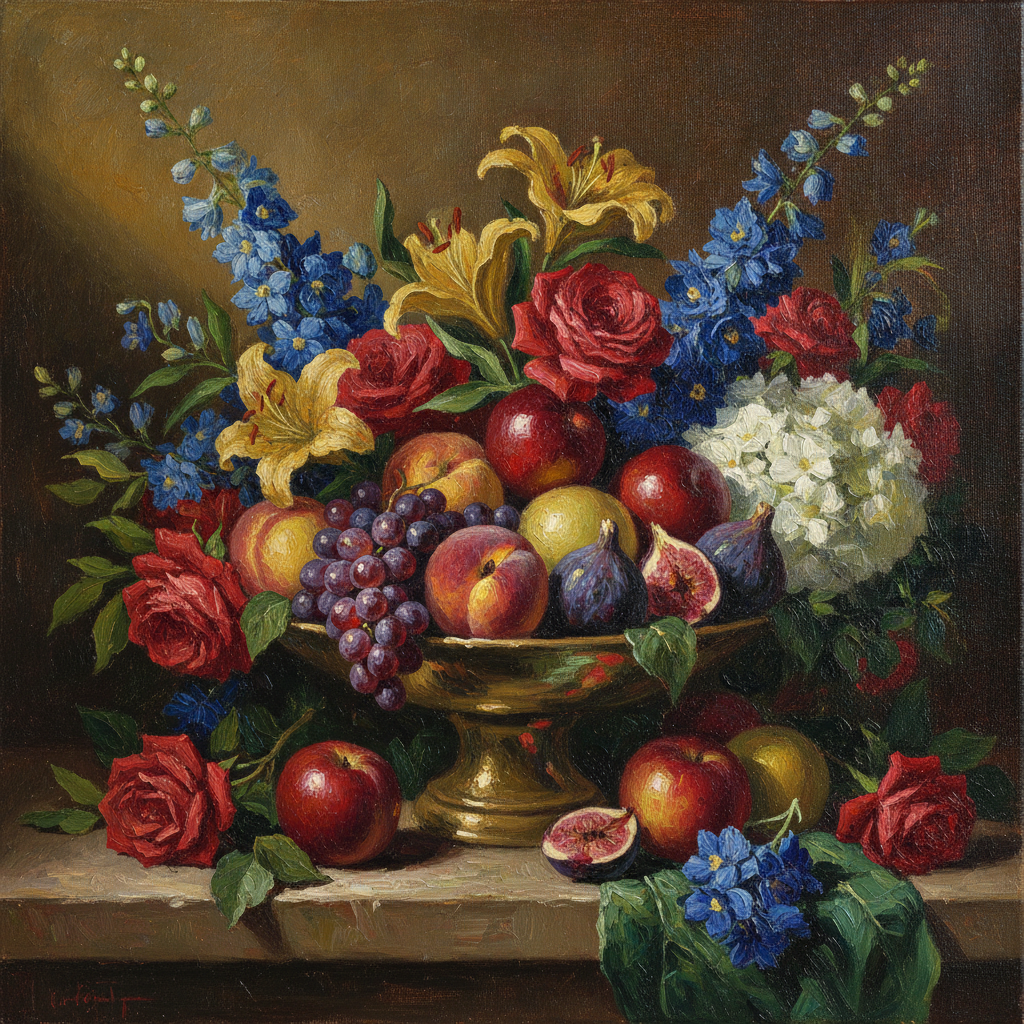
Oil Painting Mode
Fine Art
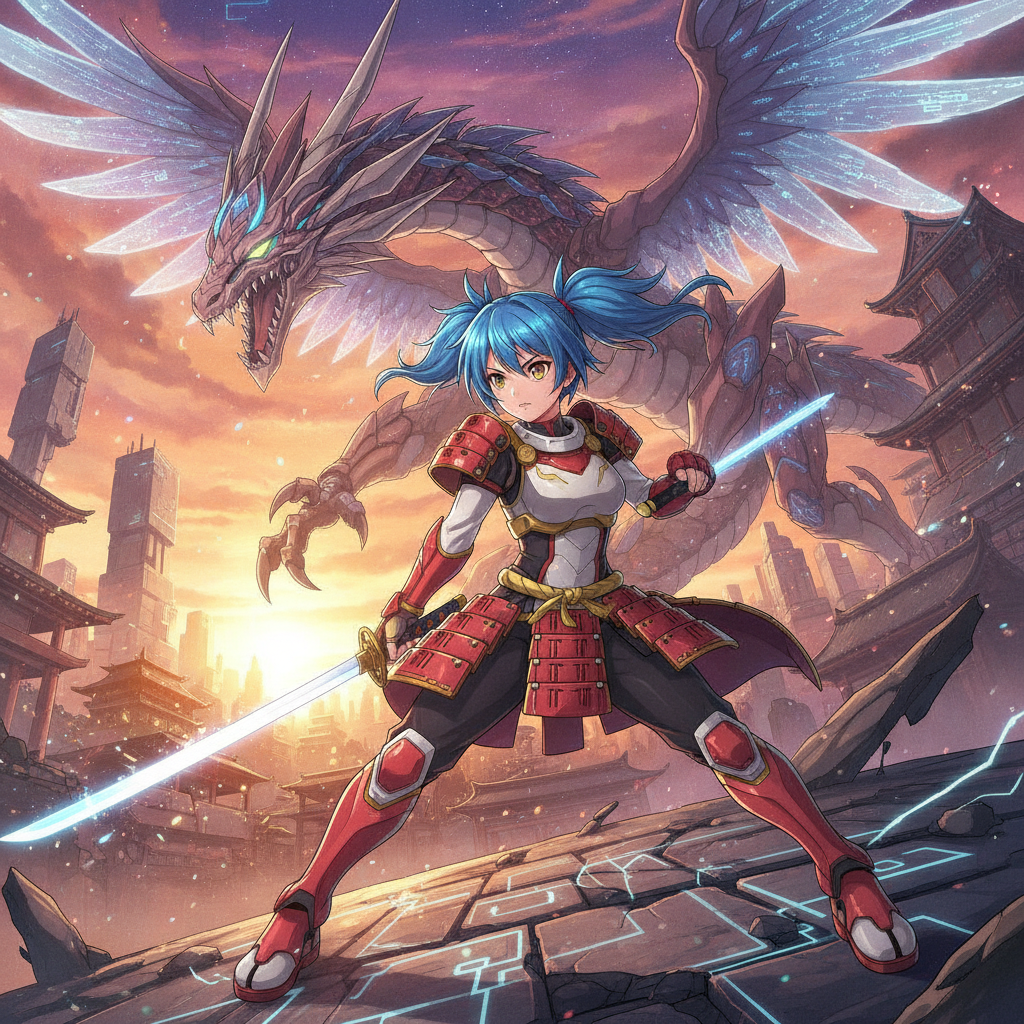
Anime Mode
Anime
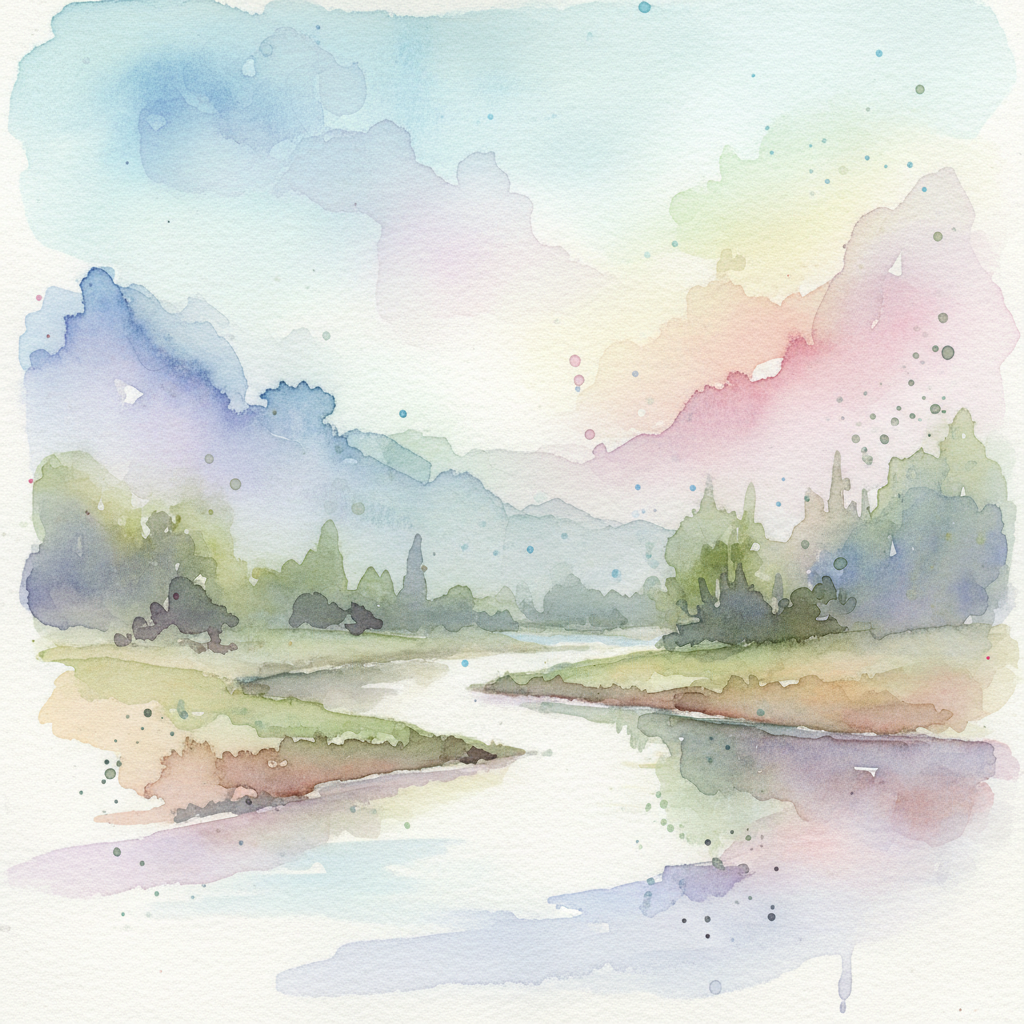
Watercolor Mode
Watercolor
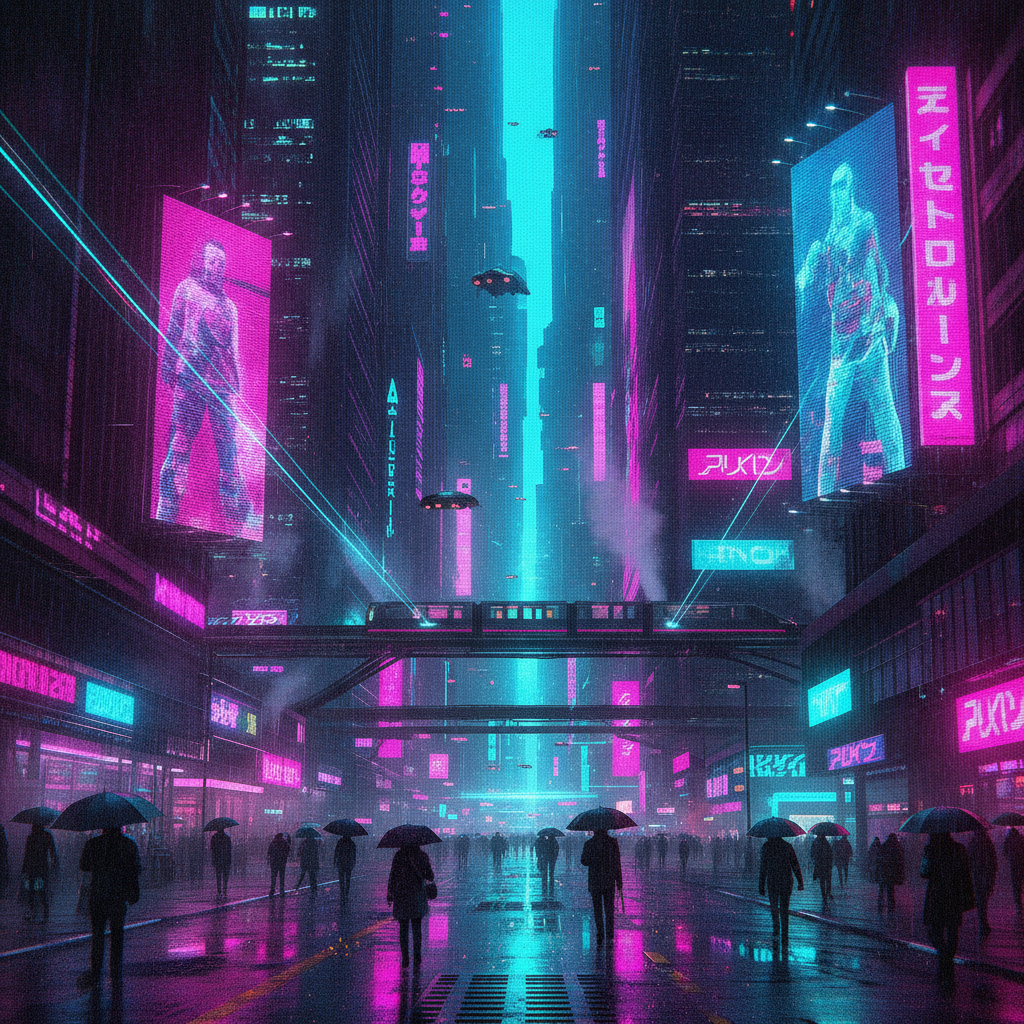
Cyberpunk Mode
Cyberpunk
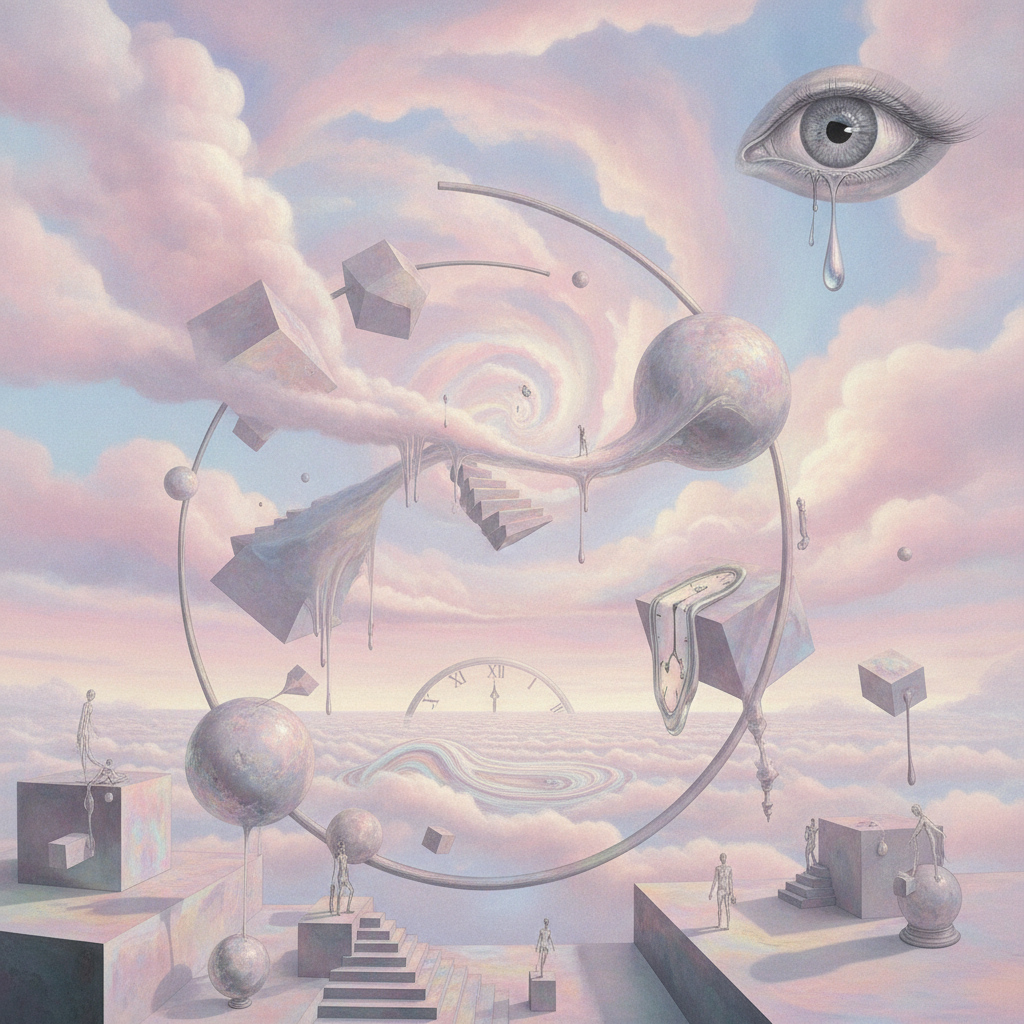
Surreal Mode
Surreal
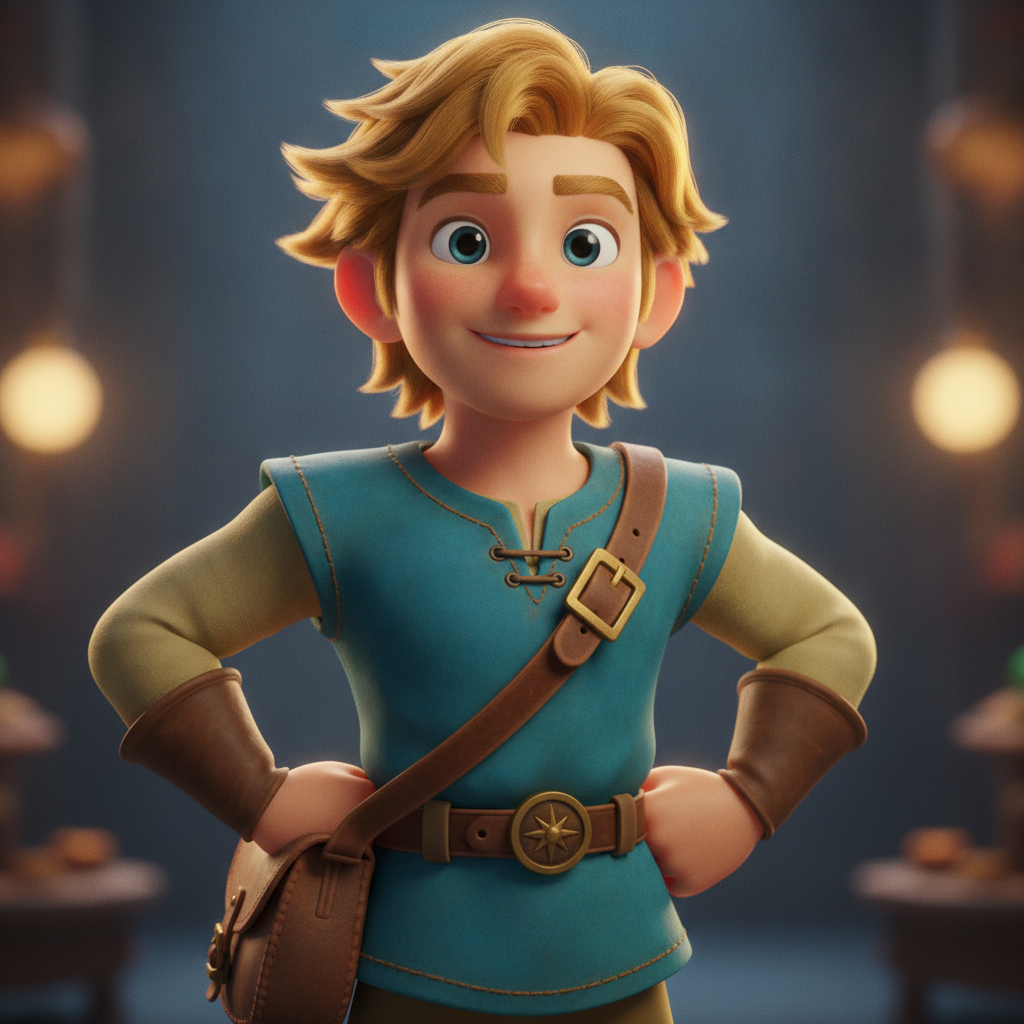
3D Render Mode
3D Render
How AI Mode Art Creation Works
Three steps, fifteen seconds, any artistic mode you want
Describe Your Idea
Enter the subject you want into the AI mode art creation tool above — the character, the scene, the mood, the palette. Keep it vivid — "a fox in a misty forest", "a neon city at night" — and the tool will render it in whatever artistic mode you pick next.
Pick an Artistic Mode
Tap one of the modes in the AI mode art creation tool above — oil painting, anime, watercolor, cyberpunk, surreal, or 3D render — or type your own custom mode. The tool returns finished artwork in about fifteen seconds. Switch modes and regenerate to see the same idea across every customizable art style.
Download & Use
Download the AI mode art creation output and drop it into your project — a moodboard, a client pitch, a print, or a social post. The high-resolution artwork stays crisp on screen and in print, so one session of mode art gives you a cohesive set of styles for your whole creative project.
Why Choose This AI Mode Art Creation Tool
Built for artists, graphic designers and creative professionals who switch styles fast
Switch Artistic Modes Instantly
AI mode art creation is built around the idea of artistic modes — pick oil painting, anime, watercolor, cyberpunk, surreal or 3D render and the same prompt is re-imagined in that exact style. Swapping modes turns one concept into a whole range of customizable art styles in seconds, so you can explore every direction for a piece without rewriting long prompts or fighting a generic model toward the look you want.
Modes Tuned for Real Creative Styles
Each AI mode art creation preset is tuned to honor a distinct artistic language: clean cel-shaded linework for anime, soft translucent washes for watercolor, expressive brushwork for oil painting, glowing neon for cyberpunk. The mode does the heavy styling so the AI-driven art creation output stays true to the look — not a vague approximation — giving artists and designers reliable, style-consistent results every time.
From Idea to Finished Art in Seconds
Turn a one-line idea into polished artwork without compositing layers by hand. The AI mode art creation tool handles composition, lighting, palette and detail in your chosen mode — describe the subject, pick a style, and the creative AI engine returns a ready-to-refine high-resolution piece. Iterate freely until the artistic mode and the artwork match your vision before you open a single editor.
No Login, No Credit Card
The AI mode art creation tool on this page never asks you to register, verify an email, or save a payment method before you generate a single piece. No OAuth redirect, no "add card to continue" gate, no onboarding wizard — just a prompt box and artistic-mode presets. Describe your art, pick a mode, click generate, and download immediately. Free usage is protected with per-IP rate limits, not an account wall.
Fast Enough to Explore Every Mode
Most AI mode art creation runs return finished artwork in about fifteen to twenty seconds. Free users share the same backend priority as paid users — no throttled queue for free traffic. The fast turnaround makes it practical to generate the same subject across several artistic modes for one project, compare the customizable art styles side by side, and pick the winners before a client or stakeholder review.
Custom Modes Beyond the Presets
You are never locked to the six presets. Custom input is open, so you can describe any artistic mode you can imagine — pixel art, charcoal sketch, ukiyo-e, low-poly, vaporwave, gouache — and the AI mode art creation engine renders your subject in that style. That makes the tool a flexible home for creative AI tools experiments and a fast way to build a personal library of customizable art styles.
AI Mode Art Creation — FAQ
Everything about generating art across customizable artistic modes with AI
Start AI Mode Art Creation
The AI mode art creation tool is free, loaded on this page, and needs no account. Describe your idea, pick an artistic mode, and download finished artwork in about fifteen seconds.
Start Creating FreeAbout AI Mode Art Creation
AI mode art creation on AI Banana is a free, no-login tool built for artists, graphic designers and creative professionals who want to generate art across many styles without rewriting long prompts or wrestling a generic model toward a look. Describe your idea — a character, a scene, a mood — then pick an artistic mode, and the AI mode art creation tool renders that idea in the chosen style in about fifteen seconds. Switch modes and the same concept is re-imagined in a completely different artistic language, turning one prompt into a whole range of customizable art styles. Whether you have been searching for "AI mode art creation", "mode art", "customizable art styles", "artistic modes", or "AI-driven art creation", this is the dedicated entry point on aibanana.net.
Most other tools give you one general-purpose model and leave all the styling to your prompt wording — you end up appending long modifier strings and hoping the look holds. AI mode art creation on this page works differently. The interactive panel above is loaded directly into the page, and each mode is tuned to honor a distinct artistic style: clean cel-shaded linework for anime mode, soft translucent washes for watercolor mode, expressive brushwork for oil painting mode, glowing neon for cyberpunk mode, impossible geometry for surreal mode, and polished volumetric lighting for 3D render mode. Pick a mode, describe your subject, and the creative AI engine routes your request through the Nano Banana Pro image model with the mode's styling baked in. No registration, no checkout, no dark patterns. Free usage is protected with per-IP rate limits rather than a login wall, so exploring several artistic modes for one idea fits comfortably inside the free envelope.
The presets cover the creative modes professionals reach for most, but the tool is not limited to them. Custom input is open, so you can describe any artistic mode you can imagine — pixel art, charcoal sketch, ukiyo-e, low-poly, vaporwave, gouache, comic-book ink — and the AI-driven art creation engine renders your subject in that style. That makes AI mode art creation a flexible home for creative AI tools experiments: build a moodboard that spans six looks, pitch a brand in oil-painting, anime and 3D before choosing a direction, or produce a cohesive set of customizable art styles for a campaign. Reuse the same subject wording across modes and you get a matching series that shares a concept while changing its entire artistic voice.
Output from the AI mode art creation tool is high-resolution, so it stays crisp on screen for previews and pitches and holds up when printed. Use the artwork for moodboards, client pitches, social posts, prints, merchandise and product visuals. Artists use mode art to explore a concept across styles fast; designers use it to mock up customizable art styles for a brief; content creators use it to produce themed visuals on demand. Once a mode and a piece fit your project, upgrade to a Nano Banana Pro paid plan starting at $2.99 to unlock unlimited high-resolution generations and full commercial usage rights — a tiny fraction of the cost of commissioning original artwork, and orders of magnitude faster. Moving an idea across six artistic modes used to mean six separate commissions; AI mode art creation is built to do it in seconds.