
AI Line-Level Art Enhancement
Most tools enhance your drawing at the scale of the picture. AI line-level art enhancement works at the scale of the stroke — following each contour through the gaps a scanner left, closing the faded ends, evening out weight and resolving the fine detail that turns to mush at 100% zoom. Upload a sketch or an inked page and the composition, proportions and hand stay exactly yours.
Start Creating FreeTry It Now — Free
Upload your linework, choose the pass you need, and get a clean 4K-class result in seconds. No account, no watermark on paid plans.
AI Line-Level Art Enhancement
Upload your drawing, choose an enhancement pass, and get back clean precise linework
Upload your sketch or inked page, choose a pass, and click Generate
What Line-Level Detail Actually Looks Like
Six studies in dense, precise mark-making — the kind of work where a soft edge or a merged intersection is immediately visible, and where enhancement has to happen stroke by stroke to survive at full zoom.
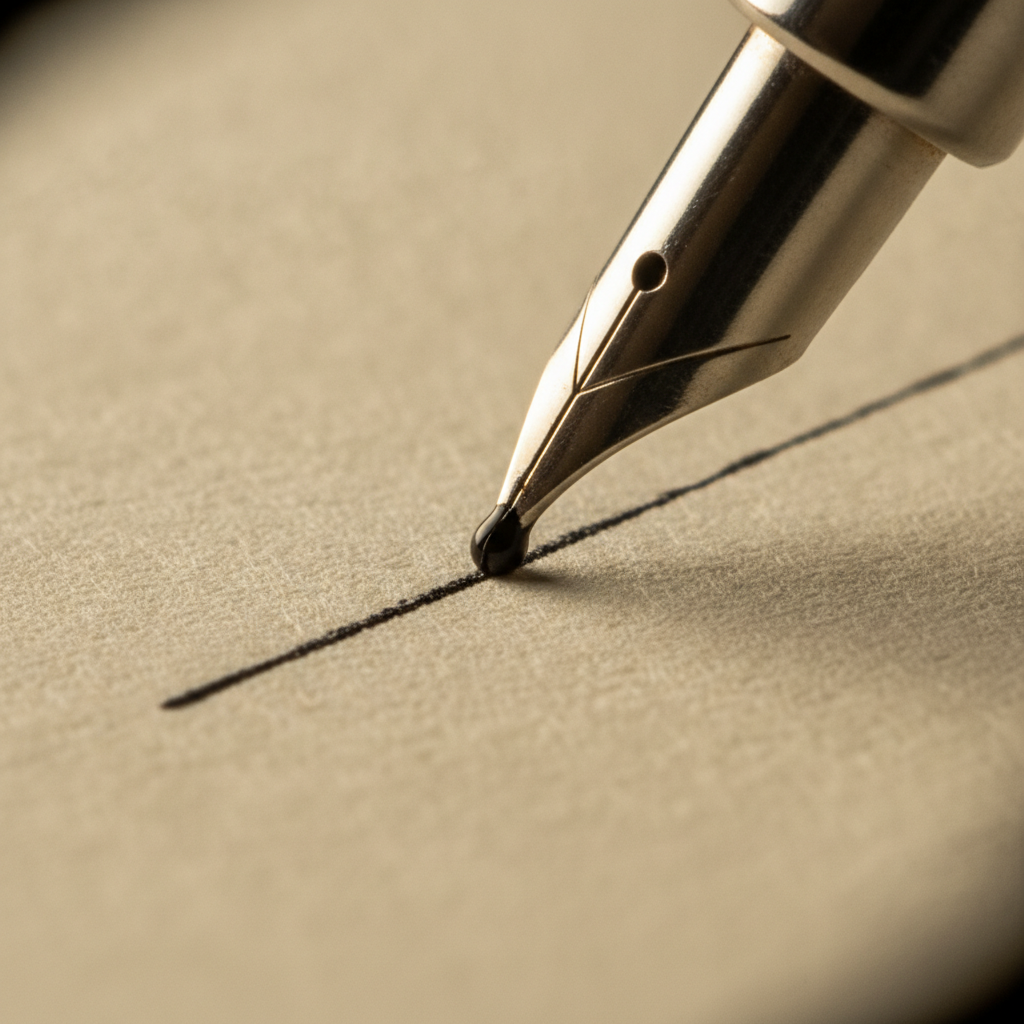
One Committed Stroke
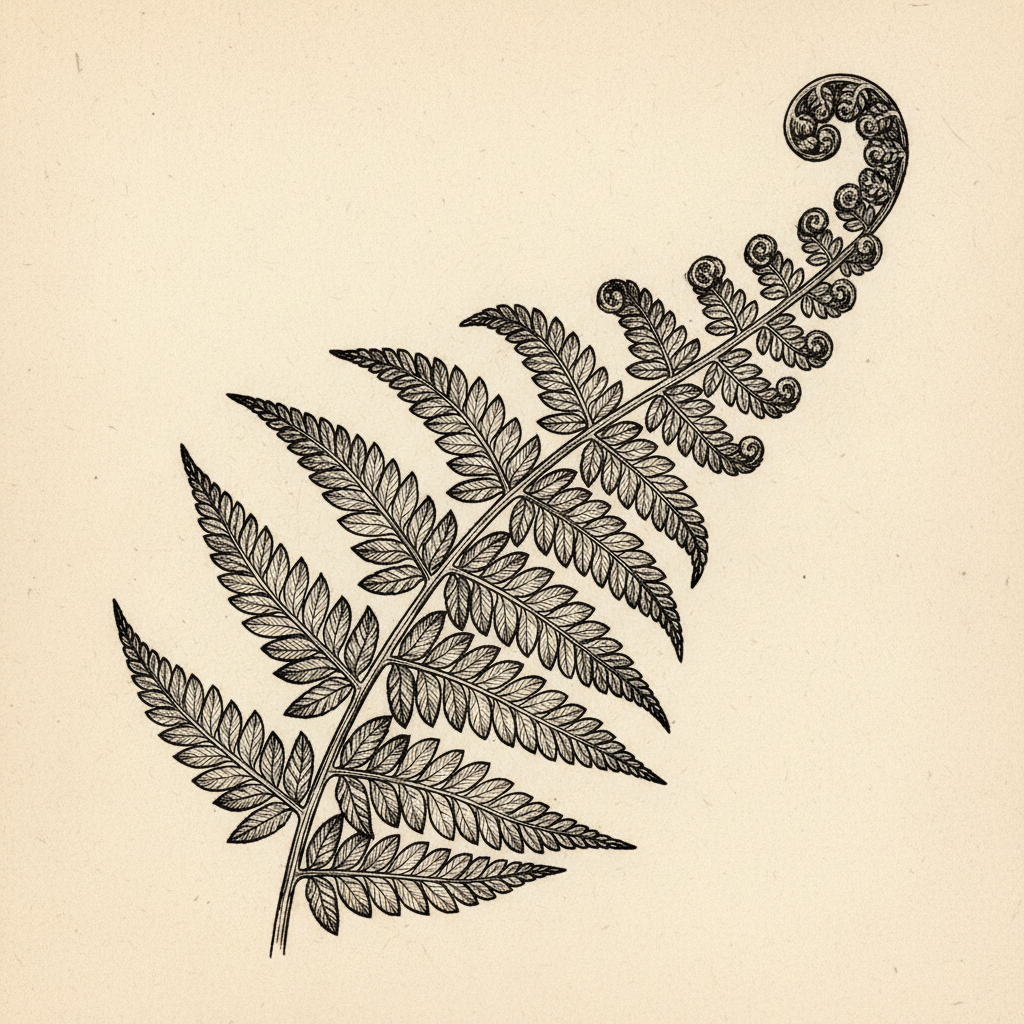
Every Vein Resolved
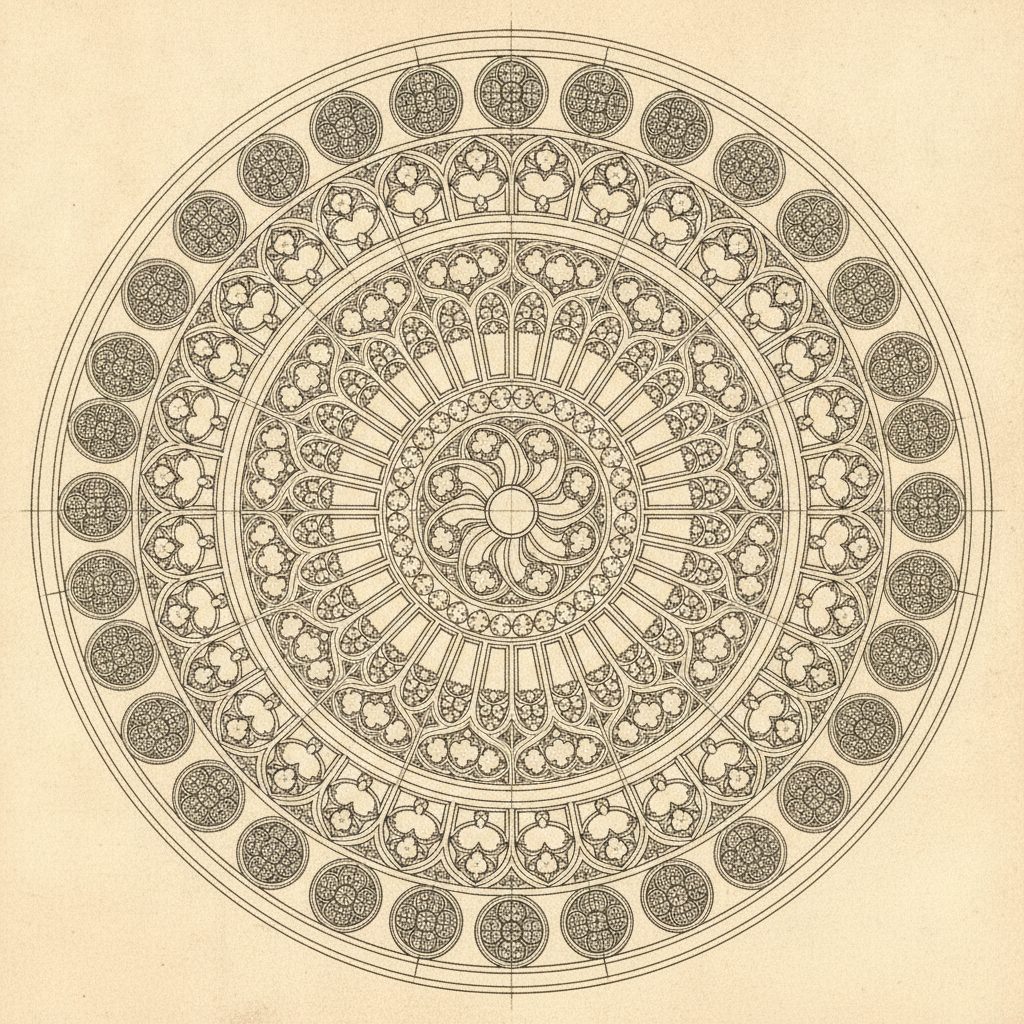
Tracery At Full Zoom
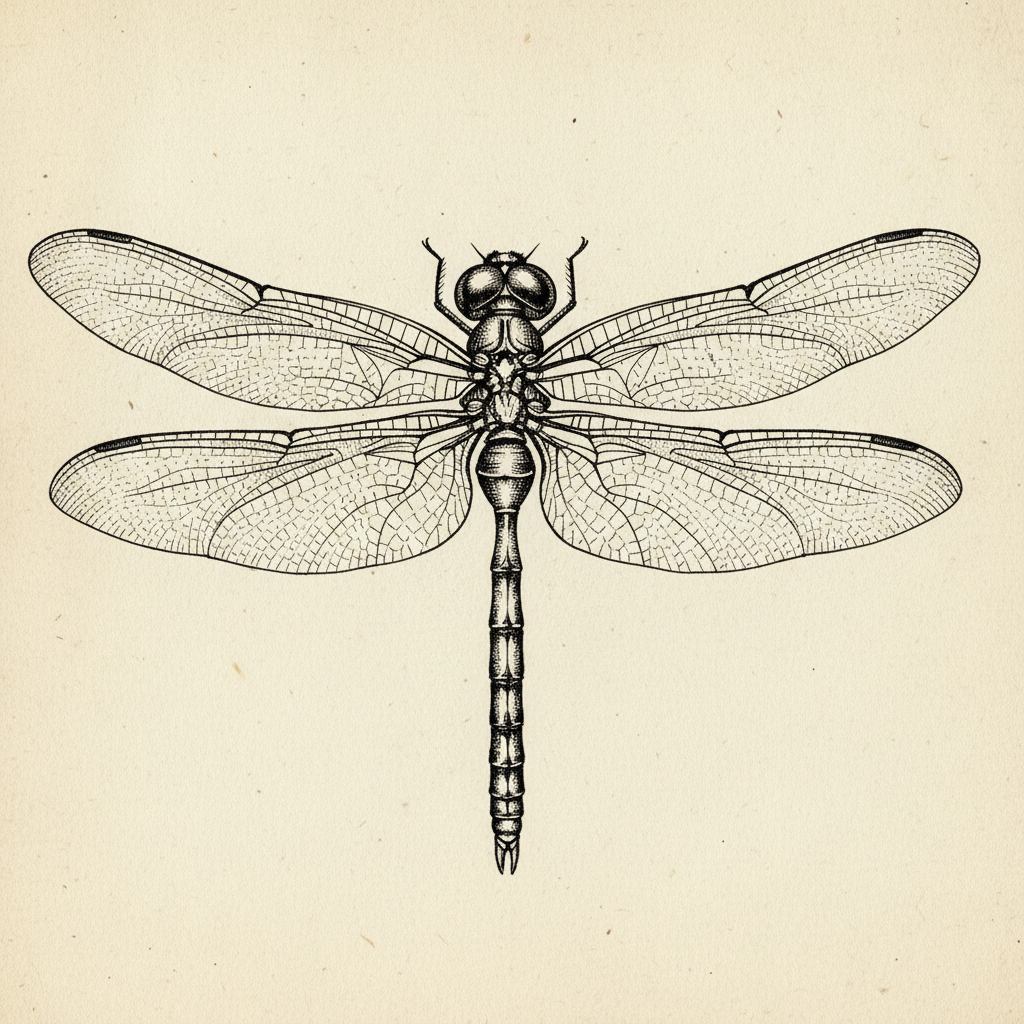
Hairline Wing Venation
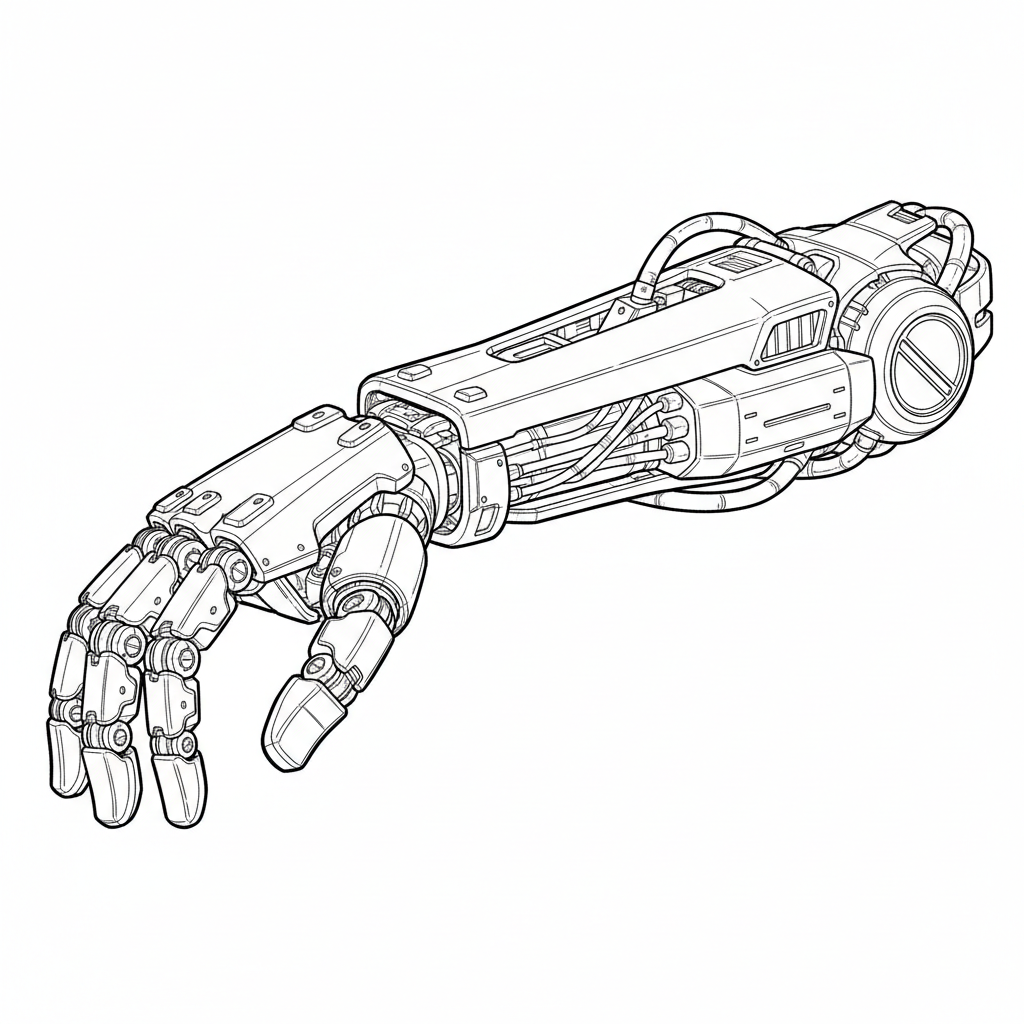
Comic-Ready Ink
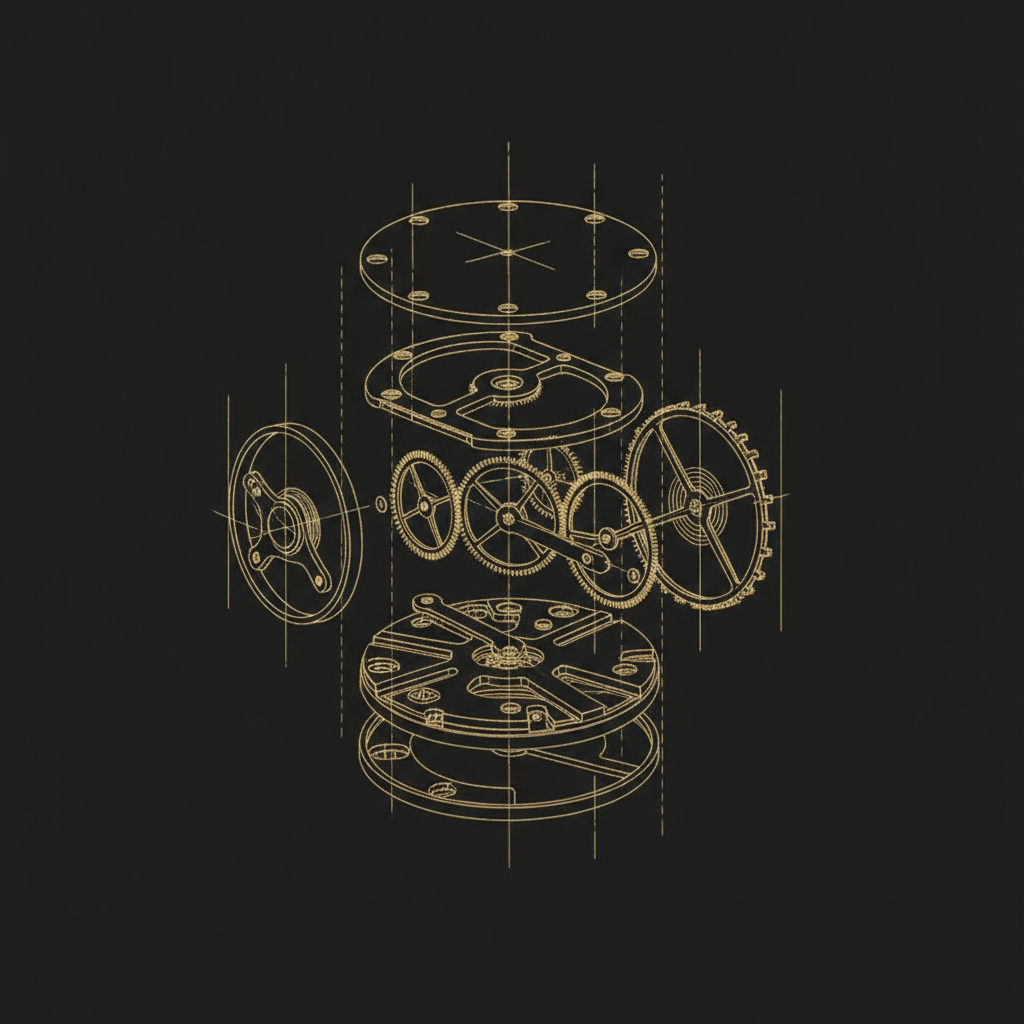
Draughtsman Hairlines
How AI Line-Level Art Enhancement Works
Upload Your Drawing
Drop in a scan or export of your linework — a pencil rough, an inked comic page, a technical drawing, a tattoo flash sheet. Higher source resolution gives the model better evidence about where each stroke actually runs.
Pick The Pass You Need
Six presets cover the real jobs: committing a rough sketch to ink, sharpening existing linework, cleaning the scan, extending hatching, evening out line weight, or a full precision detail pass.
Download The Clean Line
The enhanced page comes back in about fifteen seconds at 4K-class resolution. Download the master file and take it straight into flatting, colouring, print layout or your client deliverable.
Five Things That Ruin Linework, And What To Run
Enhancement is not one operation. These are the specific failures artists hit, and the preset that addresses each one.
A brush pen running dry, or a scanner threshold set slightly too high, breaks a long confident stroke into dashes. The eye reads the intended curve and fills the gap; the file does not, and the gap becomes a hole once a flatting tool tries to fill the region. Line-level enhancement follows the contour through the break and closes it as a single stroke, which is why a page that would not flat cleanly usually will afterwards.
This is the signature of running line art through a photo upscaler. Anti-aliased grey pixels along a stroke edge are an artefact of sampling, but a photographic model treats them as real content and faithfully enlarges the blur. The result looks acceptable on screen and visibly dirty in print. The fix is to treat every edge as a curve to be resolved rather than a gradient to be interpolated.
Intersections are where line density peaks and where compression damage lands first. At the corner of a panel seam, the base of a feather, or the point where hatching crosses a contour, neighbouring strokes merge into an ink blob that no longer reads as separate marks. Resolving those junctions back into distinct lines is the hardest thing in this category and the clearest test of whether enhancement is working at line level at all.
Photographing a sketchbook under a desk lamp bakes in a lighting gradient that reads as deliberate tone, and sketchbook grids, blue construction pencil and paper texture all survive into the file. None of it is part of the drawing. Removing it back to true flat white while keeping faint intentional hatching is the distinction that separates a cleanup pass from a blunt levels adjustment, which kills the faint marks along with the dirt.
Ink a long page and pressure drifts. Contours that should carry the silhouette end up the same weight as interior detail, and the drawing goes flat because the hierarchy that tells the eye what is in front has gone. Regularising weight — heavier outer contours, finer interior lines — restores that read without vector-tracing the drawing into something mechanical.
Built For Artists Who Work At Full Zoom
Stroke-Level, Not Pixel-Level
The model reads your drawing as linework rather than as a pixel grid. It follows each contour through the gaps a scanner left, then redraws it as one continuous stroke with deliberate weight — instead of enlarging the same broken grey line and calling it 4K.
Your Composition Stays Yours
Every preset is written to lock proportions, layout, character design and stroke character in place, confining the model to resolving what is already on the page. Refinement, not a confident replacement drawn in somebody else’s hand.
Hatching And Stipple Survive
Cross-hatching, stipple fields and screentone are treated as structure rather than noise, so individual marks stay separate instead of averaging into a grey wash or breaking into moiré the way a generic resize leaves them.
Scanner Damage Removed
Paper tone, shadow gradients from a desk lamp, blue construction pencil, JPEG mush around edges and the faint grid of a sketchbook page all come out — leaving clean flats and true whites rather than a faintly dirty background.
4K-Class Export
Results come back at a resolution that holds up in print, where line art is judged hardest. Edges stay crisp at 100% zoom instead of carrying the soft grey halo that photo-trained upscalers leave along every stroke.
Free To Try, $2.99 To Own
Run the enhancement free with no account after a one-time bot check. Paid plans start at $2.99 for unlimited high-resolution passes, watermark-free downloads and full commercial rights, with no subscription to cancel.
Where Line-Level Enhancement Earns Its Keep
Comic And Manga Artists
Run inked pages through a sharpening pass before flatting so the fill tool has closed regions to work with, and keep screentone and hatching from collapsing into grey at print resolution.
Tattoo Artists
Turn a client-approved rough into clean stencil-ready linework with even weight — the form the design has to be in before it goes anywhere near a thermal printer.
Technical Illustrators
Hold consistent hairlines across an exploded view or an elevation, where inconsistent weight is not a stylistic quirk but a legibility failure in the finished drawing.
Scientific And Botanical
Preserve dense stippling and venation that carries the actual information in a specimen plate, and clean a scan of an old drawing without flattening its finest marks.
AI Line-Level Art Enhancement FAQ
Take Your Linework To Full Resolution
Upload the page you have been avoiding cleaning up by hand. Fifteen seconds later you have crisp continuous strokes, flat true whites and every fine mark still intact.
Start Creating FreeWhy AI Line-Level Art Enhancement Beats A General Upscaler
Almost every AI enhancement tool on the market was tuned on photographs, and the assumptions baked into that training are actively wrong for drawings. A photographic model is rewarded for inventing plausible texture — skin pores, fabric weave, foliage — so when it meets a large flat white region bounded by a thin black contour, it invents grain inside the white and softens the boundary. It also reads the anti-aliased grey pixels along the edge of a stroke as real image content to be preserved and enlarged, rather than as an artefact of sampling a line that was always meant to be crisp. Feed an inked page to that pipeline and you get a bigger file whose paper looks faintly dirty and whose every stroke carries a soft halo. AI line-level art enhancement inverts both priorities: keep flats flat, keep whites white, and treat every edge as a curve to be resolved rather than a gradient to be interpolated.
Working at line level means the model reasons about your drawing as a set of strokes rather than as a grid of pixels. It identifies where you intended a contour and follows it across the breaks left by a drying brush pen or an aggressive scanner threshold, then redraws that contour as one continuous line with deliberate weight. That single behaviour fixes a surprising number of downstream problems: a page whose regions would not close under a flatting tool usually closes afterwards, because the holes the fill was leaking through were gaps in strokes the eye had already filled in for you. The same reasoning handles intersections, which is where line density peaks and where compression damage lands first — at the base of a feather or the corner of a panel seam, neighbouring strokes merge into a blob that no longer reads as separate marks. Pulling those junctions back apart into distinct lines is the hardest thing in this category and the clearest test of whether a tool is doing line-level work at all.
The constraint that matters just as much is what the tool refuses to do. An unconstrained image model asked to improve a drawing will hand back a competent picture that is no longer yours: different hand, different line economy, different face on the character. Every preset here is written to lock composition, proportions, character design and stroke character in place and confine the model to resolving what is already on the page — the difference between refinement and replacement, which is the whole game in this category. You will get the most faithful results by starting from the preset closest to your intent and keeping any custom instruction short; adjectives like “beautiful” or “masterpiece”, or the name of an artist, push the model toward its own aesthetic and away from yours. The six passes cover the real jobs rather than one vague improve button: committing a rough sketch to ink, sharpening existing linework, cleaning scanner damage, extending unfinished hatching, evening out inconsistent weight, and a full precision detail pass.
Source quality matters more than source neatness. A genuinely messy drawing captured at 300 DPI or better will enhance far more faithfully than a tidy one photographed at an angle under a desk lamp, because resolution is what gives the model unambiguous evidence about where each stroke runs. Flatten the page, light it evenly, shoot it square and work from a PNG where you can — a low-quality JPEG has already merged neighbouring hatching marks into blocks before the model ever sees the file, and no enhancement recovers marks that are no longer distinguishable. The tool runs free without an account after a one-time bot check, and paid plans start at $2.99 for unlimited high-resolution passes, watermark-free downloads and full commercial rights with no subscription. When a drawing needs resolution rather than repair, the AI image upscaler is the better pass; when you want to generate fresh reference or concept art rather than refine your own, start from the AI image generator, and the rest of the AI image tools cover editing work beyond linework.