
AI Image Upscaling Feature
Low-Res to High-Resolution in Seconds
This AI image upscaling feature turns a small, blurry or low-resolution photo into a sharp, high-resolution image in about fifteen seconds — reconstructing real edges, textures and fine detail instead of simply stretching pixels. Just upload your photo, pick a look, and let the AI enlarge it with clarity a normal resize can never match. Built for photographers, designers and e-commerce businesses, this AI photo upscaler is free to start, needs no login, and outputs in HD with full commercial usage on paid plans.
Try the AI Image Upscaling Feature — Free
Upload a low-res photo, pick a look, and the AI image upscaling feature enlarges it into a sharp, high-resolution image in seconds
AI Image Upscaling Feature
Upload a small or low-resolution photo, choose an upscaling style, and the AI enlarges it into a sharp, high-resolution image.
Upload your low-resolution photo, pick an upscaling style, and click Generate
The AI Image Upscaling Feature in Action
Six low-res photos enlarged into sharp, high-resolution images in about fifteen seconds each
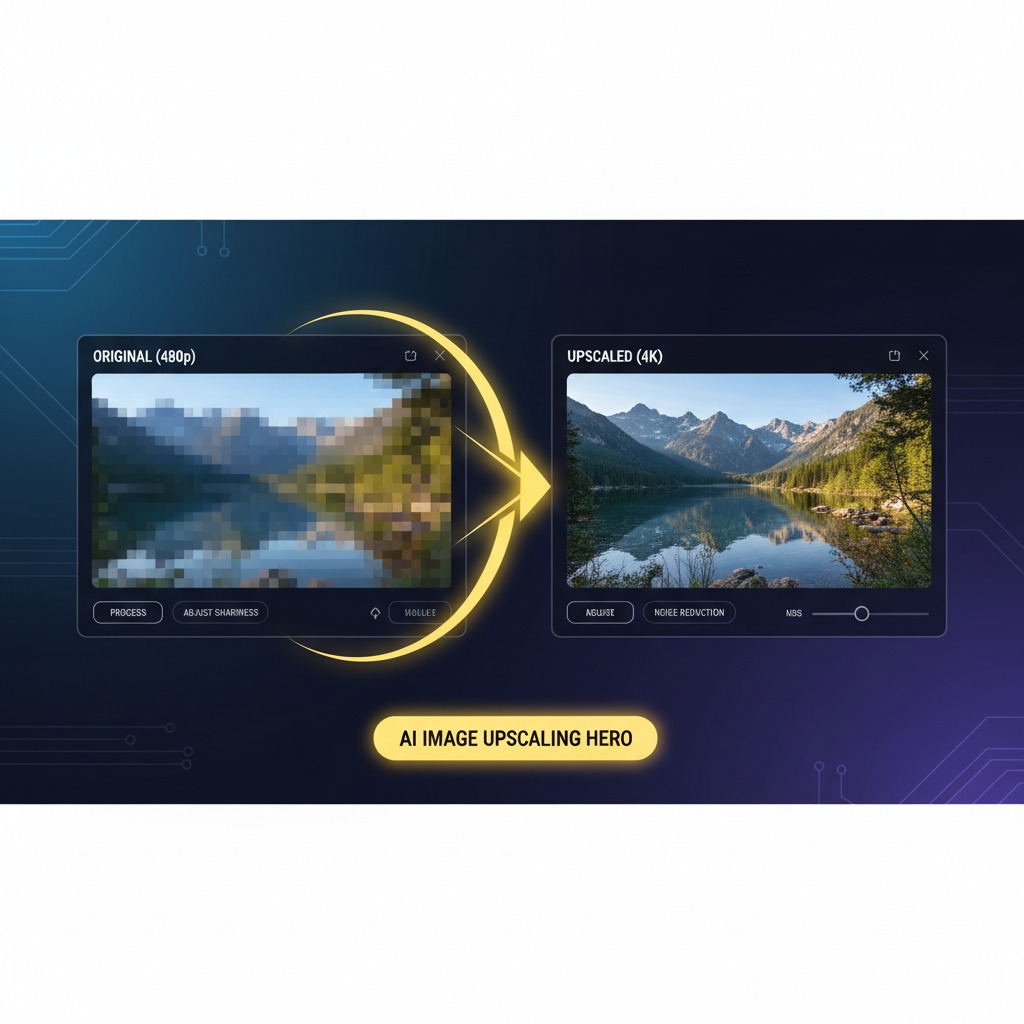
Low-Res to 4K
Made in ~15s
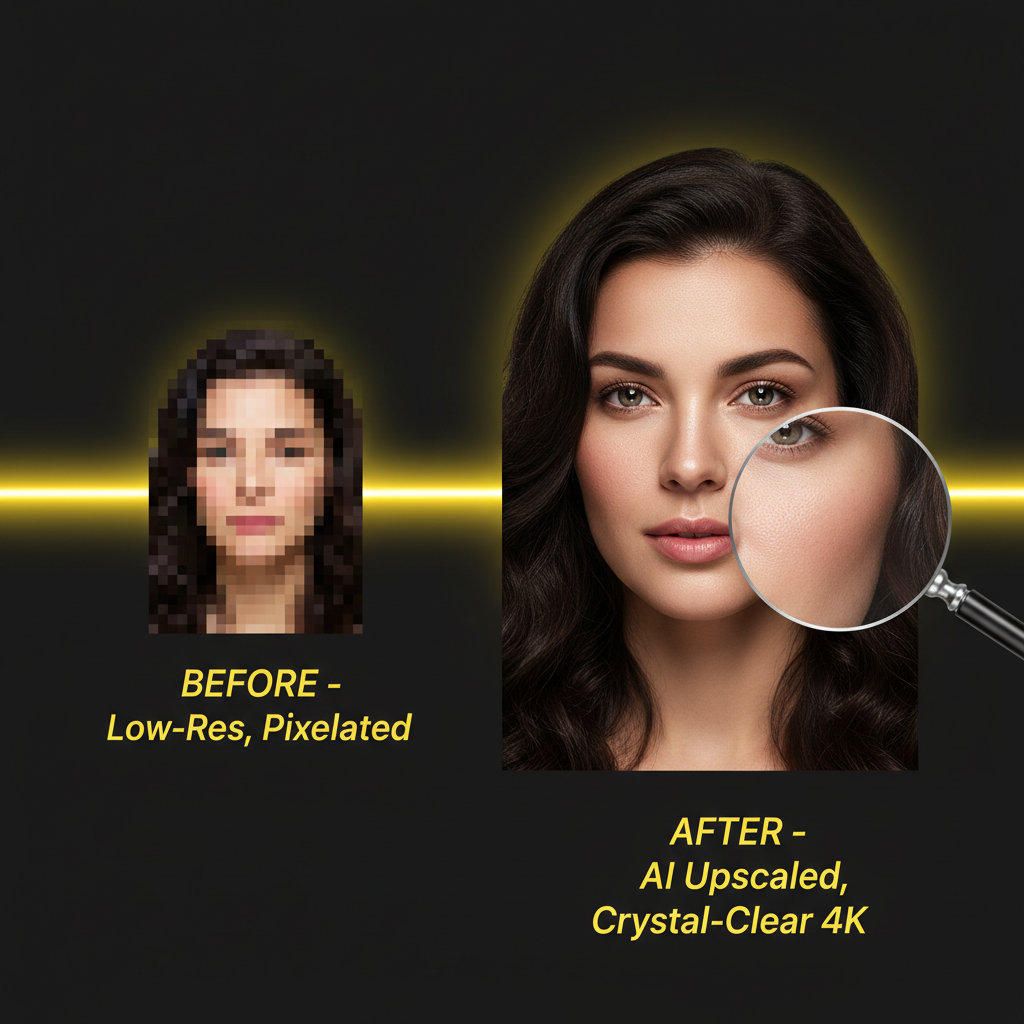
Portrait Enhance
Made in ~15s
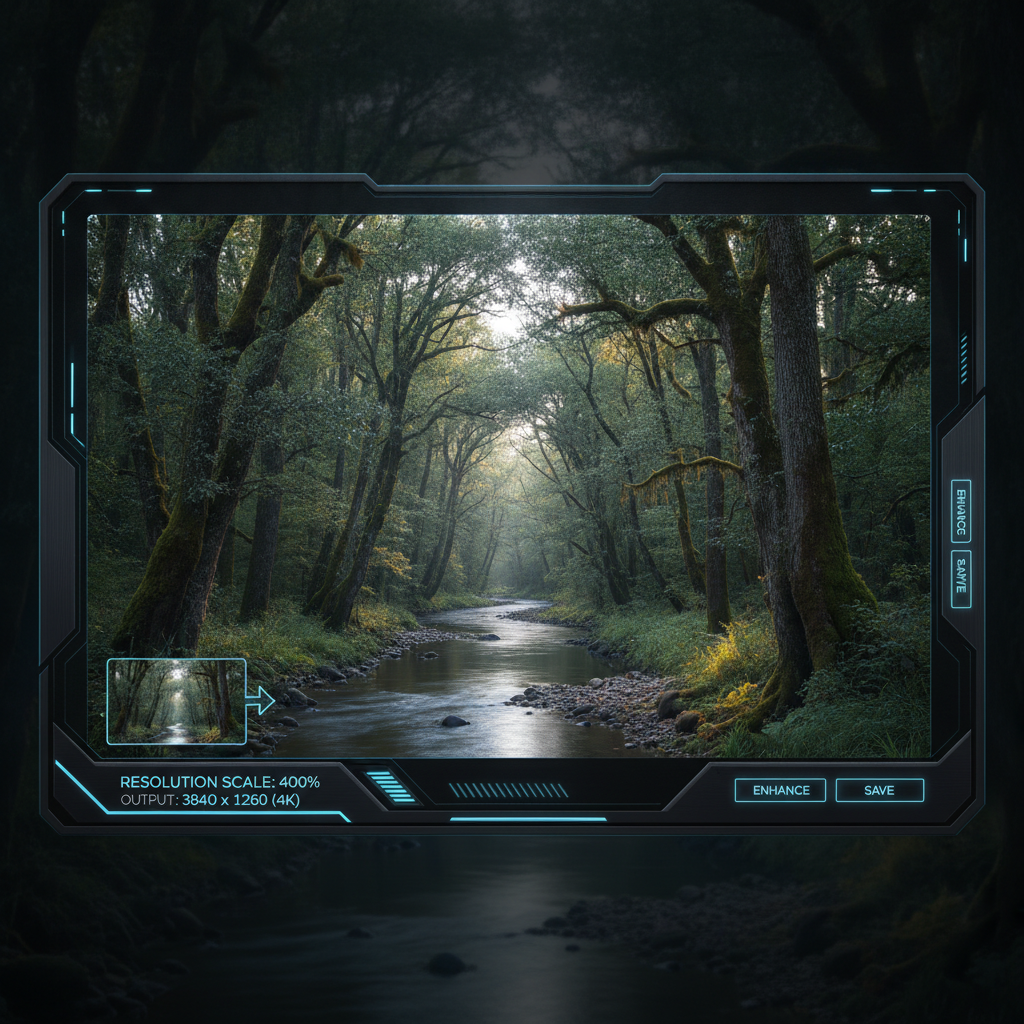
Landscape Enlarge
Made in ~15s
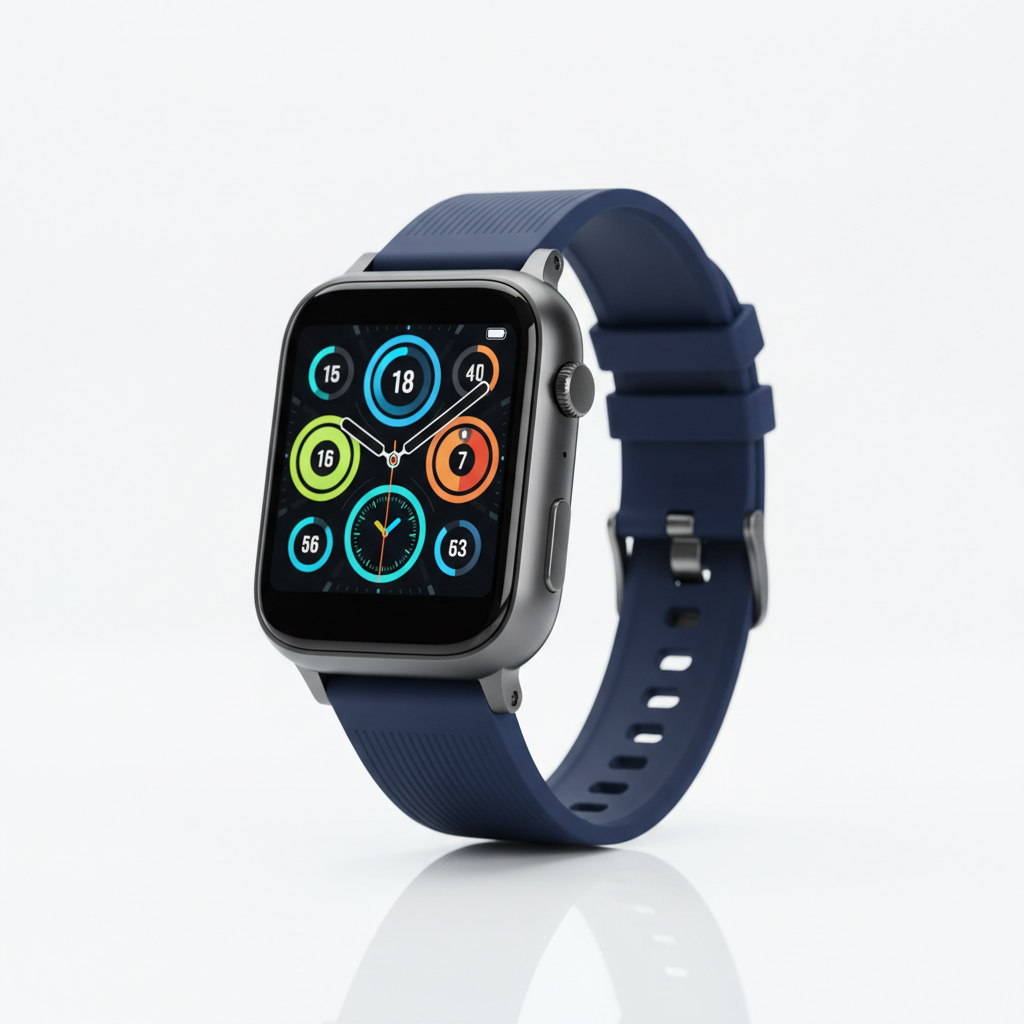
Product Upscale
Made in ~15s
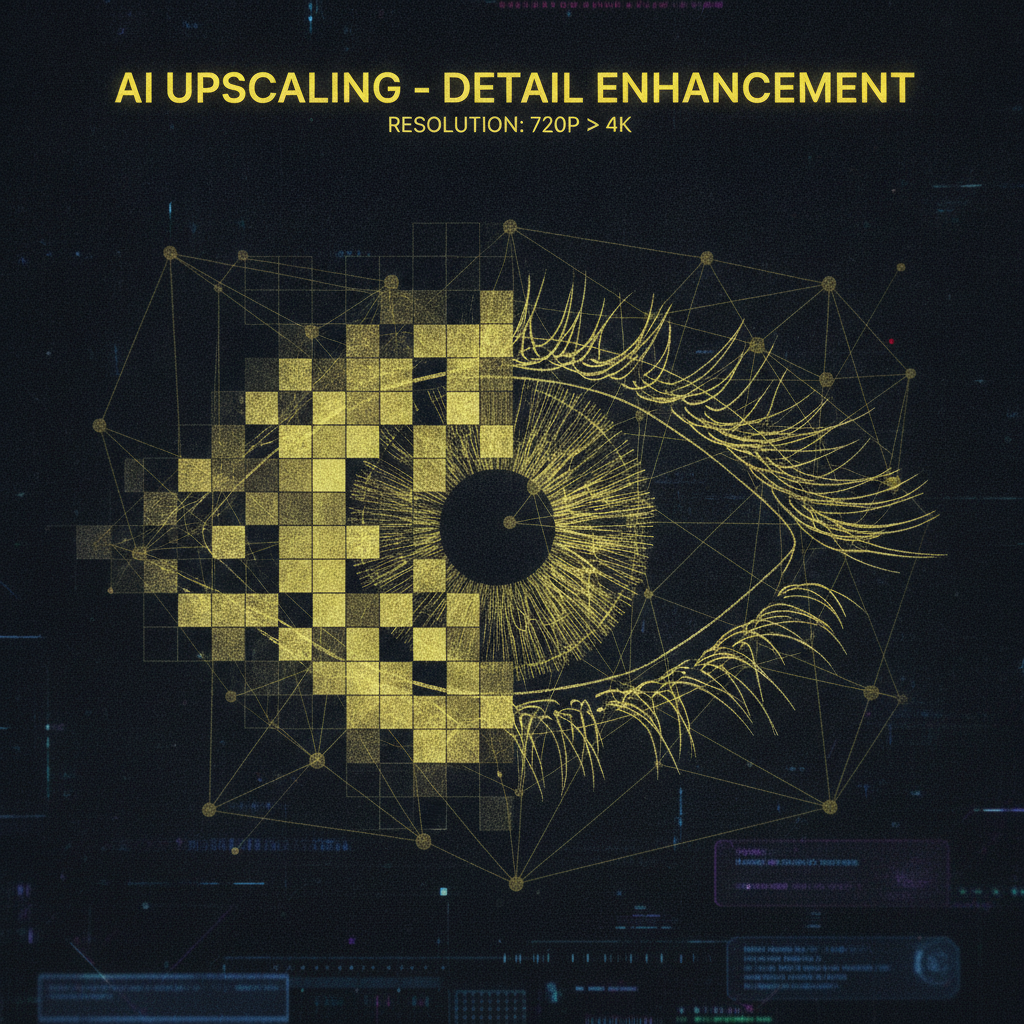
Edge Reconstruction
Made in ~15s
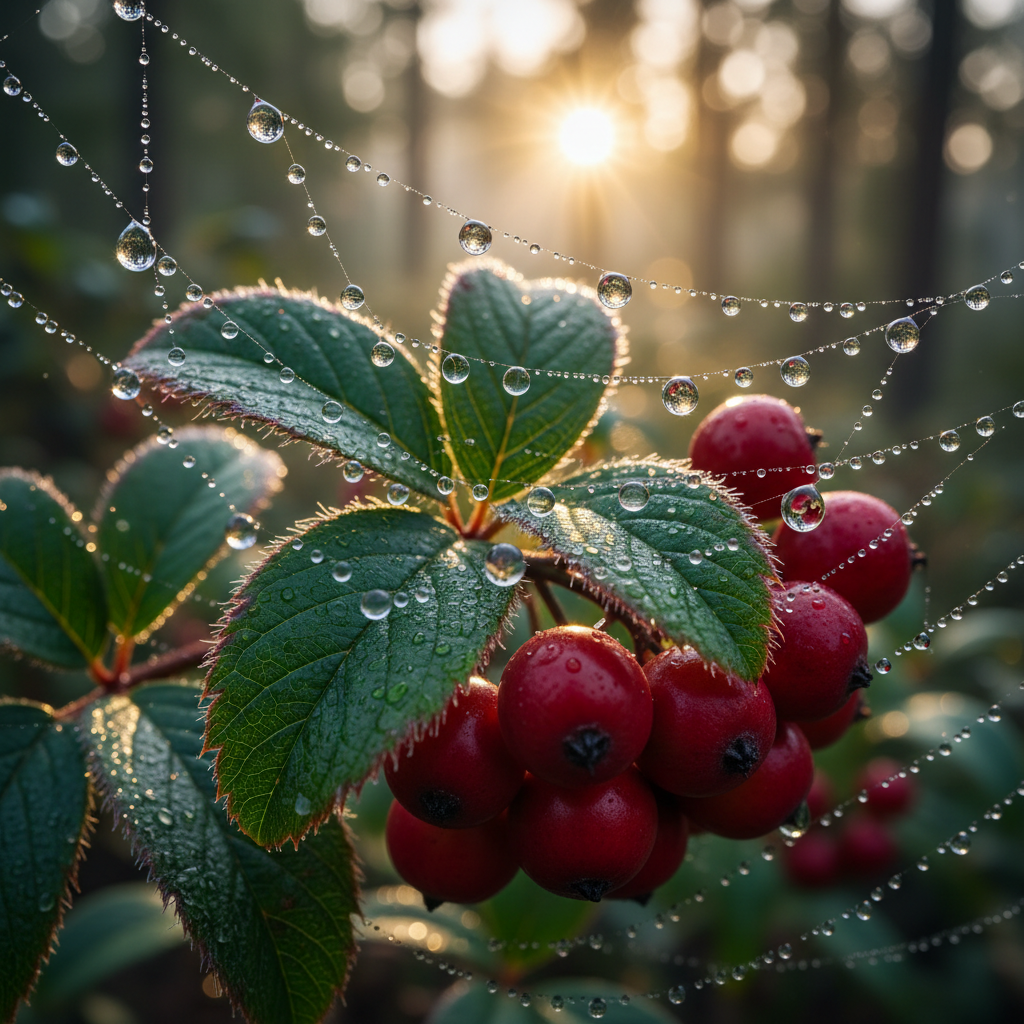
Detail Recovery
Made in ~15s
How the AI Image Upscaling Feature Works
Three steps, fifteen seconds — no sharpening filters, no resampling, no learning curve
Upload Your Photo
Drop a small, blurry or low-resolution photo into the AI image upscaling feature above. Portraits, product shots, landscapes, artwork and old images all work — the clearer the source, the more real detail the AI has to build on when it enlarges it.
Pick a Look
Tap a style — Photo Real, Portrait, Product, Landscape, Artwork or Restore Old Photo. You can also add a short note about the detail you want. The AI image upscaling feature reconstructs edges and textures as it enlarges your image in about fifteen seconds.
Download & Use
Download your high-resolution image and use it anywhere — product listings, framed prints, posters, banners or social posts. Output is sharp and ready to use — upgrade for 4K, watermark-free exports and full commercial rights.
Why This AI Image Upscaling Feature Stands Out
The details that separate true AI upscaling from a soft, blocky resize
Real Detail, Not Just Bigger Pixels
A normal resize simply stretches the pixels you already have, so an enlarged photo looks soft and blocky. The AI image upscaling feature reconstructs genuine detail as it scales — rebuilding edges, textures and fine lines — so your enlarged image looks like it was captured at high resolution in the first place, not blown up after the fact.
A Look for Every Image
Switch between Photo Real, Portrait, Product, Landscape, Artwork and Restore Old Photo in one tap. The AI image upscaling feature matches the enhancement to your image — believable skin on faces, clean edges on products, crisp foliage on landscapes — so every photo is enlarged in a way that fits its subject.
High-Resolution in Seconds
Upscaling a photo by hand in Photoshop means resampling, sharpening and painstaking cleanup. The AI image upscaling feature does it in about fifteen seconds and starts free — upload a low-res image, pick a look, and regenerate as many times as you like until the sharpness feels exactly right.
Built for E-Commerce & Print
Turn small supplier thumbnails into sharp product listings, enlarge crops for framed prints, and scale graphics up for posters and banners. The AI image upscaling feature outputs high-resolution images that stay crisp at large sizes, so your products and prints look professional everywhere they appear.
Rescue Old & Small Photos
Beyond enlarging, the AI image upscaling feature revives tiny, compressed and low-resolution photos — recovering detail that a simple stretch would smear. It is perfect for reclaiming small images from old phones, scanned prints, screenshots and archives, giving them a sharp, high-resolution new life.
No Editing Skill Needed
You do not need masks, sharpening filters or years of retouching practice. If you can upload a photo and tap a style, this AI image upscaling feature handles the detail reconstruction and enlargement for you — removing every barrier between a small, soft image and a crisp, high-resolution result.
AI Image Upscaling Feature — FAQ
Everything you need to know about upscaling photos with AI
Upscale Your Photo Now
The AI image upscaling feature is free, loaded on this page, and needs no account. Upload a low-res photo, pick a look, and watch it become a sharp, high-resolution image in about fifteen seconds.
Upscale a Photo FreeAI Image Upscaling Feature: Turn Small Photos Into High-Resolution Images
The AI image upscaling feature on this page exists for one job: to enlarge low-resolution photos into sharp, high-resolution images without the blur, softness and blocky pixels a normal resize leaves behind. Where scaling a single image up once meant resampling, sharpening and hours of manual cleanup, this AI image upscaling feature produces a crisp, high-resolution result from one upload in about fifteen seconds. The output is a genuine, ready-to-use enlargement — clean edges, believable textures and recovered detail — framed square so it fits product listings, prints and social feeds.
Getting a great result from an AI image upscaling feature comes down to the photo you upload and the look you pick. Photo Real reconstructs natural detail across any scene; Portrait sharpens faces with lifelike skin and hair; Product delivers clean edges and accurate color for e-commerce; Landscape brings crisp foliage and horizons; Artwork keeps lines and gradients smooth for print; and Restore Old Photo recovers detail from small, aged and compressed images. Add a short note about the detail you want — sharpen the face, keep skin natural, crisp edges — and the AI photo upscaler blends it into the enlargement.
A dedicated AI image upscaling feature is different from a one-click stretch. It reconstructs real detail as it scales, so materials read correctly and edges stay clean instead of smearing — and it can rescue tiny, compressed and low-resolution photos that a simple enlarge would ruin. That focus is why it works so well for e-commerce sellers turning small supplier thumbnails into sharp listings, photographers enlarging crops for prints, and designers scaling graphics up for posters and banners. You can upscale a photo before spending a cent.
Whether you searched for an "AI image upscaling" tool, a "photo enlarger AI", an "AI photo upscaler", a way to create "high-resolution images with AI" or how to "enhance image quality", this is the dedicated page for it on aibanana.net. The interactive AI image upscaling feature above is powered by the Nano Banana Pro image model, runs entirely server-side, and asks for no account, email or credit card — free usage is protected with per-IP rate limits rather than a login wall. Upload your photo, pick a look, and see how fast a sharp, high-resolution image comes together. When a result fits your needs, upgrade to a paid plan starting at $2.99 to unlock unlimited 4K exports, watermark-free downloads and full commercial usage rights — a tireless on-demand upscaling studio for every image you need enlarged.