
AI Image Tools vs Photo Editors
Which One Should You Use?
AI image tools vs photo editors, compared head-to-head. AI image tools create and edit pictures from a written description in seconds with no skills required, while traditional photo editors like Photoshop give you hands-on, pixel-level control through layers, masks, and sliders. This comparison helps graphic designers, photographers, and digital artists choose the right solution for every project — speed and automation, precise manual control, or a smart combination of both. Try the AI image tool free below and see the difference for yourself in fifteen seconds.
Try the AI Image Tool — Free
See how fast AI works compared to a traditional photo editor — pick a preset or describe any image and watch it appear in about fifteen seconds, no layers or menus required
AI Image Tool
Describe any image and the AI creates it in seconds — no photo editing software, layers, or design skills needed
AI Image Tools vs Photo Editors in Action
Six visuals showing when AI speed wins and when manual editing control matters
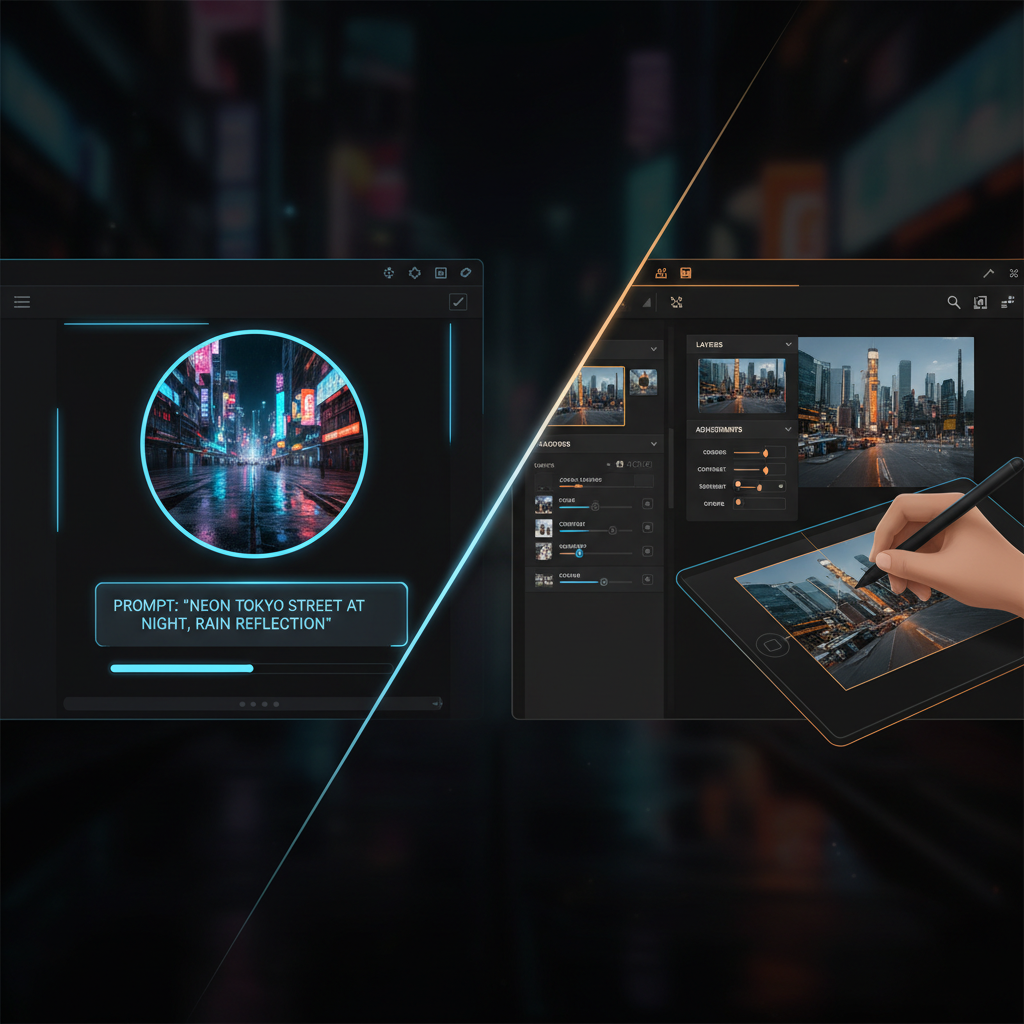
The Two Approaches
AI vs manual editing
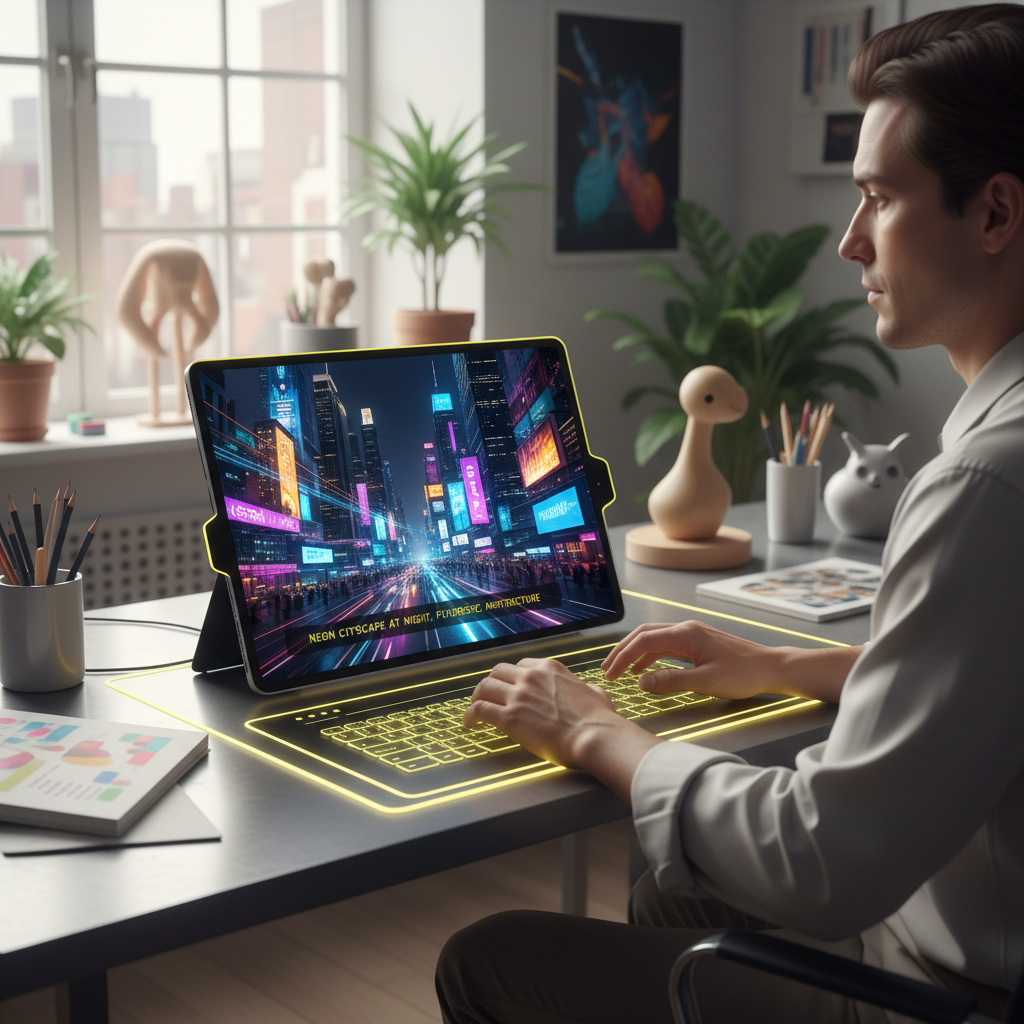
AI Image Tool
From words in seconds
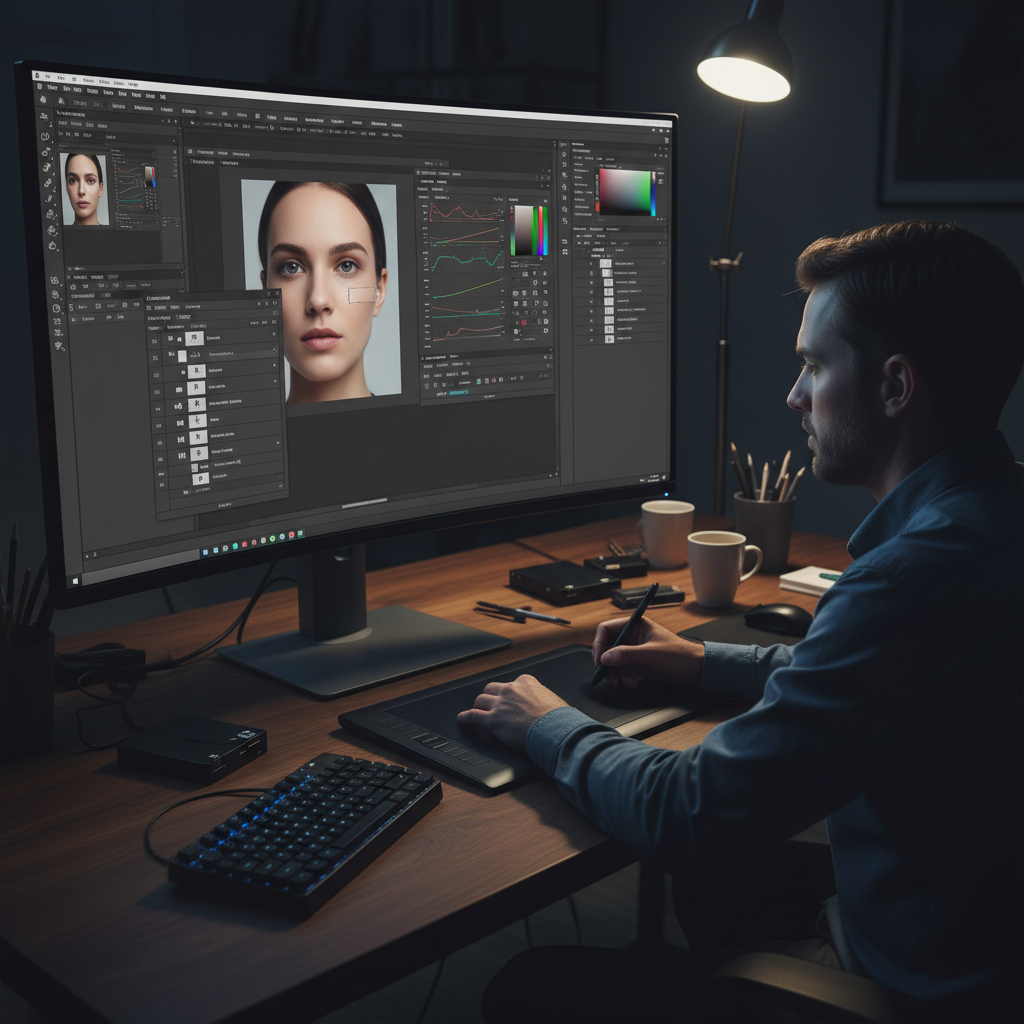
Traditional Photo Editor
Hands-on manual control
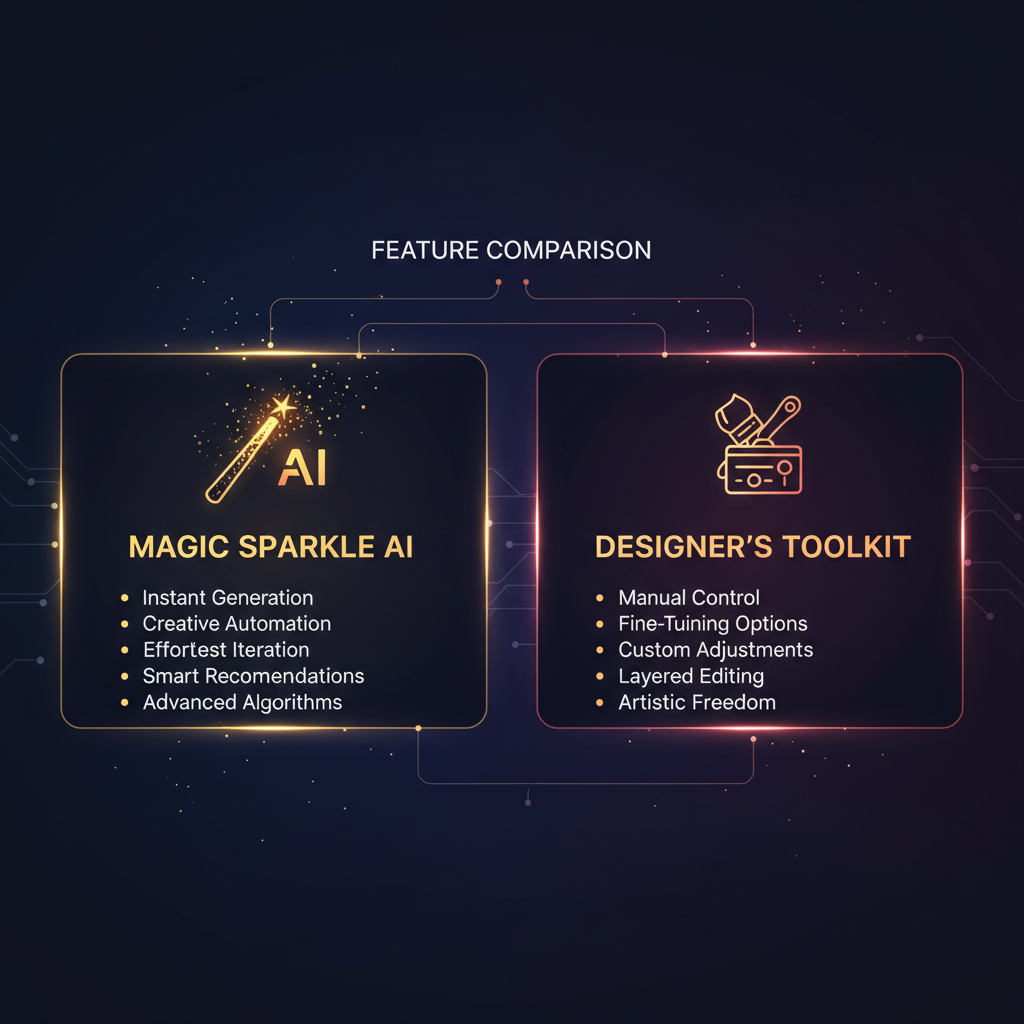
Feature Comparison
Automation vs toolbox
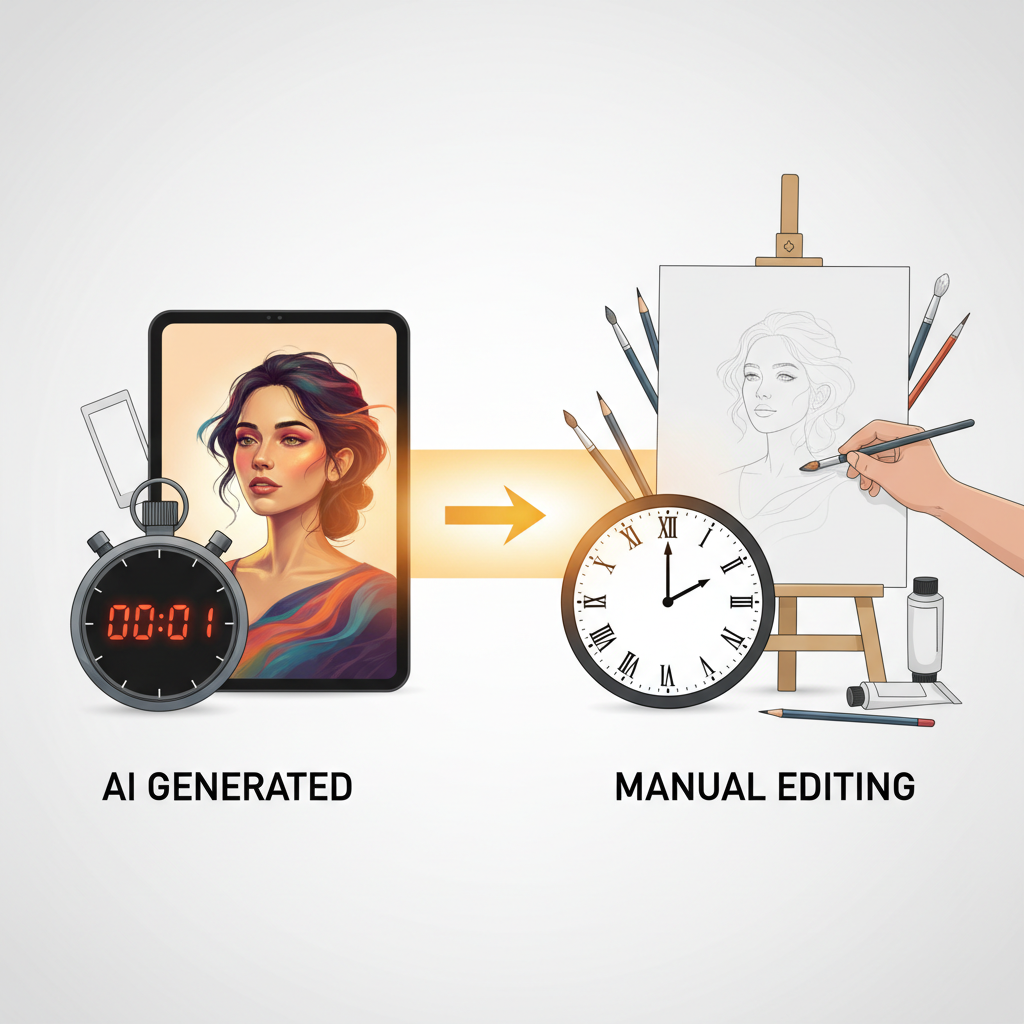
Speed Difference
Seconds vs hours
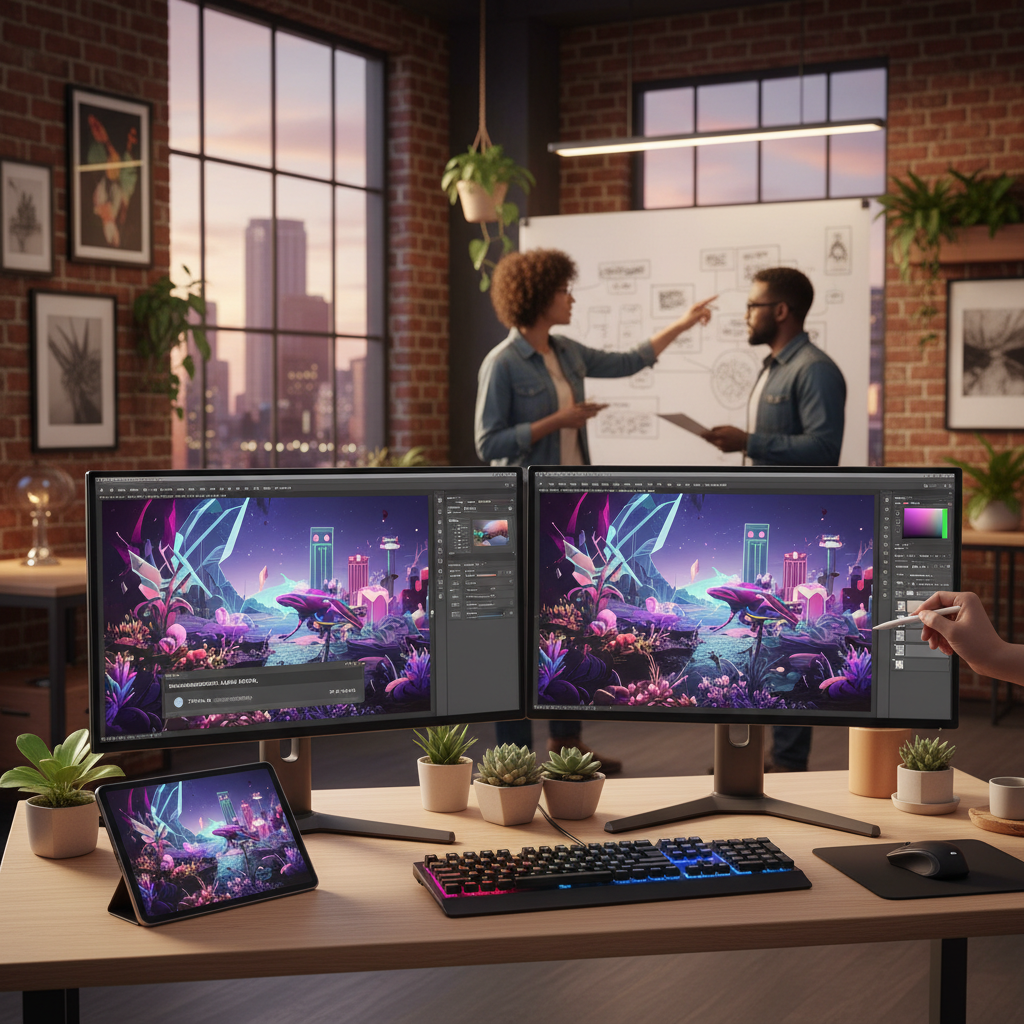
Better Together
Combine both methods
AI Image Tools vs Photo Editors — Full Comparison
The clear breakdown of how AI image tools and traditional photo editors differ and when each one wins
| Feature | AI Image Tools | Photo Editors |
|---|---|---|
| How you work | Describe it — AI does the work | Adjust it by hand, tool by tool |
| Speed | A finished image in ~15 seconds | Minutes to hours per edit |
| Skill required | None — just type a description | Steep learning curve |
| Pixel-level precision | Prompt-driven, not exact | Total control over every pixel |
| Creating original images | Generates from scratch | Needs an existing image |
| Complex compositing | Limited fine control | Ideal — layers and masks |
| Batch and volume work | Fast, many variations | Slow, one at a time |
| Cost | Free to start, $2.99 unlimited | Subscription + capable PC |
| Best for | Speed, ideation, content volume | Exact, high-precision production |
Choose AI Image Tools For
- • Generating original images from scratch
- • Fast background swaps, styles, and enhancement
- • High-volume social and marketing content
- • Zero learning curve — just describe it
- • Low cost with no expensive software
- • Ideation and rapid variations
Choose Photo Editors For
- • Pixel-perfect, hand-controlled edits
- • Complex compositing with layers and masks
- • Exact color grading and typography
- • Fine professional retouching
- • Brand-perfect precision on a specific file
- • Final touches on an AI-generated base
How to Choose Between AI Tools and Photo Editors
Three steps to pick the right approach — and how to combine both
Define the Job
Start the AI image tools vs photo editors decision with the task itself. Are you creating a new image, editing in bulk, or producing content fast? Lean AI. Do you need one edit to be exactly right — precise compositing, exact color, hand retouching? Lean toward a traditional photo editor. Naming the job up front makes the choice obvious.
Try AI First
For most tasks, start with the AI image tool above — pick a preset or describe what you want and generate a 4K result in about fifteen seconds. It is free, needs no skills, and often finishes the job on its own. Only reach for a manual editor if the AI result needs precise touches that require hands-on pixel control.
Combine for Best Results
The winning workflow uses both. Generate a base or handle bulk edits with AI in seconds, then open the result in a traditional editor for final pixel-perfect adjustments, exact color grading, or precise text placement. AI brings speed, the editor brings control, and together they beat either tool used alone.
AI Image Tools vs Photo Editors — What Sets Them Apart
Six things graphic designers, photographers, and digital artists should weigh
AI Image Tools — Results in Seconds, No Skills
AI image tools turn a plain description into a finished visual in about fifteen seconds, no design skills required. In the AI image tools vs photo editors comparison, this is the speed side — generate original images, swap backgrounds, apply styles, and enhance quality just by typing what you want. There are no layers, masks, or menus to learn, so anyone can produce professional-looking results immediately. When you need great visuals fast and in volume, AI image tools win the comparison outright.
Photo Editors — Precise, Pixel-Level Control
Traditional photo editors like Photoshop and GIMP hand you a full toolbox — layers, masks, brushes, curves, and selections — so you control every pixel yourself. In the AI image tools vs photo editors comparison, this is the precision side, the right choice for exact retouching, complex compositing, brand-perfect color, and typography you need positioned to the pixel. The trade-off is time and a steep learning curve, but when a specific edit must be exactly right, manual control still matters.
Speed vs Precision — The Core Trade-Off
The heart of the AI image tools vs photo editors decision is speed versus precision. AI image tools do the work for you and return a polished image almost instantly, ideal for ideation, iteration, and high-volume content. Manual photo editors are slower but let you dial in a result exactly, which professional production sometimes demands. Choose by what the job needs: reach for AI when speed and quantity matter, and a photo editor when a single edit has to be perfect.
Beginner-Friendly vs Steep Learning Curve
Photo editing software can take months to master — layers, blend modes, and selections have real depth. AI image tools flatten that curve to a single prompt box: if you can describe it, you can make it. In the AI image tools vs photo editors comparison, ease of use is a decisive win for AI, opening professional-quality image creation to graphic designers, photographers, and digital artists who want results without spending weeks learning complex software first.
Lower Cost, No Expensive Software
Professional photo editors often mean an ongoing subscription plus a powerful computer, and hiring a designer adds more. AI image tools like this one start free with no account and unlock unlimited use from just $2.99 — no license, no dedicated hardware, no per-project fee. For anyone producing a steady stream of visuals, the AI image tools vs photo editors comparison tilts sharply toward AI on cost, without sacrificing the professional look of the output.
Use Both — Generate With AI, Refine by Hand
The smartest approach in the AI image tools vs photo editors comparison is not either-or. Generate a base image or handle bulk edits with AI in seconds, then bring it into a traditional editor for final pixel-perfect touches, exact color grading, or precise text. AI supplies speed and ideas; the manual editor supplies control. Combining them delivers professional results faster than either method alone — and you can try the AI half free on this page right now.
AI Image Tools vs Photo Editors — FAQ
Everything you need to know about choosing between AI image tools and traditional photo editors
Verdict: AI Image Tools for Speed, Editors for Precision
The AI image tools vs photo editors comparison has a practical answer — use AI image tools when speed, volume, and ease matter, and a traditional photo editor when a specific edit must be pixel-perfect. For most work today, AI does the job in seconds, and the smartest creators combine both. Try the AI image tool free on this page and see the difference in fifteen seconds.
Try the AI Image Tool FreeAI Image Tools vs Photo Editors — The Complete Guide
The AI image tools vs photo editors question is one that nearly every creator faces right now, because the two approaches solve the same goal — great visuals — in completely different ways. AI image tools use artificial intelligence to create and edit pictures from a written description: you type what you want and the model generates or transforms the image in about fifteen seconds, no manual work required. Traditional photo editors like Photoshop, GIMP, and Affinity give you a hands-on toolbox of layers, masks, brushes, and sliders so you shape the image pixel by pixel yourself. This page is the dedicated AI image tools vs photo editors breakdown on aibanana.net, built for graphic designers, photographers, and digital artists deciding which solution fits their next project — with a live, free AI image tool you can try on the spot. The AI side runs on the Nano Banana Pro model.
Knowing when to reach for AI image tools is half the comparison. Choose AI whenever speed, volume, or ease of use matters most — generating original images from scratch, swapping or removing backgrounds, applying styles, enhancing quality, and producing a steady stream of social and marketing content. Because AI image tools do the work from your words, they need no design skills and no expensive software, and they can spin off dozens of variations in minutes. That makes them ideal for ideation, rapid iteration, and any workflow where you need professional-looking results fast and in quantity. The trade-off is that AI is prompt-driven rather than pixel-exact, so it is not the tool for an edit that must land on a precise pixel — but for the vast majority of everyday image work, AI image tools win the comparison on speed, simplicity, and cost.
Traditional photo editors win the other half of the comparison just as clearly. Reach for a manual editor whenever a specific result has to be exactly right — complex compositing with multiple layers, precise color grading, brand-perfect typography positioned to the pixel, and the kind of fine retouching a professional does by hand. Photo editing software gives you total control over every pixel, which AI cannot fully match, and that control is why photographers, retouchers, and production designers still depend on it for high-precision work. The cost of that control is time and a steep learning curve: layers, masks, blend modes, and selections can take months to master. So in the AI image tools vs photo editors decision, the manual editor is the right choice when precision and control outweigh speed and convenience — and when the job simply demands a human hand on the file.
The most important takeaway in the AI image tools vs photo editors comparison is that you rarely have to pick just one. The smartest modern workflow combines them: generate a base image or handle bulk edits with AI in seconds, then bring the result into a traditional photo editor for final pixel-perfect touches, exact color, or precise text. AI supplies speed and ideas while the manual editor supplies control, and together they deliver professional results faster than either tool used alone. You can try the AI half free right here — no account, install, or credit card required — with per-IP rate limits instead of a login wall, and unlimited generations from just $2.99. Describe what you want above, watch the AI image tool create it in about fifteen seconds, and decide for yourself where AI ends and a traditional photo editor begins.