
AI Image Tools vs Dola AI
Which Should You Use?
The AI image tools vs Dola AI debate comes down to price, access, speed and how well each renders in-image text. The AI image generator on this page is free to start, runs right in your browser with no login or app, and creates sharp 4K images in about fifteen seconds — while Dola AI offers image creation inside a broader all-in-one chat assistant. This page breaks down exactly when each wins, and lets you try a free AI image tool right here. Built for creative professionals, AI enthusiasts and tech reviewers. No login required, HD output and full commercial usage on paid plans.
Try the AI Image Generator — Free
See how the AI image tool here compares to Dola AI — pick a style, generate, and judge the speed, text quality and detail yourself. No login, no app, no subscription.
AI Image Generator
Pick a style — or describe your own — and the AI image generator returns a detailed, high-resolution result in seconds. No account, no app, no subscription.
What AI Image Tools Can Create
Six results spanning product photos, concept art, portraits, logos, watercolor and marketing banners — each generated by AI in about fifteen seconds
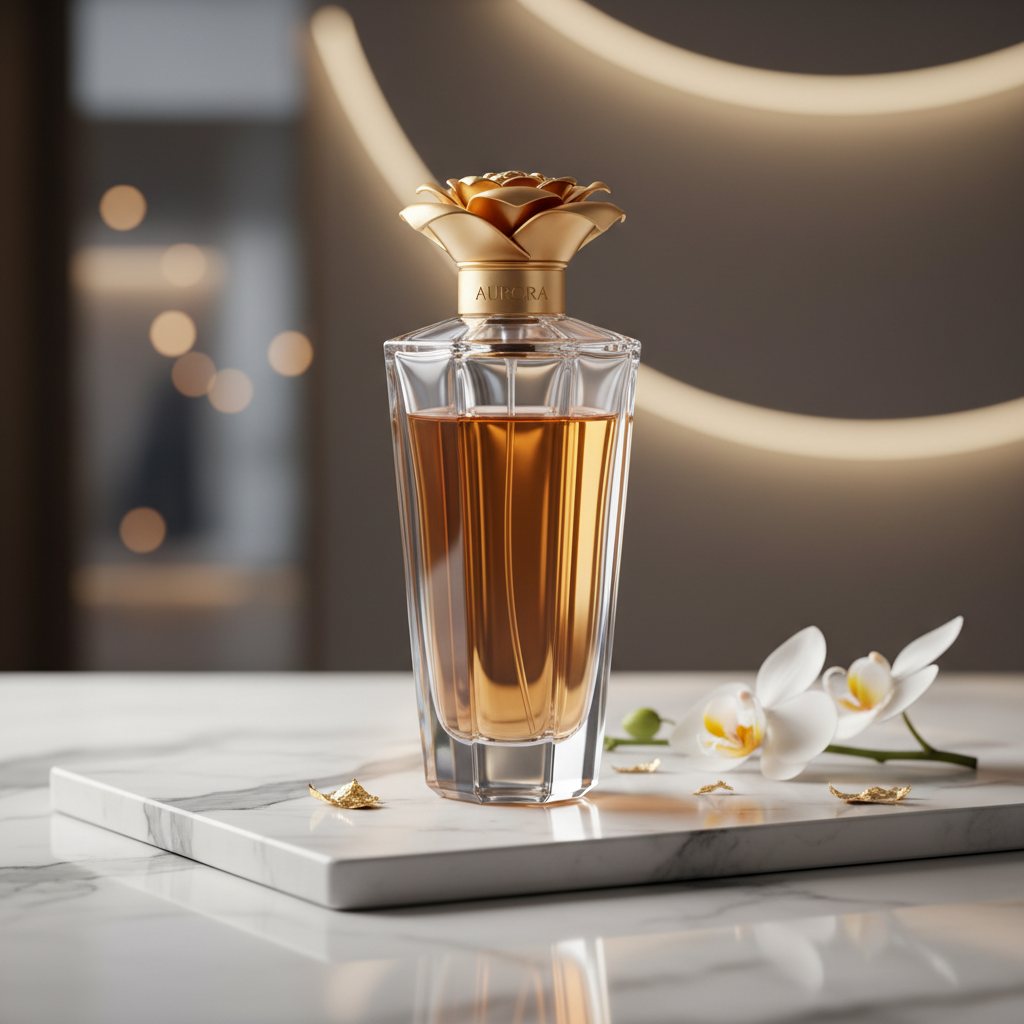
Product Photography
AI in ~15s
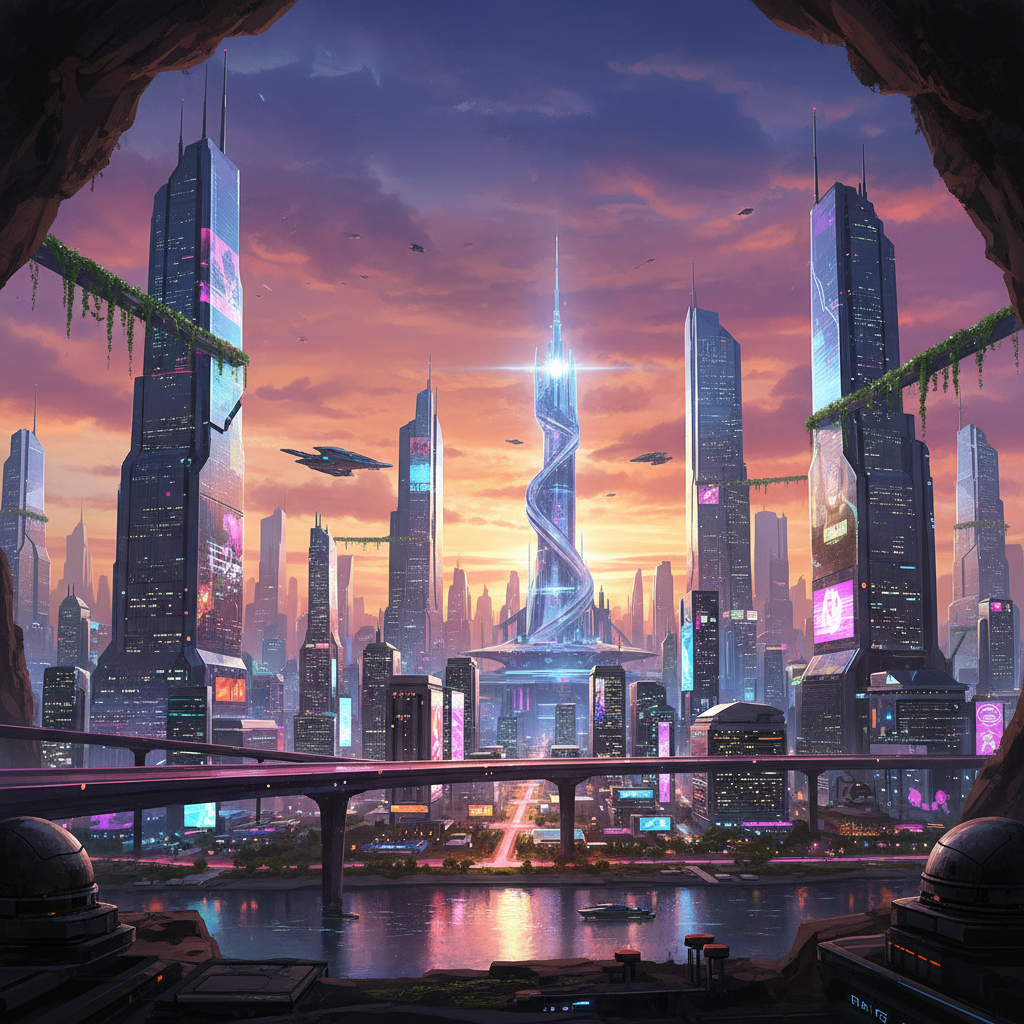
Concept Art
AI in ~15s

Photoreal Portrait
AI in ~15s
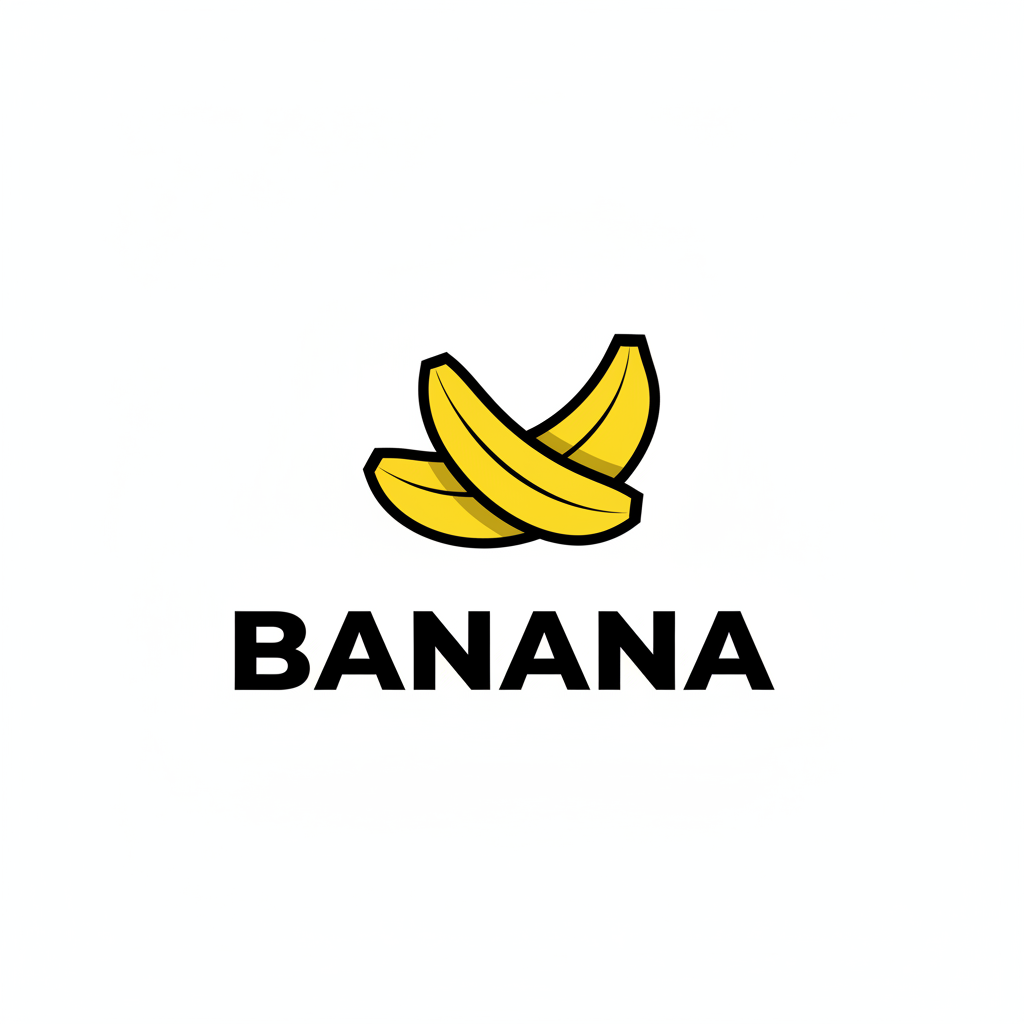
Logo with Text
AI in ~15s
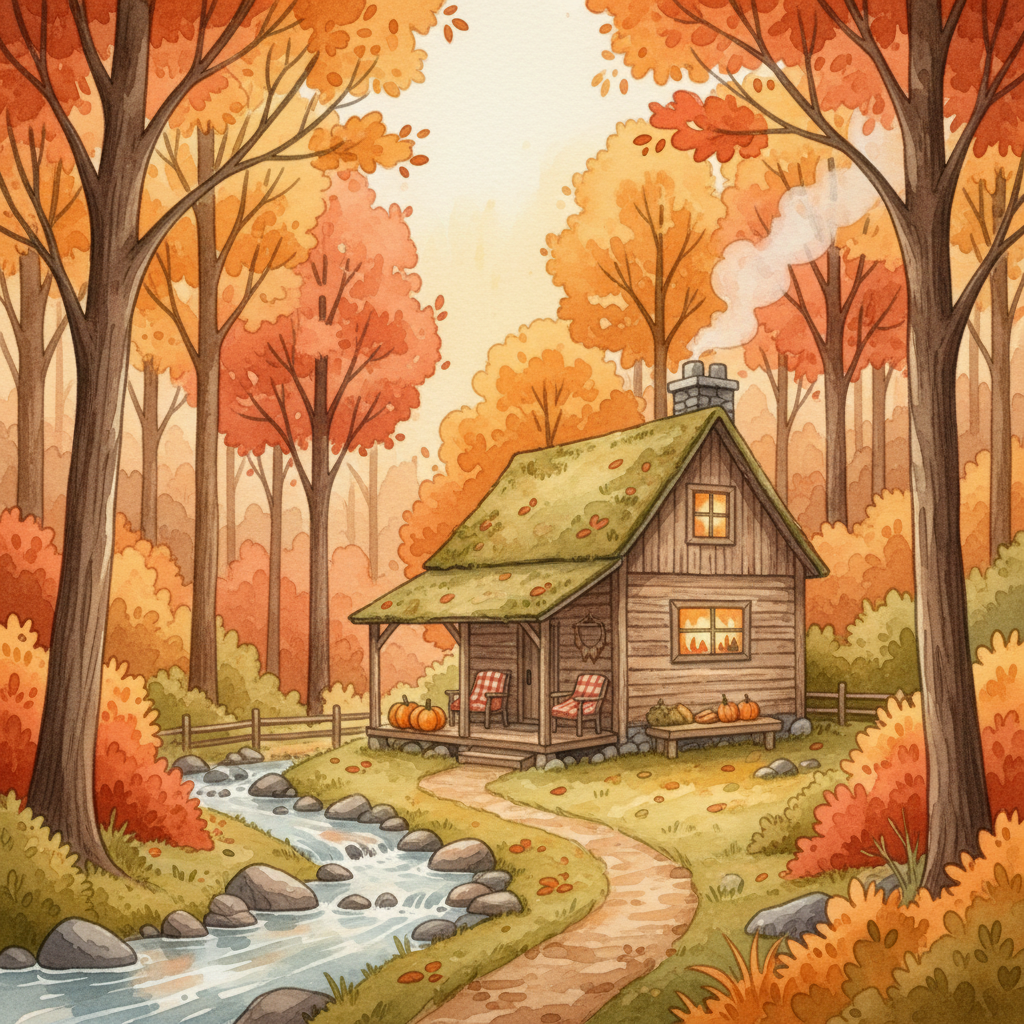
Watercolor Art
AI in ~15s
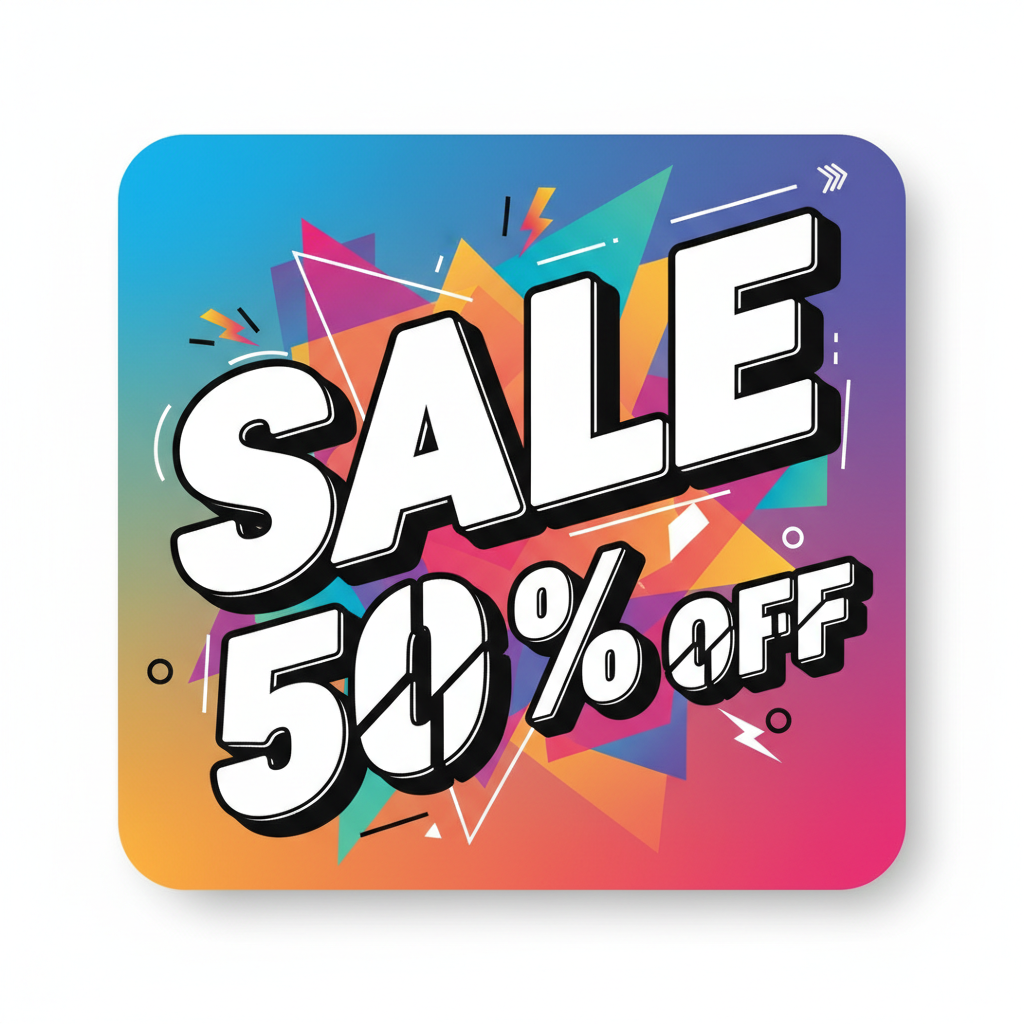
Marketing Banner
AI in ~15s
AI Image Tools vs Dola AI — Side by Side
Where the AI image generator here wins, and where Dola AI still leads
| Factor | AI Image Tool (This Page) | Dola AI |
|---|---|---|
| Price | Free to start · $2.99 unlimited | Free tier; assistant plans for more use |
| Built for | Image generation, purpose-built | All-in-one chat, writing & creating |
| How you access it | Runs in your browser — no login | Mobile & desktop app, or web chat |
| Speed to first image | About 15 seconds, no setup | Open the app, chat, then generate |
| Text rendering | Tuned for crisp, legible in-image text | Capable, varies by prompt |
| Style range | Photoreal, product, anime, concept & more | Broad, general-purpose output |
| Commercial rights | Included on paid plans from $2.99 | Per Dola AI usage terms |
| Best when | You mainly need great images, fast | You want images inside a chat assistant |
The verdict on AI image tools vs Dola AI: the dedicated image generator here wins on price, access, speed and text rendering — free to start, browser-based, no app or login — while Dola AI leads when you want image creation woven into a broader all-in-one chat assistant. For fast, low-cost, no-commitment image creation, the tool on this page is the practical choice.
How the AI Image Generator Works
Three steps, fifteen seconds — no app to install
Describe Your Image
Type what you want into the AI image generator above — a subject, a mood, a color palette, a style. Where using Dola AI for images means opening the app and starting a chat, here you just write in plain language. Your idea goes straight to the AI, which starts creating instantly.
Pick a Style
Tap a preset — product photo, concept art, logo with text, photoreal portrait, watercolor or marketing banner — or write your own. The AI returns a finished result in about fifteen seconds. Regenerate or switch styles instantly, with no login and no back-and-forth.
Download & Use
Download your AI image and drop it into your project, store, feed or campaign. Output is high resolution, so it holds up in print and on screen. On a paid plan from $2.99 you get watermark-free downloads and full commercial rights — no ongoing subscription required.
AI Image Tools vs Dola AI — The Real Trade-offs
An honest look at where each wins for creative professionals, AI enthusiasts and tech reviewers
Price Changes the Math
A clear split in any AI image tools vs Dola AI comparison is what you pay for. Dola AI bundles image generation with chat, writing and translation, so a paid plan buys a whole assistant. The AI image generator on this page is free to start with no account, and unlimited high-resolution images begin at just $2.99 — you pay only for image creation. For hobbyists, marketers, small businesses and creators who mainly need images, that focused pricing is often the single deciding factor between dedicated AI image tools and Dola AI.
Crisp Text Rendering
For posters, logos, ads and social graphics, readable in-image text is essential — and it is a real strength in the AI image tools vs Dola AI debate. The image tool here is powered by Nano Banana Pro, engineered for legible typography and clean layout. A purpose-built image model that focuses on text rendering will often produce more reliable, publication-ready words than a general chat assistant. Generate the same design on both and the difference is easy to see.
Fast From Idea to Image
With Dola AI, getting an image usually means opening the app, starting a chat and asking for a picture. The AI image tool on this page returns a finished, high-resolution result in about fifteen seconds with nothing to install and no account to create. Regenerate, switch styles or refine your prompt instantly. When speed and momentum matter, the AI image tools vs Dola AI answer tilts toward the tool that gets out of your way.
Where Dola AI Still Shines
A fair AI image tools vs Dola AI breakdown has to name Dola AI’s strengths. As an all-in-one assistant it chats, writes, translates and creates, so generating an image inside a broader task on your phone is genuinely convenient. If you want image creation woven into wider AI chat — brainstorming copy, then illustrating it in the same app — Dola AI delivers that well. The honest takeaway is not that the tool here replaces Dola AI for everything; it is that it removes the app, login and setup for the many people who just want great images, fast.
One Tool, Many Styles
The AI image generator here is built for range. Prompt photorealistic product photography, marketing creatives, digital illustration, anime, futuristic concept art, portraits or watercolor scenes — all from the same page, in plain language, with no special syntax. That flexibility makes it easy to explore looks and match a brand or campaign, rather than adapting every request to a general chat interface. Breadth of image styles is a practical edge in the AI image tools vs Dola AI comparison.
Try Both — Then Decide
The smartest approach to AI image tools vs Dola AI is to test them on the same idea. Generate a few images here for free — no login, no app, no card — and compare the speed, text quality and cost against what you would get from a Dola AI image request. Many creators keep the free browser tool for quick, everyday image creation and reserve an all-in-one assistant for the writing and chat tasks it does best. You lose nothing by trying, and the comparison answers itself in about fifteen seconds.
AI Image Tools vs Dola AI — FAQ
Price, access, text rendering and when to choose each
Settle AI Image Tools vs Dola AI Yourself
The fastest way to decide is to try it. The AI image generator is free, loaded on this page, and needs no login and no app. Pick a style, generate, and judge the speed, text quality and detail in about fifteen seconds.
Try the AI Image Generator FreeAI Image Tools vs Dola AI: The Complete Breakdown
The AI image tools vs Dola AI question is one of the most common debates among creative professionals, AI enthusiasts and tech reviewers today — and the honest answer is that it depends on what you value. For fast, low-cost, focused image creation, the AI image generator on this page wins clearly: it is free to start, runs in your browser with no login or app, and produces sharp, high-resolution results across photorealistic product photography, concept art, logos with readable text, portraits, watercolor illustration and marketing banners in about fifteen seconds. Dola AI, by contrast, is a capable all-in-one assistant that can create images inside a broader chat, writing and translation workflow. This page on AI Banana lays out that comparison in plain terms — and gives you a free AI image tool to test the difference yourself.
Price and access are where the AI image tools vs Dola AI comparison is clearest. Dola AI bundles image generation with a full assistant, so paying unlocks a suite of chat and writing features alongside images, and it is often used through a mobile or desktop app. The AI image generator loaded on this page is free to start with no account, and unlimited high-resolution images begin at just $2.99. There is no app to install, no login wall and no syntax to learn: you type a prompt, pick a style and download the result. For hobbyists, students, marketers and creators who mainly need images — or who simply do not want to pay for a bundle of assistant features they will not use — that gap in the AI image tools vs Dola AI equation is usually the deciding factor. Crisp in-image text rendering, powered by the Nano Banana Pro model, is another practical advantage for anyone designing posters, ads, logos or social graphics.
That does not mean the AI image generator here replaces Dola AI for everyone. A fair AI image tools vs Dola AI assessment has to acknowledge where Dola AI still shines: as an all-in-one assistant it chats, writes, translates and creates, so generating an image inside a wider thinking or productivity task on your phone is genuinely convenient. If image creation woven into broader AI chat matters most to you — brainstorming copy and then illustrating it in the same app — Dola AI delivers that well. The realistic takeaway is not strictly either/or — it is that the free browser tool here removes the app, login and setup for the many people who just want great images quickly, while Dola AI remains a strong option when images are one part of a larger AI workflow. Many creators use both: the free image tool for everyday image creation, and an all-in-one assistant only when they need what it does best.
Whether you arrived here searching for an "AI image tools vs Dola AI" verdict, a "Dola AI comparison", a free way to handle "AI vs Dola image creation", or simply the best "image creation AI" to try, this is the dedicated page for it on aibanana.net. The interactive AI image generator above is powered by the Nano Banana Pro image model, runs entirely server-side, and asks for no account, email or credit card — free usage is protected with per-IP rate limits rather than a login wall. Pick a style or describe your own, generate in seconds, and decide for yourself how the AI image tool here stacks up against Dola AI. When a result fits your project, upgrade to a paid plan starting at $2.99 to unlock unlimited high-resolution generations, watermark-free downloads and full commercial usage rights — with no ongoing subscription required.